

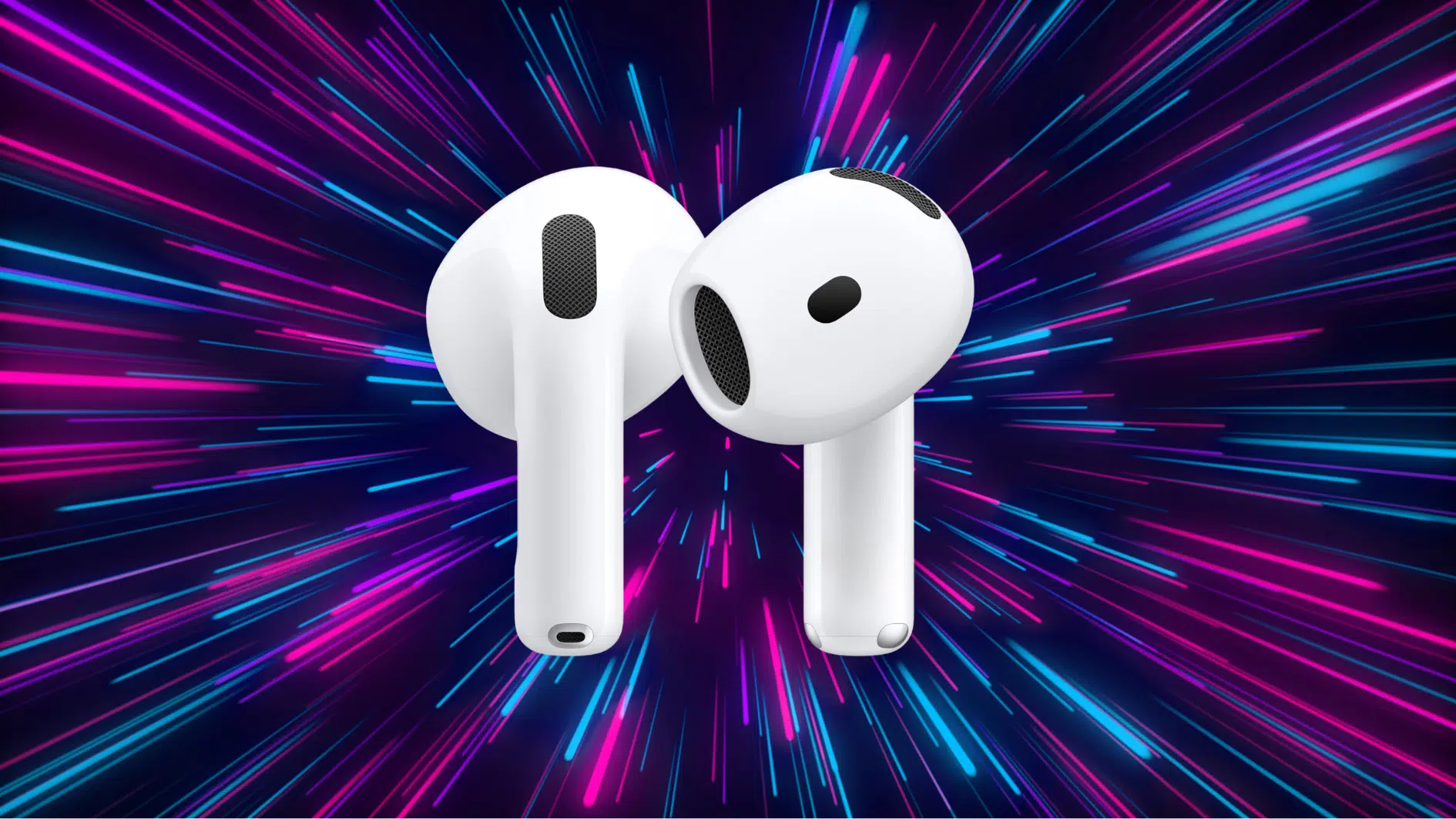

Ever wondered if AirPods have a mic? Yes, they do!
You can make calls, record voice memos, and use Siri, all thanks to the built-in mic. But how does it perform, and how can you get the most out of it?
In this blog, I’ll cover how the AirPods mic works for calls and voice recordings, and how it compares to other headphones on the market.
If you’re looking for clarity during calls or perfect sound for recordings, I’ve got you covered with helpful tips to get the best experience.
What is the Mic in AirPods?
The mic in the AirPods is built to ensure clear communication across all scenarios.
Positioned in each earbud, the mic uses advanced beamforming technology to focus on your voice while minimizing surrounding noise.
This setup, combined with adaptive microphone technology, allows for dynamic adjustments depending on your environment, ensuring that your voice comes through clearly, even in noisy settings.
No matter if you’re taking a call on a busy street or recording a voice memo, the mic’s high sensitivity ensures optimal sound capture, even if you’re not speaking directly into it.
This makes AirPods a solid choice for seamless communication without compromising on sound quality.
How Does the AirPods Mic Work?
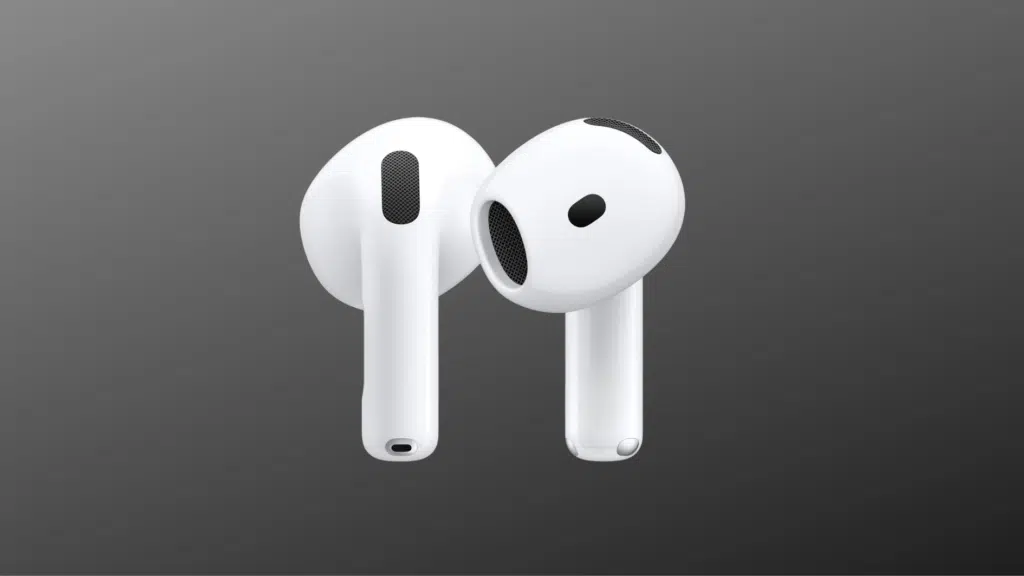
The AirPods mic is designed to make both calls and voice recordings easier and more convenient. Let’s break down how it works in each context.
During Calls
The AirPods mic is designed to ensure clear communication, even in noisy environments. Here’s how it helps you stay connected during calls:
- Dual Beamforming Microphones: Positioned on each AirPod, these microphones focus on picking up sound from your mouth while filtering out background noise. The beamforming technology isolates your voice by focusing directly on it and ignoring other sounds in the environment.
- Adaptive Microphone Technology: The mic adjusts itself based on your surroundings. In noisy settings, it prioritizes your voice and reduces the influence of external noise.
- Active Noise Cancellation (ANC): On the AirPods Pro, ANC actively reduces unwanted noise. The mic captures environmental sounds and sends them to the AirPods, which then cancel them out, making your voice clearer.
- Voice Detection Algorithm: AirPods use voice detection to amplify your speech and suppress irrelevant background noise, ensuring your voice is the main sound captured.
For Recording
When recording voice memos, podcasts, or using voice assistants, the AirPods mic delivers clear audio by focusing on your voice.
- Omnidirectional Mic Setup: The AirPods mic can capture sound from all directions, allowing it to pick up your voice even if you’re not speaking directly into the mic.
- Voice Pickup and Sound Processing: The mic uses built-in sound processing to enhance your voice, amplifying it while minimizing background noise such as keyboard clicks or distant sounds.
- Mic Placement and Sensitivity: The mics are placed near the bottom of each AirPod to capture sound from your mouth. Their high sensitivity ensures clear audio even when you’re a few feet away from your device.
- Connection with Device: The mic sends the audio signal via Bluetooth to your device, where it’s processed to ensure clarity and accurate recording
AirPods Mic vs. Wired Headphones vs. Wired Earphones
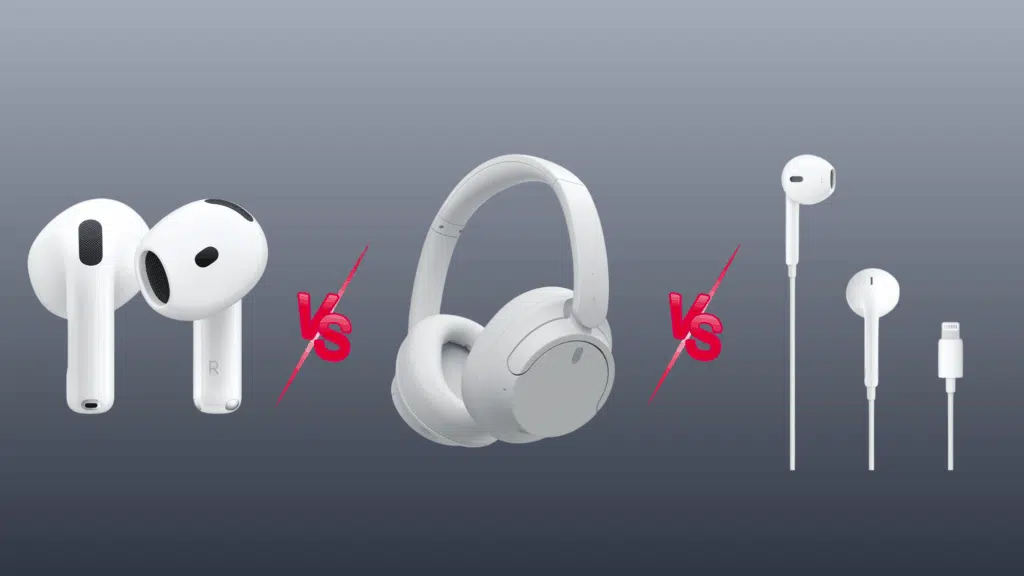
The quality of the mic is key for clear calls, voice memos, and using voice assistants. Here’s a comparison of how the AirPods mic stacks up against wired headphones and wired earphones, focusing on mic performance and clarity:
| Feature | AirPods (Wireless) | Wired Headphones | Wired Earphones |
|---|---|---|---|
| Mic Presence | Built-in mic in each earbud | Sometimes included (depends on model) | Usually included on an inline cable |
| Mic Quality | Clear voice pickup with noise isolation tech | Varies, often basic, depending on model | Decent voice clarity, less noise control |
| Noise Handling (Mic) | Adaptive noise reduction with ANC (Pro models) | Passive noise reduction, no ANC | Minimal noise isolation, no ANC |
| Voice Clarity | Strong in most environments, voice-focused | Varies, good if the mic is close to the mouth | Clear in quiet settings, weaker in noise |
| Recording Capability | Good for voice memos and casual recording | Works for recording, but has less consistent mic quality | Suitable for voice memos, not ideal for quality recordings |
| Mic Position | Mic near the mouth for clear voice pickup | Mic is often integrated into the headband or earcup | Mic on the inline cable, further from the mouth |
| Battery Requirements | Requires charging | No battery needed | No battery needed |
| Compatibility | Seamless with Apple devices, voice assistants | Works with any device with a headphone jack | Works with any device with a headphone jack |
| Price Range | $150–$350+ | $30–$300+ | $10–$100+ |
Easy Maintenance Tips for Your AirPods Mic
To keep your AirPods mic working at its best, proper care and maintenance are key. Here are some tips to ensure your mic delivers optimal performance for calls, recordings, and voice commands:
- Clean Regularly: Wipe the mic openings with a soft cloth or brush to remove dirt and earwax.
- Charge Often: Ensure your AirPods are charged to keep the mic and all features working smoothly.
- Update Firmware: Check for Apple updates to improve mic performance and fix bugs.
- Store Properly: Always place your AirPods in their case when not in use to protect the mic.
- Test Before Use: Record a voice memo to check mic clarity before important calls or recordings.
Conclusion
Choosing the right headphones, especially something as premium as the Bose QuietComfort Ultra (2nd Gen), is no small decision.
If you’re after top-tier noise cancellation, comfort for long hours, or just need reliable sound for your daily activities, these headphones truly deliver.
The Bose QC Ultra excels in areas that matter most: comfort, sound, and noise cancellation, making it a solid choice for anyone who values a superior listening experience.
At the end of the day, it all comes down to your personal needs. If you’re seeking comfort and excellent ANC to help you focus or relax, the QC Ultra is one of the best options available today.