

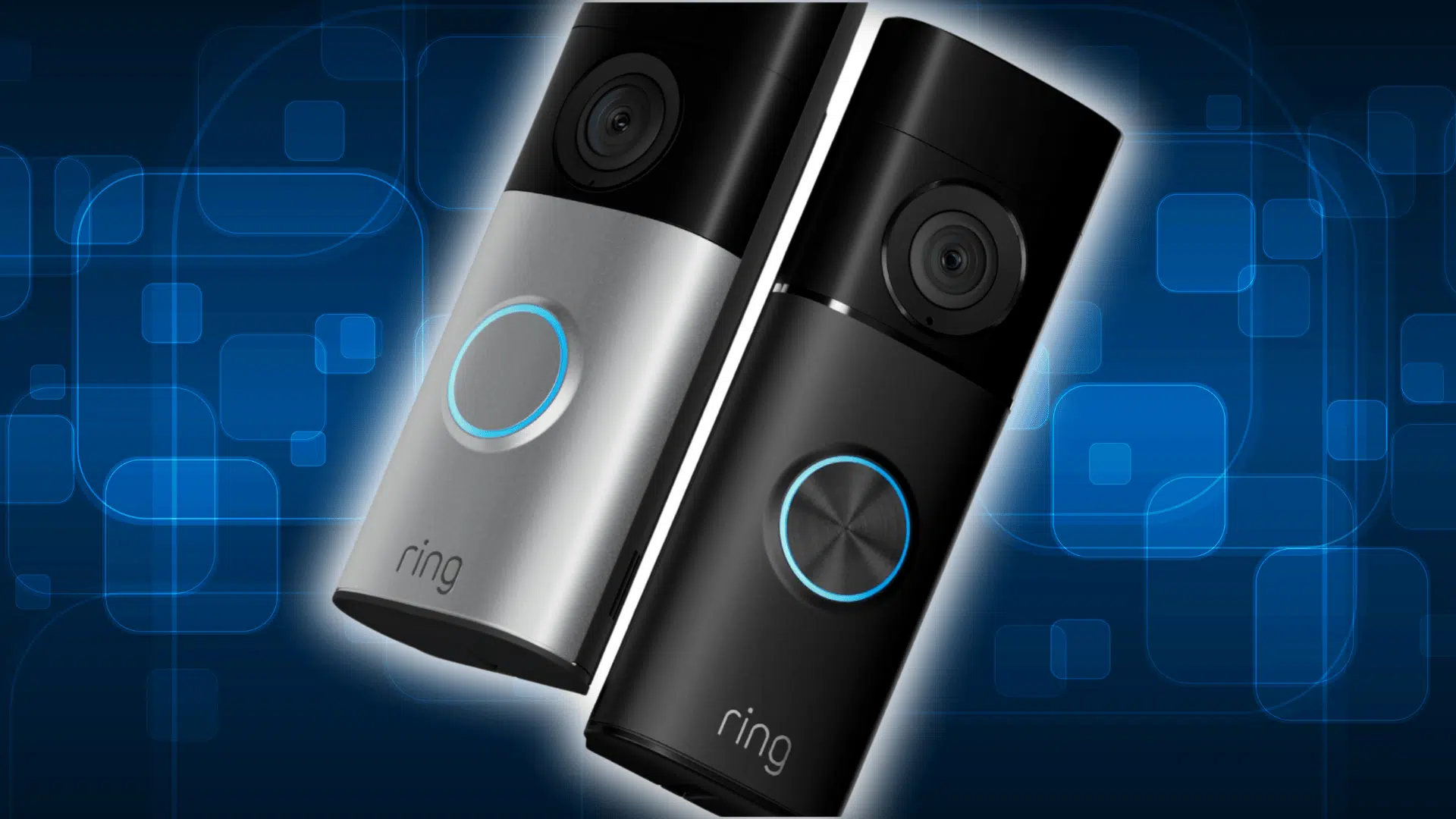

Figuring out how long the Ring doorbell battery lasts isn’t as simple as looking at the box, and that’s what surprises most people. I’ve seen this come up again and again because the battery doesn’t behave the same for everyone.
Homes with busy walkways drain it fast, quiet spots barely touch it, and weather can flip everything on its head.
Here, I’ll give you a clear look at what really affects the battery, how different models hold up, and the small fixes that make a real difference.
By the end, you’ll know what to expect and how to keep things running smoothly without guesswork.
How Long the Ring Doorbell Battery Actually Lasts
So here’s the deal. Ring likes to say the battery lasts six to twelve months, and technically that can happen if your place is quiet and the doorbell barely wakes up. But in real life, people see everything from seven days on the low end to about a year if conditions are perfect.
Most folks land somewhere in the middle. A couple months. Maybe a little more if nothing wild is going on outside their door.
The big swing comes from how often the camera has to work. If your door is facing a busy sidewalk, or you’re checking the video a bunch of times a day, the battery drains faster.
Cold weather also hits these things hard and takes the charge down even quicker. So when people ask what they should expect, it’s honestly a spectrum.
If your home is calm, you’ll be fine for a long stretch. But if you get constant foot traffic, or the weather turns rough, the battery won’t hold nearly as long.
Official Battery Life vs. Real-World Usage
Ring puts the official number at six to twelve months between charges. That’s the marketing version. And you can see how they get there. They run tests under clean conditions with steady Wi-Fi and low activity.
The problem is that most homes aren’t set up like a showroom. Real users deal with motion alerts every day, cold nights, spotty signals, and the camera waking up over and over because someone walked a dog past the door.
Here’s a simple breakdown to show how different the numbers look once you step out of the theoretical world and into the one people actually live in:
| Scenario | Ring’s Claim | Real User Reports |
|---|---|---|
| Low activity home | 6–12 months | 3–9 months |
| Normal suburban area | 6–12 months | 4–8 weeks |
| Busy street/sidewalk | 6–12 months | 7–21 days |
| Cold weather homes | 6–12 months | 2–6 weeks |
| Heavy Live View usage | 6–12 months | 1–3 weeks |
Ring Model Battery Life Comparison
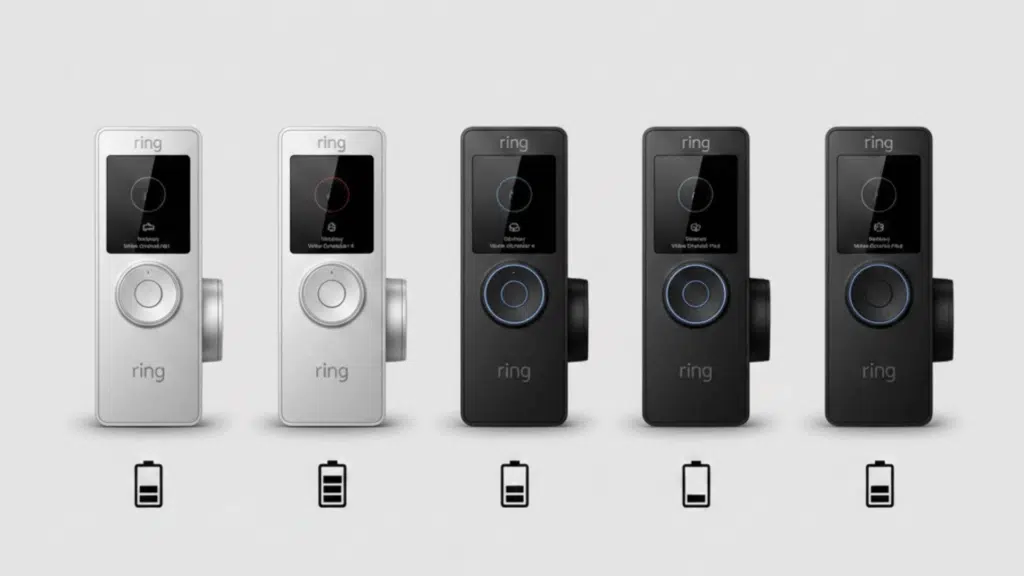
Different Ring models have different batteries. And they don’t all behave the same in real life. Some are built to last longer. Some drains faster under heavy use.
Below is a breakdown of the main Ring battery doorbells people actually use:
1. Ring Video Doorbell (1st & 2nd Gen)
Advertised life: About 6–12 months
Real-world average: People often see 4–8 weeks with regular motion and a few Live View checks. Some users in high-traffic areas report even less.
Who it’s best for: Quiet entryways with low motion events. Good if you’re not checking video all the time.
2. Ring Doorbell 2
Advertised life: About 6–12 months
Real-world average: Most reports land around 3–6 weeks. Heavy use or frequent checks push it down closer to the low end.
Who it’s best for: Typical homes with moderate activity. Decent if you don’t want to mess with hardwiring but still want solid video quality.
3. Ring Doorbell 3 / 3 Plus
Advertised life: About 6–12 months
Real-world average: People usually see 2–5 weeks. The Plus model with Pre-roll and HDR can chew through battery faster if those settings are left on.
Who it’s best for: Users who want better detection and clearer video and are okay tweaking settings to save juice.
4. Ring Doorbell 4
Advertised life: About 6–12 months
Real-world average: Around 3–6 weeks for most households. Active motion zones and Live View cut into that fast.
Who it’s best for: Anyone wanting a newer model with improved features but still running on battery power.
5. Ring Battery Doorbell Plus
Advertised life: About 6–12 months
Real-world average: A bit better than older models. Most people see 4–8 weeks under normal use. Still not immune to heavy traffic drains.
Who it’s best for: Homes with a bit more activity that still want a battery-powered setup without hardwiring.
Main Factors that Affect Battery Life
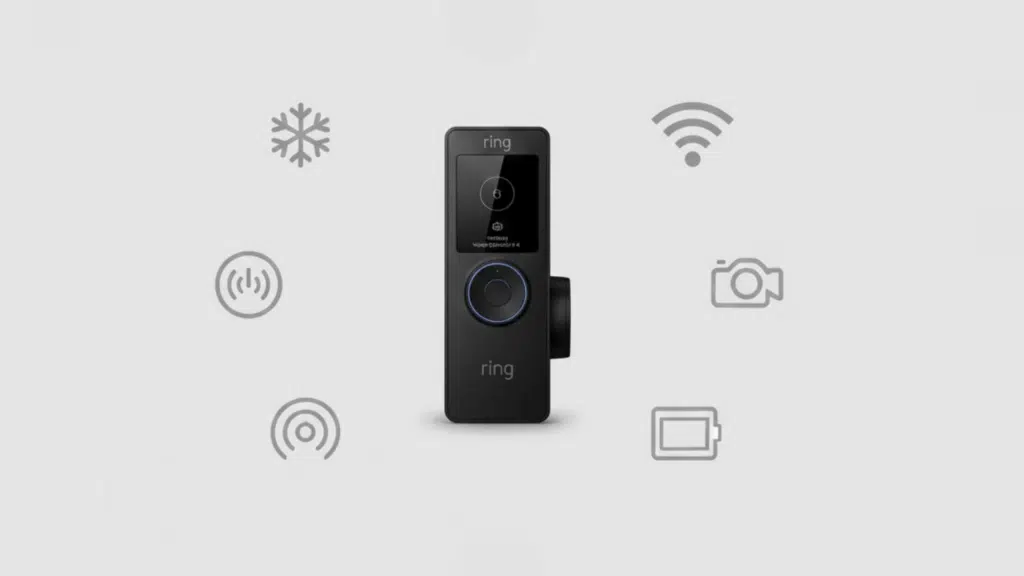
A Ring doorbell battery doesn’t drain at a steady pace. It all depends on how hard the device has to work during a normal day, and some factors hit the battery a lot faster than people expect.
1. Motion Activity Levels
Every time the doorbell wakes up to record motion, it uses power. A home with only a few alerts a day can stretch the battery for months. A home with dozens of alerts can cut that down to a few weeks.
Houses facing sidewalks, busy streets, or shared hallways usually see the quickest drain because the camera never really gets to rest.
2. Live View and Video Length
Live View is one of the biggest drains. A minute or two here and there adds up fast because the camera stays active the whole time. Longer video clips do the same thing.
A ten-second recording barely moves the needle, but thirty seconds to a full minute repeated throughout the day can eat into the charge much faster.
3. Wi-Fi Strength and Router Distance
Weak Wi-Fi forces the device to work harder just to stay connected. When the router is far away or the signal is unstable, the doorbell burns through more battery trying to keep the link alive. A solid signal helps the device stay efficient.
4. Cold or Extreme Weather
Cold temperatures hit lithium batteries hard. When weather drops, the battery holds less power and drains quicker, even if nothing else changes
Freezing temperatures make the device work slower and reduce battery life even further. Hot climates can also affect performance, though cold is usually the bigger issue.
5. Battery Age and Recharge Cycles
Batteries naturally lose capacity over time. After enough charging cycles, the battery won’t hold the same amount of power it did when it was new.
Most people start noticing this after a long stretch of use. The doorbell still works, but the time between charges gets shorter.
6. Advanced Features (HDR, Pre-Roll, Snapshot Capture)
- HDR can increase power use by roughly 10–20 percent.
- Pre-Roll records a few extra seconds before motion, which means the camera stays partially active in the background.
- Snapshot Capture takes still photos throughout the day, which keeps the device waking up regularly.
All three can be useful, but each one chips away at battery life.
Why Your Ring Doorbell Battery is Draining Fast
If your Ring battery keeps dropping faster than expected, it usually comes down to a handful of common issues that push the camera to work much harder than it should.
- Too many motion triggers keep waking the camera throughout the day, and each recording session pulls power, which makes the battery drain a lot quicker than most people expect.
- The doorbell is facing a sidewalk or street, so it constantly picks up cars, people, pets, and random movement, creating nonstop activity that drains the battery fast.
- A weak Wi-Fi signal forces the doorbell to reconnect over and over, and that extra work uses more power than normal, cutting the battery life down significantly.
- Cold weather reduces lithium battery capacity and makes every recording drain more power, so the battery runs out faster anytime temperatures drop near freezing.
- Misconfigured motion zones cause the camera to watch large areas you don’t need, which creates extra triggers and unnecessary recordings that eat through the battery.
When these things stack up, the battery doesn’t stand a chance. Fixing even one or two of them usually slows the drain fast and gets the doorbell running the way it should.
How to Improve Battery Life: Step-By-Step Fixes
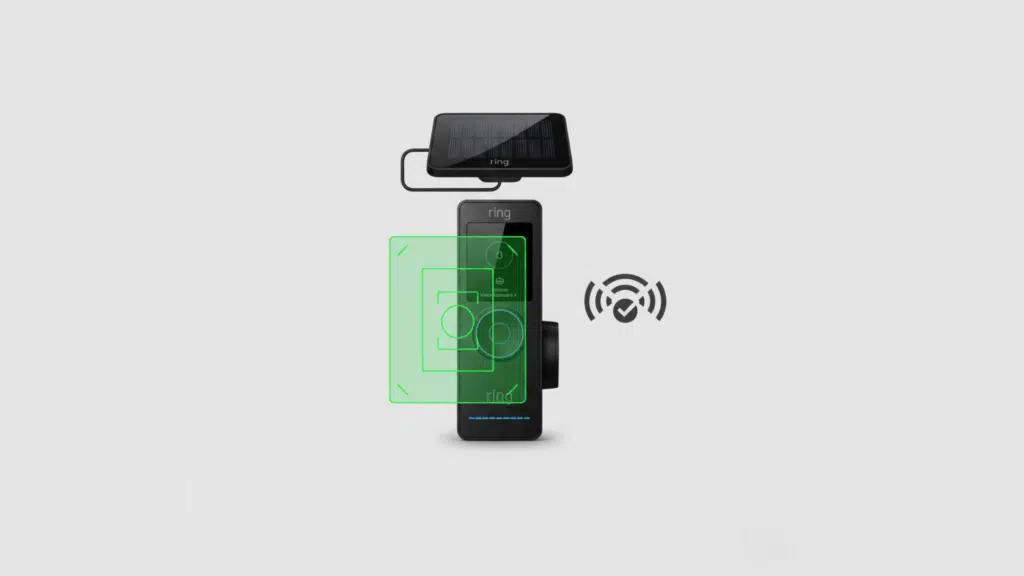
- Adjust motion zones by tightening the area the camera watches so it focuses only on your doorway and ignores sidewalks, streets, or driveways that create nonstop triggers.
- Reduce motion frequency by lowering sensitivity and turning off extra detection modes you don’t need, which cuts down the number of times the camera wakes up each day.
- Shorten video recording time so clips stay closer to ten seconds instead of thirty, since longer videos drain more power and add up fast when the doorbell records often.
- Turn off extra features like HDR, Pre-Roll, or Snapshot Capture if you don’t rely on them, because each one keeps the camera working more than necessary.
- Improve Wi-Fi signal by moving the router, removing obstacles, or using an extender so the doorbell stays connected without constant reconnecting that eats power.
- Use a solar charger, which helps in sunny locations and can keep the battery topped up, though it won’t offset heavy activity or shaded areas.
- Try hardwiring to slow down battery drain, but remember the doorbell still runs on the battery itself and the wiring just helps it recharge slowly during normal use.
Small changes in how the doorbell works add up fast, and tightening just a few of these settings can stretch your battery far longer than you’d expect.
How Long Does the Ring Doorbell Battery Last in Winter?
Cold weather hits these batteries harder than anything else, and it surprises people every year.
Lithium batteries don’t hold power well when temperatures drop because the chemical reactions inside them slow down. The doorbell has to work harder just to do the same job, so the battery drains quicker even if your motion activity stays the same.
Around 32°F: You’ll usually see the battery drop faster than normal, often losing 20–30 percent more power during regular use.
Around 20°F: The battery can drain 40–50 percent faster, and you might notice the doorbell running sluggish or stopping certain features to protect the battery.
Around 0°F: The battery can lose charge very quickly, sometimes in a week or less, and the doorbell may shut down until temperatures rise again.
For cold climates, a few changes help a lot. Keep the doorbell out of direct wind if possible, adjust motion zones so the camera wakes up less, shorten video lengths, and bring the battery inside to warm up before recharging.
How Long Does Charging Take and How Often Should You Charge?
Charging a Ring battery usually takes four to six hours, depending on how low it was when you started and the type of charger you’re using.
Most people end up charging every few weeks to every couple of months, based on activity levels and weather. If the battery is draining much faster than it used to, that’s a sign it might be wearing down.
Ring batteries can handle roughly 500 recharge cycles before their capacity starts fading in a noticeable way. When you hit that point, the battery won’t hold power like it did when it was new, and you’ll find yourself charging it constantly.
If you’re seeing that pattern, it’s usually time to replace the battery so the doorbell can run the way it should.
Troubleshooting: Battery Lasts Less Than 2 Weeks
If your Ring battery drops in under two weeks, use this table to find the issue and fix it step by step:
| Problem | What to Check | Quick Fix |
|---|---|---|
| Too many motion triggers | Look at how often the camera records each day | Tighten motion zones and lower sensitivity |
| Camera facing busy areas | Check if it sees sidewalks, streets, or driveways | Re-aim the camera or shrink zones |
| Weak Wi-Fi signal | Test the signal strength in the Ring app | Move router, remove obstacles, or add extender |
| Long video clips | Check recording length in settings | Shorten clips to around 10 seconds |
| Extra features running | Look for HDR, Pre-Roll, Snapshot Capture | Turn off anything you don’t need |
| Cold weather | Check recent temperatures | Bring battery inside to warm before charging |
| Battery wear | Look at how often you’ve recharged it | Replace the battery if it’s near the cycle limit |
When to Replace Your Ring Battery
A Ring battery doesn’t last forever, and there are a few clear signs that it’s starting to wear out.
If you’re charging it way more often than you used to, or it drops from full to low in just a few days with normal use, that’s usually the first hint.
Another sign is the battery refusing to hit a full charge or stopping at a lower percentage no matter how long you leave it plugged in.
You might also see the doorbell acting sluggish, missing recordings, or shutting down in mild weather.
When those issues show up and you’ve already tried adjusting settings, warming the battery, or improving your Wi-Fi signal, it’s usually time for a replacement.
A fresh battery gets the doorbell back to running normally and makes the whole setup much easier to manage.
Wrapping Up
A Ring doorbell works best when you understand what actually affects the battery and how to keep it running smoothly.
In my experience, the homes that see the best results are the ones where people stay mindful of their setup instead of assuming things will run on autopilot.
A tiny tweak in motion zones or a small change in Wi-Fi placement can make a big difference in how long the Ring doorbell battery lasts, especially over time. If you stay ahead of the little things, the doorbell stays reliable, and you avoid the stress of constant charging.
Want more simple guides like this? Check out the rest of the blogs and dive into whatever you need next.