


Apple has packed a lot into a small desktop this time, and on paper, it looks like a solid upgrade. But specs don’t always reflect real use.
What matters is how it performs when you open apps, switch between tasks, or run heavier workloads.
That’s where this blog comes in. Instead of just listing features, I’ll talk about what the Mac mini M4 actually feels like in everyday use.
From performance to value, everything is broken down simply so you can decide if it’s the right desktop for your needs in the market today.
Mac Mini M4: Basic Overview
The Mac Mini is Apple’s smallest desktop computer, designed for users who want macOS performance in a compact setup.
It doesn’t include a display, keyboard, or mouse, so you’ll need to build your own setup around it. Over the years, it has become a popular choice for everyday work, coding, and creative tasks.
The latest Mac mini M4 was announced in October 2024 and became available in November 2024.
It features a redesigned, smaller body and runs on Apple’s M4 chip, offering faster CPU and GPU performance.
Key Specifications & Features Review
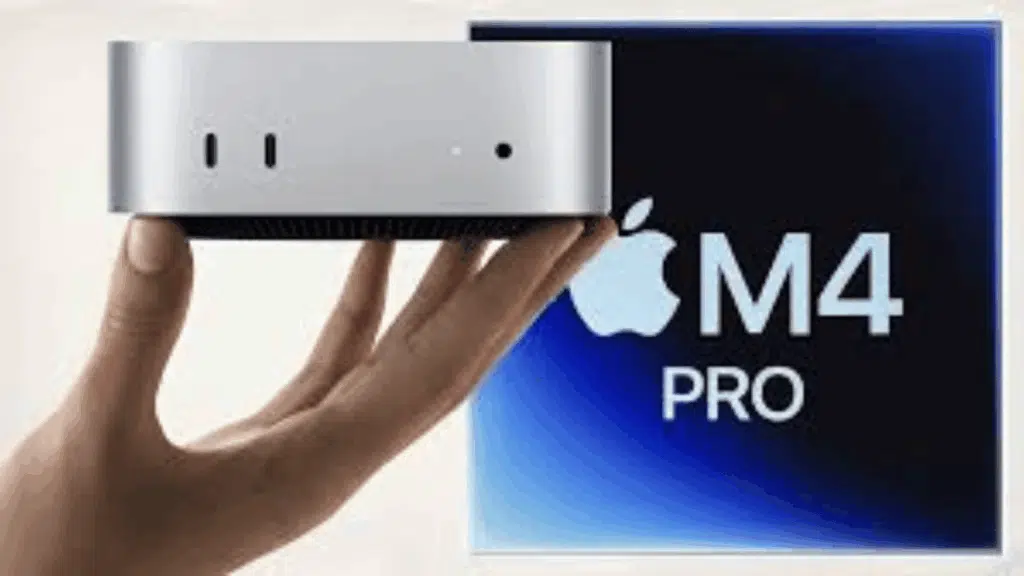
A quick look at the Mac mini M4’s core specs and real-world capabilities, covering design, performance, and everyday usability in a compact desktop.
1. Design & Build Quality
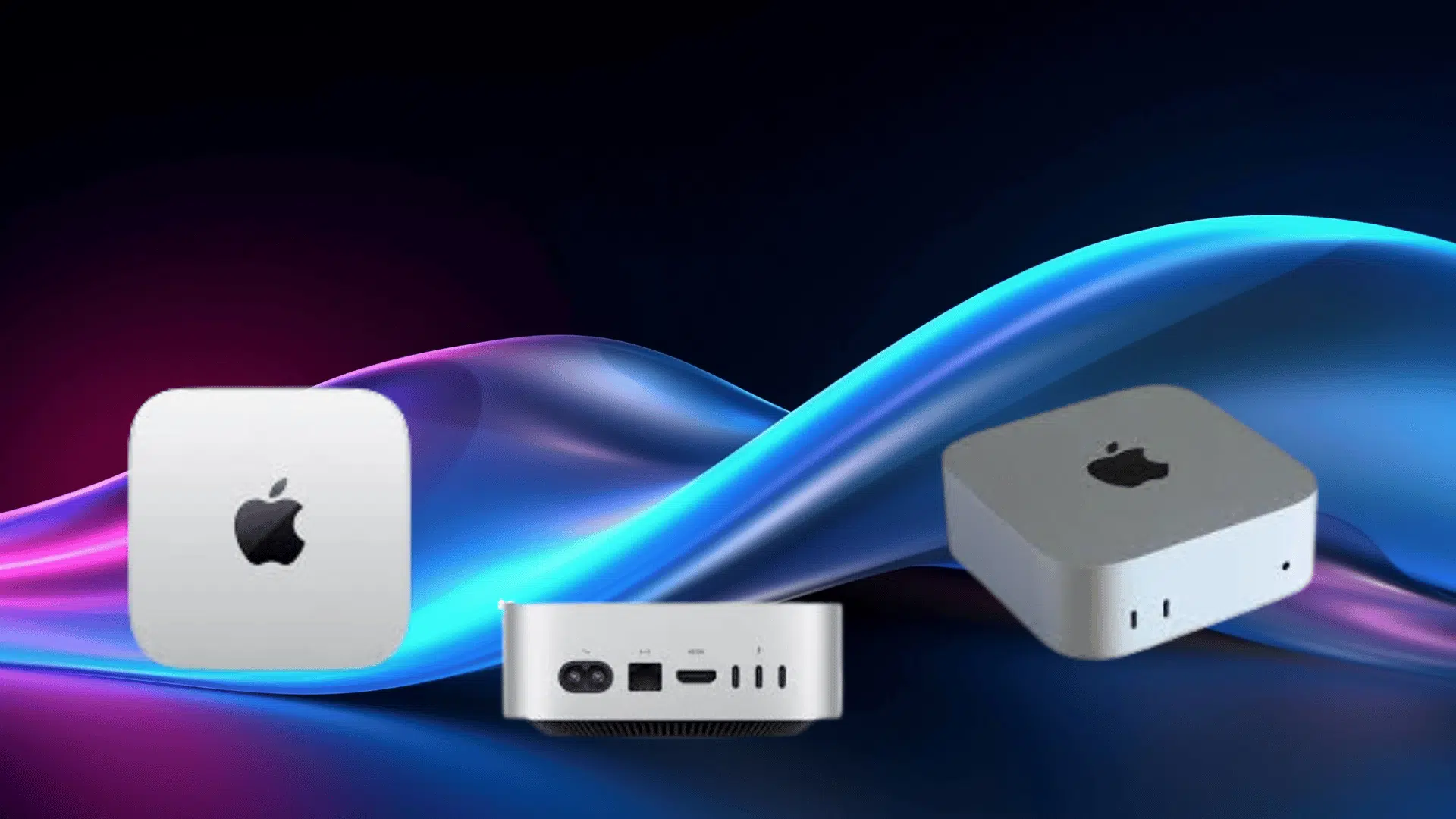
The Mac mini M4 comes in a smaller, more refined aluminum body, making it one of the most space-efficient desktops available. It feels solid and well-built, with Apple’s usual clean finish.
A useful update is the addition of front-facing USB-C ports, which makes connecting accessories much easier in daily use.
Its compact size also makes it ideal for minimal desk setups or even hidden placements.
2. Performance
The system runs on the M4 chip, featuring a high-performance CPU and GPU, built for smooth multitasking.
It handles everyday tasks like browsing, office work, and streaming without any slowdowns. For heavier use, like coding or light video editing, it stays responsive and consistent.
Another strong point is its low noise and efficient thermal management, which keeps it quiet even during longer sessions.
3. Memory & Storage
The base configuration now includes 16GB of unified memory, improving multitasking and future usability.
Storage starts at 256GB SSD, with options to scale up as needed. However, both RAM and storage are fixed at purchase, so it’s important to choose a setup that fits your long-term use.
4. Connectivity & Ports
The Mac mini M4 includes a good mix of ports, including Thunderbolt, USB-C, HDMI, and Ethernet, supporting a wide range of devices.
The addition of Wi-Fi 6E and Bluetooth 5.3 ensures faster wireless speeds and reliable connectivity for accessories.
5. Display Support
It supports multiple external displays, making it a strong choice for productivity-focused setups.
You can run dual or even triple-monitor configurations, which are helpful for multitasking, coding, and creative work.
Which Model Offers the Best Value?
The newer models bring better performance, more memory by default, and a redesigned compact body. But the real choice depends on how much power you actually need.
| Feature | Mac Mini M2 | Mac Mini M4 | Mac Mini M4 Pro |
|---|---|---|---|
| Chip | M2 (8-core CPU) | M4 (10-core CPU) | M4 Pro (up to 14-core CPU) |
| GPU | Up to 10-core GPU | 10-core GPU | Up to 20-core GPU |
| RAM (Base) | 8GB | 16GB (big upgrade) | 24GB+ |
| Design | Larger, older design | Smaller 5×5-inch redesign | Same compact design |
| Ports | Rear ports only | Front + rear ports | More bandwidth + Thunderbolt 5 |
| Display Support | Up to 2 displays | Up to 3 displays | Advanced multi-display support |
| Performance Level | Good for basic tasks | Faster, balanced performance | High-end, professional workloads |
Mac Mini M4: Desk Setup & Space Optimization
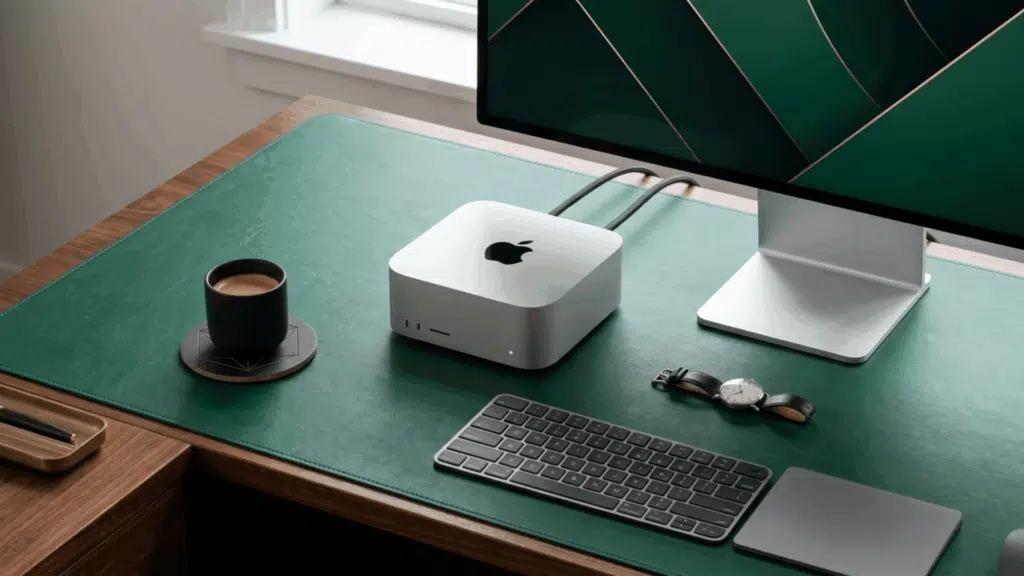
The Mac mini M4 fits easily into compact setups, helping keep your desk clean without losing performance.
Its small size gives you flexibility; you can place it on the desk, mount it behind a monitor, or keep it under a stand.
Since you choose your own accessories, it’s easier to create a setup that feels organized and practical, with fewer visible cables.
- Place the Mac mini under a monitor stand to save space
- Use a VESA mount to keep it hidden behind the display
- Go wireless for keyboard and mouse to reduce cable clutter
- Add a USB-C hub or dock for easier port access
- Use cable clips or sleeves to keep wires organized
- Pair with compact accessories for a cleaner desk look
Community Reviews
Before making a decision, it helps to see what real users are saying about the Mac mini M4 after using it in everyday setups.
The 2024 Mac mini with the M4 chip is an absolute powerhouse in a tiny package. The performance of the 10-core CPU and GPU is immediately noticeable; everything from daily multitasking to more intensive creative projects runs incredibly smooth. – Ryan Ridgeway , Amazon
The Apple 2024 Mac mini with M4 chip is absolutely amazing! The performance is blazing fast – everything runs incredibly smooth from everyday tasks to more demanding applications. – Palmetto Dan , Amaozn
I bought this back in March to replace my parent’s clunky computer, and I still can’t believe how small it actually is. It fits right under the monitor and barely takes up any space on the desk, which is great because they hate clutter. – Sami , Amazon
I’ve been a Microsoft and Linux guy for decades and deliberately avoided Apple for most of that time. Their Intel-era machines were overpriced, hot, and rarely lived up to the hype. Apple silicon changed the equation completely.
The M4 Mac mini is absurdly good at what it’s supposed to do. It boots instantly, wakes instantly, and stays responsive without the usual background nonsense. – Matt , Amazon
Who Should Buy the Mac Mini M4?
The Mac mini M4 fits a wide range of users, but it makes the most sense if your work matches what it’s built for.
- Students and office users who need a fast, reliable desktop for daily tasks
- Developers and coders working with tools like Xcode, VS Code, or web apps
- Content creators handling photo editing and light to moderate video work
- Remote workers who want a compact and quiet setup
- First-time Mac users looking for a simple entry into the Apple ecosystem
- Anyone building a clean, space-saving desk setup without bulky hardware
Final Verdict
The Mac mini M4 stands out as a compact desktop that balances performance and everyday usability without overcomplicating things.
This Mac mini review shows that it handles most tasks smoothly, from basic work to more demanding workflows, while staying efficient and quiet.
It’s not built for every type of user, especially if you need heavy graphics power or upgrade flexibility. Still, for most people, it offers a practical and reliable setup that fits well into modern workspaces.
If your needs align with what it delivers, the Mac mini M4 is a smart and straightforward choice.