

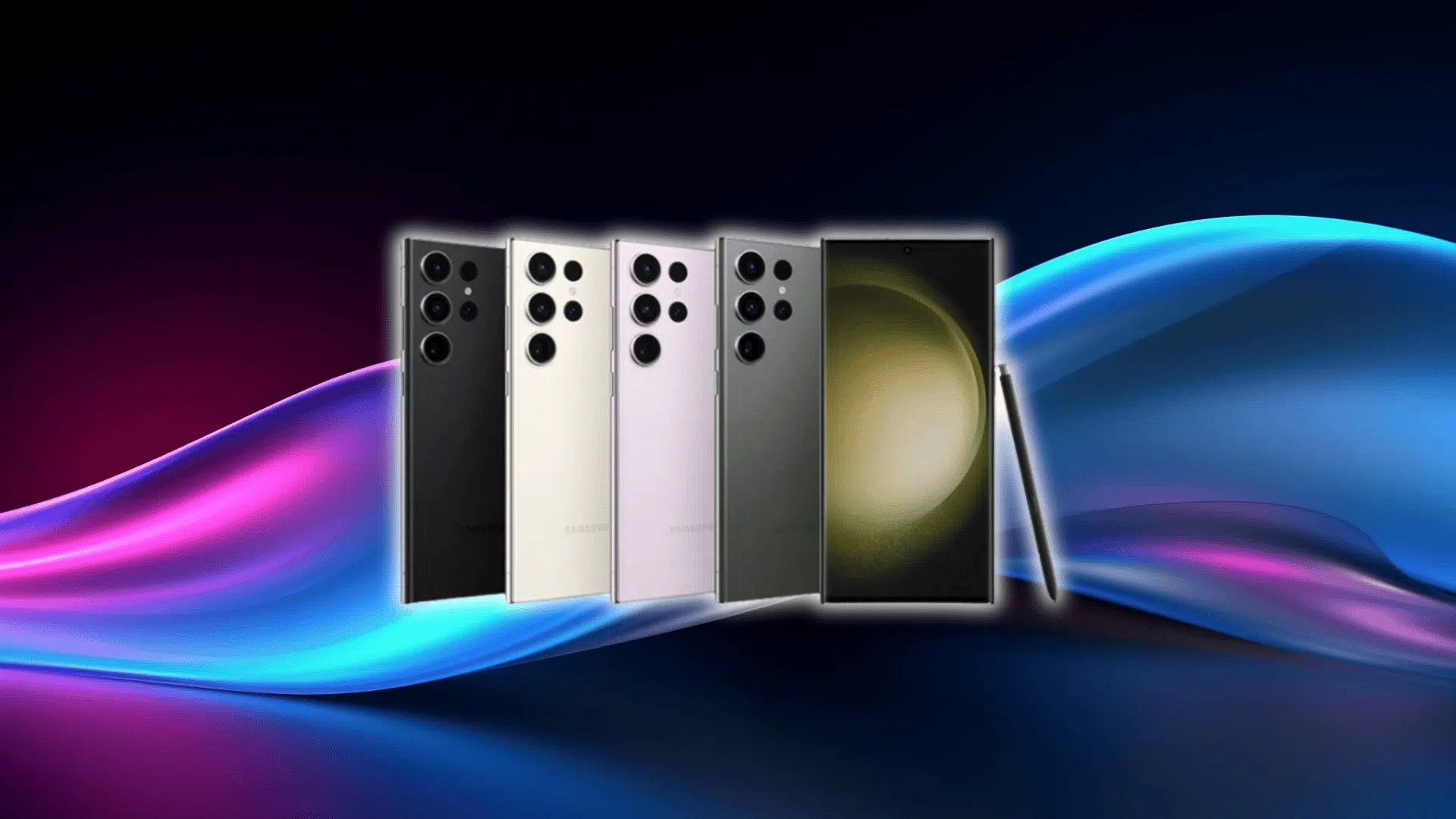
The Samsung Galaxy S23 Ultra reviews tell an interesting story. This phone isn’t new anymore, but it still hangs with the best in ways that surprise people.
What caught my attention is how steady it feels now that the hype has died down. You start to notice the things that actually matter day to day, not just the specs on a launch slide.
That’s what this breakdown is about. I’m looking at how it holds up in real use, what still feels strong, what’s aged a bit, and who it makes sense for today.
So before getting into the deeper stuff, let’s start with everything that actually matters.
Reviewing Samsung Galaxy S23 Ultra: Specs at a Glance
Just a quick rundown of the stuff you actually want to know.
| Feature | Specs |
|---|---|
| Display | 6.8-inch Dynamic AMOLED 2X • QHD+ • Up to ~1750 nits brightness • 1–120Hz adaptive refresh |
| Processor | Snapdragon 8 Gen 2 Mobile Platform for Galaxy |
| Rear Cameras | 200MP Wide (f/1.7) • 12MP Ultra-Wide • 10MP Telephoto 3x • 10MP Telephoto 10x |
| Front Camera | 12MP Selfie Camera |
| Battery | 5000mAh (typical) |
| Charging | Up to 45W Super-Fast Charging (wired; charger sold separately) |
| Storage Options | 256GB • 512GB • 1TB (varies by region) |
| Weight | About 234g |
Samsung Galaxy S23 Ultra Review: Everything that Matters
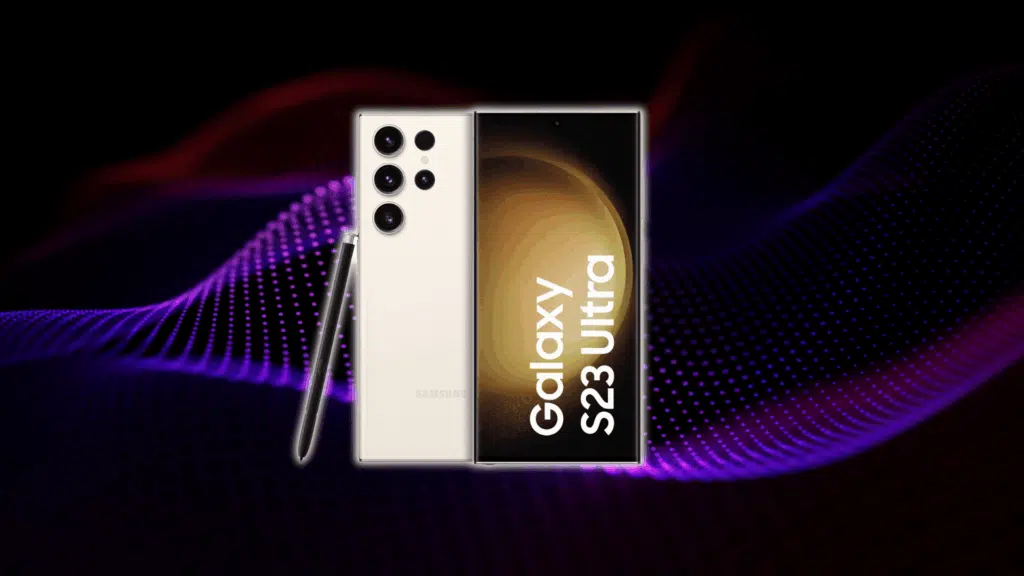
Sometimes it helps to break things down piece by piece. That’s what I’m doing here. Every part of the Samsung Galaxy S23 Ultra that actually affects day-to-day use, all in one place.
1. Display Performance in 2025
The screen is still one of the first things you notice. It’s bright. Around 1750 nits when it pushes all the way up. Not the brightest anymore, since the S24 and S24 Ultra stepped it up, but it’s still easy to see outdoors. Even on those days when the sun feels like it’s aiming right at you.
The curve is still there, just not as dramatic as older models. Some people like it. Some don’t. It looks nice, but you do feel the edge sometimes. If you’re coming from a flat screen like the S24 Ultra, it might take a minute to adjust.
HDR looks solid. Colors pop. Blacks stay deep. It’s the usual AMOLED look. Movies and games still feel smooth, especially with the 120Hz doing its thing in the background. You don’t really think about it. It just works.
Outdoors visibility is fine. Better than most mid-range phones right now. The S24 Ultra gets brighter, sure, but this one still holds its own. You won’t be shielding it with your hand every two seconds.
2. Camera Review: Does It Still Compete?
The 200MP main camera still feels overkill in the best way. Tons of detail. Easy to crop into shots without them falling apart. It hasn’t really aged. You can zoom way in, find something you didn’t even notice, and it still looks clean.
The zoom system is where this phone still flexes. 3x looks good. 10x looks even better. Samsung really dialed that in. Compared to the S24 Ultra, you’ll notice a difference only at the extreme end. Past 20x, the newer hardware pulls ahead. Below that, it’s closer than you’d expect.
Low-light shots look sharp. Night mode is smart enough to keep things bright without turning everything into mush. Portraits at night look better than they should for a phone from 2023.
Samsung leaned hard into low-light performance on this one, and it shows.
Video stabilization is strong. You can walk around, chase your dog, jump off a curb, and it keeps things steady. It’s not gimbal-level, but it’s good enough that most people won’t complain.
- Real-world use is simple.
- Portraits look clean.
- Night scenes are bright enough.
- Movement stays controlled.
If you take a lot of zoom shots or want a ton of detail in your photos, this camera is still a great fit. If you only ever take quick snapshots or Instagram stories, you may not notice the difference between this and newer models.
3. Performance & Gaming
Snapdragon 8 Gen 2 still has plenty of life in it. Apps open fast. Games feel smooth. You don’t have to think about performance. It just moves.
In gaming, it stays surprisingly steady. You can run big titles without the frame rate tanking. Thermals are decent. It warms up a bit if you push it, especially during long sessions, but not enough to make you stop. Samsung did a good job keeping throttling in check.
FPS depends on the game, but the usual stuff hits high settings without trouble. You won’t feel like you’re missing out by not having the newest chip.
Multitasking is the same story. Bounce between apps, videos, messages, maps. No stutter. One UI handles everything smoothly.
Running the newest One UI version makes it feel fresher than a phone its age. It’s one of those cases where software really helps stretch out the hardware.
4. Battery Life & Charging
The 5000mAh battery still gets you through the day. If you’re lighter on the screen time, it can stretch into the next morning without you thinking about it. Heavy users will still make it to bedtime.
Overnight drain is small. A few percent. Nothing strange.
Charging hits up to 45W if you have the right brick. It warms up a little while charging, but not enough to worry about. Samsung keeps things pretty controlled there.
Longevity expectations are decent. After a year, most people see a small dip. Normal stuff. Not dramatic. In general, this phone holds up better than a lot of Android phones the same age. The battery isn’t immortal, but it doesn’t fall off a cliff either.
5. S Pen Experience
Response time is quick. Feels natural. Not quite paper-like, but close enough that your hand forgets it’s glass.
Taking notes feels easy. You jot something down fast, and it just keeps up. No lag. You can turn handwriting into text if you want to stay organized. Works well for quick lists or reminders.
Photo editing with the S Pen feels accurate. You can get precise with your touches. Draw around objects. Make tiny adjustments. It’s one of those things you don’t need every day, but when you do, it’s nice to have.
Productivity is where it shines. Highlighting text. Grabbing info. Signing documents. Little tasks you usually avoid become easier.
Who actually benefits from the S Pen?
People who take notes. People who sketch. People who edit photos. People who work off their phone more than they’d like to admit.
Who won’t use it?
Anyone who forgets the pen exists until they accidentally pull it out while grabbing the phone.
6. Design & Durability
It’s a big phone. You feel the weight. Some people like that. Some don’t. In daily use, it feels solid though. No flex. No hollow spots. Just a big slab of glass and metal.
Grip is okay. Not amazing. It’s a little slippery. Most people will put a case on it immediately.
The fingerprint scanner is fast. You tap it and you’re in. Rarely misfires.
Durability is mostly good, but the screen can be fragile if it takes a sharp hit. Real user reports mention cracks from shorter drops. It’s the usual story with curved glass. Looks nice. Easier to damage.
Tips to avoid screen damage are simple.
- Use a good case.
- Use a real screen protector.
- Avoid placing it near keys or anything with an edge.
Not exciting advice, but it helps.
7. Software & Updates
One UI is still one of the most customizable Android skins out there. Widgets. Themes. Lock screen tweaks. It lets you shape the phone how you like it without digging through weird menus.
Update history is strong. Samsung promised long-term support, and they’ve followed through. New features keep rolling in. Security patches stay consistent.
Expected support timeline pushes into the next few years easily. Enough that you won’t feel left behind.
Features added since launch have kept the phone feeling new. Camera improvements. UI polish. Better integration with Samsung’s ecosystem. That kind of thing.
It’s the part of the phone you don’t see on a spec sheet, but it’s what gives the S23 Ultra a long life.
Problems You Should Know Before Buying
Here are the things that come up the most. Nothing dramatic, but worth knowing before you spend the money.
- Weak haptics: Vibration feels light. Not as tight or punchy as what you get on an iPhone. Easy to miss in your pocket.
- Touch rejection issues on the curved screen: Happens sometimes. A palm touch or finger resting on the edge can make the screen ignore an input. Not constant, but noticeable if you’re coming from a flat display.
- Screen cracking sensitivity: The curve looks good, but it’s easier to damage. Short drops or sharp impacts can crack the edges faster than you’d expect.
- Bluetooth hiccups: Some users report small drops or random disconnects with certain earbuds. Usually fixes itself, but it’s something people mention.
Samsung Galaxy S23 Ultra: Price Breakdown
Prices shift a little depending on storage, color, and where you’re shopping, but the overall pattern is pretty steady now.
Brand-new units usually sit somewhere between $900 and $1,200, which is about what you’d expect for a phone that launched at a premium price. Refurbished models hover around $550 to $750, and that’s where most people end up looking because the value is hard to ignore.
Amazon, Best Buy, Samsung’s Certified Re-Newed program, and a few well-rated eBay stores tend to be the safest places to buy. Carriers sell them too, but the deals aren’t always as strong.
As for what counts as a real bargain, anything under $700 for a clean refurbished unit is solid, and anything under $600 is a steal. For new models, anything under $950 is about as good as it gets.
Should You Buy New or Refurbished?
Going refurbished makes a lot of sense with this phone, but you still want to slow down and check a few things before buying.
Start with the IMEI. Ask for it every time. Run it through an IMEI checker to make sure the phone isn’t blacklisted, financed, or tied to someone else’s account.
Battery health is another big one. A good refurbished unit should land somewhere between 90% and 100%, and anything under 85% usually means you’ll feel the drop in daily use.
Listings with no IMEI, no real photos, too many scratches, or any cracks around the curved edges are red flags. Those are the ones you skip.
Warranty is the last piece. Look for at least a 90-day warranty, ideally something longer. Programs like Amazon Renewed and Samsung’s Certified Re-Newed make the whole process easier because their coverage is clean and predictable.
Comparing Samsung S23 with S24 and S24 Ultra
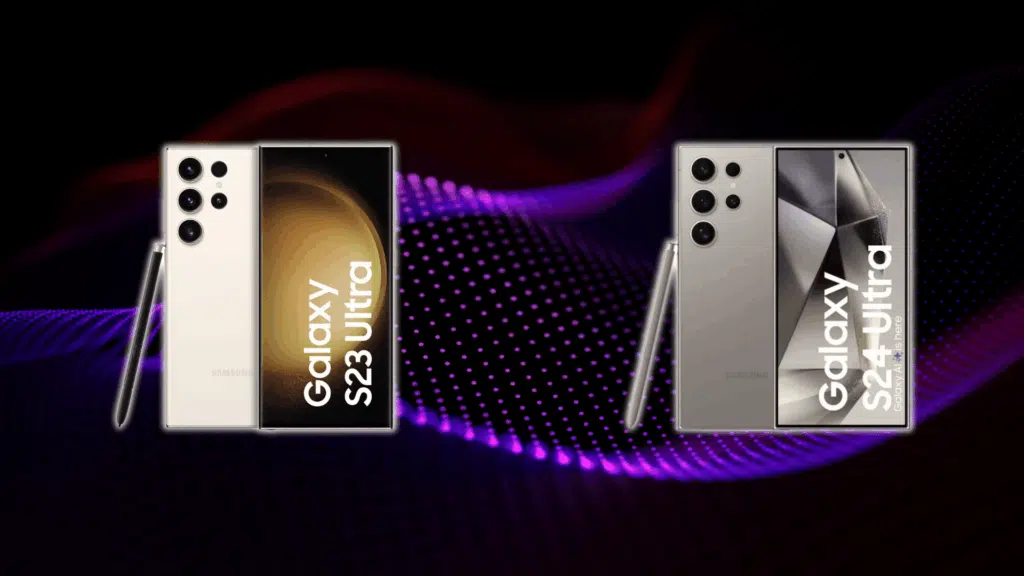
When you’re picking between the S23 Ultra, the newer S24, and the S24 Ultra, it helps to see them side by side on the core things that matter.
| Category | Galaxy S23 Ultra | Galaxy S24 | Galaxy S24 Ultra |
|---|---|---|---|
| Performance | Snapdragon 8 Gen 2 • Strong in daily use and gaming | Snapdragon latest Gen • Slightly better efficiency | Snapdragon latest Gen • Best in class performance |
| Camera | 200MP main • Good zoom (3x & 10x) | Standard multi-lens • No massive zoom | Improved sensors • Better zoom clarity and low light |
| Display | 6.8″ Dynamic AMOLED 2X • 120Hz • Curved edges | Smaller display • 120Hz flat | Big display • 120Hz • Brighter than S23 |
| Battery | 5000mAh • Solid endurance for a day | Smaller battery • Day usage | Big battery • Slightly longer life than S23 |
| Price | Best value now (especially refurbished) | Cheapest new option | Most expensive but top features |
Final Verdict: Who the S23 Ultra is Best For
- Mobile photographers: The 200MP camera and strong zoom make it easy to get sharp shots without carrying real camera gear.
- Gamers: The Snapdragon 8 Gen 2 still runs big games smoothly in 2025 with steady thermals and no major frame drops.
- Power users: Multitasking feels natural. One UI keeps everything organized, and the phone doesn’t slow down under pressure.
- Students: Great battery, smooth performance, and the S Pen for quick notes make it a strong day-to-day device.
- Everyday casual users: Big screen, simple performance, and reliable battery life make it easy to use even if you don’t push it hard.
If you want something that still feels fast, takes great photos, and holds up through a full day, the S23 Ultra is an easy pick.
Wrapping Up
The Samsung Galaxy S23 Ultra reviews show a phone that still feels dependable in all the ways that matter. What stands out now is how well it balances long-term usability with features people actually use every day.
It’s not about having the newest chip or the brightest screen. It’s about owning something that still feels steady, handles real tasks without fuss, and doesn’t age out quickly.
If you want a device that keeps things simple and powerful at the same time, this one still makes sense.
For more breakdowns like this, check out the other guides on the site. There’s plenty more waiting for you.