




Sending an important document and hearing nothing back is a familiar frustration. The proposal went out three days ago. The contract is somewhere in their inbox. The investor deck was opened maybe.
Following up without knowing whether the document was even read means guessing the timing, guessing the tone, and hoping the conversation lands. Document tracking services remove that guesswork entirely.
They show who opened a document, which pages got attention, how long the recipient stayed, and whether it was forwarded to someone else.
This blog covers the best document tracking services available.
What is Document Tracking?
Document tracking is software that monitors what happens to a document after it is sent.
Not just whether it was delivered but whether it was opened, which pages were read, how long the recipient spent on each section, and whether it was downloaded or forwarded to someone else.
It differs from document management, which focuses on storing and organizing files internally.
Who Needs Document Tracking?
| User Type | Documents They Send | Why They Need Tracking |
|---|---|---|
| Sales Teams | Proposals, pricing sheets, product decks | To see when prospects open files and which pages hold their attention. |
| Startups | Investor decks, financial summaries, fundraising documents | To understand investor interest before sending a follow-up. |
| Agencies | Client proposals, campaign plans, reports | To know which services, prices, or ideas clients reviewed most. |
| Consultants | Strategy decks, project plans, audit reports | To track client interest before meetings or decision calls. |
| Legal Teams | Contracts, agreements, policy documents | To monitor access to sensitive files and reduce sharing risks. |
| Recruiters | Resumes, candidate packets, hiring summaries | To see when clients review candidates and who gets attention. |
| Real Estate Teams | Property brochures, investment reports, listing documents | To track buyer, seller, or investor interest in shared files. |
| Finance Teams | Forecasts, reports, valuation documents | To protect private data and see when stakeholders review key numbers. |
What to Look For in a Document Tracking Service
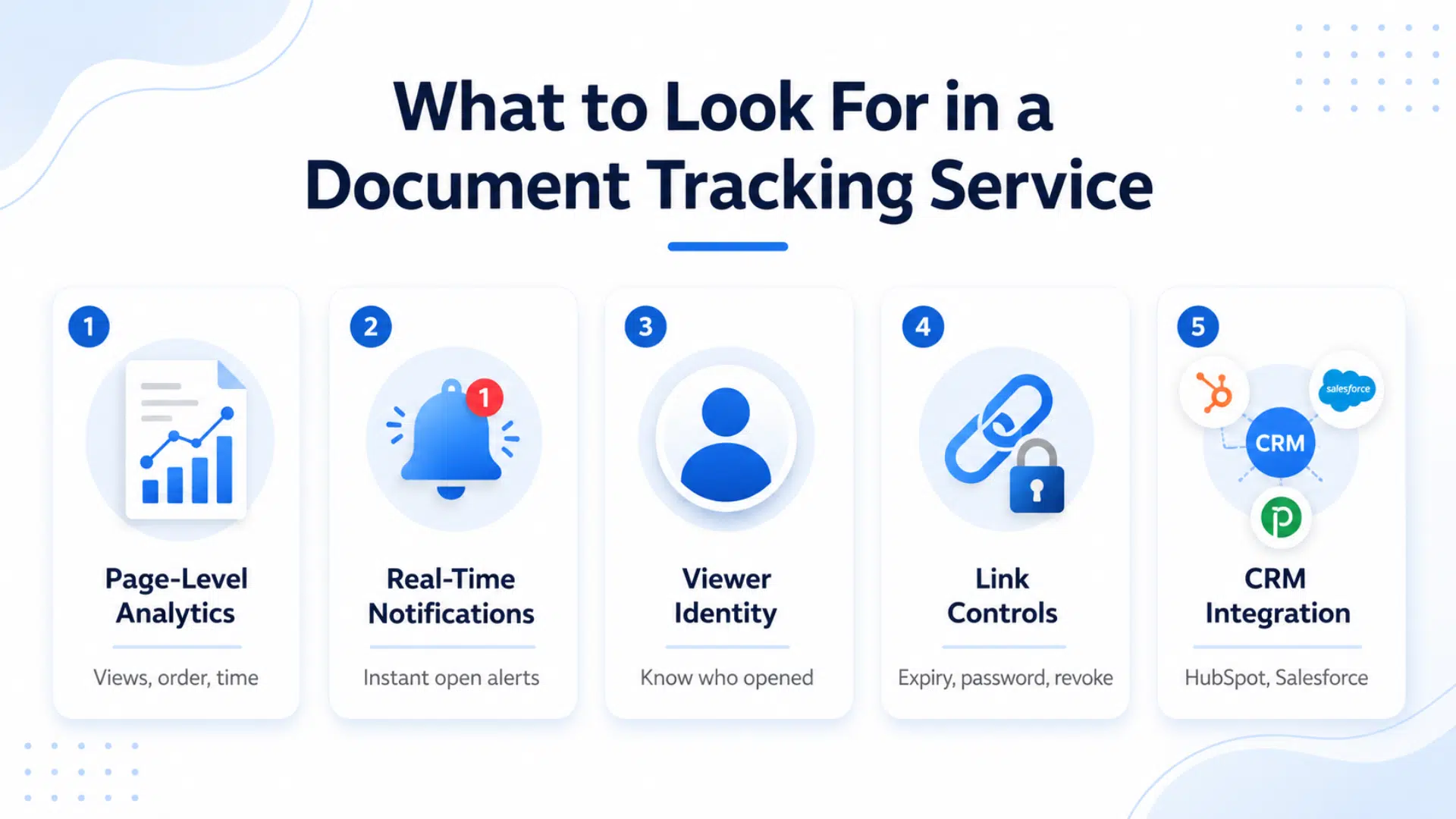
Not all document tracking tools are equal. The gap between basic open tracking and real document intelligence is significant:
- Page-Level Analytics: Shows which pages were viewed, in what order, and for how long.
- Real-Time Notifications: Sends instant alerts when a document is opened.
- Viewer Identity: Identifies who opened the document instead of showing anonymous views.
- Link Controls: Lets you set expiry dates, passwords, or revoke access after sharing.
- CRM Integration: Sends document engagement data directly into tools like HubSpot or Salesforce.
Best Document Tracking Services
The right service depends on what is being sent and who is sending it. The strongest options across different use cases:
1. DocSend
The most widely used dedicated document tracking tool, particularly among sales teams and startups raising funding. DocSend provides page-level analytics, viewer identity, real-time notifications, and strong link controls including expiry dates and passwords.
The analytics dashboard shows time spent per page, drop-off points, and return visits. No free plan but the $15 per month starting price is reasonable for the depth of analytics provided.
2. PandaDoc
The strongest option for teams that need proposal creation and tracking in the same tool. PandaDoc lets users build proposals and contracts from templates, send them with built-in tracking, and collect electronic signatures, all on one platform.
Analytics show who viewed the document, which sections got attention, and how long the review took. Free plan available, paid tiers start at $19 per month.
3. Papermark
The best free option and the only open source tool on this list. Papermark provides page-level analytics, viewer tracking, and link controls without watermarks or heavy restrictions on the free tier.
For individuals, early-stage startups, or teams that need solid tracking without a monthly commitment Papermark covers most use cases well.
4. Proposify
Built specifically for agencies, consultants, and service businesses that send proposals regularly. Proposify combines proposal templates, detailed engagement analytics, and electronic signatures.
Analytics show section-level engagement useful for understanding which parts of a proposal a client focused on before a follow-up call. Starts at $29 per month.
5. HubSpot Documents
The right choice for teams already working inside HubSpot CRM. Document tracking feeds directly into contact records every open and view is logged automatically against the relevant contact.
Analytics are more basic than dedicated tools like DocSend but the CRM integration makes it genuinely useful for sales teams who do not want to manage a separate tool. Available on the free HubSpot plan with limitations.
6. Brieflink
Designed specifically for startups sharing pitch decks with investors. Brieflink provides clean link sharing, page-level analytics, and viewer tracking, with an interface built around the investor-deck use case.
The free tier is genuinely usable and covers most early-stage fundraising needs.
How They Compare
| Service | Best For | Page Analytics | E-Signatures | Free Plan | Starting Price |
|---|---|---|---|---|---|
| DocSend | Sales, investor decks | Yes | No | No | $15/mo |
| PandaDoc | Proposals, contracts | Yes | Yes | Yes | $19/mo |
| Papermark | Budget, open source | Yes | No | Yes | Free |
| Proposify | Agencies, consultants | Yes | Yes | No | $29/mo |
| HubSpot | CRM users | Basic | No | Yes | Free |
| Brieflink | Startups, pitch decks | Yes | No | Yes | Free |
Privacy and Security Considerations
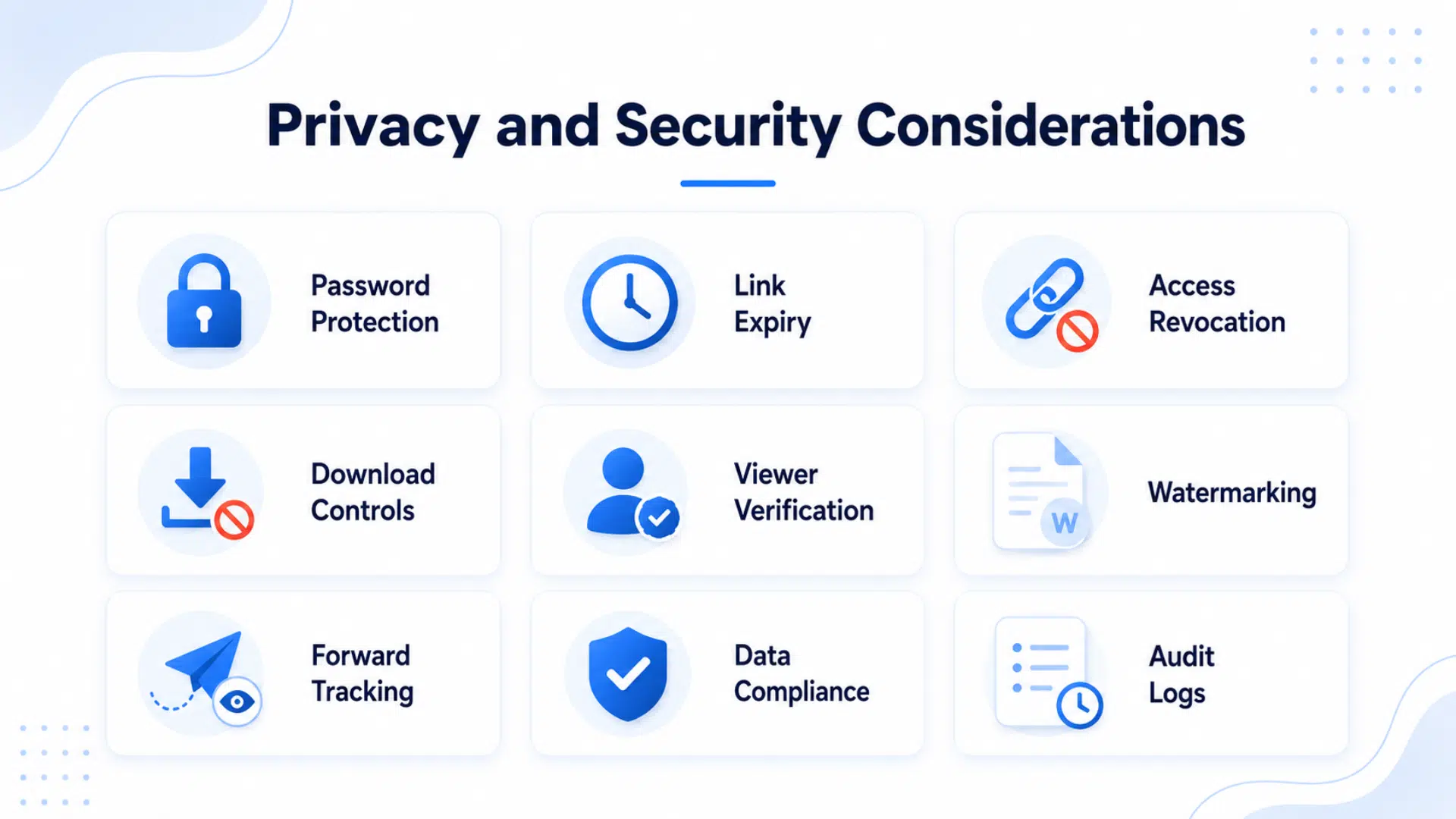
Document tracking gives useful visibility, but it also means sensitive files need stronger controls. Before sharing contracts, reports, decks, or financial documents, check how the tool protects both the file and the viewer data.
- Password Protection: Adds a basic security layer so only people with the password can open the document.
- Link Expiry: Lets you set a deadline for access, which is useful for time-sensitive proposals or private decks.
- Access Revocation: Allows you to turn off a shared link after sending it, even if the recipient still has the URL.
- Download Controls: Helps stop recipients from saving a copy when you only want them to view the file online.
- Viewer Verification: Shows who opened the document instead of showing only anonymous views.
- Watermarking: Adds the viewer’s name, email, or company details to the file to reduce careless sharing.
- Forward Tracking: Helps you see if the document was shared with another person or opened from a new location.
- Data Compliance: Check for privacy standards like GDPR, SOC 2, or HIPAA if the document contains personal, legal, health, or financial information.
- Audit Logs: Keeps a record of document activity, including opens, views, downloads, and access changes.
Conclusion
Document tracking services have become a practical necessity for anyone who professionally sends proposals, contracts, decks, or reports.
The right service gives full visibility into what happens after a document is sent, opens, page engagement, time spent, forwards, and that visibility directly improves how documents are managed and followed up on.
Every service covered in this blog does that job reliably. The choice comes down to specific needs whether that is deep analytics, CRM integration, or simply a free tool that works without a monthly commitment.
Pick the one that matches your situation.
Frequently Asked Questions
Can document tracking work with PDF files?
Yes. Most document tracking services including DocSend, Papermark, and PandaDoc support PDF uploads directly. The document is converted into a tracked link that the sender shares instead of attaching the file.
Does the recipient know their document activity is being tracked?
It depends on the tool. Most services do not notify the viewer that tracking is active. Tools that require email entry before viewing are more transparent about data collection.
Is document tracking GDPR compliant?
Most major services have GDPR compliance measures in place but specifics vary. Papermark as an open source tool gives the most control over data.
Can document tracking be used for internal documents?
Most tools on this list are designed for external sharing. For internal document tracking and version control a dedicated document management system is usually more appropriate.