



A failed party invite can ruin a gaming session before it even starts. If your console shows Open, Moderate, Strict, or a numbered result, the label may leave you more confused than informed.
You may ask, “What does NAT type mean,” and why does it affect some games but not your internet speed? I understand how technical router terms can make a simple connection problem feel harder to solve.
Here, you’ll learn what each NAT type represents across PlayStation, Xbox, Nintendo Switch, and PC.
You’ll also see how NAT affects matchmaking, hosting, and voice chat, how to check your current result, and which safe troubleshooting steps can improve a restricted connection.
What NAT Type Means for Your Internet Connection
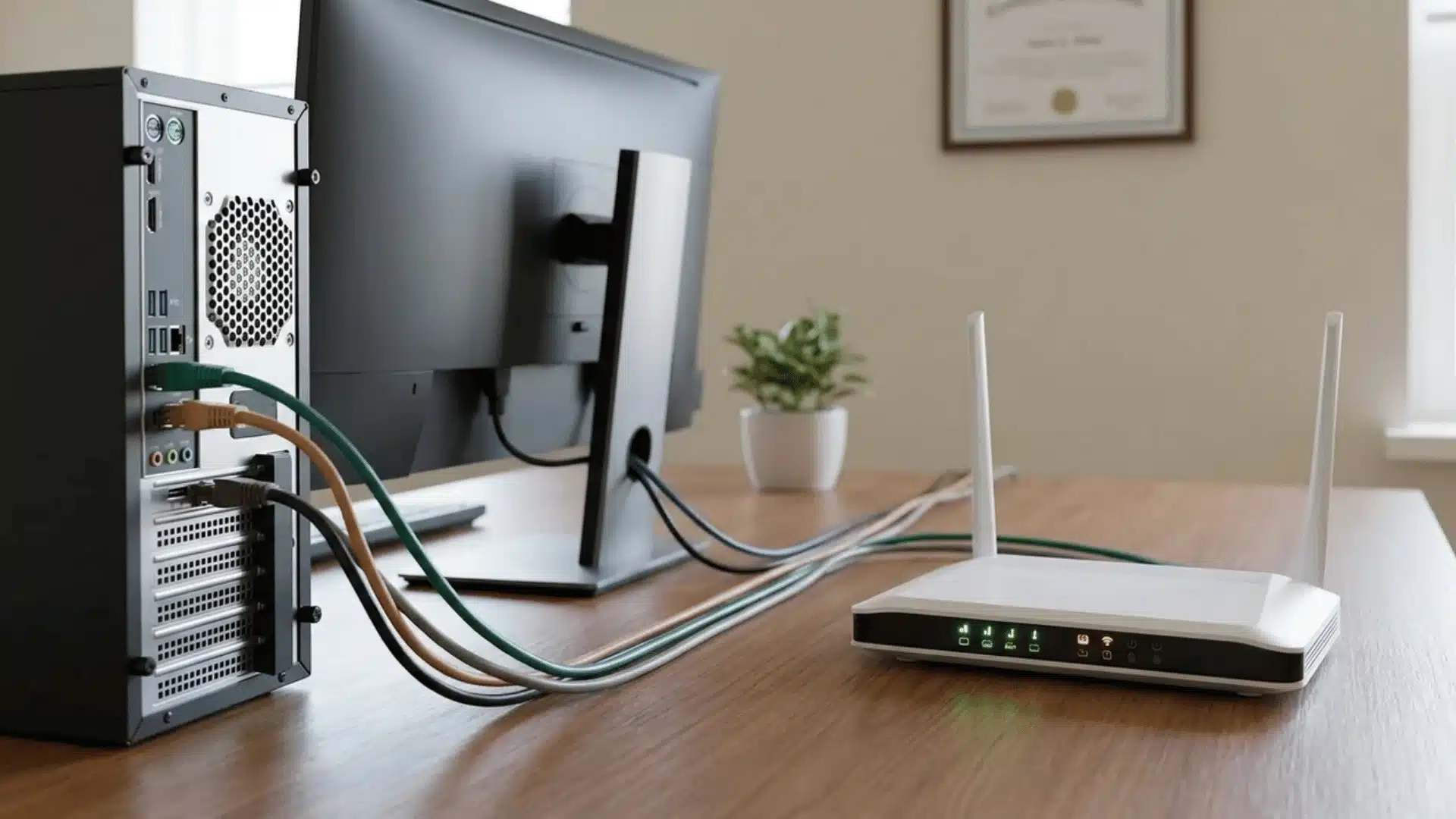
NAT type describes how easily your device can communicate with other devices through a router. NAT stands for Network Address Translation, a process that allows several devices in one home to share a single public IP address.
Your router assigns each device a private address, translates its internet traffic, and controls which incoming connections can reach it. The NAT type shows how restrictive those controls are.
An Open NAT accepts more connections, while Moderate and Strict NAT types apply increasing limitations. These restrictions matter most during online gaming, particularly for matchmaking, hosting multiplayer sessions, joining lobbies, and using party chat.
NAT type does not directly control download speed, upload speed, or ping. These measurements are separate parts of gaming connection performance. However, restrictive NAT can cause failed connections, longer matchmaking times, chat problems, and difficulty playing with certain users online.
Open, Moderate, and Strict NAT Types Compared
NAT types indicate how freely a gaming device can receive connections from other players. The table summarizes the connection compatibility, hosting ability, and common multiplayer experience associated with each type.
| NAT type | Connection compatibility | Hosting ability | Common gaming experience |
|---|---|---|---|
| Open | Connects with Open, Moderate, and Strict NAT | Can usually host matches | Easy matchmaking, reliable party chat, and fewer connection errors |
| Moderate | Connects with Open and most Moderate NAT users | Hosting may be limited | Most games work, but some lobbies or players may remain inaccessible |
| Strict | Usually connects only with Open NAT users | Often cannot host matches | Failed matchmaking, party-chat problems, disconnects, and difficulty joining friends |
An Open NAT provides the widest compatibility, while Moderate NAT is suitable for most gaming sessions. Strict NAT creates the greatest limitations and may require router or network troubleshooting.
What the NAT Type Numbers and Letters Mean
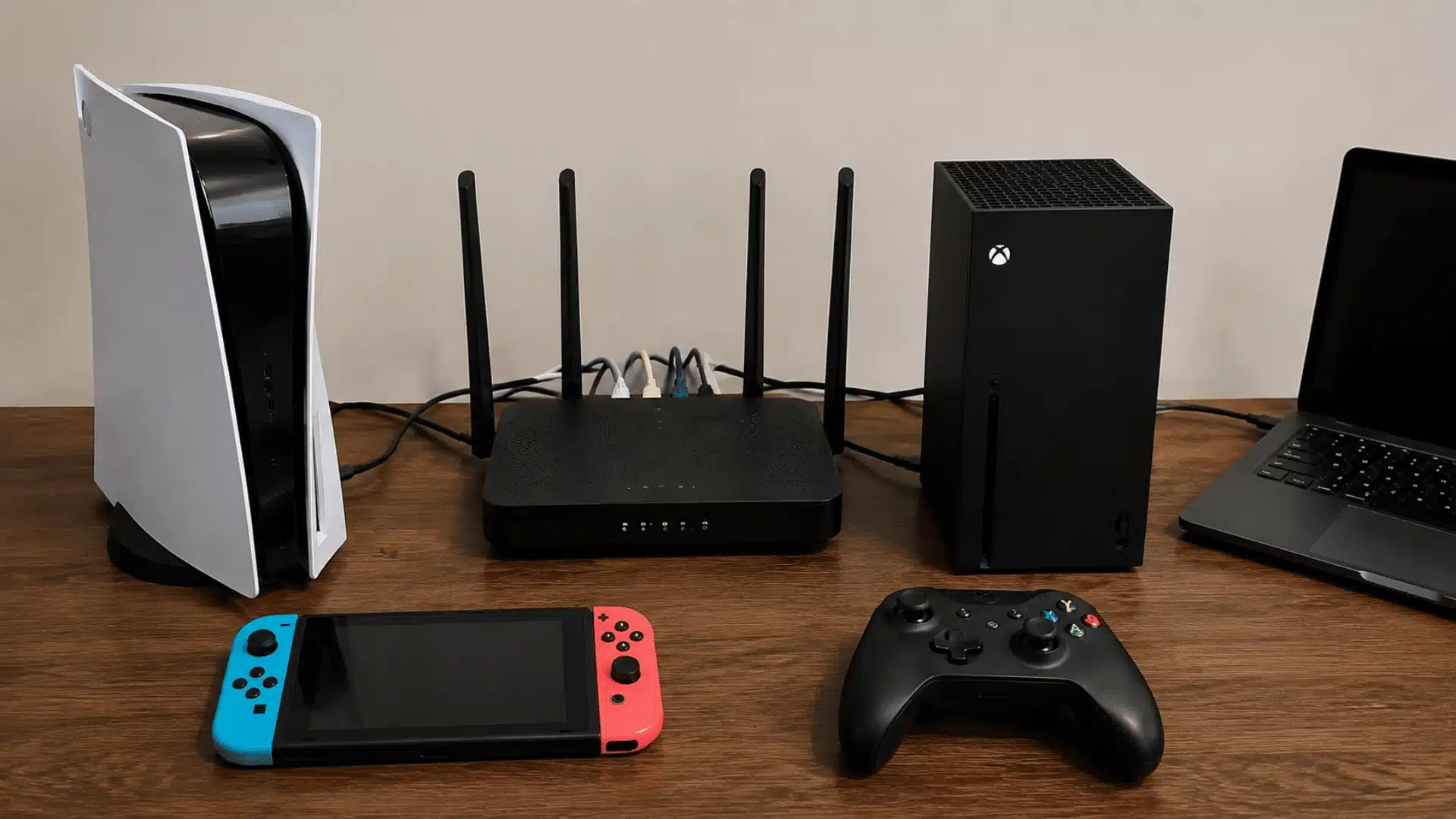
Gaming platforms use different NAT labels, so matching numbers or letters do not always represent the same access level or network configuration.
1. PlayStation NAT Types 1, 2, and 3
PlayStation uses three numbered NAT classifications:
- Type 1: The console connects directly to the internet with minimal filtering.
- Type 2: The console connects through a router that permits necessary gaming traffic.
- Type 3: The connection is heavily restricted and may cause multiplayer or chat problems.
Type 2 is the normal result for most home networks and generally supports reliable gaming. Type 1 is more exposed, while Type 3 may interfere with matchmaking, hosting, invitations, or party communication.
2. Xbox Open, Moderate, and Strict NAT
Xbox uses Open, Moderate, and Strict labels. Open NAT provides the broadest compatibility, allowing players to join matches, host games, and communicate with every NAT type.
Moderate NAT works for most gaming sessions but may limit connections with Strict users. Strict NAT applies the strongest restrictions and can cause failed invitations, unavailable party chat, or matchmaking problems.
If party chat remains unavailable after the NAT issue is resolved, check Xbox headset compatibility because incorrect audio connections or platform support can cause similar communication problems.
These labels measure connection accessibility rather than internet speed, bandwidth, or the overall security of the home network.
3. Nintendo Switch NAT Types A Through F
Nintendo Switch assigns NAT grades ranging from A to F. Types A and B generally provide the strongest peer-to-peer compatibility and support reliable online play. Type C may work for some games but can create connection limitations.
Types D and F indicate more restrictive network conditions and may prevent matchmaking, hosting, or communication with other consoles. Nintendo’s letter grades depend on port behavior and network configuration, so they should not be directly matched with PlayStation’s numbered NAT classifications.
Which NAT Type Is Best for Gaming?
An Open NAT generally provides the broadest compatibility for online gaming because it allows connections with players using Open, Moderate, or Strict configurations.
However, gamers do not need to connect their consoles directly to the internet or remove important router protections.
On PlayStation, Type 2 is usually the best practical result because it supports reliable matchmaking, multiplayer hosting, and party chat through a properly configured router.
Nintendo Switch Type B is similarly suitable for most home networks and online games. Xbox players should generally aim for Open, although Moderate may work without noticeable problems.
The ideal NAT type therefore combines strong gaming compatibility with normal firewall protection. If games, lobbies, and voice chat work correctly, there is usually no reason to weaken network security merely to obtain a different label.
How NAT Type Affects Online Gaming
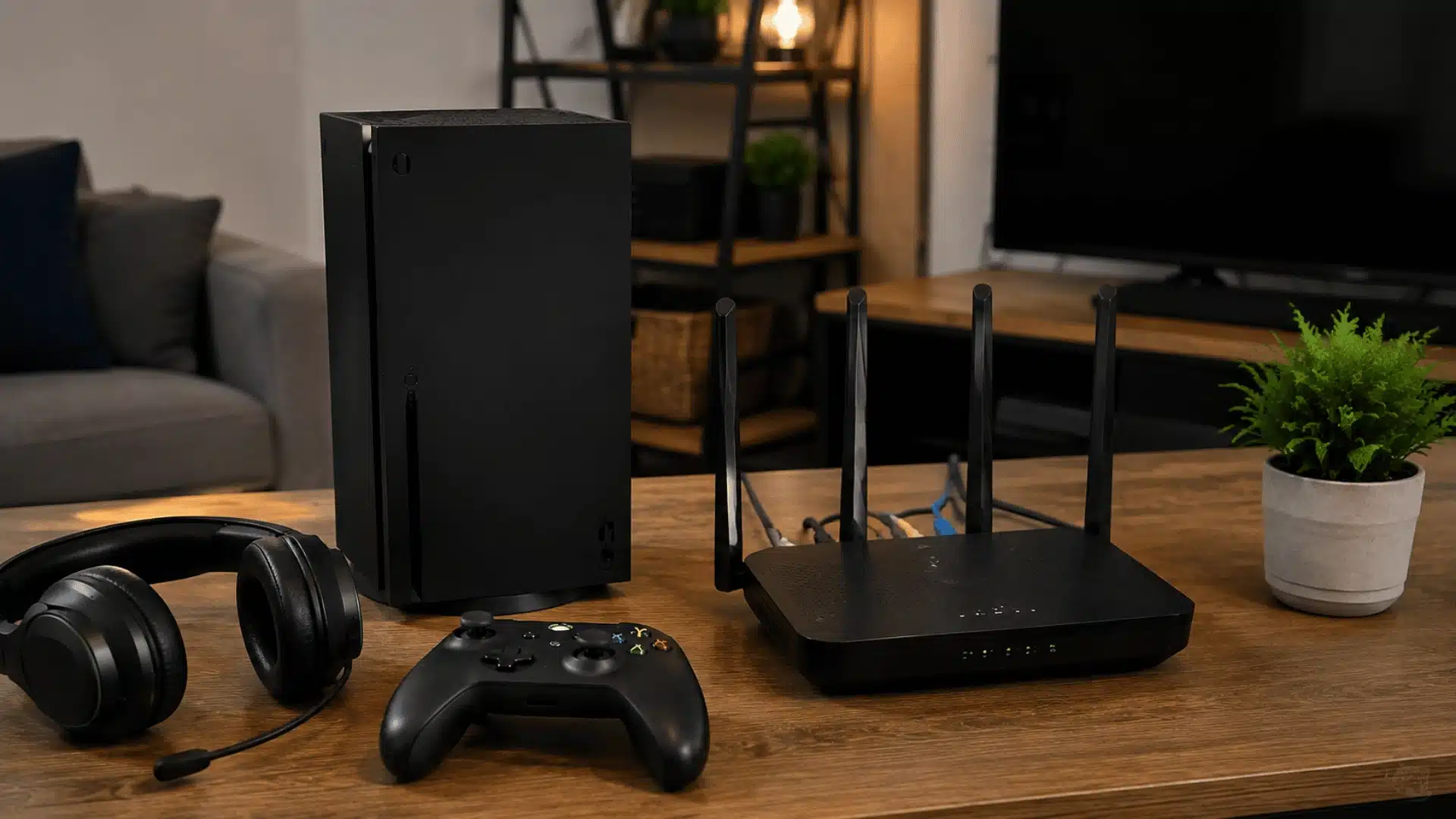
NAT type influences who players can connect with, who can host matches, and how reliably multiplayer communication features work online.
1. Matchmaking and Joining Lobbies
Online games often connect players directly for matchmaking or lobby functions. If two devices both use restrictive NAT settings, their routers may reject the incoming connection requests needed to establish a session.
As a result, friends may appear unavailable, invitations may fail, or matchmaking may take longer. Players with Open NAT can usually connect with every other NAT category successfully.
2. Hosting Multiplayer Games
Hosting a peer-to-peer multiplayer match requires the gaming device to accept incoming connections from other players. Moderate or Strict NAT can block the ports or connection requests used for this purpose.
The game may select another player as host, prevent the session from starting, or disconnect participants. Dedicated-server games are generally less affected because players connect through centralized servers.
3. Party Chat and Voice Communication
Games and voice chat may use different ports, services, or connection methods. A player might therefore enter a multiplayer match but still be unable to hear certain teammates or speak in the party.
Restrictive NAT can cause muted participants, chat connection errors, delayed audio, or repeated disconnections. A suitable gaming microphone setup should also be checked when other players cannot hear one participant, especially if the NAT test shows no restrictions.
4. Lag, Ping, and Download Speed
NAT type does not directly control download speed, upload bandwidth, or ping because those measures depend on the internet connection, network congestion, and distance from servers.
However, unsuccessful direct connections may force traffic through relay servers or cause repeated reconnection attempts. These extra steps can make gameplay, chat, or matchmaking feel slower or less stable despite otherwise acceptable internet performance.
How to Check NAT Type on Your Device
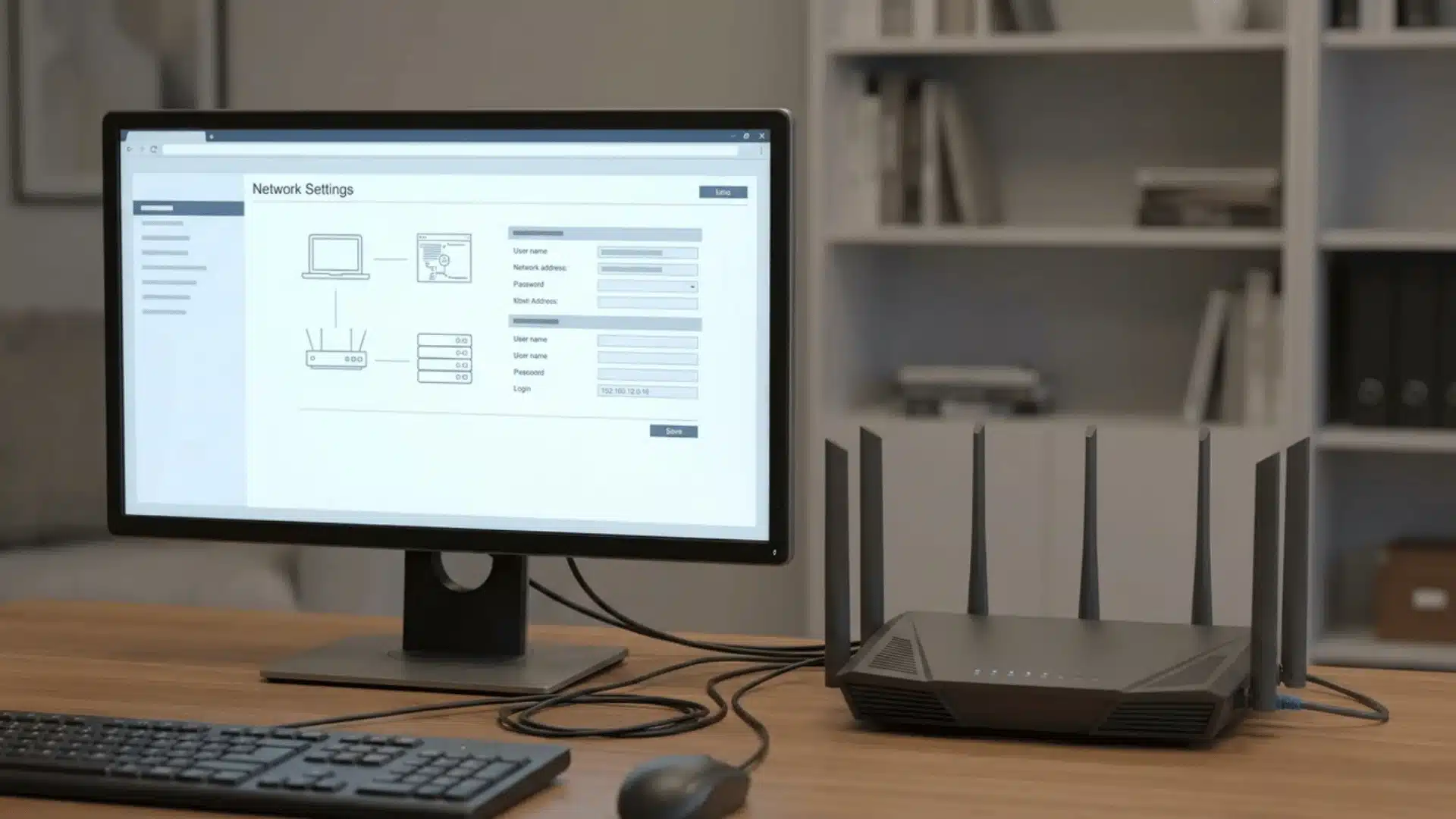
The steps for checking NAT type vary by platform. Use the appropriate network settings or connection test below to identify the status currently assigned to your gaming device or computer.
- Xbox: Open Settings > General > Network settings, then check the NAT Type field or select Test NAT type to run another test.
- PlayStation: Open Settings > Network > Connection Status, then select Test Internet Connection to view NAT Type 1, 2, or 3.
- Nintendo Switch: Open System Settings > Internet > Test Connection. The results will display a NAT grade ranging from Type A to Type F.
- PC: To learn how to check NAT type on PC, open the network status inside your game or gaming launcher. Windows does not display one universal NAT label, so you may need to check the router settings or use a reputable NAT-checking tool.
Check the result while connected to the network normally used for gaming. Testing through another Wi-Fi network, mobile hotspot, or VPN may produce a different NAT type or grade result.
Why Your NAT Type Is Moderate or Strict
A Moderate or Strict NAT type usually means the router or wider network is limiting incoming connections. This can happen when UPnP is disabled, outdated, or unable to create the required port mappings.
Game and platform ports may also be blocked by router rules or firewall settings. Homes using two routers can develop double NAT because both devices translate the same traffic. Some internet providers use carrier-grade NAT, which places several customers behind one shared public address.
VPNs, mobile hotspots, dorm networks, hotels, and workplace connections may impose similar restrictions. NAT problems can also occur when several consoles need the same ports simultaneously.
Identifying the specific cause matters because enabling UPnP will not solve provider-level CGNAT, double NAT, or restrictions controlled by a shared network administrator. A router restart may only provide temporary improvement.
How to Change a Strict NAT Type
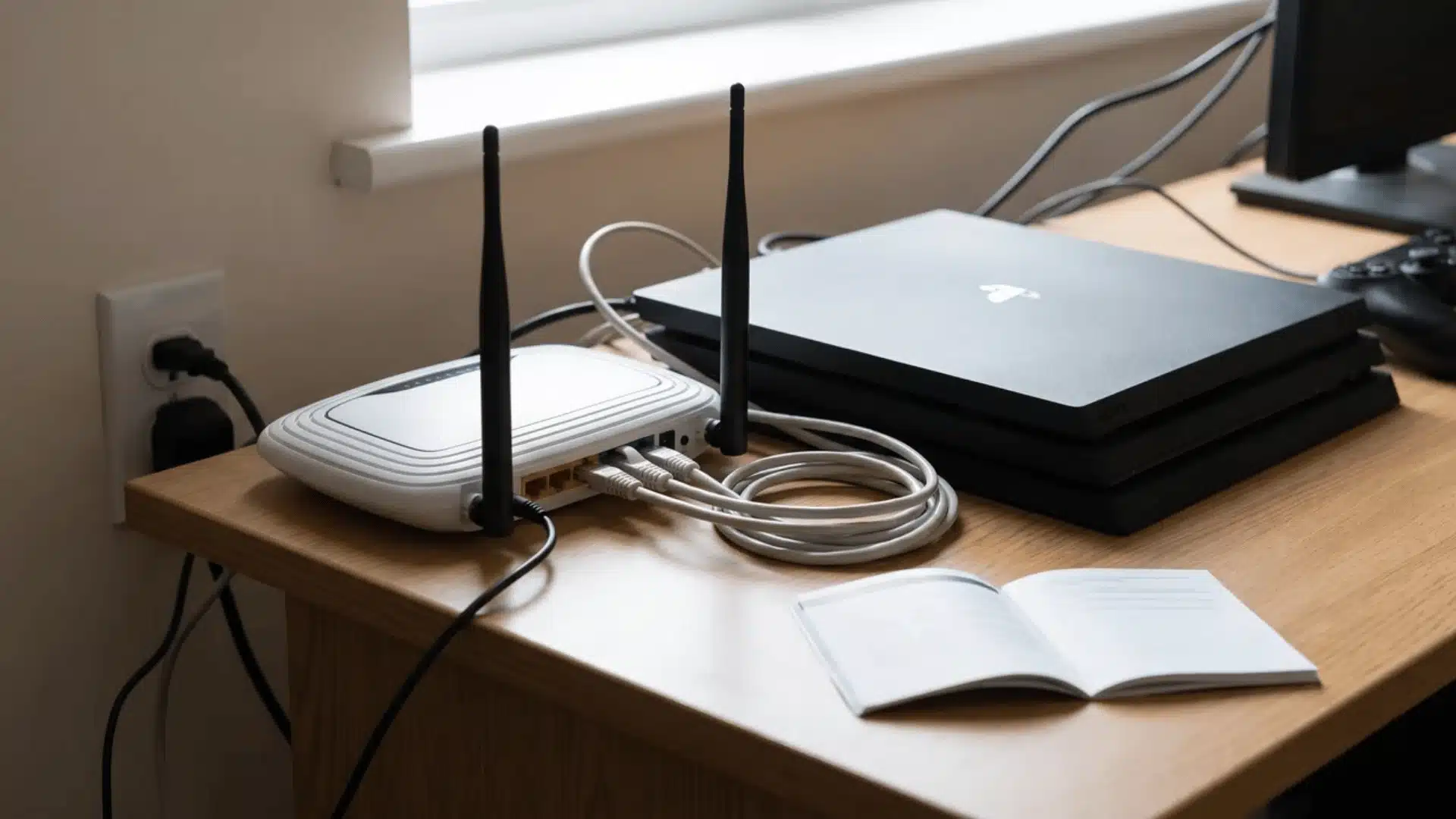
Start with basic connection resets, then move toward router or provider changes only when simpler fixes do not improve NAT.
1. Restart the Router and Gaming Device
Restarting the router clears temporary connection data and rebuilds automatic port mappings, while restarting the gaming device refreshes its network session. Turn both devices off, unplug the router for about thirty seconds, and reconnect it.
After internet service returns, restart the console or computer and test NAT again before manually changing any advanced network settings in the router administration page.
2. Enable UPnP in the Router
UPnP allows a game or console to request the ports it needs automatically instead of requiring manual forwarding rules. Sign in to the router administration page, locate UPnP, enable it, and restart the network.
Use this feature only on a trusted home network with updated router firmware because connected devices can request their own openings through the firewall when needed.
3. Remove a Double NAT Setup
Double NAT occurs when traffic passes through two routing devices, such as an ISP gateway and a separate wireless router. Connect the gaming device to the primary router or place one router in bridge or access-point mode.
This leaves one device responsible for address translation, reducing port conflicts. Confirm the correct setup instructions with the equipment provider before changing modes.
4. Reserve a Local IP Address
A DHCP reservation keeps the console or computer on the same private local IP address whenever it reconnects. This stability is important for port forwarding because router rules must continue pointing toward the correct device.
Create the reservation through the router using the device’s MAC address, then restart the device and verify that its assigned address remains unchanged afterward online.
5. Forward the Required Ports
Manual port forwarding directs specified incoming gaming traffic to one reserved local IP address. Find the exact TCP and UDP ports in official documentation for the console, game, or service, then create only those rules.
Avoid forwarding the same port to multiple devices or keeping conflicting manual and automatic mappings. Duplicate rules can produce connection problems instead of resolving them.
6. Contact the Internet Provider About CGNAT
Compare the WAN address shown in the router with the public IP reported by a trusted lookup service. If they differ or the router shows a private or shared address, the provider may use carrier-grade NAT.
Contact the provider, explain the gaming problem, and ask whether a public IPv4 address is available. This option may require an additional monthly fee.
7. Use DMZ Only as a Last Resort
A router DMZ sends most unsolicited incoming traffic to one chosen device, bypassing many normal firewall protections. Use it only after safer options fail and only for a dedicated console if official support recommends it.
Never place a general-purpose computer in the DMZ because personal files, apps, and services receive greater exposure. Remove the setting immediately after testing is completed.
When to Contact Your ISP or Router Manufacturer
Contact your internet service provider when Strict NAT continues after basic restarts and safe router adjustments or when every device experiences connection problems.
The ISP can confirm carrier-grade NAT, WAN address changes, service outages, or restrictions on public IPv4 access. It can also help remove double NAT caused by an ISP-supplied gateway or enable bridge mode.
Contact the router manufacturer if administration controls are missing, UPnP repeatedly fails, firmware will not update, or the router loses saved settings. Manufacturer support can check model-specific menus, firmware defects, and hardware faults.
Before calling, record the router model, firmware version, NAT result, WAN address, and steps already attempted. Avoid sharing passwords or full public IP details with unverified support representatives online during troubleshooting.
Make Sense of Your NAT Type
NAT type is really a measure of connection access, not a score for internet speed. Once you understand what the labels represent, it becomes easier to judge whether a network change is needed.
Open NAT offers broad compatibility, while Moderate often works well and Strict can limit matchmaking, hosting, or party chat. PlayStation, Xbox, and Nintendo use different labels, so you should read each result.
If you ask, “What does NAT type mean?” focus on whether you can join friends and communicate reliably.
I recommend restarting, then checking UPnP, double NAT, or CGNAT before using advanced settings. Test these steps and share which fix improved your connection.
Frequently Asked Questions
What NAT type should I be on?
Open is the best NAT type for online gaming, since it allows the most direct connections with other players and reduces lag or matchmaking issues. Moderate is usually workable but can cause occasional connection problems. Strict is the most restrictive and often results in failed matchmaking, voice chat issues, or inability to join certain lobbies.
Should I have NAT on or off?
NAT itself shouldn’t be turned off; it’s a core function that lets multiple devices share a single public IP address, and turning it off isn’t a typical router option. What you actually want to adjust is your NAT type’s restrictiveness, using methods like UPnP or port forwarding, rather than trying to disable NAT altogether.
Can Windows show my NAT type?
No built-in Windows tool, including Command Prompt commands like ipconfig, displays your NAT type. Those commands only show IP address and network configuration details. To actually see your NAT type, check the specific game or app you’re using, or run a dedicated web-based NAT-checking tool instead.
Does NAT type affect all my games the same way?
No. NAT type on PC is handled per application, not system-wide, so one game can report Open while another reports Strict on the same network and router. This happens because each developer builds their own method for detecting and displaying NAT behavior, rather than relying on one shared system setting.