

I used to think smartwatch compatibility was mostly about Bluetooth. If two devices could connect wirelessly, it felt like they should be able to share features without much trouble.
Apple Watch breaks that assumption. The limitation isn’t the wireless connection itself, it’s that the watch depends on Apple’s software, apps, and account system, and that dependency is what determines what happens when you try pairing it with a phone running Android.
If you’ve searched “does iWatch work with Android,” this is what’s actually possible, where the limits are, and whether pairing an Apple Watch with an Android phone is worth the effort.
Does an Apple Watch Work with an Android Phone?
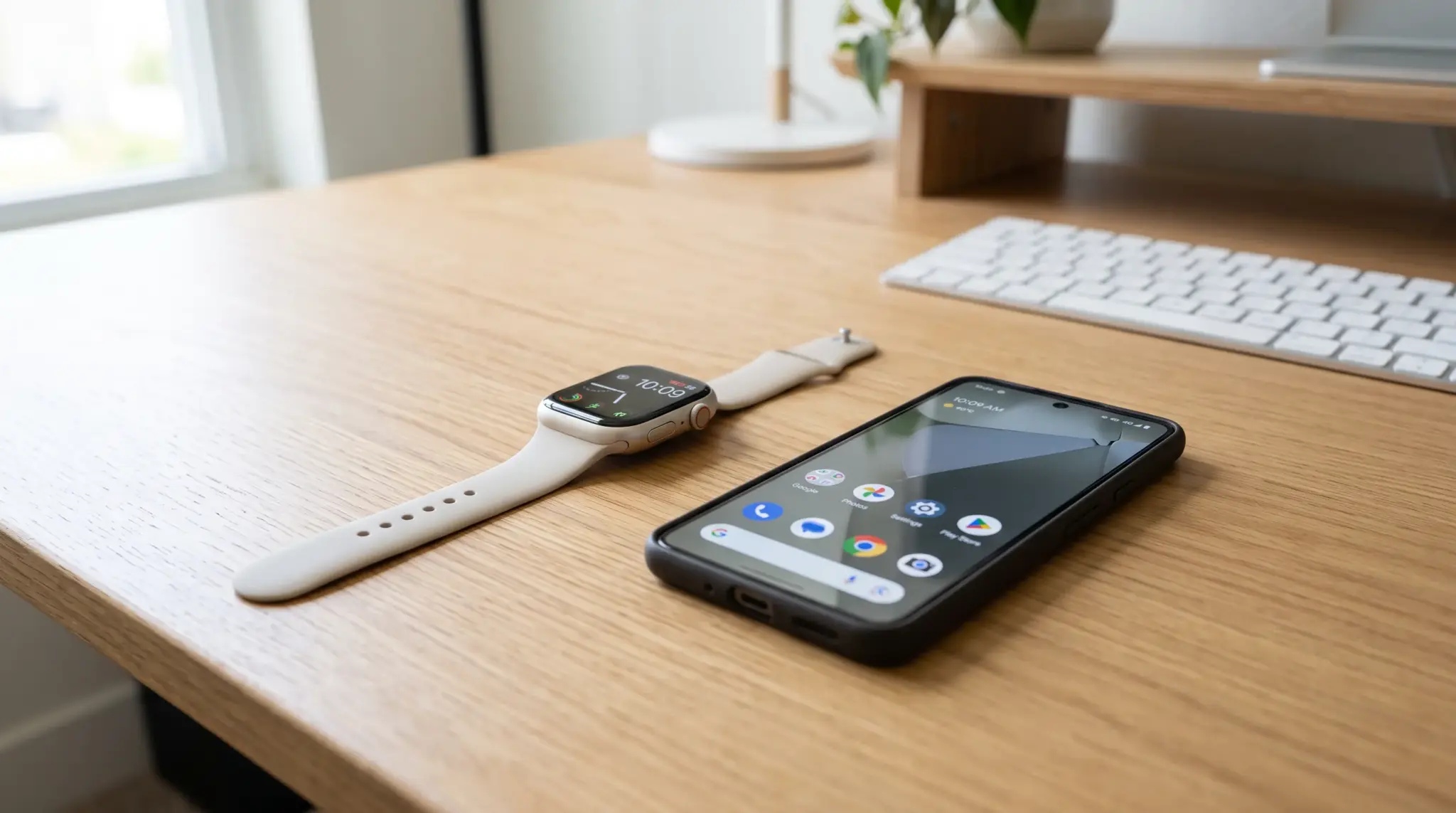
No, Apple Watch does not officially work with Android phones. It pairs with an iPhone through the Apple Watch app, and there is no Android equivalent of that app or setup process.
Setup requires an iPhone to activate the watch, connect it to an Apple Account, install updates, manage settings, and sync data. An Android phone can’t stand in for that process because it has no access to Apple’s Watch app or the services behind it.
The one exception is a cellular Apple Watch that’s already been activated through an iPhone. Once that’s done, some cellular features can keep working on their own, but the watch still isn’t paired with the Android phone, it’s just operating independently of any phone at all.
So the real answer to “does iWatch work with Android” isn’t a Bluetooth question. It’s an ecosystem question, and Apple built the ecosystem to keep the answer no.
How People Get an Apple Watch Working with Android
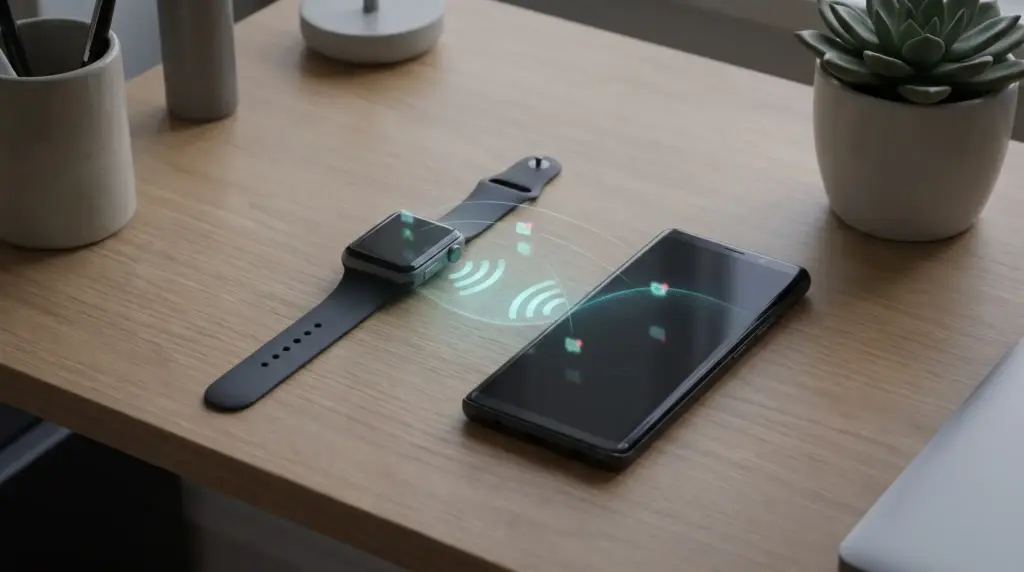
There are two workarounds people actually use: the SIM-swap method for cellular models, and third-party Bluetooth bridging apps. Neither is officially supported by Apple, and both require access to an iPhone at some point in the process.
How well either one works depends on the Apple Watch model, the Android phone, carrier support, and which features you actually care about. They can cover some ground. They don’t come close to full compatibility.
SIM-Swap Method (Cellular Models Only)
This one only works with cellular Apple Watch models, since those can connect directly to a mobile network once activated.
You activate the watch using an iPhone first, then move the phone’s SIM card back into your Android device.
The process looks like this:
- Use a compatible iPhone to pair and activate the cellular Apple Watch.
- Set up the watch’s cellular connection through a supported carrier.
- Confirm that calls and cellular features work correctly.
- Move your SIM card back to your Android phone.
- Test the Apple Watch connection separately.
After that, the watch can keep handling calls, downloaded music, workouts, and some fitness tracking on its own.
What it won’t do is talk to the Android phone. Notifications, app management, software updates, and most Apple services stay tied to the original iPhone setup, permanently.
Third-Party App Bridging (Merge and Similar Tools)
Some third-party apps try to bridge the gap by relaying limited information between an Android phone and an Apple Watch.
Merge is the most commonly used example. It focuses on notifications, calls, battery status, and a handful of basic data points.
These tools can be worth trying if you already own an Apple Watch and just need a few specific functions. They are not a substitute for real pairing with watchOS, and they never will be.
Check compatibility with your specific Apple Watch model, Android version, and watchOS version before relying on one of these. A watchOS update can quietly break the bridge without warning.
Why Apple Watch Workarounds Are Limited
The bottleneck isn’t Bluetooth. It’s how Apple activates and manages the watch through the iPhone in the first place.
During setup, Apple Watch ties itself to an Apple Account and iCloud connection created on the iPhone. That link is what gives the watch access to backups, health data, and Apple’s security features, not the Bluetooth radio.
Android has no access to Apple’s Watch app or the services behind it, so no third-party tool can rebuild what depends on that connection.
That’s why some functions carry over and others don’t:
- Notifications and basic data: Often work because they rely on simple relay methods rather than deep account integration.
- Apple Pay: Can’t be recreated, since it depends on Apple’s secure element and account verification.
- iMessage: Requires Apple’s messaging backend and account integration on the phone side.
- Siri: Depends on Apple services that Android has no way to reach.
- HealthKit syncing: Requires Apple’s health platform, which doesn’t exist on Android.
This isn’t a missing app problem. No developer can build an Android app that unlocks full Apple Watch support, because the watch was designed around Apple’s systems from the ground up.
Is Apple Watch Worth It for Android Users?
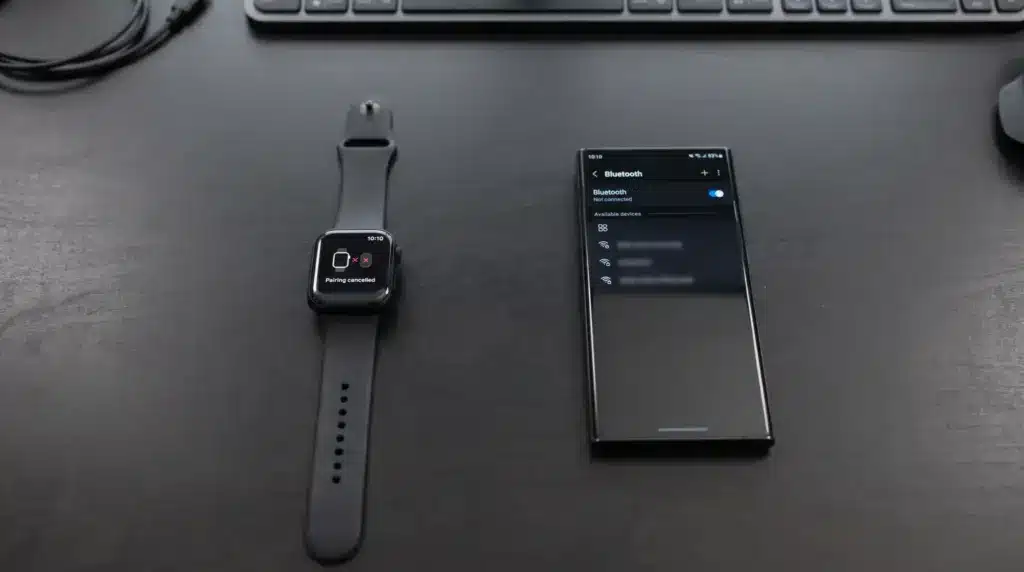
The answer comes down to how much you actually expect from the watch day to day.
If all you want is basic notifications, some fitness tracking, or you already own a cellular Apple Watch from a previous iPhone, a workaround can get you there. It’s a real option once you understand exactly what you’re giving up.
If you want the full smartwatch experience, the math stops working. Payments, health syncing, app support, and reliable phone integration are exactly the pieces that break down when you’re not on an iPhone.
I wouldn’t buy an Apple Watch specifically to pair with an Android phone. The workaround adds extra steps, depends on borrowing or keeping access to an iPhone, and still leaves you short of the experience Apple actually built the watch around.
Which Smartwatches Work Better with Android?
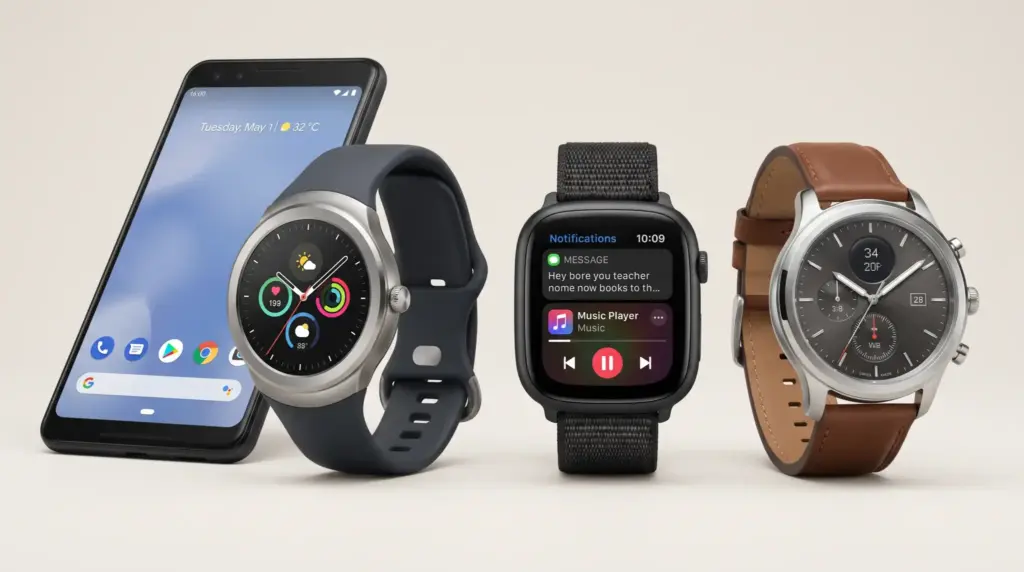
Android users get a smoother experience out of watches built for the same ecosystem from the start. The Galaxy Watch Ultra is a good example of what that deeper integration actually looks like without any workaround involved.
| Smartwatch Family | Best for | Main Advantage |
|---|---|---|
| Samsung Galaxy Watch | Android users who want strong phone integration | Health features, notifications, and Samsung ecosystem support |
| Google Pixel Watch | Google and Pixel ecosystem users | Smooth access to Google apps and services |
| Garmin | Fitness and outdoor users | Advanced tracking tools and long battery life |
| Fitbit | Everyday health tracking | Simple activity, sleep, and wellness features |
| OnePlus Watch | Android users looking for battery life | Long-lasting battery with everyday smartwatch features |
| Amazfit | Budget-focused buyers | Useful smartwatch features at a lower cost |
Check compatibility against your exact Android phone before buying. Health tools especially, and some device-specific functions, vary more between brands than people expect.
Pick a watch built for Android and the workaround problem disappears entirely, you get consistent notifications, apps, updates, and fitness data without any of the patchwork.
The Bottom Line
Apple Watch and Android can interact, but only through workarounds, never through official support. What you get depends entirely on how much functionality you’re willing to sacrifice to make it happen.
For basic notifications, a cellular workaround or a bridging app might cover what you need. If you want real syncing, apps, payments, and health data that actually works, a smartwatch built for Android is the better call, full stop.
Start with the phone you already carry. Matching the watch to that ecosystem avoids the workaround problem entirely instead of managing around it.
Frequently Asked Questions
Can I connect an Apple Watch to Android through Bluetooth?
No. Bluetooth only handles the wireless connection itself. Activation, updates, settings, and syncing all run through Apple’s Watch app, which exists only on iPhone.
Can a cellular Apple Watch work with Android?
It can keep working with limited features after being activated through an iPhone, but it never pairs with Android. Syncing, updates, and most Apple services stay locked to the original setup.
Can I set up an Apple Watch without an iPhone?
No. Setup requires a compatible iPhone for activation. Even the workaround methods need temporary access to one before the watch can run alongside an Android phone in any limited capacity.
Is Apple Watch worth using with an Android phone?
For most people, no. A Samsung Galaxy Watch, Google Pixel Watch, Garmin, or another Android-native smartwatch gets you easier setup and better integration without any of the workarounds this article covers.