How-Tos

Quick, practical guides that make everyday tech problems easy to fix. Learn it fast, use it instantly.

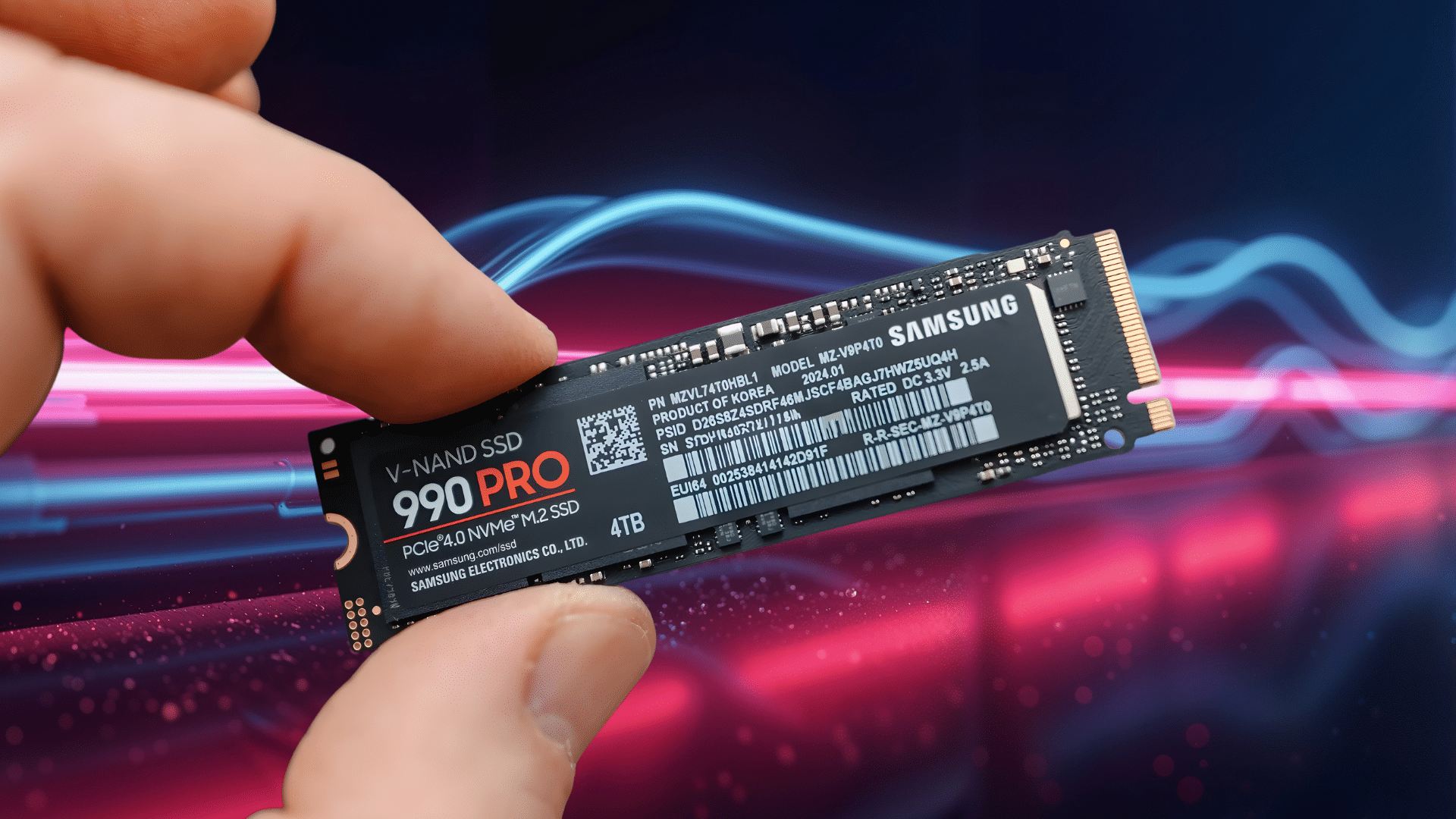
How Much SSD Do I Need: A Complete Guide

Have you ever found your computer slowing down or running out of space faster than expected? You’re not alone; many people underestimate..... See more

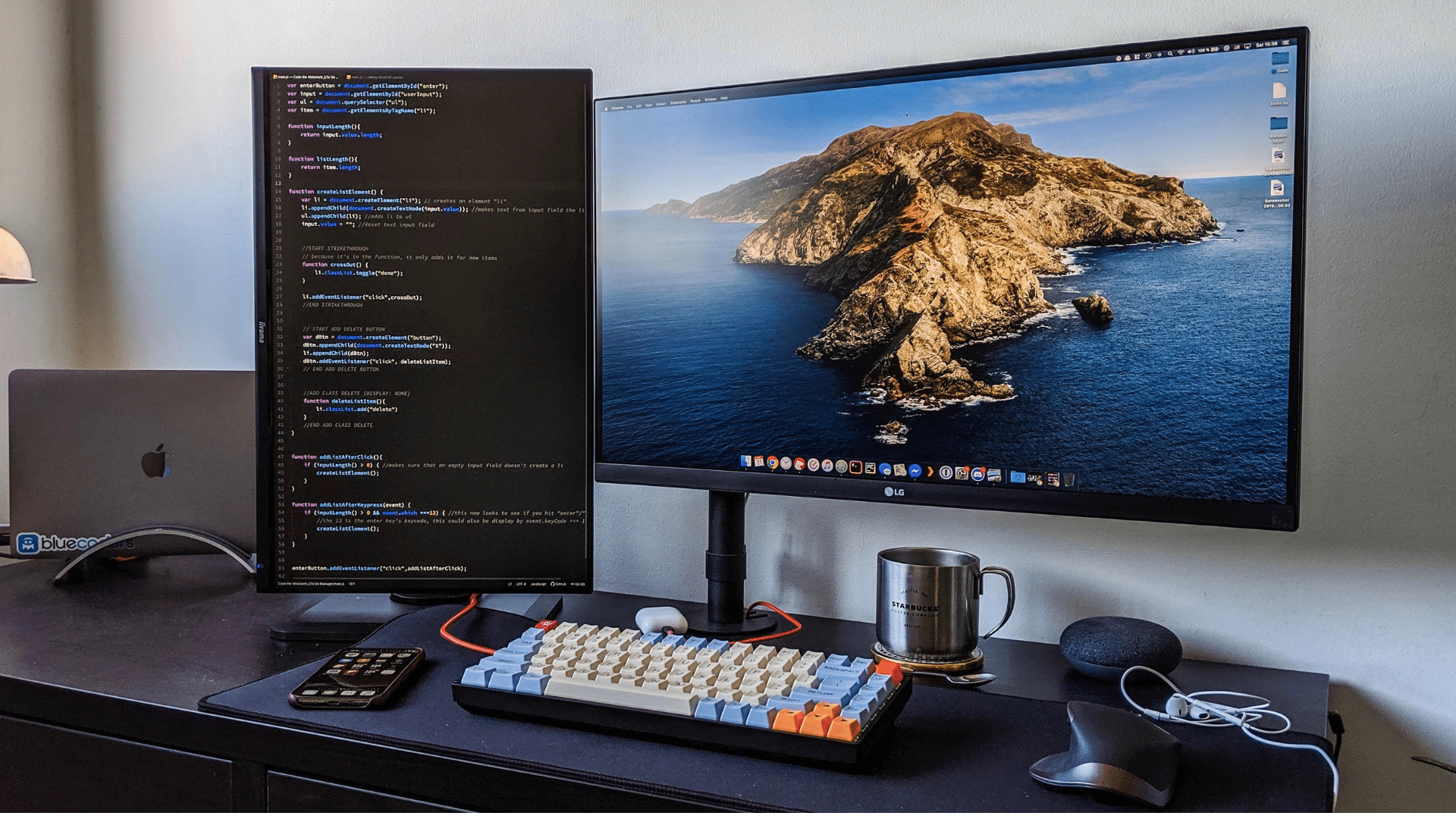
Your Go-To Guide for A Vertical Monitor Setup

If you’ve ever struggled with screen space or endless scrolling, a vertical monitor setup might be the upgrade you didn’t know you..... See more

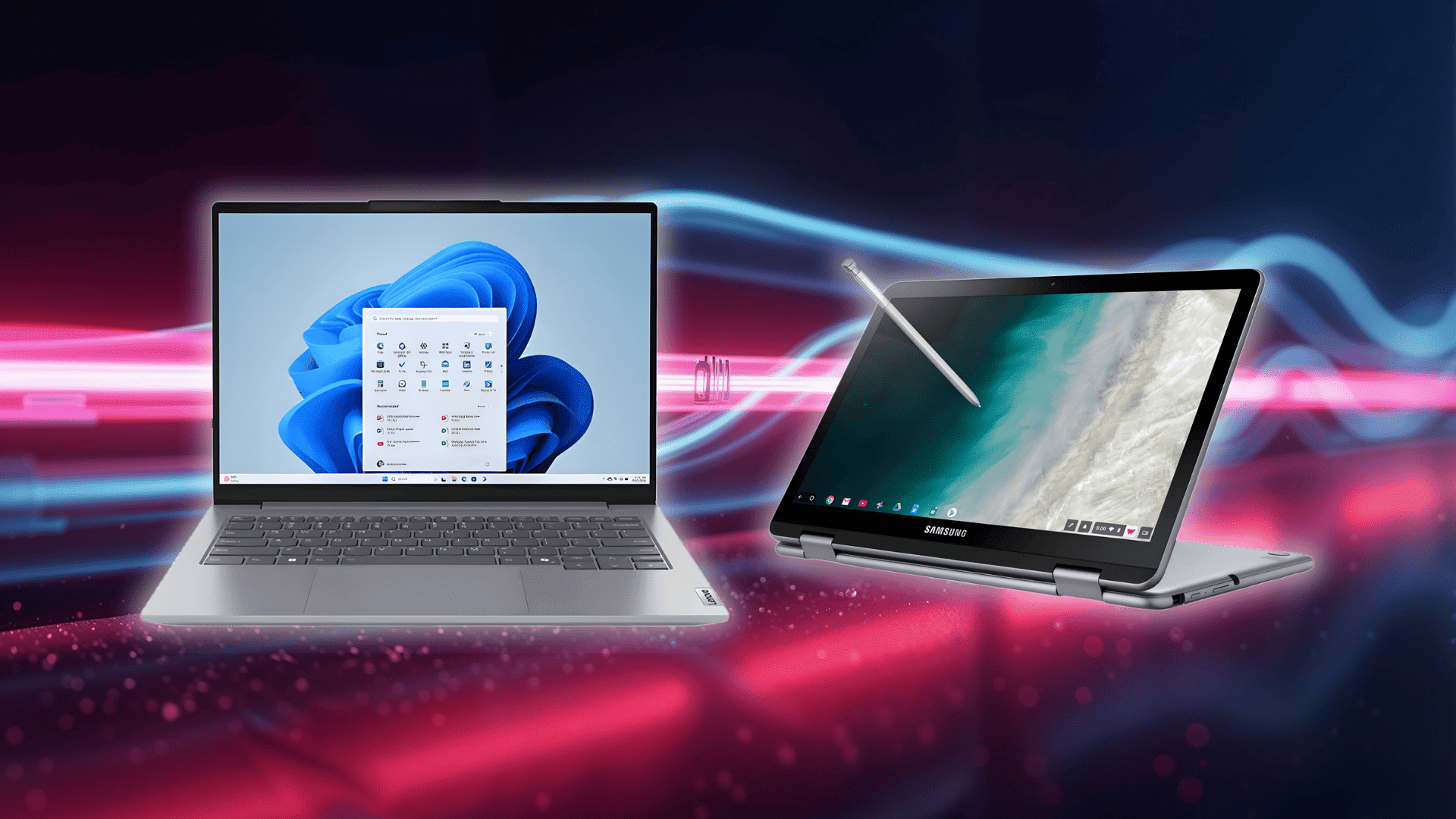
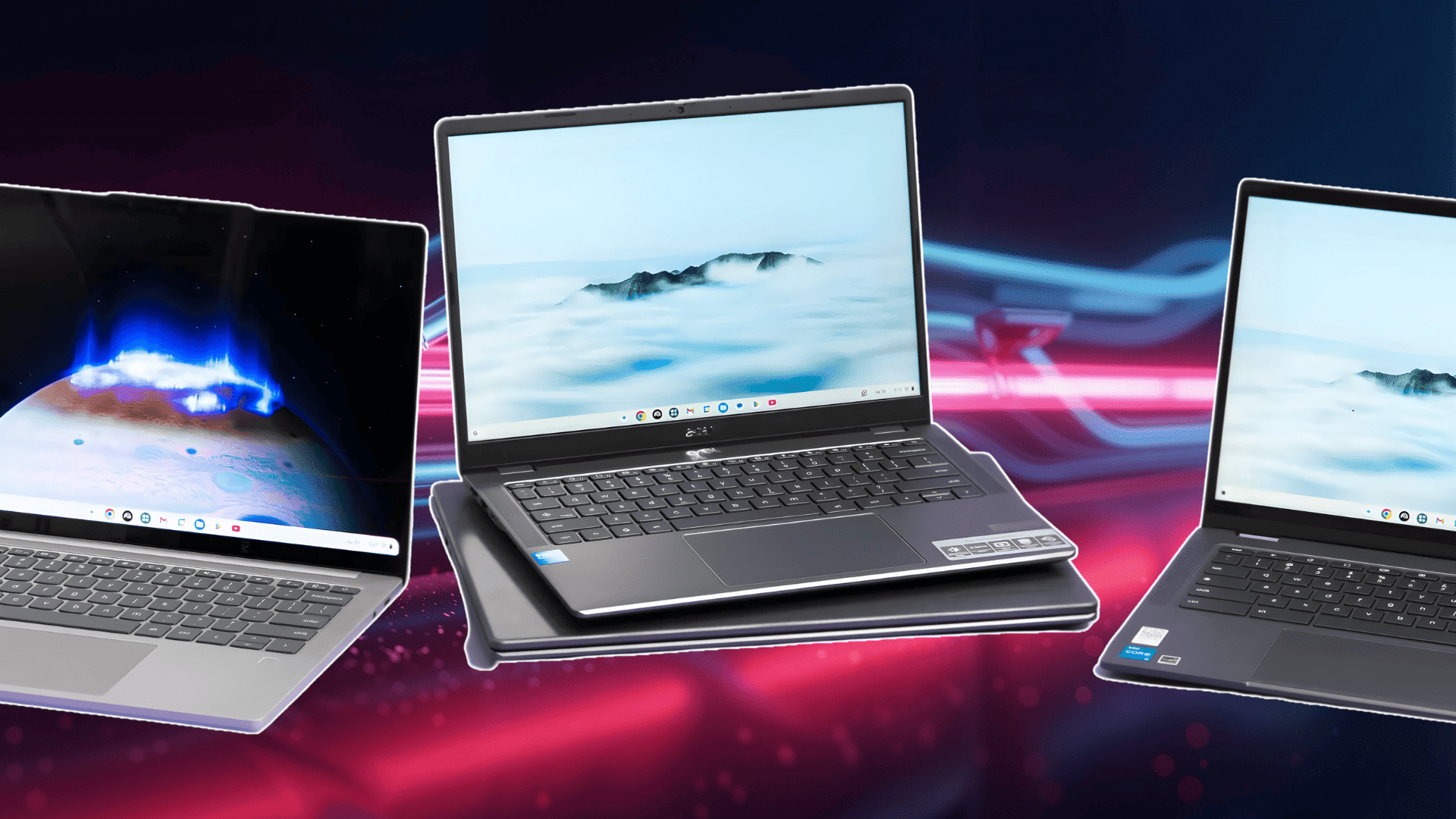
Laptop vs. Chromebook: Which One Fits You Best?

Deciding between a laptop and a Chromebook isn’t always simple- both promise convenience, yet serve completely different needs. I’ve been there too,..... See more

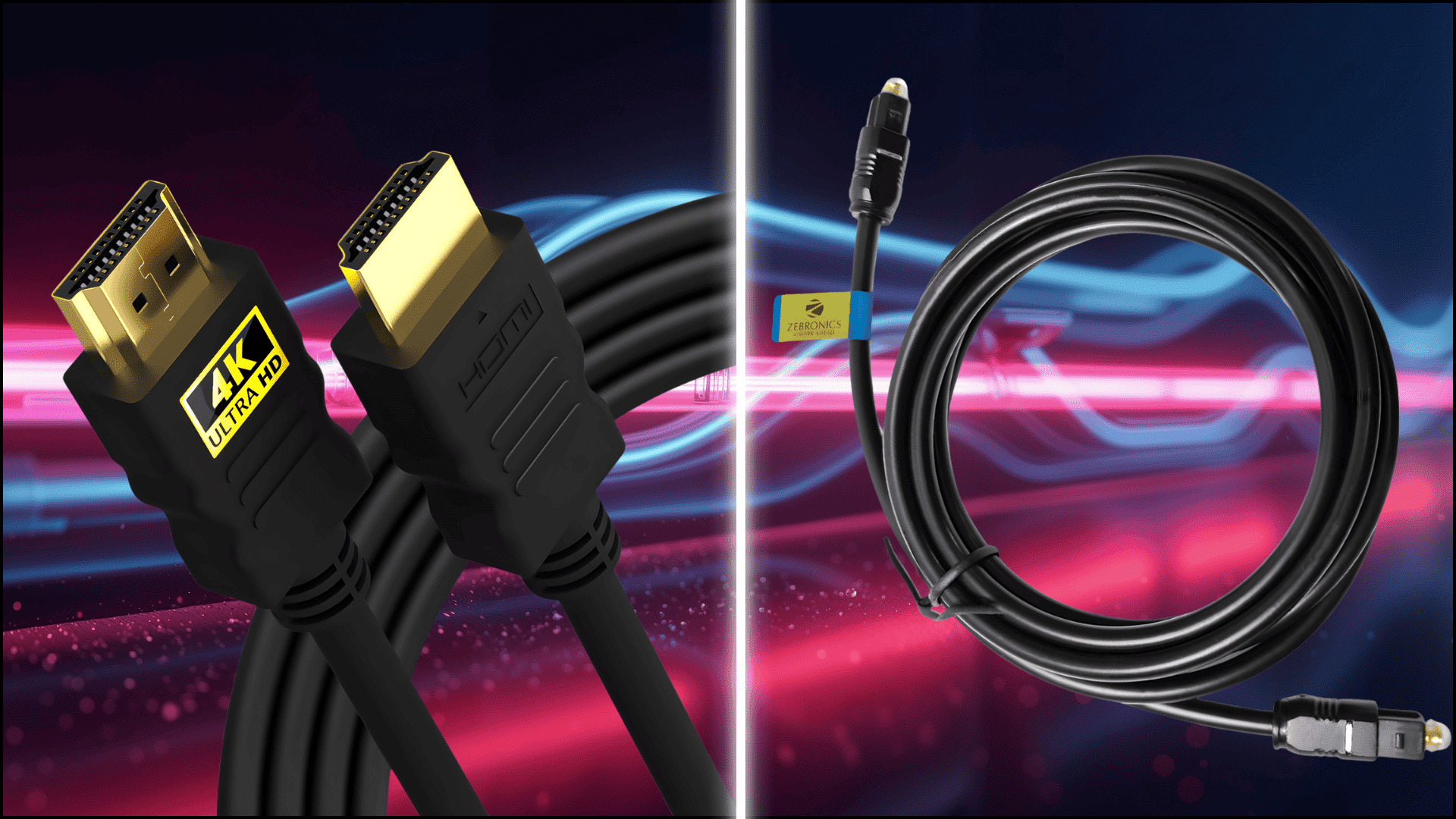
HDMI vs. Optical: Which Sounds Better?

If you’ve ever switched between cables and thought, “Why does my TV or soundbar sound different?”, you’re not alone. I’ve had the..... See more

How to Open Clipboard on Windows & Access History

If you’ve ever copied something on your Windows computer and couldn’t find it again, the clipboard is the secret helper working behind..... See more

Are Chromebooks Good or Just Hype: Let’s Be Honest

If you’ve ever caught yourself thinking, “Are Chromebooks good, or just overhyped?” you’re asking the right question. I had the same doubts..... See more

Simple Steps to Insert Checkboxes in Word

Checkboxes might seem like a small detail, but they make Word documents far more useful and organized. They help structure information, simplify..... See more

Windows Core Isolation Memory Integrity Explained

When I first saw Core Isolation Memory Integrity in my Windows settings, I wasn’t sure what it really did. It sounded technical,..... See more

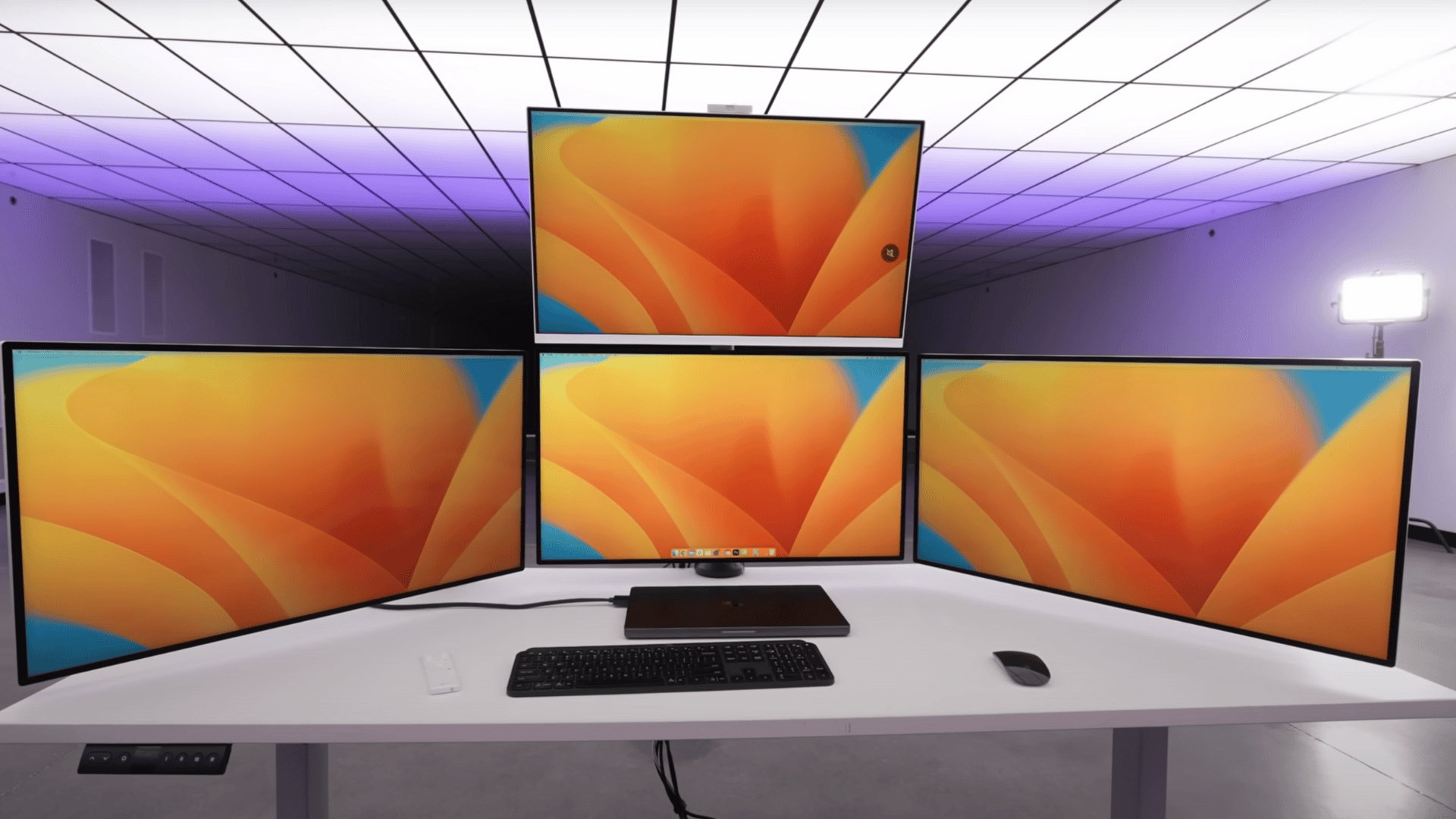
4 Monitor Setup Tips to Boost Productivity

Ever feel like jumping between tabs slows you down, or that one screen just can’t keep up with everything you’ve got going..... See more

As Seen On

metro logo
time logo
cosmopolitan logo
masa logo
us logo

Be the First to Know About New Devices, Breakdowns, and Big Tech Updates