

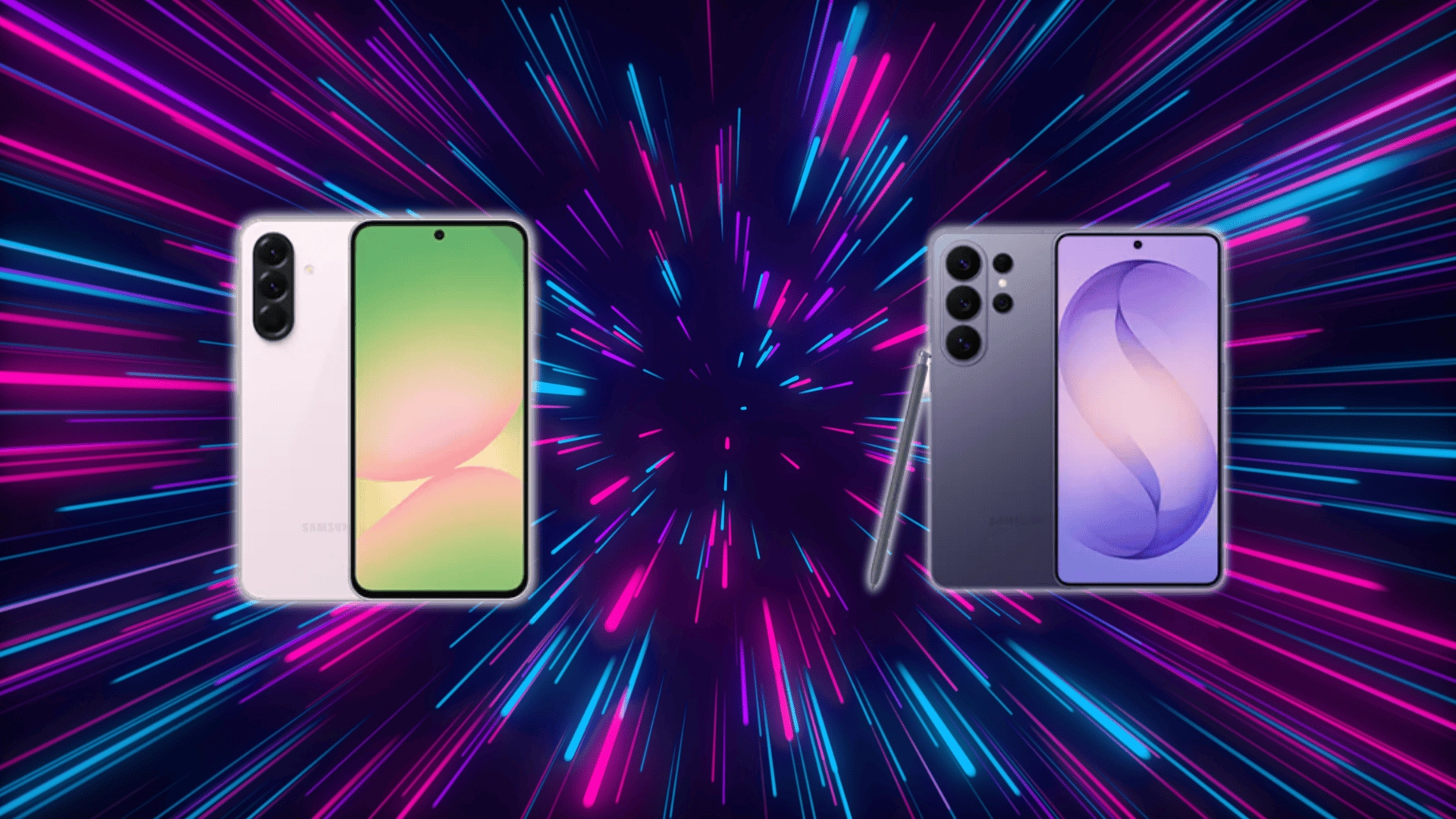


Choosing between Samsung A Series vs. S Series can get confusing, especially when both look similar on the surface but differ where it matters.
The real gap is not just price, but how each phone performs, lasts, and fits your daily needs, especially when you look at what you actually get from a mid-range Galaxy device.
In this article, you will see a clear breakdown of performance, camera, battery, features, and long-term value.
By the end, you will know exactly which series makes more sense for your usage without second-guessing your decision.
Samsung a Series vs. S Series: What Actually Sets Them Apart
The difference comes down to purpose. Samsung builds these series for different types of users.
The Galaxy S Series is the premium lineup. It offers top processors, better cameras, and extra features like wireless charging. It’s built for high performance and heavy use.
The Galaxy A Series is mid-range. It focuses on essential features, stable performance, and strong battery life at a lower price. It handles everyday tasks without issues.
In daily use, the S Series feels faster and performs better under heavy load. The A Series works well for regular use and often lasts longer on a charge.
The key difference is simple: S Series is for performance, A Series is for everyday value.
Performance Differences: Why S Series Feels Faster
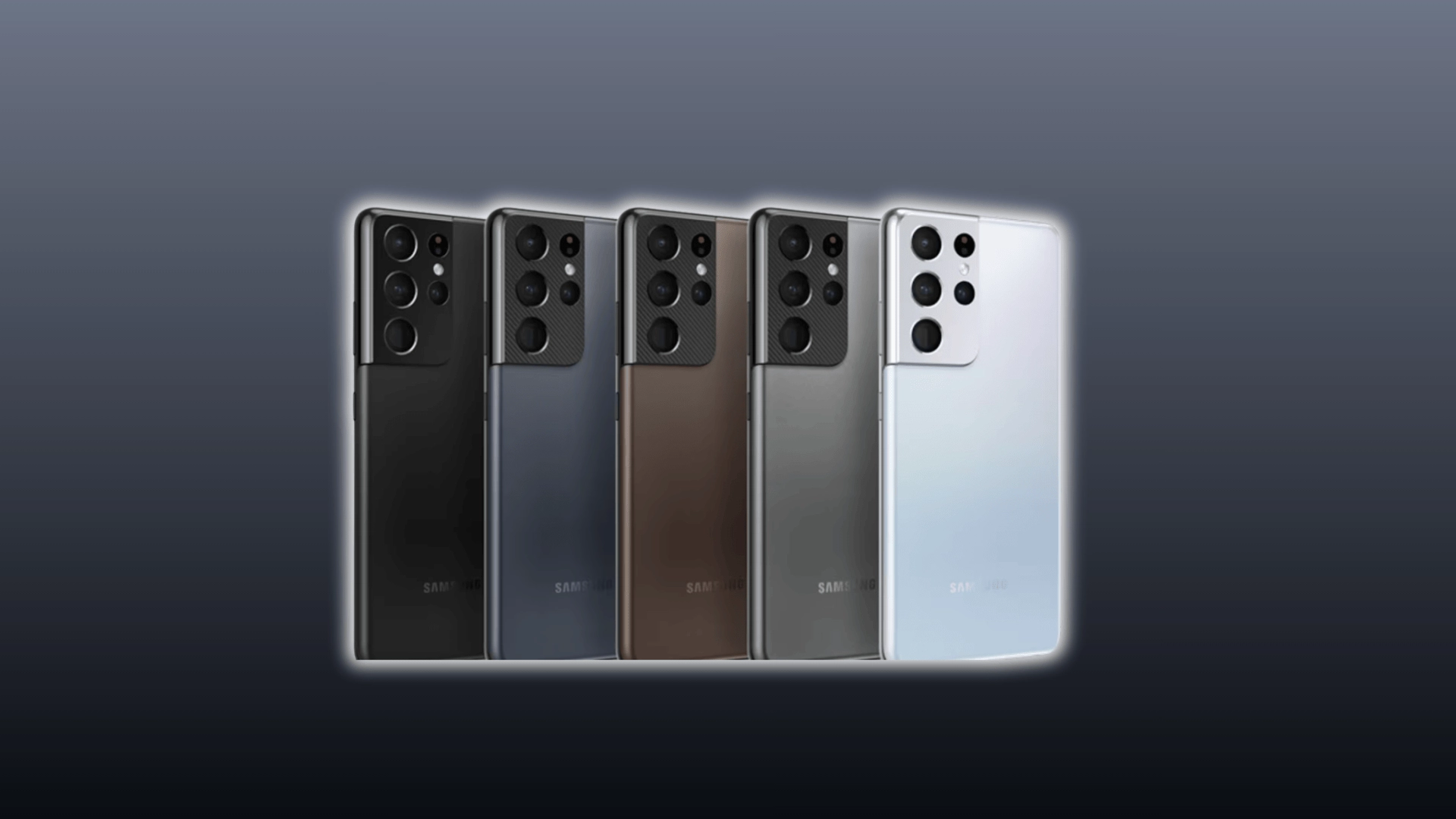
Performance differences show up most when you push the phone beyond basic use.
- Processor: S Series uses flagship chips, while A Series uses mid-range processors built for efficiency
- Speed: S Series opens apps faster and handles multitasking more smoothly
- Heavy Tasks: S Series runs games and editing apps without lag, while A Series may slow under load
- Thermal Control: S Series manages heat better, so performance stays stable during long use, unlike mid-range devices where why mid-range phones sometimes struggle with heat under load becomes more noticeable
- Daily Use: A Series handles calls, social media, and browsing without issues
- Noticeability: Casual users may not see a big difference in basic tasks
- Misconception: A Series is not slow, it is designed for everyday use, not high performance
In short, S Series is built for speed and heavy usage, while A Series is built to stay reliable for everyday tasks.
Camera Quality: Hardware vs. Software Gap
Camera differences are not just about megapixels. They come from the hardware and processing behind each shot.
| Aspect | S Series | A Series |
|---|---|---|
| Hardware | Better sensors and lenses | Simpler camera setup |
| Light Capture | More light → clearer photos | Less light → lower detail |
| Processing | Advanced AI (HDR, night, zoom) | Basic image processing |
| Image Quality | Sharper, more detailed photos | Good in normal conditions |
| Low Light | Strong and clear results | Struggles in dark scenes |
| Zoom | Optical zoom (real detail) | Digital zoom (quality loss) |
| Daylight | Excellent | Also good, smaller gap |
| Megapixels Myth | Numbers don’t define quality | Same applies |
Quick Takeaway: S Series gives consistent camera quality in all conditions, while A Series performs best in good lighting.
Build Quality and Display: Where Premium Shows
Build and display differences come down to materials and screen quality.
The Galaxy S Series uses glass and metal, which gives it a more premium feel and better heat handling. The Galaxy A Series uses plastic, making it lighter and more practical. Plastic may feel less premium, but it can handle drops better.
For display, S Series offers higher resolution, better brightness, and advanced features like adaptive refresh rates. A Series uses Full HD AMOLED screens that still look sharp but lack those extras.
In use, S Series feels more refined, while A Series focuses on comfort and everyday practicality.
Battery Life: Why a Series Often Lasts Longer
Battery life differences come from how much power each phone uses, not just battery size.
The Galaxy A Series uses less power-hungry processors, so it consumes less energy during everyday tasks. This often helps it last longer on a single charge, especially for calls, browsing, and social media.
The Galaxy S Series uses more powerful chips, which can drain battery faster during heavy use like gaming or multitasking.
However, this is not always one-sided. Newer S Series models with better optimization can match or even beat A Series in some cases, depending on usage.
A common misconception is that a bigger battery always means longer life. In reality, power efficiency and usage matter just as much as battery capacity.
Features and Extras: What You Miss on A Series
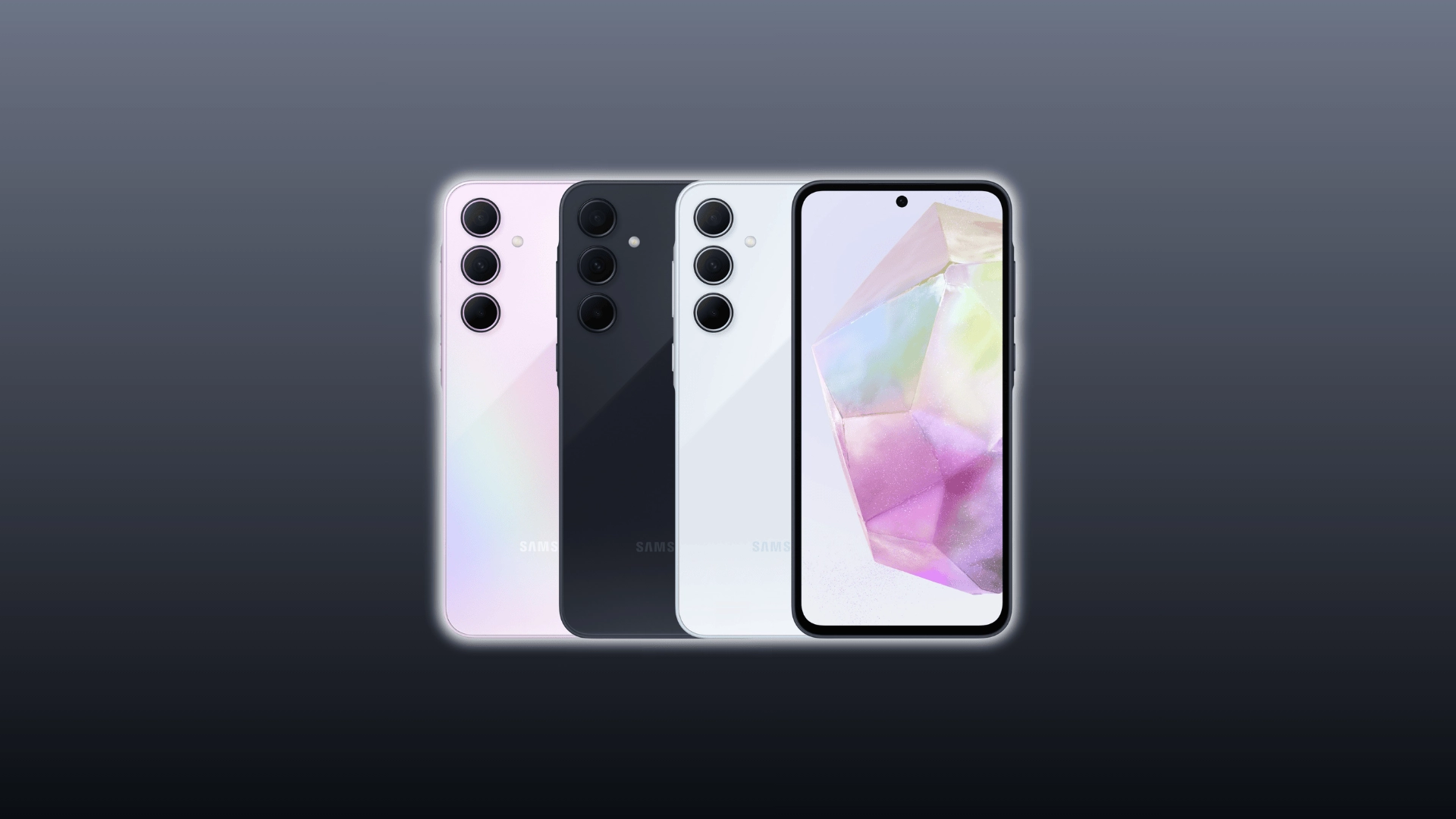
The difference here comes from what each series is equipped to support.
The Galaxy S Series includes features like wireless charging, reverse charging, advanced AI tools, and more reliable biometrics. These features rely on premium hardware and are designed to improve convenience and add flexibility in daily use.
The Galaxy A Series focuses on core features and skips most of these extras to keep costs lower. It covers everything needed for regular use but does not include many of the advanced add-ons.
In practice, the S Series feels more complete, especially if you use features like wireless charging or rely on AI tools and faster unlocking methods. The A Series keeps things simple and functional.
That said, many users do not use these extra features regularly, so their absence may not matter unless you specifically need them.
Software Updates and Longevity: Which Lasts Longer
Long-term value depends heavily on how long the phone stays updated and secure.
The Galaxy S Series gets longer and faster software updates because it is Samsung’s flagship line. These devices are prioritized, so they receive new Android versions and security patches earlier and for more years.
The Galaxy A Series also gets updates, but usually for a shorter period and with slower rollout. Over time, this means A Series phones may lose support sooner.
In real use, S Series devices stay relevant for longer, especially if you plan to keep your phone for several years. This matters most for users who want better security, newer features, and smoother performance over time.
A common misconception is that A Series lacks support. It still gets decent updates, just not at the same level or duration as the S Series.
Price vs. Value: What You Actually Pay For
The price difference comes from what each series offers.
The Galaxy S Series costs more because it includes top hardware, premium materials, and advanced features. This gives better performance and longer usability over time.
The Galaxy A Series is built for affordability. It focuses on essential features and skips extras to keep the price lower.
In use, S Series offers better performance and long-term value, while A Series gives better value for money for basic needs.
A Series is the smarter choice for everyday use and tighter budgets. S Series is worth it for heavy use and long-term use.
Higher price does not always mean better. It depends on how you use your phone.
Which One Should You Choose Based on Your Use
The right choice depends on how you use your phone day to day.
Choose Samsung S Series If
- You game or multitask heavily
- You want the best camera performance
- You plan to use your phone for 3–5 years
- You want premium features like wireless charging and AI tools
Choose Samsung A Series If
- You mainly use your phone for calls, apps, and browsing
- You want longer battery life in daily use
- You are working with a tighter budget
- You don’t need flagship-level features
The decision is simple: match your usage with what the phone is built to handle, and the right choice becomes clear.
Quick Comparison Summary
A quick side-by-side makes the decision easier.
| Aspect | Better Choice |
|---|---|
| Performance | S Series |
| Camera | S Series |
| Battery | A Series (in many cases) |
| Build Quality | S Series |
| Features | S Series |
| Price | A Series |
Quick Takeaway: Choose S Series for performance and features, or A Series for better value and battery in daily use.
Conclusion
The choice between Samsung A Series vs. S Series depends on how you actually use your phone each day.
One focuses on performance and long-term use, while the other keeps things practical and budget-friendly. There is no one-size-fits-all answer here.
The better option is the one that matches your usage, not just the specs on paper. Take a moment to think about what matters most to you, then pick the series that fits your needs with confidence.