

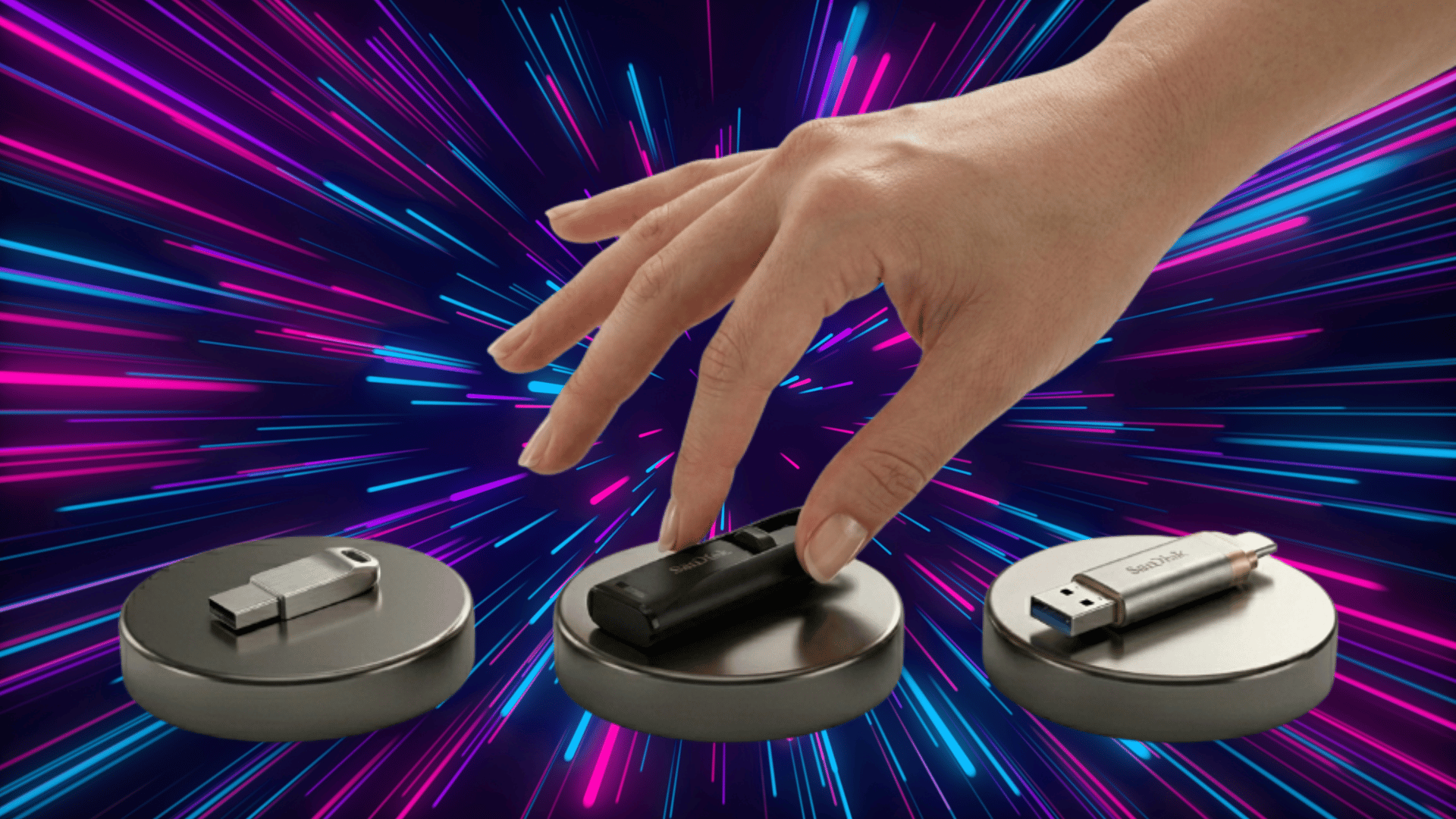



People often use the terms interchangeably, but it can get confusing fast. If you’ve ever wondered what a thumb drive is and how it differs from a flash drive vs USB discussion, you’re not alone.
These small storage devices are everywhere, yet the names around them aren’t always clear.
In this blog, I’ll break it down in simple terms, so you know exactly what each term means and how they relate to the same everyday device.
What is a Thumb Drive, Flash Drive & USB?
A thumb drive is simply an informal name for a small, portable storage device that connects through a USB port. It got its name because of its compact, thumb-sized design and is commonly used in everyday conversations.
A flash drive is the more accurate term. It refers to the same device but highlights the technology inside: flash memory that stores data even without power.
USB, short for Universal Serial Bus, is not the storage device itself. It is the standard that allows devices such as flash drives, keyboards, and phones to connect to a computer.
In simple terms, the flash drive stores your data, and the USB port connects it.
Thumb Drive vs. Flash Drive vs. USB: Key Differences
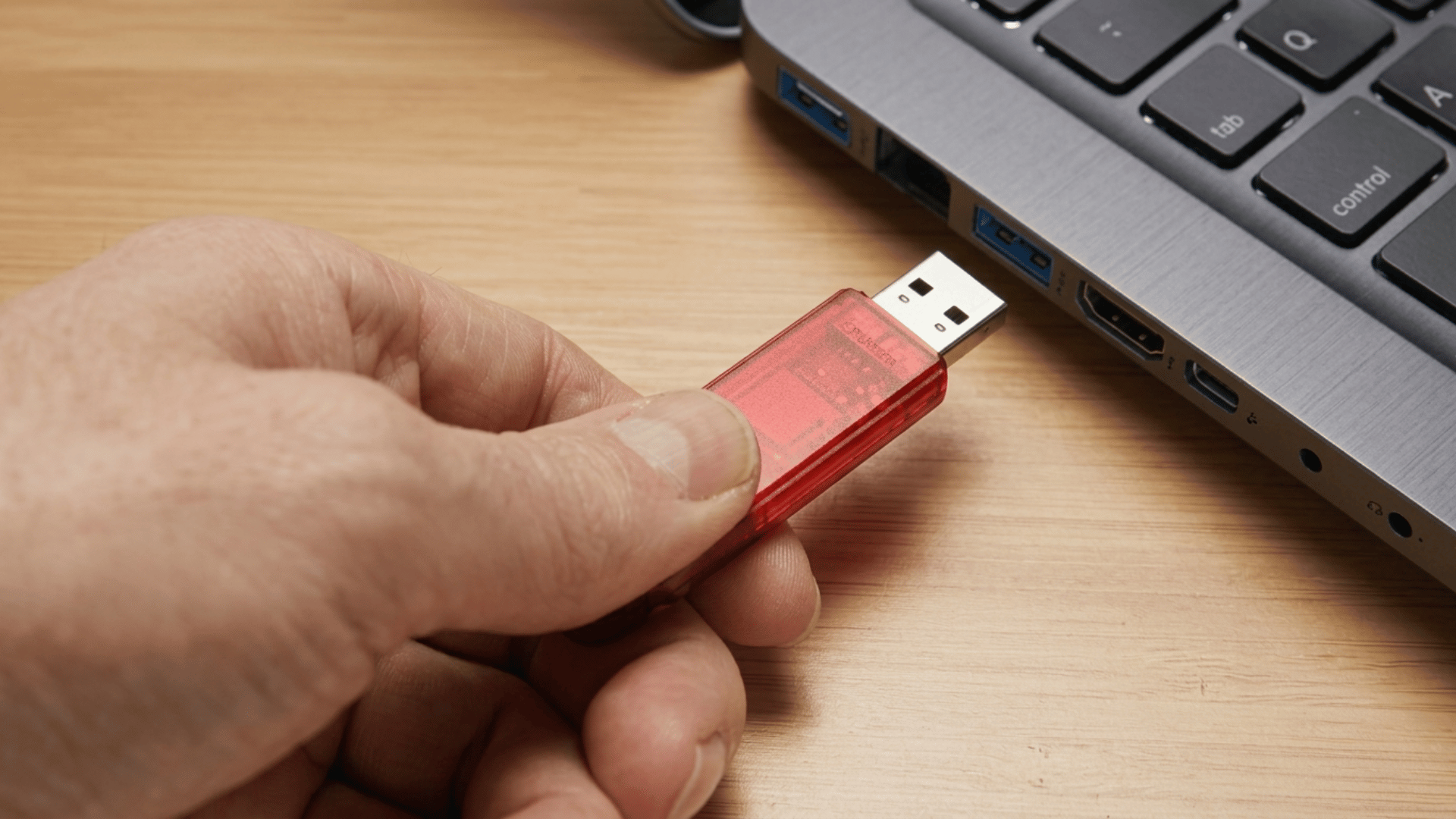
Understanding the difference between a thumb drive, flash drive, and USB can be confusing because people often use these terms interchangeably.
However, each term highlights a different aspect of the same technology, from naming style to underlying function and connection method.
1. Core Difference Explained
A thumb drive, flash drive, and USB are closely related but not identical in meaning.
A thumb drive is simply a nickname for the device’s small, thumb-sized design. A flash drive is the actual storage device that uses flash memory to store data.
USB, on the other hand, is the connection or interface standard that allows the device to plug into and communicate with computers and other hardware.
2. Terminology vs. Technology
The difference between these terms becomes clearer when you separate naming from technology.
“Thumb drive” is an informal and descriptive term commonly used in everyday language. “Flash drive” is the technically accurate term for the storage technology inside the device.
Meanwhile, USB is not a storage device at all but a data transfer standard that enables communication between devices.
3. Naming Focus (What Each Term Emphasizes)
Each term focuses on a different aspect of the same device. The term “thumb drive” emphasizes the physical appearance, highlighting its compact, thumb-sized design.
“Flash drive” focuses on the underlying storage technology, specifically flash memory. “USB” emphasizes the connection method, describing how the device connects to computers or other systems.
4. Usage Context
These terms are often used differently depending on the situation.
“Thumb drive” is commonly used in casual, everyday conversations. “Flash drive” is more likely to appear in technical discussions, product descriptions, and retail listings.
“USB” is often used as a broad, catch-all term, though it can be technically inaccurate, since it refers only to the connection type.
5. Functional Difference
Functionally, there is no real difference between a thumb drive and a flash drive. Both perform the same role of storing and transferring data. The term used does not change how the device works.
USB, however, plays a different role by influencing how the device connects to other hardware, affecting compatibility and transfer capability rather than storage itself.
6. Speed and Performance Differences
Performance is often misunderstood when comparing these terms.
The speed of a device is determined by the USB version it supports, such as USB 2.0, USB 3.0, or USB 3.2, as well as the quality of the internal flash memory.
The naming, whether “thumb drive” or “flash drive,” has no impact on speed or performance.
Specifications of Thumb Drive, Flash Drive, and USB
Thumb drives and flash drives share identical specifications because they are the same device, while USB defines the technical framework that controls how these devices connect and perform.
| Specification | Thumb Drive | Flash Drive | USB |
|---|---|---|---|
| Device Type | Portable storage device | Portable storage device | Connection/interface standard |
| Storage Capacity | 8GB to 1TB+ | 8GB to 1TB+ | No storage |
| Memory Type | Flash memory | Flash memory | Not applicable |
| Data Transfer Speed | Depends on USB version | Depends on USB + memory quality | Defines max speed (USB 2.0–USB4) |
| USB Versions Supported | USB 2.0, 3.0, 3.1, 3.2 | USB 2.0, 3.0, 3.1, 3.2 | USB 2.0, 3.0, 3.1, 3.2, USB4 |
| Connector Types | USB-A, USB-C, Micro USB | USB-A, USB-C, Micro USB | USB-A, USB-C, Micro USB, Mini USB |
| Compatibility | Windows, macOS, Linux, Android | Windows, macOS, Linux, Android | Works across all supported devices |
| Power Requirement | Powered via USB port | Powered via USB port | Supplies power to connected devices |
| Build and Design | Compact, plastic/metal casing | Compact, plastic/metal casing | Ports, cables, and connectors |
| Durability | No moving parts, shock-resistant | No moving parts, shock-resistant | Depends on cable/port quality |
| Security Features | Optional encryption, password lock | Optional encryption, password lock | Not applicable |
| Plug-and-Play Support | Yes | Yes | Enables device communication |
Why Some People May Get Confused
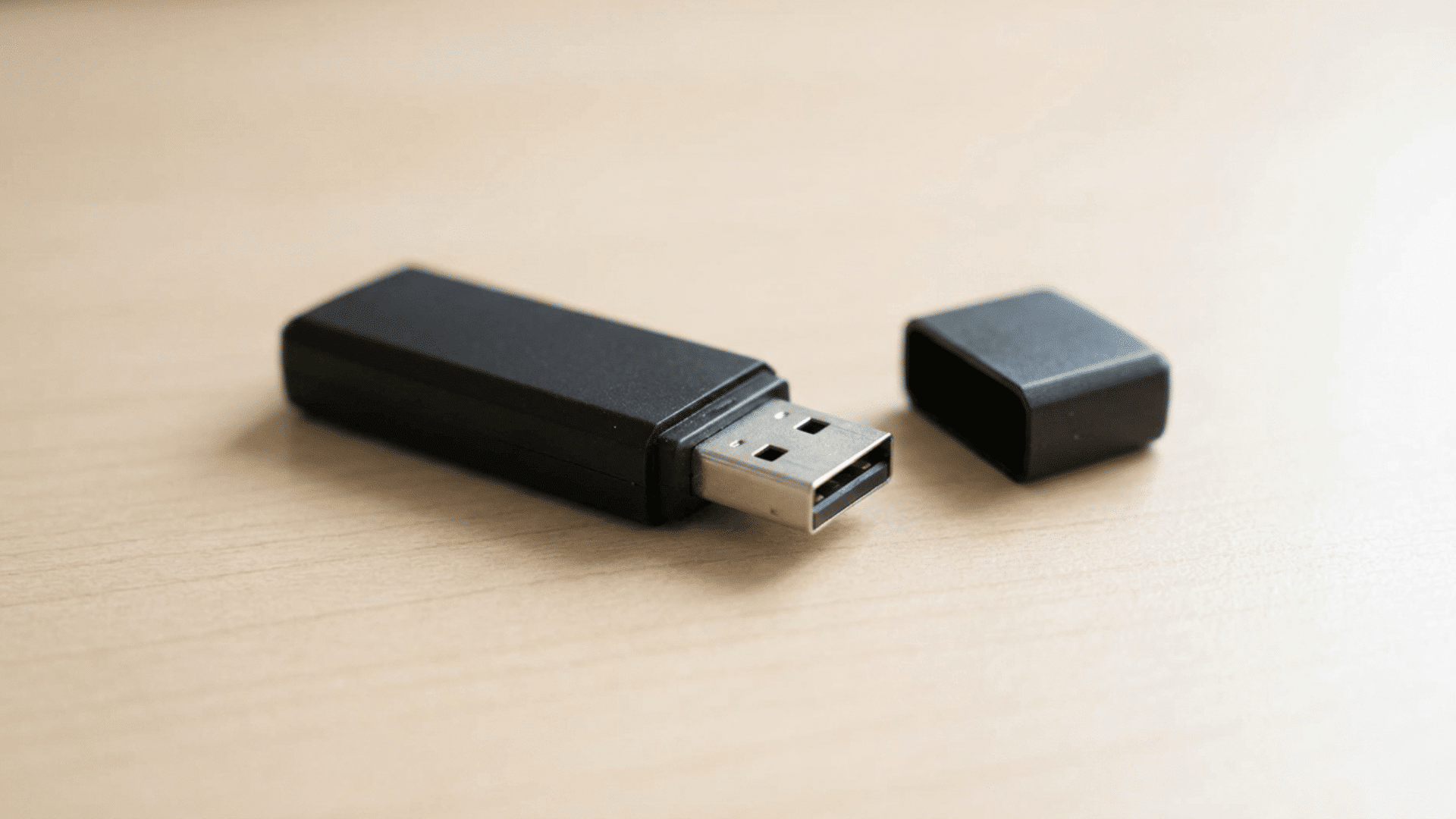
People often get confused between thumb drives, flash drives, and USBs because multiple terms are used to describe the same device.
Over time, different names like “pen drive,” “USB stick,” and “thumb drive” have been popularized through marketing and everyday language, even though they refer to the same type of storage device.
The confusion deepens because “USB” is often used as a general term, even though it refers only to the connection standard, not the storage itself.
This mix of informal naming, branding influence, and technical misunderstanding leads many users to assume these are different devices when they are not.
- Multiple names are used for the same device
- Marketing terms create naming variations
- “USB” is misunderstood as a storage device
- Informal vs technical language confusion
- Lack of basic tech awareness among users
Which One Should You Choose?
Choosing between a thumb drive, a flash drive, and a USB drive is not about picking different devices, but about understanding what each term means so you can focus on the right features for your needs.
| Scenario / Need | What to Choose | Why It Matters |
|---|---|---|
| Every day use (school, office files) | Flash drive (USB 2.0 or 3.0) | Affordable and sufficient for basic storage and transfers |
| Fast data transfer (large files, videos) | Flash drive (USB 3.0 or 3.2) | A higher USB version ensures faster speed |
| Casual conversation | Thumb drive | Commonly understood informal term |
| Buying online or in stores | Flash drive | Standard term used in product listings |
| Understanding compatibility | USB type (2.0/3.0/Type-C) | Ensures the device works with your laptop or phone |
| Professional/technical use | Flash drive | More accurate and widely accepted term |
Common Misconceptions
Despite their widespread use, thumb drives, flash drives, and USBs are often misunderstood. This confusion usually comes from overlapping terminology and a lack of clarity about how these devices actually work.
- A thumb drive and a flash drive are different devices. They are the same device; the difference lies only in the name used.
- USB is a storage device. USB is a connection standard, not a storage medium.
- One term means better speed or performance. Performance depends on hardware and USB version, not the terminology.
- All flash drives offer the same speed and quality. Speed and durability vary based on brand, build quality, and USB specifications.
- Storage capacity depends on the name used. Capacity is determined by device specs, not whether it’s called a thumb or flash drive.
- USB and flash memory are the same thing. USB is the interface, while flash memory is the actual storage technology.
- Expensive drives always mean better performance. A higher price may reflect design or brand, but not always better speed or reliability.
Final Thoughts
To wrap up, understanding the difference between thumb drive vs flash drive vs USB is less about choosing between devices and more about recognizing how these terms are used.
While the names may sound different, they often point to the same tool, with USB defining the connection behind it.
What truly matters is not the label but the performance factors like speed, compatibility, and storage capacity.
Once you separate naming from functionality, the confusion disappears, making it easier to select the right device based on actual needs rather than misleading terminology.