




Taking notes on paper still works, but it gets messy fast. Pages pile up, ideas get lost, and switching between notebooks is a hassle.
That’s why many people start looking for a better way to stay organized. But choosing the right note-taking tablet is not as simple as it sounds.
Some focus on writing feel, others add apps and features you may not even need. It can quickly become confusing.
In this blog, I’ll break down the best E Ink tablets, compare what actually matters, and help you pick the one that fits how you take notes every day.
Are E-Ink Tablets Worth It for Note-Taking?
E-Ink tablets are worth it for note-taking if your priority is focus and a paper-like writing experience.
The screen feels easy on the eyes, with no glare and less strain during long sessions, which makes a real difference for students, professionals, writers, and anyone replacing notebooks.
They are built for writing, not distractions, so you stay on task. That said, they are not as fast as regular tablets, offer fewer apps than an iPad, and are not suited for video or multitasking.
You also pay more for a device that does one thing really well, so the value depends on how you plan to use it.
Key Features to Consider Before Buying an E-Ink Tablet
Choosing the right E-Ink tablet is not about picking the most expensive option. It comes down to how well the device fits your daily note-taking habits.
- Writing Experience: Look for low stylus latency, good pressure sensitivity, and a paper-like feel that makes writing comfortable
- Display Quality: Check screen size, sharpness, and if it includes a front light for use in low-light settings
- Software & Features: Strong note organization, useful templates, and handwriting recognition can improve daily use
- Battery Life: Most E-Ink tablets last days or even weeks, which reduces the need for frequent charging
- Cloud Sync & Ecosystem: Support for Google Drive, Dropbox, or built-in systems helps keep your notes accessible across devices
- File Support: Make sure it handles PDFs, EPUBs, and other documents if you plan to read and annotate
- Build & Portability: A lightweight and durable design makes it easier to carry and use anywhere
A good tablet should feel natural to write on, stay easy on the eyes, and keep your notes organized without adding complexity.
The Best E-Ink Tablets Ranked
Finding the best E-Ink tablet comes down to how you plan to use it every day, not just specs or brand names. Some are built for pure writing, others balance reading and notes, while a few offer more flexibility with apps and features.
1. reMarkable 2
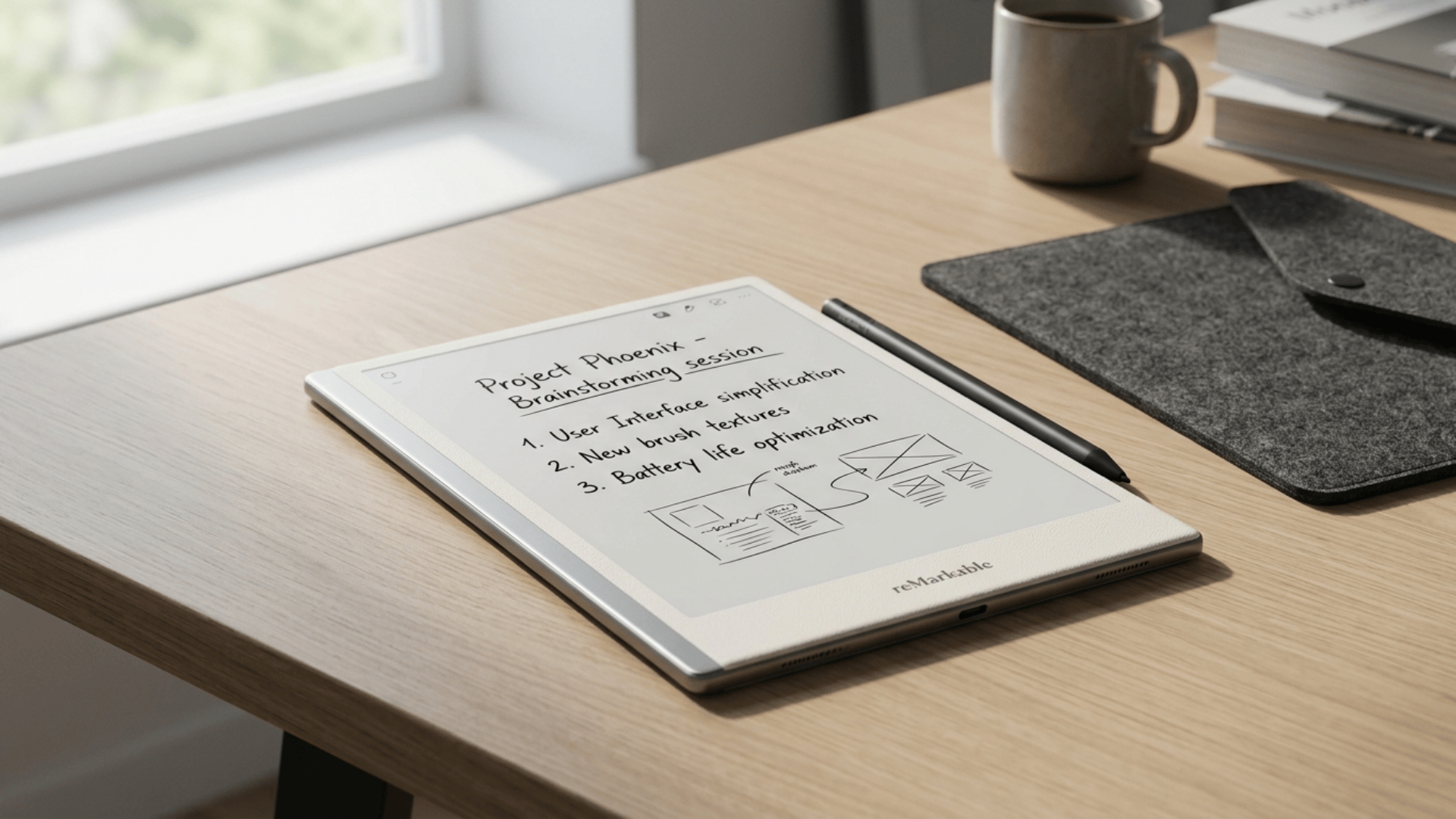
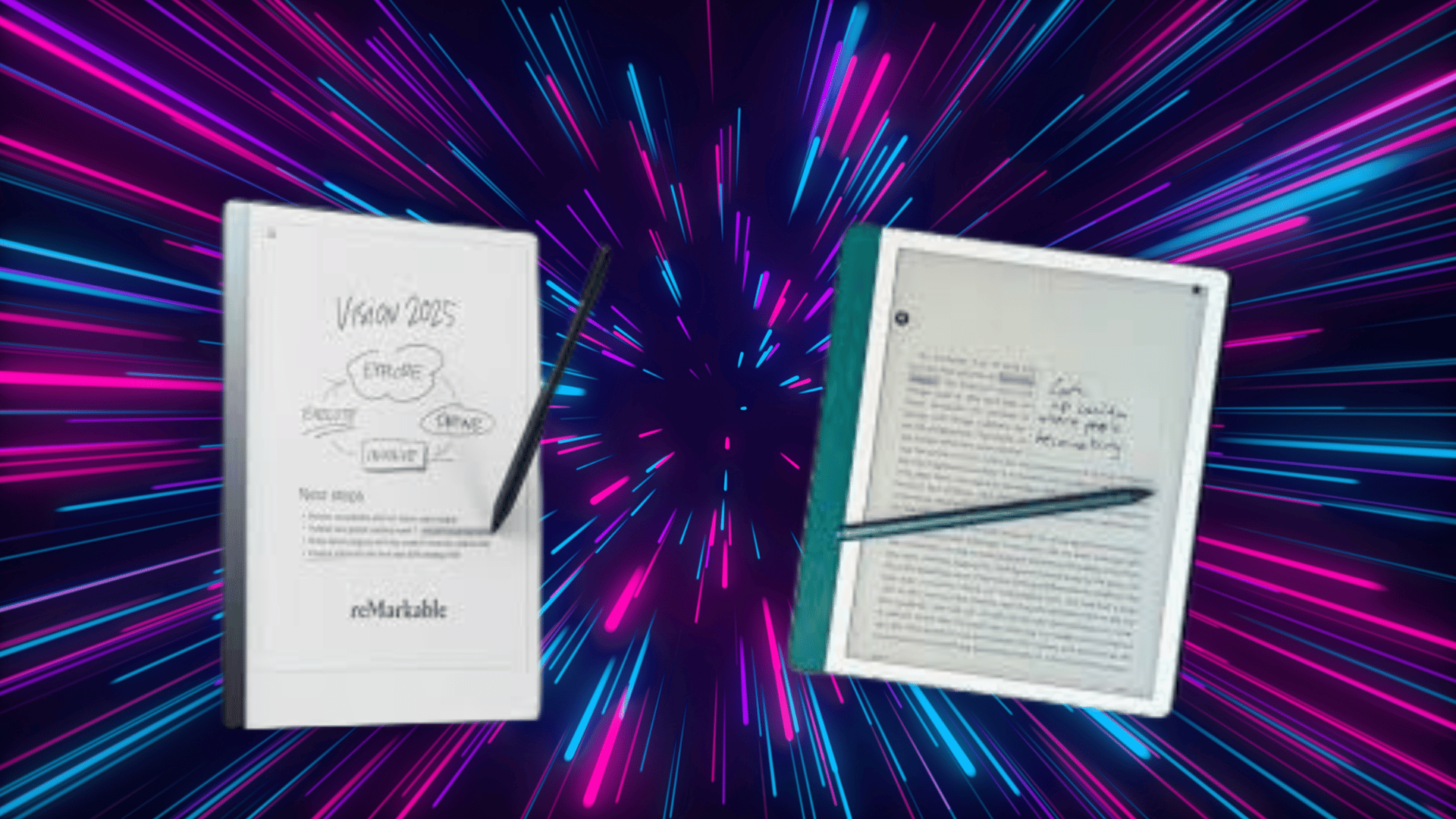
The reMarkable 2 focuses almost entirely on writing, offering an extremely paper-like feel that closely mimics pen on paper, which makes it a strong choice for long note-taking sessions.
Its clean, distraction-free interface helps you stay focused, but it lacks a front light and offers fewer features than other devices.
It is priced around $299 to $399, depending on accessories, and works best for writers and note purists who want a simple, dedicated note-taking tablet.
I have researched the death out of tablets with paper-like feel for years. I finally pulled the trigger on the Re-Markable as it appears to be the best product out there. I am not disappointed. –jeff, Amazon
This is one of the best ways to organize your notes, and keep them in one place. Absolutely a game changer.- Tommy Mcgraw, Amaozn
2. Kindle Scribe
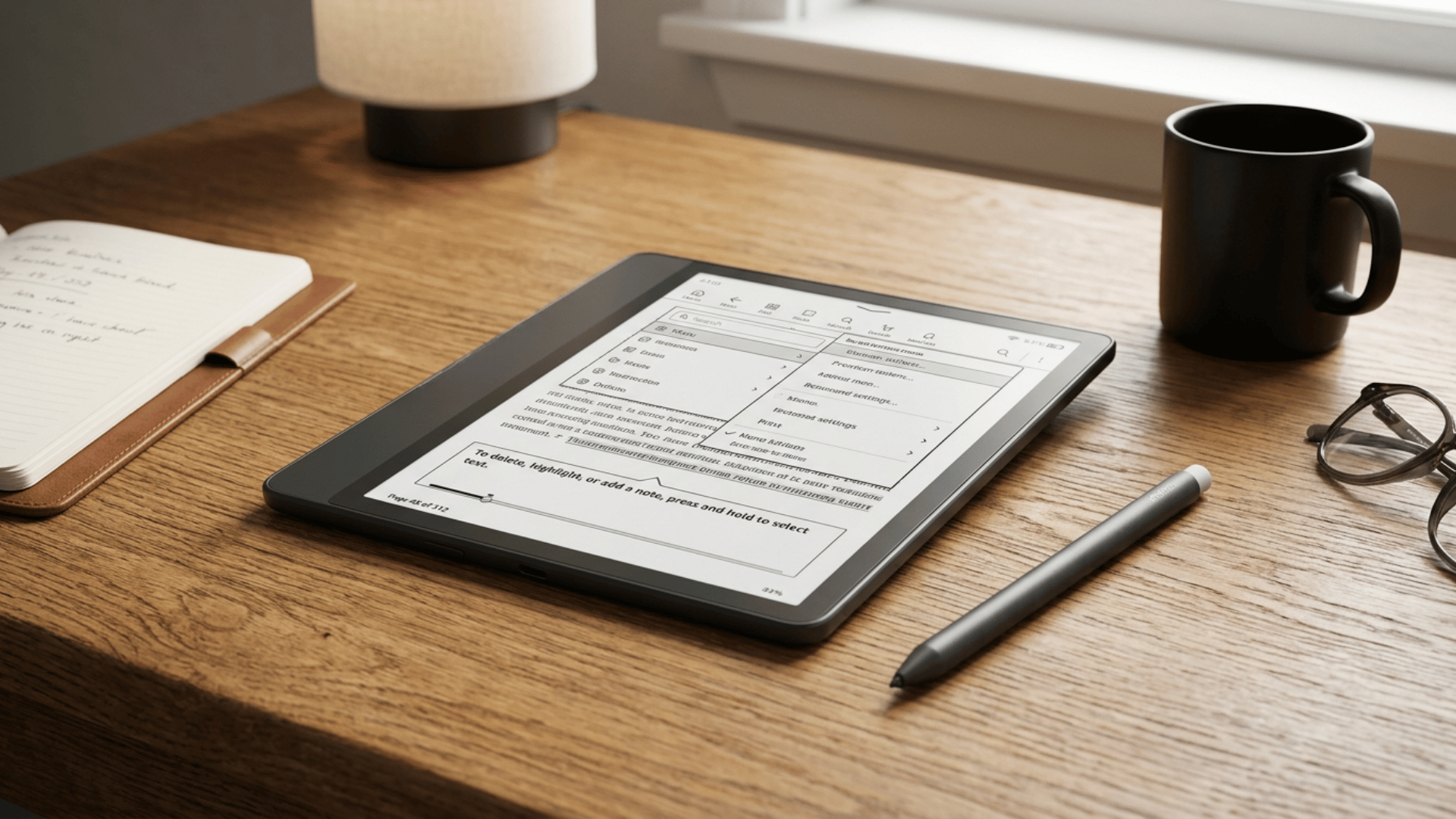
The Kindle Scribe combines Amazon’s strong reading ecosystem with basic note-taking features, making it a good option if you read and annotate regularly.
It includes a built-in front light, making it easier to use in different lighting conditions, though its note-taking tools are not as advanced as some competitors.
Priced between $339 and $419, it suits users who want a reading-first device that can also handle notes when needed.
I have been a committed Kindle reader since the Kindle DX10! My library is filled with books for leisure, work, and research and PDFs of journal articles. Screen size is important to me, so the standard kindle has never worked well, though I did have the Kindle Touch. – Anne, Amazon
The Kindle Scribe Colorsoft is a real game changer. The size is just right and the screen is wonderful, though as expected, the colors are muted. Nonetheless, it looks very good and is a pleasure to read on. I also really like the fig color. It definitely stands out from the crowd. – R. Perez, Aamozn
3. Onyx Boox Note Air 5
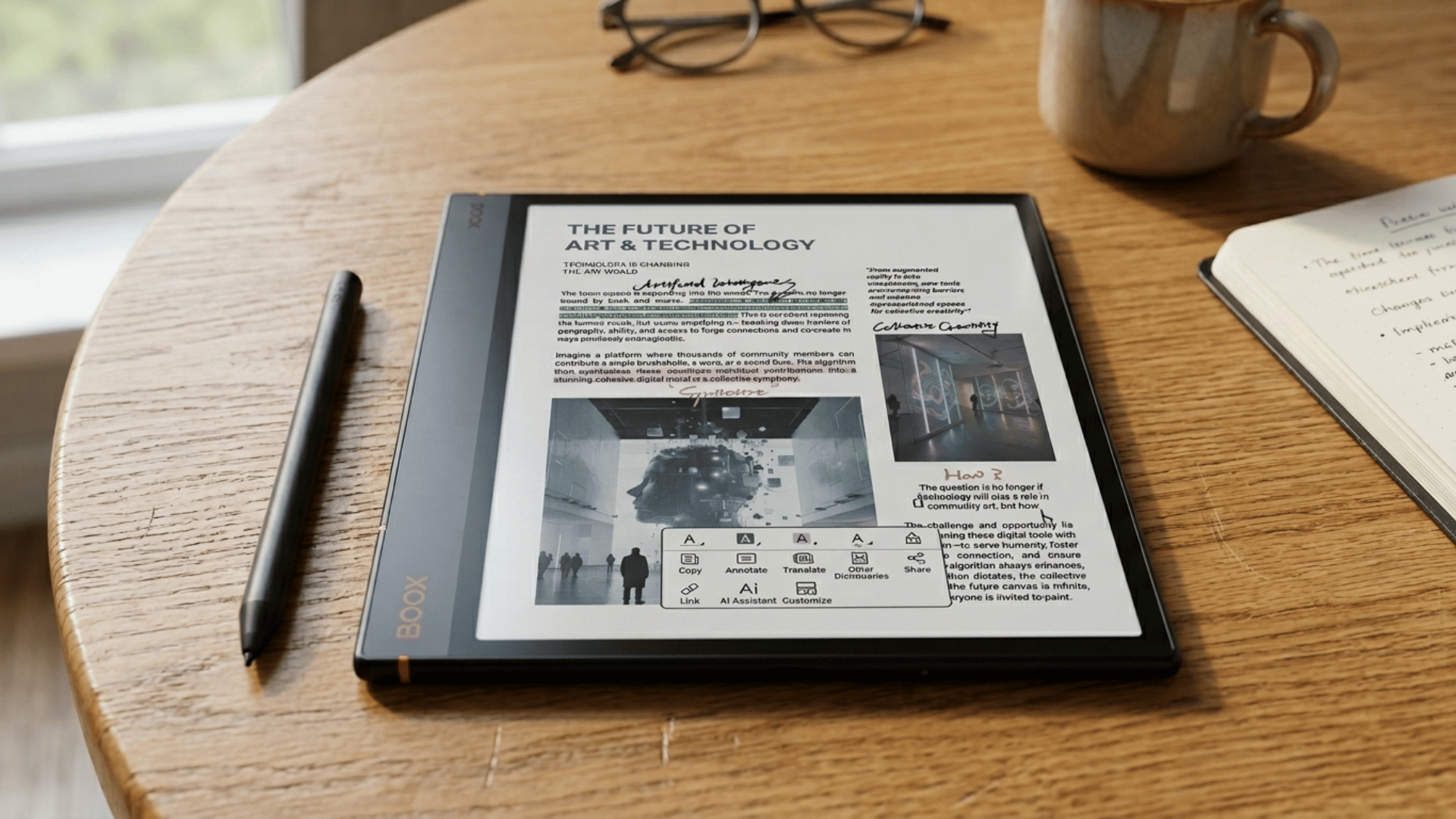
The Onyx Boox Note Air 5C stands out for its flexibility: it runs Android and supports a wide range of apps, making multitasking and customization much easier than on most E-Ink tablets.
It features a 10.3-inch color E Ink display with front light, offering a comfortable reading and writing experience even during long sessions, along with access to tools like OneNote and Kindle through Google Play.
Priced around $520 to $550, it is designed for users who want more than just basic note-taking.
The interface can feel complex at first, but once you get used to it, it becomes a powerful note taking tablet for productivity, document work, and app-based workflows.
I looked into every viable option for a writing tablet, and I finally landed on this one. This search has taken literal years. I’ve been working on my “Great American Novel” and had grown weary of using a laptop and keyboard for my writing. – NiteForce9 , Amazon
I’ll preface this by saying that I ultimately returned this item, but it was a tough call. I purchased it in the hopes of finding an e-ink device that could replace my iPad for work. I read a lot, so I was especially interested in the e-ink for reducing the strain on my eyes. – Mike, Amazon
4. iFLYTEK AINOTE 2
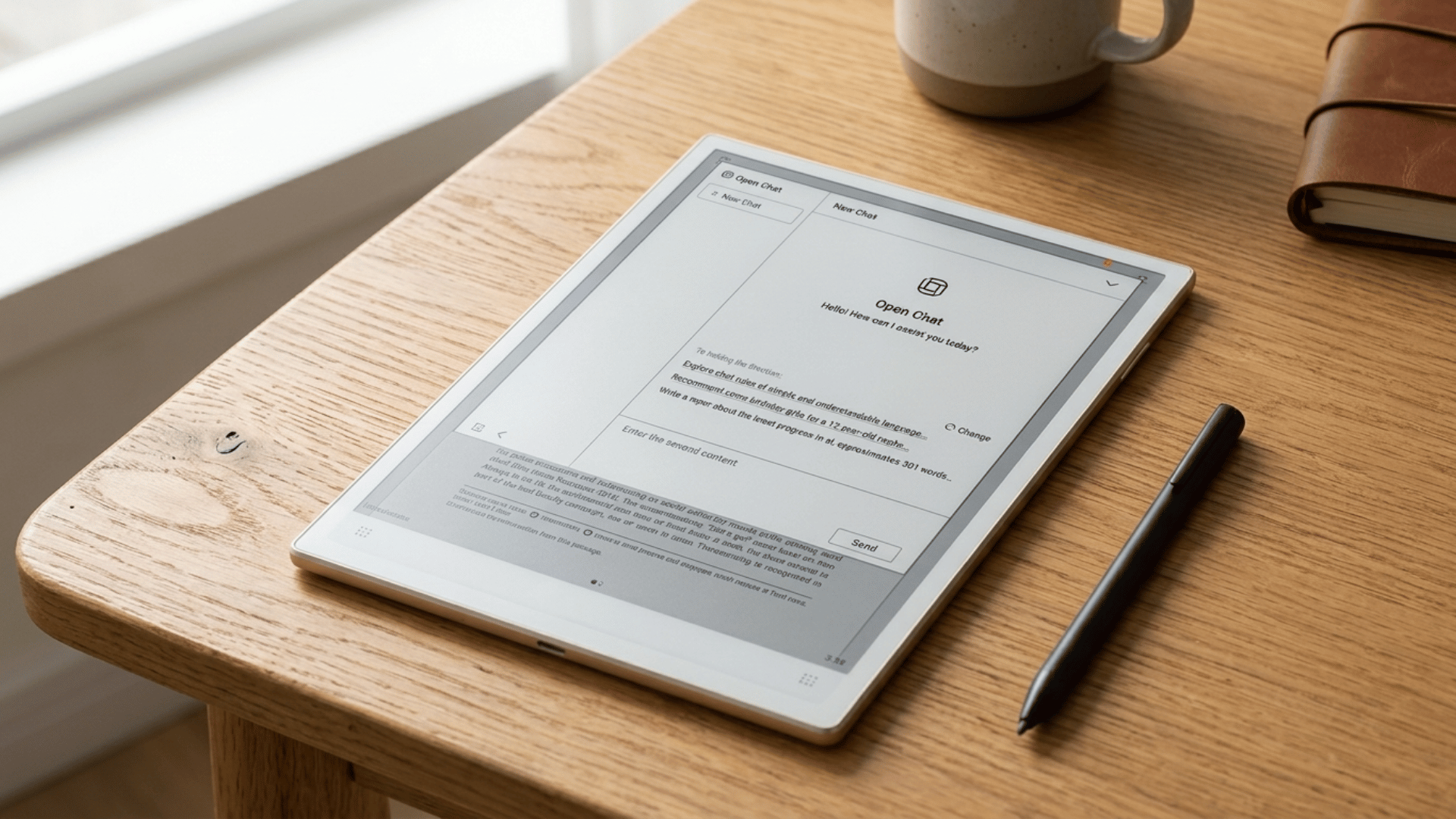
The iFLYTEK AINOTE 2 combines structured note organization with AI features such as voice-to-text and summaries, making it useful for managing large volumes of notes.
It offers a smooth writing experience and a slim, portable design. The interface can take some time to get used to, and pricing is around $550 to $600.
It suits users who want a smarter note-taking tablet with added productivity tools.
I have literally tried or owned most of the e-ink devices, and beyond a few things here and there if you are looking for something that will automatically integrate and sync all of your calendars, record and transcribe your meetings with AI, organize your tasks, e-reader, and AI functionality at the ready for quick reference, this is the product to have as of now. –Brad Carducci , Amazon
I have used it for a few weeks now, and have taken many notes, from Bible studies to interviews, and numerous meetings. I can confidently say that this is a solid product with seamless operation for everything I need for note taking. – James , Amazon
5. Kobo Elipsa 2E
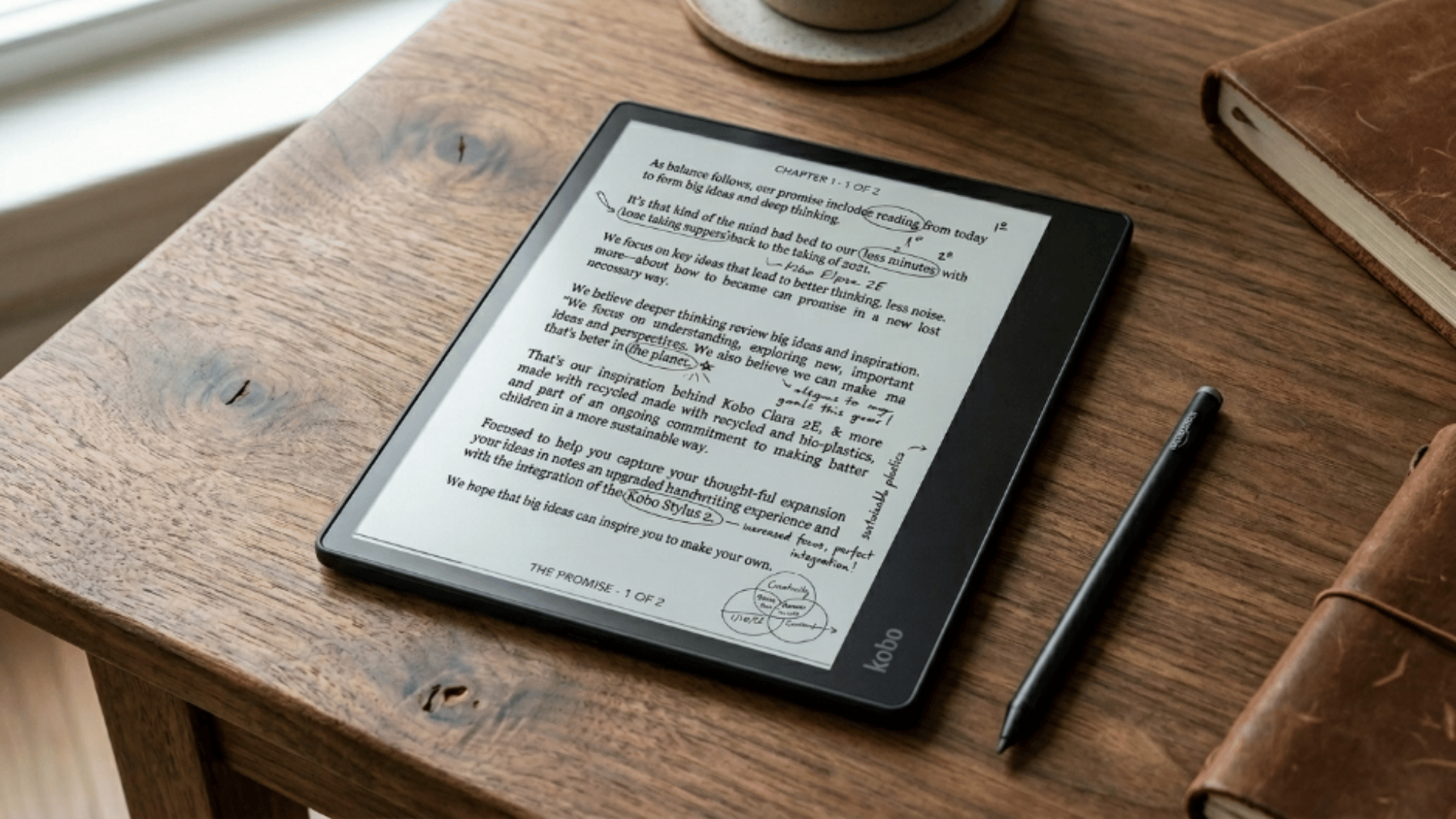
The Kobo Elipsa 2E offers a balanced mix of note-taking and reading at a more affordable price, making it a practical entry-level option.
It supports PDF annotation and offers a decent writing experience, though the software feels less polished than on higher-end devices.
Typically priced between $350 and $400, it is a solid choice for users who want a capable note taking tablet without spending too much.
I am very happy with this Kobo reader. I’ve owned kindles over the years, but the screens were too small and it was annoying to get books from outside the amazon ecosystem installed.The Kobo has its own ecosystem/web store, which seems fine. I am more interested in reading public domain and other non-copy protected books. For that, I find that the built in web browser is great; you just point it at the Epub site you are using, and download directly.- John Brown, Amazon
This is my first e-reader, so I wasn’t sure what to expect. When I got the box, I was impressed by its slim design and great packaging. When I read the dimensions on the site, I questioned that this may be a bit large for what I want, but I was pleasantly surprised to find that the size is perfect. – Geary, Amazon
E-Ink Tablets vs. iPad (or Regular Tablets)
Choosing between an E-Ink tablet and a regular tablet is not just about features; it’s about how you actually plan to use the device. One is built for focused note-taking, while the other is designed to handle everything from work to entertainment.
| Feature | E-Ink Tablets | iPad / Regular Tablets |
|---|---|---|
| Display | Paper-like, no glare | Bright, high refresh screens |
| Eye Comfort | Excellent for long sessions | Moderate, can strain over time |
| Writing Feel | Natural, close to real paper | Smooth but feels like glass |
| Apps | Limited, focused tools | Extensive app ecosystem |
| Battery | Last days or even weeks | Typically lasts hours |
| Distractions | Minimal, built for focus | High, with apps and notifications |
| Best For | Focused note-taking and reading | Multi-purpose use and productivity |
Common Mistakes to Avoid
It’s easy to pick the wrong E-Ink tablet if you focus on the wrong things. A few small mistakes can result in a device that doesn’t meet your needs, even if it looks good on paper.
- Expecting iPad-level functionality: E-Ink tablets are built for writing and reading, not for running multiple apps or handling heavy tasks
- Ignoring the writing experience: The feel of writing is the most important factor, and not all tablets offer the same level of comfort or responsiveness
- Choosing based only on price: Going cheaper can mean compromising on writing quality, software, or long-term usability
- Overlooking ecosystem limitations: Some devices rely on their own apps and cloud systems, which may not fit your workflow
- Not checking file compatibility: Make sure the tablet supports PDFs, cloud sync, and formats you actually use, or it can become frustrating quickly
Final Verdict
Choosing the best E-Ink tablet comes down to how you actually take notes day to day.
If you care about a natural writing feel and fewer distractions, it can be a solid upgrade from paper or a regular tablet.
The right note-taking tablet should make your work simpler, not more complicated. Focus on writing comfort, ease of use, and how well it fits into your routine.
Once those basics are clear, the decision becomes much easier, and you end up with a device you’ll actually use consistently.