




Finding the best portable monitors can feel overwhelming when specs, panel types, and price ranges compete for attention.
The right choice depends less on hype and more on how you actually plan to use it.
With so many options available, it is easy to focus on flashy features instead of practical needs. What matters most is matching the monitor to your daily workflow and environment.
This guide simplifies the decision by breaking down performance differences and pricing tiers. By the end, you’ll know exactly what to prioritize and what to ignore.
Understanding Portable Monitor Categories (Why These Types Exist)
Portable monitors may look similar at first glance. Most are 15 to 16 inches, list 1080p resolution, and include USB-C.
However, they are built around different priorities. Each category exists to solve a specific need more effectively.
Price vs. Performance
Some monitors prioritize affordability, while others focus on stronger visual performance. The difference comes down to panel quality and resolution.
Budget models use standard IPS panels with moderate brightness and a limited color range. They work well for documents, spreadsheets, coding, and browsing.
Premium models invest in OLED panels, higher contrast, and sharper resolutions. That matters for design and media work, but offers little benefit for basic productivity.
Portability vs. Features
Some monitors stay thin and lightweight, while others add features that increase size and cost. The trade-off is mobility versus functionality.
Ultra-portable models skip batteries and touchscreens to remain compact. This makes them easier to carry and often more reliable.
Feature-heavy models add batteries, wireless display, or touch input. These increase flexibility but also add weight, power draw, and expense.
Work vs. Entertainment vs. Gaming
The same specification can serve different purposes depending on the task. Context determines whether a feature truly matters.
1080p looks sharp for office work, but limits detailed creative tasks. Higher resolutions provide more workspace for design and editing.
Refresh rate follows the same rule. 60Hz is fine for productivity, while 144Hz improves motion clarity in games.
Why Jumping Straight to Specs Causes Confusion
Comparing specs without context often leads to overspending. Higher numbers do not automatically mean better value.
Labels like “4K” or “OLED” sound superior, but they only matter if your workload benefits from them.
Define your tasks, usage environment, and budget first. Then match the monitor to your needs rather than chasing specs.
Best Portable Monitors by Category
This section groups the best portable monitors by real-world use cases. Each category highlights models built for specific priorities, such as budget, gaming, creative work, or travel.
Best Overall (Balanced Work + Entertainment)
This category fits most users who want reliable performance without overspending. It balances image quality, battery efficiency, and portability for daily tasks.
1080p IPS panels dominate here because they offer sharp text and consistent color. Brightness typically ranges from 250 to 300 nits, which works well indoors.
1. Arzopa Z1FC
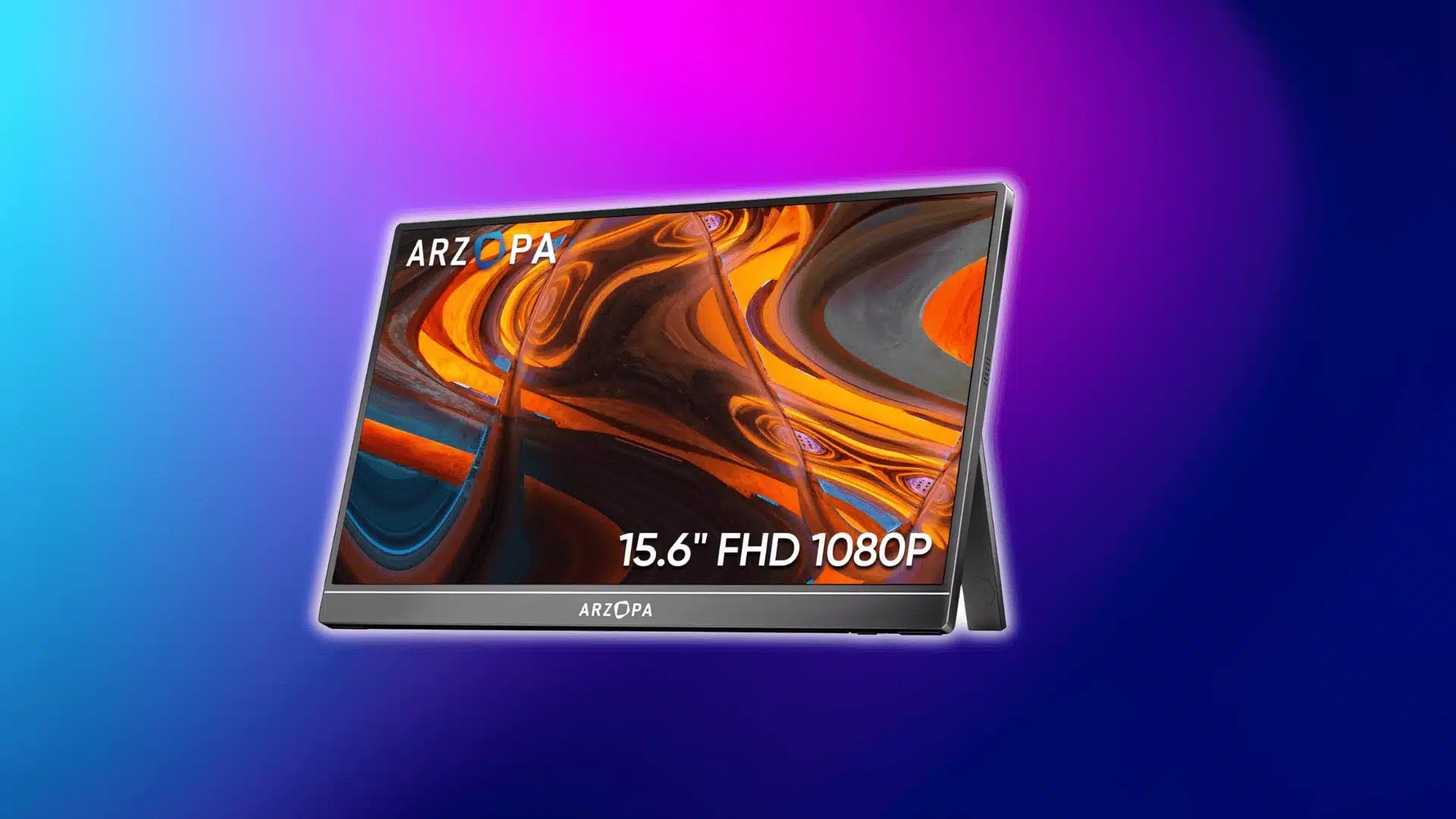
The Arzopa Z1FC uses a 15.6″ IPS 1080p panel with a 144Hz refresh rate. It delivers solid everyday performance and smoother motion for light gaming.
Brightness and color are well-balanced for productivity tasks. Its build and connectivity make it great for mixed work and play.
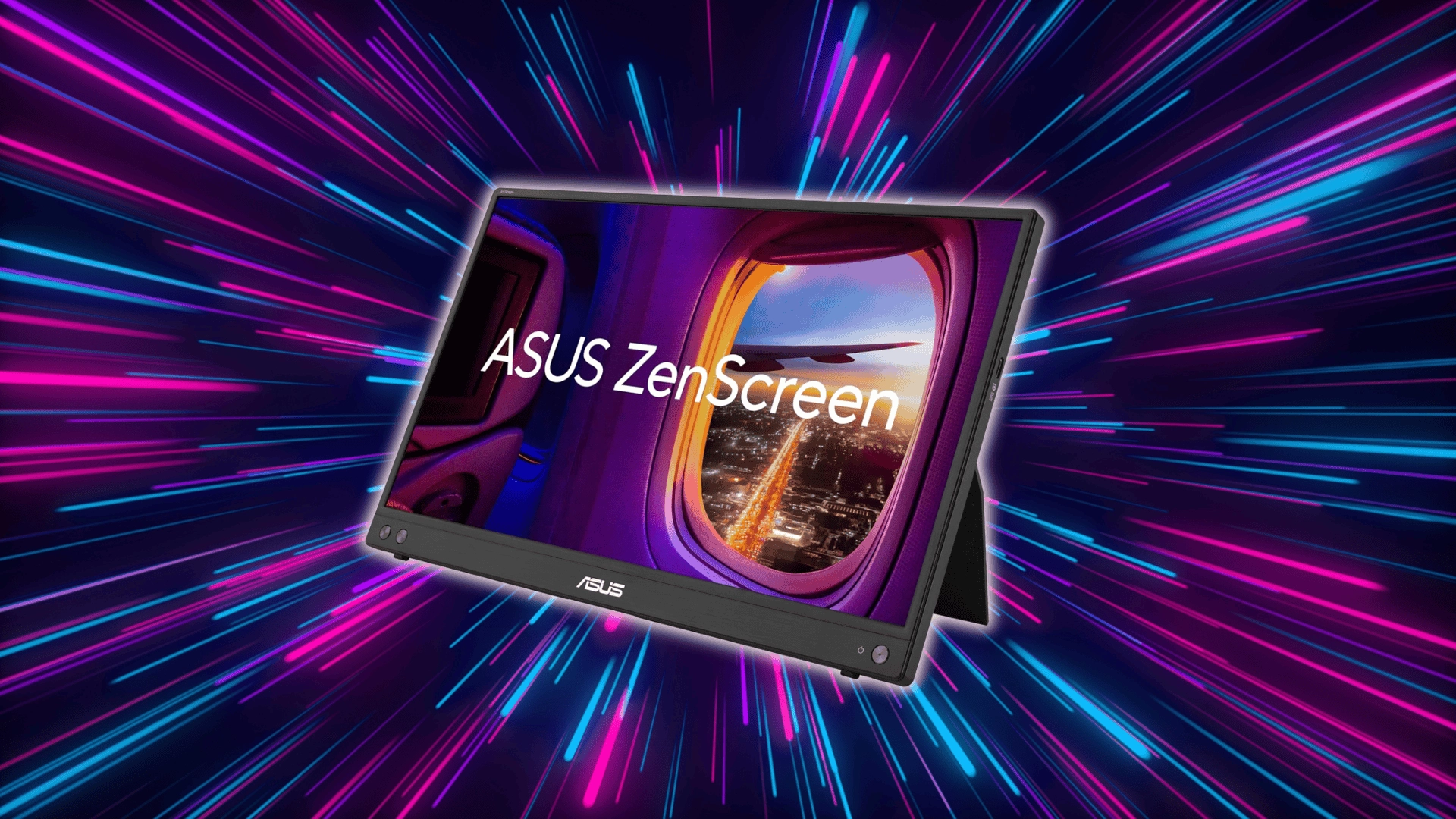
2. ASUS ZenScreen MB16ACV
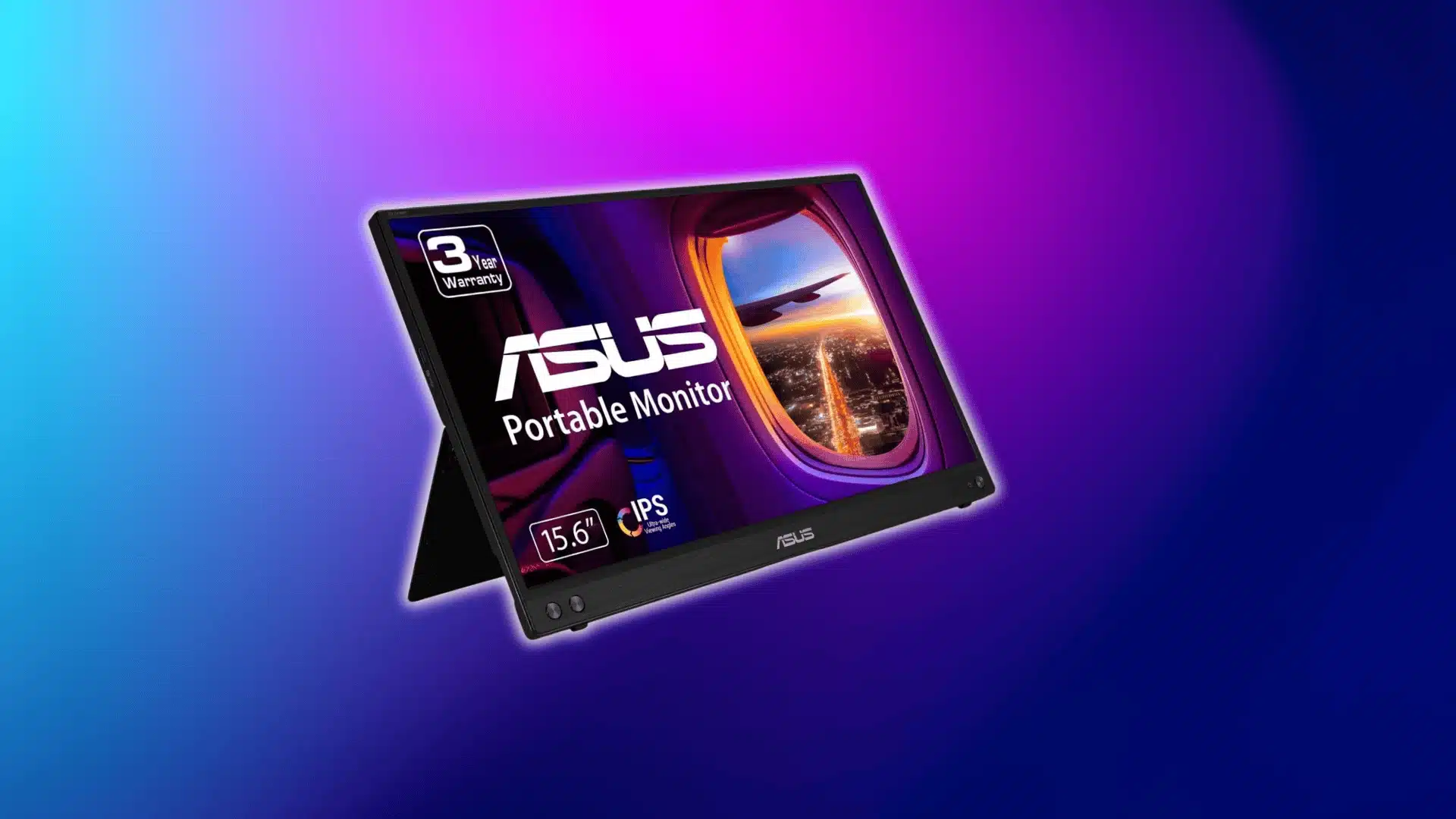
The ASUS ZenScreen MB16ACV features a 15.6″ IPS 1080p display designed for consistent daily use. Its standard refresh rate and balanced panel make it reliable for office work.
Its slim, sturdy build and USB-C support make it travel-friendly. It doesn’t chase high specs but delivers dependable performance.
Best Budget (Under $100–$150)
Budget models focus on essential specs without premium extras. You still get 1080p resolution, but with modest brightness and color coverage.
Most use IPS panels around 220–250 nits. Build quality and color consistency may vary across brands.
3. ForHelp F156-P1
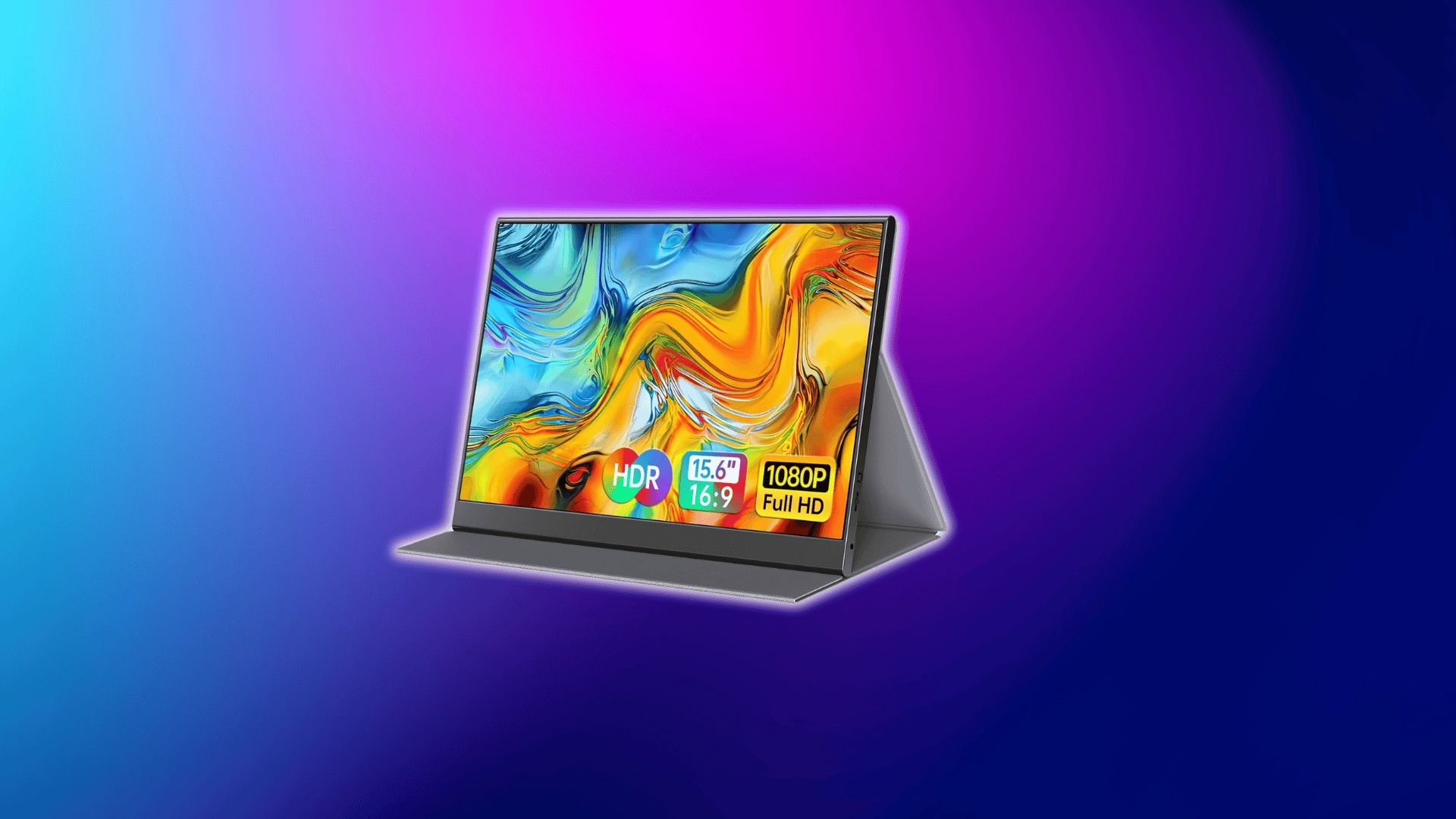
The ForHelp F156-P1 offers a basic 15.6″ IPS 1080p display at a very low price point. It delivers acceptable brightness for indoor productivity tasks.
Color performance and viewing angles are simple and straightforward. It’s a solid choice for writing, spreadsheets, and casual use.
4. MNN 15.6” Portable Monitor
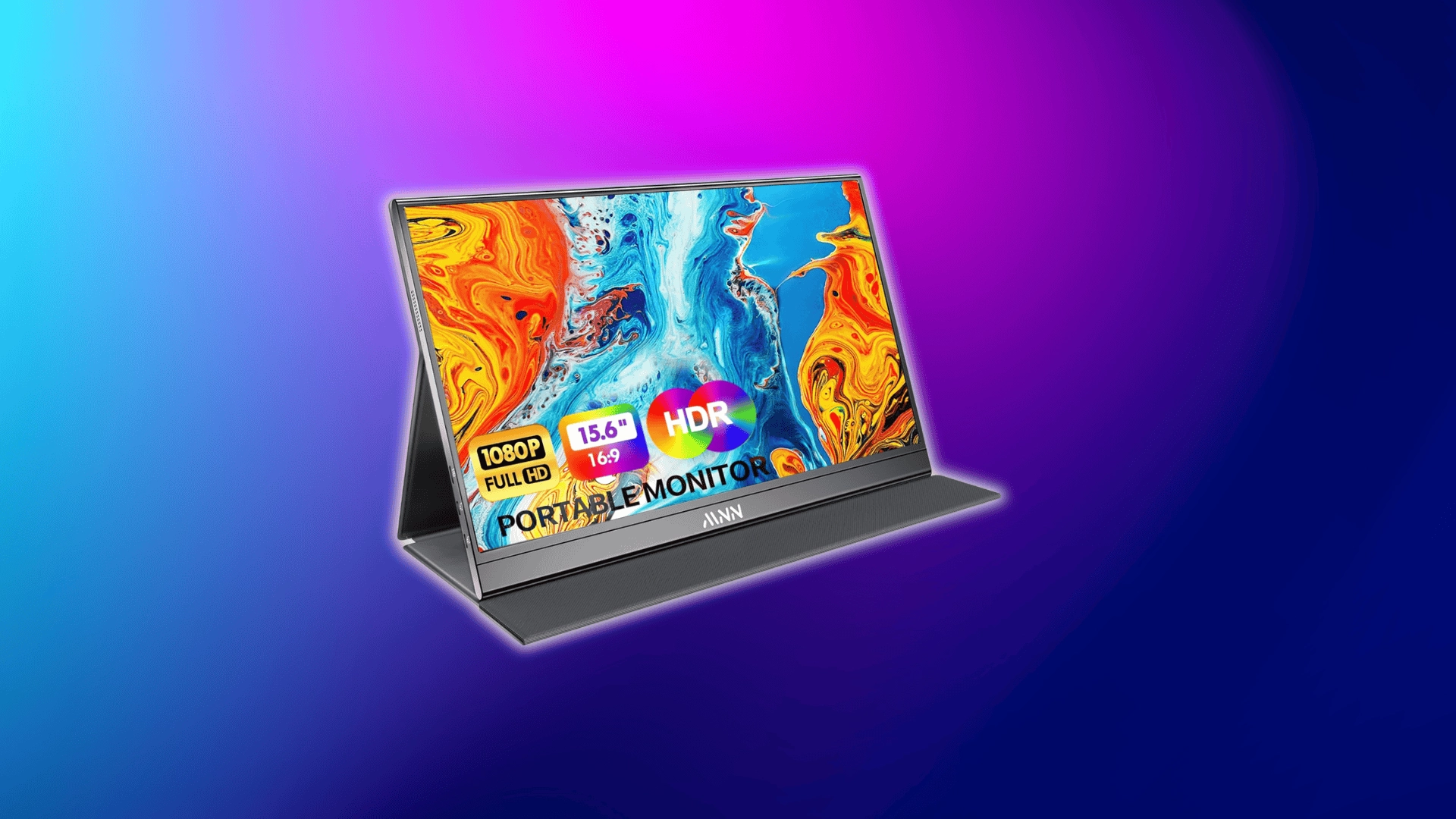
The MNN 15.6″ Portable Monitor features a 1080p IPS panel and supports both USB-C and HDMI connectivity. Its design maintains high flexibility even under budget constraints.
Color depth and build quality are modest but adequate. It’s a reliable entry point for everyday productivity.
Best Premium (OLED / 4K)
Premium monitors emphasize contrast, color depth, and resolution. OLED panels or 4K displays significantly improve visual sharpness.
These models typically offer higher brightness and wider color coverage. They also consume more power than IPS 1080p panels.
5. ViewSonic VX1655-4K-OLED
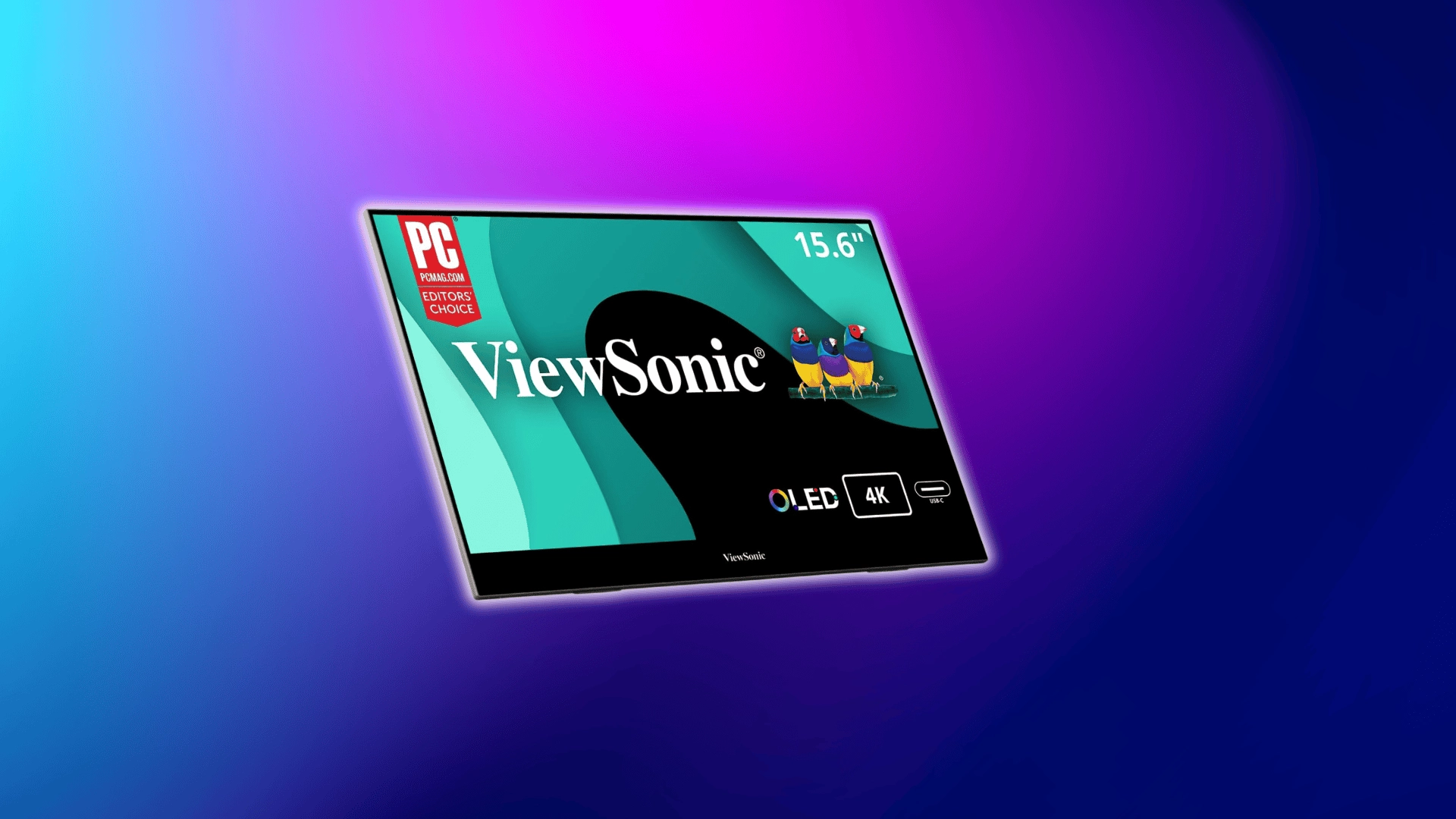
The ViewSonic VX1655-4K-OLED pairs a 15.6″ OLED panel with 4K resolution for deep contrast and rich color. Text and media look crisp and vibrant at close viewing distances.
High-fidelity visuals make it ideal for creative workflows and media consumption. It’s one of the strongest performers in the premium portable display market.
6. ASUS ZenScreen MQ16AH (OLED)
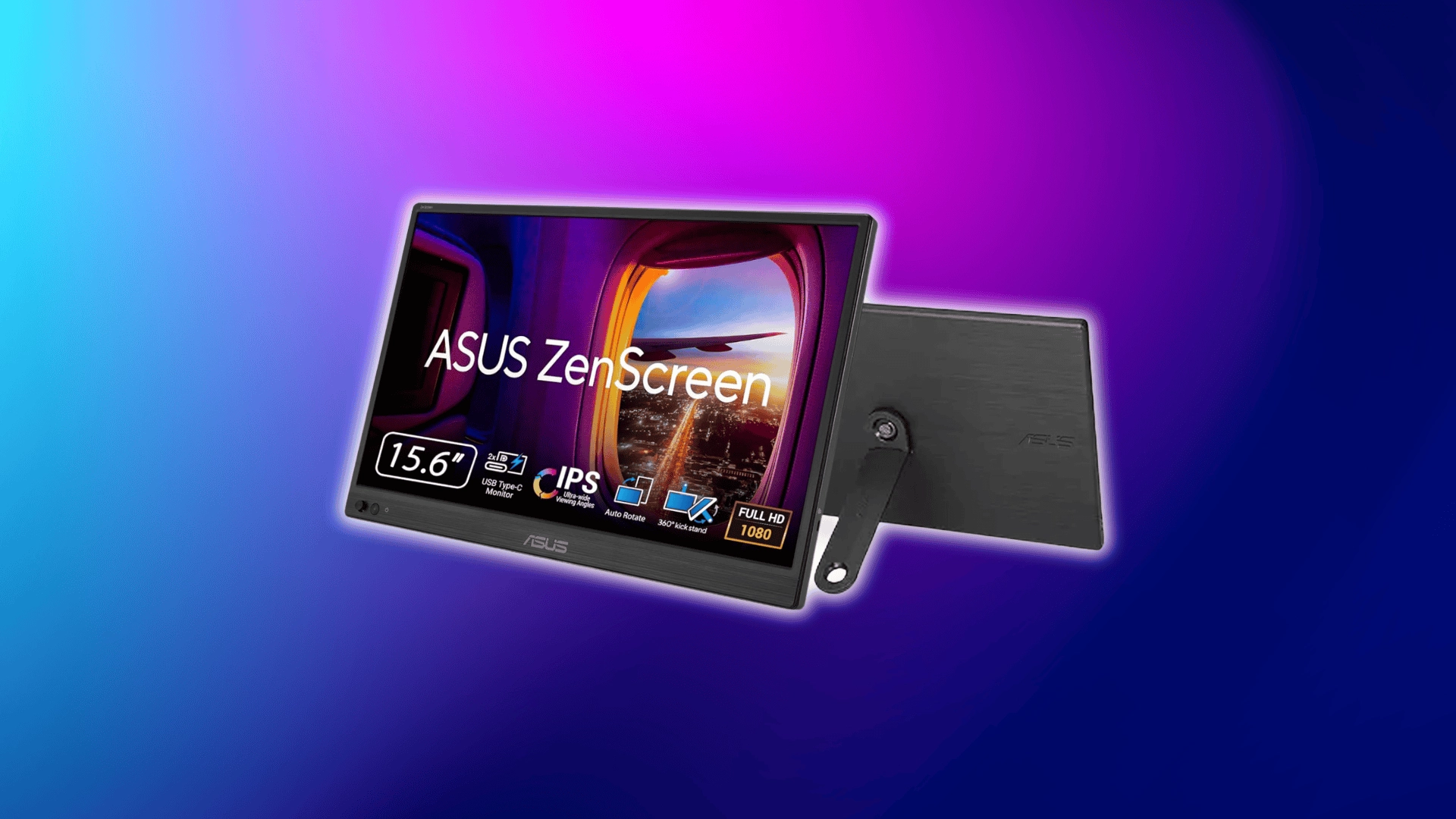
The ASUS ZenScreen MQ16AH features a 15.6″ OLED 1080p panel with strong color accuracy. Its lightweight design balances premium visuals with portability.
This model emphasizes true blacks and contrast over sheer resolution. It’s well-suited for creators on the go.
Best for Gaming
Gaming-focused monitors prioritize refresh rate and responsiveness. Smooth motion is more important than higher resolution.
Most gaming models offer 120Hz to 144Hz refresh rates. Low input lag and faster pixel response improve motion clarity.
7. Lepow Z1-Gamut
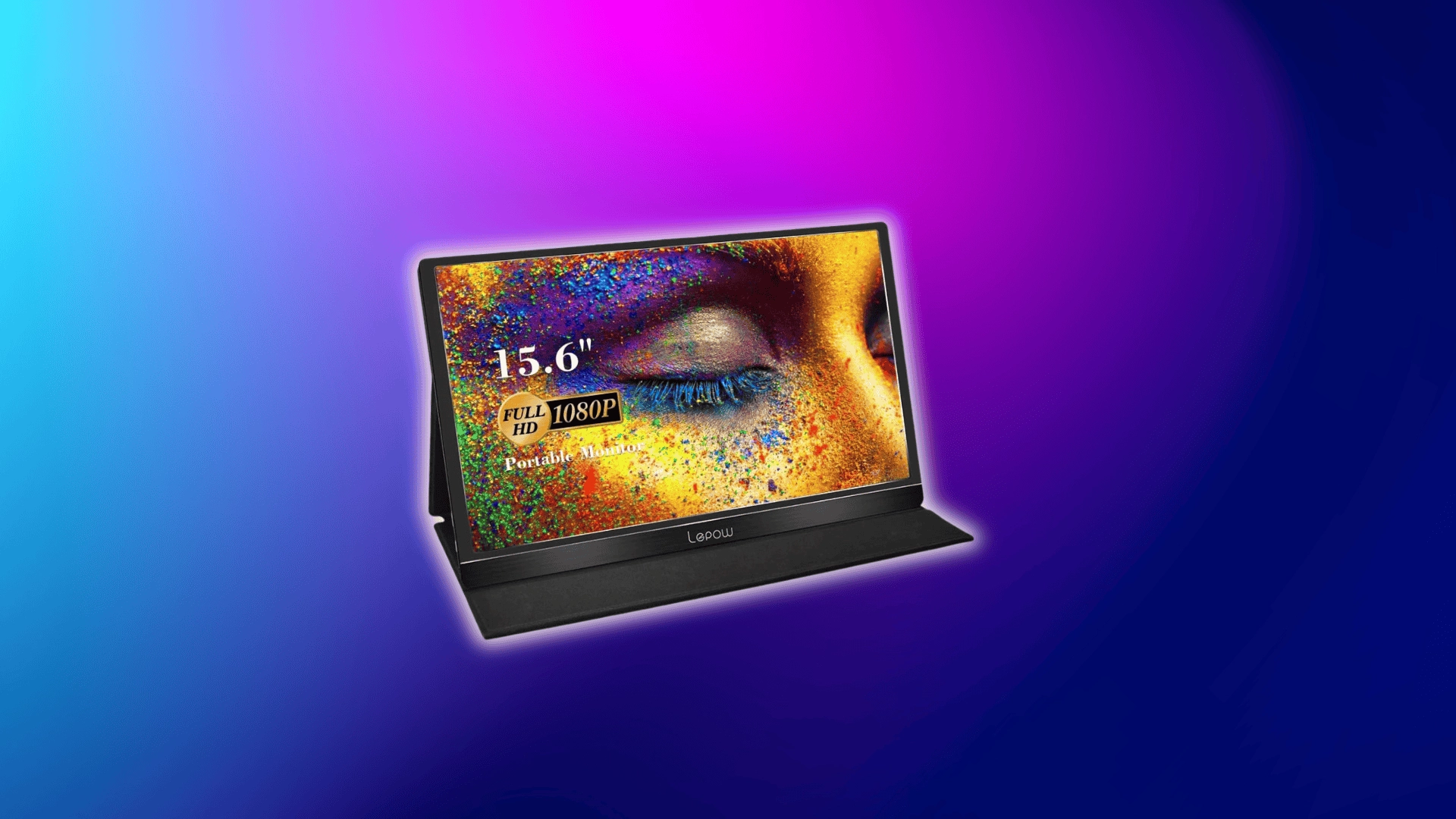
The Lepow Z1-Gamut uses a larger 15.6″ IPS panel with a high refresh rate. Its size and responsiveness enhance immersion during fast-paced games.
Motion feels smoother versus standard 60Hz displays, making gameplay feel more fluid. To unlock its potential, pair it with hardware capable of high frame rates.
8. NexiGo NG17FGQ
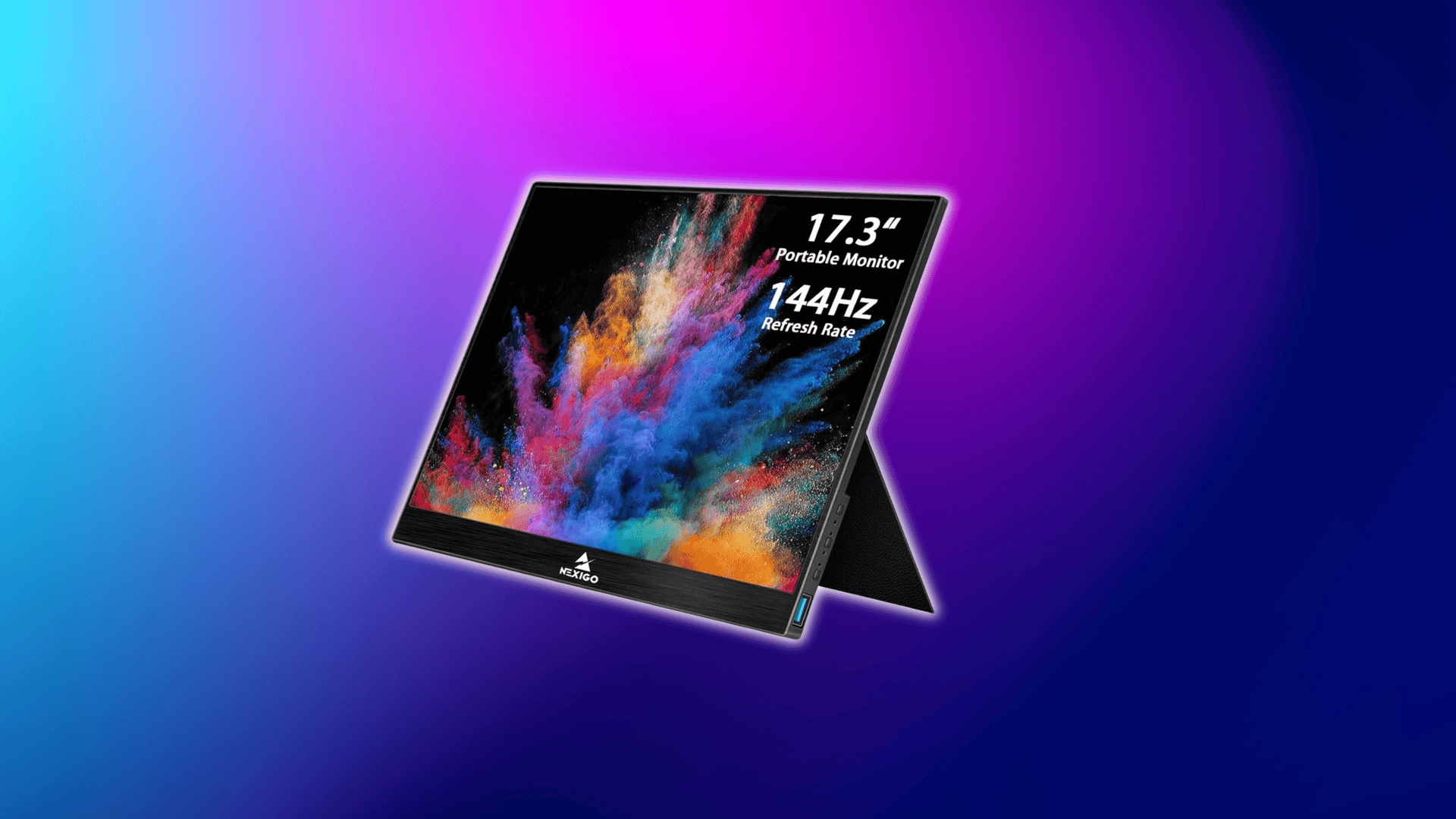
The NexiGo NG17FGQ features a 17.3″ IPS panel and very high refresh capabilities. It aims to give a competitive edge and clarity in fast-action titles.
To take full advantage of the display’s speed, your laptop or console should consistently deliver high FPS. That combination delivers responsive and vivid gameplay.
Best for Travel / Wireless Use
These monitors focus on flexibility and cable-free setups. Built-in batteries and wireless display support define this category.
They typically use IPS or OLED panels with moderate brightness. Slight latency and battery limits are expected trade-offs.
9. ViewSonic VG1656N
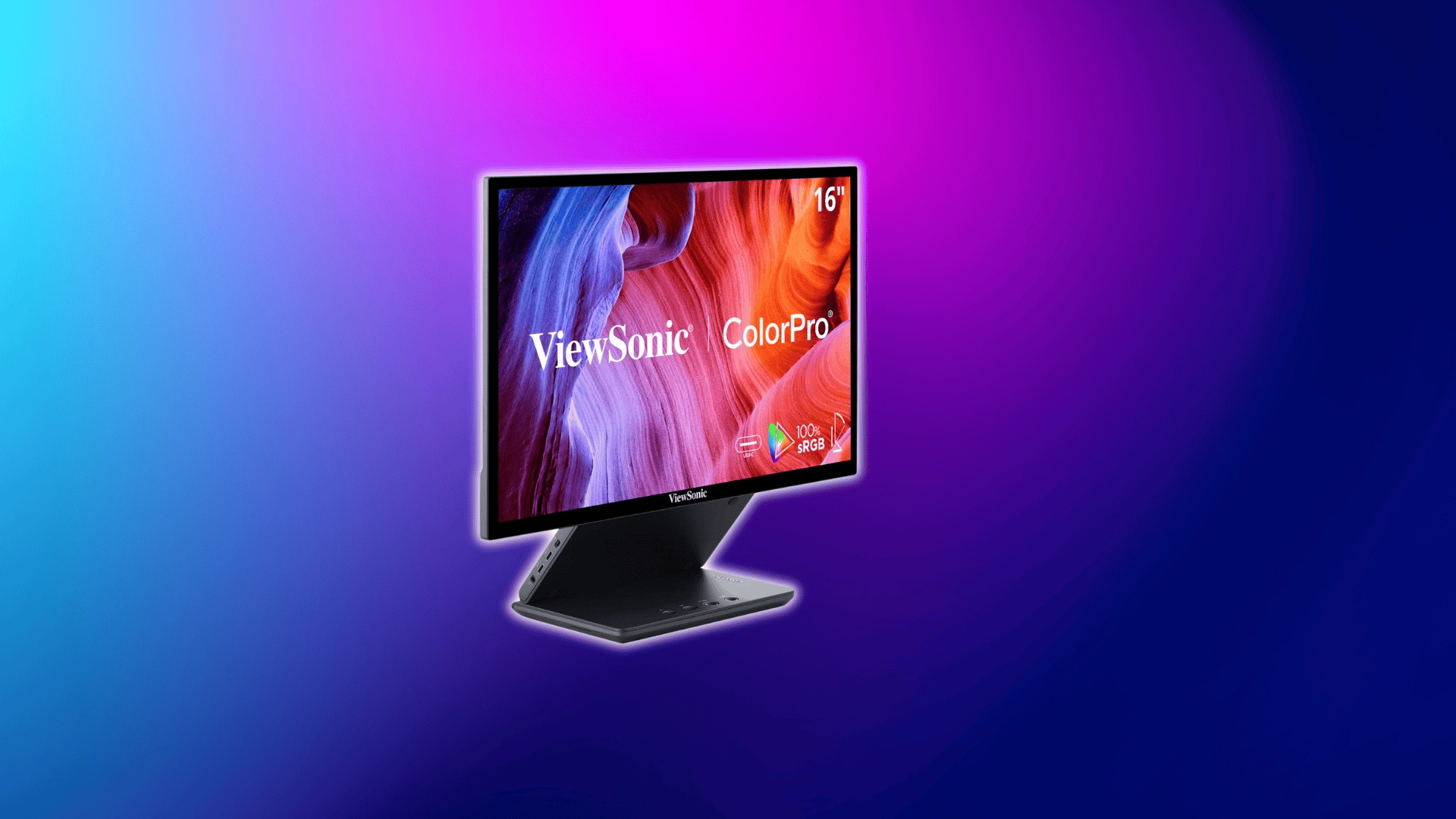
The ViewSonic VG1656N has a 15.6″ IPS 1200p panel with built-in battery and wireless display support. This eliminates cable clutter in mobile setups.
Its balance of brightness and panel quality makes it ideal for presentations and productivity on the go. It’s not focused on peak media performance.
10. Ricoh Portable Monitor 150BW
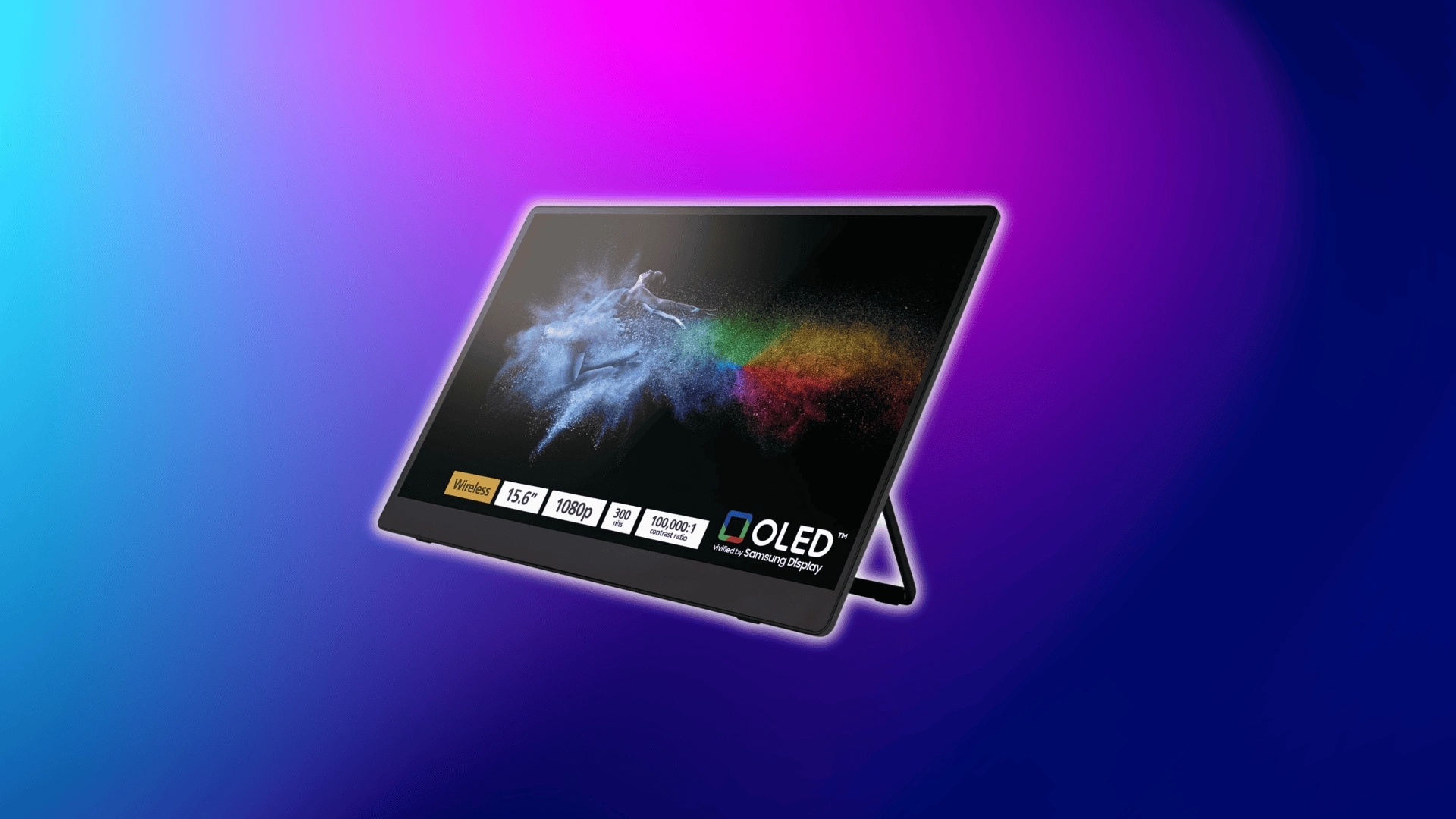
The Ricoh Portable Monitor 150BW combines an OLED 1080p panel with wireless connectivity and touchscreen support. The contrast is sharp, and the visuals appear vibrant.
Its feature set targets flexible workflows over gaming or heavy creative use. It’s ideal when mobility and convenience matter most.
Price Comparison of Top Portable Monitor Picks
Portable monitor pricing varies based on panel type, resolution, refresh rate, and features such as batteries or wireless connectivity.
Budget IPS models stay under $150, while OLED and high-refresh models move into the $300–$700 range.
| Model | Panel / Resolution | Key Feature | Approx. Price (USD) |
|---|---|---|---|
| Arzopa Z1FC | 15.6″ IPS 1080p | 144Hz refresh rate | $100–$150 |
| ASUS ZenScreen MB16ACV | 15.6″ IPS 1080p | Slim & reliable design | $140–$200 |
| ForHelp F156-P1 | 15.6″ IPS 1080p | Ultra-affordable | $60–$100 |
| MNN 15.6″ Portable Monitor | 15.6″ IPS 1080p | Multiple ports | $80–$130 |
| ViewSonic VX1655-4K-OLED | 15.6″ OLED 4K | High contrast & clarity | $450–$600 |
| ASUS ZenScreen MQ16AH (OLED) | 15.6″ OLED 1080p | Strong color accuracy | $350–$450 |
| Lepow Z1-Gamut | 17.3″ IPS 120Hz/144Hz | Gaming-oriented high refresh | $200–$350 |
| NexiGo NG17FGQ | 17.3″ IPS 1440p | Very high refresh rate | $300–$400 |
| ViewSonic VG1656N | 15.6″ IPS 1200p | Built-in battery + wireless | $280–$350 |
| Ricoh Portable Monitor 150BW | 15.6″ OLED 1080p | Wireless + touchscreen | $500–$700 |
Lower-priced models focus on essential productivity performance. Higher-priced options justify the cost with OLED panels, sharper resolution, wireless capability, or higher refresh rates.
Screen Size and Resolution (What Actually Feels Comfortable)
Portable monitors typically range from 14 to 17.3 inches. The difference sounds small on paper, but it changes how the screen feels in daily use.
Smaller screens are easier to carry and fit on tight desks. Larger screens offer more workspace but add weight and require more space.
Typical Sizes: 14–17.3 Inches
- A 14-inch monitor is compact and travel-friendly. It works well if you want something close to your laptop’s footprint.
- A 17.3-inch monitor gives noticeably more screen space. However, it is heavier and less convenient for frequent travel.
- The 15.6-inch size sits in the middle. That is why it has become the standard sweet spot.
It offers enough room for multitasking without feeling bulky. For most users, this balance feels the most natural.
Resolution Breakdown
Resolution determines how sharp text appears and how much content fits on the screen. But higher numbers are not always better on smaller displays.
- 1080p (1920 × 1080) is ideal for most users. On a 15.6-inch screen, text looks sharp, and scaling is rarely an issue.
- 2K (1440p / 1600p class) provides more workspace. It improves scaling and lets you see more rows in spreadsheets or more timeline in editing tools.
- 4K (3840 × 2160) produces very sharp text and fine detail. However, on a small 15-inch screen, the improvement is less dramatic than on a large desktop monitor.
When High Resolution Becomes a Problem
Pairing a very high resolution with a small screen can create scaling issues. Icons and text may appear too small without system scaling adjustments.
Scaling solves the size problem, but reduces the effective workspace advantage. In some cases, it can also introduce UI inconsistencies.
For most people, 1080p or 2K at 15.6 inches feels comfortable. Moving to 4K only makes sense if you need detailed visual precision.
Display Quality Explained (Brightness, Panel Type, Color)
Display specs often look technical and overwhelming. But most buying decisions come down to three things: brightness, panel type, and color accuracy.
Understanding how these work in real use helps you avoid paying for specs that won’t actually improve your experience.
Brightness (Nits)
Brightness is measured in nits. It determines how visible the screen remains in different lighting conditions.
250–300 nits is typical for portable monitors. This range works well indoors under normal room lighting.
If you plan to work near windows or outdoors, that level becomes limiting. Glare and ambient light reduce perceived clarity.
400+ nits makes a noticeable difference outside. Higher brightness helps overcome reflections and maintain readability.
In real-world use, brightness often matters more than resolution. A dim 4K screen outdoors is less usable than a bright 1080p one.
IPS vs. OLED
Panel type affects contrast, black levels, and overall image depth. Most portable monitors use IPS panels because they offer a balance between cost and consistency.
IPS panels provide stable colors and wide viewing angles. They are affordable and reliable for everyday work.
OLED panels light each pixel individually. This produces true blacks and significantly higher contrast.
The trade-off is cost and power consumption. OLED models are more expensive and can drain battery faster than IPS displays.
For office tasks, IPS is more than enough. OLED becomes valuable when contrast and visual depth are important.
Color Accuracy (sRGB and Beyond)
Color accuracy is often expressed as a percentage of sRGB coverage. This indicates how much of the standard color space the monitor can reproduce.
For creators working with photos or video, higher sRGB coverage matters. It ensures colors look closer to their intended output.
Most productivity users do not need 100% color accuracy. Documents, browsing, and coding rarely demand precise color reproduction.
A common misconception is that higher percentages always look dramatically better. In practice, many users will not notice subtle differences outside creative work.
Color accuracy should match your workload. Paying for professional-level color without using it adds cost without benefit.
Common Mistakes when Buying a Portable Monitor
Many buyers focus on headline specs and price tags. That often leads to frustration after the purchase.
- Choosing 4K on a 15-inch screen, expecting a dramatic upgrade, only to find that scaling reduces the real benefit.
- Ignoring brightness ratings and then struggling to use the monitor in bright rooms or outdoors.
- Assuming all USB-C ports support video output, when some only handle charging or data.
- Paying extra for features like touch, battery, or 144Hz refresh without actually using them.
- Buying ultra-cheap models without checking reviews for panel quality and long-term reliability.
Avoiding these mistakes keeps your decision practical and cost-effective. A portable monitor should match how you actually work, not just how it looks on paper.
Quick Buying Checklist: Make Your Final Decision Fast
If you’ve read through the options, this is where you lock in your choice. Use this checklist to confirm you’re buying what you actually need.
- Budget range selected: Decide your maximum spend first to narrow options realistically.
- Size matched to your laptop: 15.6-inch is the safe middle ground, while 14-inch is lighter and 17.3-inch offers more workspace.
- Resolution chosen based on use: 1080p for general work, 2K for extra workspace, 4K only if you need detailed creative precision.
- Ports confirmed: Make sure your laptop’s USB-C supports video output, or confirm HDMI compatibility before buying.
- Must-have vs nice-to-have separated: Identify essentials like brightness or refresh rate, and avoid paying extra for features you won’t use.
Once every box is checked, the decision becomes simple. The right portable monitor is the one that fits your workflow, not the one with the highest specs.
Wrapping Up
Choosing the best portable monitor becomes easier once you align its features with your actual usage. Screen size, brightness, panel type, and refresh rate only matter when they support your tasks.
You now understand how different categories serve different priorities, from budget productivity to premium creative work.
That clarity helps prevent overspending and unnecessary upgrades.
Use the checklist to confirm your requirements and make a focused decision. The right portable monitor is the one that improves your workflow, not just the one with the highest specs.
Frequently Asked Questions
Are portable monitors worth it?
They are useful if you work on the go or need extra screen space. For desk setups, regular monitors offer better size and value.
Is 1080p enough for a portable monitor?
Yes, for most users. The small screen size makes higher resolutions less noticeable unless doing design or detailed work.
Do portable monitors need external power?
Some run on USB-C power from your laptop. Others need wall power or have built-in batteries for standalone use.