

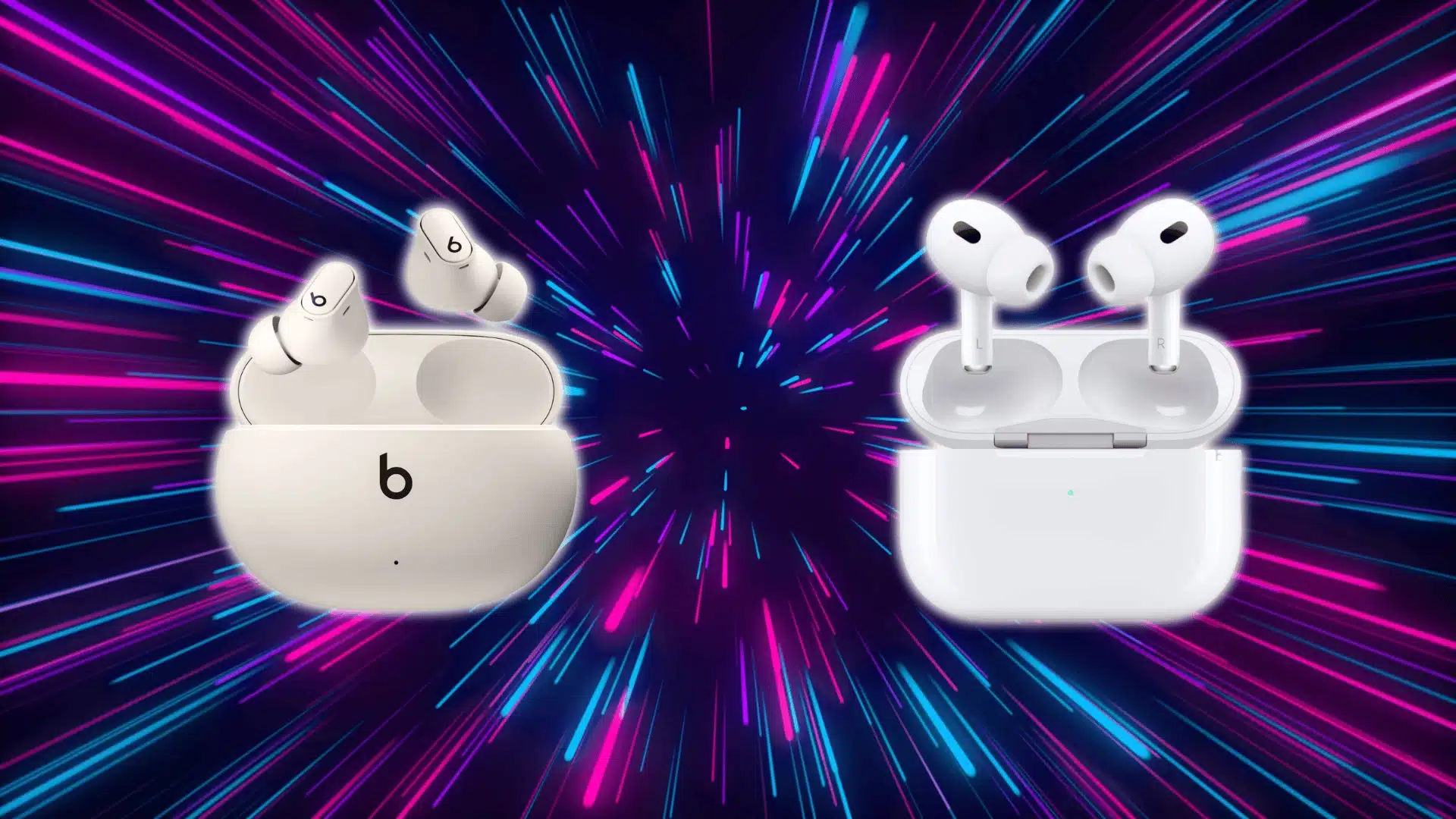




Choosing between Beats Studio Buds Plus vs. AirPods Pro 2 often seems like a simple feature comparison. In reality, the bigger difference shows up in how each pair fits into your device ecosystem.
Ecosystem compatibility can influence switching, tracking, and daily convenience more than raw specs. Small interactions repeated throughout the day shape the overall experience.
This guide focuses on how each model performs across different setups, helping you decide based on real workflow impact rather than just a feature list.
Why Ecosystem Compatibility is the Real Deciding Factor?
When comparing Beats Studio Buds Plus and AirPods Pro 2, most buyers focus on sound or ANC. But the bigger difference shows up in how the earbuds behave in daily use.
As explained in the detailed breakdown of their real-world performance, both models perform well overall.
Deep OS-level integration leads to automatic syncing and background processing. That reduces friction without you even noticing it.
With AirPods Pro inside the Apple ecosystem, pairing, switching, and syncing happen automatically. The system recognizes context and adjusts automatically.
Beats Studio Buds Plus rely on standard Bluetooth with cross-platform support. That gives flexibility, but not deep operating system integration.
The difference appears in small repeated actions. Switching devices, reconnecting, or locating lost earbuds adds up over time.
Each action may only take seconds. But repeated daily, those seconds compound into noticeable friction.
Many buyers underestimate this factor. They focus on specs and ignore workflow.
Users deeply embedded in the Apple ecosystem often regret choosing a non-integrated option.
Mixed-device users sometimes regret paying for features they rarely use.
Before comparing features, ask one core question.
Do you want seamless automation within one system or consistent flexibility across platforms?
What Actually Happens when You Use AirPods Pro Inside the Apple Ecosystem?
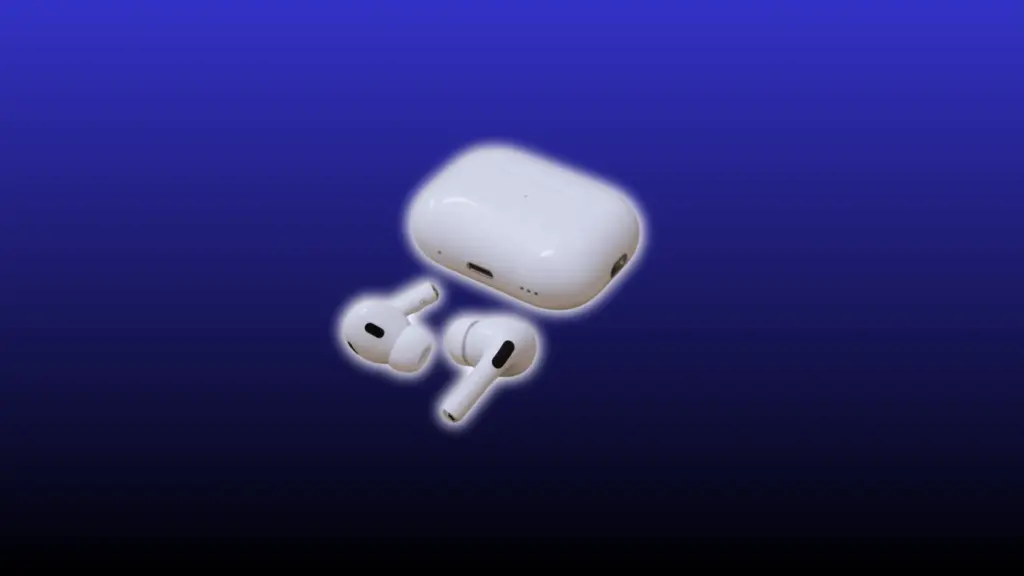
When used with Apple devices, AirPods Pro integrate directly into the operating system. That integration removes repeated manual steps from daily use.
Automatic Device Switching and iCloud Sync
- AirPods sync through your Apple ID using iCloud.
- The Apple chip enables automatic, context-aware device switching.
- Audio moves instantly between iPhone, Mac, and iPad.
- Delays may occur if multiple devices play audio at the same time.
Find My and Precision Tracking
- AirPods connect to Apple’s Find My network for live location tracking.
- The U1 chip enables precise directional finding when nearby.
- Separation alerts notify you if you leave them behind.
- Tracking falls back to the last known location if no recent signal exists.
Adaptive Audio and System-Level Features
- Adaptive Audio automatically adjusts noise control based on the surroundings.
- Conversation Awareness lowers the volume when you start speaking.
- Features reduce the need to switch to manual mode.
- Benefits are strongest for users who frequently move between environments.
Within the Apple ecosystem, AirPods Pro function as an extension of the system, minimizing friction in everyday use.
What You Lose when You Use AirPods Pro Outside Apple Devices?
AirPods Pro are designed to integrate deeply with Apple’s operating system. When used on non-Apple devices, they function like standard Bluetooth earbuds.
Automatic device switching no longer works in the background. You have to manually disconnect and reconnect when moving between devices.
Advanced features become limited or inaccessible. Spatial audio customization, adaptive controls, and some system-level settings won’t fully operate.
Find My support is also reduced. You lose precision tracking and separation alerts tied to Apple’s network.
Without Apple OS integration, features fall back to basic Bluetooth behavior. The overall experience remains solid, but noticeably less seamless.
How do Beats Studio Buds Plus Handle Cross-Platform Use?

As covered briefly in the main guide, Beats Studio Buds Plus are built to work smoothly with both Android and iOS. Their design prioritizes flexibility across platforms rather than deep system-level intelligence.
Consistent Pairing Across Devices
Beats rely on standard Bluetooth along with Fast Pair support. This creates predictable and stable connections on both Android and iPhone.
Pairing is quick and straightforward on either platform. There’s no heavy dependence on one operating system.
The advantage is simple: no ecosystem lock-in. You can switch phone brands without losing core functionality.
Feature Trade-Off for Compatibility
Beats include fewer advanced system-level features. That simplicity reduces compatibility conflicts across devices.
With less automation running in the background, fewer features break. The experience remains consistent across platforms.
However, seamless automatic switching is not available. Moving between devices still requires manual Bluetooth reconnection.
Mixed Device Users: Where the Decision Gets Complicated
The decision becomes harder for users with mixed setups, especially when you consider how fit and comfort change with long-term use.
A common example is an iPhone paired with a Windows laptop or Android tablet.
AirPods Pro perform exceptionally well on iPhone. But their experience is less robust when used on non-Apple devices.
Beats provide a more uniform experience across all devices. Performance stays consistent regardless of platform.
Partial ecosystem use creates an imbalance. Some features work fully while others degrade, increasing friction over time.
AirPods still make sense if the iPhone is your primary device. If most of your listening happens on Apple devices, the benefits remain strong.
Beats are the safer choice for frequent cross-platform switching. They prioritize consistency over ecosystem-dependent automation.
Daily Use Scenarios Where Ecosystem Choice Changes Everything
Here’s a simple breakdown of how ecosystem choice shows up in real daily use. The differences may look small on paper, but they become clear once you start switching devices or moving through different situations.
| Scenario | AirPods (Apple Ecosystem) | Beats (Cross-Platform) | What It Means In Daily Use |
|---|---|---|---|
| Commuting & Travel | Precision tracking and automatic device switching | Manual switching and limited tracking support | Easier to manage devices on the move with AirPods |
| Work & Multitasking | Seamless switching during calls and meetings | Requires manual reconnection between devices | Less interruption with AirPods in multi-device setups |
| Gym & Casual Listening | Works smoothly, but advanced features are not critical | Performs similarly in single-device use | No major difference when using one device only |
In everyday use, the more devices you rely on, the more noticeable these ecosystem differences become.
When Ecosystem Benefits are Not Worth Paying for?
Ecosystem integration sounds valuable on paper, but it only matters if you actively use those features. If you mainly use one device, automatic switching offers little practical advantage.
If you rarely use adaptive audio or advanced system controls, the added ecosystem value drops quickly. Unused features don’t change your behavior, which makes the premium harder to justify.
Budget-focused buyers and users with simple listening habits often fall into this category. In those cases, paying extra for deep ecosystem integration may not improve the overall experience.
Final Decision Based on Ecosystem Use
Your choice becomes clear once you look at how you actually use your devices each day. The right option depends more on workflow than on feature count.
- Choose AirPods Pro if: You are fully inside the Apple ecosystem and use multiple Apple devices daily.
- Frequent Device Switching: You regularly move between iPhone, Mac, and iPad and want seamless automatic transitions.
- Automation Matters To You: You value adaptive audio, precision tracking, and system-level convenience.
- Choose Beats Studio Buds Plus if: You use Android or a mix of different platforms.
- Cross-Platform Simplicity: You prefer consistent performance without ecosystem dependency.
- Minimal Feature Reliance: You use only one device at a time and don’t rely on advanced automation.
In the end, this decision is about reducing workflow friction in your daily routine, not just comparing features on paper.
Conclusion
When comparing Beats Studio Buds Plus vs. AirPods Pro 2, ecosystem compatibility often becomes the deciding factor. The more devices involved in your routine, the more integration and flexibility matter.
AirPods Pro deliver deeper integration within Apple environments, while Beats Studio Buds Plus provide consistent cross-platform performance. Each approach suits a different type of user.
With a clear view of how ecosystem use affects your daily workflow, you can now choose the option that best fits your habits. Focus on how you actually use your devices, then make your decision with confidence.
Frequently Asked Questions
Does multipoint Bluetooth work on either model?
Neither AirPods Pro 2 nor Beats Studio Buds Plus support true multipoint Bluetooth, so switching between devices still requires manual reconnection in most cases.
Will firmware updates affect ecosystem performance?
Yes, firmware updates can improve stability and feature behavior, but deeper ecosystem limitations remain tied to operating system compatibility rather than software updates alone.
Which option holds resale value better over time?
AirPods Pro generally retain higher resale value due to strong demand among Apple users, while Beats appeal more to cross-platform buyers seeking affordability.
Do ecosystem differences affect battery performance?
Battery life remains similar across ecosystems, but enabling advanced Apple features may slightly reduce AirPods Pro battery life compared to basic Bluetooth operation.