
Buying a gaming monitor isn’t as simple as picking the highest number on the box. The debate over the best refresh rate for gaming often reduces to 60Hz vs 144Hz, but that barely scratches the surface.
Some players swear by smoother motion, others barely notice a change. So what actually makes a difference, and what’s just hype?
In this guide, I’ll break it down in plain terms. You’ll see how each refresh rate affects gameplay, and more importantly, which one actually makes sense for you.
What is Refresh Rate in Gaming?
Refresh rate, measured in Hertz (Hz), tells you how many times your monitor updates the image on screen every second. A 60Hz display refreshes 60 times per second, while a 144Hz display refreshes 144 times.
This directly affects how smooth the gameplay motion looks. It’s easy to mix this up with FPS (frames per second), but they’re not the same.
Your system generates frames, and your monitor shows them. If your game runs at 120 FPS but your screen is 60Hz, you’ll only see 60 of those frames. So, higher refresh rates only matter if your hardware can keep up.
Why Refresh Rate Impacts Your Gaming Experience
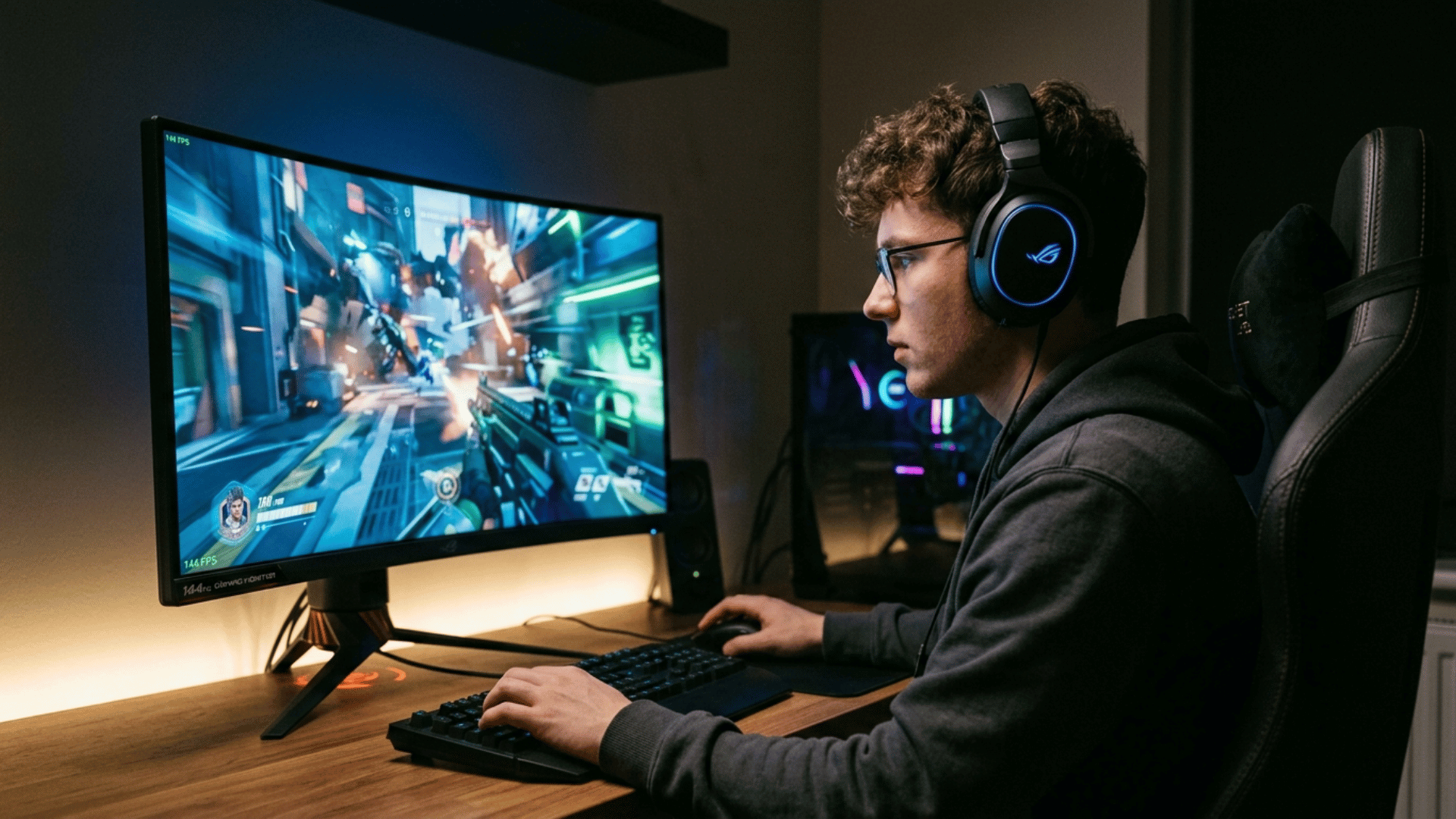
Refresh rate shapes how games look and feel in real time. It affects smoothness, responsiveness, and how clearly you can track movement on screen, especially when things get fast or chaotic.
1. Smoother Motion and Reduced Blur
A higher refresh rate makes motion look cleaner and more fluid. Instead of choppy transitions, movements appear continuous, which helps reduce motion blur and ghosting.
This is most noticeable in fast-paced games like FPS titles, racing games, or esports, where quick camera turns and tracking moving targets are constant.
At lower refresh rates like 60Hz, fast motion can feel slightly smeared, while 144Hz and above keep things sharper and easier to follow.
2. Input Lag and Responsiveness
Higher refresh rates can make games feel more responsive by updating the screen more frequently. This reduces the delay between your input and what you see happening on screen.
That said, refresh rate is only one part of the equation. Total system latency also depends on your GPU, CPU, and input devices. So while a higher Hz panel helps, it doesn’t eliminate lag on its own.
3. Competitive Gaming Compared to Casual Play
In competitive games like Valorant, CS2, or Fortnite, a higher refresh rate can give you a slight edge. You can track enemies more smoothly and react faster to changes.
But in slower, story-driven games, the difference becomes less critical. Titles focused on visuals and narrative don’t demand ultra-smooth motion in the same way, so even 60Hz can still offer a solid experience.
4. Better Tracking and Aim Control
When the screen updates more often, it becomes easier to follow moving objects and control your aim. This is especially useful in shooter games where precision matters.
At higher refresh rates, small adjustments feel more accurate, which can improve consistency over time, though it won’t replace skill.
5. Reduced Eye Strain During Long Sessions
Smoother motion can also be easier on the eyes during extended gaming sessions. Lower refresh rates may feel slightly tiring over time, especially in fast-moving scenes.
While it’s not a dramatic difference for everyone, many players find higher refresh rates more comfortable for longer play.
60Hz vs. 75Hz vs. 144Hz vs. 240Hz: Real Differences
Each refresh rate offers a different level of smoothness and performance, but the real difference comes down to how much your system can support and how noticeable the change feels during gameplay.
| Refresh Rate | Frames Displayed per Second | Typical Use Case | Smoothness Level | Hardware Requirement |
|---|---|---|---|---|
| 60Hz | 60 frames | Casual gaming, general use | Basic, standard motion | Low to mid-range systems |
| 75Hz | 75 frames | Light gaming upgrade | Slightly smoother than 60Hz | Low to mid-range systems |
| 144Hz | 144 frames | Most modern gaming setups | Very smooth, clear motion | Mid to high-end systems |
| 240Hz | 240 frames | Competitive esports gaming | Extremely smooth motion | High-end systems with high FPS output |
60Hz or 144Hz: Is the Upgrade Worth It?
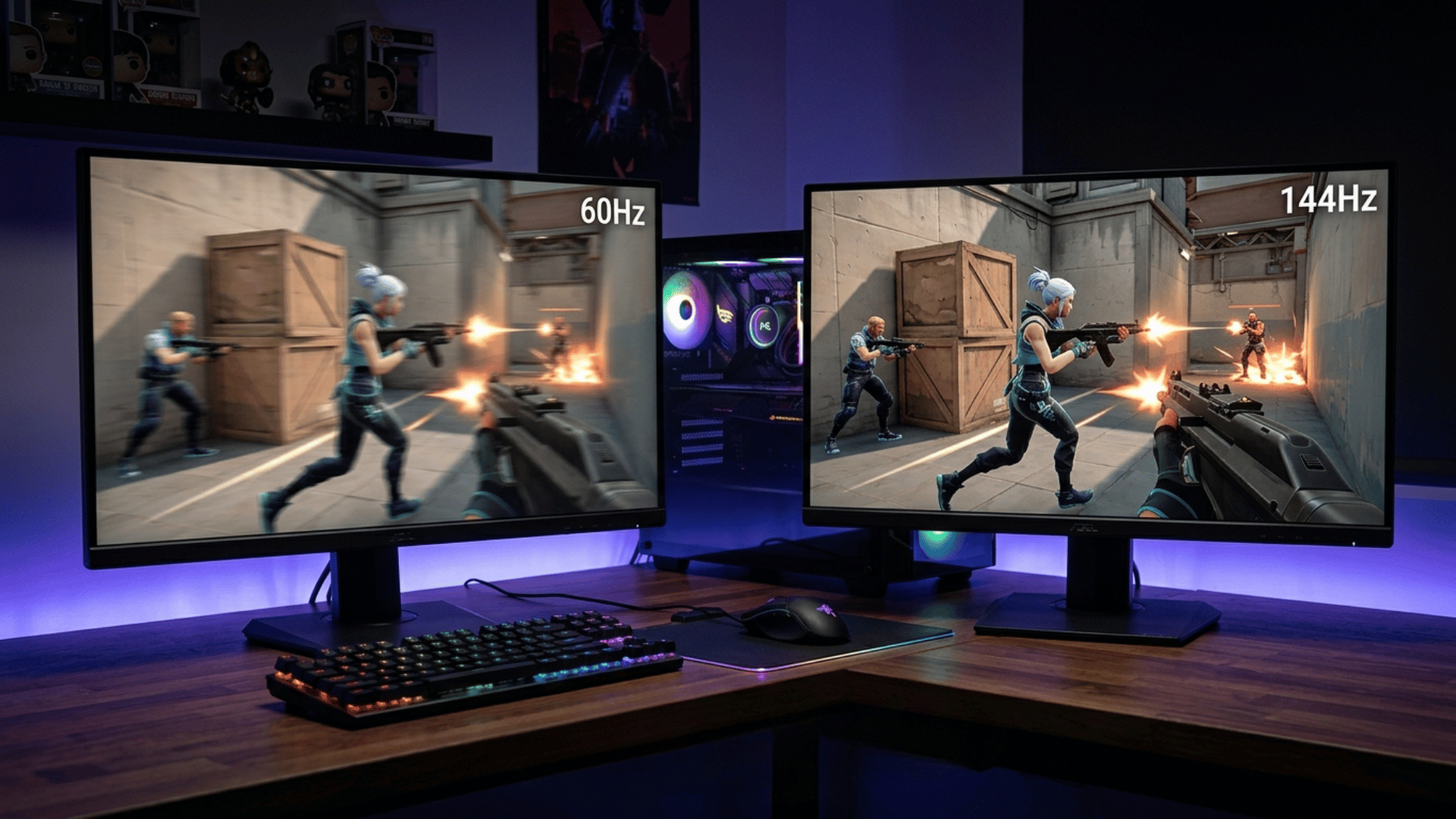
The jump from 60Hz to 144Hz is one of the most noticeable changes you can make to your gaming setup. Gameplay feels smoother, fast movements look clearer, and overall control feels more responsive.
It’s not just about visuals; it changes how the game feels in your hands. That said, the upgrade only pays off if your system can deliver higher frame rates. If you’re stuck near 60 FPS, the difference won’t be as big.
- Smoother motion with reduced blur during fast scenes
- More responsive feel due to quicker screen updates
- Easier tracking of enemies and moving objects
- Bigger impact in FPS and competitive games
- Requires a GPU and CPU that can push 100+ FPS
- Less noticeable benefit in slow-paced or story-driven games
Misconceptions About Refresh Rate
There’s a lot of confusion around refresh rates, and some claims get repeated so often that they start to sound true, even when they’re not.
- Higher Hz always means better gaming: A higher refresh rate helps, but only if your system can produce matching FPS; otherwise, the benefit is limited
- 240Hz will instantly improve your skills: It can make gameplay smoother, but it won’t replace practice, game sense, or reaction time
- You can’t notice beyond 60Hz: Many players can clearly see the difference between 60Hz and 144Hz, especially in fast-moving scenes
- Refresh rate and FPS are the same: Refresh rate is what your monitor displays, while FPS is what your system generates
- Higher refresh rate removes all lag: It reduces perceived delay, but overall latency depends on multiple factors like hardware and input devices
Final Verdict
Choosing the best refresh rate for gaming comes down to balance, not just chasing higher numbers.
The gap between 60Hz vs 144Hz is where most users see a real upgrade, while anything beyond that depends on how competitive you are and whether your system can keep up.
Instead of focusing only on specs, think about the games you play and the performance your setup can deliver. A well-matched monitor and hardware combo will always feel better than an overkill display running below its potential.
Frequently Asked Questions
Can Refresh Rate Affect How Fast You Adjust to New Games?
A smoother display can make it easier to adapt to new mechanics, especially in fast-paced titles.
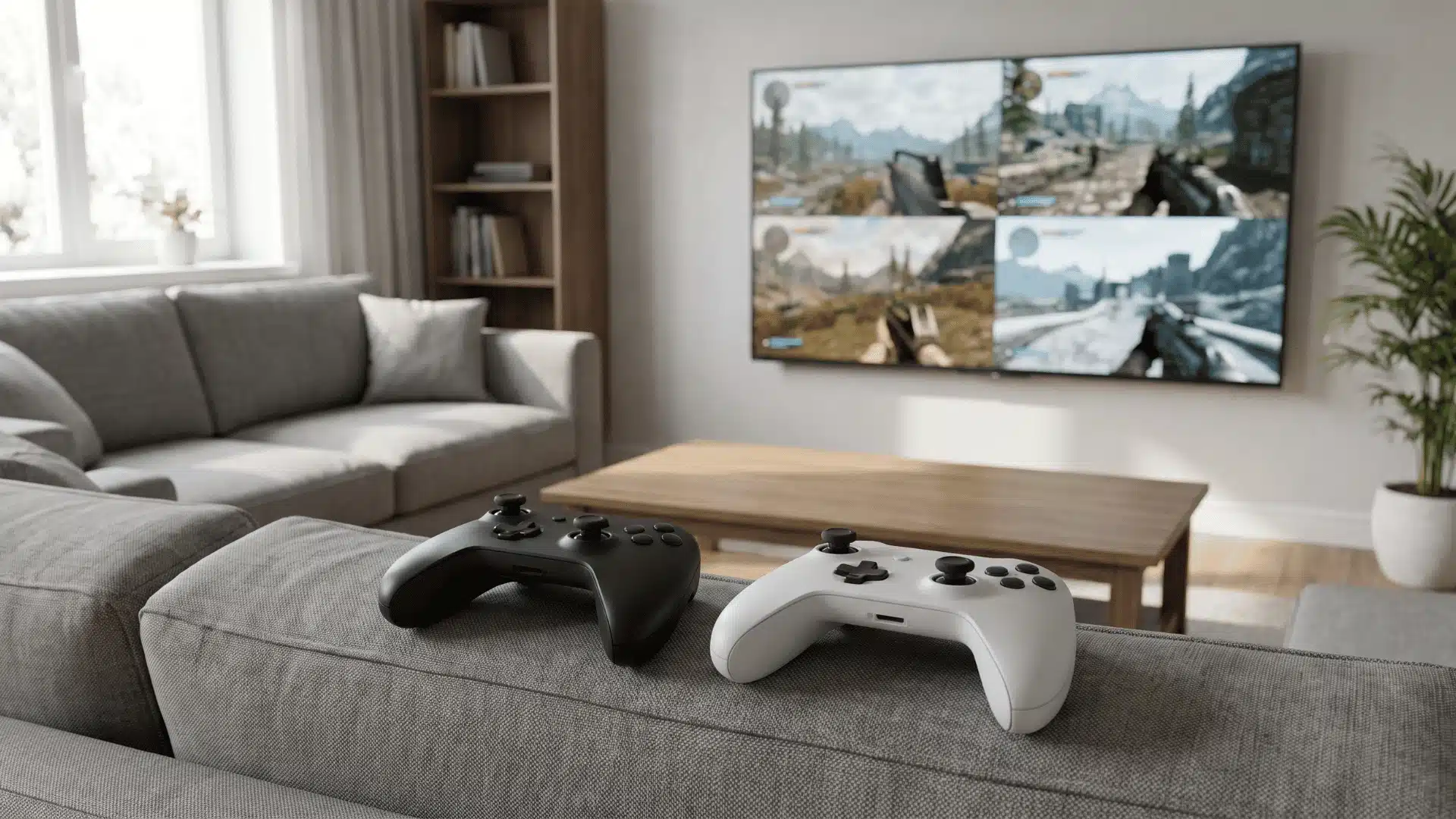
Does Refresh Rate Matter for Split-Screen or Local Multiplayer?
It can, especially if the screen is handling multiple viewpoints. Higher refresh rates help maintain clarity during fast movement.
Is There a Point Where a Higher Refresh Rate Stops Feeling Different?
For many players, the jump from 60Hz to 144Hz is clear, but beyond that, the difference becomes harder to notice.