




Buying a comfortable gaming headset is not as simple as picking a popular model. Many headsets feel fine at first, but become uncomfortable over time.
Small design differences in materials and structure can change how your head handles long sessions.
Today, I’ll tell you how to match headset features to your needs across different gaming setups and environments.
What Actually Makes a Gaming Headset Comfortable?
Most headsets pass the store test. The real question is how they perform after hour three.
- Weight Distribution: Unbalanced weight creates pressure points that build into fatigue. Suspension headbands like the SteelSeries Arctis strap float across your head instead of pressing a rigid band into one spot.
- Clamping Force: High clamping force compresses soft tissue gradually, which is why discomfort typically shows up 30–60 minutes in rather than right away.
- Ear Pad Material: Restricted airflow traps heat inside earcups, breathable materials circulate air, and reduce the sweating and irritation that builds during longer sessions.
- Padding Quality: Memory foam adjusts to your head shape and distributes pressure evenly; low-quality foam compresses over time and creates harder contact points.
- Fit & Adjustability: A poor fit causes uneven pressure and constant repositioning — adjustable designs align with your head shape and keep pressure consistent throughout the session.
Understanding these mechanics helps you judge comfort beyond surface features. When pressure, heat, and fit are balanced properly, a headset stays comfortable even during extended use.
Top Gaming Headsets Known for Comfort
Comparing gaming headsets by comfort becomes easier when you look at how each model handles pressure, heat, and fit during real-world use over time.
1. Best For Long Sessions: SteelSeries Arctis Nova Pro Wireless
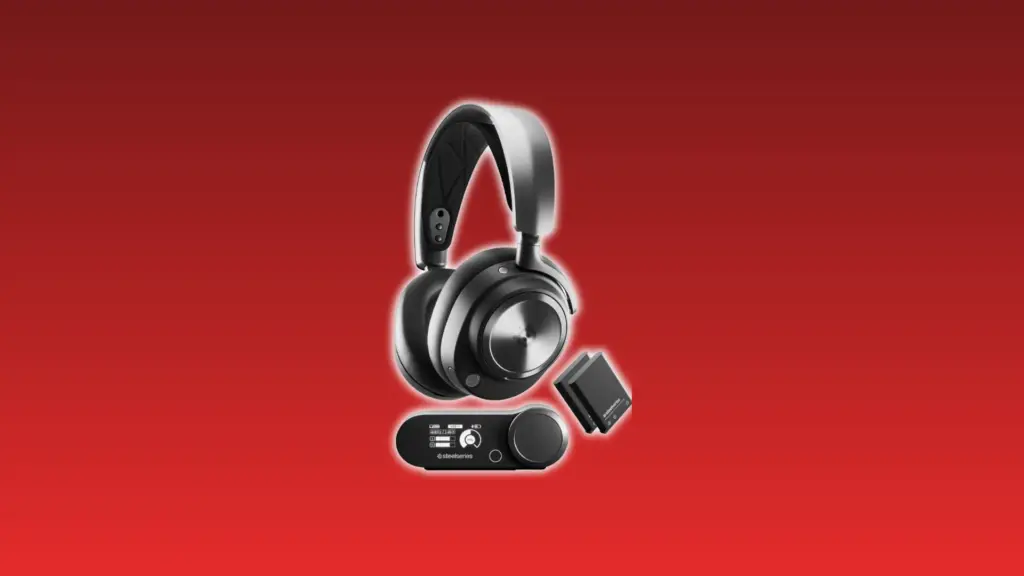
The SteelSeries Arctis Nova Pro Wireless uses a suspension headband to evenly distribute weight. This reduces pressure buildup during extended gaming sessions.
This results in lower fatigue over long use. However, its premium design increases cost, typically falling between $260 and $300, depending on ongoing deals.
2. Best Overall Balanced Comfort: HyperX Cloud III / Cloud Alpha
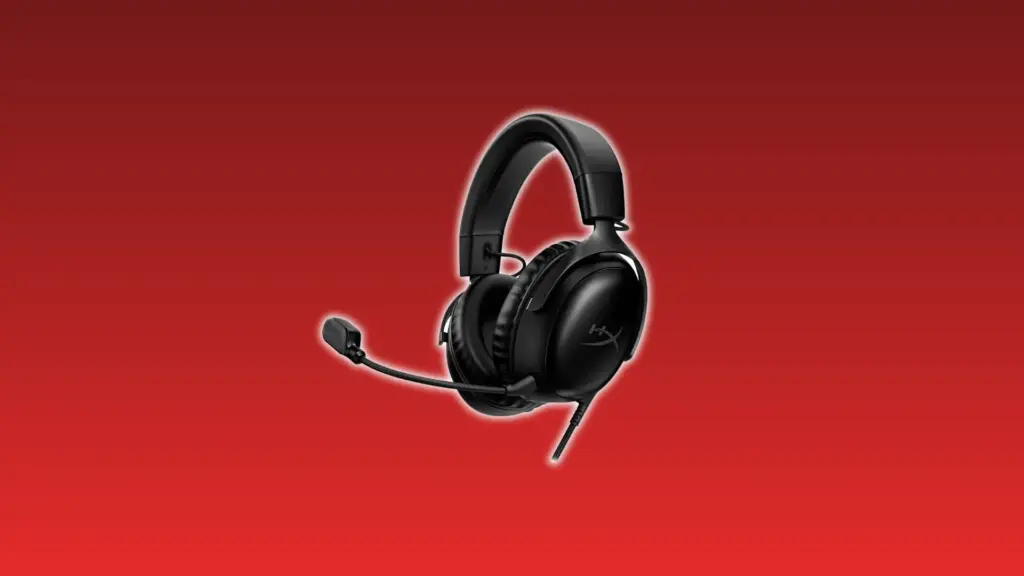
HyperX Cloud III and Cloud Alpha use memory foam to distribute pressure evenly across the head and ears, improving comfort for most users.
This creates consistent comfort across different sessions. However, leatherette padding can trap heat, with pricing usually ranging from $70 to $120.
3. Best Lightweight Feel: Razer BlackShark V2 Pro
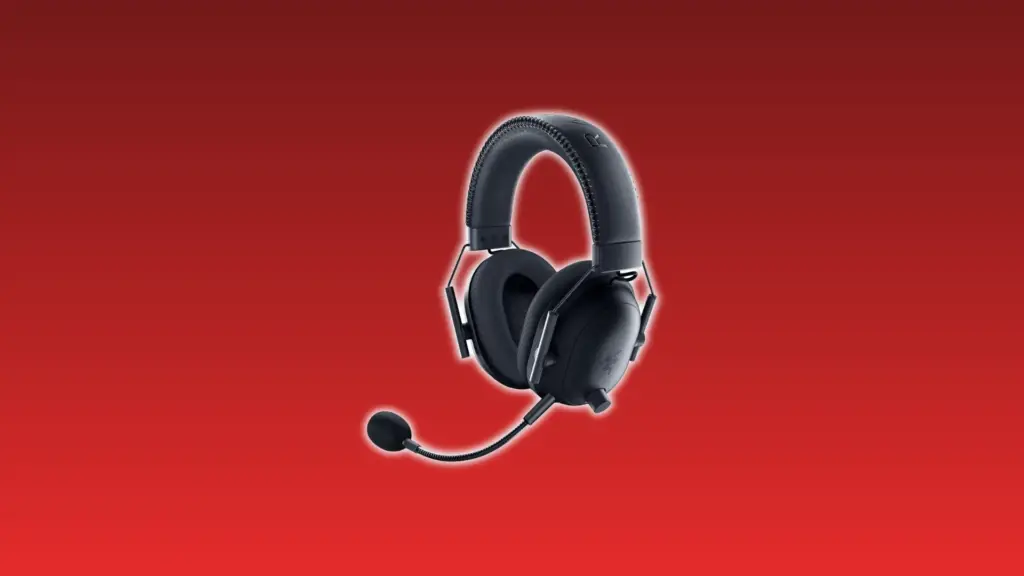
At around 320g and with a notably relaxed clamp, the Razer BlackShark V2 Pro uses a lightweight puts almost no pressure on your head during long sessions.
The fabric earpads also help with heat. The trade-off is a looser fit that can shift during active movement, and pricing typically lands between $120 and $150.
4. Best Breathability: Astro A50 X
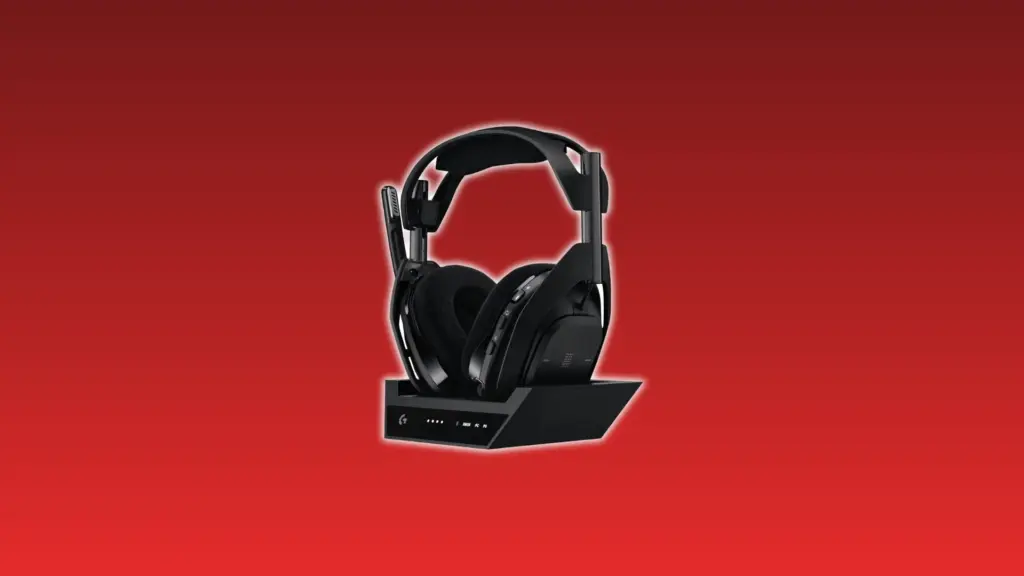
Cloth ear pads are the defining comfort feature in the Astro A50 X. They let heat escape instead of trapping it, which makes a real difference during warm-room sessions. You give up noise isolation in exchange, and the price sits high at $350–$400.
5. Best Audiophile-Level Comfort: Audeze Maxwell 2
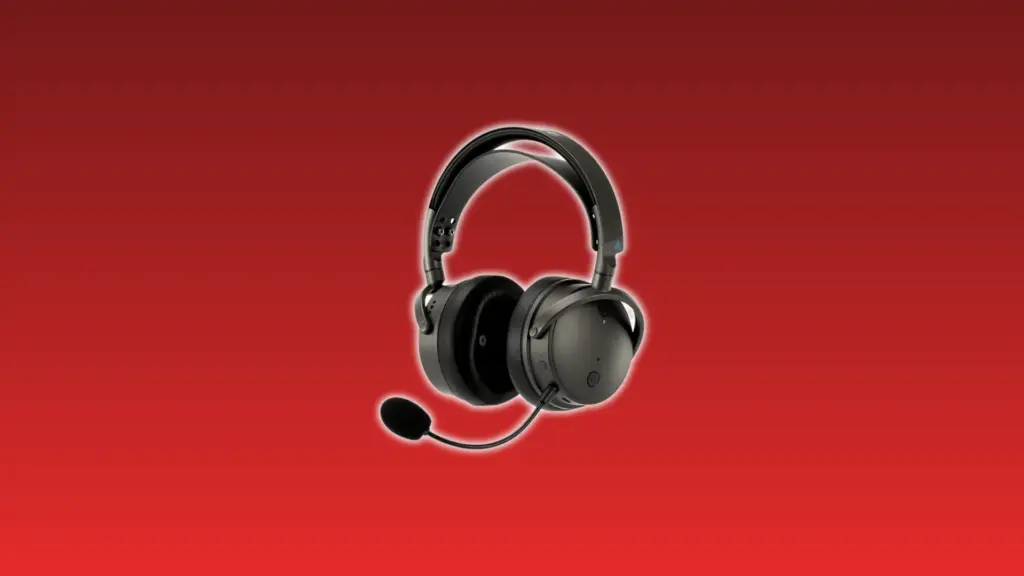
The Audeze Maxwell 2 uses planar magnetic drivers and premium ear cushions to deliver high-fidelity audio without sacrificing comfort during long sessions.
This supports extended use with stable comfort. However, it is slightly heavier than average, typically priced between $300 and $350 depending on the version.
6. Best Open-Back Comfort: Sony Inzone H6 Air (Or Similar Designs)
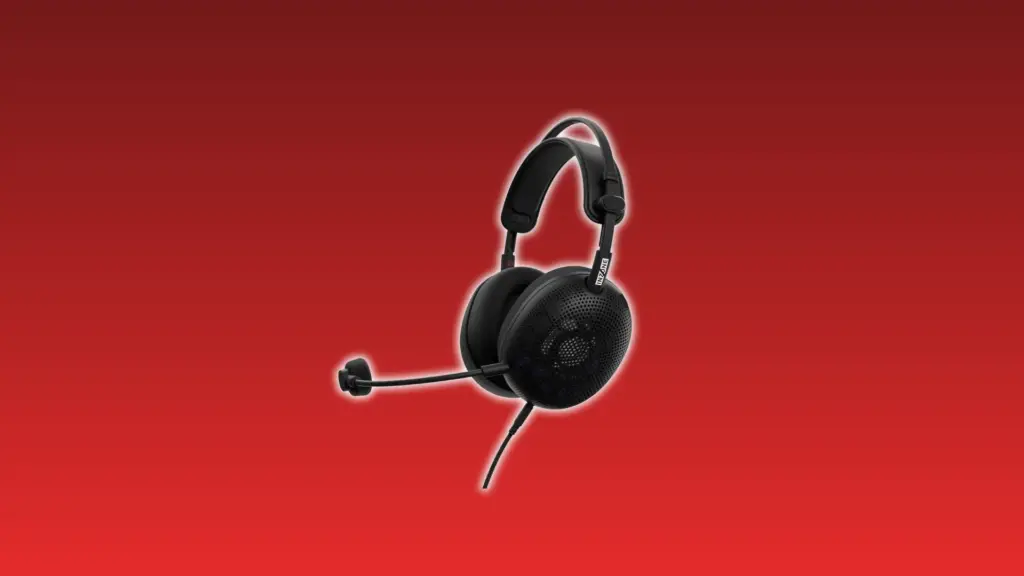
Open-back designs like the Sony Inzone H6 Air allow airflow through the earcups, reducing heat and pressure during extended gaming sessions.
This lowers fatigue over time. However, sound leakage limits its use in shared spaces, and prices generally range from $180 to $220.
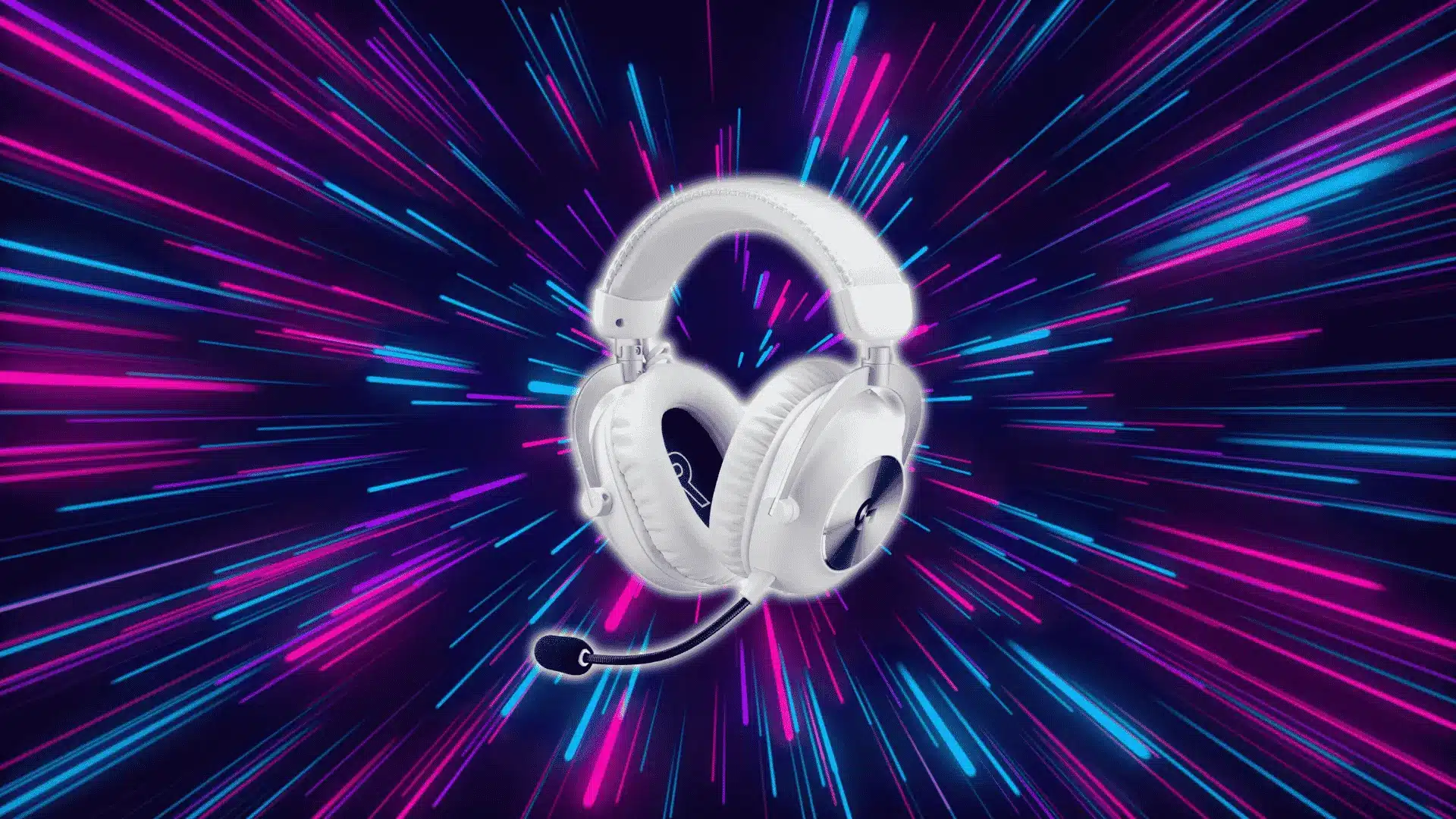
7. Best Mid-Range Comfort Value: Logitech G Pro X 2 Lightspeed
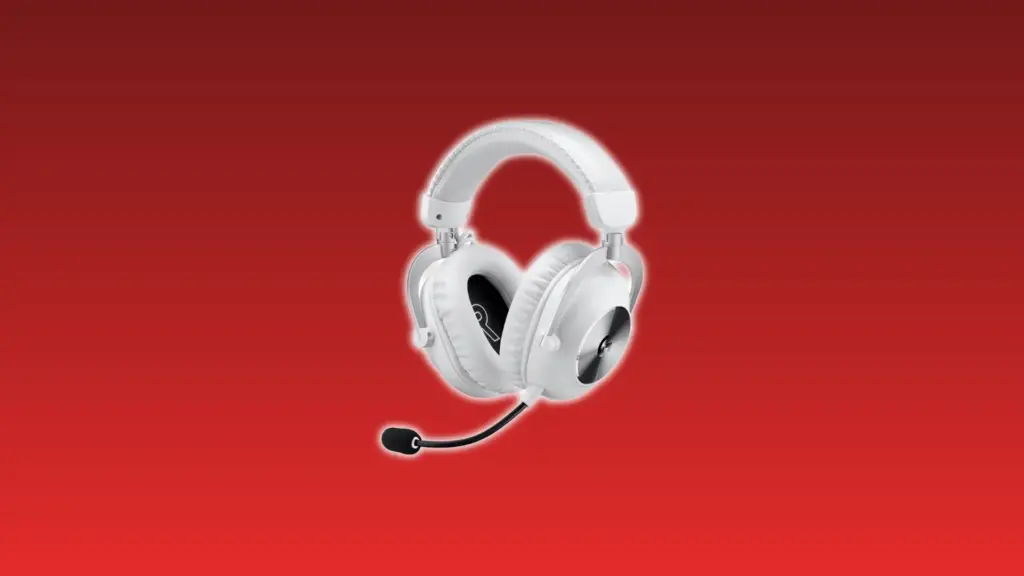
The Logitech G Pro X 2 Lightspeed features balanced weight, soft padding, and an adjustable fit to evenly distribute pressure across the head.
This provides reliable comfort at a mid-range price. However, it is not the best in any single category, typically costing between $200 and $250.
Each headset solves comfort differently, so the best choice depends on your priorities. Matching the design to your usage helps avoid discomfort during long gaming sessions.
How Comfort Changes Based on Your Use Case?
Your setup determines which comfort features matter most. Here’s a quick breakdown:
| Use Case | Main Issue | What Helps | Trade-Off |
|---|---|---|---|
| Long Sessions (6–10 hrs) | Pressure and heat buildup over time | Suspension headband + breathable materials | Heavier wireless designs may add neck strain |
| Glasses Wearers | Temple pressure where frames meet earcups | Low clamping force + memory foam padding | Very low clamp may reduce stability during movement |
| Hot Environments | Sweating inside earcups from trapped heat | Cloth or mesh ear pads | Less noise isolation vs. leatherette |
| Large or Small Heads | Uneven pressure from a poor fit | Flexible frame + wide adjustment range | Limited adjustability on budget models |
Choosing based on your use case prevents common comfort issues. When the headset design matches your environment and needs, long-term comfort is easier to maintain.
Common Mistakes when Choosing a Comfortable Headset
- Choosing based on price instead of fit: Expensive headsets are not always more comfortable, because comfort depends on fit, pressure, and materials rather than price alone.
- Ignoring clamping force: High clamping force creates constant side pressure on your head, which builds over time into pain and is one of the most common comfort issues.
- Prioritizing isolation over airflow: Headsets with strong noise isolation often trap heat, causing sweating and discomfort, especially during long sessions or in warm environments.
- Assuming soft padding alone guarantees comfort: Soft padding may feel good initially, but without proper support and structure, it can still create pressure points and discomfort over time.
Avoiding these mistakes helps you focus on what actually affects comfort. Paying attention to fit, pressure, and airflow ensures a better experience during long gaming sessions.
How to Choose the Most Comfortable Gaming Headset?
Once you understand what causes discomfort, narrowing down your options gets straightforward. These are the five factors that actually determine whether a headset works for your head.
1. Session Length
Longer gaming sessions increase pressure buildup on your head and ears. Without proper weight distribution and airflow, small discomforts turn into fatigue, sweating, and irritation over time.
Headsets that feel fine for one hour may fail after several hours. Designs with breathable materials and balanced weight reduce strain and help maintain comfort during extended gaming sessions.
2. Clamping Force
Clamping force determines how tightly the headset presses against your head. Excessive pressure on the temples and ears can cause soreness, especially during long sessions or continuous daily use.
If the clamp is too loose, the headset shifts during movement. This creates uneven pressure points, reducing stability and causing discomfort from constant adjustment or repositioning during gameplay.
3. Ear Cushion Material
The ear cushion material directly affects heat and airflow. Cloth or mesh allows ventilation, keeping ears cooler and reducing sweat buildup during long gaming sessions or warmer environments.
Leatherette cushions offer better sound insulation but trap heat. Over time, this leads to sweating and discomfort, especially if you play for several hours without breaks.
4. Headband Design
Headband design controls how weight is distributed across your head. Suspension bands distribute pressure evenly, preventing a single spot from carrying most of the load.
Traditional solid headbands often create pressure hotspots on the top of the head. Over time, this concentrated force leads to discomfort and noticeable fatigue during longer gaming sessions.
5. Personal Needs Matching
Comfort depends on your personal setup and physical needs. Glasses wearers need softer padding and lower clamp force to avoid pressure around the temples and ears.
Hot environments require breathable materials to reduce sweating. Larger head sizes need flexible frames and wider adjustment ranges to prevent tight fits and uneven pressure distribution.
Wrapping Up
The most comfortable gaming headset is not about brand or price, but how well it manages pressure, airflow, and fit during real use over time.
Understanding these factors helps you avoid common mistakes and choose a headset that stays comfortable even during long gaming sessions without frequent adjustments.
Take your time comparing options and pick the most comfortable gaming headset that matches your habits, so your setup stays comfortable and enjoyable every day.
Frequently Asked Questions
What headset shape is best for ear comfort?
Oval-shaped earcups usually feel more natural because they match the ear’s shape, reducing pressure points and improving overall comfort during longer gaming sessions.
Do gaming headsets loosen over time?
Yes, clamping force can reduce slightly with use as materials adjust, but overly tight headsets may still remain uncomfortable despite minor loosening over time.
Are heavier headsets always less comfortable?
Not always, but heavier headsets increase strain over time unless weight is evenly distributed, which is why balance matters more than total weight alone.
Does wireless affect comfort in gaming headsets?
Wireless headsets can feel slightly heavier due to batteries, but good design can offset this, so comfort depends more on balance and fit than connectivity.