

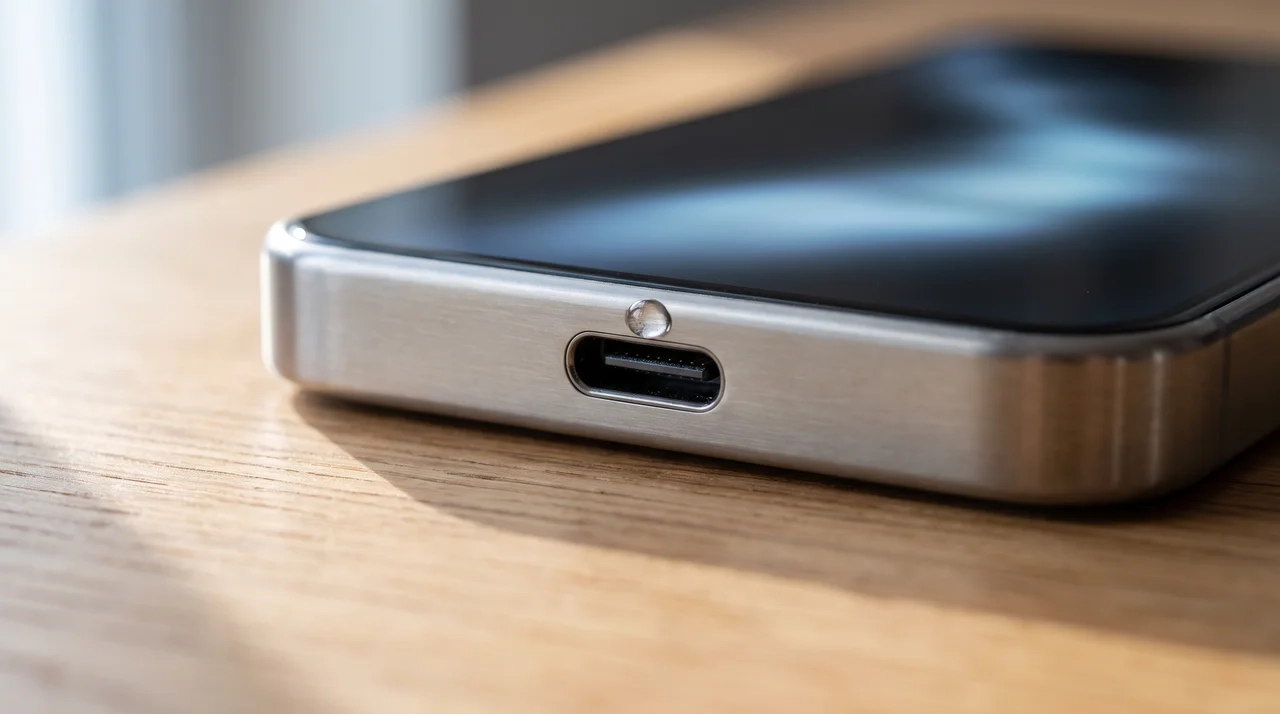


Your phone flashes a liquid warning and stops charging right when you need it most.
That drop in your stomach is normal, and you are far from the only one dealing with it. A splash from the sink, a sudden downpour, or a spill you barely noticed can all trigger the same alert.
Most of the time, liquid-in-charging-port warnings clear up on their own once the moisture is gone, and permanent damage is rare if you handle the next few minutes correctly.
The real question is what your phone is actually reacting to, and that answer starts with unplugging everything right now.
What to Do the Moment You See a Liquid Warning?
What is a liquid detected warning? A liquid detected warning is a built-in safety alert that pauses wired charging when the port’s sensor picks up moisture-like electrical resistance between the pins, protecting the connector from damage until everything dries out.
When your iPhone shows this alert, it means the sensor inside the port picked up that resistance change and shut off power on purpose, so nothing gets damaged while things dry.
The very first thing to do is unplug the cable from your phone and the wall adapter right away, then pull out any other accessories connected to the port.
Do not tap past the warning or force a charge anyway.
Apple’s own guidance on the alert warns that charging while the connector is wet can corrode the pins and cause permanent damage, and that override is exactly where most of the real damage happens.
I have walked plenty of readers through this exact moment of panic over the years, and the phones that come through fine are almost always the ones where the cable got pulled in the first minute.
Liquid detected in charging port situations gets worse the longer they sit, so acting fast really does lower the odds of corrosion setting into the pins overnight.
Handle this step calmly, and your phone has a much better shot at drying out clean.
Why Does the Warning Show Up When the Port Isn’t Actually Wet?
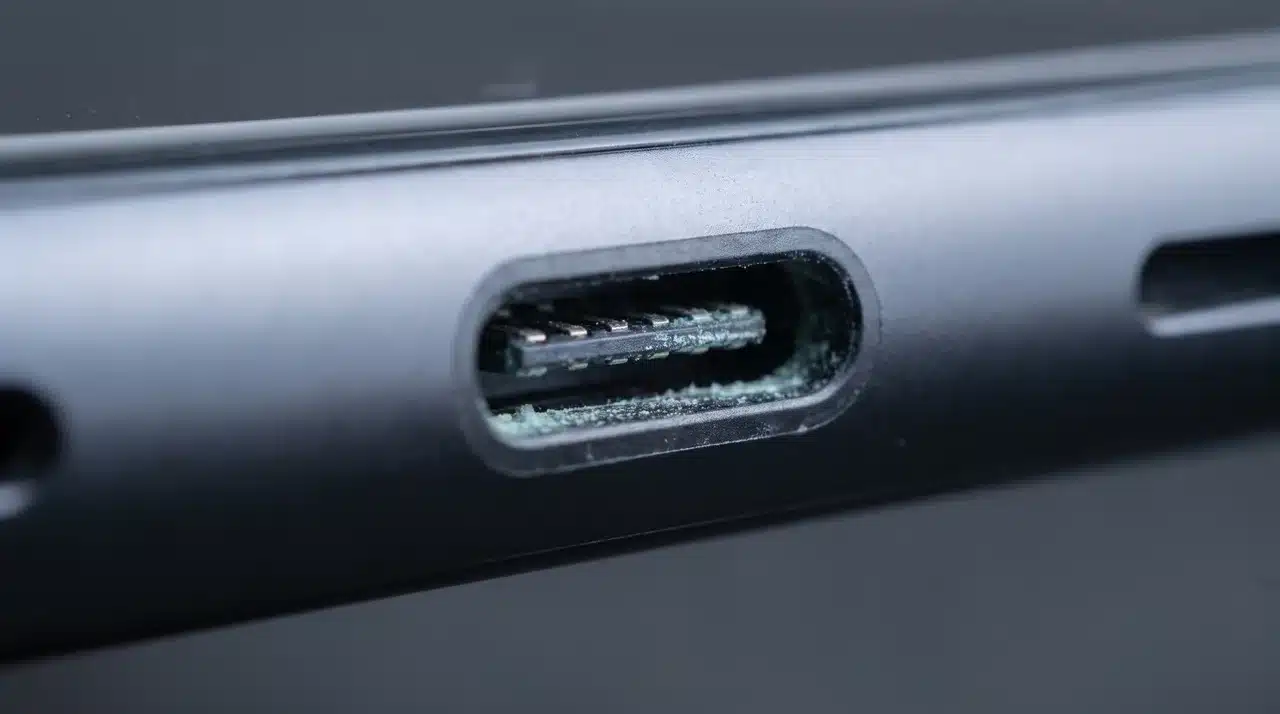
The liquid detected warning can appear on a bone-dry port because the sensor never actually checks for water.
It checks for a change in electrical resistance between the pins, and several things besides standing liquid can cause that same change.
- Leftover moisture: Even a trace tucked deep in the port can keep resistance low enough to trip the alert.
- Mineral residue: Liquid that wasn’t pure water can leave a thin film that reads a lot like moisture even after the port feels bone dry.
- A bad cable or adapter: A cheap or non-certified accessory can throw off the reading with zero liquid involved.
- A software glitch: A recent iOS update can occasionally leave the alert stuck on screen after the real issue already cleared.
Once you know the alert reacts to resistance rather than water itself, it makes sense why a completely dry port can still throw up a liquid detected in charging port warning.
The next step is figuring out which of these is actually going on with your phone, starting with drying it properly so you can rule moisture out first.
How to Dry the Charging Port Correctly?
Once everything is unplugged, the actual drying part is pretty simple, but the order matters more than people think.
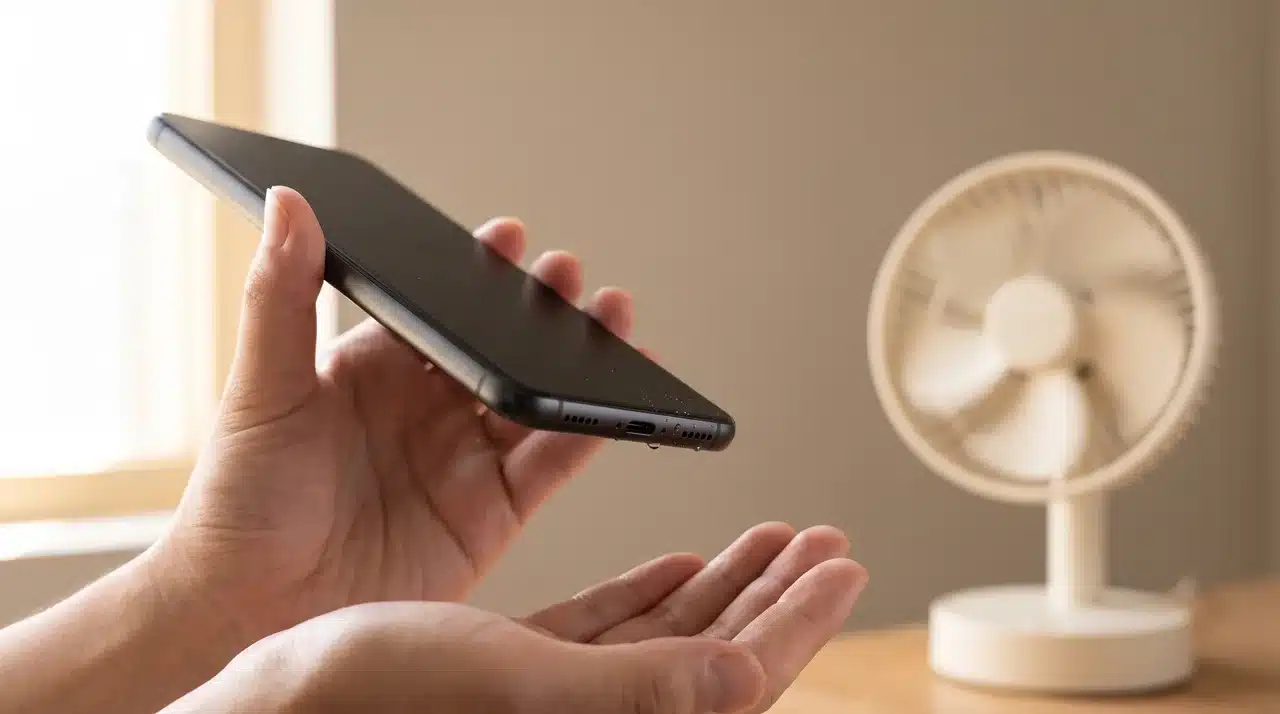
Start by holding your phone with the port facing straight down, then tap it gently against your palm a few times.
This knocks out any visible droplets sitting right at the opening before they have a chance to work their way in deeper. From there, just let the phone sit out in normal, dry air.
A few things help speed things along:
- Place it near a fan or somewhere with light, cool airflow moving past the port
- Keep it away from any direct heat, including hair dryers, heaters, or sunny windowsills
- Leave it standing upright so gravity keeps pulling moisture down and out, not further inside
Give it at least 30 minutes before testing a charge, longer if you actually saw water when the alert first showed up.
If you need power in the meantime, a wireless charger or a portable power bank can tide you over without going near the wet port.
Rushing this step is the number one reason the liquid detected in charging port warning shows back up right after you plug in again.
Is It Corrosion or Still Liquid?
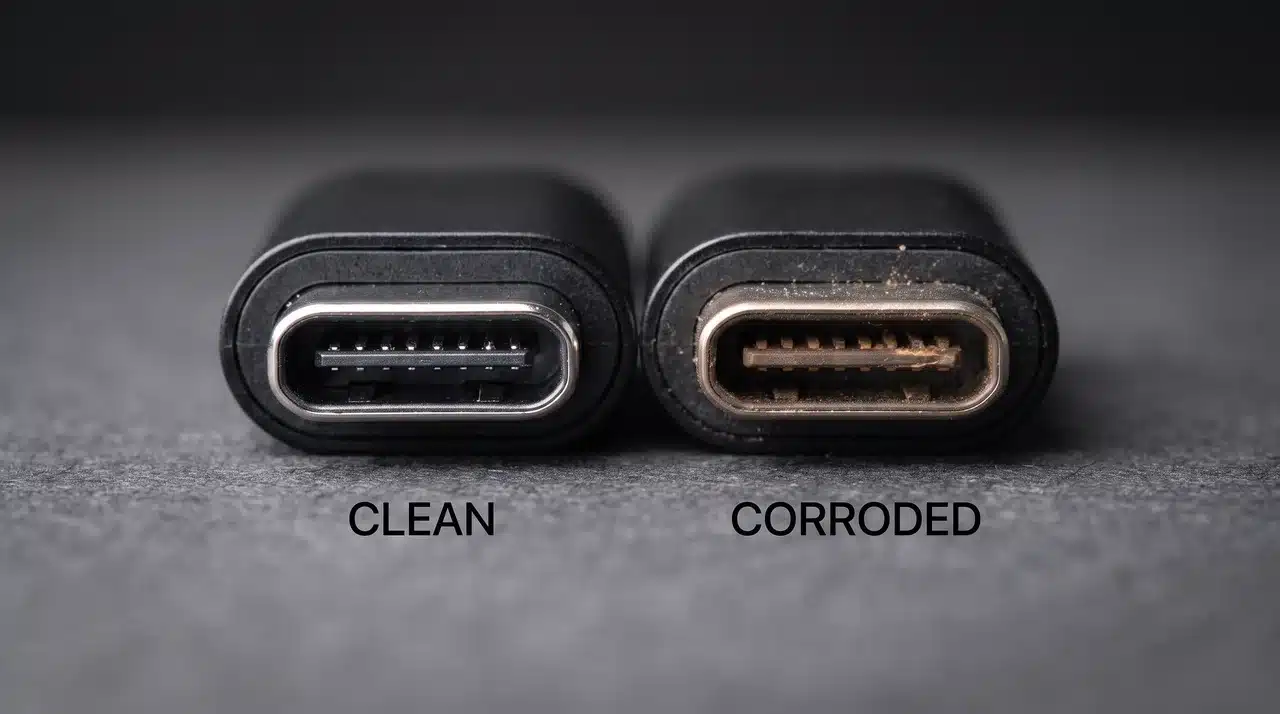
If the port has been fully dry for a while and the liquid detected in charging port message keeps popping up, corrosion is probably the real cause at this point.
Here’s how that happens, and why it’s different from active moisture:
- Mineral buildup: Any liquid that wasn’t pure water can leave behind residue on the pins, and that residue oxidizes over time, which changes the electrical resistance the exact same way moisture does
- Delayed timing: This is why the warning can stick around for hours, or even days, after the port genuinely stopped being wet
- A bad cable: A cheap or non-certified cable can trigger a false reading on its own, with zero liquid ever involved
- A software hiccup: Sometimes a recent update causes the warning to stay stuck on screen even after the actual issue cleared up
Corrosion isn’t something more waiting will fix. If you’ve ruled out a cable problem and it’s been more than a day, it’s worth checking whether the phone is actually safe to charge again.
If corrosion has already reached the pins, a technician may handle it the same way they would any other internal repair, like a battery swap, so it’s worth getting it looked at before the damage spreads.
Common Mistakes That Make It Worse
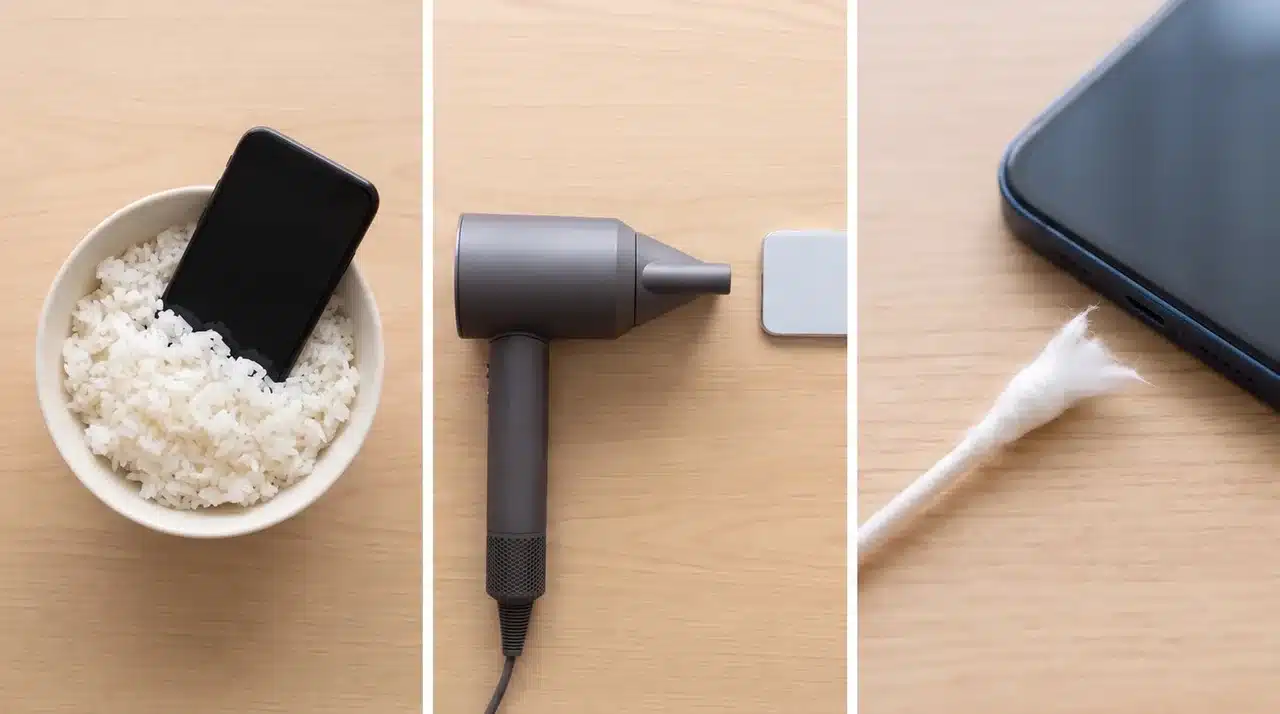
A lot of the advice floating around for liquid in charging port situations actually slows down drying or creates a new problem inside the port. Here’s what to skip, and why each one backfires:
- Rice: It pulls out moisture slowly, sure, but it also leaves behind tiny bits of starch and dust that can get stuck in the port and cause blockages later. Even Apple support says not to use a foreign object, including rice.
- Heat sources: A hair dryer, space heater, or even leaving your phone on a sunny windowsill can warp small components inside or mess with the battery.
- Cotton swabs or paper towels: Both shed little fibers that catch on the pins inside the port and are honestly a pain to get back out.
Skip all three, and just stick with plain airflow and patience. It’s slower, but it’s the only method that doesn’t trade one problem for another.
How to Confirm It’s Safe to Charge Again?
Once the port has had time to dry and you’ve ruled out corrosion, a liquid-in-charging-port scare is basically over. Run through this short checklist before you plug back in for good.
- Original cable and adapter: plug in the exact cable and adapter that came with your phone first. Switching to a different one that suddenly works points to a bad accessory, not a bad port.
- Soft brush check: gently sweep a dry, soft-bristled brush across the port opening to clear out any dust or lint before you try charging again.
- Watch for a repeat warning: if the liquid detected in charging port alert pops back up after a clean cable and a clean port, that’s corrosion talking, and it needs a professional look rather than more waiting time.
Get through these three steps, and you’ll know whether your phone is ready to charge normally again, or whether it’s time to get it looked at.
Conclusion
A liquid-in-charging-port warning usually feels worse than it is, but the next step still matters. The safest move is to unplug the cable, let the port air-dry, and avoid rice, heat, or sharp objects.
If the alert stays after the phone is dry, the cause may be residue, corrosion, a bad cable, or a small software issue.
I would always test with a clean port and a trusted cable before charging again. A little patience can prevent a small moisture warning from turning into real damage.
Have you seen this warning before, and what caused it? Tell us; share with us in the comments below.
Frequently Asked Questions
How serious is liquid in a charging port?
A quick splash usually isn’t a big deal, as long as you dry it before charging. The real risk builds over time, especially with anything beyond plain water.
Minerals in juice, soda, or salt water can corrode the pins if left too long. Forcing a charge while it’s still wet is what usually turns a minor issue into permanent damage.
How long does it take for a charging port to dry?
Most ports dry out within 30 minutes to a few hours in open air with light airflow.
Heavier exposure, or fine mist that got deep inside, can take up to a full day to clear completely. Testing too soon is the main reason the warning pops back up.
Can I override the liquid detected warning to charge anyway?
Overriding it means forcing power through a port that might still be wet. That’s exactly the situation the warning is designed to stop.
Doing this risks short-circuiting the pins or kicking off corrosion that no amount of drying can undo afterward. Waiting it out is the safer move every time.
Why does it say liquid detected with no liquid present?
A port can look completely dry and still trigger the alert. Leftover mineral residue from earlier moisture can quietly corrode the pins.
That corrosion changes how electricity moves through the connector, the same way active liquid does. A faulty cable or a recent software glitch can also cause this same false alarm.