





Your phone can steal more time than you notice. One quick check can turn into twenty minutes of scrolling before you realize it.
I know cutting back is harder when you use the same device for work, messages, maps, and entertainment. That is why the best how to reduce screen time tips focus on small changes you can actually keep.
You can start by tracking your usage, turning off unnecessary alerts, moving distracting apps, and creating phone-free parts of your day. You will also learn how to handle common triggers, reduce bedtime scrolling, and use built-in phone settings.
By the end, you will have a simple plan that feels practical, not restrictive.
Reduce Screen Time Without Avoiding Technology
Reducing screen time does not mean avoiding every digital device. Start by separating necessary screen use from the time you spend checking apps automatically.
Look at your daily usage and identify the apps taking most of your recreational time. Then reduce the triggers that bring you back. Turn off unnecessary notifications, move distracting apps away from your home screen, set realistic limits, and keep your phone physically away during meals, focused work, and bedtime.
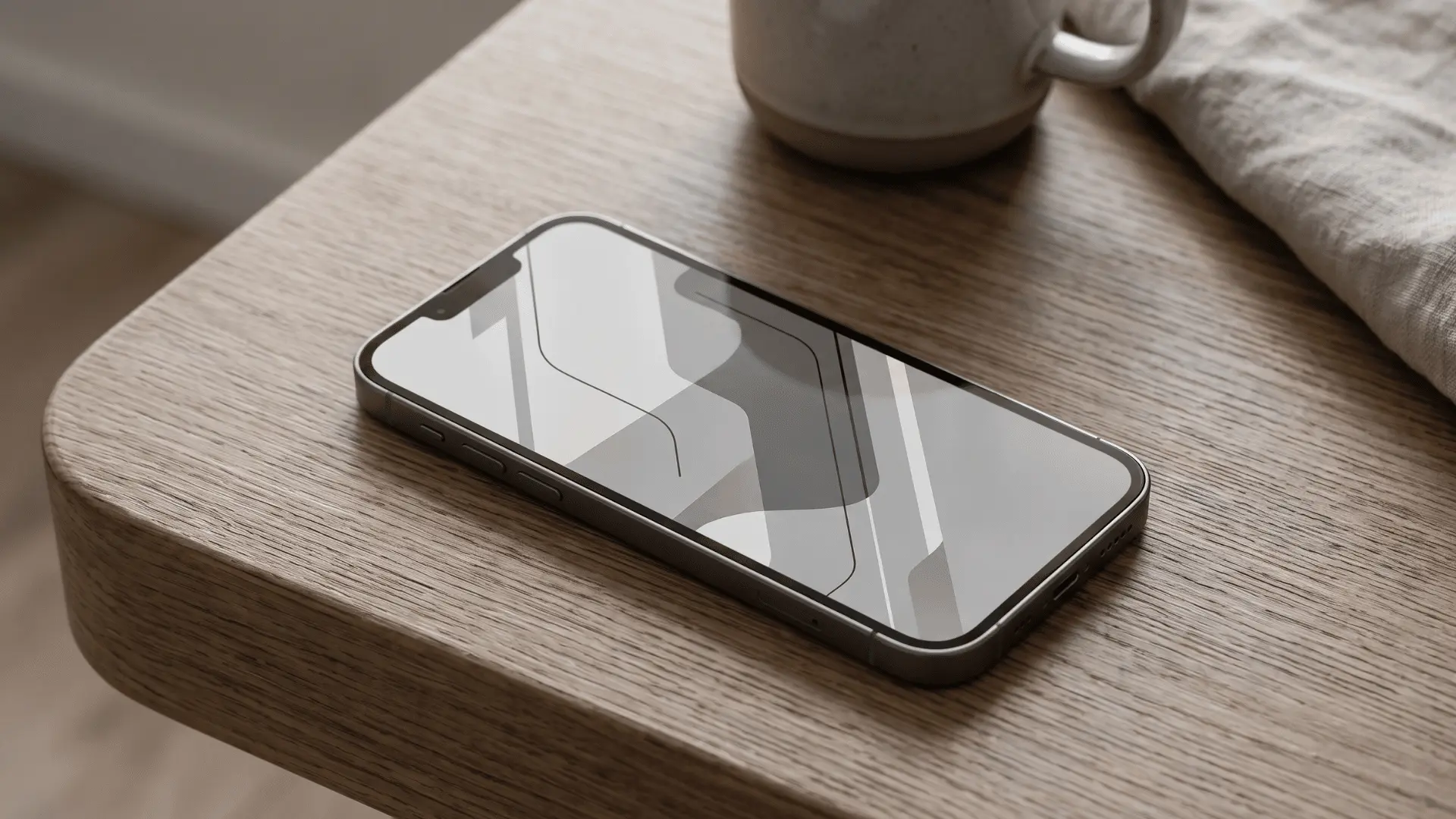
Making your phone less visually tempting can help too. Grayscale and a simpler home screen remove some of the cues that encourage quick checks.
Most importantly, replace unnecessary scrolling with another activity. Changing both the environment and the habit is usually more practical than depending on willpower every time your phone catches your attention.
How to Reduce Screen Time: Tips That Actually Help
The best changes are usually small enough to follow every day. Instead of creating several strict rules at once, start with the habits responsible for most of your unnecessary screen use.
1. Check Where Your Screen Time Goes
Start with your actual usage instead of estimating how long you spend on your phone.
Check the screen-time report on your device and identify which apps take the biggest share of your recreational time. Social media, short videos, games, news, and entertainment apps are common places to look.
Separate those numbers from necessary activities such as work, school, navigation, banking, or important communication. Once you know where your optional screen time goes, you can target the habits that will make the biggest difference.
2. Set Realistic Limits for Distracting Apps
Extreme limits can be difficult to maintain, especially when your phone is part of your normal routine.
Start with one or two apps that take more time than you want. Reduce their daily allowance gradually rather than blocking everything immediately.
iPhone users can use Screen Time, while Android users can use Digital Wellbeing and related focus controls. These tools create a reminder that you have reached the boundary you originally chose.
Treat the limit as a signal to stop rather than something you automatically dismiss whenever it appears.
3. Turn Off Nonessential Notifications
Notifications constantly create new reasons to look at your phone.
Keep alerts that genuinely need your attention, such as important messages, calls, calendar reminders, security notifications, and essential work communication.
Promotional alerts, gaming reminders, social updates, shopping notifications, and nonessential news alerts can usually wait.
You can still open those apps whenever you choose. The difference is that the app stops deciding when you return. Removing these interruptions can also make it easier to stay focused on conversations, meals, reading, studying, and other tasks.
4. Make Distracting Apps Harder to Reach
If an app is sitting on your first home screen, opening it can become almost automatic.
Move entertainment and social apps into folders or later pages. Remove their home-screen shortcuts or sign out after each session if you repeatedly open them without thinking.
If one app causes a particular problem, consider deleting it temporarily and using the browser version when you actually need access.
Adding even a few extra steps creates a short pause. That pause gives you a chance to decide whether you genuinely want to open the app or are simply following a habit.
5. Make Your Phone Less Visually Tempting
Bright icons, notification badges, widgets, and colorful feeds can make your phone difficult to ignore.
Try switching your display to grayscale during periods when you want fewer distractions. Removing color can make social feeds, app icons, and videos feel less visually engaging.
You can also simplify your home screen. Keep essential apps such as messages, maps, calendar, and banking tools easy to find while moving entertainment apps elsewhere.
The goal is not to make your phone inconvenient. It is to make necessary tools accessible without constantly displaying reminders to start scrolling.
6. Build Screen-Free Periods Into Your Day
Trying to stop looking at my screen all day would be unrealistic when work, messages, and everyday tasks depend on technology. A better approach is to create predictable periods when you do not need your phone.
Choose meals, exercise, reading, focused work, or conversations as screen-free moments. Keep your phone away instead of placing it beside you and repeatedly resisting the urge to check.
Once one screen-free period feels normal, add another if needed. This creates healthier boundaries without forcing you to avoid useful technology completely.
7. Keep Your Phone Away at Bedtime
Late-night scrolling is easier when your phone is lying within arm’s reach.
Choose a point in the evening when recreational phone use ends. Then place the device somewhere you cannot casually reach from bed.
Charging it elsewhere can also reduce the temptation to check messages immediately before sleeping or as soon as you wake.
If you mainly keep your phone beside the bed because of the alarm, consider using a separate alarm clock. Replace the final scrolling period with reading, stretching, planning tomorrow, or another calm activity that does not require a screen.
8. Put Physical Distance Between You and Your Phone
Changing your environment can be easier than resisting the same temptation repeatedly.
During focused work, put your phone in a drawer, bag, or another room if you don’t need it. During meals, leave it away from the table.
You can do the same while cooking, exercising, completing household tasks, or spending time with other people.
When your phone is outside your immediate reach, checking it requires a deliberate action. That extra effort can interrupt the automatic pattern of reaching for a device whenever a task becomes boring or difficult.
9. Replace Scrolling Based on the Trigger
Removing your phone leaves an empty moment. If you do not decide what will replace it, scrolling can quickly return.
The right alternative depends on why you reached for your phone in the first place.
| Trigger | Usual Response | Better Alternative |
|---|---|---|
| Feeling bored | Open social media | Read, stretch, walk, or do a small task |
| Waiting for a message | Refresh inbox | Wait a set period before checking |
| Feeling tired | Scroll in bed | Listen to audio with the screen off |
| Avoiding difficult work | Pick up phone | Work for five focused minutes first |
| Feeling disconnected | Check likes or updates | Message or call someone directly |
| Needing a break | Watch short videos | Stand, drink water, or walk briefly |
Watch what happens immediately before your unnecessary phone checks. Once you understand the trigger, choosing a useful replacement becomes much easier.
10. Reduce Your Screen Time Gradually
You do not need to remove several hours of phone use overnight.
Start by cutting the easiest 15 to 30 minutes. You might avoid social media during breakfast, keep your phone away at dinner, or stop entertainment apps earlier in the evening.
Check your weekly average after making the change. If the new routine feels manageable, add another boundary.
A gradual approach also shows you which changes actually work. Instead of following increasingly strict rules, you can build a routine that reduces unnecessary screen use while keeping technology available when it provides genuine value.
How to Reduce Screen Time on iPhone and Android
Phone settings can support your new habits, but they work best when combined with clear daily boundaries.
Reducing Screen Time on iPhone
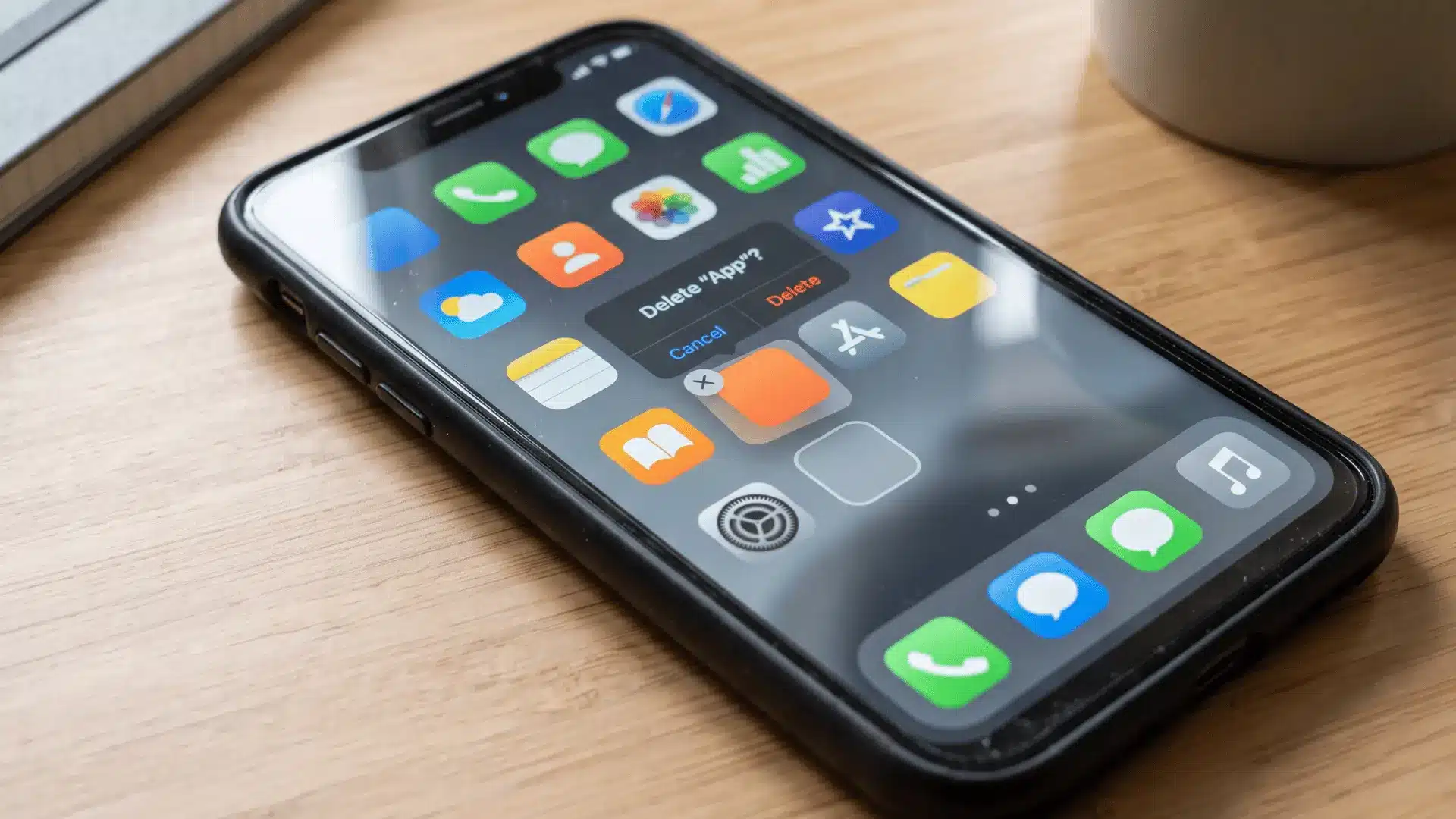
Open the Screen Time section in your iPhone settings to see daily and weekly usage. You can identify frequently used apps, create App Limits, schedule Downtime, and adjust notifications.
Focus modes can also reduce interruptions during work, study, exercise, or bedtime.
If visual distractions are part of the problem, grayscale is available through accessibility settings. Combine these controls with simple changes such as moving entertainment apps away from your main screen and keeping your phone physically away during protected periods.
Reducing Screen Time on Android
Android’s Digital Wellbeing features can show how much time you spend in different apps and how often you use your device.
Depending on your phone, you may have access to app timers, Focus Mode, Bedtime Mode, notification controls, and grayscale options.
Use these tools to support a specific rule rather than relying on settings alone. For example, block entertainment apps during study periods or activate bedtime settings before your usual late-night scrolling begins.
Managing Screen Time When You Work or Study Online
Total screen hours can be misleading when several hours are required for work or education.
Instead of treating every minute equally, separate purposeful use from recreational use.
During work or study periods, close social media, shopping, entertainment, and news apps that are unrelated to the task. Keep your phone away unless you genuinely need it.
When taking a break from your computer, avoid automatically switching to another screen. Stand up, stretch, get water, walk briefly, or look outside instead.
The goal is not necessarily to reduce required computer time. It is to stop optional screen use from taking over every gap between necessary digital tasks.
Signs Your Screen Habits Need More Attention
High screen time alone does not tell the whole story. The more useful question is whether your device use is interfering with parts of your daily routine.
Pay attention if you regularly:
- Check your phone without knowing why.
- Stay on your device much longer than intended.
- Scroll during meals or conversations.
- Reach for a screen whenever you feel bored.
- Delay sleep because you keep using your phone.
- Ignore planned activities because an app keeps your attention.
- Repeatedly override limits you created for yourself.
These patterns can show that your screen use has become more automatic than intentional. Start with the situation causing the most disruption rather than trying to change every habit at the same time.
A Simple Daily Routine to Reduce Screen Time
A practical routine does not need dozens of rules.
Give yourself a short recreational screen-free period after waking. During work or school, keep distracting apps closed and move your phone away when it is unnecessary.
Keep at least one meal phone-free. In the evening, decide when recreational scrolling ends and choose an offline activity afterward.
At bedtime, place the phone away from your bed or use a fixed charging spot elsewhere.
These boundaries can be adjusted around your schedule. A routine you can follow consistently is more useful than a strict digital detox that lasts only a few days.
Take Control of Your Screen Time Gradually
Reducing screen time works best when you change the habits that keep pulling you back to your phone. You do not need to remove every app or follow an extreme digital detox.
I recommend starting with changes that fit your routine. Track your usage, silence unnecessary notifications, move distracting apps, create phone-free periods, and keep your device away at bedtime. These how to reduce screen time tips can help you make your phone useful without letting it fill every quiet moment.
Small adjustments become more effective when you repeat them consistently. Try the changes that match your biggest triggers, review your weekly screen time, and keep what works. Share which tip helped you most.
Frequently Asked Questions
How Can I Drastically Reduce My Screen Time?
Start with the apps responsible for most of your recreational use. Remove unnecessary notifications, hide or delete distracting apps, create phone-free periods, and keep your device physically away during work and bedtime. Several small barriers working together can reduce automatic checking more effectively than relying on one strict rule.
Is 7 Hours of Screen Time Too Much?
Seven hours does not mean the same thing for everyone. Work, school, communication, and navigation may account for much of that time. Pay more attention to unnecessary recreational use and whether screens are interfering with sleep, physical activity, responsibilities, relationships, or activities you want to prioritize.
How Can Students Reduce Screen Time?
Separate necessary study use from entertainment. Put your phone away while completing assignments, use focus settings to restrict distracting apps, and avoid spending every study break on another screen. Creating specific times for entertainment can help prevent a five-minute break from turning into a much longer scrolling session.
Does Grayscale Help Reduce Screen Time?
Grayscale removes color from your phone’s display, making icons, photos, notification badges, and feeds less visually stimulating. Some people find that this reduces the urge to check their phone repeatedly. It is best used alongside notification controls, app limits, and other boundaries rather than as the only strategy.
How Can I Reduce Screen Time Before Bed?
Set a consistent cutoff for recreational phone use and keep the device away from your bed afterward. Charging it elsewhere can make late-night checking less convenient. Replace scrolling with reading, stretching, listening to audio, preparing for the next day, or another quiet activity that does not require looking at a screen.
Should I Reduce Screen Time Gradually or All at Once?
Gradual reductions are often easier to maintain. Start with one automatic habit, such as scrolling during meals or checking social media before bed. Follow the change for several days, check your weekly usage, and then add another boundary if necessary instead of trying to overhaul your entire routine immediately.