

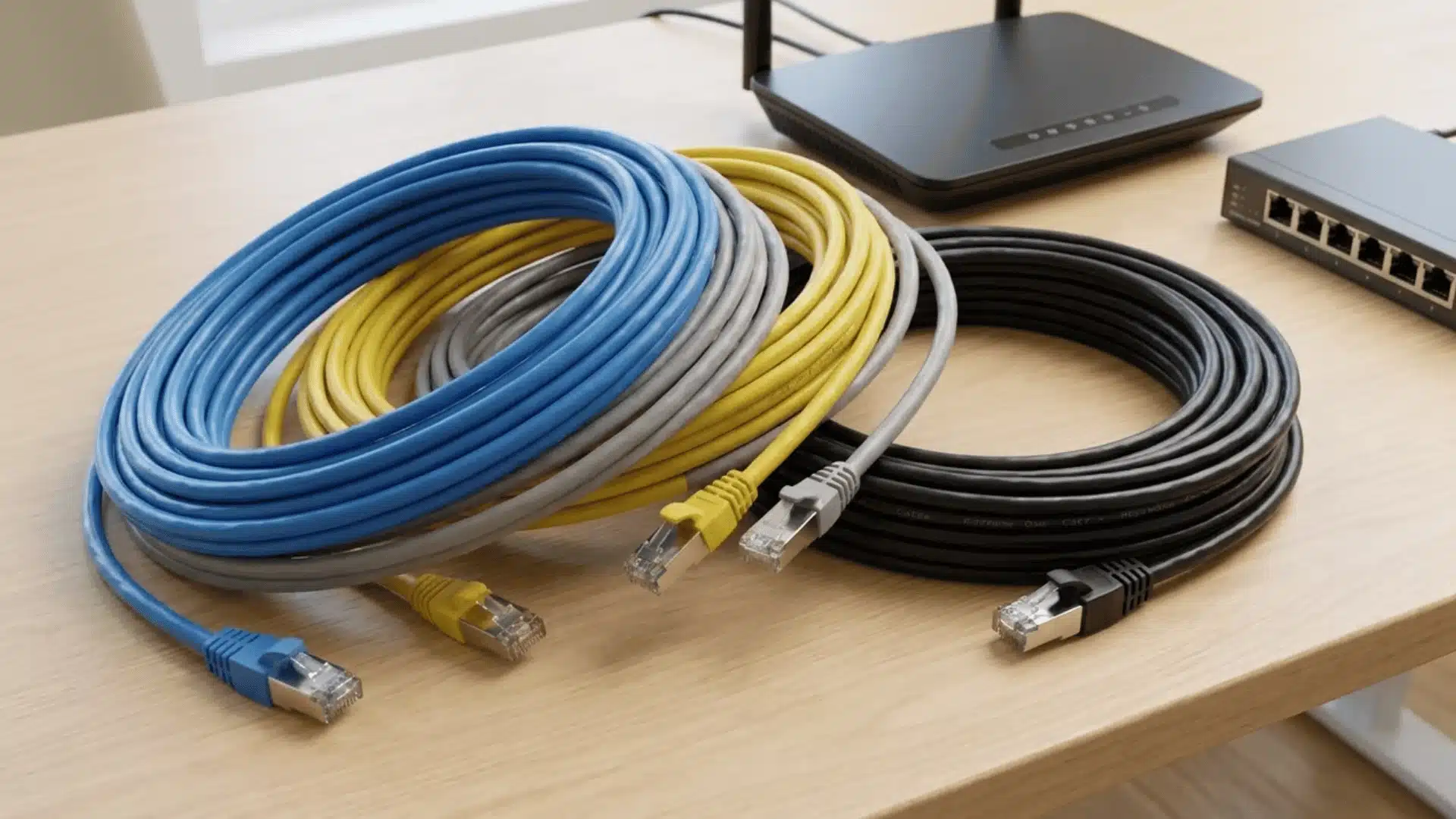

Your internet plan says 500 Mbps, but the Ethernet cable running to your office chair is a scuffed spool from 2015.
Does that matter? Sometimes. Ethernet cable speeds range from a modest 100 Mbps on old Cat5 to a wild 40 Gbps on Cat8, and the category printed on the jacket only tells part of the story.
Your router, your switch, and even how far the cable runs all decide what speed you actually get.
I’ve swapped enough patch cables in my own setup to know that grabbing the priciest cable on the shelf does not always fix a slow connection.
Here’s what actually separates these categories, and how to pick the right one for your setup.
What are Ethernet Cable Speeds by Category?
Ethernet cable speeds range from 100 Mbps on older Cat5 cable to 25 or 40 Gbps on Cat8. Equipment and cable length determine the actual result.
| Ethernet Cable Category | Maximum Speed | Bandwidth | Maximum Distance |
|---|---|---|---|
| Cat5 | 100 Mbps | 100 MHz | 100 meters |
| Cat5e | 1 Gbps | 100 MHz | 100 meters |
| Cat6 | 1 Gbps, up to 10 Gbps on shorter runs | 250 MHz | 100 meters, or 37 to 55 meters at 10 Gbps |
| Cat6a | 10 Gbps | 500 MHz | 100 meters |
| Cat7 | 10 Gbps | 600 MHz | 100 meters |
| Cat8 | 25 or 40 Gbps | 2,000 MHz | 30 meters |
A Cat rating describes transmission performance, not guaranteed internet speed. Your router, computer, switch, and cable must support the same Ethernet standard.
Bandwidth measures signal frequency in megahertz, not internet speed. For example, Cat6 offers 250 MHz, but still delivers only 1 Gbps with gigabit hardware.
Distance also matters because signals weaken and face more interference over longer runs. Poor connectors, sharp bends, damaged cable, and heavy bundling can reduce reliability.
The practical takeaway is simple: consider category, length, equipment, and installation together. A higher Cat number cannot overcome a slower router port or network device.
Why Cat6 Reaches 10 Gbps Only Over Shorter Runs
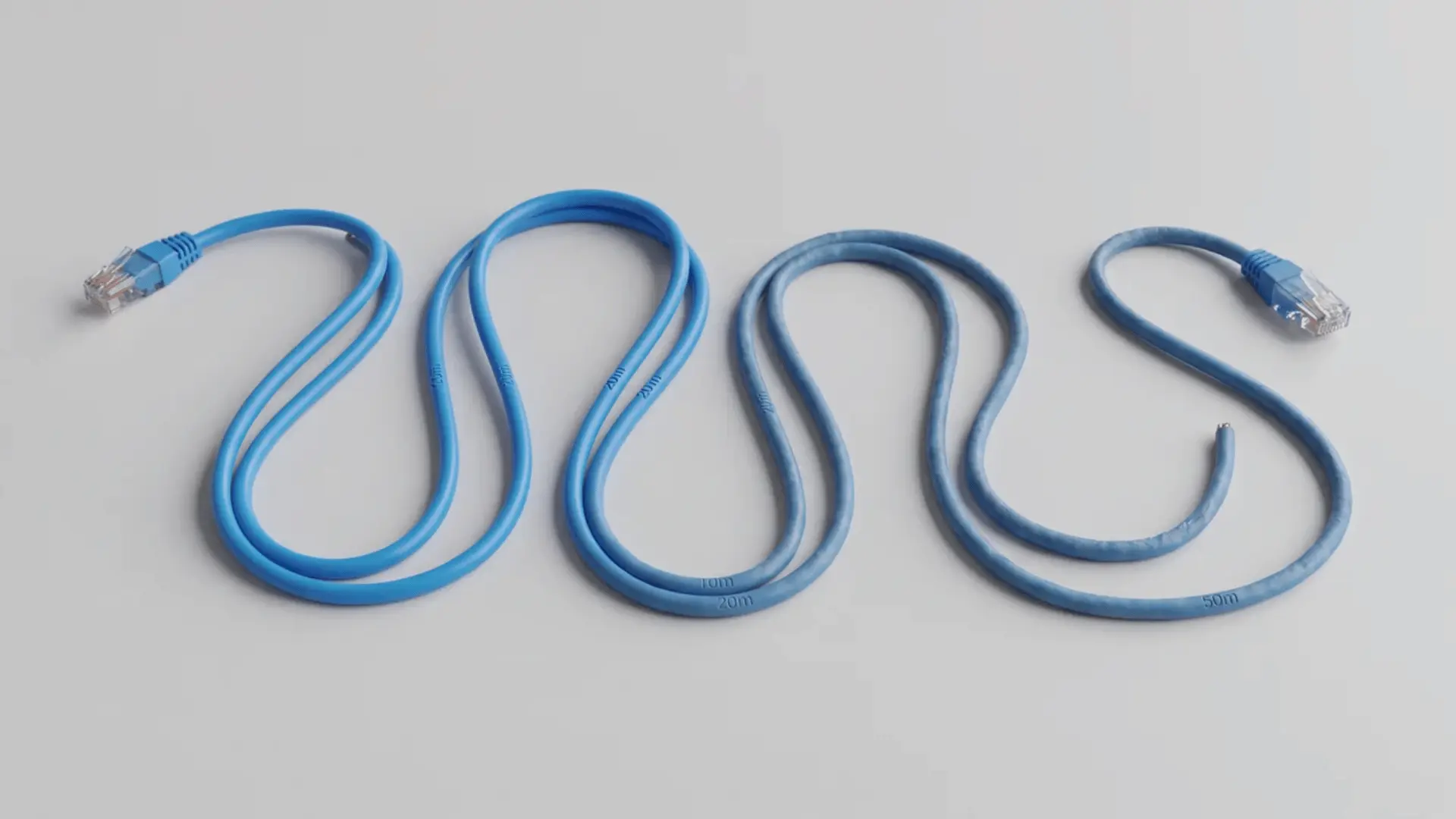
Longer copper cables weaken electrical signals as data travels through them.
This signal loss, called attenuation, makes high-speed transmissions harder for devices to read correctly over greater distances.
Cat6 supports 1 Gbps across 100 meters, but 10 Gbps usually works only around 37 to 55 meters.
Cat6a uses improved construction to reduce interference and deliver reliable 10 Gbps performance across the full 100-meter channel.
1. The 100-Meter Channel Limit
The 100-meter limit applies to the complete Ethernet channel, not just the visible cable length. It includes permanent cabling, wall outlets, patch panels, and patch cords between network devices too.
Extra connections can reduce the available distance because every connector adds another point where signal quality may drop.
Measure the entire path before installation to avoid exceeding Ethernet’s distance limits.
2. When to Use Fiber Instead of Longer Copper
Use fiber when a connection must travel beyond standard copper distances or through areas with heavy electrical interference. Fiber sends data using light, avoiding the signal loss and crosstalk issues found in copper cables.
Copper remains practical for most home and office runs because it is simple and affordable.
Fiber makes more sense for long buildings, separate structures, and high-speed backbone connections where distance matters.
What Determines the Speed You Actually Get?
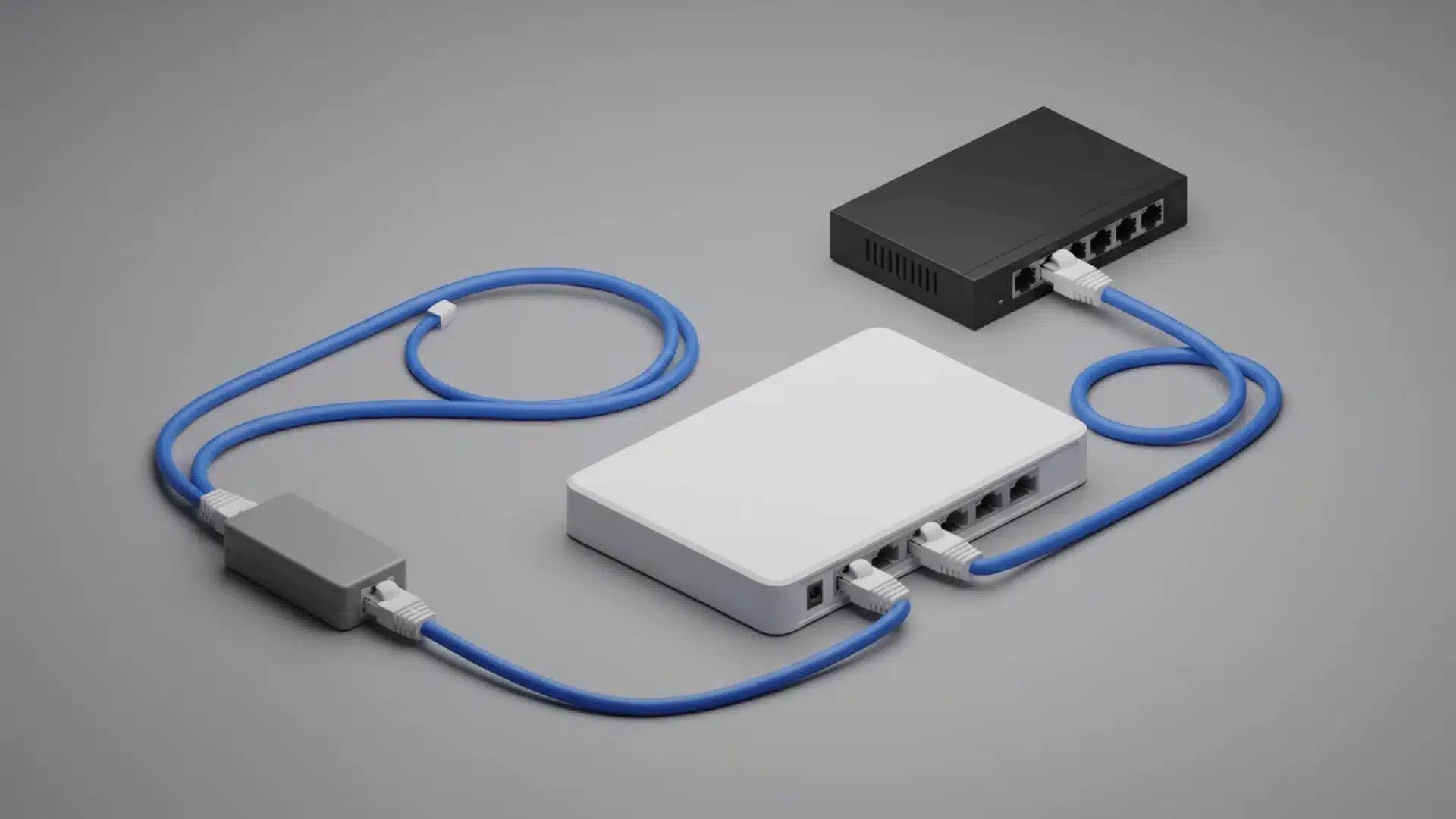
The fastest Ethernet cable doesn’t determine your network speed alone. A handful of factors work together, and the slowest one sets the limit for everything else:
- Every component in the chain: the connection uses the highest rate supported by every part between your devices, including adapters, ports, switches, and cabling.
- The weakest-link rule: a network runs at the slowest component’s speed. A 10 Gbps adapter with Cat6a cable still operates at 1 Gbps if the router port supports only that rate.
- Cable category alone: replacing the cable cannot remove hardware limits. Higher category cables help only when connected equipment can actually use the extra capacity.
- Internet speed versus local network speed: your internet plan controls traffic to the provider, while local transfers between computers and storage devices can reach higher speeds with the right hardware.
- Negotiated link speed: checking it shows the connection rate your devices actually use, so compare computer, router, and switch readings with cable specifications to confirm the setup is working correctly.
My rule of thumb after testing more routers and cables than I can count: if you are running new cable today, spend the extra few dollars on Cat6a.
Chasing the Cat6 distance limit later costs far more than buying the right cable now.
The FCC’s current broadband speed benchmark sits at 100 Mbps download and 20 Mbps upload, a speed even basic Cat5e cable delivers without any strain.
If you’ve set up a PS5 for remote play, plugging in an Ethernet cable instead of relying on Wi-Fi keeps that local link far more consistent.
Which Ethernet Cable Should You Buy?
The right Ethernet cable depends on your network speed, cable length, and future plans. For most homes, Cat6 is the practical choice because it supports modern speeds without adding unnecessary cost.
Cat5e still works well for gigabit networks supporting up to 1 Gbps.
Knowing the Cat5e max speed helps you choose between Cat5e and faster options like Cat6.
| Your Situation | Recommended Cable | Why It Fits |
|---|---|---|
| Existing gigabit internet | Cat5e | Supports 1 Gbps across runs up to 100 meters. It is enough for networks where the internet plan and hardware already support gigabit speeds. |
| New home installation | Cat6 | Provides better performance headroom than Cat5e, works well for everyday use, and supports many newer network setups. |
| Gaming and streaming | Cat6 | Handles stable gigabit connections and supports faster local transfers when routers, switches, and devices have compatible ports. |
| 2.5 Gbps network | Cat5e or Cat6 | Cat5e may support 2.5 Gbps depending on cable quality and distance. Cat6 is a safer choice for new cable runs. |
| 5 Gbps network | Cat5e or Cat6 | Both can support 5 Gbps in suitable conditions. Cat6 provides better reliability for permanent installations. |
| 10 Gbps over short runs | Cat6 | Cat6 can deliver 10 Gbps over shorter distances when cable quality, connectors, and installation conditions are suitable. |
| 10 Gbps across 100 meters | Cat6a | Cat6a is designed for reliable 10 Gbps performance across the full 100-meter Ethernet channel. |
| Shielded or specialized installation | Cat7 | Cat7 can work well where extra shielding is needed, but it is usually unnecessary for standard homes. |
| Short data-center connection | Cat8 | Cat8 supports 25 or 40 Gbps speeds over short distances but costs more and is less flexible than lower categories. |
For most new home networks, Cat6 is the best overall option. Choose Cat6a when you need reliable 10 Gbps across longer runs or want cabling that will stay installed for many years.
Higher categories like Cat7 and Cat8 are usually only worth considering for specific professional setups.
Can a Long Ethernet Cable Slow Down Internet?
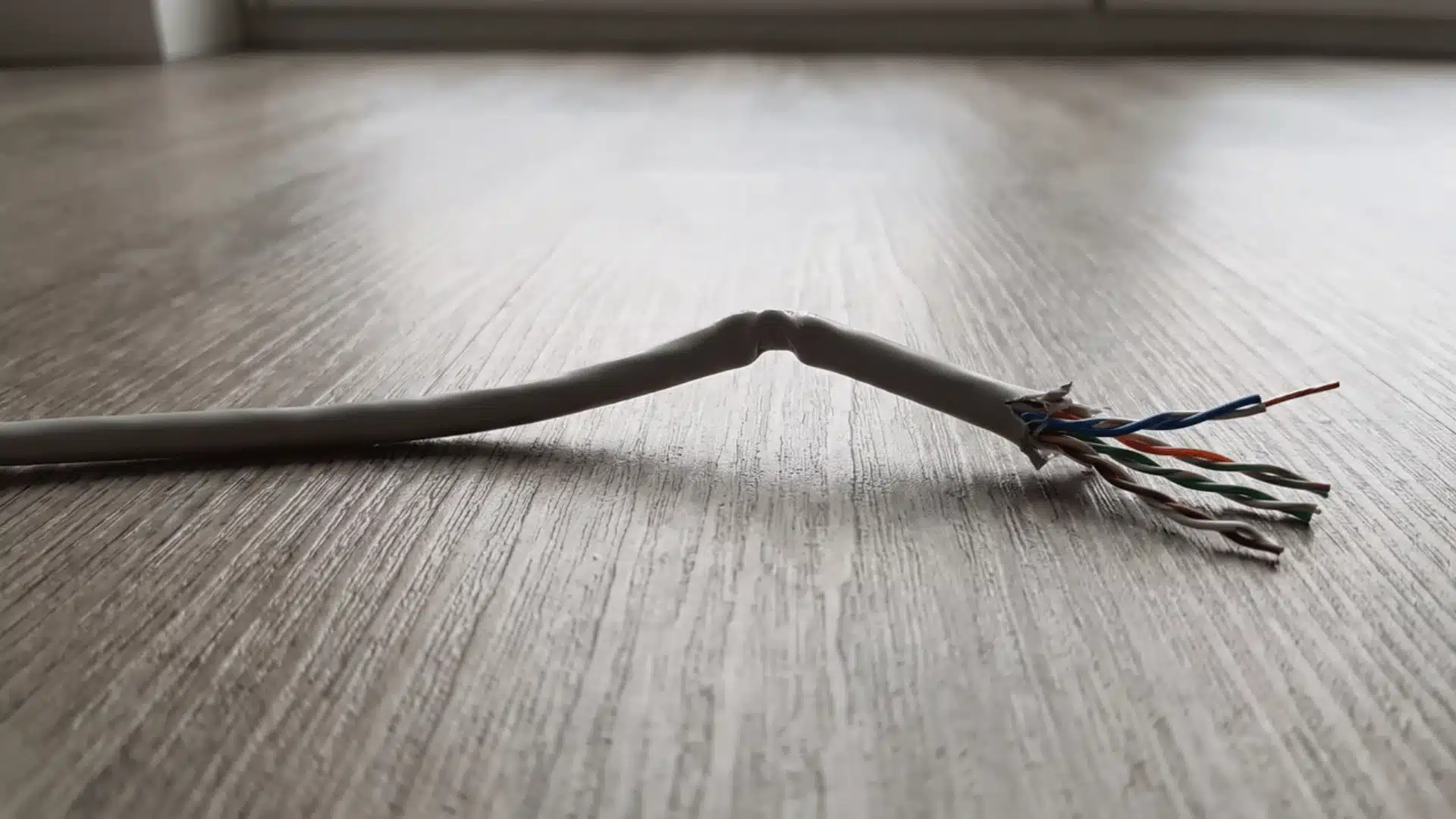
No, a properly installed 100-foot Ethernet cable will not reduce your speed if it stays within its category’s rated distance.
Slowdowns almost always point to equipment limits or an installation problem instead.
A 50-foot cable normally performs like a shorter cable when properly terminated and undamaged. Length alone does not make internet service noticeably slower.
Performance can drop when the cable exceeds its rated distance or contains damaged conductors. Poor terminations, sharp bends, tight bundles, and electrical interference can also disrupt signals.
Check your computer’s negotiated link speed before blaming the cable. A 100 Mbps connection may point toward a damaged cable, port problem, or faulty wall outlet.
Then run an internet speed test. Slow results may come from your internet provider, router, switch, or computer rather than the cable itself.
How Do You Troubleshoot Slow Ethernet Speeds?
Troubleshooting slow Ethernet speeds means working through the connection step by step, starting with what your devices already report and moving outward to the hardware and cabling itself:
- Check the negotiated link speed
- Confirm router and switch port speeds
- Verify computer network adapter speed
- Compare hardware limits with cable category
- Test with a known-good Ethernet cable
- Connect the computer directly to the router
- Remove wall plates, patch panels, adapters, and couplers
- Try another router or switch port
- Test the cable with another device
- Inspect connectors for loose clips or bent contacts
- Check for damaged conductors and sharp cable bends
- Avoid bundling Ethernet cables with power cables
- Reconnect components individually to isolate faults
- Run an internet speed test
- Compare results with your internet plan speed
- Test local transfers between network devices
- Transfer large files between computers or NAS devices
- Use iperf for controlled local network testing
- Test both upload and download directions
- Identify whether the issue involves the cable, hardware, internet service, or local network
If the slowdown turns out to be a display or peripheral issue rather than the network itself, our guide to common computer issues covers monitor and USB connection problems too.
What HomeNetworking Users Recommend for a 30-Foot Ethernet Run
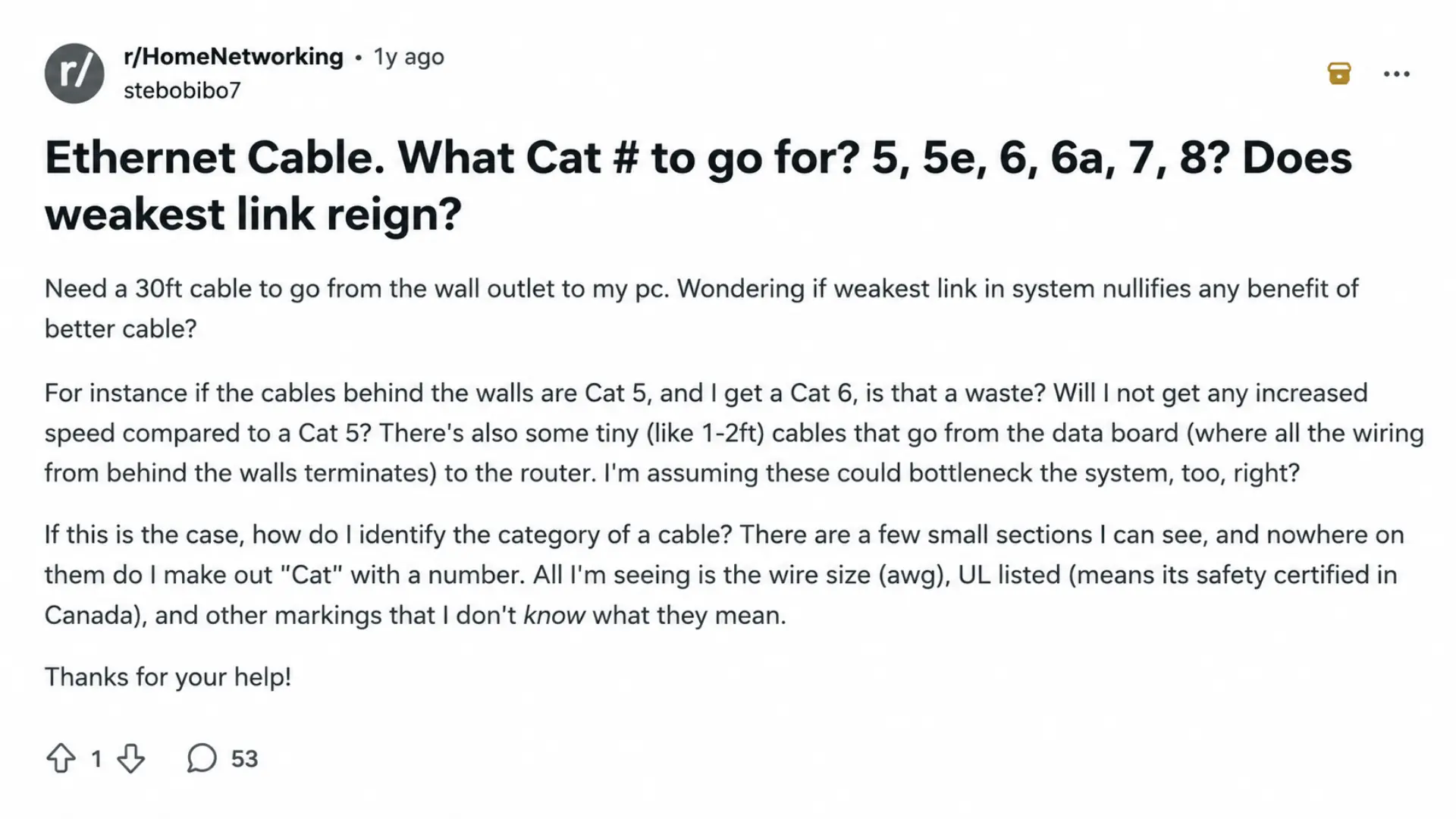
The Reddit HomeNetworking community discussed Cat6 upgrades for a 30-foot Ethernet run. Users compared Cat5, Cat5e, and Cat6 options based on network performance and installation needs.
Replies explained that cable category is only one factor. Internet speed, router ports, cable length, connectors, and existing wiring also affect actual performance.
For a 30-foot home run, users noted that older Cat5 can still handle strong speeds. Replacing only the patch cable may not improve results.
Many commenters still recommend Cat6 for new runs because the price difference is usually small. Some users prefer Cat5e because it bends more easily around tight corners.
The practical choice is Cat6 for new installations, but check existing cable markings and router speeds first. Faster cables cannot overcome slower network hardware.
Conclusion
Ethernet cable speeds always come down to the same three things: the cable category, how far it has to run, and the router or switch on each end.
Cat5e still covers most home networks just fine, Cat6 gives you room to grow, and Cat6a is worth the extra cost if you want a real 10 Gbps connection years from now.
Before you buy anything, check what your router and devices can actually handle, since a faster cable cannot outrun slower hardware.
My advice: measure your longest run, check your gear, then buy one category higher than you think you need.
Grab a properly rated cable today and stop guessing why your network feels slow.
Frequently Asked Questions
What is the Fastest Ethernet Cable?
Cat8 is the fastest commonly discussed twisted-pair Ethernet cable category, supporting 25 or 40 Gbps over runs up to about 30 meters. That does not make it the fastest option for every network: the connected ports and devices must also support those rates, and fiber is generally used when higher speeds or longer distances are required.
Is Cat6 Faster than Cat5e?
Cat6 has greater bandwidth and can support 10 Gbps over shorter runs, while Cat5e is typically rated for 1 Gbps over 100 meters. For ordinary gigabit internet, both can deliver the same connection speed when the network hardware supports only 1 Gbps. Cat6 becomes more useful for new installations and multi-gigabit local networks.
Is Cat7 Better than Cat6 for Home Use?
Usually not. Cat7 offers additional shielding and a 10 Gbps rating, but most homes do not need those features, and Cat6 is generally easier to install and sufficient for gigabit or many multi-gigabit networks. Choose Cat7 only when the installation requires specific shielding or has high interference, not just because the category number is higher.
Will Cat8 Make My Internet Faster?
No. Cat8 can support very high local-network link rates, but it cannot increase an internet plan beyond the speed supplied by the ISP or the capability of the router and endpoint. It may help in a short 25/40 Gbps data-center connection, but for most homes, Cat6 or Cat6a provides the needed performance at lower cost and with easier installation.