


I still remember editing a photo that looked perfect on my screen, but the moment I printed it, the colors felt completely off.
That’s when it hit me, my screen wasn’t telling the truth. Since then, finding the best monitor for photo editing became more than just a tech upgrade. It became about trust.
A good monitor for photo editing should show colors the way they actually are, not how the screen wants them to look.
After extensive research and testing, I put together this list of six photo-editing monitors that photographers genuinely rely on. Let’s get into it.
What Makes a Good Monitor for Photo Editing?
Choosing thebestmonitorisn’t just about getting a big or sharp screen. It’s about how accurately the screen shows colors and details.
- Color Accuracy: Look for a monitor with a Delta E
- Color Gamut Coverage: This tells you how many colors your monitor can display. A good monitor should have 100% sRGB for web use and high AdobeRGB coverage for print work.
- Panel Type: IPS panels are the best choice because they offer consistent colors and wide viewing angles. You won’t see color shifts when you move your head.
- Resolution: 4K is ideal for most users, providing clear, detailed visuals. If you do detailed retouching, 5K can make a noticeable difference.
- Hardware Calibration: Over time, colors can drift on any monitor. Monitors with hardware calibration help maintain accuracy without constant manual tweaking.
Best Monitors for Photo Editing
Choosing the right monitor can make or break your editing work, so here are the top picks that photographers and retouchers actually trust.
1. Dell UltraSharp U2723QE
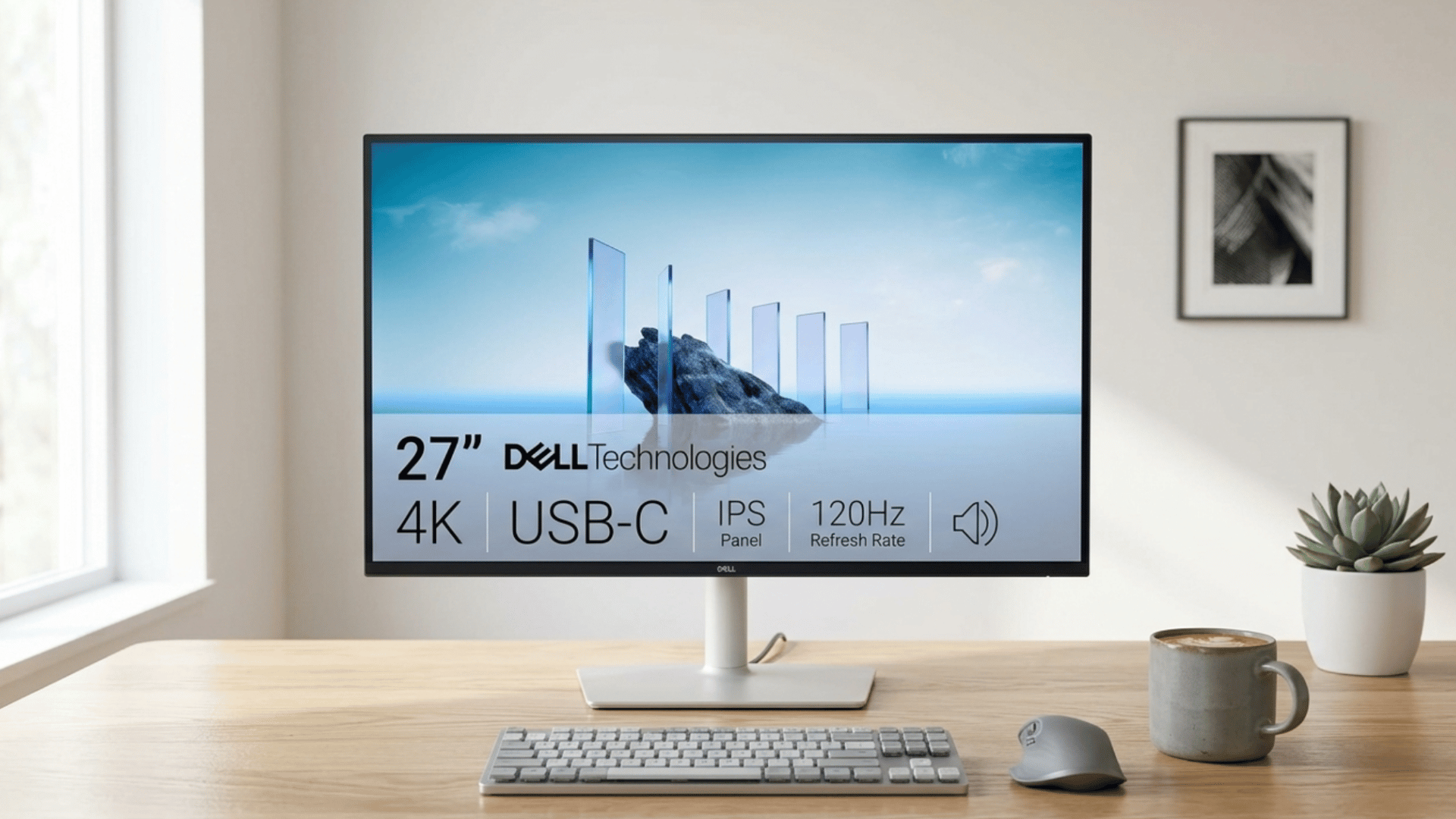
The Dell UltraSharp U2723QE is a 27-inch 4K monitor built for color-critical work, priced around $500 to $580.
It features an IPS Black panel that delivers deeper blacks and stronger contrast than standard IPS displays, along with factory calibration for out-of-the-box accuracy.
It is best for freelance photographers and professional editors who need consistent, reliable color reproduction across long editing sessions.
Tech Specs:
- Resolution: 3840 x 2160 (4K UHD)
- Color Accuracy: Delta E less than 2, factory calibrated
- Connectivity: USB-C with 90W power delivery, DisplayPort, HDMI
- Brightness: 400 nits typical, with HDR400 support
- Stand: Fully adjustable with tilt, swivel, pivot, and height options
I’ve been using the Dell S2725QC for a few days now and I’m really happy with it. The 4K resolution is very sharp and the colors look great right out of the box. Text is crisp, which makes a big difference for work and browsing. – Wilson, Amazon
2. BenQ SW272U
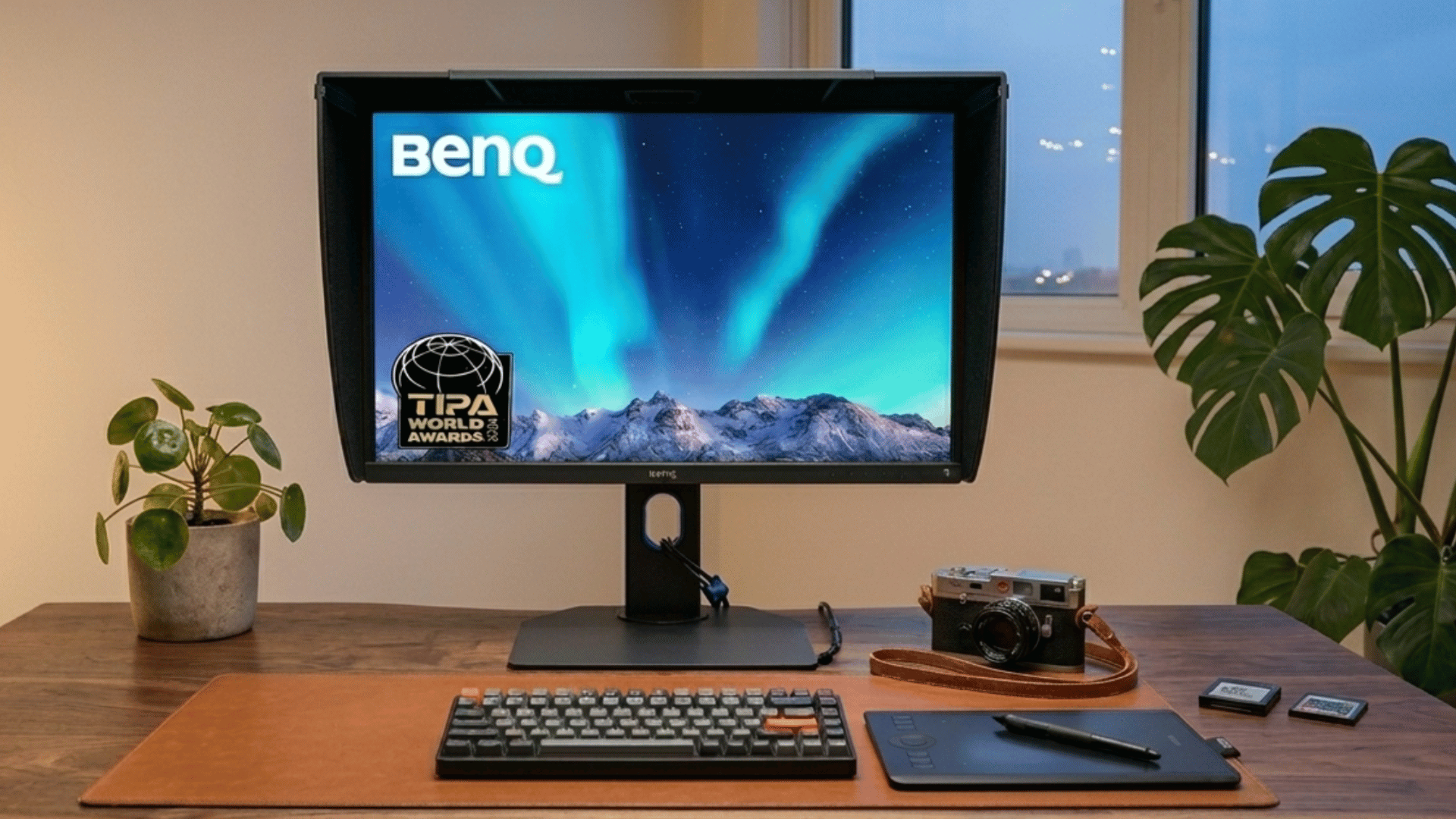
The BenQ SW272U is a 27-inch 4K monitor priced around $700 to $800, built from the ground up for photographers who cannot afford color errors in their work.
Its nano matte anti-glare panel keeps colors true even in bright studio environments, and the built-in print workflow tools make soft proofing much simpler.
It is best for print photographers and advanced retouchers who treat color accuracy as non-negotiable.
Tech Specs:
- Resolution: 3840 x 2160 (4K UHD)
- Color Gamut: 99% AdobeRGB and 99% DCI-P3 coverage
- Calibration: 16-bit 3D LUT for deep, precise tonal mapping
- Connectivity: USB-C, DisplayPort 1.4, HDMI 2.0, SD card reader
- Extra Tools: Darkroom mode, CAL switch for multiple calibration profiles
Fantastic quality display for the money! Have run a full test in all test from ports to updated firmware and paper sync settings. NO Dead pixels!! The Boxing seemed bullet proof and very well packed. – Amazon Customer
3. ASUS ProArt PA27JCV
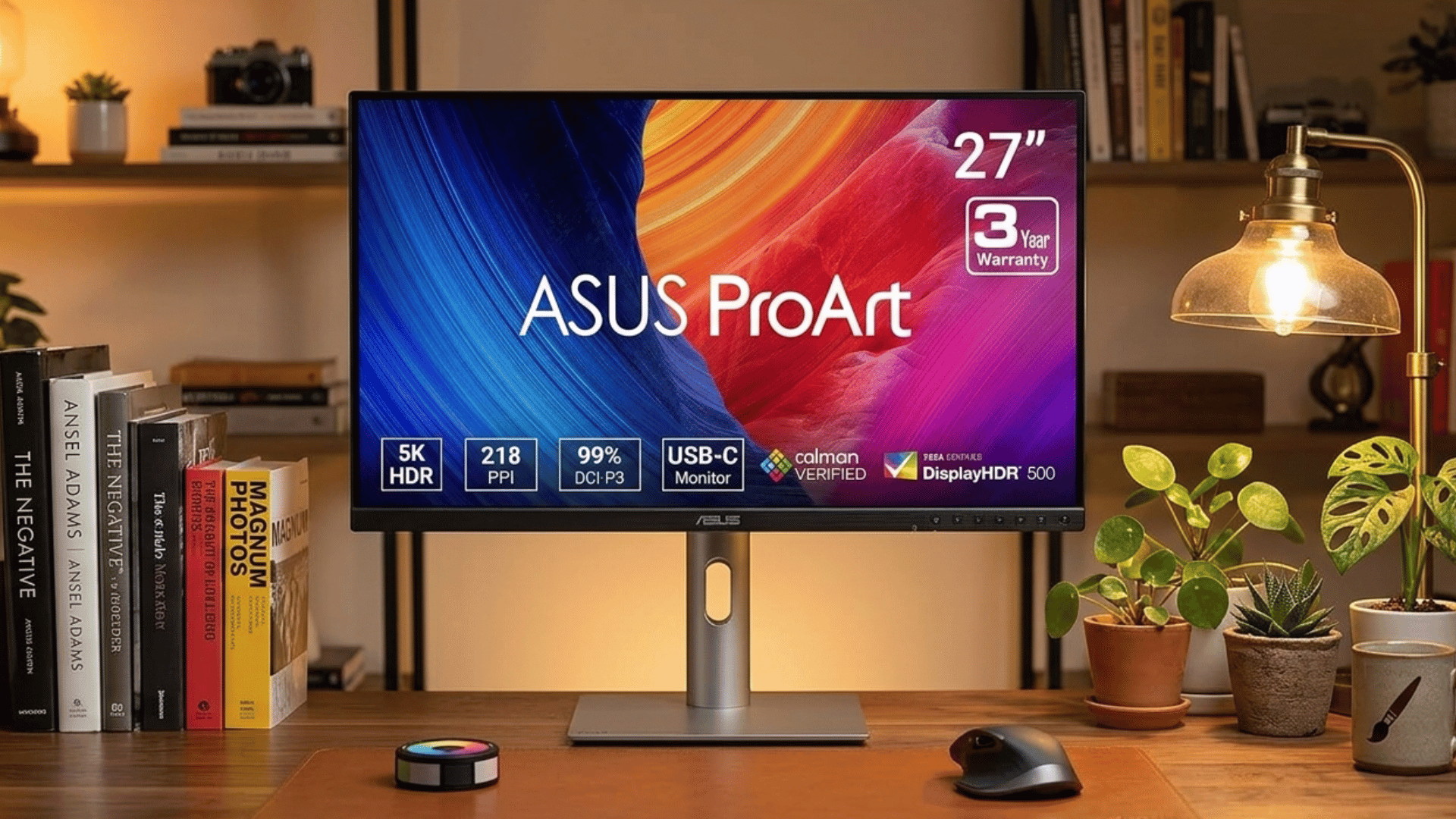
The ASUS ProArt PA27JCV is a 27-inch 5K monitor available for around $600 to $700, offering a level of sharpness that most monitors in this price range simply do not match.
Calman-verified accuracy means every unit is tested and confirmed before leaving the factory, giving buyers confidence without paying flagship prices.
It is best for photographers who do detail-heavy retouching and want premium resolution without a steep budget commitment.
Tech Specs:
- Resolution: 5120 x 2880 (5K)
- Panel Type: IPS with wide color gamut support
- Color Gamut: 99% DCI-P3 coverage
- Brightness: 600 nits peak with HDR support
- Connectivity: Thunderbolt 4, USB-C, DisplayPort, HDMI
- Stand: Height, tilt, swivel, and pivot adjustments included
So happy I waited patiently and Amazon restocked this monitor. Really happy with the colour and image output quality. Easy to assemble and the size is perfect for hours of design. If you’re a graphic designer or ui/ux this is a good quality monitor and the price point is amazing. – Nicolle08, Amazon
4. Apple Studio Display
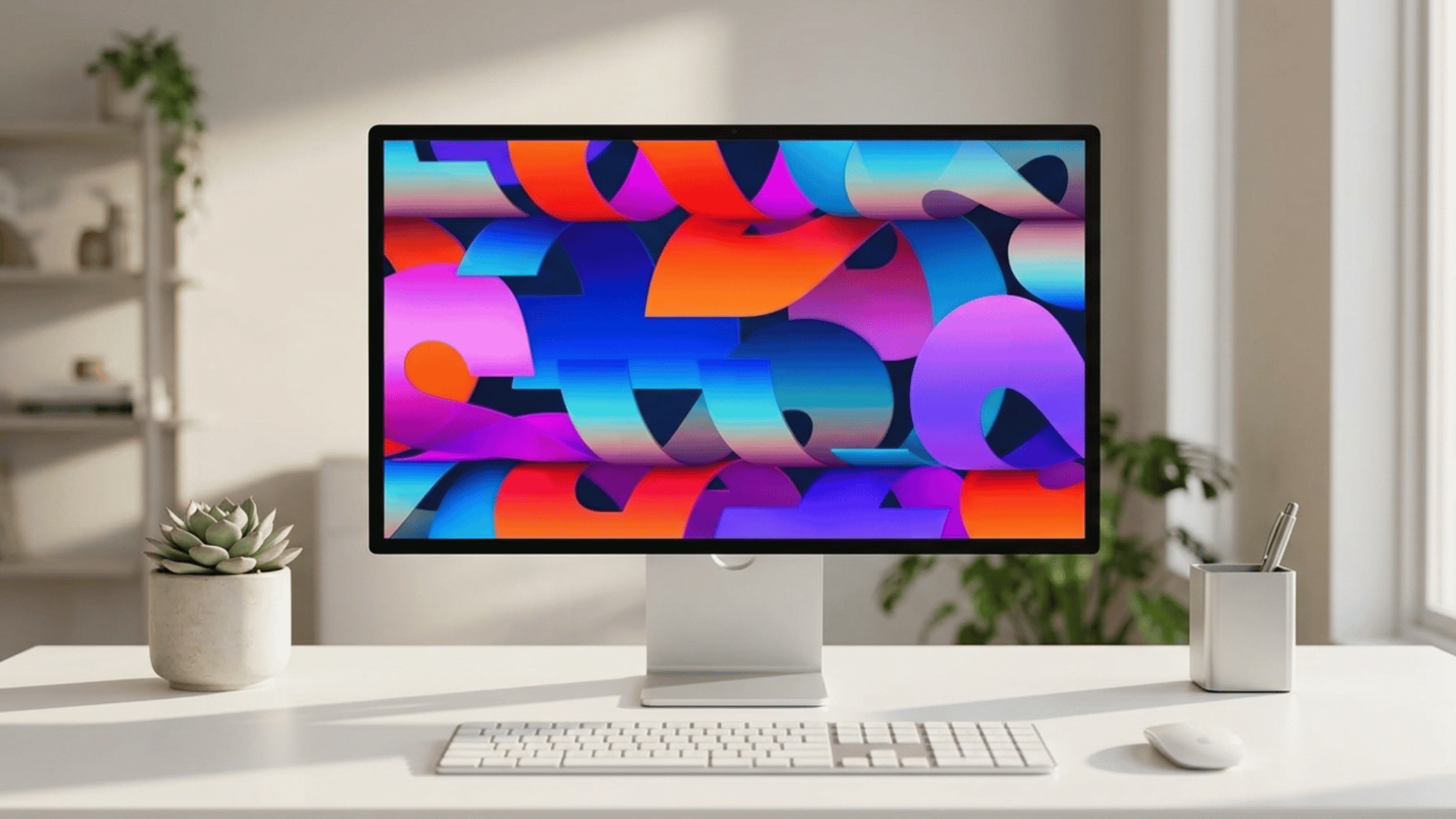
The Apple Studio Display is a 27-inch 5K Retina monitor priced at $1,599, designed to work effortlessly within the Apple ecosystem with near-zero setup friction for Mac users.
The 12MP Center Stage webcam and six-speaker sound system add everyday utility well beyond color work, while the slim, all-aluminum build keeps the desk clean.
It is best for MacBook users and creative professionals who are already invested in Apple hardware and want a no-compromise display to match.
Tech Specs:
- Resolution: 5120 x 2880 (5K Retina)
- Color Gamut: P3 wide color with True Tone support
- Brightness: 600 nits sustained, 1600 nits peak HDR
- Connectivity: Thunderbolt 3 (96W charge), three USB-C ports
- Refresh Rate: 60Hz with support for ProMotion on compatible Macs
After waiting nearly a year and a half for the updated 2026 Studio Display, I can confidently say it was absolutely worth it. From the moment I unboxed it, it exceeded all my expectations. The quality is outstanding. I have zero regrets—in fact, I wish I had bought it sooner. – Francisco Suero, Amazon
5. ASUS ProArt PA329CRV
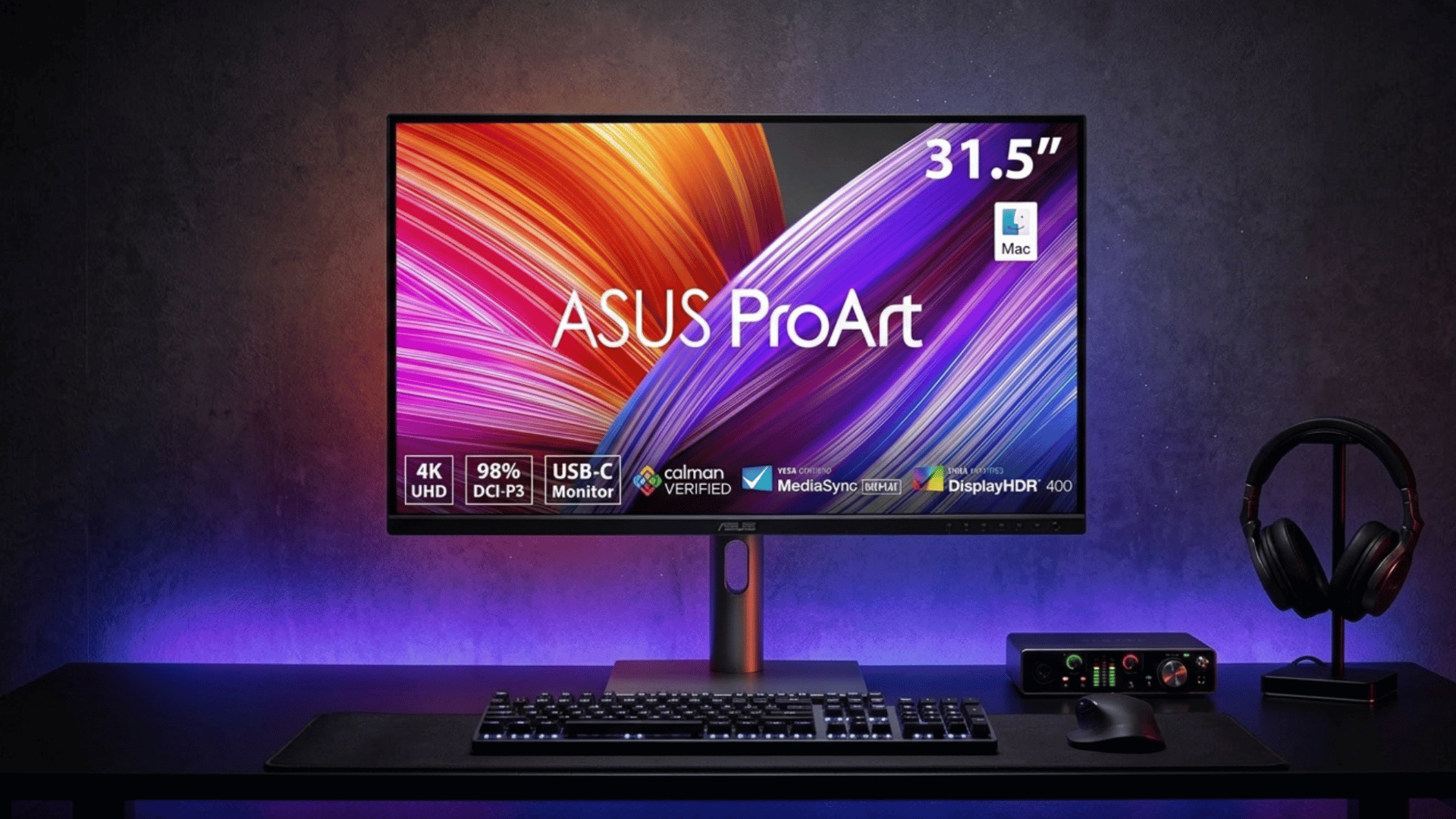
The ASUS ProArt PA329CRV is a 32-inch 4K monitor priced around $400 to $500, making it one of the most accessible factory-calibrated options currently available.
Despite the lower price, it covers 98% of DCI-P3 and ships with a calibration report, so beginners are not left guessing about accuracy out of the box.
It is best for hobby photographers and newcomers who want a reliable starting point without spending more than necessary.
Tech Specs:
- Resolution: 3840 x 2160 (4K UHD)
- Panel Type: IPS with anti-glare coating
- Color Accuracy: Delta E less than 2, factory tested
- Connectivity: USB-C 90W, DisplayPort 1.2, HDMI 2.0
- Extras: ProArt Palette software for on-screen calibration control
This is an outstanding display featuring accurate colors (10-bit, calibrated, HDR 400) and smooth motion handling that is easy on the eyes. The sole drawback is the integrated speakers. The audio quality is subpar—even basic $10 speakers outperform them. – Matan Salem, Amazon
6. BenQ SW321C
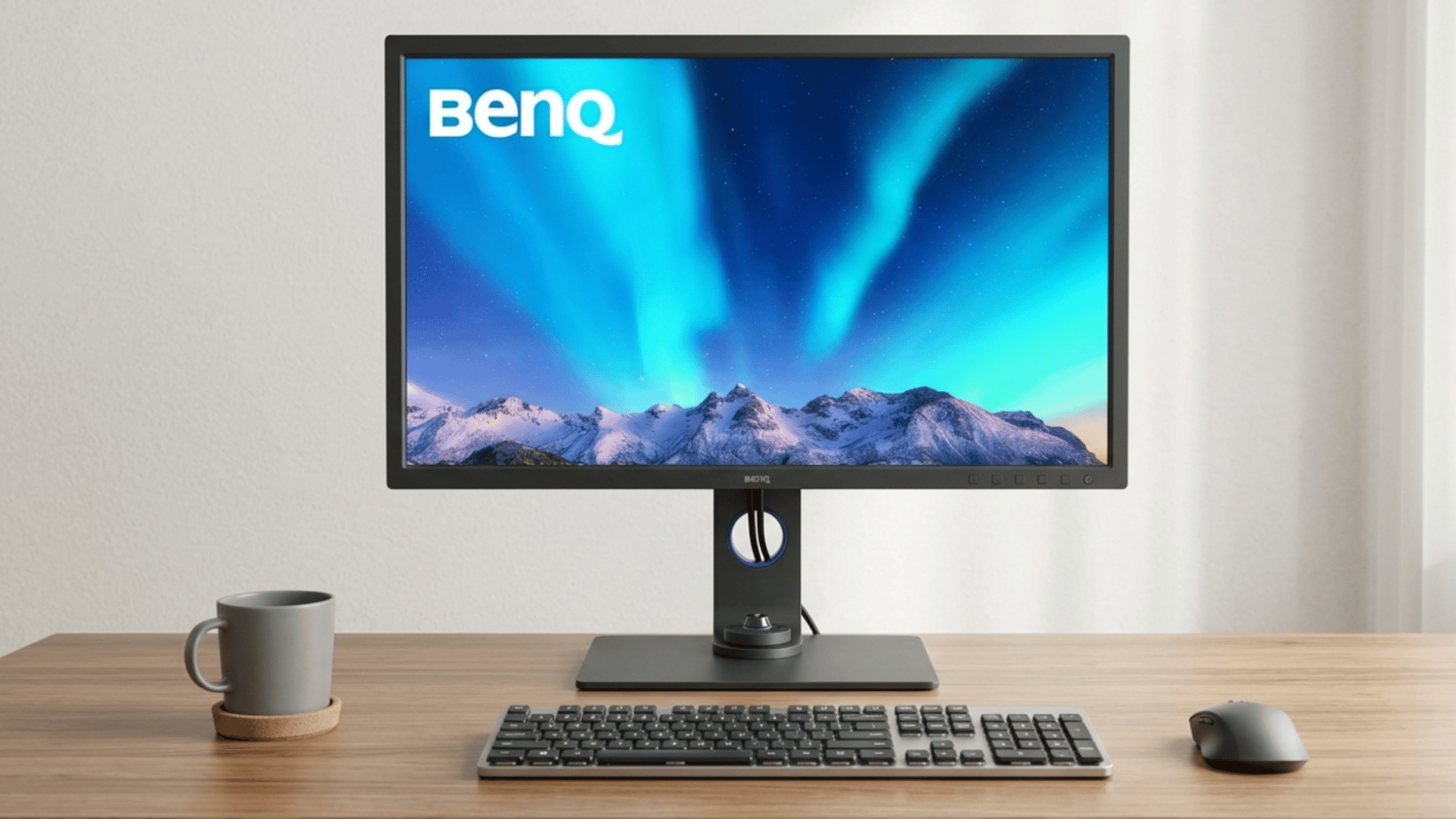
The BenQ SW321C is a 32-inch 4K monitor priced around $900 to $1,000, giving studio photographers the extra screen real estate needed to manage complex editing layouts without compromising on color quality.
A shading hood is included in the box, blocking background light interference that would otherwise throw off color judgment during critical work.
It is best for studio setups and professional workflows where multitasking and print proofing happen side by side.
Tech Specs:
- Resolution: 3840 x 2160 (4K UHD)
- Color Gamut: 99% AdobeRGB, 95% DCI-P3
- Hardware Calibration: Supported with Palette Master Element software
- Connectivity: USB-C, Thunderbolt 3, DisplayPort 1.4, HDMI 2.0
- Included Accessories: Shading hood for light-controlled evaluation
- Special Modes: Black and White mode, multiple color space presets
The TL;DR is simple: I have found the SW321C to be a phenomenal, no-compromises, nearly flawless monitor. Great stand, great user interface (I love the puck), outstanding image quality, even backlight, no backlight bleed. It’s superb for work and leisure. – Marik, Amazon
4K vs. 5K Monitors: Which One Do You Really Need?
A quick comparison to help you decide whether 4K is enough or if 5K is worth the upgrade.
| Feature | 4K Monitor (3840×2160) | 5K Monitor (5120×2880) |
|---|---|---|
| Sharpness | Very sharp for most editing tasks | Extremely sharp with finer detail visibility |
| Best For | General editing, freelancers, hobbyists | High-end retouching and professional work |
| Workspace Area | Good space for tools and panels | More room for multitasking and layouts |
| Performance Needs | Works well with most systems | Needs more powerful hardware |
| Price | More affordable | Premium pricing |
How to Set up Your Workspace for Accurate Color Editing
Your editing accuracy doesn’t depend on your monitor alone; your workspace plays a big role, too. A few simple setup tweaks can help you see colors more consistently and avoid unwanted surprises in your final images.
- Control your lighting: Use soft, neutral light (5000K–6500K) and avoid direct sunlight or mixed lighting.
- Avoid screen glare: Place your monitor away from windows or other strong light sources that hit the screen.
- Keep surroundings neutral: Use grey or muted wall colors to prevent color reflection and visual bias.
- Position your monitor correctly: Keep it at eye level, about an arm’s length away, with a slight tilt.
- Adjust brightness: Lower it to a comfortable level (around 100–120 nits) to avoid overly bright edits.
- Turn off vivid modes: Disable “Vivid” or “Dynamic” display settings for more accurate colors.
- Calibrate regularly: Use a hardware calibrator or built-in tools every few weeks to maintain accuracy.
- Use a consistent environment: Edit in the same lighting setup daily to keep your color perception stable.
Final Verdict
Every monitor on this list earns its place for a different reason. Some win on color accuracy, some on resolution, and some simply on value.
But the best monitor for photo editing is always the one that fits how you actually work, not just the one with the longest spec sheet.
If you print regularly, go with the BenQ SW272U. If budget is a priority, the ASUS ProArt PA329CRV is hard to overlook. And if you are deep in the Apple ecosystem, the Studio Display just makes sense.
Pick the one that matches your workflow, and your edits will finally look the way you intended.