


You’re mid-call, everything feels normal, and then out of nowhere you catch a faint click that makes you freeze for a second.
Maybe a voice sounded oddly far away. Maybe there was a strange little pause. Now you just can’t shake the feeling that someone else is quietly listening.
Phone features often work behind the scenes in ways that are not obvious to everyday users.
Take a slow breath, because you’re about to get some real answers today. Figuring out how to tell if you are on a 3-way call on Android is honestly easier than you think.
Let’s walk through the exact signs, the on-screen clues, and the subtle sounds that reveal what’s really happening on your line.
Can Someone Add You to a 3-Way Call Without You Knowing?
Yes, they can, and this catches most people off guard. On Android, the person who starts the merge can add a third party without any heads-up. No pop-up, no alert, no label.
The reason is simple, i.e., the merge happens on their device and the carrier’s network, not yours. Your Phone app keeps showing only the original caller because nothing has changed on your end.
So your screen can’t always be trusted when you’re not in control. In those moments, your ears and a direct question become your best tools.
Methods to Determine If You’re on a 3-Way Call
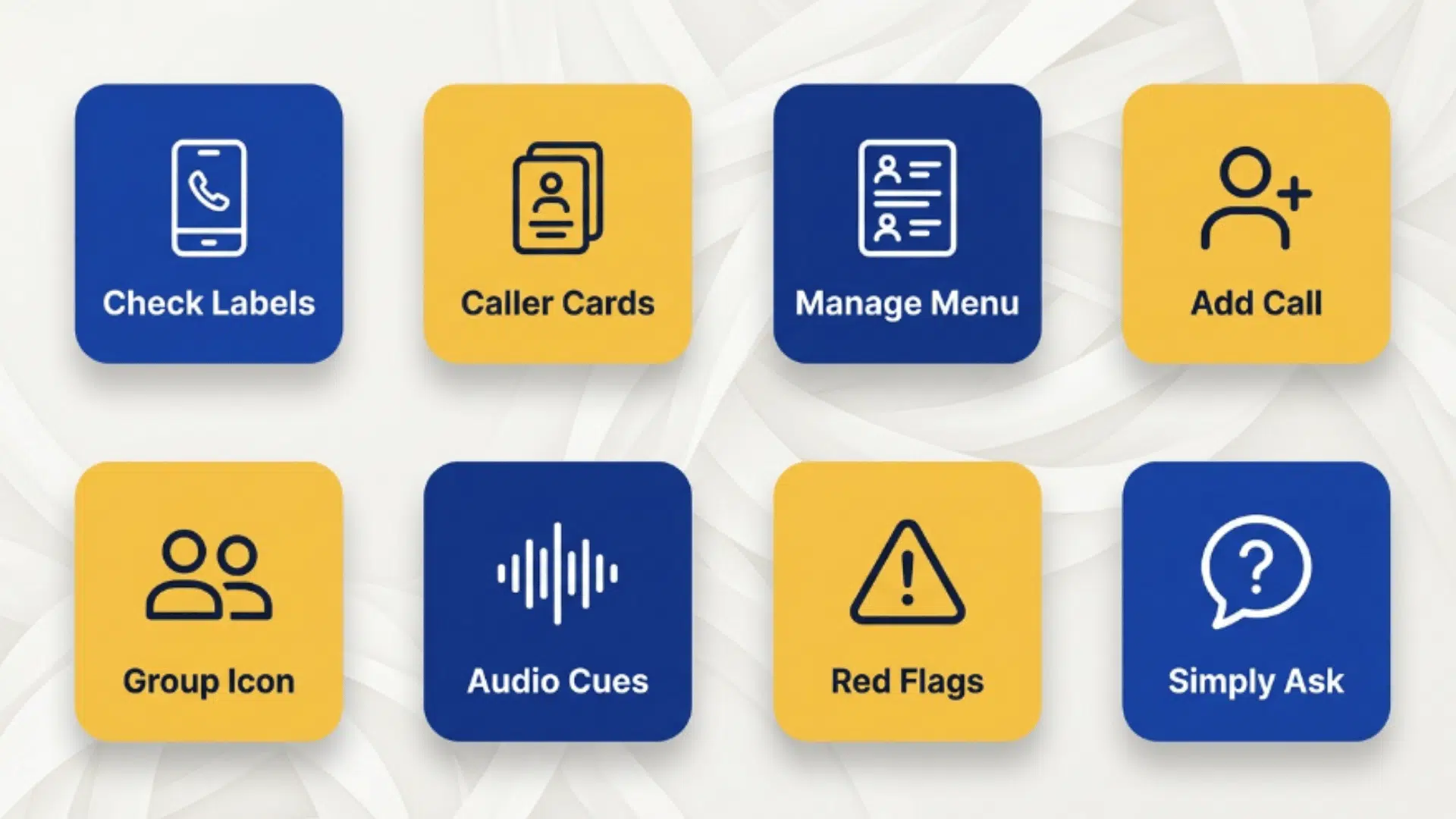
Learning how to tell if you are on a 3-way call on Android gets far easier once you know exactly where to look and what to listen for.
No single method is perfect on its own, so combine a few of these eight for the clearest answer. They’re listed from the most reliable down.
1. Check the Call Screen Labels
This is the fastest and most trustworthy check you can do. If you started the merge, Android puts a clear label right at the top of your active call screen.
Here’s how to do it:
- Keep your phone screen awake and unlocked during the entire active call.
- Look at the very top of the screen, just above the running call timer.
- Watch closely for a label reading “Conference Call,” “Merged Calls,” or simply “Conference.”
- Remember this label only appears on the device that actually started the merge.
- Treat the presence of any such label as solid confirmation that three or more people are connected.
Tip: If you didn’t start the call yourself, don’t expect this label to show up, so move straight to the audio and behavioral checks instead.
2. Look for Multiple Caller Cards
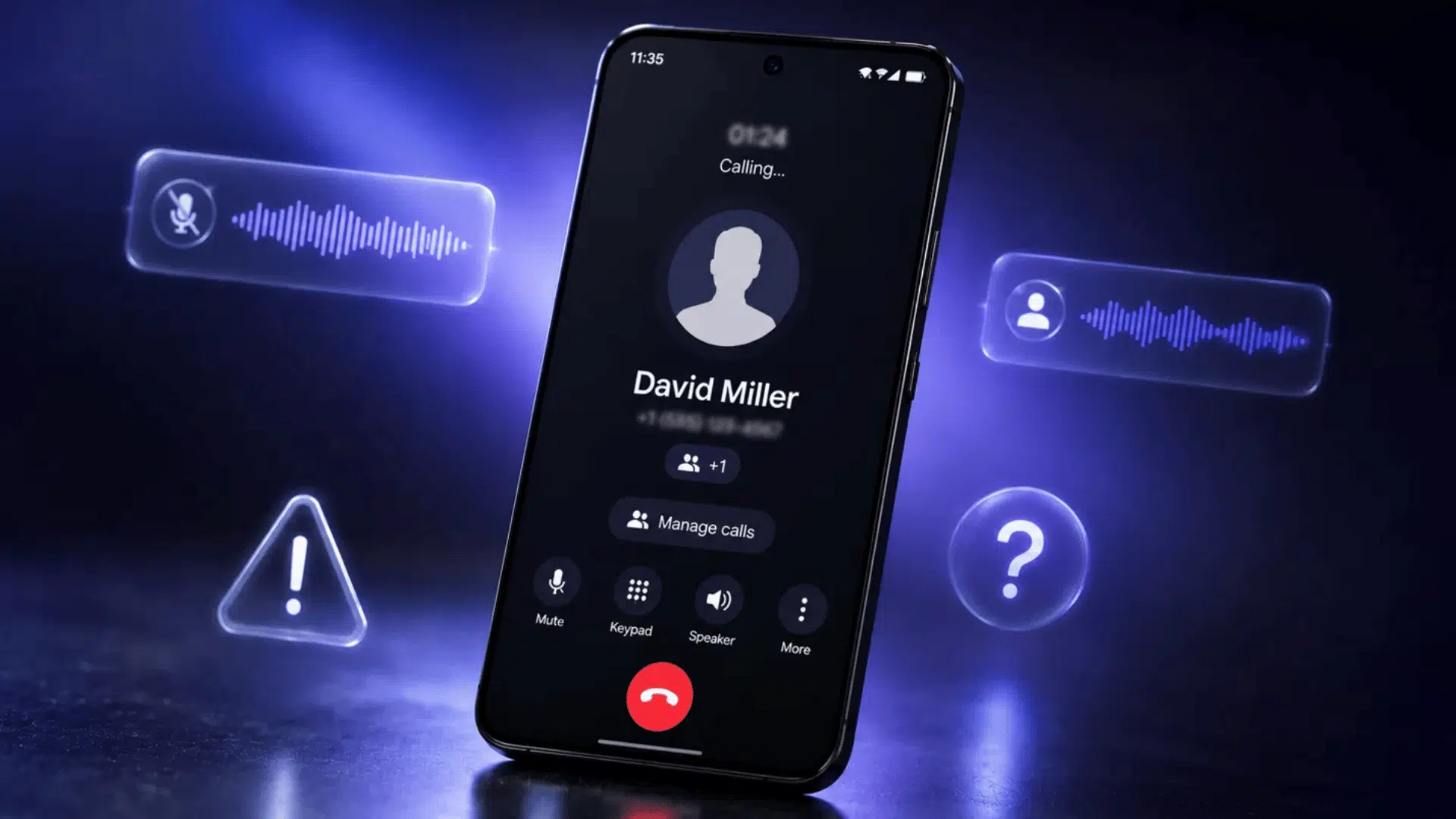
Instead of showing one name, a merged call usually lists every participant on its own line. This stacked layout is one of the clearest visual giveaways.
Follow these steps:
- Bring up your active call screen while the conversation is still ongoing.
- Check if a single name sits at the top or several names appear together.
- Look for separate cards or rows, each displaying a different contact name or phone number.
- Count how many distinct participants your screen is actually listing at that moment.
- Read two or more names as a strong sign the calls have combined into one shared line.
Tip: A caller saved without a name will show only a number, so an unfamiliar number stacked beside a known contact is worth a closer look.
3. Open the “Manage Calls” Menu
Your phone tucks the full participant list behind a management menu that isn’t visible at first glance. Opening it shows exactly who is on the line.
Try this:
- Begin or answer your call and let it connect as you normally would.
- Tap the “Manage,” “Manage Calls,” or three-dot menu shown on the call screen.
- Scan for options labeled “Manage conference” or “Participants” inside that menu.
- Open the list to reveal the full lineup of every caller currently connected.
- Use the controls there to mute, view, or disconnect anyone you don’t recognize.
Tip: If the “Manage” option is missing entirely, your call is almost certainly one-on-one, since this button only appears when multiple lines are active.
4. Watch the “Add Call” Button
The way this button behaves can quietly tell you if a merge has already happened on your side. Its state often shifts once a conference goes active.
Do the following:
- Locate the “Add Call” or plus (+) button somewhere on your active call screen.
- Check carefully if the button looks fully active or appears dimmed and grayed out.
- Notice if the option has quietly shifted into the Manage menu instead of staying in view.
- Compare its state to a normal one-on-one call, where it usually stays bright and tappable.
- Read a grayed-out or relocated button as a hint that your lines may already be joined.
Tip: Take a mental note of how this button normally looks on your phone, so any change during a call stands out to you right away.
5. Look for the Group Icon
Certain Android versions add a small multi-person symbol during multi-party calls. It’s easy to miss, but it works as a fast little signal.
Here’s the process:
- Keep the active call screen fully visible instead of letting it dim or lock.
- Direct your attention near the call timer or beside the displayed contact name.
- Watch for a small two-person or group-style icon appearing in that area.
- Compare it against the single-person icon you’d normally see on a private one-on-one call.
- Take the appearance of that group icon as a quick visual cue that a conference is active.
Tip: Not every Android skin shows this icon, so treat its absence as inconclusive rather than proof that you’re alone on the line.
6. Listen for Audio Cues
When your screen gives nothing away, your ears step in as the backup. A few distinct sounds tend to accompany the moment someone joins the line.
Give this a go:
- Notice any brief stretch of silence, often lasting 5 to 15 seconds, in the middle of the call.
- Listen carefully for a faint click or short beep at the instant the lines join together.
- Pay attention to a sudden dip in overall sound quality or clarity during the conversation.
- Catch any fresh background noise that clearly comes from a completely different location.
- Keep in mind these cues aren’t foolproof, since weak signal or network issues can copy them.
Tip: Pop in a pair of earbuds when you’re suspicious, since headphones make subtle clicks and background changes far easier to catch.
7. Notice Behavioral Red Flags
Sometimes the person on the line gives more away than your phone ever will. Odd questions or evasive habits can hint that someone else is listening.
Work through this:
- Pay attention if the caller keeps nudging the conversation toward sensitive or private information.
- Watch for unusual pauses before they answer, as if waiting on a cue from someone.
- Notice if they repeat your answers aloud, seemingly for another listener’s benefit.
- Sense any nervousness, stalling, or reluctance to speak openly and freely with you.
- Trust your gut the moment the whole exchange starts to feel oddly staged or scripted.
Tip: One odd moment alone means little, so look for a pattern of red flags stacking up before you read too much into it.
8. Simply Ask
The most direct method of all, and often the most effective. A single calm question can cut through every doubt in seconds.
Here’s what to do:
- Wait for a natural, comfortable pause before bringing up your concern.
- Calmly ask something clear like, “Is anyone else on this call with us?”
- Listen closely to how quickly and confidently they respond.
- Note any hesitation, deflection, or vague, roundabout answers that avoid the question.
- Take a clear, direct reply as reassurance and treat obvious evasiveness as a genuine warning.
Tip: Ask casually rather than accusingly, since a relaxed tone gets a more honest reaction than one that puts the other person on the defensive.
Why Is It So Hard to Detect a 3-Way Call on Android?
Because the whole system is built around the person who starts the merge, not the people joining it. All the controls and labels live on their screen, which leaves everyone else in the dark by design.
With over 14 years of experience simplifying digital tools as a tech educator and software trainer, I have seen how these small design choices can affect what everyday users notice and control.
Modern networks make it even trickier. VoLTE and Wi-Fi calling have smoothed out the old clicks, beeps, and static that used to give a merge away.
On top of that, weak signal or network congestion can create the very same cues, so a click or a pause doesn’t always mean a third person joined.
Signs That Reveal If Someone Joined Your Call
Not every added participant appears the same way on your phone. Some situations show clear signs, while others leave little or no visible evidence.
The table below explains different call situations, how easy they are to detect, and the clues that may help you identify them:
| Situation | Can You Detect It? | What Gives It Away |
|---|---|---|
| You started the merge | Easily | On-screen conference label and participant list |
| The other person merged you in | Rarely on screen | Audio cues only, no phone alert |
| Call over regular cellular (VoLTE) | Hard | Clean audio hides old clicks and beeps |
| Call over Wi-Fi calling | Hard | Faint cues, limited conference features |
| Call inside WhatsApp or Signal | Easily | Clear “Group call” label and participants |
| Someone using a separate recording device | Nearly impossible | No network merge, nothing shows up |
| Landline conference bridge dialed in | Nearly impossible | No screen data reaches your phone |
| Call forwarded to a third number | Very hard | One voice, no merge indicator |
| Business PBX or office system call | Hard | Hidden listeners on the system side |
| International call with added participant | Moderate | Longer delays and noticeable echo |
As the table shows, how to tell if you are on a 3-way call on Android really comes down to your situation, so match your checks to the type of call you’re on for the clearest read.
What to Do If You Suspect a Third Listener

Caught that suspicious click or pause? Don’t panic, and don’t tip your hand either. A few calm moves will tell you what you need to know without making things awkward.
Here’s how to handle it:
- Lower your voice or pause on sensitive topics until you’ve had a moment to read the situation.
- Hold back any sensitive details until you feel sure the conversation is private.
- Keep your tone neutral and natural, so you don’t reveal that you’re suspicious.
- Move to a quieter room to test if that echo or background noise actually fades.
- Note the exact moment things felt off, so you can compare it against any click or pause later.
Stay calm, guard your private details, and read the other person’s reactions closely, and you’ll stay firmly in control of the conversation.
How to Stay in Control of Who’s on Your Call?
Since your phone won’t warn you when someone merges you in, prevention beats detection. These simple habits keep your private conversations firmly in your hands:
| Habit | Why It Helps | Best For |
|---|---|---|
| Start the call yourself | Only you can add a third party | Everyday private calls |
| Use Signal or WhatsApp | Shows a clear label when anyone joins | Sensitive conversations |
| Know your state’s consent laws | Reveals when a listener is allowed | Legal peace of mind |
| Avoid “detector” apps | Blocks data-harvesting scams | Protecting your privacy |
| End and reconnect if unsure | Resets the call fully | Shaking off suspicion |
| Check the screen periodically | Catches any visible merge label early | Longer or important calls |
| Keep your dialer app updated | Ensures the clearest conference indicators | Reliable detection over time |
The takeaway is simple: place your own calls, lean on encrypted apps for anything private, and a quiet screen check now and then keeps you comfortably ahead of any surprise listener.
Wrapping It Up
So there you have it: no more second-guessing every little sound or pause you happen to catch on the line.
You now know how to tell if you are on a 3-way call on Android, and that bit of awareness alone puts you way ahead of most people.
Trust what your screen actually shows you, tune in a little closer when something feels off, and let your instincts guide the rest. It really is that simple.
Stay calm, stay aware, and keep control firmly in your own hands, because from here on out your next call is fully and completely yours again.
Frequently Asked Questions
Does the Other Person Get Charged for a 3-Way Call?
The person who starts the merge usually uses their own plan minutes for both lines, while you’re billed as normal for a single call.
Can a 3-Way Call Be Added During an Incoming Call?
No, a merge only happens after two separate calls are already connected, so an incoming call can’t secretly pull you into a conference on its own.
Will Airplane Mode Stop Someone From Merging My Call?
Yes, but it also ends your call instantly, since airplane mode cuts all cellular connections rather than just removing a hidden listener.
How Many People Can Join a 3-Way Call on Android?
Most carriers allow around five or six participants on one conference line, though the exact limit depends on your plan and network.