


Stuck on a boss fight for the tenth time with no clue what you’re missing? That frustration is exactly why MyGameRank gaming guides exist.
Most gaming help online is scattered: a forum post here, an outdated video there, nothing built for where you actually are in the game. You end up piecing together advice that doesn’t match your skill level or your platform.
I’ve dug into how this platform organizes its content, what each guide type actually covers, and how the free, Premium, and Pro tiers stack up.
By the end, you’ll know exactly which guides fit your goals and whether upgrading is worth your money
What Are MyGameRank Gaming Guides?
MyGameRank gaming guides are online resources designed to help players understand games, solve gameplay problems, and make better decisions while playing.
Depending on the topic, a guide may explain controls, combat mechanics, missions, character builds, equipment, boss fights, multiplayer tactics, collectibles, or game settings. Beginners can use this information to learn basic systems, while experienced players can explore smarter gameplay methods for advanced strategy and competitive improvement.
The website also publishes content about game releases, platform developments, rankings, reviews, gaming hardware, and industry trends. Its main navigation includes sections for Console Freaks, Pro Gaming, Mobile & More, and PC GameTime.
The best guide is not necessarily the longest one. It is the guide that matches the player’s exact problem and current version of the game.
How to Access MyGameRank Gaming Guides
Players can begin by visiting the official MyGameRank website and using the search field to enter a game title, console name, gameplay mechanic, or specific problem.
The main navigation divides content into several broad areas:
- Console Freaks: Console systems, games, accessories, setup information, comparisons, and related guides.
- Pro Gaming: Competitive gaming, rankings, esports-related topics, tactics, and performance-focused content.
- Mobile & More: Mobile gaming, applications, portable platforms, and broader gaming subjects.
- PC GameTime: PC games, gaming computers, software, settings, hardware, and performance information.
These categories appear across the website’s main navigation and help users narrow their search by platform or gaming interest.
Searching with a precise phrase such as “game title boss strategy” or “game title beginner build” will usually produce more relevant results than using only the game’s name.
Find the Right MyGameRank Guide for Your Game
Finding the right guide becomes easier when players narrow their search by game title, platform, skill level, and current gameplay objective.
- Search by exact game title: Include the complete title, subtitle, edition, or expansion name to avoid opening content about a similarly named game.
- Check the gaming platform: Confirm whether the information applies to PC, PlayStation, Xbox, Nintendo Switch, mobile, or another supported system.
- Identify the immediate problem: Look for guidance related to a specific boss, mission, build, item, puzzle, setting, or multiplayer objective.
- Consider your experience level: New players may need basic explanations, while experienced players may prefer optimization, advanced mechanics, or competitive tactics.
- Check the publication details: Review the date, game version, expansion, and recent patch changes before applying the advice.
Taking these steps prevents players from following instructions that are too broad, outdated, or designed for a different version of the game.
Types of MyGameRank Gaming Guides
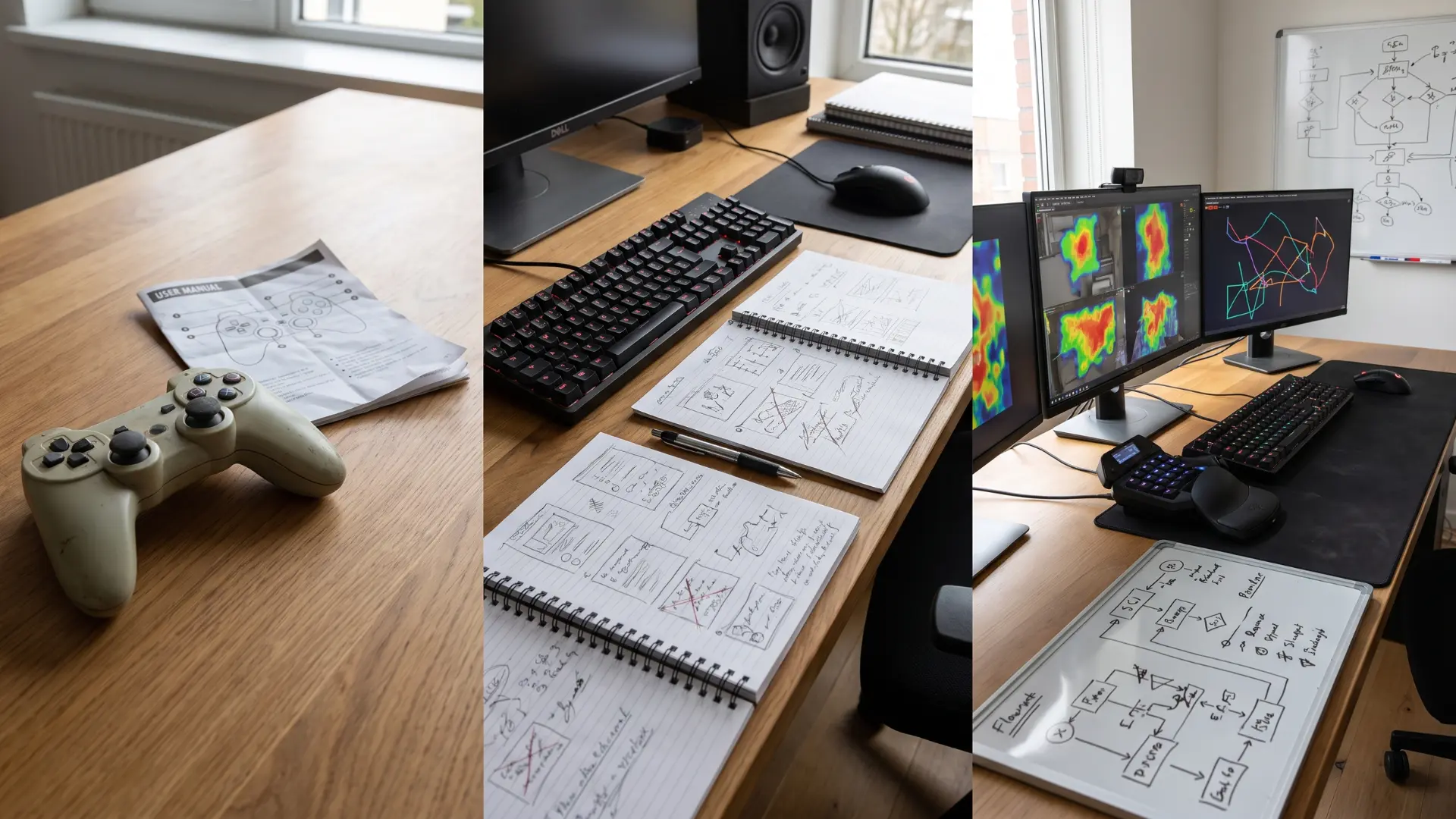
MyGameRank offers several guide types, helping players learn mechanics, complete challenges, improve strategies, and explore games more efficiently and confidently.
1. Beginner Gameplay Guides
Beginner gameplay guides explain basic controls, movement, menus, combat systems, resources, and early objectives in simple language. They help new players understand how the game works before facing harder challenges.
These guides may also cover useful settings, starter equipment, common mistakes, and early progression choices, making the first hours easier, clearer, and less frustrating for inexperienced players overall at first.
2. Complete Game Walkthroughs
Complete game walkthroughs provide step-by-step directions from the opening sequence to the final stages. They explain where to go, what actions to take, which items to collect, and how to solve puzzles.
Players can use complete walkthroughs when stuck or when aiming to finish the full story without missing important objectives, optional areas, rewards, or major progression requirements. For long-running franchises, a recommended play order can also prevent story confusion before starting.
3. Missions and Quest Guides
Mission and quest guides focus on specific objectives that may be confusing, hidden, timed, or difficult to complete. They explain where missions begin, which characters to meet, what items are required, and how each stage progresses.
These guides are useful for avoiding failed objectives, finding alternate routes, unlocking rewards, and completing side content efficiently without unnecessary exploration or repeated attempts.
4. Character Builds and Loadouts
Character build and loadout guides help players choose abilities, weapons, armor, upgrades, and equipment combinations that support a particular playstyle. They may compare offensive, defensive, stealth, support, or balanced setups.
Players can use these recommendations to improve damage, survivability, mobility, or team value while avoiding weak combinations and spending limited upgrade resources on options that provide little overall benefit.
5. Boss Battle Strategies
Boss battle strategies explain enemy attack patterns, vulnerable moments, recommended equipment, positioning, and effective ways to respond during each phase. They may also identify resistance types, environmental advantages, healing opportunities, and common mistakes.
Players can use these guides to prepare properly, conserve resources, avoid repeated defeats, and understand the timing needed to defeat difficult bosses with greater consistency and control.
6. Multiplayer and Ranked Tips
Multiplayer and ranked tips focus on communication, positioning, map awareness, teamwork, role selection, and decision-making under pressure. They may explain effective rotations, objective control, counterplay, and ways to improve mechanical consistency.
These guides help players understand competitive systems, avoid habits that weaken the team, and develop strategies for climbing ranks while contributing more effectively during coordinated or solo matches consistently.
7. Collectibles and Achievement Guides
Collectibles and achievement guides show where hidden items, trophies, secret areas, and optional challenges can be found. They often include requirements, locations, timing conditions, and warnings about missable content.
Completion-focused players can use them to track remaining objectives, avoid restarting the game, unlock special rewards, and reach full completion with less confusion, backtracking, or unnecessary searching across large game environments.
Choose a Guide Based on Your Gaming Goal
Players can select a guide more quickly by connecting their immediate objective with the most relevant content type.
| Gaming Goal | Guide to Search For |
|---|---|
| Learn basic controls and mechanics | Beginner gameplay guide |
| Complete the full story | Complete walkthrough |
| Finish one confusing objective | Mission or quest guide |
| Improve abilities and equipment | Build or loadout guide |
| Defeat a difficult enemy | Boss battle strategy |
| Perform better in ranked matches | Multiplayer or competitive guide |
| Find hidden items and rewards | Collectible guide |
| Discover a recently released game | Latest games or review content |
| Improve graphics or performance | PC, console, or settings guide |
Players should begin with the narrowest relevant guide. Opening a complete walkthrough for a small equipment question can waste time and reveal unnecessary story information.
Latest Games Covered by MyGameRank Guides
Players searching for the latest games MyGameRank discusses can browse recent articles, gaming-news posts, platform categories, reviews, and release-focused content.
The website describes its latest-games coverage as including recent releases, trending titles, different gaming genres, reviews, feature highlights, and upcoming games.
Recent coverage may include:
- Newly released PC, console, and mobile games
- Competitive multiplayer titles
- Role-playing and action games
- Indie games and emerging genres
- New consoles and gaming devices
- Updates to established franchises
- Esports and ranking developments
- Gaming hardware and performance topics
Players should still confirm whether a recent article is a practical gameplay guide, a review, a news report, or a general overview. Not every article about a new title will contain a complete walkthrough or detailed strategy.
MyGameRank Guides for Different Skill Levels
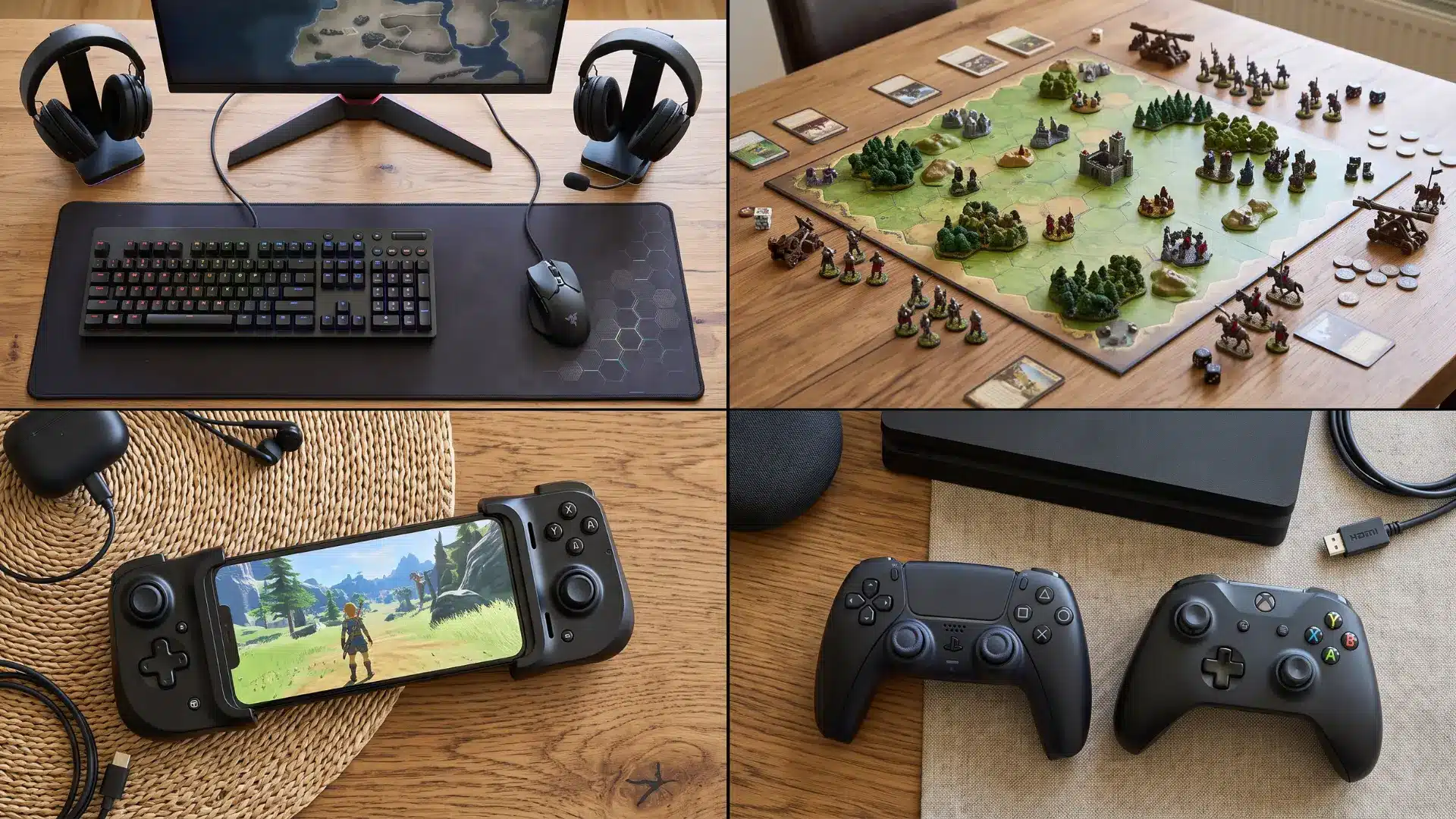
MyGameRank organizes guidance by experience level, helping beginners, intermediate players, and advanced gamers find strategies matching their abilities and goals.
1. Guides for New Players
Beginner guides explain essential controls, menus, movement, combat basics, resources, and early objectives without assuming previous experience. They help new players understand common terms, choose suitable settings, avoid simple mistakes, and make confident progression decisions.
Clear instructions and practical examples reduce confusion, allowing beginners to learn core mechanics before attempting harder missions, advanced builds, competitive modes, or difficult challenges successfully.
2. Strategies for Intermediate Players
Intermediate guides support players who understand the basics but want better performance, faster progression, and stronger decision-making. They may cover efficient resource use, improved equipment combinations, advanced mission routes, enemy patterns, and useful shortcuts.
These guides help players correct inconsistent habits, refine their playstyle, and prepare for more demanding quests, ranked matches, complex builds, or cooperative team roles successfully and consistently.
3. Advanced Tips for Competitive Players
Advanced guides focus on optimization, competitive tactics, specialized builds, difficult challenges, and deeper game mechanics.
Experienced players can explore high-level positioning, precise timing, damage calculations, counter-strategies, speedrunning methods, and endgame content.
These guides often assume strong foundational knowledge, helping skilled gamers improve consistency, adapt to changing situations, master complex systems, and compete effectively against other highly experienced players worldwide.
How to Use MyGameRank Gaming Guides Effectively
A gaming guide works best when players actively test the advice instead of following every instruction without considering their situation.
Start by reading the overview to confirm that the article addresses the correct game, platform, and problem. Then identify the exact section related to the current objective.
Apply one change at a time. For example, adjust the character build before changing the entire playstyle. Testing several recommendations together makes it difficult to understand which change produced the result.
Players can also record important item locations, enemy weaknesses, control combinations, or mission requirements before returning to the game.
MyGameRank’s own guide content recommends selecting a specific category, reviewing the initial overview, combining visual and written explanations where available, and noting important strategies during play
Check Whether a Gaming Guide Is Current
Modern games receive patches, balance changes, expansions, seasonal updates, and new content. These changes can make older instructions incomplete or incorrect.
Before following a guide, check:
- The original publication date
- The most recent update date
- The game version or patch number
- The named platform
- Required downloadable content
- The current ranked season
- Changes to abilities or equipment
- Recent reader feedback
- Whether links, screenshots, and menus still match
A guide may remain useful even when it is older, particularly for fixed story content. However, competitive builds, item statistics, game settings, and online strategies generally require more frequent verification.
Common Problems When Following Gaming Guides
Using the wrong guide can make a problem harder instead of solving it.
- Following another platform’s controls: Button inputs, menus, performance settings, and available features may differ between systems.
- Ignoring prerequisites: Some missions, items, and builds require earlier objectives, specific character levels, or downloadable content.
- Using an outdated strategy: A patch may change enemy behavior, item statistics, map layouts, or character abilities.
- Copying a build without understanding it: A recommended setup may depend on equipment or skills the player has not unlocked.
- Choosing advice above the current skill level: Advanced strategies may assume knowledge of mechanics that beginners have not learned.
- Reading too far into a walkthrough: Scrolling beyond the relevant section may reveal future areas, characters, or endings.
Confirming the guide’s scope before applying it prevents most of these problems
Finding Guides Without Major Story Spoilers
Players who want assistance without ruining the story should avoid opening full walkthroughs unless they are completely stuck.
Beginner tips, control explanations, build recommendations, settings guides, and combat strategies generally reveal less narrative information. Mission-specific help may also be suitable when the search is limited to one objective.
Search for the exact problem rather than the entire chapter. Phrases such as “locked door hint,” “boss weakness,” or “missing quest item” reduce the chance of encountering unrelated story details.
Read headings before opening each section, stop once the issue is resolved, and avoid comments that may discuss later events.
A well-structured guide should clearly separate basic hints from detailed solutions so players can choose how much help they receive.
Limitations to Consider Before Using a Guide
- No gaming site covers every game, platform, or update equally well, so depth varies widely.
- Some MyGameRank content focuses on news, reviews, or buying advice instead of full gameplay instructions.
- Strategies may not work across all platforms, builds, or modes due to differences in balance and settings.
- The site includes mixed gaming topics, so you may need to navigate to avoid unrelated content.
- If a guide is unclear, compare it with patch notes or official developer information for accuracy
Conclusion
Picking the right guide really comes down to knowing your game, your platform, and where you’re stuck.
Across this piece, you’ve seen how MyGameRank gaming guides split into beginner basics, walkthroughs, mission help, builds, boss strategies, multiplayer tips, and collectibles, each built for a specific moment in your progress.
You’ve also seen how the free tier covers the essentials while Premium and Pro add competitive depth and performance tracking for players who want more than surface-level advice.
The value only shows up if your specific titles have real coverage, so check that first. Try pulling up a guide for a game you’re currently playing, and let me know in the comments which tier worked best for you.
Frequently Asked Questions
Can MyGameRank guides be used for DLCs and game expansions?
Some guides may cover downloadable content, expansions, seasonal events, or newly added missions. Players should check the guide title, publication date, and listed game version to confirm that the instructions apply to the additional content they are playing.
What should I do if a MyGameRank guide no longer matches the game?
An update may have changed the mission, character ability, item statistics, or map layout. Check for a newer article, review recent comments, and compare the guide’s publication date with the game’s latest patch before following the instructions.
Are MyGameRank guides useful for cooperative games?
Cooperative players may find guidance on team roles, character combinations, communication, positioning, and shared objectives. However, each player should confirm that the recommended strategy matches the group size, difficulty setting, platform, and current version of the game.
Can MyGameRank help with speedrunning a game?
Advanced articles may contain shortcuts, optimized routes, movement techniques, or faster progression methods. However, players seeking record-level speedrunning strategies should confirm that the guide covers their chosen category, platform, game version, and permitted techniques.
What happens if MyGameRank does not cover my game?
Try searching with the complete game title, subtitle, expansion name, or platform. If no dedicated guide appears, browse related genre articles or general strategy content. Players may need another specialist source when coverage for a particular title is limited.
Do MyGameRank guides apply to every edition of a game?
Not always. Standard, deluxe, remastered, definitive, and complete editions may contain different items, missions, balance changes, or downloadable content. Confirm the edition named in the guide before applying its instructions to your version.
Can the same MyGameRank guide be followed across different platforms?
General strategies may apply across platforms, but controls, menus, updates, available features, and performance settings can differ. Players should prioritize a platform-specific guide whenever the instructions involve button inputs, graphical settings, cross-play, modifications, or exclusive content.
Should players follow every recommendation in a gaming guide?
No single strategy works equally well for every playstyle, difficulty setting, or team composition. Treat recommendations as a starting point, test them during gameplay, and adjust equipment, controls, abilities, or tactics according to personal strengths and available resources.