

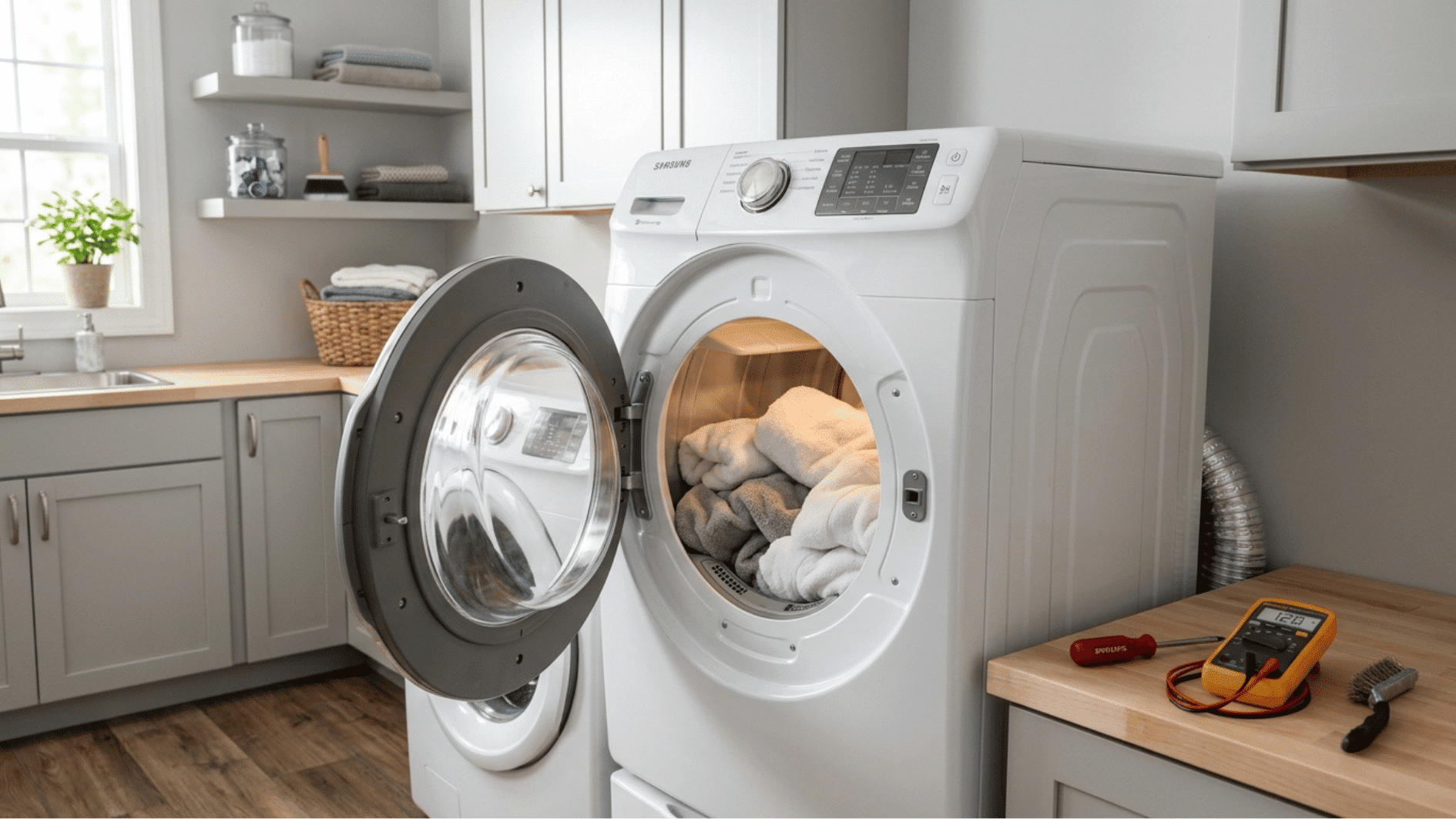



Wet clothes after a full drying cycle? Few things are more annoying. You toss in a load, wait an hour, and pull out laundry that’s still damp and cold.
If your Samsung dryer not heating problem has you stumped, don’t worry, it’s one of the most common dryer complaints out there.
Samsung dryer not heating up doesn’t always mean an expensive repair. Often, the fix is something simple, like a tripped breaker, a clogged vent, or a worn-out part you can swap yourself.
This guide walks you through easy, step-by-step checks to find out why your dryer lost its heat and how to restore the warmth.
Why is Your Samsung Dryer Not Heating?
A Samsung dryer not heating usually happens because one part in the heating system has failed or airflow is blocked.
In electric models, a heating element warms the air; in gas models, an igniter lights a burner to do the same job.
A blower fan then pushes that hot air through the drum while sensors called thermostats keep the temperature safe. If any link in this chain breaks, the drum keeps spinning, but the heat never arrives.
The most common causes of a Samsung dryer not heating up are a blown thermal fuse, a burned-out heating element, a faulty thermostat, a clogged vent, or a failed igniter.
The fix is often simpler than it looks; you just have to find the weak link.
Signs Your Samsung Dryer Needs Troubleshooting
A Samsung dryer not heating rarely fails without warning. Small clues often show up days or even weeks before the heat stops completely.
Spotting these signs early can save you time, protect your clothes, and prevent a minor issue from becoming a costly repair.
| Sign | What You’ll Notice | What It Usually Means |
|---|---|---|
| Clothes stay damp after a full cycle | Drum spins, timer runs, laundry comes out wet or barely warm | Heating element or thermal fuse failure |
| The dryer feels cold inside | No warmth during or after a heat-based cycle, even on high | No power reaching the heating system |
| Drying takes two or three cycles | Loads that dried in one cycle now need repeat runs | Restricted airflow or a weak heating part |
| The dryer runs hot, then cools down | Heat starts strong but fades mid-cycle | Failing thermostat or clogged vent |
| Error codes on the display | Codes like HE, HE2, or HC appear | Direct heating system fault |
| A burning smell or strange noise | Odd odors or new sounds during a cycle | Lint buildup or a failing component |
Step-by-Step Samsung Dryer Troubleshooting Guide
Ready to find the problem? These steps progress from the simplest checks to the more detailed ones.
You’ll need a screwdriver, a multimeter, and about an hour of free time. Work through each step in order, and stop once you find the faulty part.
Step 1: Unplug and Prepare the Dryer
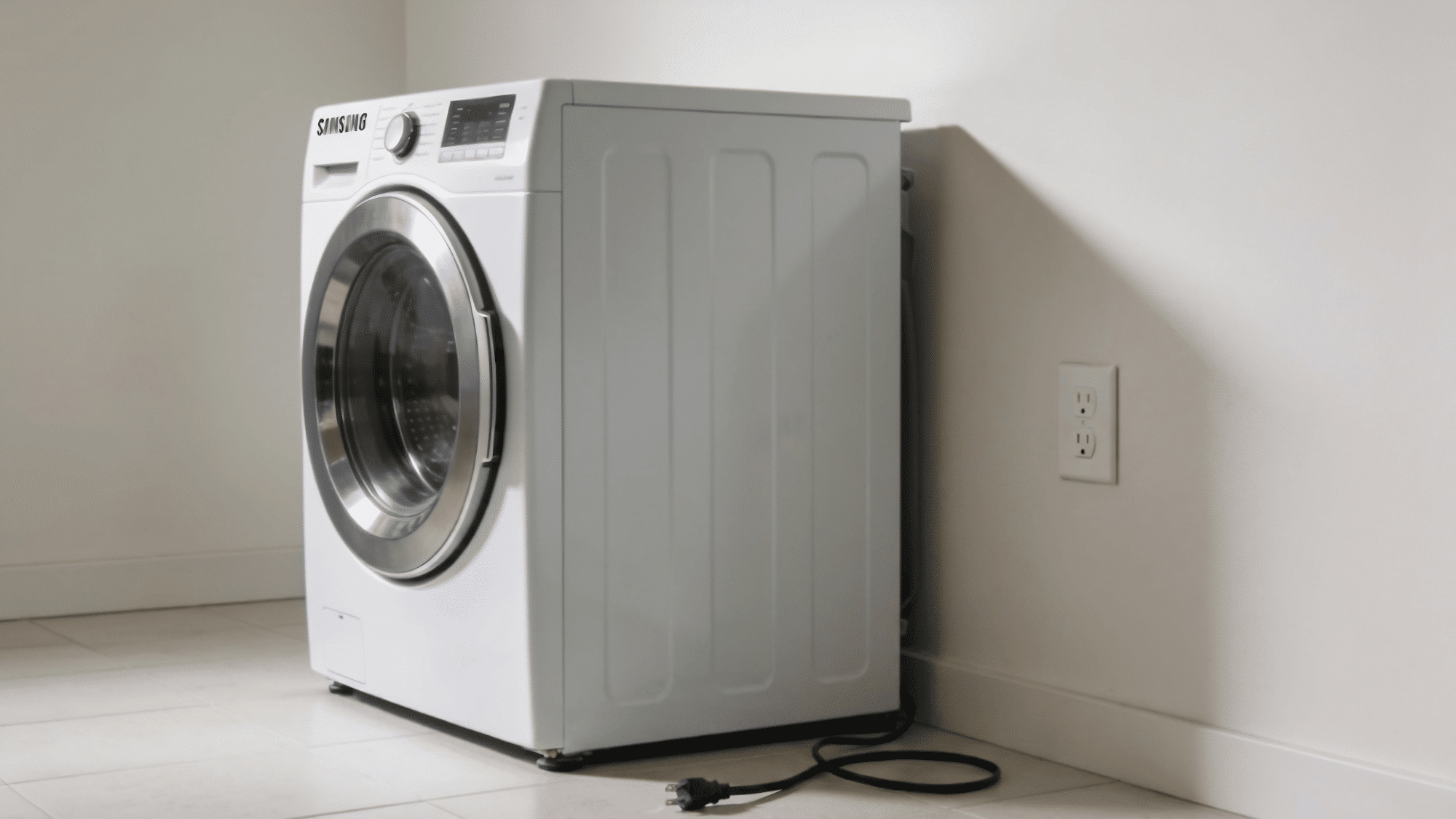
Safety always comes first when working on any appliance. A dryer runs on high voltage, so cutting the power protects you from shocks
This step also gives you room to reach the panels you’ll open later.
- Unplug the dryer from the wall outlet, or turn off the breaker for a hardwired unit.
- For gas models, turn the gas supply valve to the off position.
- Pull the dryer away from the wall so you can reach the back panel.
- Keep your screwdriver, multimeter, and a small container for screws nearby.
Tip: Snap photos with your phone as you remove each panel. The pictures make reassembly much faster.
Step 2: Test the Thermal Fuse
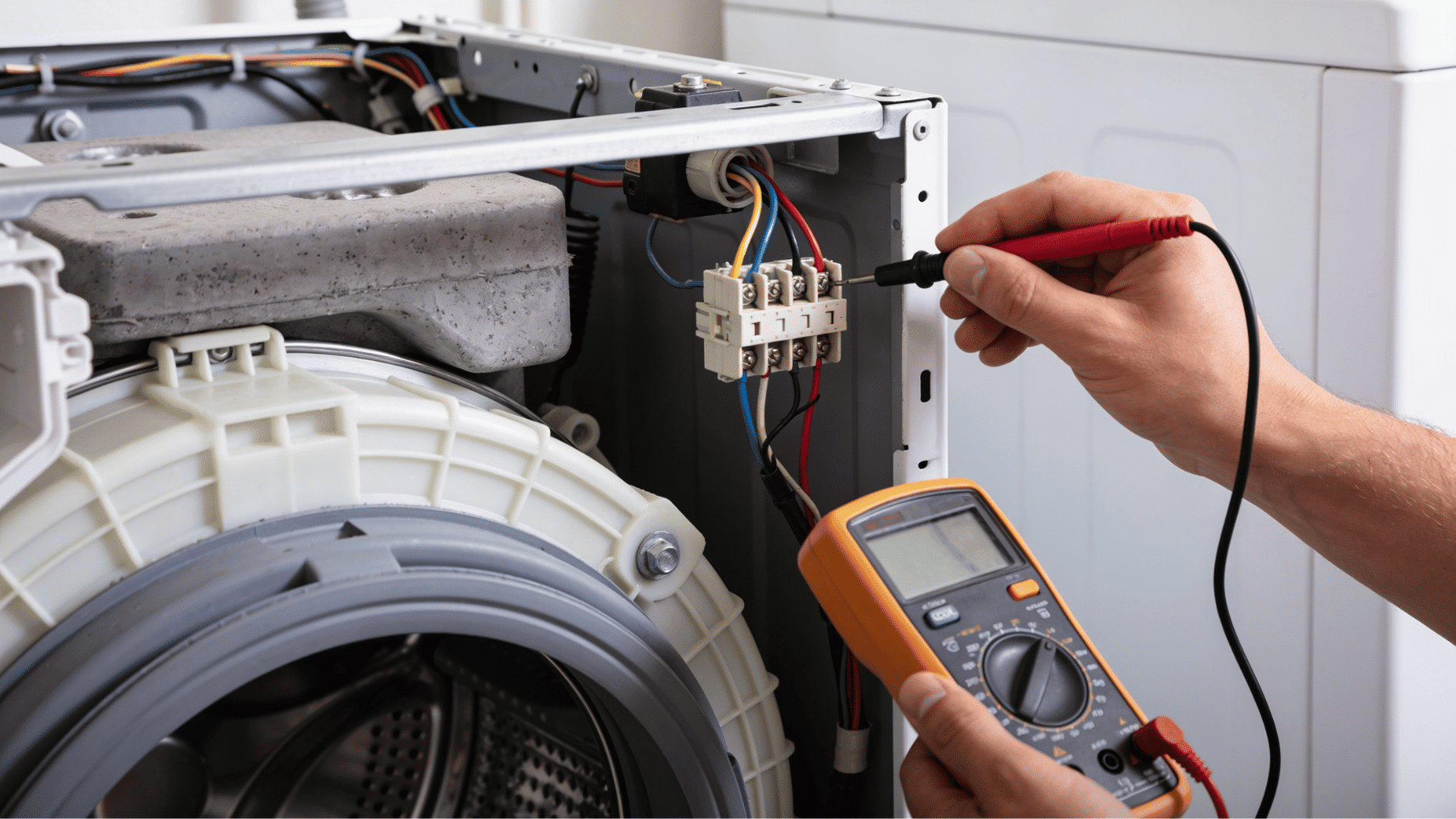
The thermal fuse is the number one cause of a Samsung dryer not heating. This small safety device blows when the dryer overheats, cutting power to the heating system for good.
Once blown, it never resets; it must be replaced.
- Remove the back panel to find the thermal fuse near the heating element or blower housing.
- Disconnect the two wires attached to the fuse.
- Set your multimeter to continuity mode and touch a probe to each terminal.
- A reading of zero or a beep means the fuse is fine; no reading means it’s blown.
- Replace a blown fuse with the exact part number for your model.
Tip: A blown fuse is a symptom, not the root cause. Always clean the vent line too, or the new fuse will blow again.
Step 3: Check the Heating Element
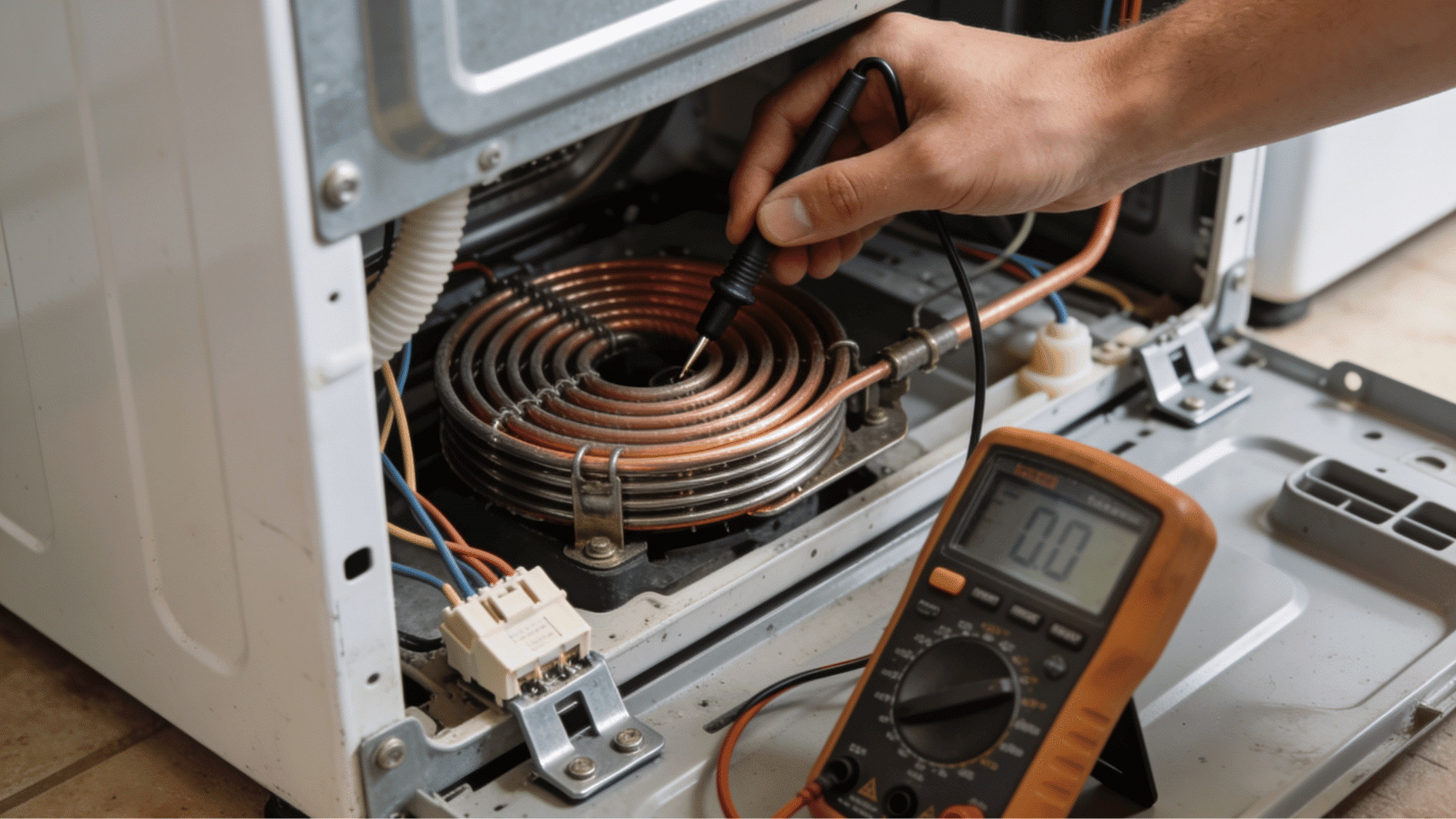
The heating element is a coiled wire that glows red-hot, warming the air in electric dryers. Over the years of use, the coil can snap or burn out.
When that happens, the drum spins normally, but the air stays cold.
- Locate the heating element housing behind the back panel or under the drum, depending on your model.
- Look through the housing for any visible breaks in the coil.
- Test the element terminals with your multimeter in continuity mode.
- No continuity means the element is dead and needs to be replaced.
- Check that the element isn’t touching the housing, as this can cause overheating.
Tip: While the element is out, vacuum the lint around the housing. Built-up lint here is a fire risk.
Step 4: Inspect Thermostats and Sensors
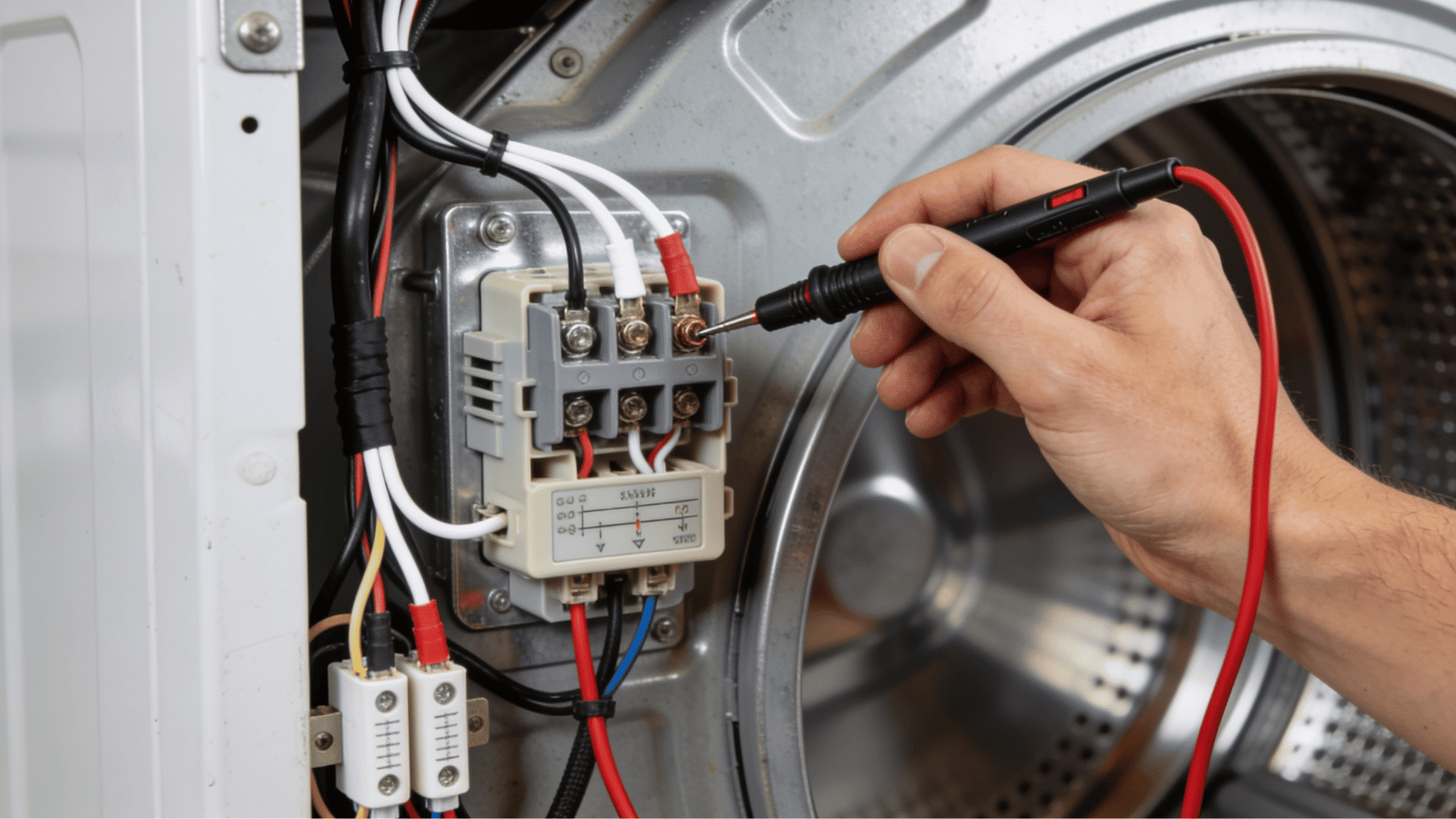
Thermostats and thermistors watch the dryer’s temperature and switch the heat on and off. A failed high-limit thermostat cuts power to the element entirely, while a faulty cycling thermostat produces weak or uneven heat.
- Find the thermostats mounted on the heating element housing and blower housing.
- Disconnect the wires from each thermostat one at a time.
- Test each one for continuity with your multimeter.
- Replace any thermostat that shows no continuity at room temperature.
- Check the thermistor’s resistance against the spec in your service manual.
Tip: Thermostats are cheap. If one has failed, many repair pros replace the full set at once to avoid a second breakdown.
Step 5: Clean the Entire Vent Line
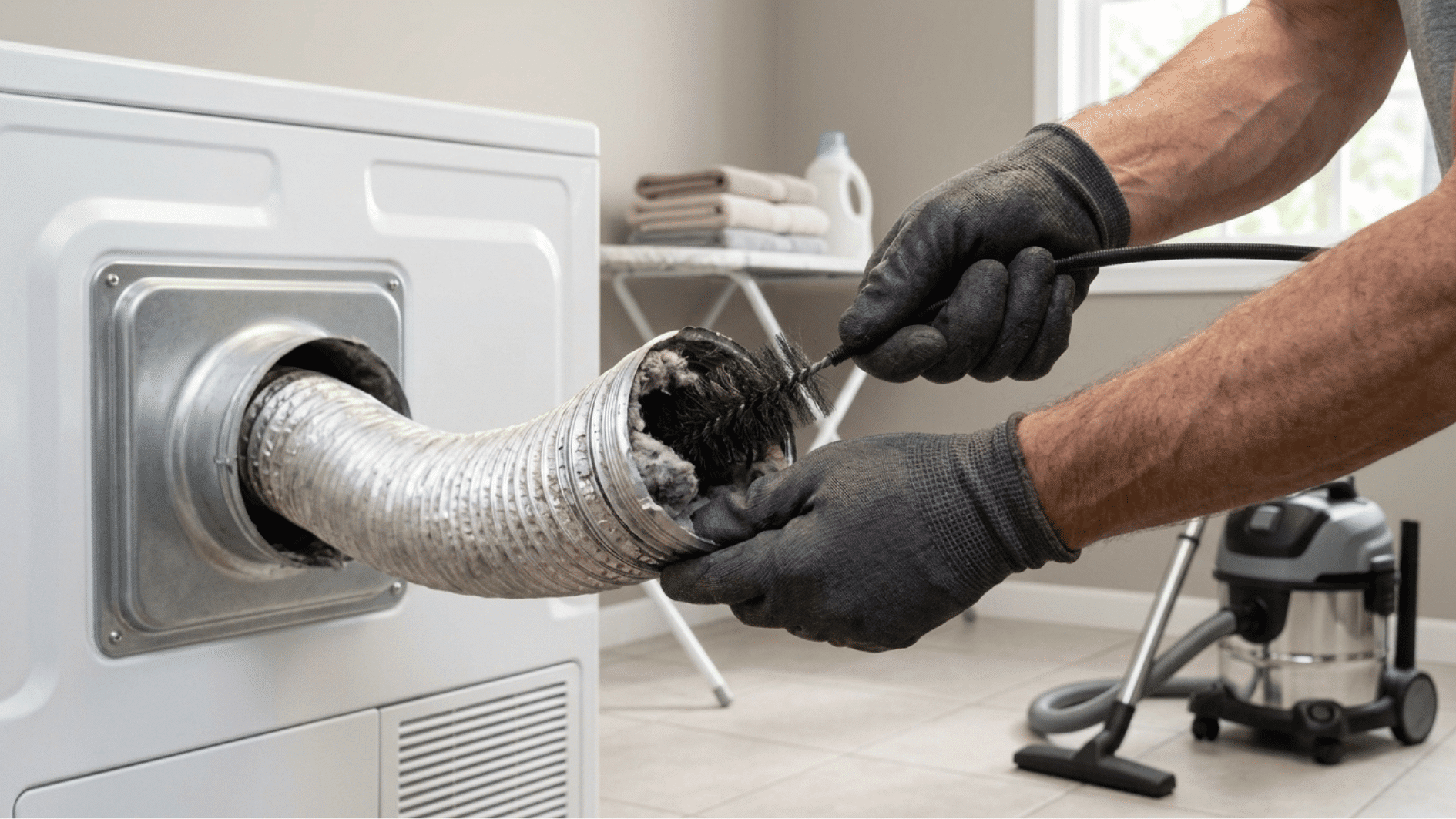
A clogged vent is the silent killer behind most heating failures. Blocked airflow traps heat inside the dryer, which trips fuses and burns out parts.
Cleaning the vent protects your repair and cuts drying time too.
- Detach the vent hose from the back of the dryer.
- Vacuum lint from the hose, the dryer’s exhaust port, and the wall duct.
- Use a vent brush kit to scrub the full length of the duct to the outside.
- Step outside and confirm the exterior vent flap opens freely.
- Reattach the hose and make sure it isn’t crushed or kinked behind the dryer.
Tip: A vent brush kit costs less than one service visit and works for yearly cleanings.
Step 6: Run a Test Cycle
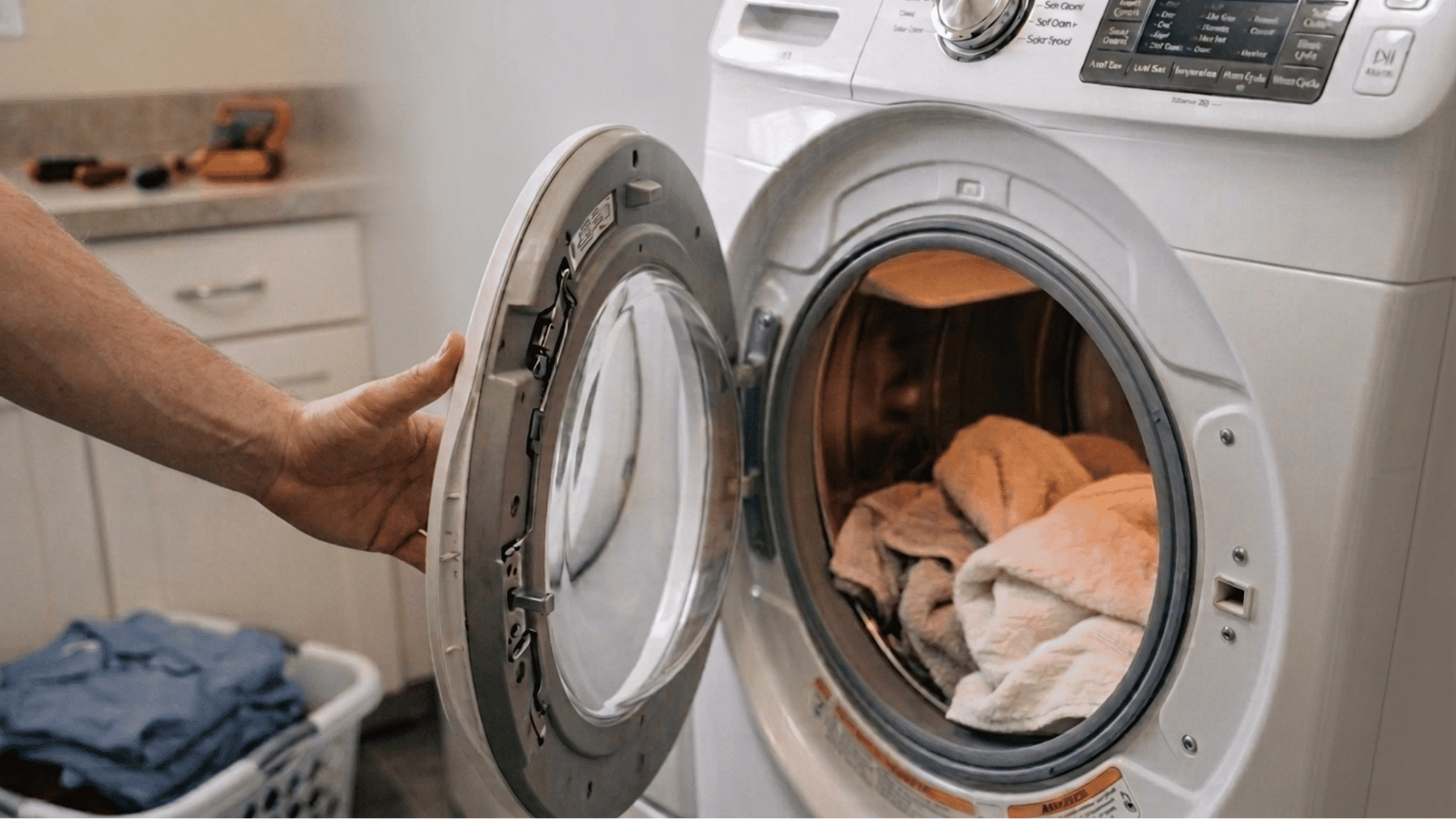
With the checks done and any faulty parts replaced, it’s time to confirm the fix. A short test cycle tells you right away if the heat is back.
Watch the first few minutes closely before loading any clothes.
- Reattach all panels and plug the dryer back in.
- Turn the gas valve back on for gas models.
- Run an empty cycle on a high-heat setting for 10 to 15 minutes.
- Open the door and feel for warm air inside the drum.
- If the drum is heating evenly, run a small test load to finish.
Tip: Still no heat after all six steps? The igniter, gas valve, or control board may be at fault, that’s the point where a technician earns their fee.
Simple Habits That Help Prevent Heating Problems
Once your Samsung dryer is heating again, regular maintenance can help prevent the same issue from returning.
Most heating failures occur due to restricted airflow, lint buildup, or strain on dryer components. A few simple habits can keep the dryer running efficiently.
| Maintenance Task | Recommended Frequency |
|---|---|
| Clean the lint filter | After every load |
| Clean the dryer vent | Once a year |
| Avoid overloading the drum | Every cycle |
| Inspect the vent hose | Every few months |
| Clear the surrounding area | Regularly |
| Monitor drying time | During normal use |
Final Thoughts
Fixing a Samsung dryer that isn’t heating can be frustrating, but a step-by-step check can help you find the cause without guesswork.
From testing the thermal fuse and heating element to cleaning the vent and checking sensors, each step brings you closer to restoring proper heat.
If your Samsung dryer is not heating up, these troubleshooting steps can help you identify common problems and decide what to do next.
Take your time, follow each check carefully, and get your dryer working efficiently again with confidence.
Frequently Asked Questions
Why is My Samsung Dryer Running But Not Drying Clothes?
A Samsung dryer may run without drying due to issues like incorrect settings, blocked airflow, moisture sensor problems, or worn internal components.
Can a Power Reset Fix a Samsung Dryer Not Heating?
A power reset may fix temporary control glitches, but it will not repair failed parts or underlying heating problems affecting dryer performance.
How Long Should a Samsung Dryer Last Before Replacement?
A Samsung dryer typically lasts around 10 to 13 years with proper care, though usage, maintenance, and repair history can affect lifespan.
Is It Worth Repairing a Samsung Dryer That isn’t Heating?
Repairing a Samsung dryer is often worthwhile if the appliance is newer and the repair cost is much lower than the replacement cost.