






Staying up to date with display tech isn’t easy, especially when new features keep rolling out.
That’s where USB-C monitor news becomes useful, helping you keep track of what’s actually changing and what matters. But with new launches and upgrades happening often, it can be hard to know what’s worth paying attention to.
In this blog, we’ll look at the latest updates, trends, and what they mean for your setup.
How a USB-C Monitor Changes Your Setup
A USB-C monitor is a display that connects to your device via a single USB-C cable and handles more than just video output.
Instead of using separate cables for power, display, and data, it combines them into a single connection.
This means you can charge your laptop, transfer data, and use the monitor at the same time through a single cable.
Traditional connections only carry video and sometimes audio, but a USB-C monitor simplifies your setup by reducing cable clutter and making it easier to connect modern devices.
Key Features to Look for in a USB-C Monitor
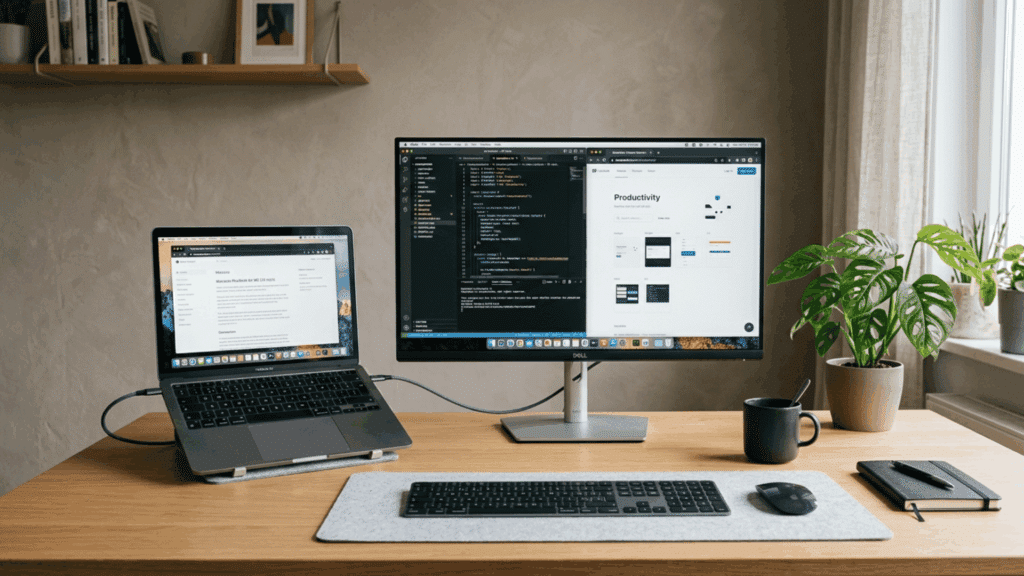
Choosing the right USB-C monitor isn’t just about screen size. The features it offers can affect performance, compatibility, and the convenience of your setup in daily use.
1. Power Delivery (Charging Laptops)
One of the biggest advantages of a USB-C monitor is power delivery, which lets you charge your laptop while using the display.
Most monitors offer charging power between 65W and 100W, which is enough for ultrabooks and many professional laptops.
This reduces the need for a separate charger and helps create a clean, single-cable setup. It’s especially useful for users who want a minimal desk without multiple wires.
2. Resolution (FHD, QHD, 4K)
Resolution plays a key role in how sharp and detailed your screen looks. FHD (1080p) works well for basic tasks, but if you multitask often, QHD (1440p) provides more screen space and clarity.
For professionals like designers and editors, 4K resolution offers crisp visuals and greater detail, making it easier to perform precise tasks. Higher resolution also improves readability and overall viewing comfort.
3. Refresh Rate
Refresh rate affects how smooth everything appears on your screen.
A standard 60Hz refresh rate is fine for everyday work, but if you want smoother scrolling or better visuals, 120Hz or 144Hz makes a noticeable difference.
This is especially helpful for gaming or fast-moving content, where a higher refresh rate reduces motion blur and produces smoother transitions.
4. Panel Type (IPS, OLED)
The panel type determines color quality and viewing experience. IPS panels are popular because they offer good color accuracy and wide viewing angles, making them suitable for most users.
On the other hand, OLED panelsoffer deeper blacks, higher contrast, and richer colors, making them ideal for creative work and media consumption. Choosing the right panel depends on whether you prioritize balance or high-end visuals.
5. Built-in Hubs and Ports
Many USB-C monitors come with built-in hubs and additional ports, making the a central hub. You’ll often find USB-A ports, Ethernet, HDMI, and even audio outputs included.
This allows you to connect peripherals like a keyboard, mouse, or external drive directly to the monitor.
As a result, your workspace becomes more organized, and you rely less on separate adapters or docking stations.
Latest USB-C Monitor News and Trends
USB-C monitors are evolving quickly, with new features and upgrades making them more useful for modern setups. Below are some real-world news highlights and updates.
USB-C ports on monitors are useful for connecting devices like laptops directly to your monitor, as they support both data and video transfer. – Source: Rting.com
Recent USB-C monitor developments highlight a shift toward high-resolution portable screens, with notable releases including 16.1-inch, 180Hz gaming models and versatile, orientation-swapping displays. – Source: USAToday.com
Acer has a track record for doing things a bit differently. The new Acer ProCreator PE320QXT PC monitor is no exception. This 32-inch beast has something no other 6K panel we’ve yet seen can match, namely full touchscreen functionality. – Source: techradar.com
A new EIZO 4K monitor launched in 2026 includes USB-C with power delivery, aimed at creators needing accurate color and single-cable setups. – source: digitalcameraworld.com
USB-C Monitor vs. HDMI Monitor
Choosing between a USB-C monitor and an HDMI monitor depends on how you plan to use your setup. Both serve the same basic purpose, but they differ in connectivity, features, and convenience.
| Feature | USB-C Monitor | HDMI Monitor |
|---|---|---|
| Connection Type | Single USB-C cable for video, data, and power | HDMI cable for video/audio only |
| Cable Setup | Minimal, one cable setup | Requires multiple cables (power + HDMI) |
| Power Delivery | Supports laptop charging (65W–100W) | No power delivery support |
| Data Transfer | Can transfer data (USB hub features) | No data transfer capability |
| Performance | Supports high resolution and refresh rates | Also supports high resolution and refresh rates |
| Compatibility | Best for modern laptops and devices | Works with most devices, including older ones |
| Desk Setup | Cleaner and more organized | More cables, less clean setup |
| Use Case | Ideal for work, productivity, and minimal setups | Suitable for general use, gaming, and TVs |
Can You Use a USB-C Monitor for Gaming?
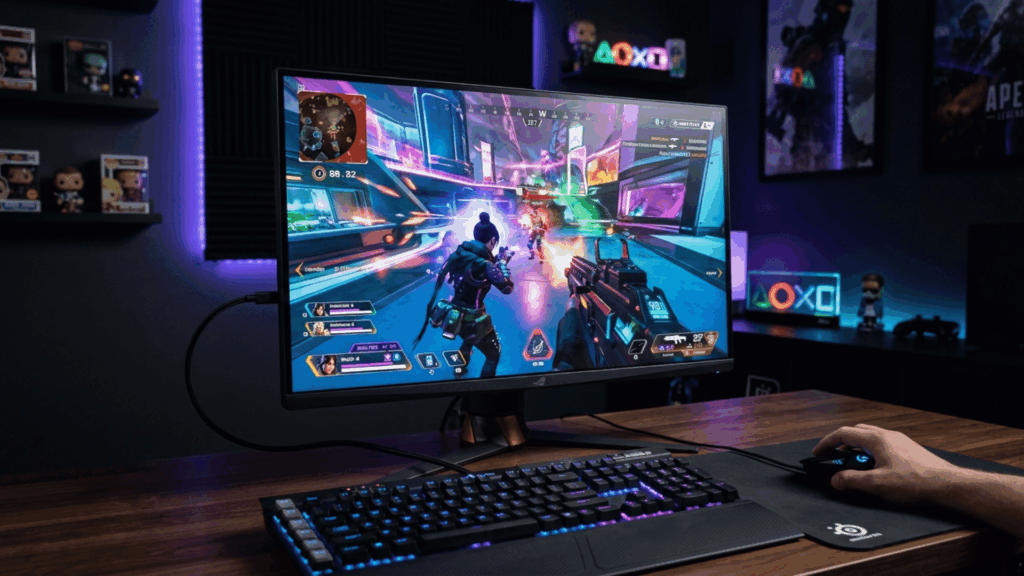
A USB-C monitor can be used for gaming, but the experience depends on the monitor’s specs and your device.
While USB-C simplifies connectivity with a single cable, gaming performance still depends on factors like refresh rate, resolution, and response time.
Many USB-C monitors support gaming features, but they are often designed more for productivity than high-end gaming.
- Refresh rate matters: Look for 120Hz or higher for smoother gameplay
- Resolution balance: Higher resolution looks better, but needs more GPU power
- Response time: Lower response time helps reduce motion blur in fast games
- Single cable setup: USB-C allows gaming and charging through one connection
- GPU support: Your system must support gaming performance over USB-C
- Limited high-end options: Fewer USB-C monitors are built specifically for competitive gaming
What Not to Do with a USB-C Monitor
Even with the right setup, small mistakes can lead to connection issues or poor performance. Avoiding these can save time and frustration.
- Using the wrong USB-C port: Not all USB-C ports support display output, so always check for video support before connecting
- Choosing low-quality cables: Cheap or unsupported cables can cause no signal or unstable connections
- Ignoring power requirements: Make sure the monitor provides enough wattage to charge your laptop properly
- Not checking compatibility: Some laptops may need specific standards like Thunderbolt or DisplayPort Alt Mode
- Skipping display settings: Forgetting to adjust resolution or scaling can lead to poor visual quality
- Overlooking firmware updates: Outdated drivers or firmware can cause connection or performance issues
Final Verdict
USB-C monitors are becoming a practical choice for modern setups, mainly because they simplify how you connect and power your devices.
Keeping up with USB-C monitor news helps you understand which features actually matter, rather than just following trends.
A usb c monitor can reduce cable clutter, improve workflow, and support newer devices more efficiently. Still, it’s important to check compatibility, power delivery, and your specific needs before choosing one.
If you pick the right model, it can make your setup cleaner and easier to manage without adding extra complexity.
Frequently Asked Questions
Is USB Being Phased Out for USB-C?
Traditional USB types are slowly being replaced by USB-C, especially in newer devices. However, older USB-A ports are still widely used and won’t disappear completely anytime soon.
Are There USB-C Powered Monitors?
Yes, some USB-C monitors can be powered directly through a USB-C connection, especially portable ones. Most desktop monitors still need a separate power source but offer power delivery to laptops.
Is Apple Being Forced to Use USB-C?
Yes, regulations in regions like the European Union require devices to use USB-C for charging. This has pushed companies like Apple to adopt USB-C in newer products.