




A Ring camera that stops charging is one of those problems that feels more alarming than it usually is. One minute the battery is fine, the next the app is showing critically low and the camera is offline.
Before assuming something is broken it almost never is.
This guide covers every real cause in order, starting with the ones that take two minutes to check and working toward the ones that actually require effort.
Which Ring Devices Use Batteries?
If the device is hardwired only and showing low power, the issue is the wiring or transformer, not the charging cable. Skip straight to the hardwired section.
Worth checking before anything else:
| Device | Power Type | Battery Removable | Charges via |
|---|---|---|---|
| Ring Video Doorbell 1 | Battery, can hardwire | Yes | micro-USB |
| Ring Video Doorbell 2, 3, 4 | Battery, can hardwire | Yes | micro-USB |
| Ring Video Doorbell Pro, Pro 2 | Hardwired only | No | No usb |
| Ring Video Doorbell Plus | Battery, can hardwire | Yes | USB-C |
| Ring Stick Up Cam Battery | Battery only | Yes | micro-USB |
| Ring Stick Up Cam Plug-In | Wired only | No | No usb |
| Ring Spotlight Cam Battery | Battery only | Yes | micro-USB |
| Ring Spotlight Cam Plus | Battery only | Yes | USB-C |
| Ring Floodlight Cam | Hardwired only | No | No usb |
Ring Camera Not Charging: Try These First
Most Ring charging problems get solved here. These take less than five minutes and work more often than people expect.
1. Test the Outlet First
Before troubleshooting the Ring device itself, test the power outlet using another small device like a phone charger, lamp, or hair trimmer. If the second device also does not turn on, the issue is likely with the outlet rather than the Ring battery.
A tripped breaker, loose wall connection, or faulty outlet can completely stop charging. Reset the breaker if needed or try another outlet in the house. Confirming the outlet works properly helps avoid wasting time troubleshooting the wrong problem.
2. Try a Different Cable
A damaged charging cable is one of the most common reasons a Ring battery refuses to charge properly. Many cables stop transferring power even when the outer layer still looks perfectly fine. Internal wire damage can happen from bending, pulling, or long-term use without showing visible signs.
Try using another high-quality USB cable that is known to work with other devices. In many cases, switching the cable immediately fixes slow charging or charging failures.
3. Use a Stronger Adapter
Ring devices need a reliable power source to charge correctly. Many laptop USB ports and weak wall adapters do not provide enough power even if the charging light turns on. Ring generally recommends a minimum 5V 1A adapter for stable charging performance.
Using a stronger and compatible wall adapter helps the battery charge faster and more consistently. If possible, use the original Ring adapter or a trusted replacement with matching power output specifications.
4. Avoid Fast Charging Adapters
Fast charging adapters are designed for phones and newer electronics that support higher voltage charging. Ring batteries are not built for this type of power delivery and may respond poorly when connected to quick-charge adapters.
The device may overheat, charge extremely slowly, or stop charging despite showing an orange charging light. Using a standard low-voltage USB adapter is much safer for long-term battery health.
5. Clean the Charging Port
Charging ports collect dust, lint, dirt, and moisture over time. Even a small buildup inside the port can block the charging cable from making full contact.
Use a dry toothpick, soft brush, or compressed air to gently clean the inside of the charging port. Avoid using metal tools or liquids because they can damage the internal connectors.
6. Remove and Reinsert the Battery
Sometimes the battery connection becomes loose or temporarily unresponsive after long use or failed charging attempts.
Remove the battery completely from the Ring device and leave it out for around ten seconds before reinstalling it. Push the battery back firmly until it clicks securely into place.
This simple reset can help the device recognize the battery correctly again. After reinserting it, reconnect the charger and check if the charging light behaves normally.
Is It Actually Charging?
Before assuming the worst it is worth knowing what to actually look for.
What the Lights Mean
| Ring Light Status | What It Usually Means | Possible Cause |
|---|---|---|
| Flashing Orange Light | The battery is actively charging | Normal charging process |
| Solid White Light | The battery is fully charged on some Ring models | Charging completed successfully |
| Light Turns Off After Charging | Fully charged on certain models | Normal behavior depending on the device |
| No Light After Plugging In | The battery is not receiving power | Faulty cable, weak adapter, damaged outlet, or dirty charging port |
| Orange Light Stays On for Hours | Charging is very slow or interrupted | Weak power adapter or damaged cable |
How to Check in the Ring App
- Check Battery Status in the Ring App: Open the Ring app and go to the “Device Health” section to see the current battery percentage and charging status.
- Look for a Slow Battery Increase: Even a small increase in battery percentage usually confirms the device is charging correctly.
- Allow Enough Charging Time: A fully drained Ring battery can take anywhere from five to ten hours to charge completely, depending on the model and power source.
- Restart the Ring App if Needed: Sometimes the battery percentage appears frozen after an app update or a connection issue. Force-close the Ring app completely, then reopen it to refresh the status.
- Monitor Charging Progress Regularly: Check the battery level again after 30 to 60 minutes to confirm the percentage is gradually increasing.
- Avoid Interrupting the Charging Cycle: Leaving the battery connected continuously during charging helps the device complete the process more reliably.
Common Causes for Charging Failure and Their Fixes
Tried everything above and still not charging. One of these is almost certainly why.
1. Cold Weather
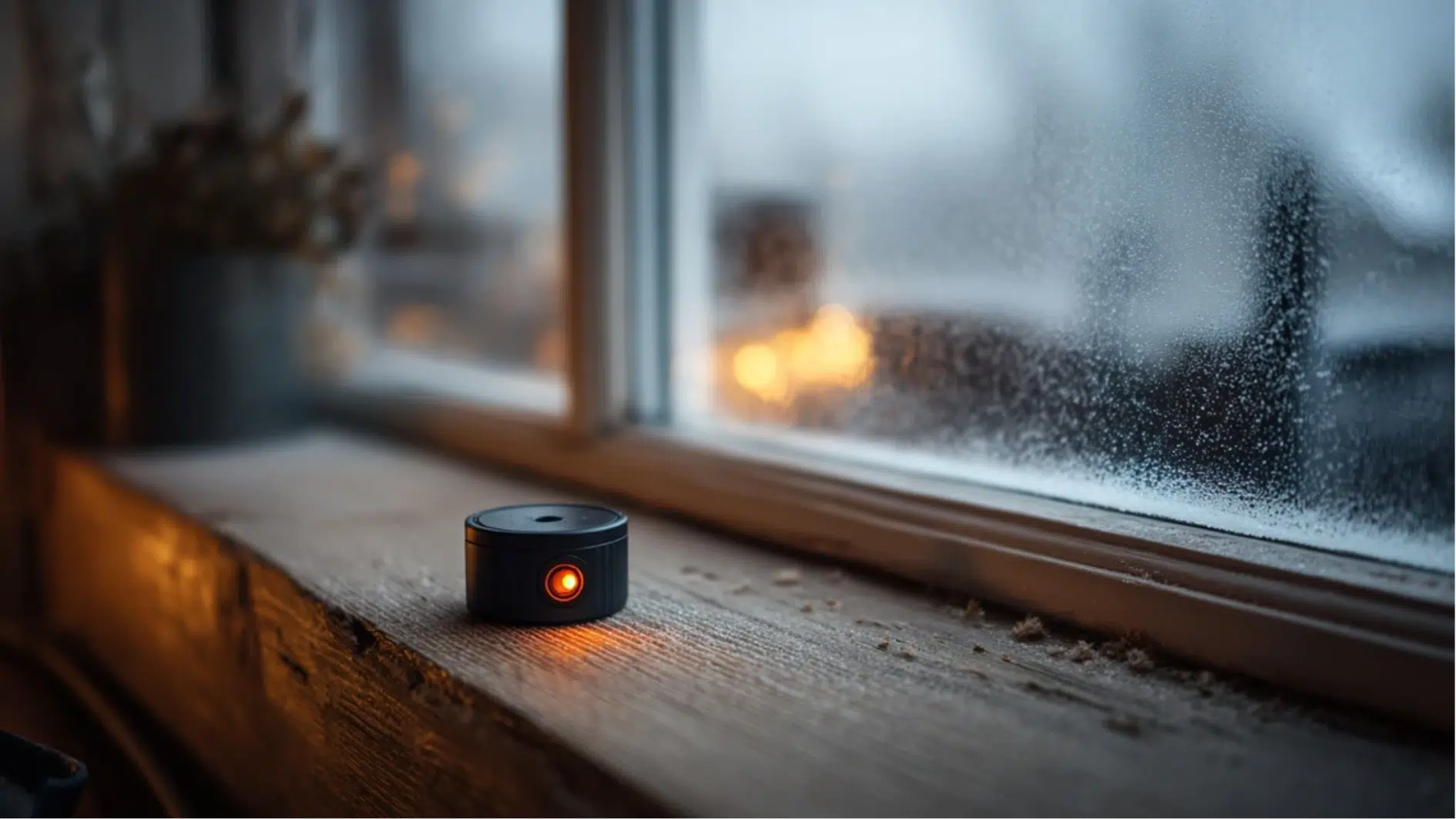
This is the most common cause of Ring charging problems in winter.
Lithium-ion batteries stop accepting a charge below 32°F. Full stop. It is not a gradual slowdown below that temperature; the battery simply refuses to charge, regardless of the cable, adapter, or how long it is left plugged in.
If the device has been sitting outside in cold weather. Remove the battery, bring it inside, and let it sit somewhere at room temperature, ideally between 60 and 80°F, for at least 30 minutes before connecting it to the charger.
2. Ring Solar Panel Not Charging

This one surprises a lot of people. The assumption is that solar power means the battery stays charged indefinitely. It does not work that way.
Ring solar panels are designed to maintain battery level; they trickle charge slowly through sunlight. They are not built to revive a dead battery. If the battery has fully depleted, it needs USB charging first to get back to a working level.
3. Ring Doorbell Not Charging When Hardwired
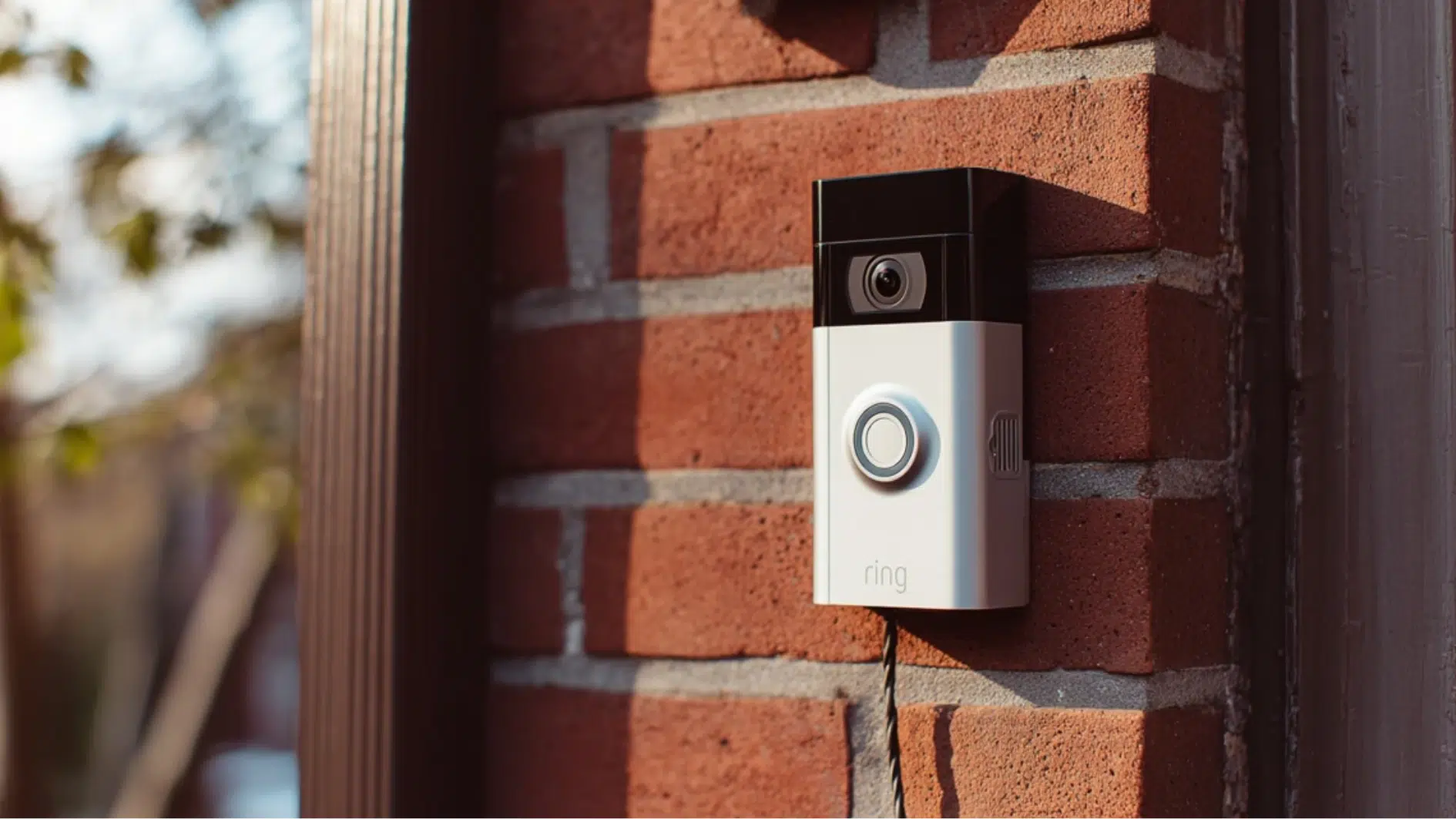
A hardwired Ring doorbell uses the wired connection to trickle charge the battery slowly over time. It supplements the battery rather than replacing it.
The first thing to check is the transformer. Ring doorbells require 16 to 24 volts AC to trickle charge effectively. The transformer box is usually located near the breaker panel or the doorbell chime unit inside the house. The voltage rating is printed directly on it.
Older home transformers frequently run at 8 to 10 volts, which is simply not enough. A compatible replacement transformer costs $15 to $30 at any hardware store and permanently fixes the power supply issue.
4. Battery Charges But Drains Too Fast
Different problem entirely. If the battery reaches full charge but disappears faster than it used to, the issue is consumption, not the charging process itself.
The first step is opening Device Health in the Ring app, then working through these common culprits:
- Motion sensitivity too high: the single fastest fix. Every unnecessary trigger is a small but constant battery drain. Reduce sensitivity in Motion Settings and the improvement is usually immediate
- Motion Zones covering too much: if the detection zone covers a busy road or an area with constant movement, the device is triggering and recording constantly. Tighten the zone to cover only what matters
- Motion Frequency set to Frequently: this setting controls how often the device checks for motion between events. Changing it to Periodically or Regularly significantly reduces unnecessary wake-ups
Signs the Battery Is Failing and When to Replace
Ring batteries typically last two to three years. Some batteries stop charging properly not because of cables or cold but because they are simply worn out.
Signs the battery is on its way out:
- Drains much faster than it used to, even after optimizing every setting
- Stops charging before reaching 100 percent regardless of how long it is left plugged in
- The device dies within hours of a full charge
- The battery feels noticeably warm or hot while charging
Contacting Support
If the reset does not resolve the issue, contact Ring at support.ring.com or through Help in the Ring app. Contact support if:
- The charging port is visibly damaged
- The replacement battery still will not charge
- The device is under warranty. Ring offers a one-year limited warranty
- The orange light never appears regardless of cable, adapter, or temperature
Conclusion
A Ring that will not charge is rarely a sign that something is seriously wrong.
The cause is almost always a cable delivering the wrong power, a battery too cold to accept a charge, a transformer not meeting voltage requirements, or a battery that has simply reached the end of its useful life.
Work through the fixes in order, and most devices are back online within a few hours. When nothing works, the warranty and a replacement battery exist for exactly this situation.
Frequently Asked Questions
Can I use my phone charger to charge my Ring battery?
Only if it delivers at least 5V 1A most phone chargers fall short and will show the orange light without actually raising the battery level.
Why does my Ring battery drain overnight even when nothing triggered it?
Weak WiFi signal causes the device to work harder to stay connected check signal strength in Device Health and move the router closer or add a Chime Pro.
Does removing the Ring battery damage the device?
No, Ring batteries are designed to be removed and reinserted.
“`html id=”n6p4qy”
“`