

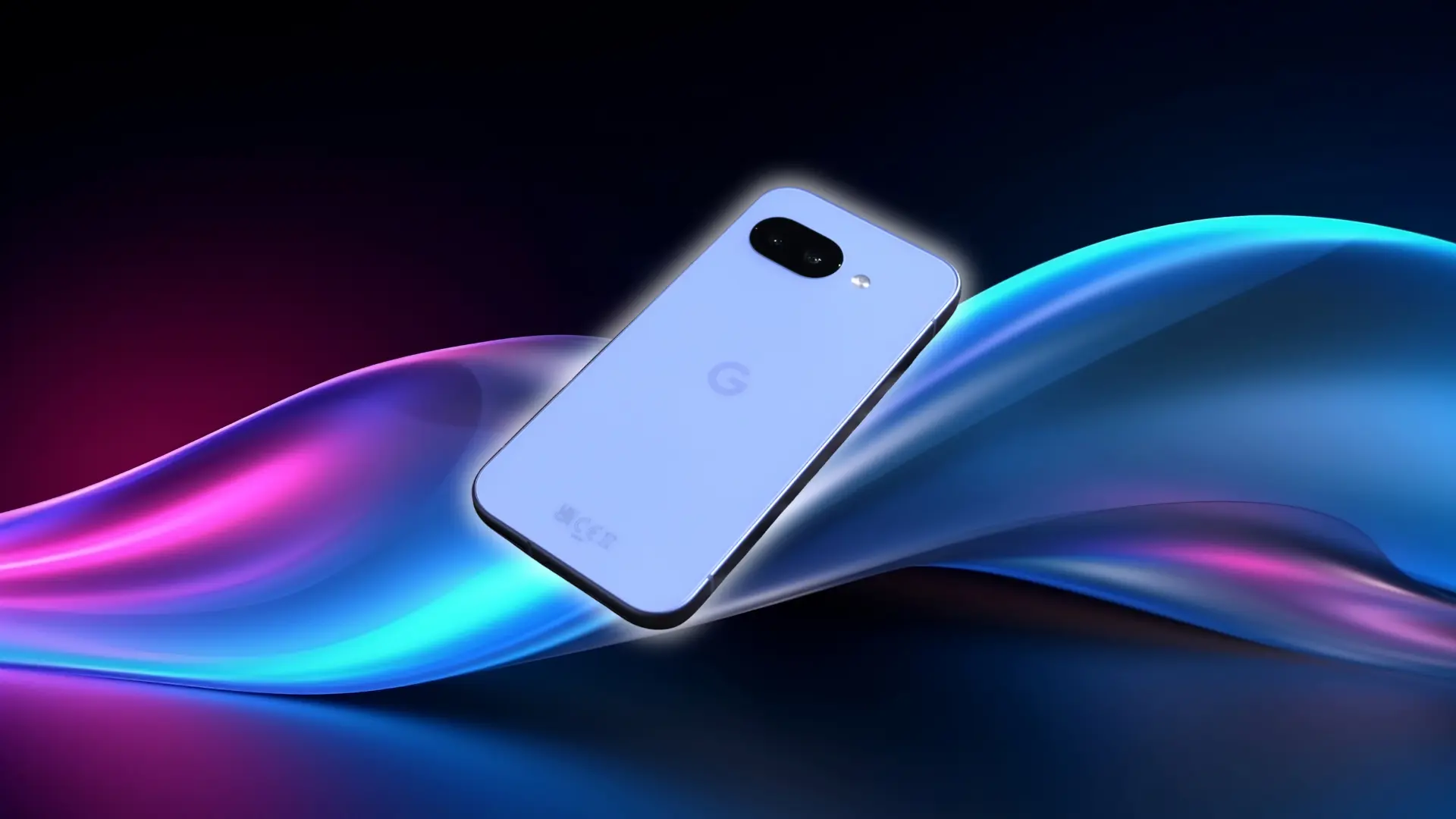


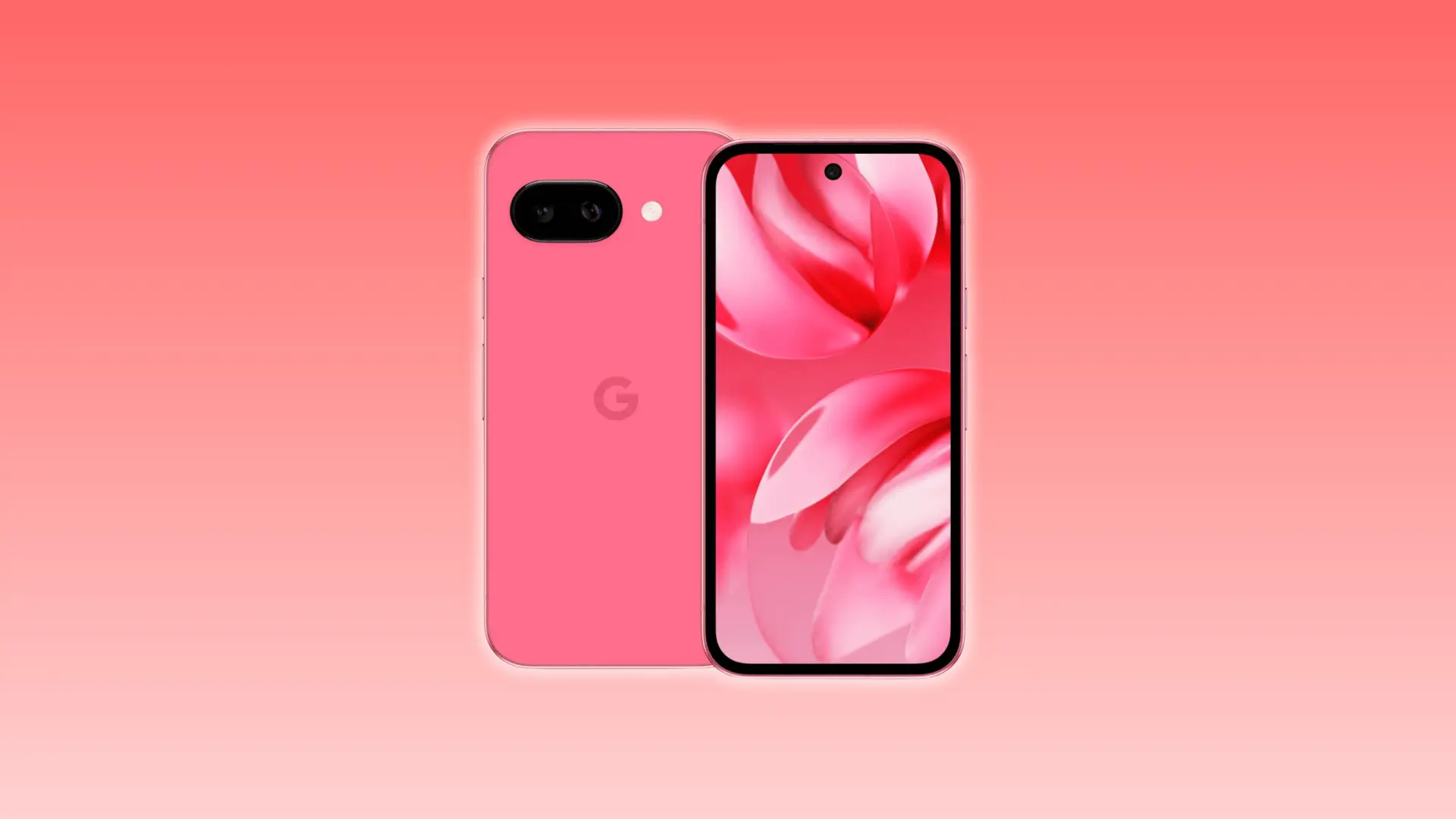
The Google Pixel 9a is a mid-range phone that delivers more than its price suggests. In this Pixel 9a review, I’ll cover how it handles everyday tasks, from smooth performance to a bright OLED display and a long-lasting battery.
You’ll also get a look at how it performs in different scenarios, including low-light photography, digital zoom, and AI-assisted photo tools, giving you a clear picture of what makes it stand out in a crowded smartphone market.
Google Pixel 9a Overview: What $499 Actually Gets You
The Google Pixel 9a packs a lot for the price. You get a top-tier chip, a 120Hz OLED screen, two cameras, and a 5,100 mAh battery. Right now, it sells anywhere from $399 to $499 depending on the store and timing.
Google is pricing it aggressively to pull people into its ecosystem: Gemini, Google Photos, and its broader AI toolset. That’s why the hardware feels like it belongs a tier higher than the sticker price.
Performance, Display, Camera, and AI
Performance, display, camera, and AI aren’t separate strengths here, they work off the same chip and the same software stack. Here’s how each one holds up in daily use.
Performance and Display
The Pixel 9a runs on the Tensor G4, the same chip inside the full Pixel 9 series. Daily tasks like scrolling, multitasking, and switching apps stay smooth without hesitation.
The 8GB of RAM handles moderate multitasking without issue. Heavy app stacks with background processes can occasionally cause brief reloads, but that’s at the edge of typical use.
The 6.3-inch OLED display runs at 120Hz with a 2,700-nit peak brightness, enough to stay readable in direct sunlight. Auto-brightness adapts quickly between environments, and HDR content looks sharp whether you’re indoors or outside.
Camera System
The Pixel 9a ships with two rear cameras. The table below shows exactly what’s included, what’s missing, and what that means for real-world shooting.
| What’s included | What’s not | Impact |
|---|---|---|
| 48MP main sensor | Telephoto lens | Great for everyday shots and detail, but long-distance subjects may lack clarity |
| 13MP ultrawide | Optical zoom | Wide scenes and group shots work well, but digital zoom beyond 2x softens details |
The 48MP main sensor produces sharp, detailed photos for the price. Colors lean toward accuracy over vibrancy, and skin tones avoid the oversaturation common on Samsung devices.
HDR processing handles high-contrast scenes well: a subject in shade against a bright sky, or a sunlit window inside a dark room, retains detail on both ends rather than blowing out the highlights or crushing the shadows.
The 13MP ultrawide is solid for landscapes and group shots, though it carries over the same sensor from the Pixel 8a, no upgrade there.
Low Light Performance
Low light is where the gap between the main lens and everything else becomes clear. Here’s what to expect.
- Photos: Good. On-device noise reduction handles most indoor and evening shots cleanly.
- Video: Weak. Moving subjects in dim environments show visible noise and detail loss. Static low-light shots or well-lit indoor video are far easier to capture.
For everyday shooting, the main lens covers you well. Video in dark environments is a real limitation, and it’s worth knowing before you buy.
Battery and Build
The specs below are notable because several are firsts for the A-series, not just incremental upgrades.
- Battery: 5,100 mAh; the largest ever in a Pixel A-series phone
- Durability: IP68 water resistance (first in the A-series) with Gorilla Glass 3 on the display
- Charging: 23W wired / 7.5W wireless
- Design: Flat back, squared edges, no camera bar; the rear panel is clean and flush
The specs translate into something you can actually feel. The flat back and squared aluminum edges give the phone a grip that doesn’t require a case. IP68 means you don’t have to think twice about rain or a poolside table.
Gorilla Glass 3 is outdated by current standards; the Pixel 10a upgrades to Gorilla Glass 7i, but it handles typical daily scratches without issue. The overall build feels premium for the price point.
AI Features
The Pixel 9a includes three on-device AI photo tools that run directly on the Tensor G4 chip. They work without an internet connection, which matters more than it sounds when you’re editing on the go.
| Feature | What It Does |
|---|---|
| Magic Eraser | Removes unwanted background objects from photos |
| Best Take | Picks the sharpest face from a burst of shots |
| Magic Editor | Lets you reframe or retouch images after shooting |
Each tool has a practical sweet spot.
Magic Eraser works well on isolated objects like a stranger in the background, a trash can at the edge of a shot, but struggles with complex scenes where the fill area needs texture reconstruction.
Best Take is most useful for group photos where someone always blinks; it composites the sharpest version of each face into a single frame.
Magic Editor lets you reposition subjects and expand the frame after the shot, though results vary depending on background complexity.
All three run on-device via the Tensor G4. Some higher-complexity edits route to Google’s cloud servers for improved output; the app indicates when this happens.
Note: Some advanced edits may use cloud processing for improved results.
Where Google Cut Corners (And Whether It Matters)
Three trade-offs: slow charging, no telephoto, and heat under sustained load. None is hidden. Here’s what each one actually costs in daily use.
Charging Speed
23W wired charging is slow by 2026 standards. A full charge from zero takes around 96 minutes; roughly twice as long as mid-range phones from Samsung or OnePlus at the same price.
For most people, this isn’t a daily problem. Overnight charging or a top-up during work hours covers the day easily. Where it becomes noticeable is if you’re a heavy user running navigation, gaming, or hotspot for long stretches. You can’t quickly top up 20% in 10 minutes; that’s just not what 23W does.
Wireless charging at 7.5W works fine for overnight or desk use, but it’s not a substitute for fast wired charging when you’re in a hurry.
Thermal Performance and Gaming
Daily performance feels smooth, but sustained gaming pushes the Tensor G4 harder than Snapdragon-based rivals. Casual games run fine without issue.
Longer sessions, 30 minutes or more of demanding titles, introduce noticeable warmth and occasional frame drops once thermal throttling begins. The Pixel 9a is not a gaming phone, and the thermals confirm that.
No Telephoto
Without a dedicated telephoto lens, all zoom comes from cropping the 48MP main sensor. Digital zoom holds up reasonably well to 2x, but detail starts to soften beyond that.
Whether this matters depends entirely on how you shoot.
- Casual shooting (people, food, interiors): no meaningful impact
- Distance shooting (events, travel, wildlife, sports): noticeable gap
If most of your shots are within arm’s reach or across a table, you won’t miss it. If you regularly photograph things far away, this is a real trade-off to weigh.
Who Should Buy the Pixel 9a Right Now?
| Scenario | Recommendation | Reason |
|---|---|---|
| Upgrading From a 3–4-Year-Old Android | Yes | Major upgrades in performance, camera, display, and battery. Software support through 2032 adds long-term value. |
| Switching From iPhone on a Mid-Range Budget | Probably | Android 15 is clean and fast. Camera processing is strong. The biggest adjustment is the Apple ecosystem (iMessage, AirDrop). |
| Current Pixel 7a or 8a Owner | Probably not at full price | Battery, IP68 rating, and chip are upgrades, but the day-to-day experience is not dramatically different for $499. |
| Heavy Gamer or Daily Wireless Charger | Probably not | Sustained gaming may trigger thermal throttling. 7.5W wireless charging is too slow to replace wired charging as the primary. |
| Pixel 9a vs Galaxy A56 | Pixel 9a better for photography & software | Galaxy A56 has faster charging and slightly better thermals. Pixel 9a offers stronger photo processing, cleaner software, and 7 years of updates. |
Should You Buy the Pixel 9a or Wait?
The Pixel 10a launched at $499 with the same Tensor G4 chip and identical camera sensors.
It adds 30W wired and 10W wireless charging (up from 23W and 7.5W), Gorilla Glass 7i over the display, a slightly brighter 3,000-nit panel, and satellite SOS; the first time the A-series can reach emergency services without a cellular or Wi-Fi signal.
If both phones cost the same, the Pixel 10a is the better buy.
The Pixel 9a still makes sense once discounts bring it to $399–$449, which is already common at major retailers. At that price, it delivers a very similar everyday experience for less money.
The regular Pixel 9 adds faster charging and a telephoto lens, but typically costs at least $100 more. Unless zoom capability or faster charging is a priority, the 9a is the stronger value.
Conclusion
The Pixel 9a succeeds because it gets the fundamentals right. Reliable cameras, smooth software, strong battery life, and seven years of update support, all at $499.
What makes it hold up against newer devices is that the trade-offs are specific and predictable: slow charging and no telephoto. Everything else lands above what $499 typically buys.
It’s not the right phone if fast charging or Zoom are priorities. But for everyday use, it delivers more consistency than most rivals in this price range.
If you can find it below MSRP, the value becomes even harder to ignore. Compare current pricing before you buy.
Frequently Asked Questions
What Are the Biggest Drawbacks of The Pixel 9a?
The main drawbacks are slow charging, no telephoto camera, and weaker low-light video performance compared to Samsung and Apple rivals.
How Long Will the Pixel 9a Receive Software Updates?
Google promises seven years of Android and security updates. Since the Pixel 9a launched in 2025, support should continue until around 2032.
Is the Pixel 9a better than the Pixel 9?
The Pixel 9 offers faster charging and a telephoto lens, but the Pixel 9a delivers similar everyday performance for about $100 less.