

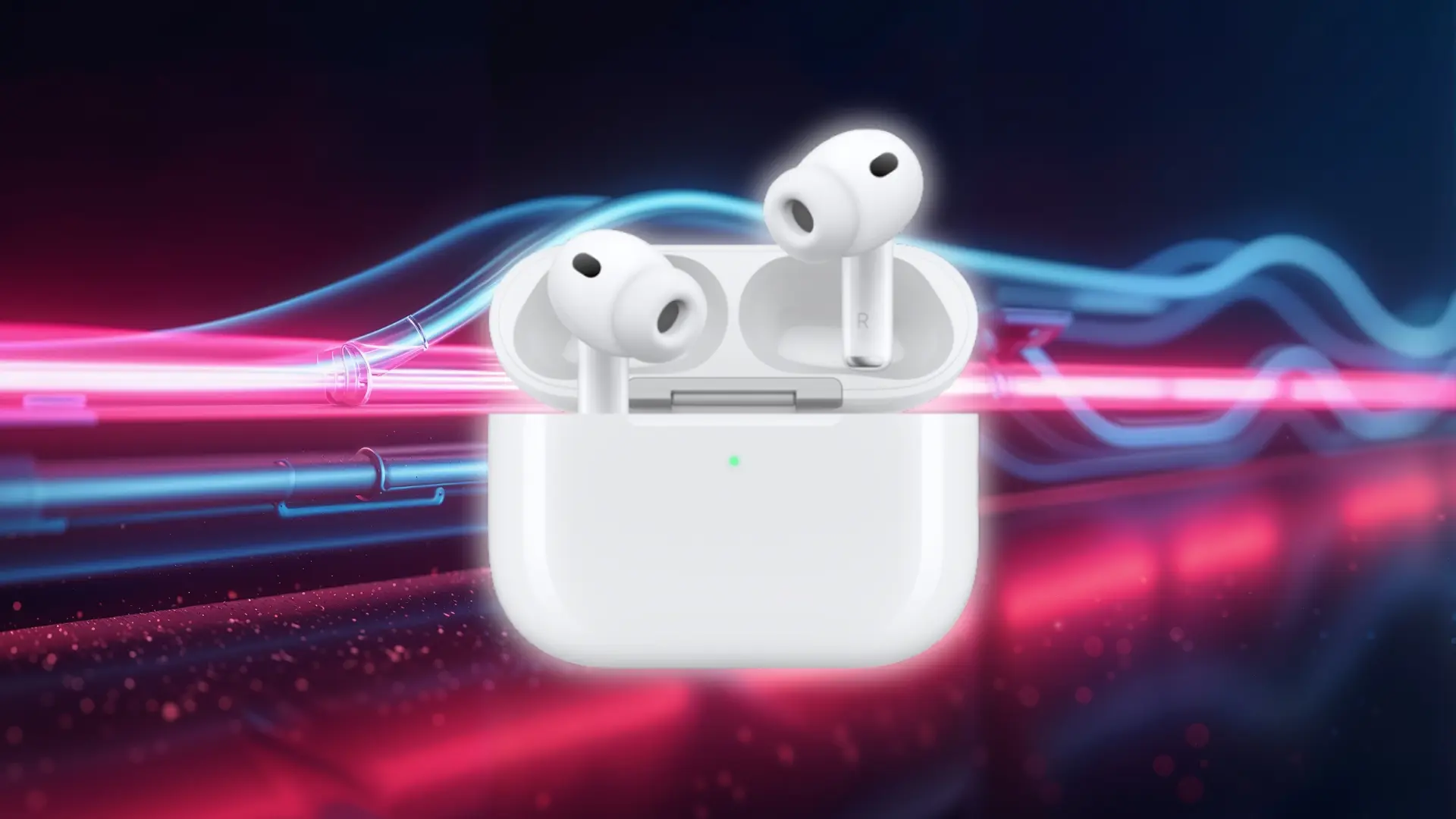



My AirPods died on me right before a call once, and I remember staring at the case wondering if five minutes in there would actually do anything.
It did, barely, but I didn’t know that at the time. If you’re the kind of person who forgets to charge things until you actually need them, you’ve probably asked the same question I did: how long to charge AirPods? And is there a faster way?
Here, I’ll break down every charging scenario: earbuds, case, wired, wireless, and what happens when you’ve only got a few minutes to spare.
How Long Do AirPods Take to Charge?
AirPods earbuds usually take around 20 to 30 minutes to fully charge when placed inside a charged case. The charging case itself takes longer, with wired charging typically taking 1 to 2 hours and wireless charging taking around 2 to 3 hours depending on the model and charging method.
The reason the earbuds charge faster is simple: they have smaller batteries compared with the case. The case stores extra power so it can recharge the earbuds multiple times before needing to be plugged in again.
The case battery level also affects charging performance. A nearly empty case cannot provide the same quick boost as a case that already has plenty of charge available.
Charging method makes a difference too. A cable usually restores the case faster because power transfers directly, while wireless charging adds convenience but takes longer to complete.
Exact charging times vary between AirPods models, charger types, and battery condition. Newer versions may charge more efficiently, while older batteries can take longer as their capacity decreases over time.
AirPods Charging Times by Scenario
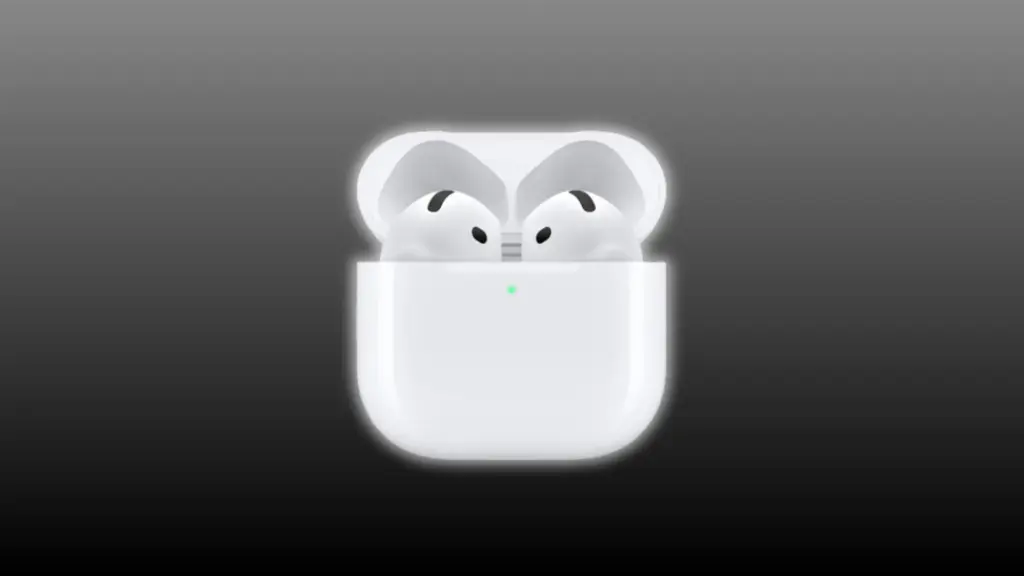
Charging time depends on what you are charging and how much battery is already available. The earbuds, case, and quick-charge situations all behave differently, so each scenario has a slightly different expectation.
Charging the Earbuds Inside the Case
Fully drained AirPods earbuds usually take around 20 to 30 minutes to reach a full charge when placed inside a case with enough battery remaining.
The case works as the power source for the earbuds, which is why the earbuds recharge much faster than the case itself. Battery size differences between models can slightly change the final timing.
If your earbuds are only partially drained, they will not need the full charging window. A short placement inside the case can restore enough battery for several hours of listening.
I have noticed this is the charging situation where AirPods feel most convenient. Even a short pause before leaving home can often recover enough battery for calls, music, or podcasts.
Quick Charge (5-Minute Boost)
A five-minute charge inside the case can provide around one hour of listening time on many AirPods models, assuming the case has enough battery available.
The quick boost depends heavily on the case charge level. A case sitting at 80% can provide a much better emergency charge than one that is almost empty.
For reference:
- 5 minutes: Around 1 hour of listening time
- 10 minutes: Around 2 hours of listening time
- 15 minutes: Several hours depending on the AirPods model and battery condition
Quick charging is designed for situations where you need audio quickly. It will not replace a full charge, but it can be enough to get through a meeting or commute.
AirPods Case Charging With a Cable
Charging an empty AirPods case from 0% to 100% with a Lightning or USB-C cable usually takes around 1 to 2 hours.
A wired connection is generally the fastest way to recharge the case because power transfers directly from the charger to the battery.
Newer cases often reach full charge closer to the one-hour range, while older models or batteries with more wear may take longer.
If you need your AirPods ready quickly, charging the case with a cable is usually the better choice.
AirPods Case Charging With a Wireless Pad
Wireless charging takes longer but adds convenience because you can simply place the case on a compatible charging surface.
An empty AirPods case usually takes around 2 to 3 hours to fully charge wirelessly. The slower speed comes from the energy transfer process between charging coils.
This is not unique to AirPods. Wireless charging on phones and other devices works the same way, with some energy lost during the conversion process.
Placement also matters. A case sitting slightly off-center may charge slower because the coils need to align properly for efficient power transfer.
AirPods Charging Times Comparison by Model
Charging times vary slightly between AirPods generations because of battery size, chip efficiency, case design, and charging hardware. Checking your AirPods model helps you compare the correct charging expectations.
| Model | Earbuds Full Charge | Quick Charge | Case Charging |
|---|---|---|---|
| AirPods (1st/2nd Gen) | 20–30 minutes | Around 15 minutes for up to 3 hours of listening | 1–2 hours wired |
| AirPods (3rd Gen) | About 1 hour | Around 5 minutes for 1 hour listening | 1–2 hours wired, 2–3 hours wireless |
| AirPods 4 | 20–30 minutes | Around 5 minutes for 1 hour of listening | 1–2 hours wired, 2–3 hours wireless |
| AirPods Pro 2 (USB-C) | About 1 hour | Around 5 minutes for 1 hour of listening | 1–2 hours wired, 2–3 hours wireless |
| AirPods Pro 3 | 30–45 minutes | Around 5 minutes for 1 hour listening | 1–2 hours wired, 2–3 hours wireless |
| AirPods Max / Max 2 | Around 2 hours | Not available | Around 2 hours via cable |
The Connection Between Case Battery and Earbud Charging

The charging case is what controls how much power your AirPods earbuds can receive. Even if the earbuds are sitting correctly inside, a nearly empty case cannot provide a strong or long charging session.
This is why the same five-minute charging break can produce different results. A case with plenty of battery can give the earbuds a quick boost, while a case with very little power may add only a small amount.
The case does not make the earbuds charge faster when it is plugged in. The earbuds still draw power from the battery stored inside the case, while the case itself charges separately from the cable or wireless pad.
You can think of the case as a portable power source for the earbuds. Keeping the case charged ensures quick boosts work as expected and gives you more complete recharge cycles throughout the day.
Battery condition also affects performance over time. An older case with reduced battery capacity may not provide as many full earbud charges compared with when it was new, which is why understanding AirPods battery lifespan matters for long-term use.
Why Your AirPods May Be Charging Slowly
Most charging problems come down to one of two things: a hardware or contact issue, or normal battery aging that shows up as things gradually slowing down.
- Check the status light first: Open the case with the lid up to see what is happening. Green means fully charged, amber means charging, and no light usually means the case is not receiving power or is not placed correctly on the charger.
- Check the earbuds indicator: When the earbuds are seated in the case, they follow the same pattern: green means full charge and amber means they are still charging.
- Clean the charging connections: Lint, debris, or dirty contacts can interrupt charging. Use a dry cotton swab or soft brush to clean the charging port and the contact points inside the case.
- Check the cable and adapter: A weak or unsupported cable or adapter may not deliver enough power, causing slower charging.
- Watch for battery wear: A single slow charge is usually caused by a connection or power issue. If charging keeps getting slower over weeks or months, the battery may be wearing out.
Wrapping Up
AirPods charging is easier to understand once you separate the earbuds from the case. The earbuds usually recharge quickly, while the case takes longer because it stores the power needed for multiple top-ups.
The number to remember is simple: earbuds typically need around 20 to 30 minutes for a full charge, the case takes about 1 to 2 hours with a cable, and wireless charging usually takes longer.
I have found that the case battery level explains many charging surprises. A quick five-minute boost only works well when the case already has enough power to share.
If your AirPods seem slower than usual, check the case charge, charging connections, and battery condition before assuming something is wrong. Knowing what each part does makes it easier to get the charging performance you expect.
Frequently Asked Questions
How do you know if AirPods are fully charged?
Check the status light on the case. Green means both the case and the earbuds inside are fully charged. If the case is open with the earbuds inside, the light reflects their charge. You can also check exact percentages through your iPhone’s Bluetooth settings.
Can AirPods charge in 5 minutes?
Yes, five minutes in the case gets you about an hour of listening time. But this only works if the case itself has charge to give. An empty case can’t pass along a quick charge, even for just five minutes.
Do AirPods charge faster when the case is plugged in?
Not really. Plugging in the case charges the case’s own battery, which is separate from charging the earbuds inside it. The earbuds still take their usual 20 to 30 minutes, whether the case is plugged in or not.
How long do AirPods take to charge in their case?
Most models take 20 to 30 minutes to go from empty to full inside the case. Standard AirPods land at the faster end of that range. AirPods Pro can take a touch longer, but the difference is small either way.