






Battery life is one of those things you never think about until it’s already a problem.
How long do AirPods Pro last is a question most people ask too late, after sessions start cutting short and ANC feels weaker than it used to.
Lifespan isn’t a fixed number; it’s a moving target shaped by habits, environment, and generation.
This guide breaks down what actually drives degradation, what falls outside the standard lifespan expectation entirely, and what knowing the difference means for how you use yours.
Exactly How Long Do AirPods Pro Last?
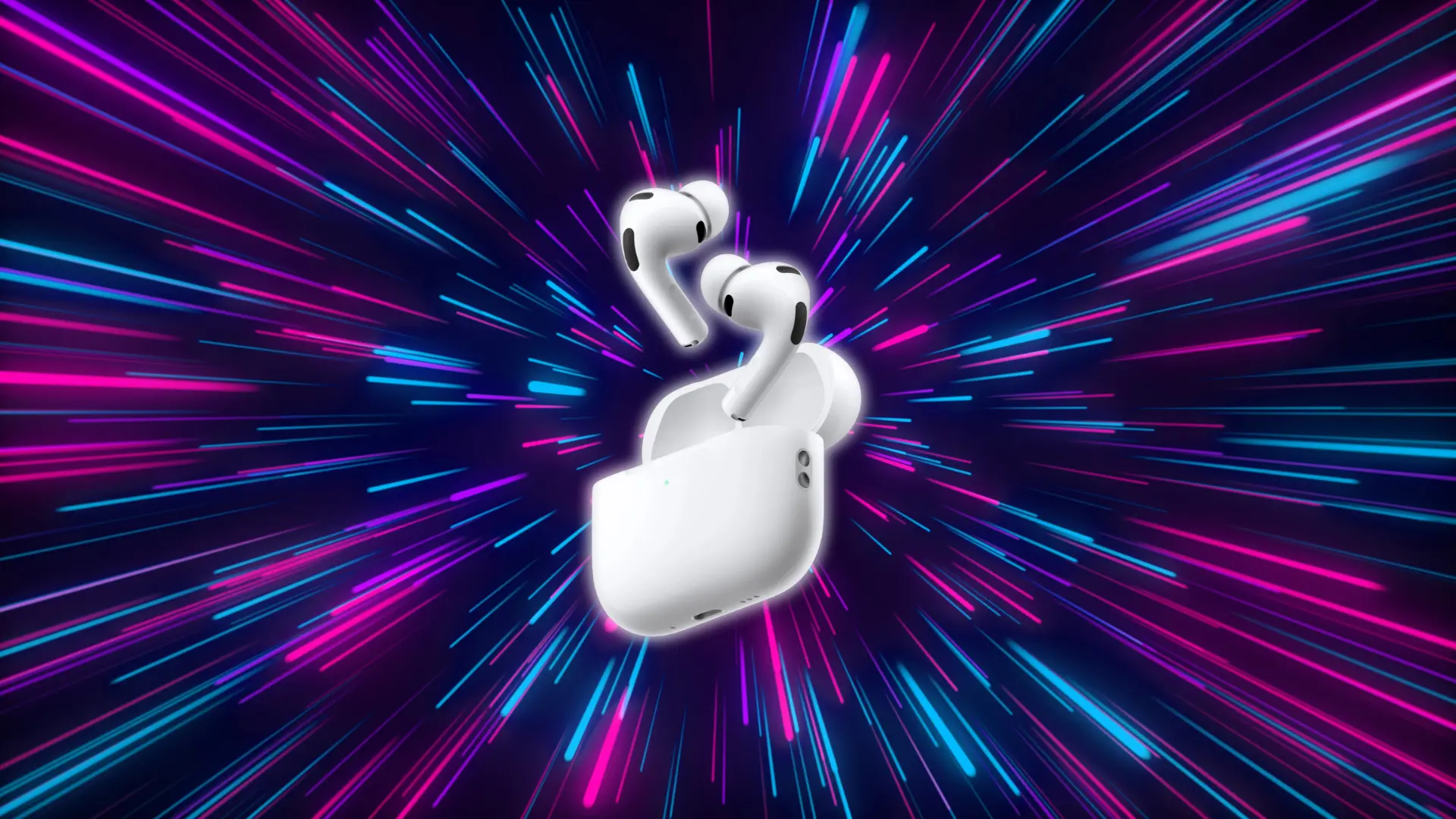
AirPods Pro are Apple’s premium true wireless model, packed with active noise cancellation, a custom audio chip, and a sealed battery in each earbud.
The charging case works as a portable backup, giving you a total of 24 to 30 hours of listening time before you need to plug in.
They usually last about 2 to 3 years before the battery starts fading noticeably. How much you use them and how you charge them makes the biggest difference.
AirPods Pro Generations: Playback Differences Per Generation
Battery specs have improved meaningfully across generations. Here’s how each model compares on a single charge.
| Generation | ANC On | ANC Off | Talk Time | Case Total | Notes |
|---|---|---|---|---|---|
| 1st Gen (2019) | 4.5 hrs | 5 hrs | 3 hrs | ~24 hrs | ANC reduces total slightly |
| 2nd Gen (2022) | 6 hrs | 6.5 hrs | 4 hrs | ~30 hrs | Supports Spatial Audio |
| 2nd Gen USB-C (2024) | 6 hrs | 6.5 hrs | 4.5 hrs | ~30 hrs | Adds USB-C charging; same battery spec as 2022 model |
The charging case also wears over time. Its total capacity declines gradually, meaning fewer full charges for your earbuds. Leaving the case in hot environments or charging it constantly can speed that up.
Newer generations need fewer daily charges to cover the same listening time. Fewer charge cycles per week means the battery holds its original capacity longer.
What AirPods Pro Lifespan Actually Includes
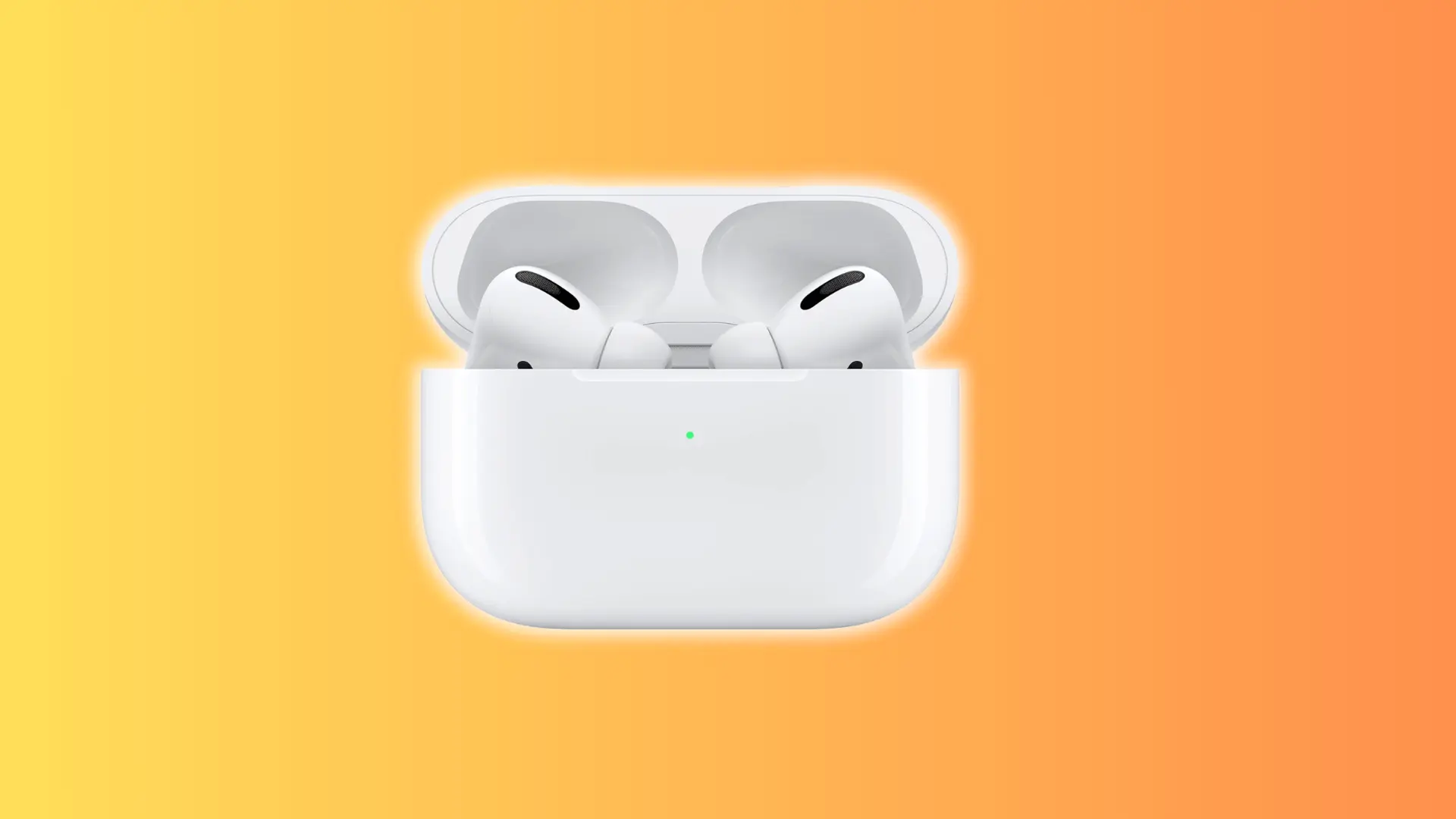
Lifespan isn’t just about how many hours you get on a charge today. It’s about how long the battery stays useful, and that depends on usage, charging habits, and how well you protect the hardware.
What Determines AirPods Pro Battery Life
AirPods Pro batteries are rated for roughly 300 to 500 full charge cycles before noticeable capacity loss. In practice, that means those six hours of listening can gradually drop to four, without any single moment where it feels like something broke.
How quickly that happens depends on how hard you push them. Heavy users — two or more full charges a day — can hit significant decline in under two years. Moderate users on one cycle a day can stretch it to three or four years.
Draining to 0% repeatedly speeds up wear. Keeping the charge between roughly 20% and 80% reduces the stress on the cells and slows the decline.
You usually notice the drop when the battery is around 80% of its original capacity. Sessions start cutting short at inconvenient moments: a commute, a workout, a long call.
Usage Habits and Environmental Effects
How you use your AirPods Pro day-to-day has a direct effect on how fast the battery wears down. Some factors cause permanent damage. Others are temporary and fully recoverable.
| Factor | Impact | Key Points |
|---|---|---|
| ANC Usage | Faster battery drain | Continuous processor use; constant ANC accumulates cycles more quickly than occasional use. |
| Heat | Permanent capacity loss | Speeds up electrolyte breakdown; repeated hot exposure causes irreversible damage. |
| Cold | Temporary performance drop | Reduces output but no lasting damage. |
The heat column is the one worth paying attention to. Cold weather is a nuisance. Heat is the thing that takes capacity away permanently.
Tip: Cleaning the charging contacts regularly prevents resistance buildup that forces the case to work harder during charging.
Physical and Software Problems
Battery decline happens gradually, which makes it easier to spot than the other category of AirPods problems: issues that show up suddenly and have nothing to do with charge cycles at all.
Some problems stem from software or physical damage, not battery wear. Knowing the difference early keeps more options open.
- Dropping connection frequently: Usually a software or hardware hiccup, not a sign the AirPods are dying.
- Firmware glitches: Software problems that affect audio or connectivity, usually fixable with an update or reset.
- Cracked stem from a hard drop: Physical damage from impact, not normal wear.
- Water exposure beyond rated limits: Can cause internal parts to fail or malfunction.
A software fix takes two minutes. Physical damage needs a service appointment. Battery decline needs a different response altogether. Getting that distinction right early is what keeps repair rather than replacement on the table.
Tips to Get More Life from Your AirPods Pro
None of these is difficult. They just need to become habits early, before the decline is already in motion.
Turn on Optimized Battery Charging: Go to Settings → Bluetooth → your AirPods → the info icon. This feature holds the charge at 80% until you need them. Lithium-ion cells experience more chemical stress at full charge; keeping them just below 100% overnight reduces that strain and slows long-term capacity loss.
Use quick top-ups strategically: Short 5–15 minute charges add 1–2 hours of listening and count as only a fraction of a cycle. That’s far less wear than a full 0-to-100 charge. The goal is fewer deep discharge cycles — not charging less overall.
Use ANC only when needed: Noise cancellation draws extra processor power on every second it runs. Switching to Transparency Mode or turning ANC off in quiet environments cuts drain and reduces how often you need to top up.
Hot environments are one of the fastest ways to cause permanent capacity loss. Avoid leaving the case on a sunny dashboard, in a hot car, or pressed against a warm laptop. Room temperature is the target.
Volume matters more than most people expect. Playing audio below 70% reduces power draw noticeably; fewer watts pulled per session means fewer charges needed per week, which adds up over months.
Conclusion
Most people treat AirPods Pro as a set-and-forget purchase and then wonder why performance drops faster than expected. How long AirPods Pro last is less about the hardware and more about the decisions made around it.
The generation sets the ceiling. Charging habits, heat exposure, and ANC usage determine how quickly you reach it. Not every problem signals the end, software glitches and physical damage are separate issues, both fixable if caught early.
The users who get four years out of their AirPods Pro are not lucky. They just acted before decline became irreversible. Charging habits and heat exposure make the difference, and both are easy to get right early.
Frequently Asked Questions
What happens to AirPods Pro after the battery is replaced?
Apple replaces the cells, not the full earbud. The new battery starts a fresh degradation cycle, so lifespan resets, but only if the rest of the hardware is still in good shape. Apple charges around $49 per earbud for out-of-warranty battery service, plus a separate fee if the case also needs attention. If you have AppleCare+, replacement is covered when the battery holds less than 80% of its original capacity. If only the battery has declined and everything else works, service is worth it. If multiple issues exist alongside the battery decline, a replacement pair usually makes more financial sense.
Do AirPods Pro work normally in cold weather?
Cold temperatures temporarily suppress battery performance, so sessions may feel shorter in winter. Performance typically returns to normal once they warm up. Unlike heat damage, cold does not cause permanent capacity loss.
Are AirPods Pro worth repairing, or should you just replace them?
It depends on the condition of the rest of the unit. If only the battery has declined and everything else works, a service is worth it. If multiple issues exist, replacement usually makes more financial sense.
Does leaving AirPods Pro in the case all day drain the battery?
Leaving them in a fully charged case does not actively drain the battery. However, prolonged storage at 100% charge without Optimized Battery Charging enabled can contribute to gradual capacity loss over time.