



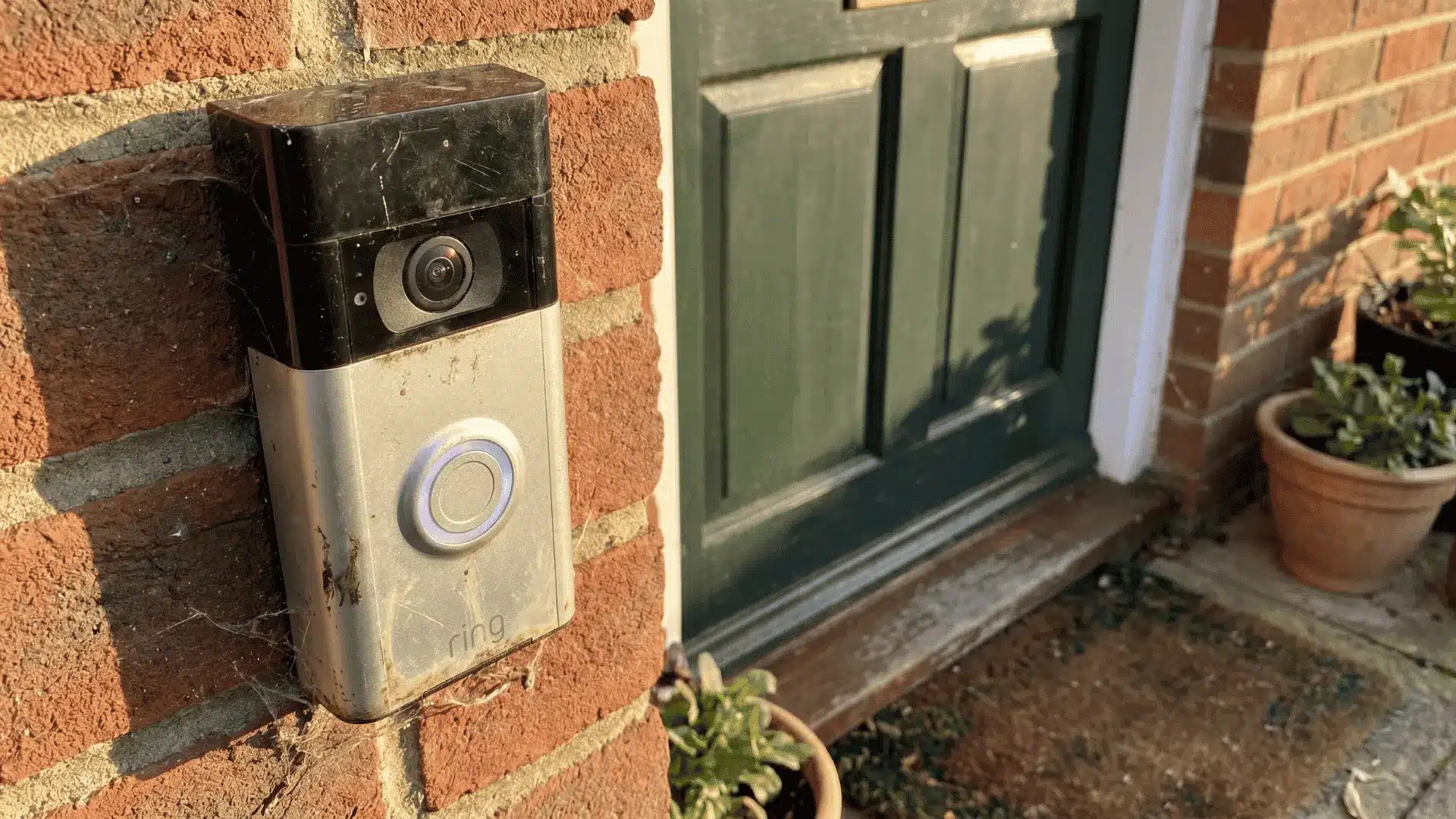
Choosing a security camera can get confusing fast. One model promises sharper video, another offers better alerts, and then subscriptions, storage, and smart-home support enter the mix.
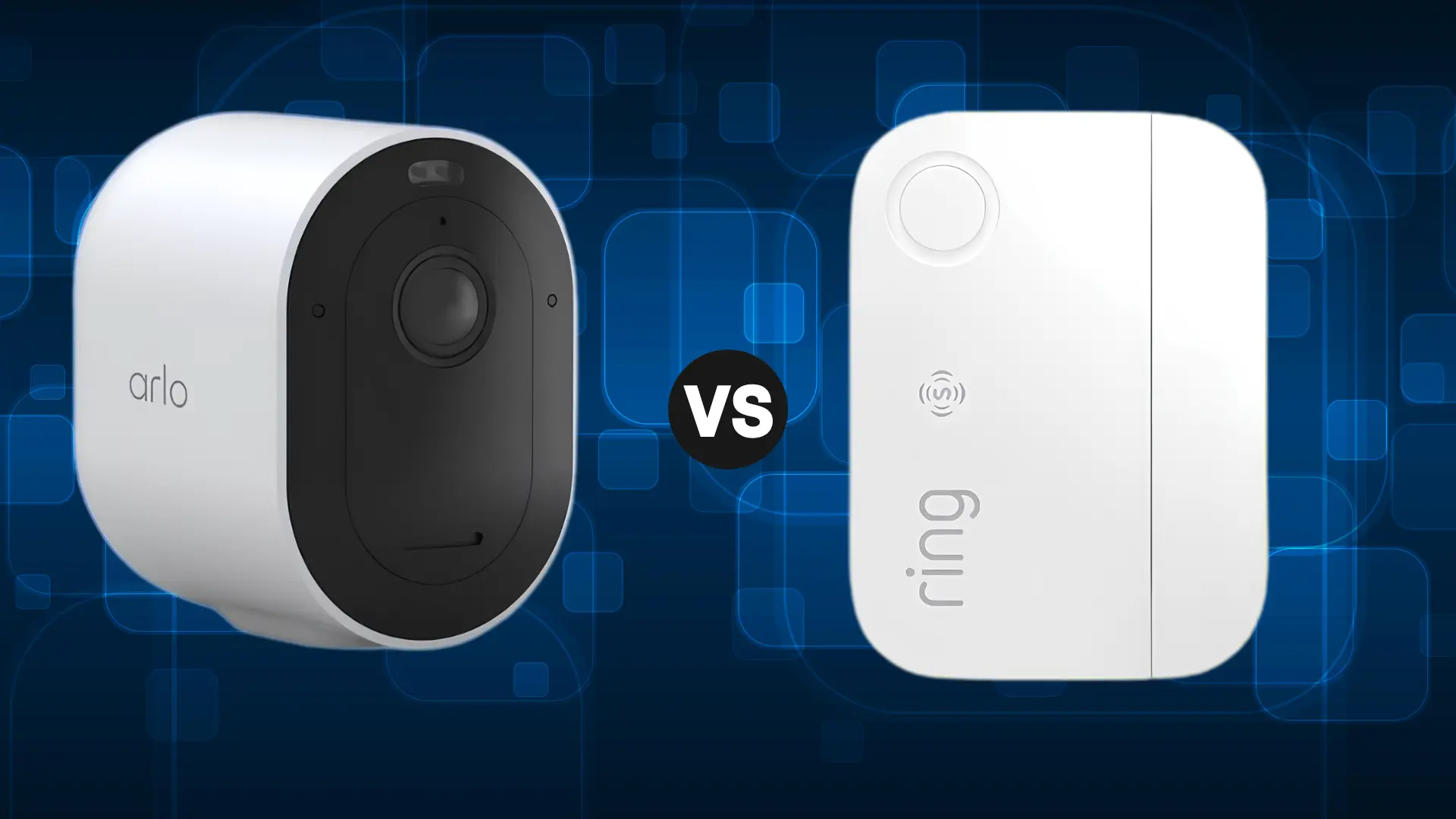
If you are comparing Arlo vs Ring, I think the biggest question is not which brand has more features, but which one fits the way you actually protect your home.
Arlo leans more toward camera quality and flexible storage, while Ring connects cameras with alarms, sensors, and monitoring.
I compare video, night vision, motion alerts, costs, storage, smart-home support, and full-system coverage so you can see where each brand stands and choose with more confidence.
What Is Arlo?
Arlo is best known for indoor, outdoor, wireless, floodlight, and video doorbell cameras. Several models offer higher-resolution recording, including 2K and 4K options, making the brand attractive when image detail matters.
Its cameras also include features such as motion zones, smart alerts, night vision, and two-way audio, depending on the model and plan.
Another useful difference is storage. Some Arlo systems can save footage locally through compatible hubs and storage devices, giving buyers another option besides cloud recording.
- Best for: Camera-focused security systems, higher-resolution footage, and buyers interested in flexible storage.
- Common products: Indoor cameras, outdoor cameras, floodlight cameras, wireless cameras, and video doorbells.
What Is Ring?
Ring offers security cameras, video doorbells, alarms, sensors, and monitoring products designed to work inside one connected system.
Its cameras cover the main indoor and outdoor monitoring needs, while Ring Alarm expands the setup with contact sensors, motion detectors, keypads, and other security equipment.
Ring also works closely with Amazon Alexa, and for anyone setting up voice control for the first time, connecting Alexa and iPhone is a simple starting point. That connection can be useful for households already using Echo speakers, Echo Show displays, or Alexa routines.
Instead of putting most of its attention on maximum camera resolution, Ring makes a stronger case for households that want several types of security equipment managed together.
- Best for: Multi-device security systems, Alexa users, and homes that need alarms and sensors alongside cameras.
- Common products: Security cameras, video doorbells, alarms, contact sensors, motion detectors, and monitoring services.
Arlo vs Ring: Differences Across Every Factor
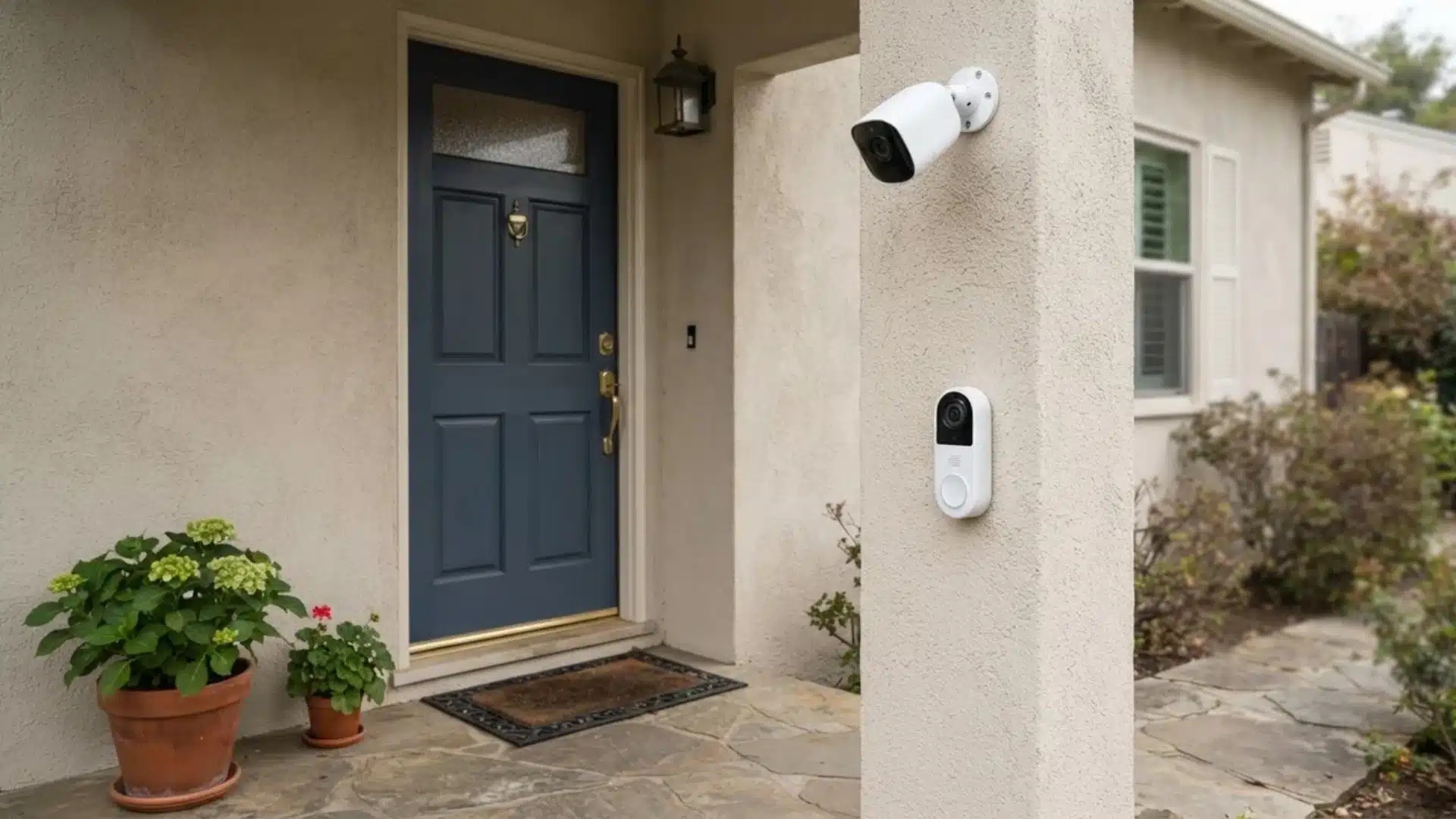
The right security system depends on more than one specification. These are the differences that have the biggest effect on everyday use.
1. Camera and Video Quality
Arlo has a stronger selection of higher-resolution cameras. Several models record in 2K or 4K, with features such as HDR and wide viewing angles available across parts of the lineup.
That extra detail can help when checking faces, vehicles, packages, or activity farther away from the camera.
Ring cameras are built more around general home monitoring. They handle common areas such as entrances, driveways, backyards, and indoor rooms well, but many models do not push resolution as high as Arlo’s premium cameras.
Takeaway: Arlo is the stronger choice when image detail is one of your main priorities.
2. Night Vision
Both brands offer cameras designed to record after dark.
Arlo includes color night vision on several models, which can provide more visual detail when lighting conditions allow it. Wider fields of view on some cameras can also help cover driveways and larger outdoor areas.
Ring provides dependable nighttime monitoring across its camera lineup, with color night vision available on supported models.
The difference matters most when you need to recognize details rather than simply confirm that someone entered an area.
3. Motion Detection and Alerts
Both systems allow users to adjust motion zones and receive alerts when activity is detected.
Arlo supports smart alerts that can identify different types of activity on compatible devices and plans. Depending on the setup, notifications may distinguish people, vehicles, packages, or other movement.
Ring also offers customizable motion zones and person-focused alerts. Certain cameras include more advanced motion technology designed to track movement more accurately, though frequent alerts can shorten video doorbell battery life on battery-powered models.
Camera position, Wi-Fi strength, sensitivity settings, and distance can affect detection just as much as the brand itself.
Takeaway: Neither brand has a clear advantage for every property. The exact camera and placement matter more here.
4. Camera and Doorbell Selection
Both companies cover the main camera categories buyers usually need.
Arlo sells indoor cameras, outdoor wireless cameras, floodlight cameras, wired options, and video doorbells. Its lineup works particularly well when cameras make up most of the security system.
Ring offers a similarly broad camera range, including indoor, outdoor, spotlight, floodlight, and video doorbell products.
The bigger difference appears when extra security equipment enters the setup. Ring makes it easier to add alarms and sensors, and even pair cameras with a smart lighting automation setup, without moving to another ecosystem.
5. Storage Options
Storage is one of the clearest differences between Arlo and Ring.
Some Arlo setups support local video recording through compatible hubs and storage devices. This can be useful for buyers who prefer keeping certain recordings at home rather than relying entirely on cloud storage.
Cloud recording and advanced smart features may still depend on an Arlo subscription.
Ring puts much more emphasis on cloud-based recording. Live viewing can work without a paid plan, but saving and reviewing video history usually depends on a subscription.
Takeaway: Arlo offers more flexibility when local recording is important.
6. Subscription and Long-Term Cost
The first camera price is only part of the total cost. Cloud recording, advanced detection, monitoring, and the number of devices can all affect what you spend over time.
| Cost Factor | Arlo | Ring |
|---|---|---|
| Camera Cost | Premium models can cost more | More lower-cost options across the lineup |
| Cloud Recording | Paid plans available | Paid plans available |
| Local Recording | Supported on compatible setups | Limited compared with Arlo |
| Multi-Device Setup | Cost rises with premium cameras | Often practical for larger systems |
| Monitoring | Available with certain security plans | Stronger focus on monitored security |
Ring can make more financial sense when cameras, sensors, alarms, and monitoring are being added together.
Arlo may cost more when several higher-resolution cameras are involved, though local recording can reduce dependence on cloud storage in compatible setups.
Current plan prices can change, so subscription rates should always be checked before buying.
7. Smart Home Compatibility
Your existing smart-home platform may narrow the choice before camera specifications even matter.
A. Amazon Alexa
Ring has the stronger Alexa connection because Amazon owns the brand. Voice commands, Echo Show viewing, and smart routines work together smoothly, making Ring a natural fit for homes already built around Alexa.
Arlo also works with Alexa and covers the basics well. Still, Ring offers the tighter overall experience, especially if you regularly use Echo devices to check cameras, control security features, or automate different parts of your setup.
B. Google Home
Arlo is the stronger choice for Google Home users, with broader Google Assistant support across its camera lineup. That makes it easier to bring cameras into routines, voice controls, and connected displays around the house.
Ring works with some Google features, but its support is more limited. If Google Home already runs much of your smart setup, Arlo usually fits in more naturally and with fewer compatibility compromises overall.
C. Apple HomeKit
Arlo gives Apple users more flexibility because select cameras support Apple HomeKit. That can make it easier to view cameras and connect security devices within a HomeKit based smart home setup.
Ring does not generally offer native HomeKit support, which can be a deciding factor for Apple focused households. If you rely heavily on Apple devices and want tighter smart home compatibility, Arlo may be the more convenient option overall.
8. Alarms, Sensors, and Whole-Home Security
This is where Ring separates itself most clearly.
Ring can connect cameras with equipment such as contact sensors, motion detectors, alarms, keypads, sirens, and other security devices. That makes it easier to build coverage around doors, windows, indoor rooms, and outdoor areas using one system.
Arlo also offers security equipment beyond cameras, but its broader appeal still comes from its camera lineup.
A buyer who only needs video monitoring may not care about this difference. Someone planning to secure several entry points with sensors and an alarm probably will.
Takeaway: Ring is the stronger choice when cameras are only one part of a larger security plan.
9. Professional Monitoring
Professional monitoring becomes important when you want more than app notifications.
Ring offers monitoring options that work with its broader alarm system, making it suitable for households that want cameras, sensors, alarms, and professional support connected together.
Arlo also has monitoring options within certain security plans and setups.
The key difference is how much equipment surrounds the service. Ring’s larger alarm ecosystem makes professional monitoring a more natural extension of the system.
10. Installation and Everyday Use
Both brands are designed largely around DIY installation.
Battery-powered cameras are usually easier to place because they do not need a nearby power outlet. Wired and floodlight models require more planning, especially when electrical work is involved.
The app experience also matters after installation. Camera feeds, alerts, saved recordings, battery status, and device settings all need to be easy to reach.
A weak Wi-Fi signal can cause delayed notifications or slow live views on either system. Checking signal strength around the planned camera location before installation can prevent many everyday problems.
Pros and Cons: Arlo vs Ring
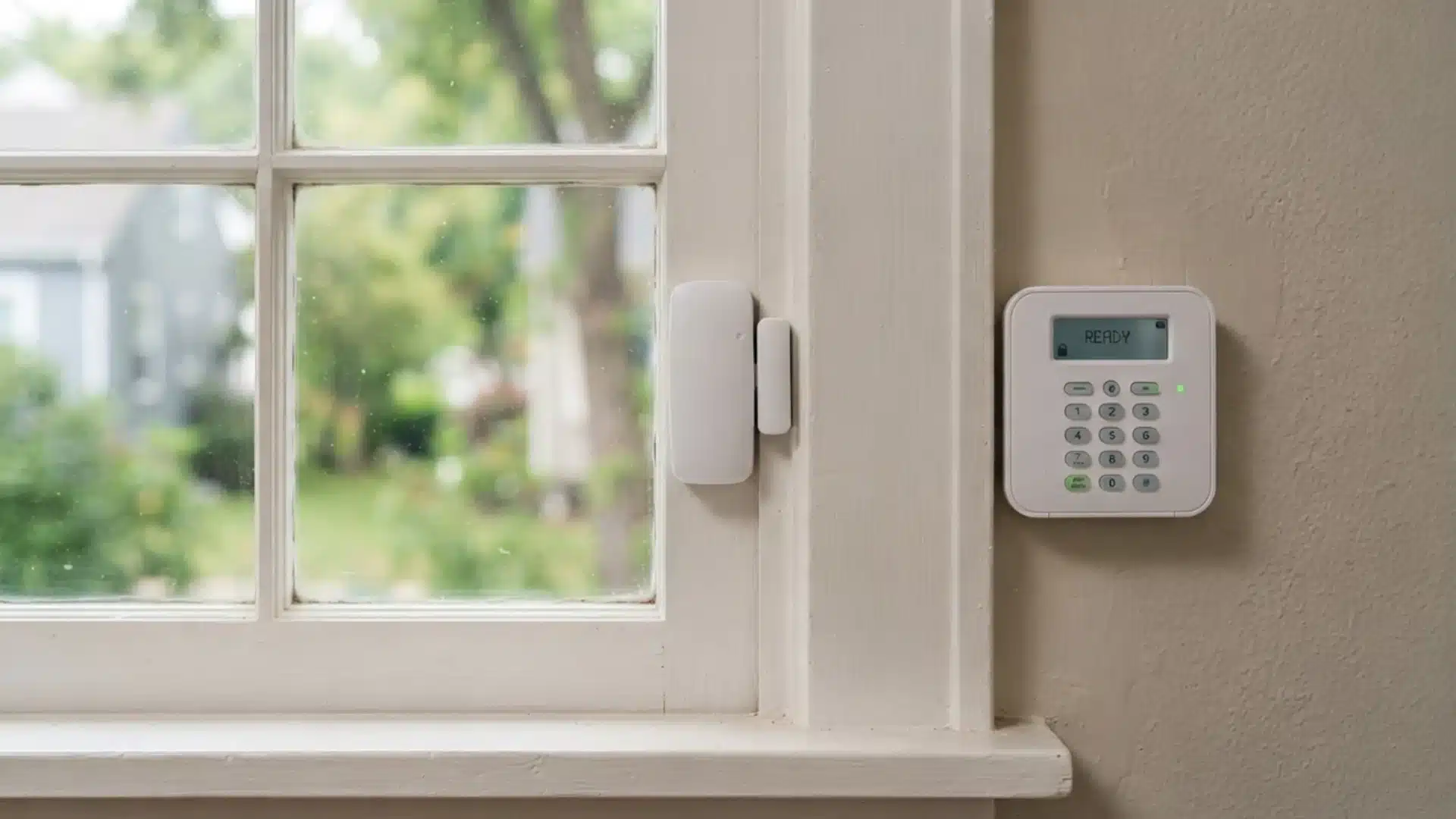
After looking at each factor separately, the trade-offs are easier to compare.
| Factor | Arlo | Ring |
|---|---|---|
| Biggest Strength | Camera performance | Complete security ecosystem |
| Video | Higher-resolution options | Strong for everyday monitoring |
| Storage | Local and cloud options | Mainly cloud-focused |
| Smart Home | Broader platform support | Strong Alexa connection |
| Alarms and Sensors | Smaller selection | Broad selection |
| System Size | Better for camera-focused setups | Better for mixed-device setups |
| Best Fit | Detailed video and flexible storage | Whole-home security |
Arlo makes more sense when the security plan starts and ends mainly with cameras. Ring becomes more useful as more alarms, sensors, doorbells, and other devices are added.
Ring vs Arlo vs Other Security Camera Brands
Arlo and Ring are not the only options, and knowing where they sit in the wider market can help narrow your search.
| Brand | Common Reason to Consider It |
|---|---|
| Arlo | Higher-resolution wireless camera options |
| Ring | Cameras combined with alarms and sensors |
| Blink | Lower-cost camera setups |
| Google Nest | Google-based smart-home setups |
| Eufy | Buyers interested in local-storage-focused systems |
These alternatives are worth comparing when one specific feature matters more than staying inside the Arlo or Ring ecosystem.
The main comparison here still comes down to camera-focused performance versus a broader security system.
Which Is Better for Your Home: Arlo or Ring?
Neither brand makes sense for every property. The better choice depends on how much security equipment you need and what role cameras play in the setup.
Choose Arlo if:
- Higher-resolution footage matters to you.
- Cameras are the main part of your security system.
- You want local-storage options on a compatible setup.
- You use Google Home or Apple smart-home products.
- You are willing to spend more on higher-end camera models.
Choose Ring if:
- You want cameras, alarms, and sensors working together.
- Alexa is your main smart-home platform.
- You plan to protect several doors and windows.
- Professional monitoring matters.
- You want one ecosystem for several types of security equipment.
For a camera-first setup, I would lean toward Arlo. For a larger home security system that includes alarms and sensors, Ring makes more sense.
Common Mistakes When Comparing Arlo and Ring
A few buying mistakes can matter more than choosing the wrong camera resolution.
- Choosing Only by Resolution: Higher resolution helps with detail, but camera position, viewing angle, lighting, and detection range also affect how useful the footage is.
- Ignoring Subscription Costs: A lower camera price may not mean lower long-term costs once cloud recording, smart alerts, and monitoring are included.
- Assuming Every Camera Has the Same Features: Resolution, night vision, smart detection, battery life, and compatibility can differ between models from the same brand.
- Forgetting About Wi-Fi Coverage: A camera placed too far from the router may suffer from slower live views, missed connections, or delayed alerts.
- Skipping Smart-Home Checks: Buying first and checking Alexa, Google, or Apple compatibility later can leave you with devices that do not fit your existing setup.
Checking the exact camera model, plan requirements, storage method, and installation location before buying can prevent most of these problems.
Final Thoughts
The better security system is the one that matches how you actually use it every day. Arlo makes more sense when you care about detailed video, local-storage options, and broader smart-home support.
Ring fits better when you want cameras, alarms, sensors, doorbells, and monitoring working inside one connected setup.
For me, the Arlo vs Ring choice comes down to camera-first security versus whole-home coverage. Your budget, preferred smart-home platform, storage needs, and number of devices should guide the final pick.
Before buying, compare the exact models and current plan costs rather than choosing on brand name alone. If you are still narrowing your options, check the related security camera comparisons next.
Frequently Asked Questions
Can Arlo work without a subscription?
Some Arlo cameras provide basic functions without a paid subscription. Compatible systems may also support local recording, while cloud history and advanced detection features can require a paid plan.
Can Ring work without a subscription?
Ring cameras can provide basic features such as live viewing without a paid subscription. Saving recordings, reviewing video history, and using certain extra features generally require a plan.
Does Arlo offer local storage?
Some Arlo setups support local recording through compatible hubs and storage devices. Availability depends on the camera, hub, and configuration being used.