




A good gaming setup is not just about expensive gear or flashy lights. It is about creating a space that feels comfortable, looks clean, and actually works for how you play.
If you are searching forgaming setup ideas, this guide breaks everything down into practical options you can use right away.
From desk layouts and lighting to budget-friendly upgrades, you will find ideas that fit different spaces, styles, and needs without overcomplicating the process.
Gaming Setup Ideas You Can Actually Use
These ideas help you build cool gaming setups and an aesthetic gaming setup that fits your space, style, and budget without overthinking.
Desk Setup Ideas
These ideas focus on layout and positioning, forming the base for cool gaming setups and a functional aesthetic gaming setup.
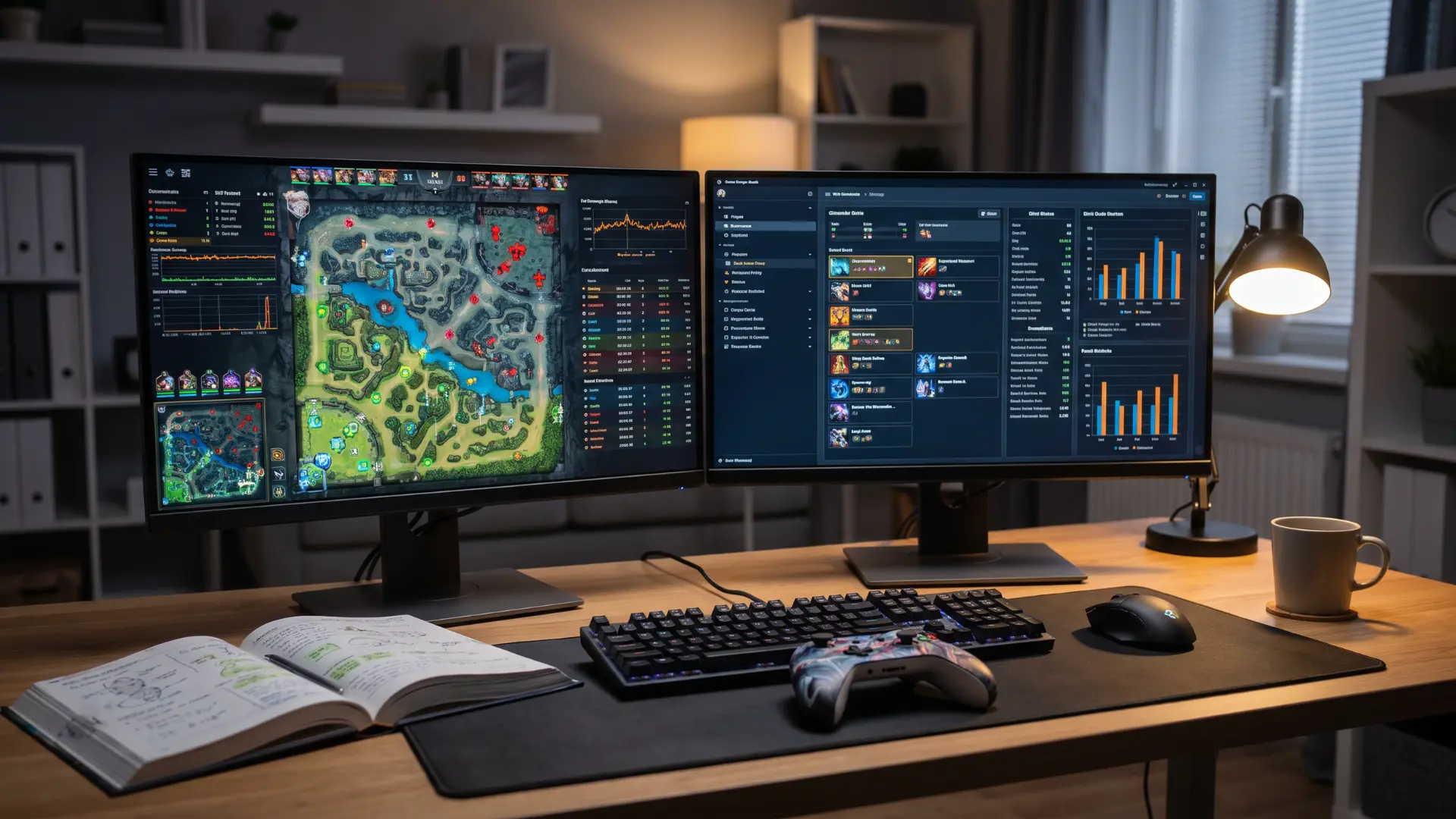
1. Dual Monitor Setup With Symmetrical Alignment
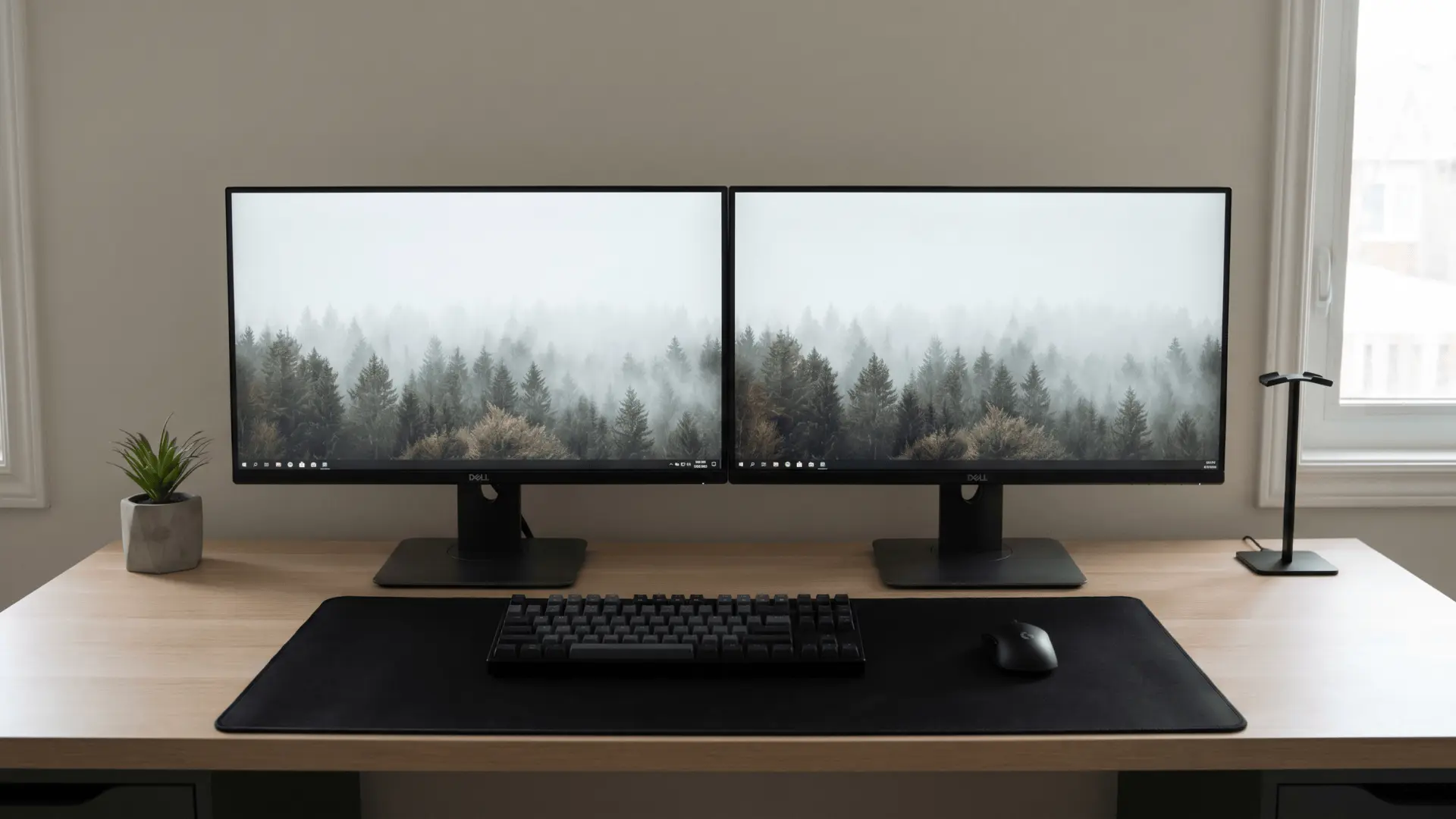
This setup places two monitors side by side at equal height and distance. It works because your eyes move naturally between screens without strain.
Keep both screens aligned at eye level and about an arm’s length away. Problems show up when the gap between screens is too wide, forcing constant neck movement and leading to discomfort during longer sessions.
2. Ultrawide Monitor Setup for Immersion
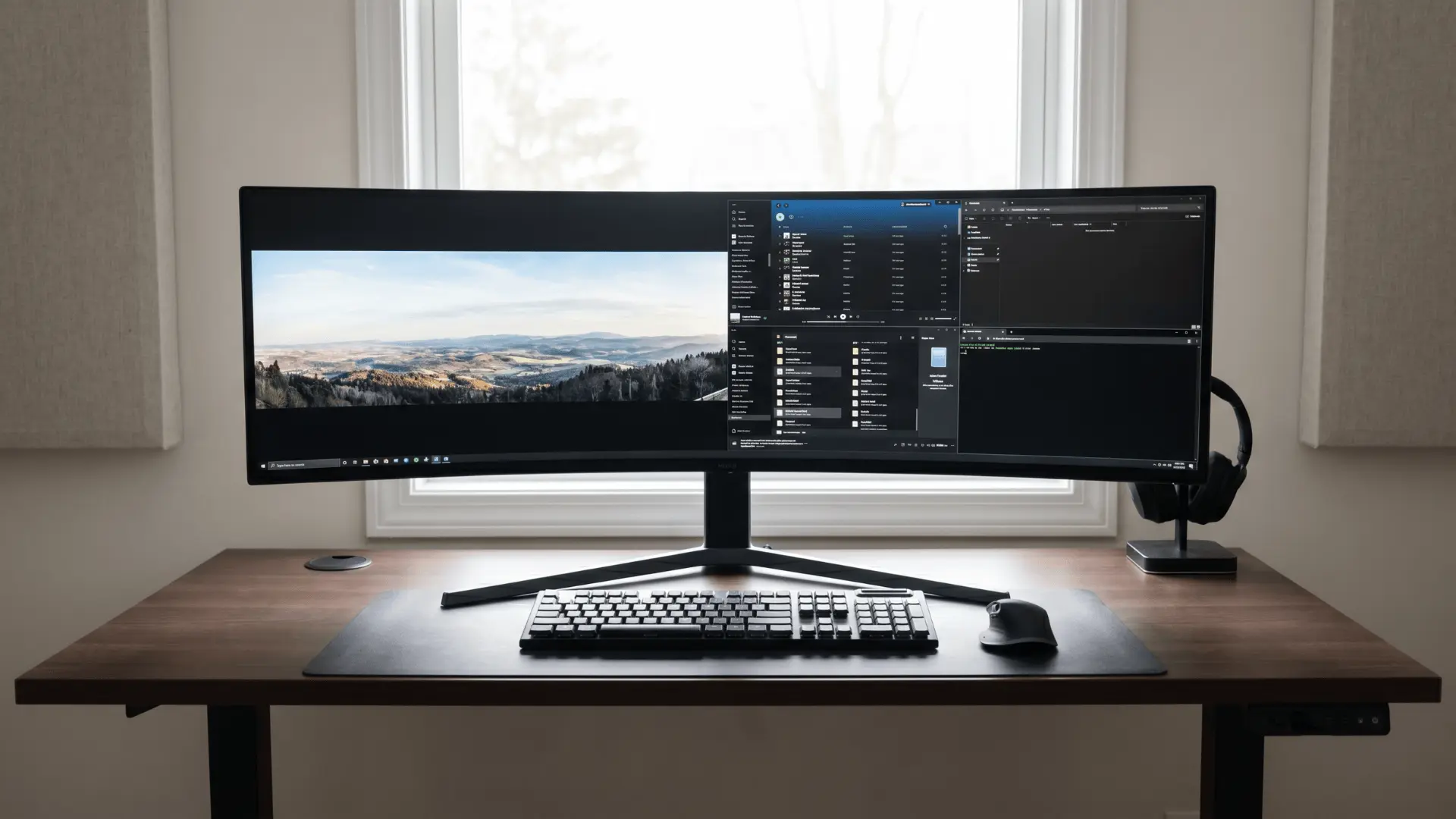
An ultrawide monitor replaces dual screens with one continuous display. It improves immersion in games and gives more horizontal workspace. Position it slightly curved toward your eyes for better viewing angles.
Issues arise on shallow desks, where limited depth pushes the screen too close, increasing eye strain and reducing overall comfort.
3. L-Shaped Desk for Corner Optimization
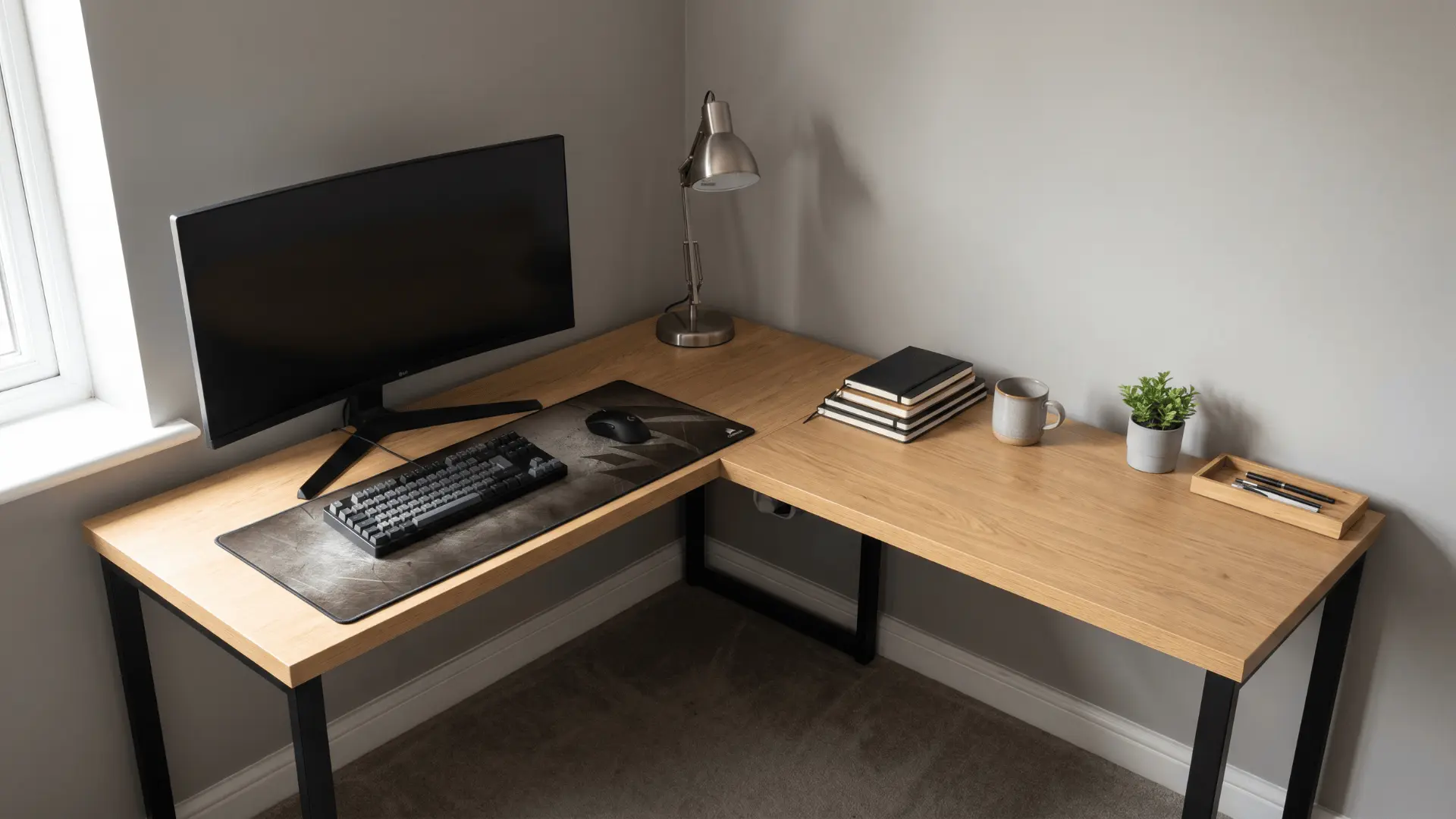
An L-shaped desk uses corner space that often goes unused. It gives you two working zones, one for gaming and one for accessories or work.
This setup improves organization and movement flow. Things become messy when cable routing is ignored, as corner setups can quickly turn cluttered and harder to manage.
4. Floating Desk for Minimal Look
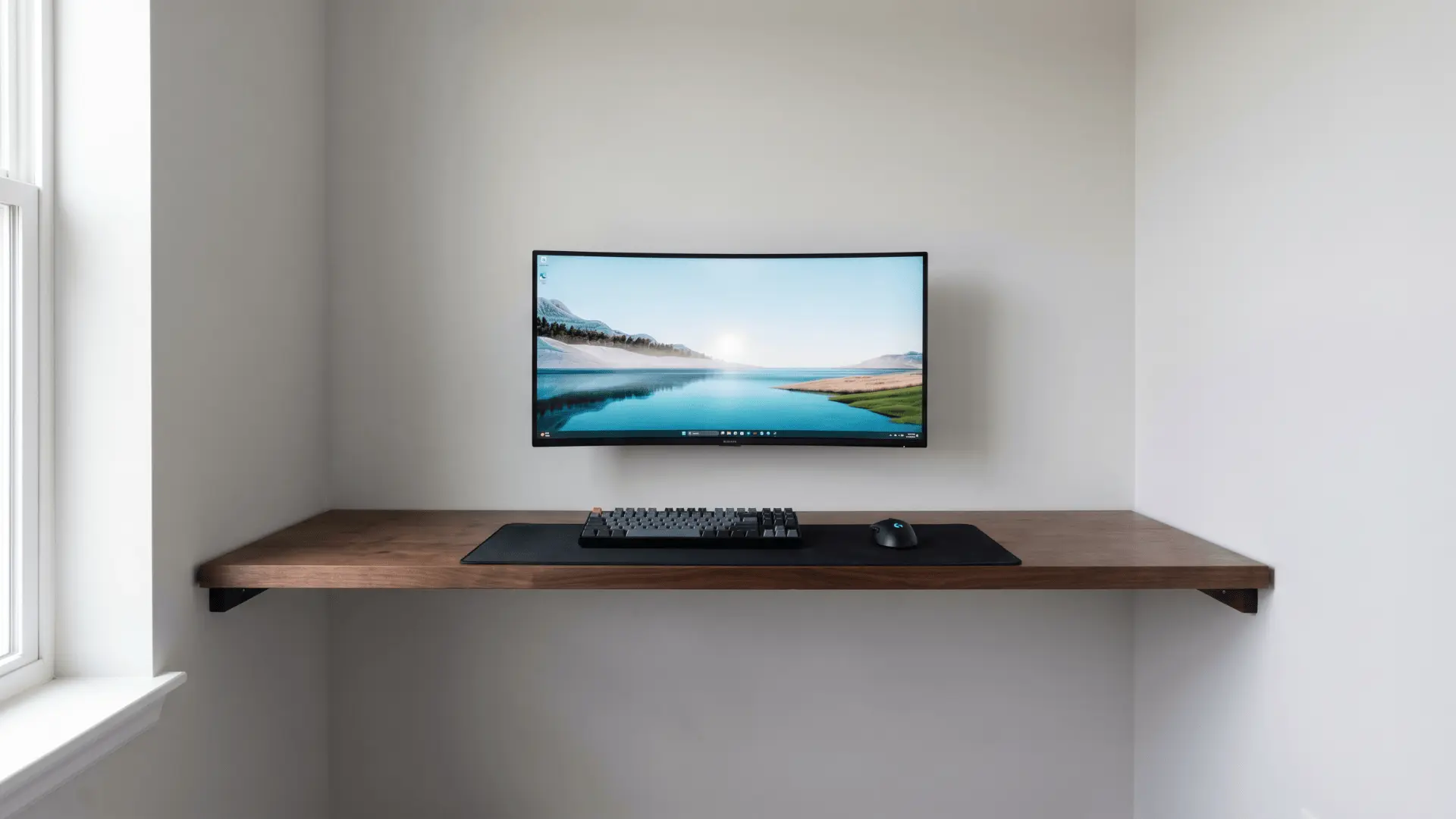
A floating desk is mounted directly to the wall, freeing up floor space and creating a clean appearance. It works well in small rooms where space is limited.
Make sure the wall support is strong enough for your equipment. Stability issues can appear if weight limits are overlooked or if cable planning is done too late.
5. Standing Desk Setup
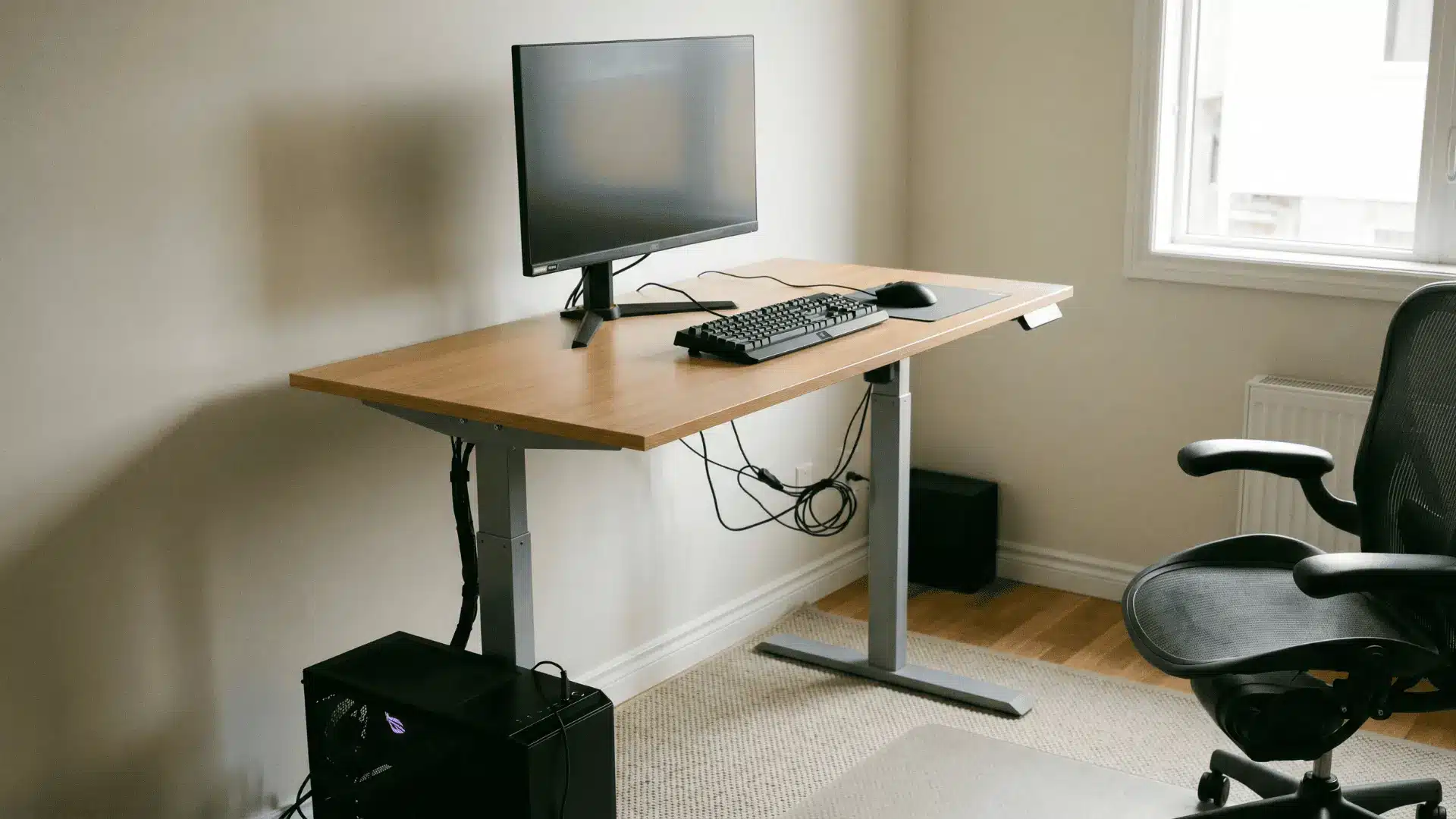
A standing desk lets you switch between sitting and standing, reducing fatigue from long gaming sessions. It supports better posture and keeps your body more active.
Ensure cables have enough slack for height changes. Instability or incorrect monitor height can reduce comfort and make the setup harder to use effectively.
6. Compact Single Monitor Setup
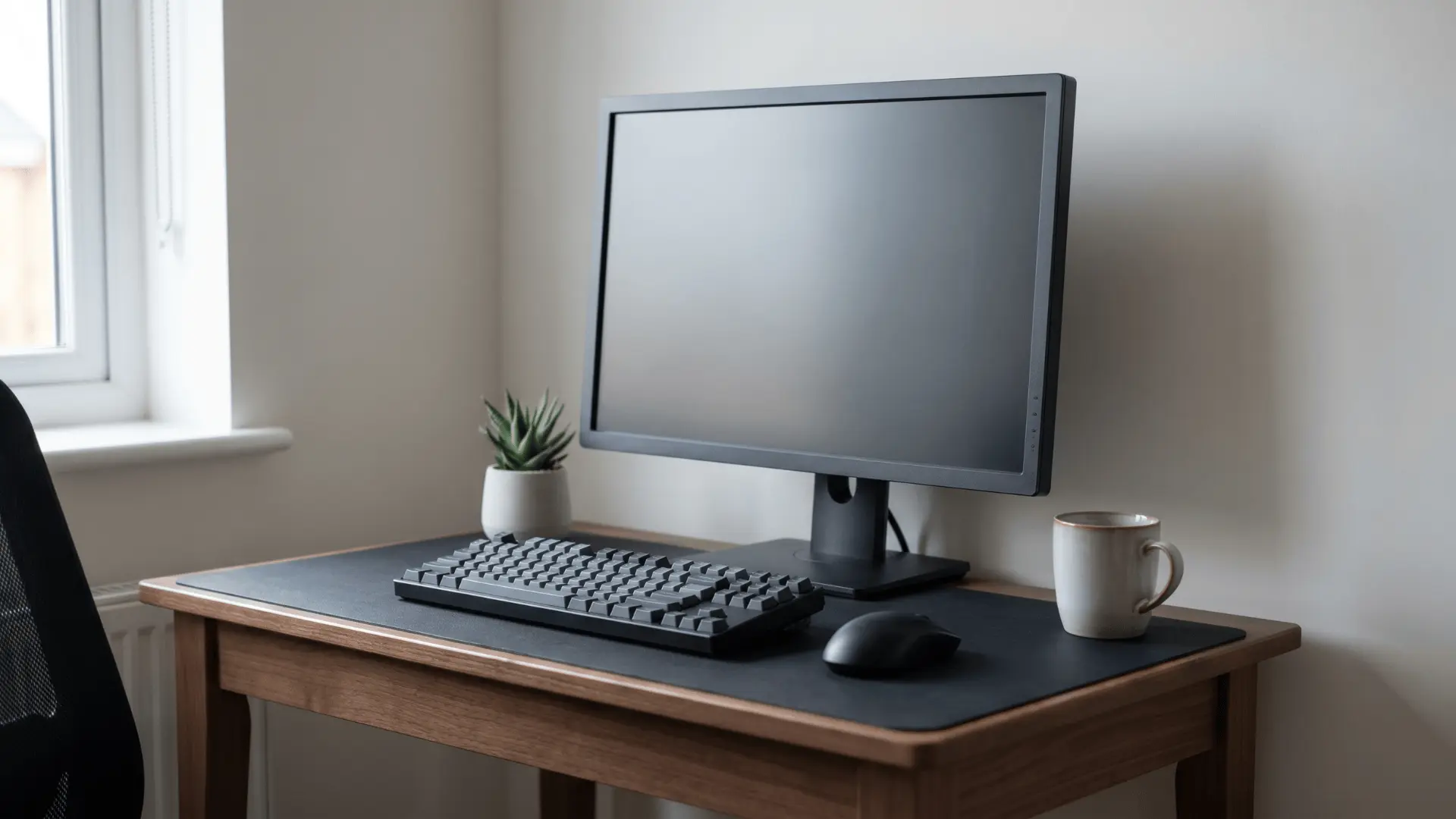
A single monitor setup keeps things simple and works well in tight spaces. It reduces clutter and makes cable management easier. Position the screen directly in front of you at eye level for comfort.
Limitations show up when multitasking becomes necessary, as switching between apps can slow you down compared to multi-screen setups.
7. Monitor Arm Mount Setup
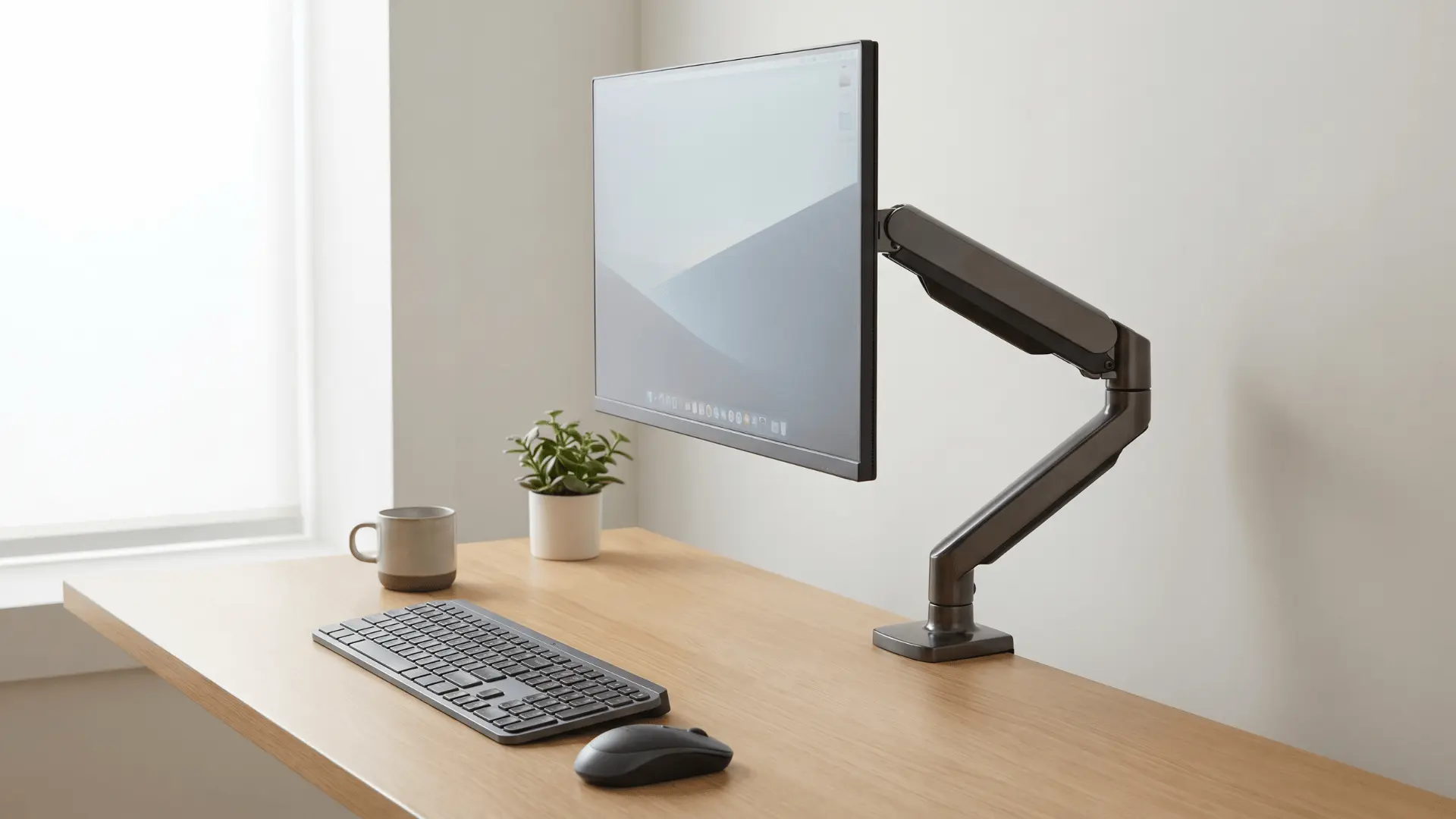
Using a monitor arm lifts your screen off the desk and allows flexible positioning. This frees up desk space and helps you adjust height and angle easily.
It works best with sturdy desks that can handle the clamp or mount. Weak desk surfaces can lead to instability, making the setup feel unsafe or shaky.
8. Built-In Desk Shelf Setup
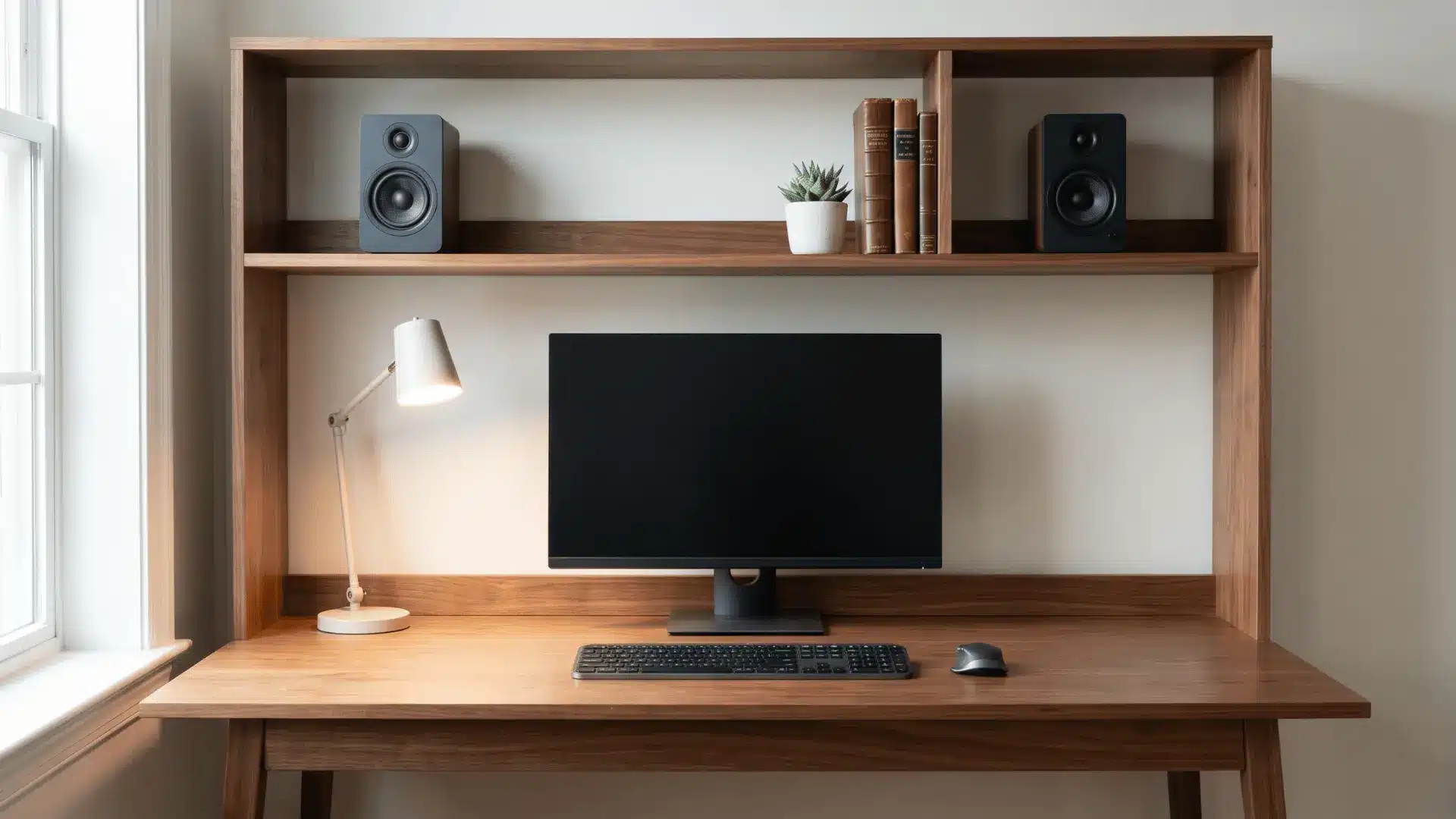
A desk with a built-in shelf adds vertical storage without needing extra furniture. You can place speakers, decor, or accessories above the main workspace.
This keeps the desk surface clear and organized. Problems appear when the shelf blocks proper monitor height, forcing you to adjust your posture in an uncomfortable way.
9. Glass Desk Setup
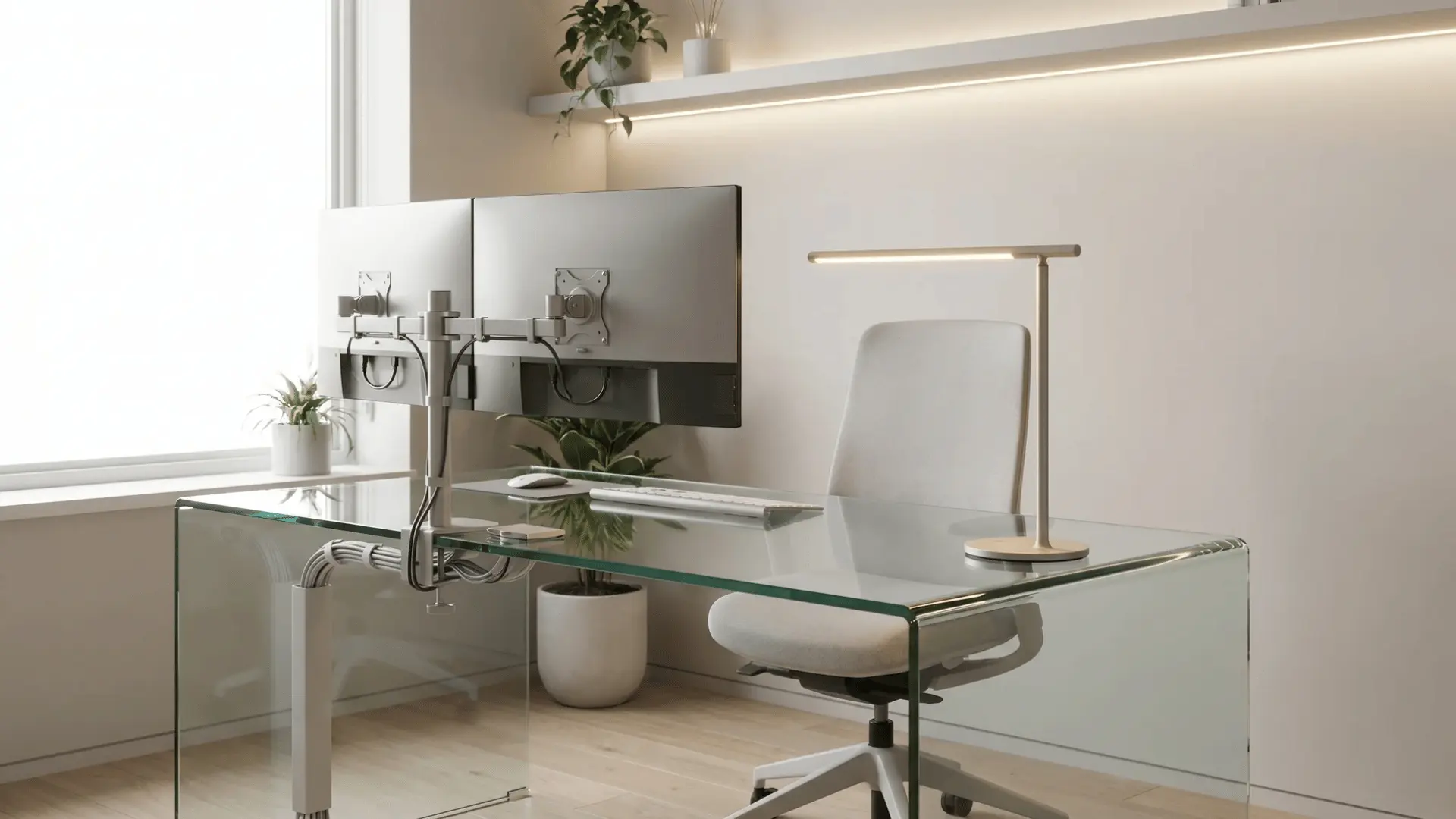
A glass desk gives a clean and modern look, making the setup feel more open and light. It works well for aesthetic-focused setups. Regular cleaning is needed to maintain the look.
Visual clutter becomes noticeable if cables are not managed properly, as everything underneath remains visible through the surface.
Lighting Setup Ideas
Lighting shapes how your setup feels and performs, helping reduce eye strain while also defining the overall visual tone of your space.
10. RGB Backlight Behind Monitor
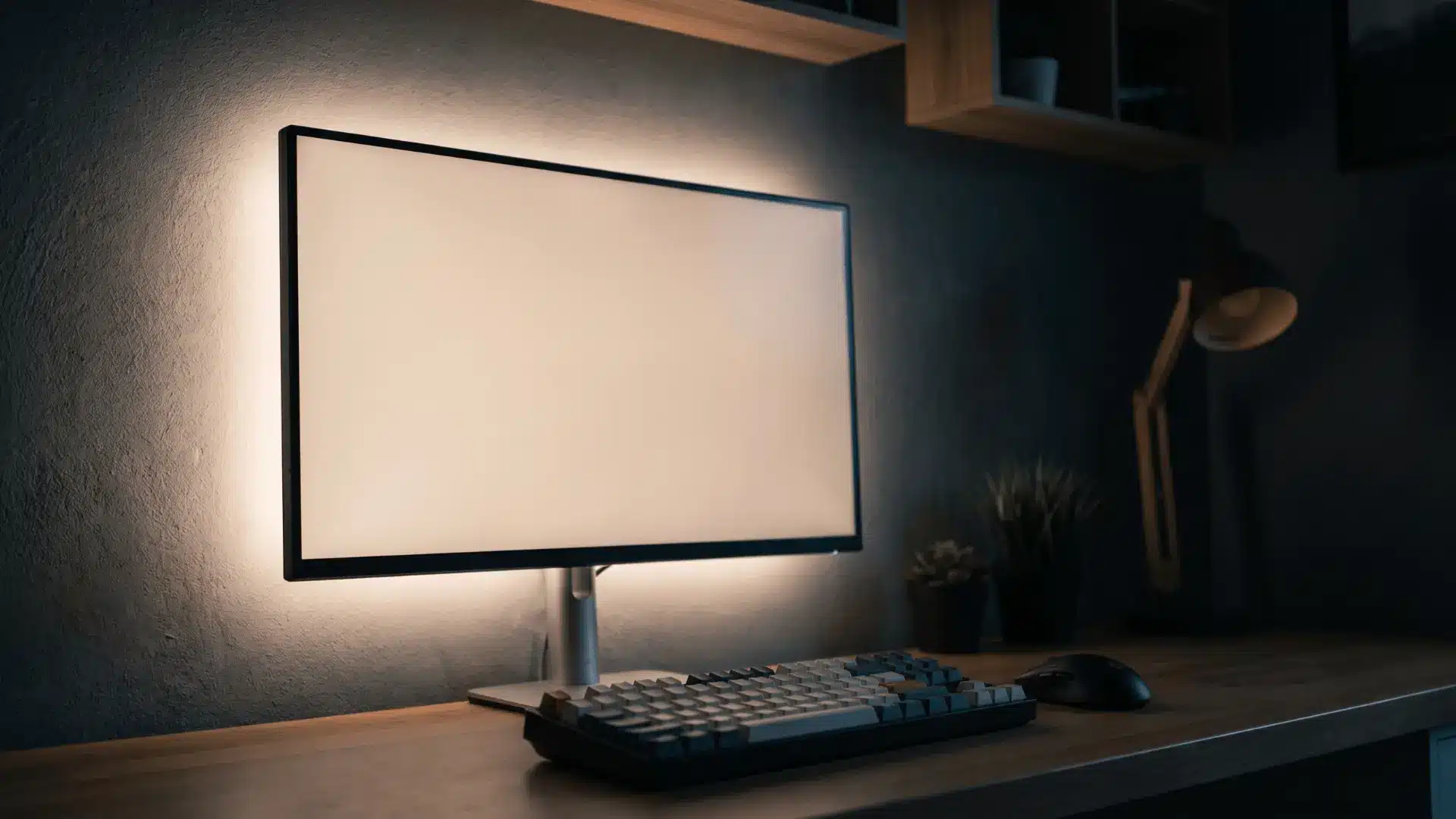
Adding LED lighting behind the monitor creates a soft glow that reduces eye strain in darker rooms. It also adds depth to the setup without taking extra space.
Keep brightness low and colors consistent. Overly bright or poorly placed lighting can create glare on the screen, which distracts and affects visibility.
11. Under-Desk LED Glow
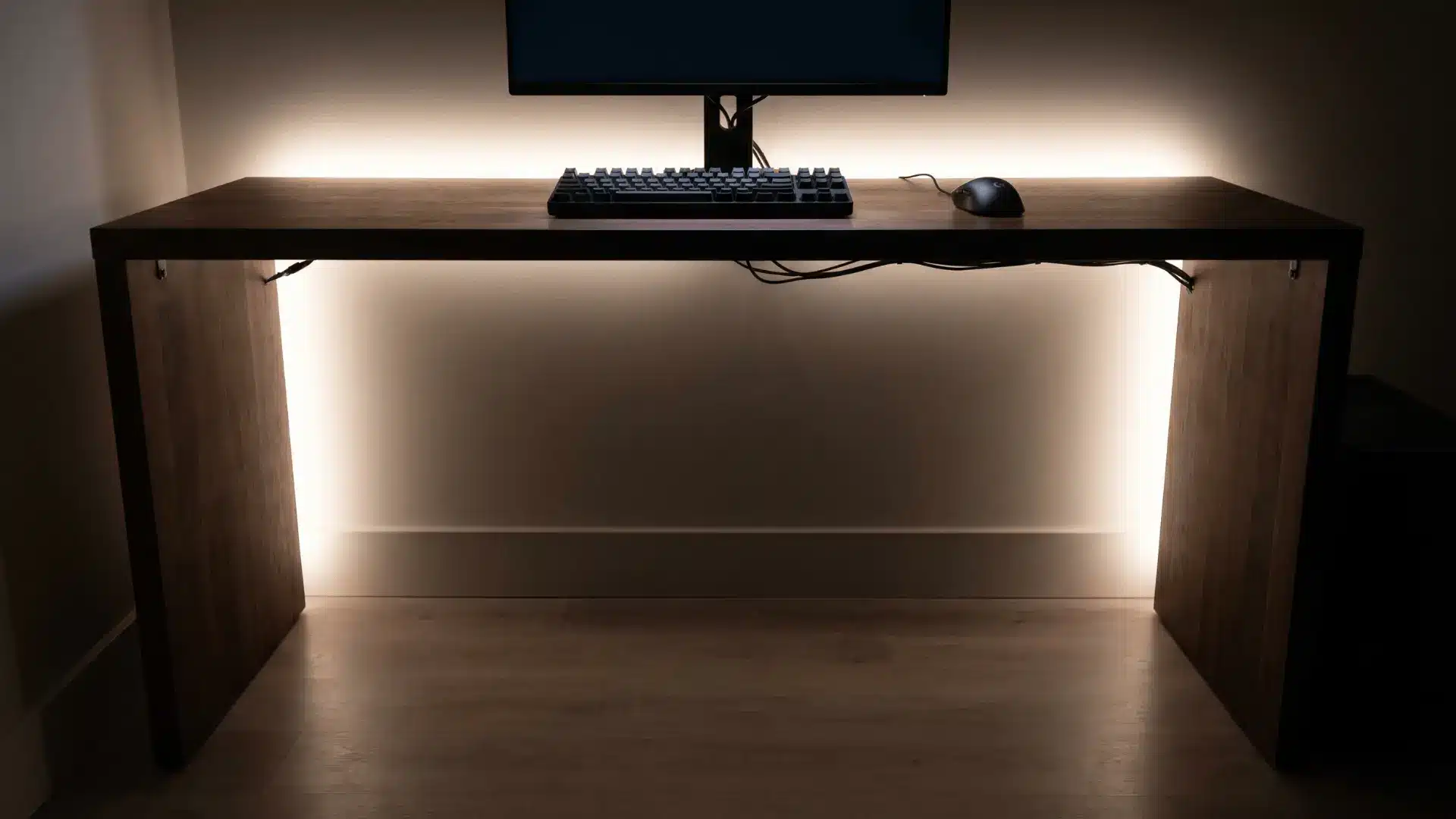
LED strips placed under the desk create a floating effect and add depth to the setup. This works well for mood lighting without interfering with the screen.
Keep the brightness subtle and colors consistent with the theme. Excessively bright lighting or random color changes can become distracting, especially during focused gaming sessions.
12. Wall LED Panels Setup
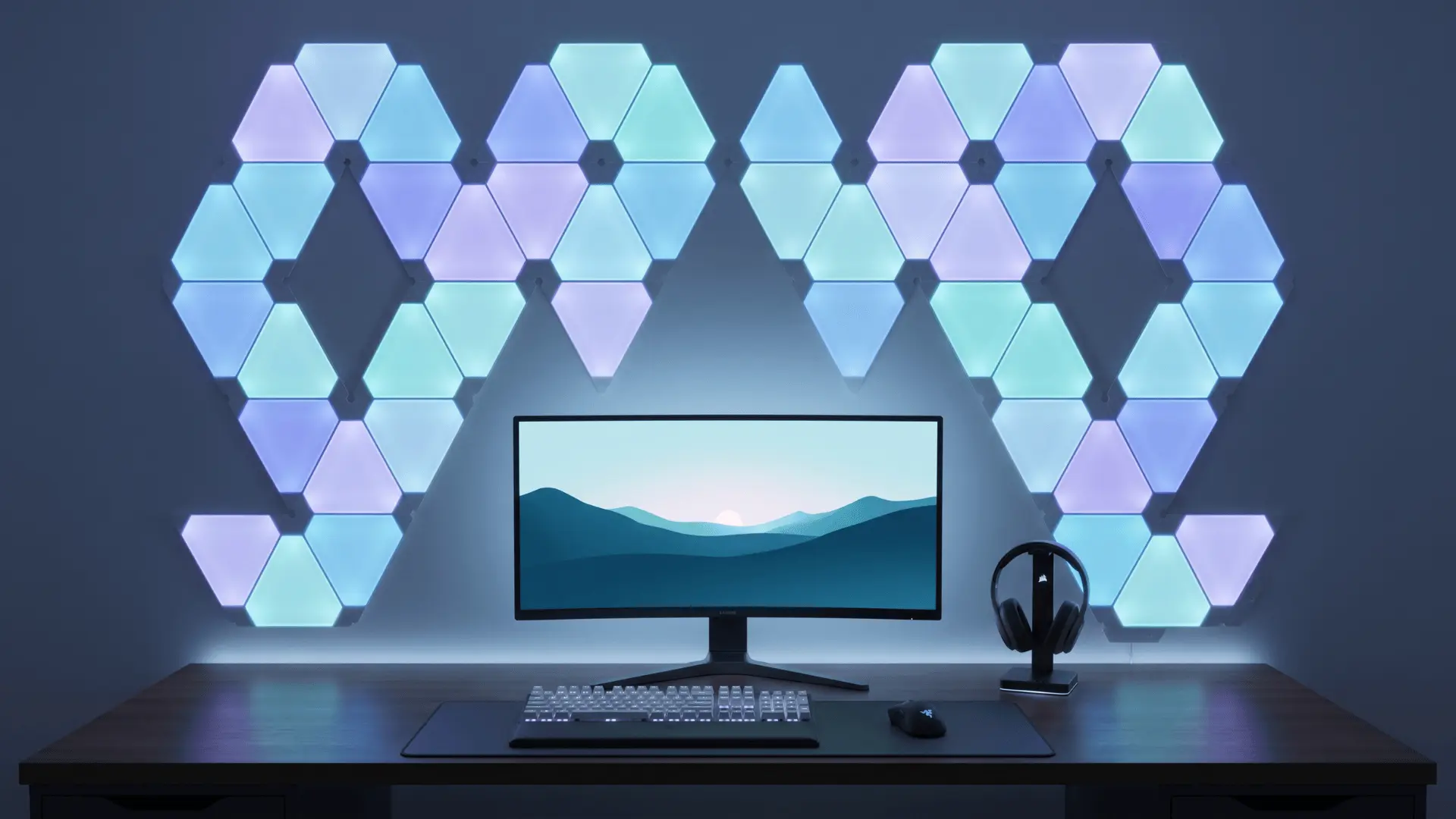
LED panels on the wall turn your setup into a visual centerpiece. They allow custom shapes and color patterns, adding personality to the space.
This works best when arranged with a clear design in mind. Random placement or too many panels can make the wall look cluttered instead of clean and intentional.
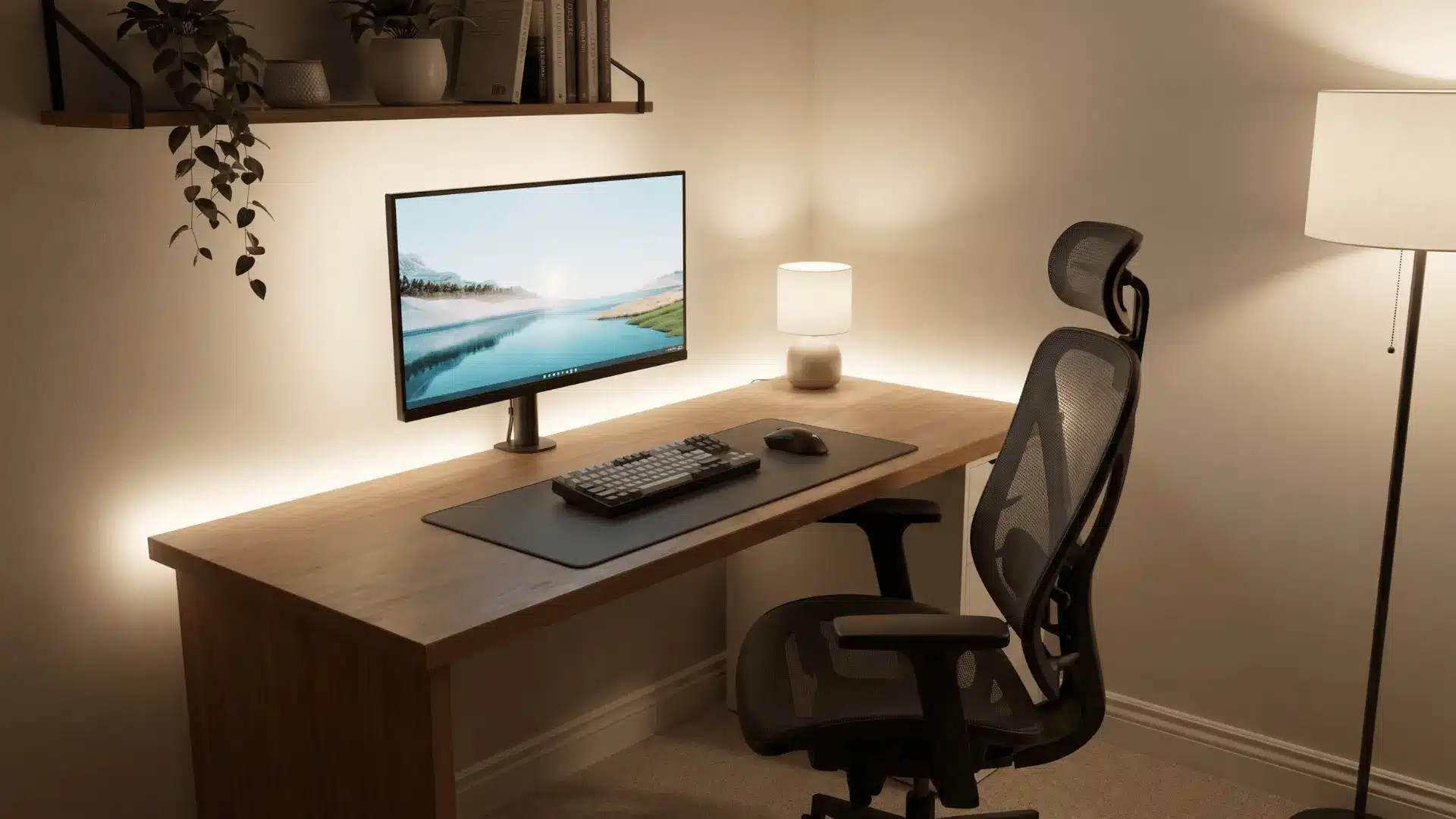
13. Warm Ambient Lighting Setup
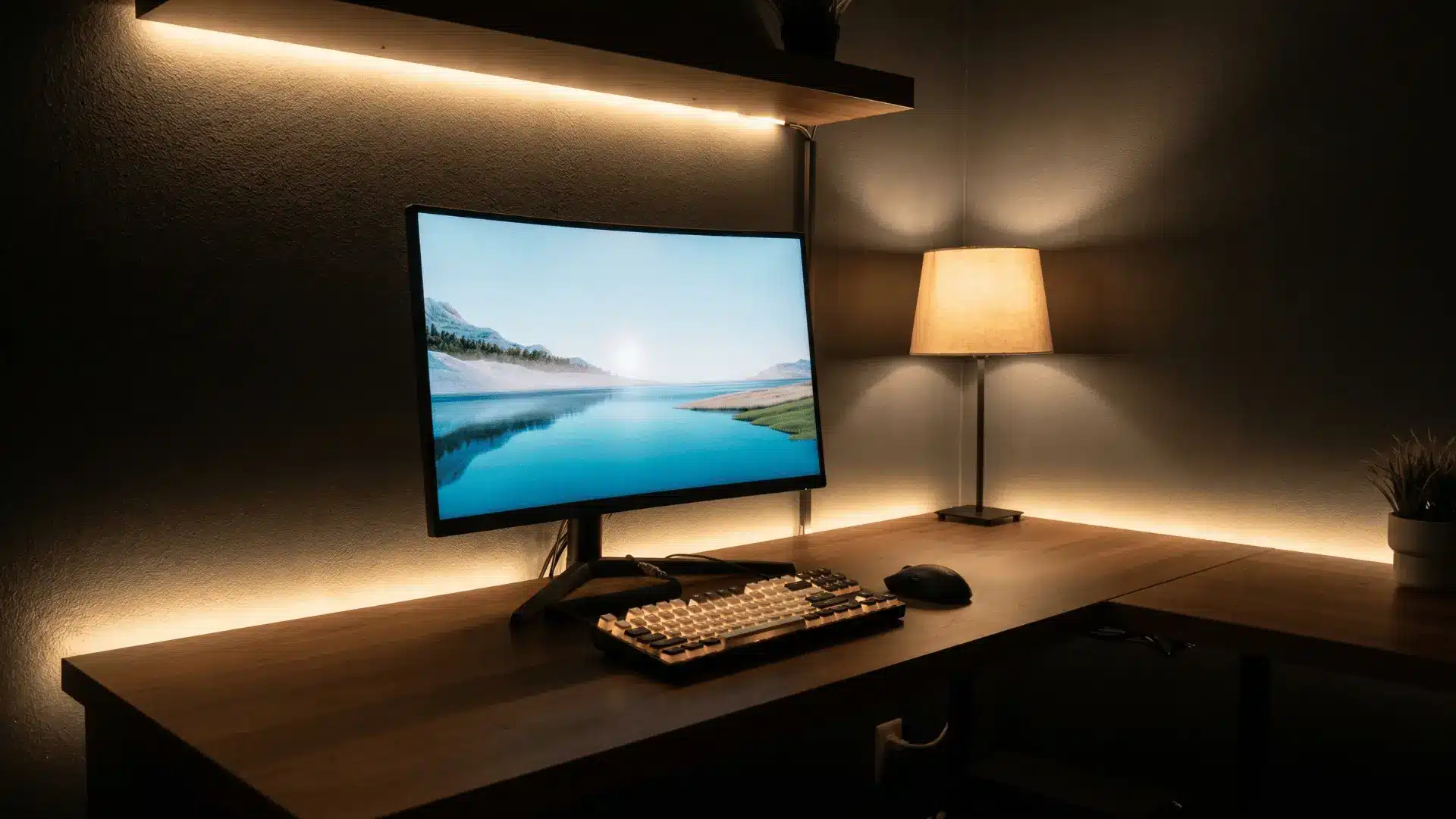
Warm lighting creates a relaxed and comfortable environment, especially for long gaming sessions or casual play. It reduces harsh contrast between the screen and the room.
Place lights behind or around the setup for balance. Lighting that is too dim or uneven can strain your eyes and make the setup feel dull.
14. Desk Lamp With Adjustable Arm
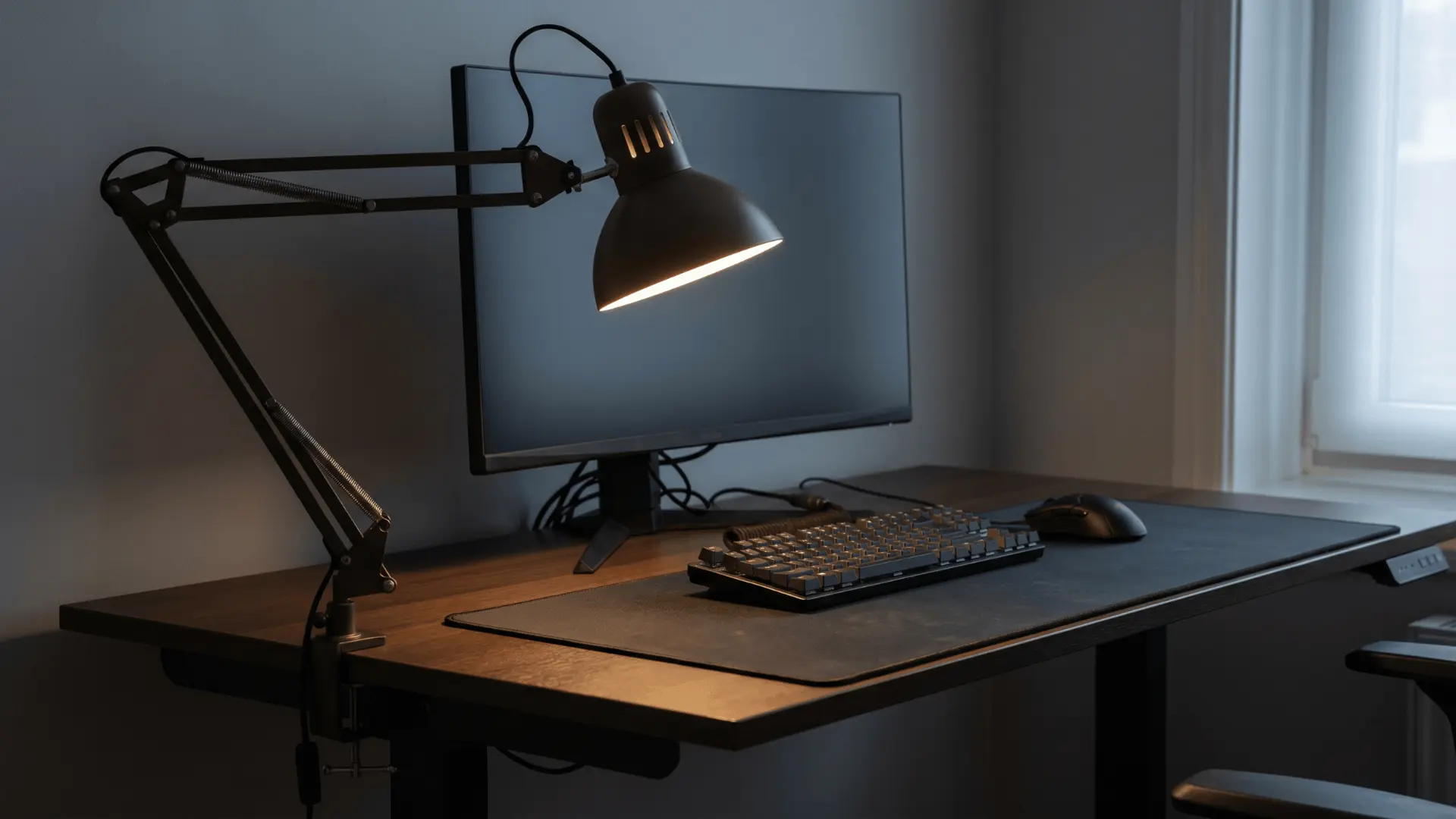
An adjustable desk lamp gives you focused lighting exactly where needed, such as your keyboard or notes. It improves visibility without affecting the screen.
Position it to avoid shadows on your hands. Poor placement can create glare or uneven lighting, which reduces both comfort and usability.
15. Color-Themed Lighting Setup
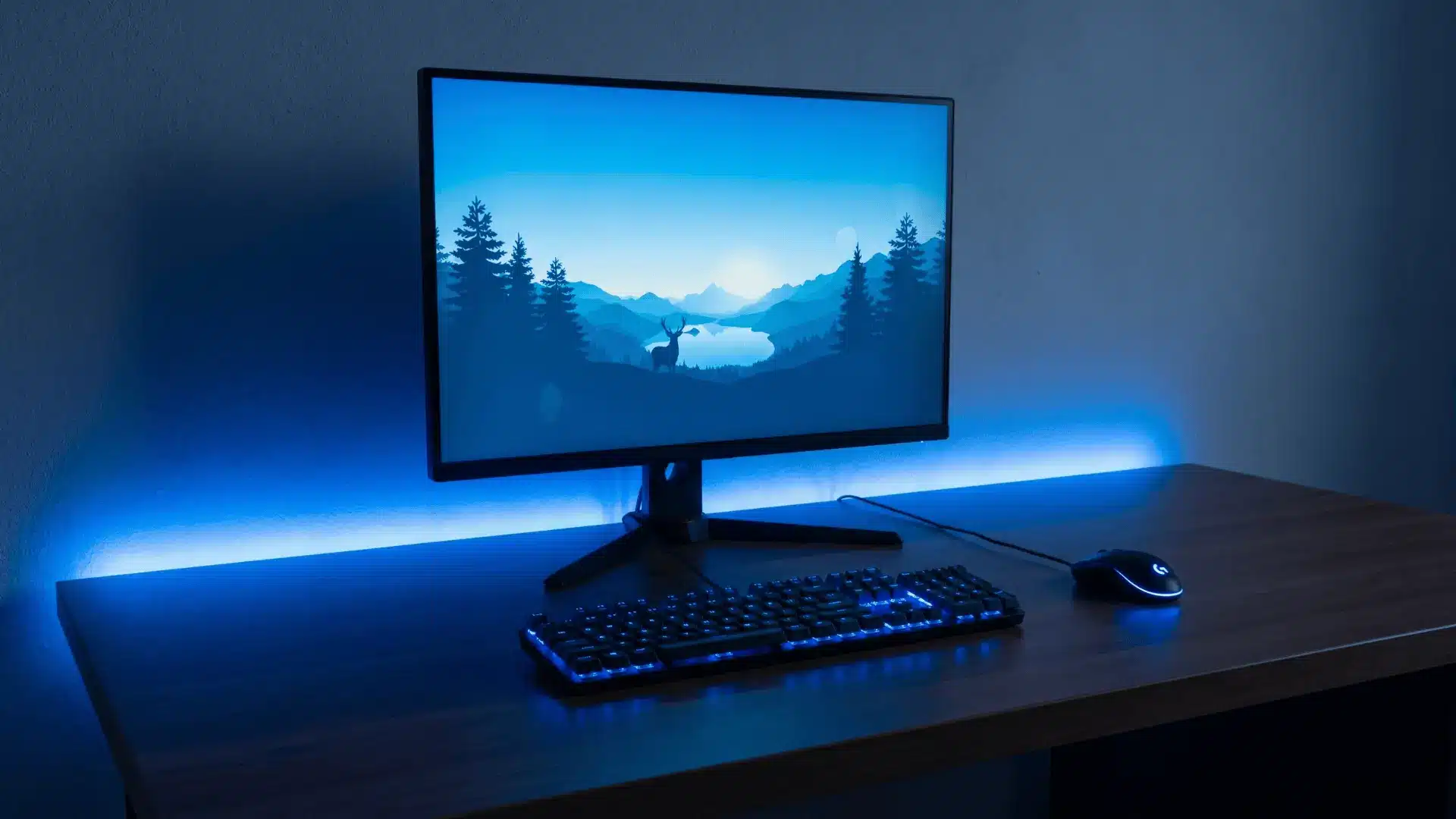
Choosing one consistent color theme ties the entire setup together visually. It makes even simple setups look more organized and intentional.
Match lighting with peripherals and wall elements for a cohesive look. Mixing too many colors without a plan can break the visual balance and make the setup feel chaotic.
Aesthetic and Theme Ideas
These ideas help you give your setup a clear visual direction so everything looks intentional instead of randomly put together.
16. All-Black Minimal Setup
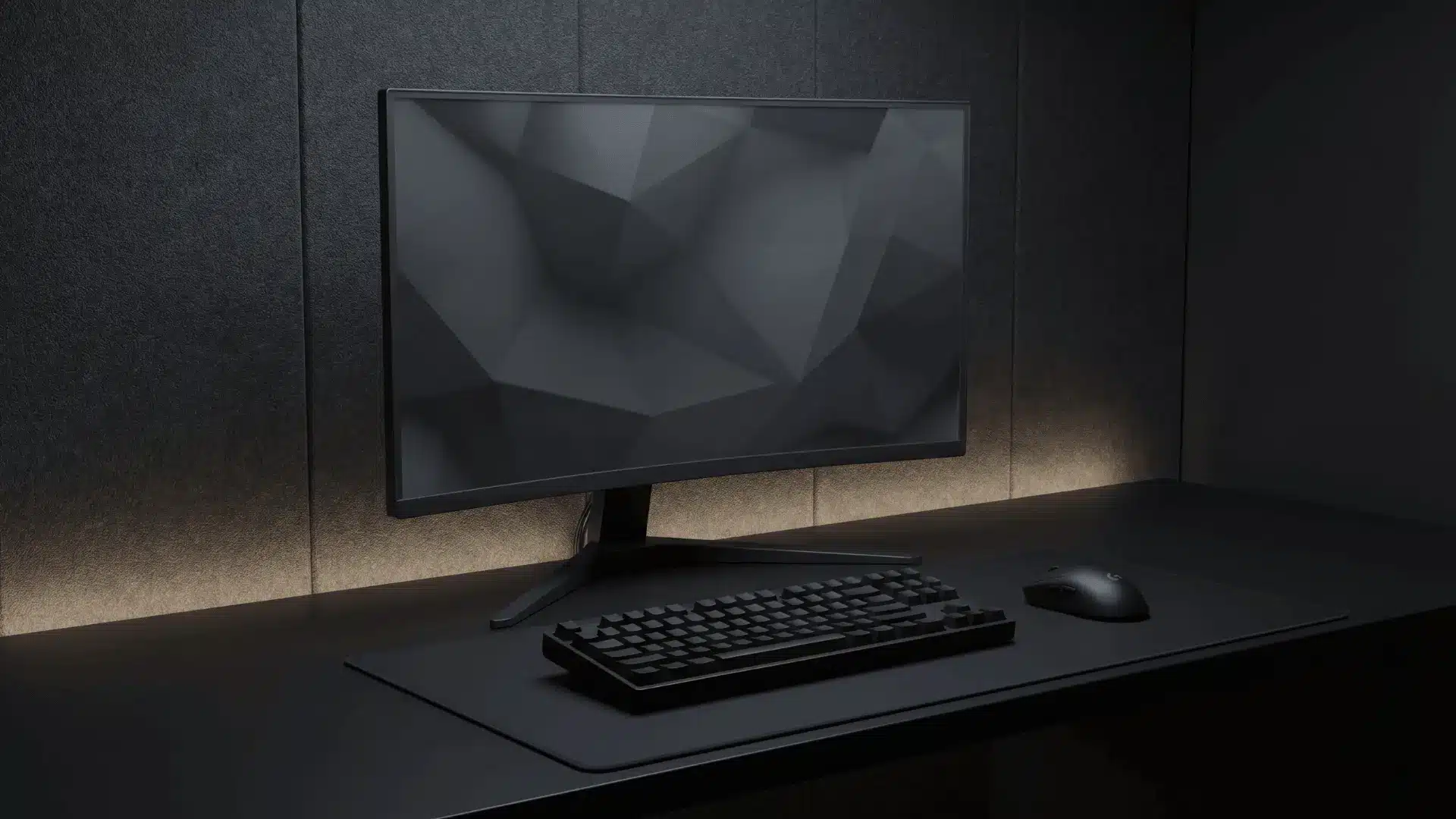
An all-black setup keeps everything simple and distraction-free. It works well for focused gaming and clean visuals.
Use matte finishes to reduce reflections and add subtle lighting for depth. Without contrast or lighting, the setup can feel flat and lifeless, especially in low-light environments.
17. White Clean Setup
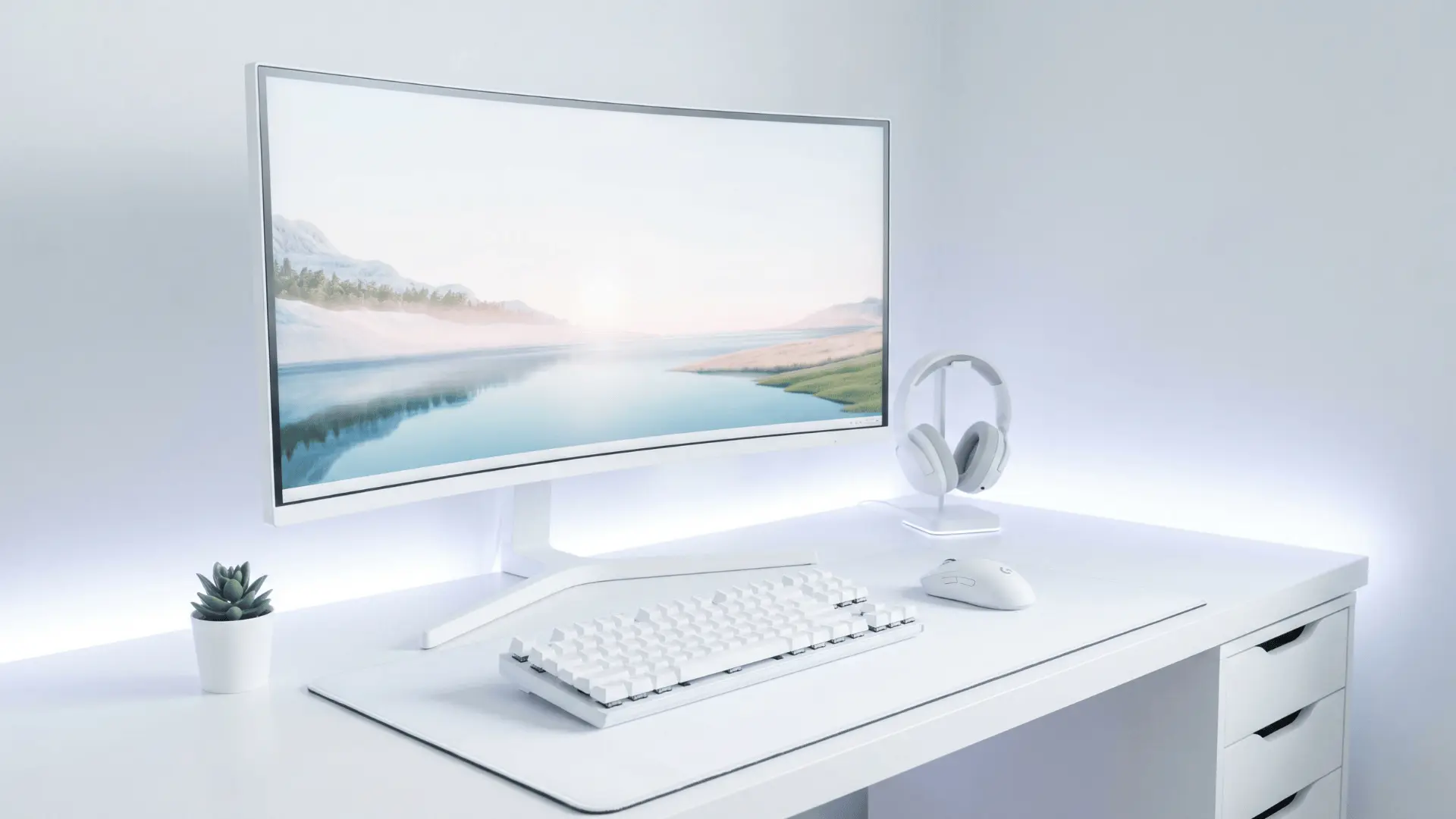
A white setup makes the space feel brighter and more open. It reflects light well and pairs nicely with soft lighting themes.
Keep accessories minimal to maintain the clean look. Dust and stains become more visible over time, so regular cleaning is needed to keep the setup looking fresh.
18. RGB Gaming Setup
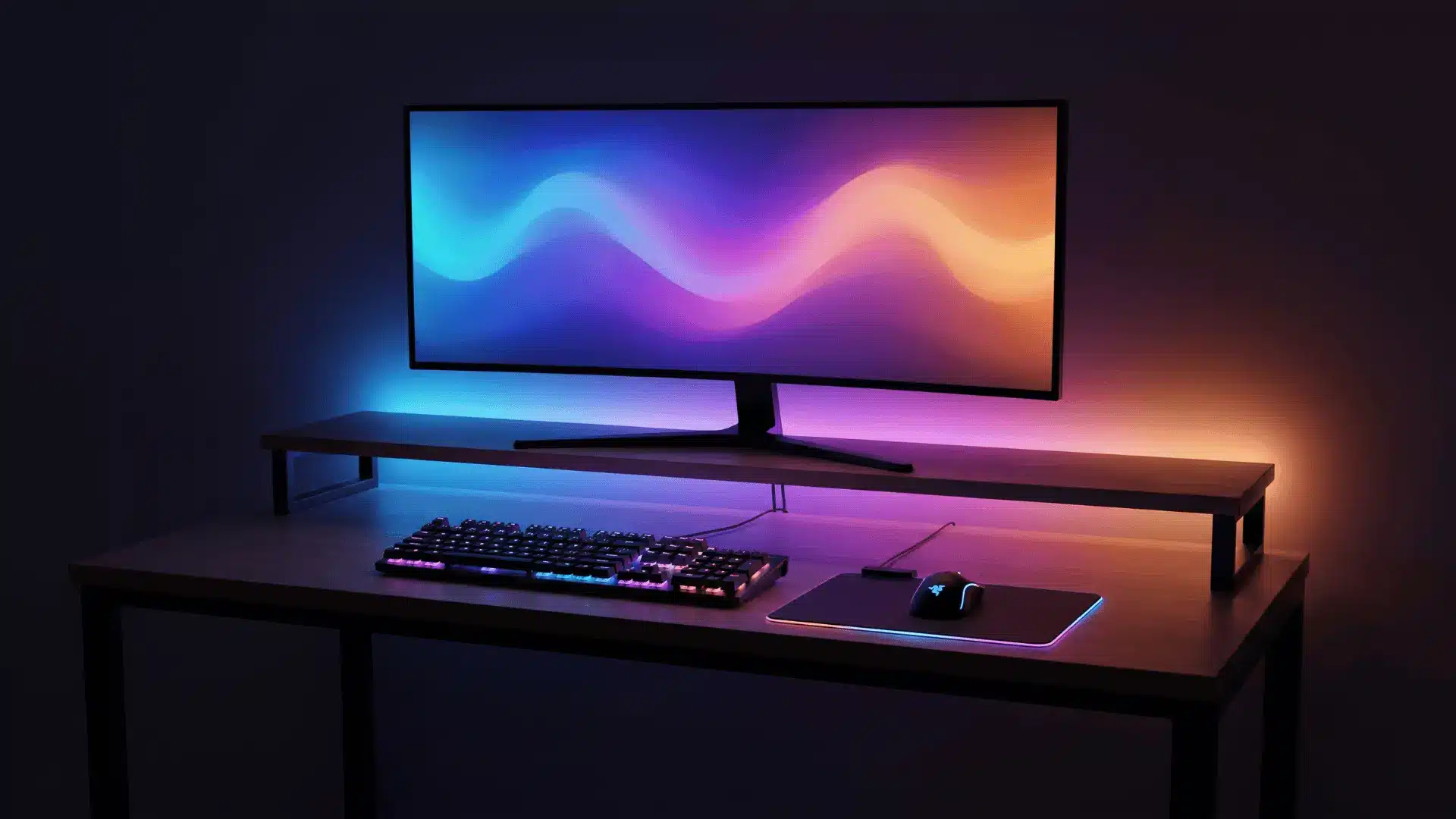
An RGB-focused setup adds energy and visual impact through lighting effects. It works best when colors are coordinated across devices and lights.
Use software to sync everything for consistency. Random or overly bright lighting patterns can become distracting and reduce the overall experience.
19. Cozy Gaming Setup
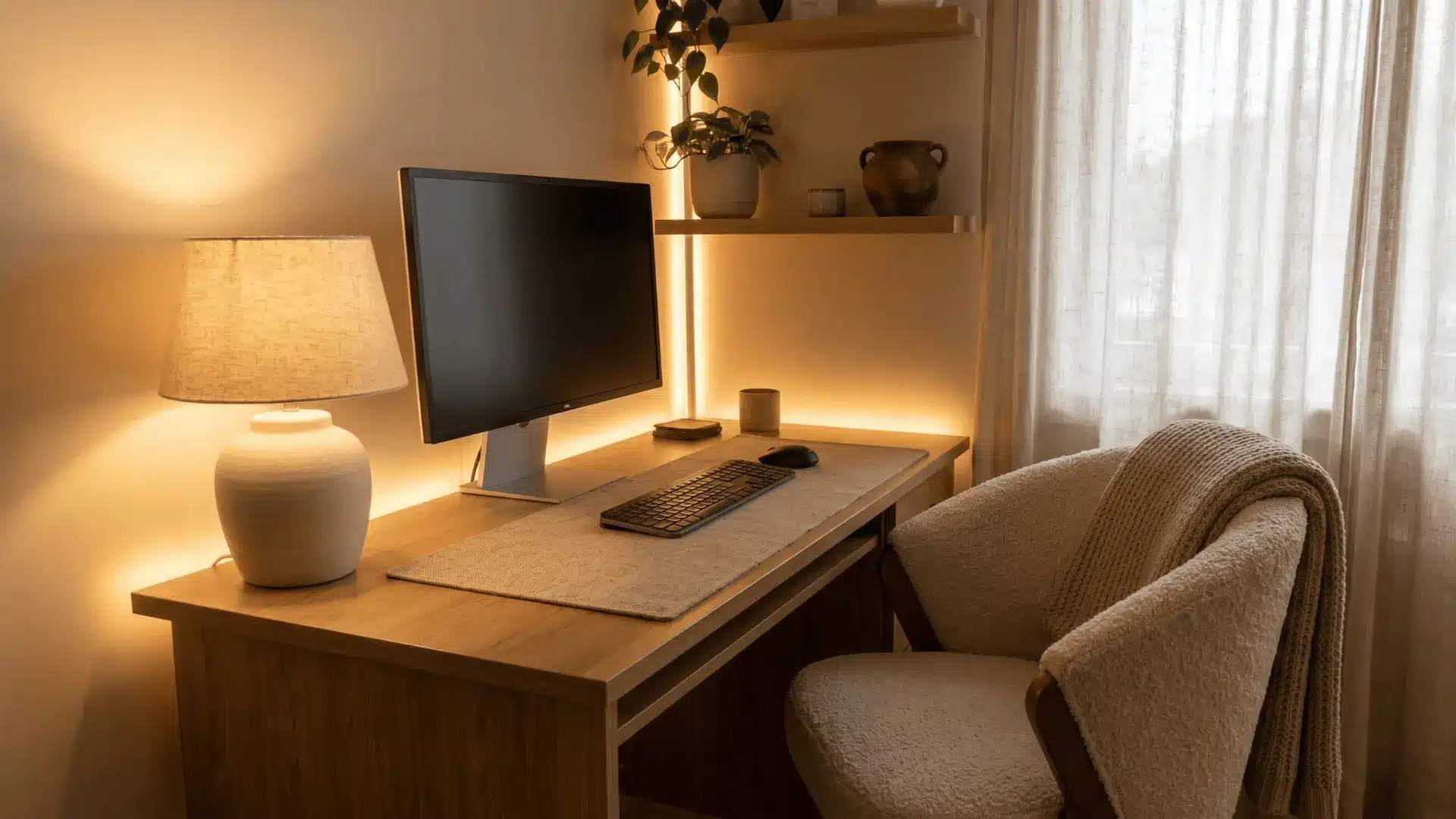
A cozy setup uses warm lighting, soft textures, and relaxed seating to create a comfortable space. It’s ideal for long, casual gaming sessions.
Add elements like soft lights or fabric textures. Too many soft elements or dim lighting can reduce focus and make the setup less practical for competitive gaming.
20. Anime or Poster Wall Setup
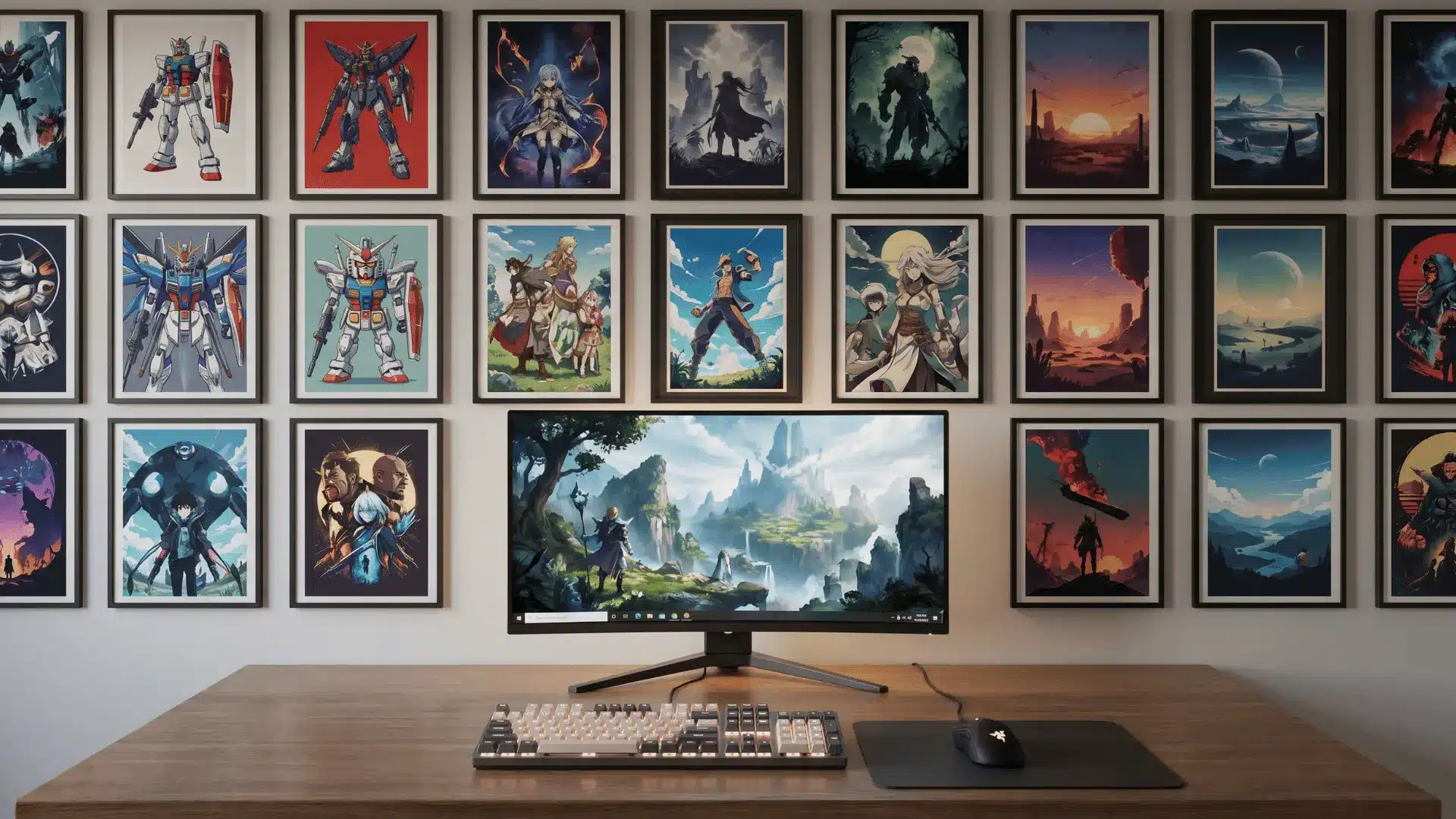
Decorating with posters or themed art personalizes your setup and reflects your interests. Arrange items neatly to create a focal wall behind your desk.
It adds character without changing functionality. Overcrowding the wall with too many items can make the space feel cluttered and visually overwhelming.
21. Nature-Inspired Setup With Plants
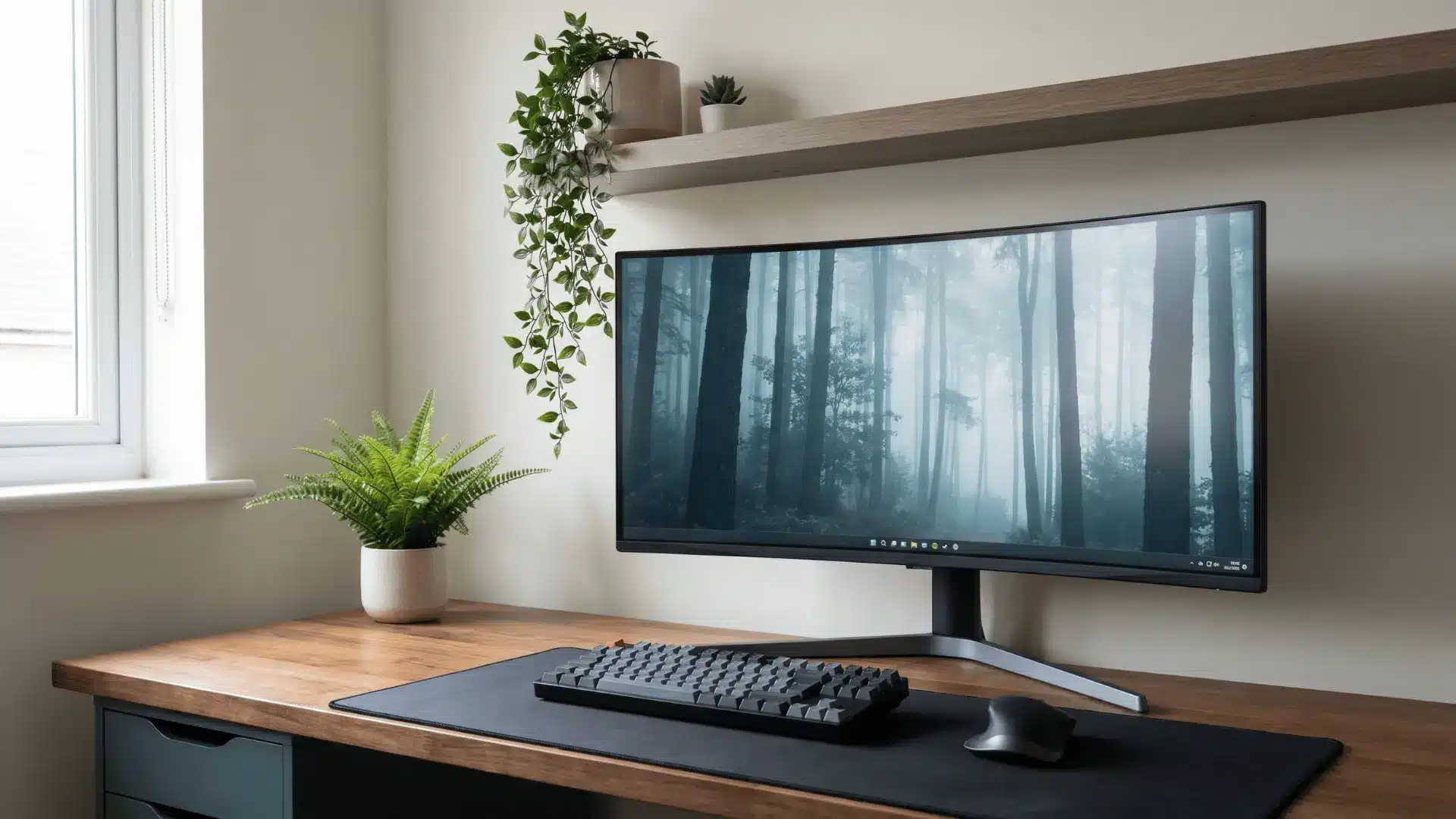
Adding plants to your setup brings a fresh and calming feel. It softens the overall look and reduces visual fatigue during long sessions.
Place small plants on shelves or corners of the desk. Poor placement or lack of light can make plants hard to maintain, and too many can crowd the workspace.
Space-Saving Setup Ideas
If you are working with limited room, these ideas help you use vertical and hidden space without sacrificing usability.
22. Wall-Mounted Shelves Above Desk
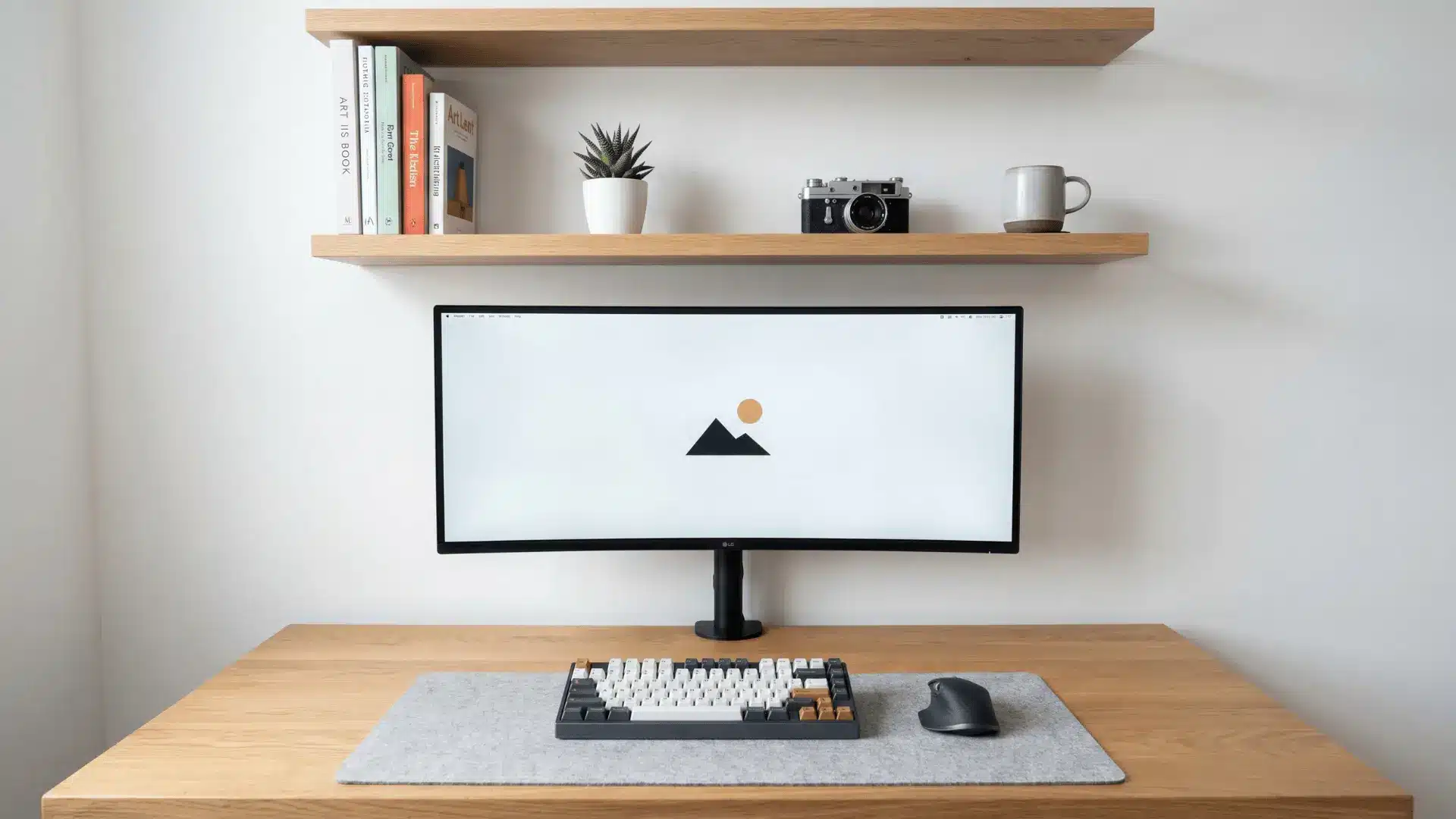
Shelves above the desk help use vertical space for storage and decor. They keep the main surface clear while adding functionality. Arrange items neatly to avoid visual clutter.
Overloading shelves or placing them too low can make the setup feel cramped and restrict monitor positioning.
23. Pegboard Organization Setup
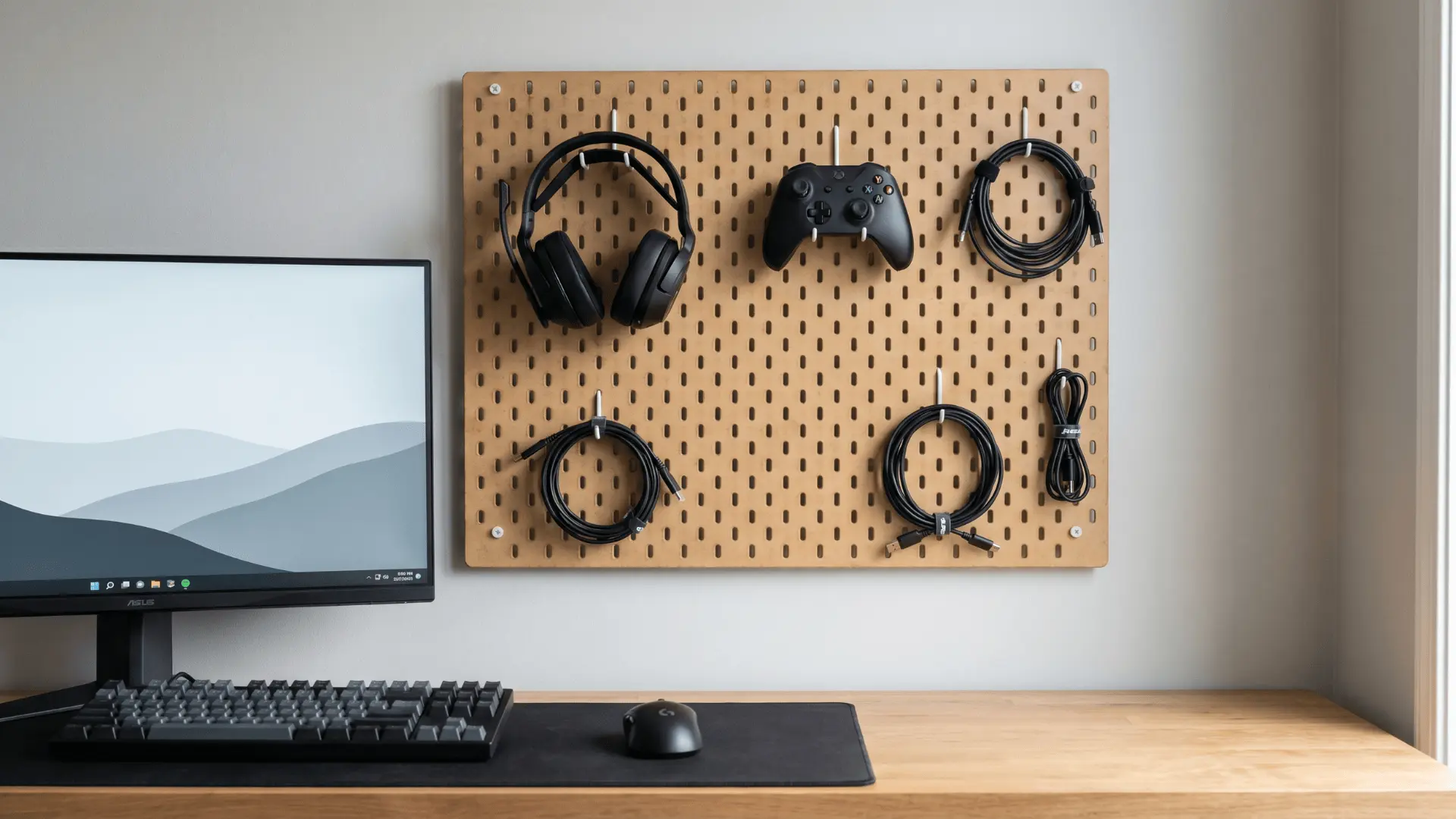
A pegboard allows flexible storage for accessories like controllers, cables, and headphones. You can rearrange it anytime based on your needs.
It keeps everything within reach without using desk space. Without planning, it can quickly look messy and lose its purpose as an organized system.
24. Under-Desk Storage Drawers
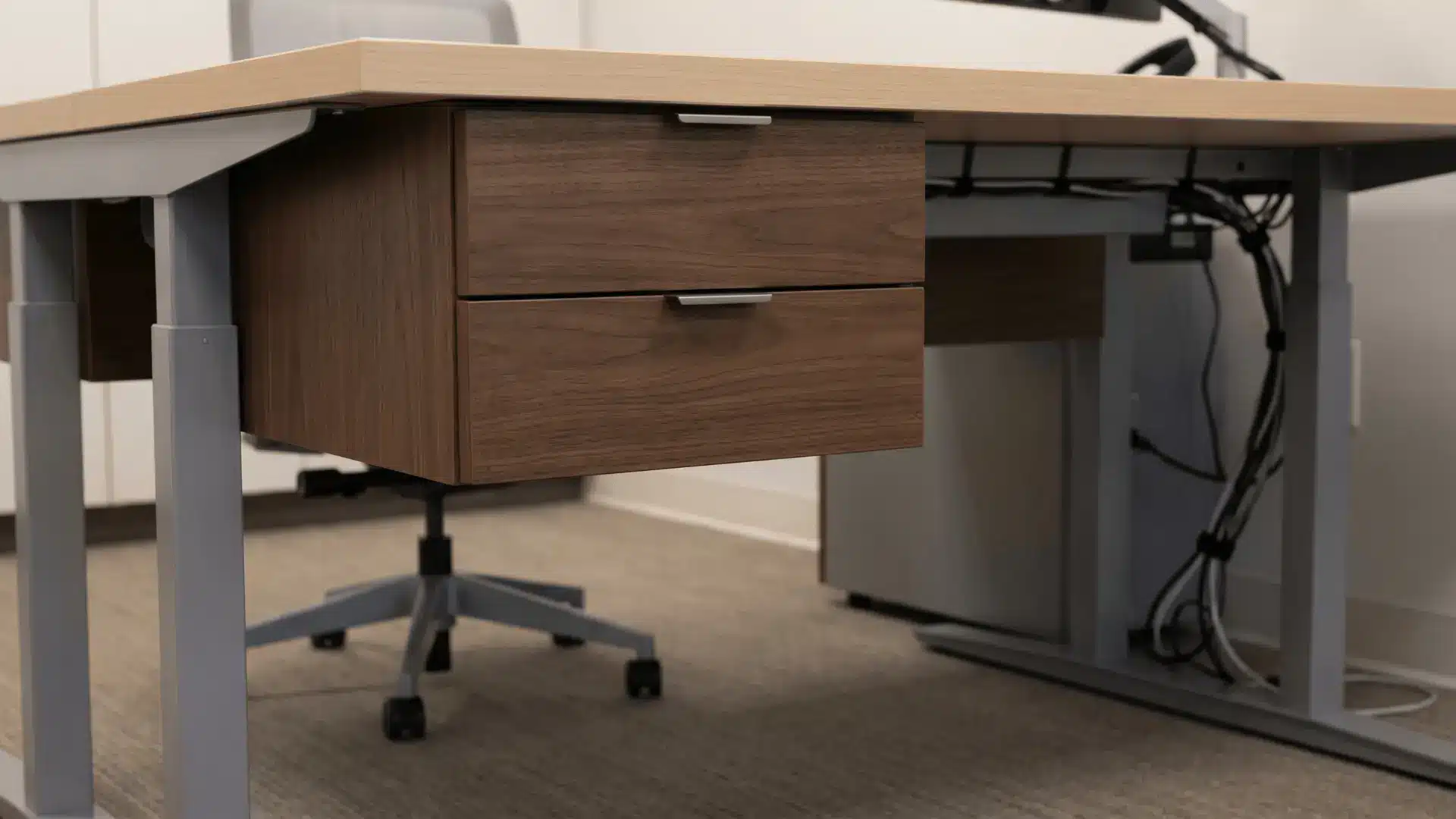
Drawers under the desk help hide items and keep the surface clean. They are useful for storing cables, tools, or small accessories.
Choose compact designs to maintain legroom. Bulky drawers can limit movement and make the setup uncomfortable during longer sessions.
25. Cable Tray Under Desk
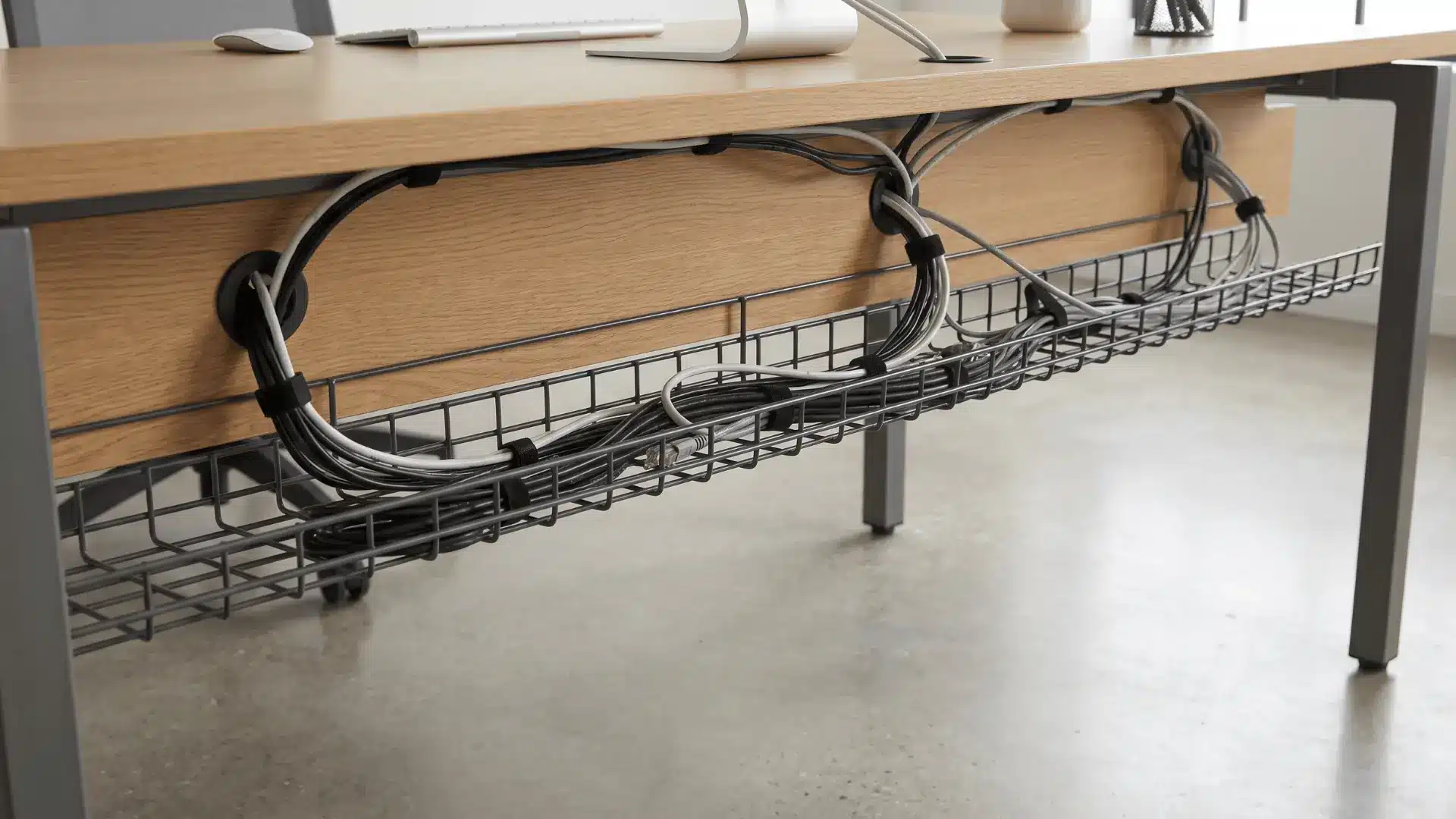
A cable tray mounted under the desk keeps wires hidden and organized. It improves both the look and usability of the setup. Plan cable routing before installing it.
Poor installation or overcrowding the tray can make future changes difficult and reduce accessibility.
26. Compact Corner Setup
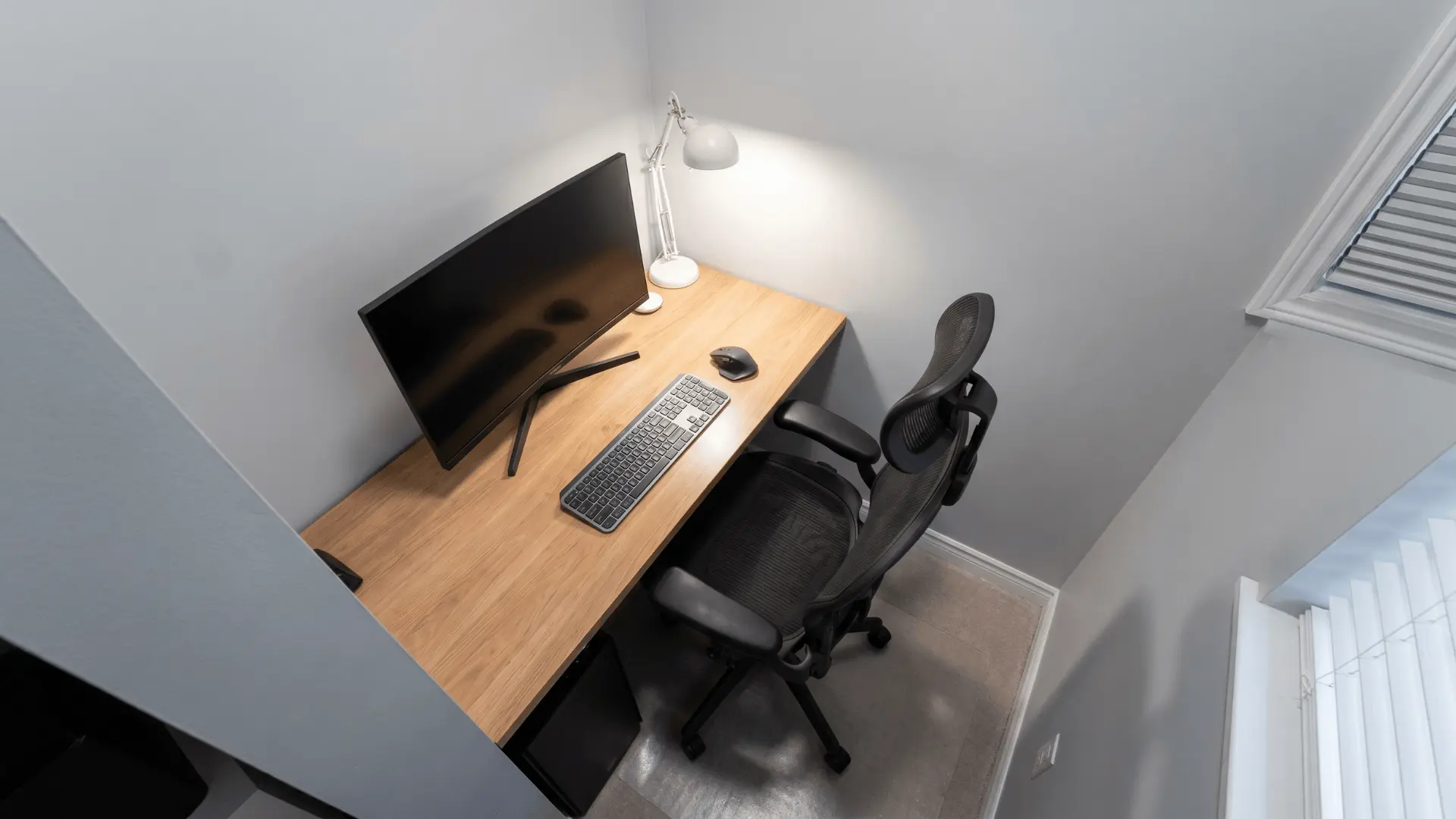
A corner setup uses limited space efficiently by placing the desk where two walls meet. It keeps everything within reach and works well in small rooms.
Position monitors at a slight angle for comfortable viewing. Tight spacing or poor layout planning can make movement restricted and reduce overall comfort during longer sessions.
27. Foldable Desk Setup
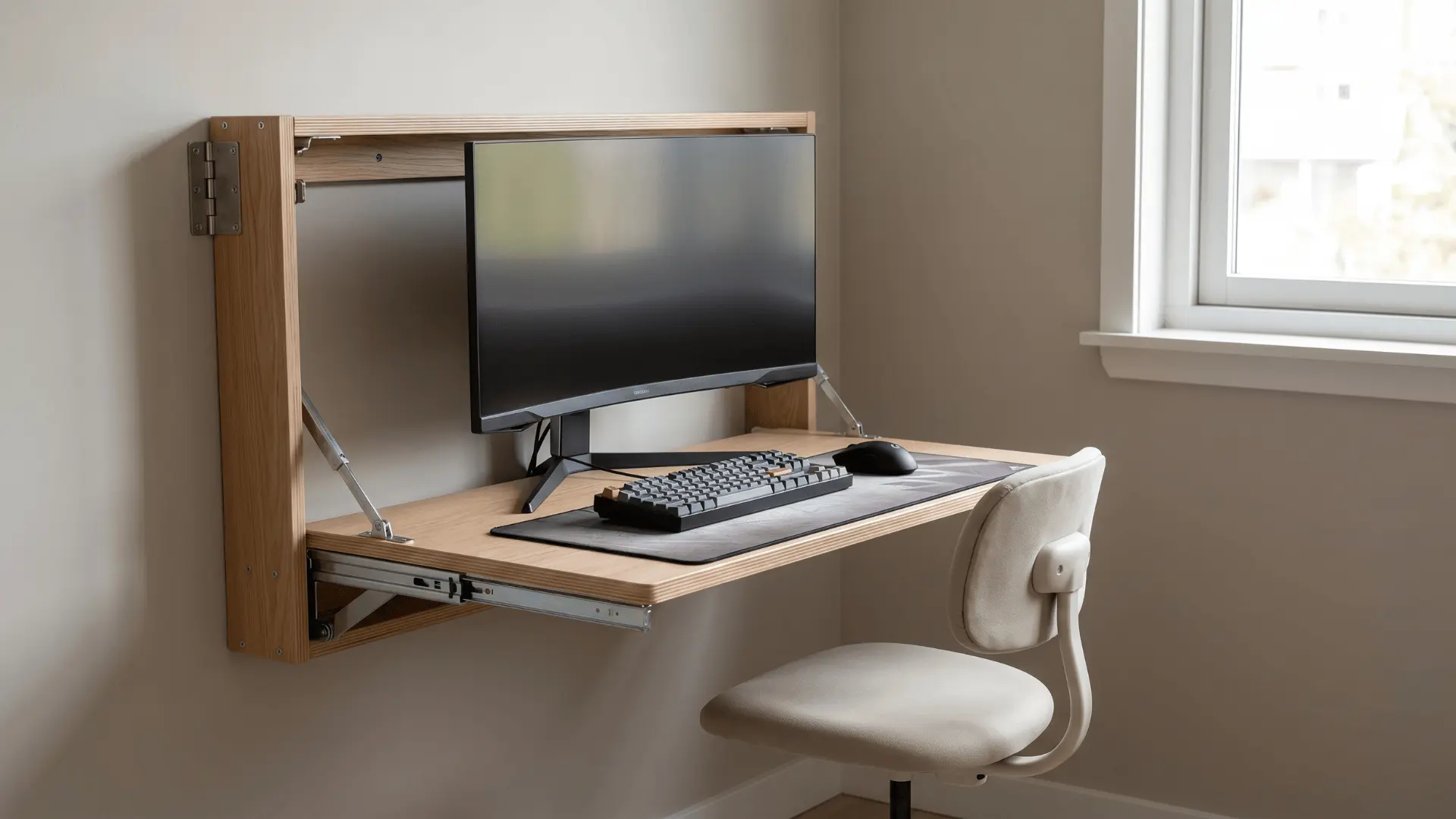
A foldable desk is useful for multi-purpose rooms where space needs to be cleared when not in use. It keeps the setup flexible and easy to manage.
Choose a sturdy design that can handle your equipment. Lightweight or unstable desks can affect usability and make the setup feel unreliable during regular use.
Performance and Comfort Ideas
These focus on improving how your setup feels during long sessions, making small adjustments that have a big impact on comfort.
28. Ergonomic Chair Upgrade
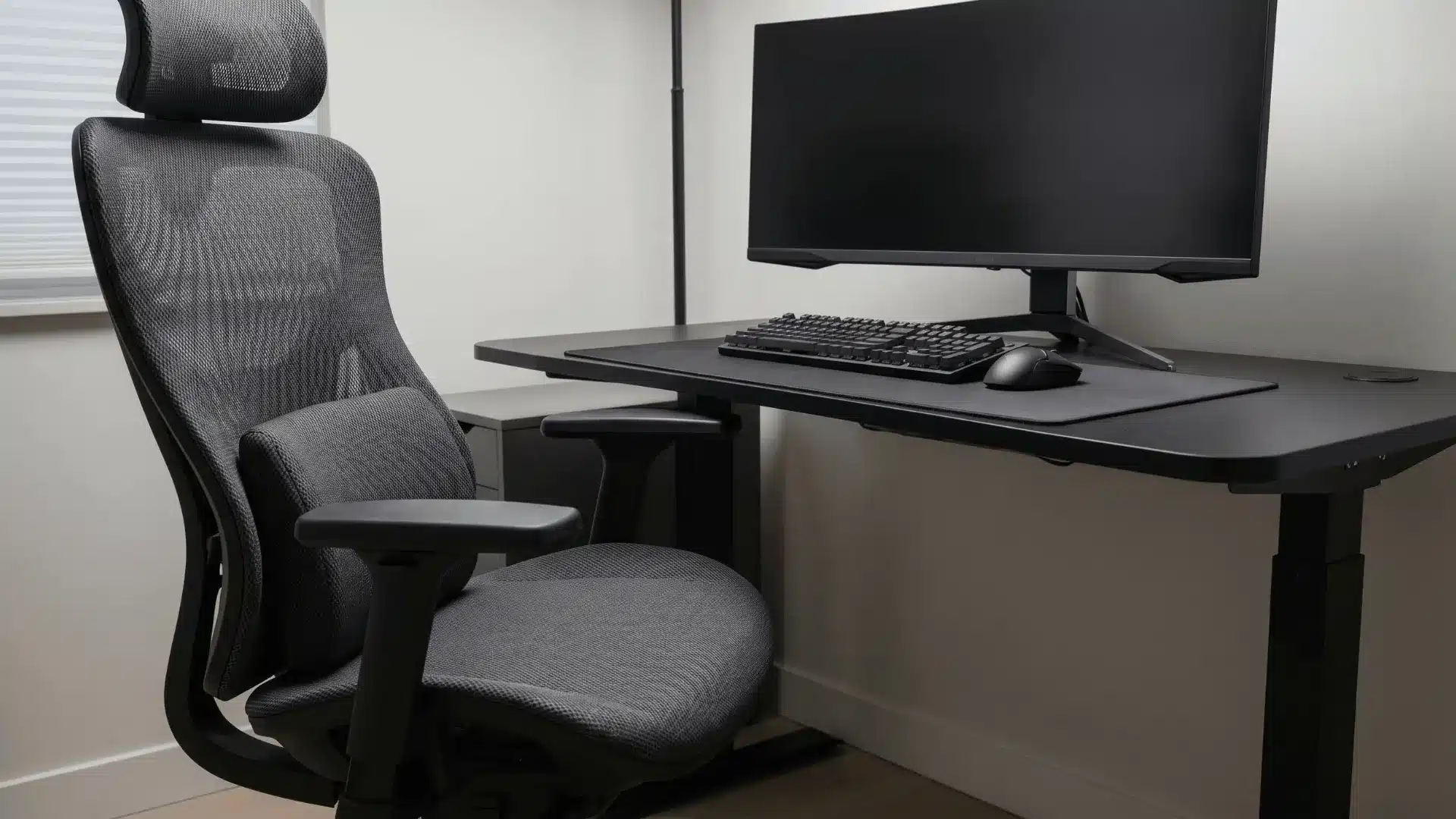
Switching to an ergonomic chair improves posture and reduces back strain during long sessions. Look for adjustable height, lumbar support, and armrests.
It supports better alignment between your body and desk. Poor adjustment or choosing style over support can reduce its benefits and lead to discomfort over time.
29. Large Desk Mat Setup
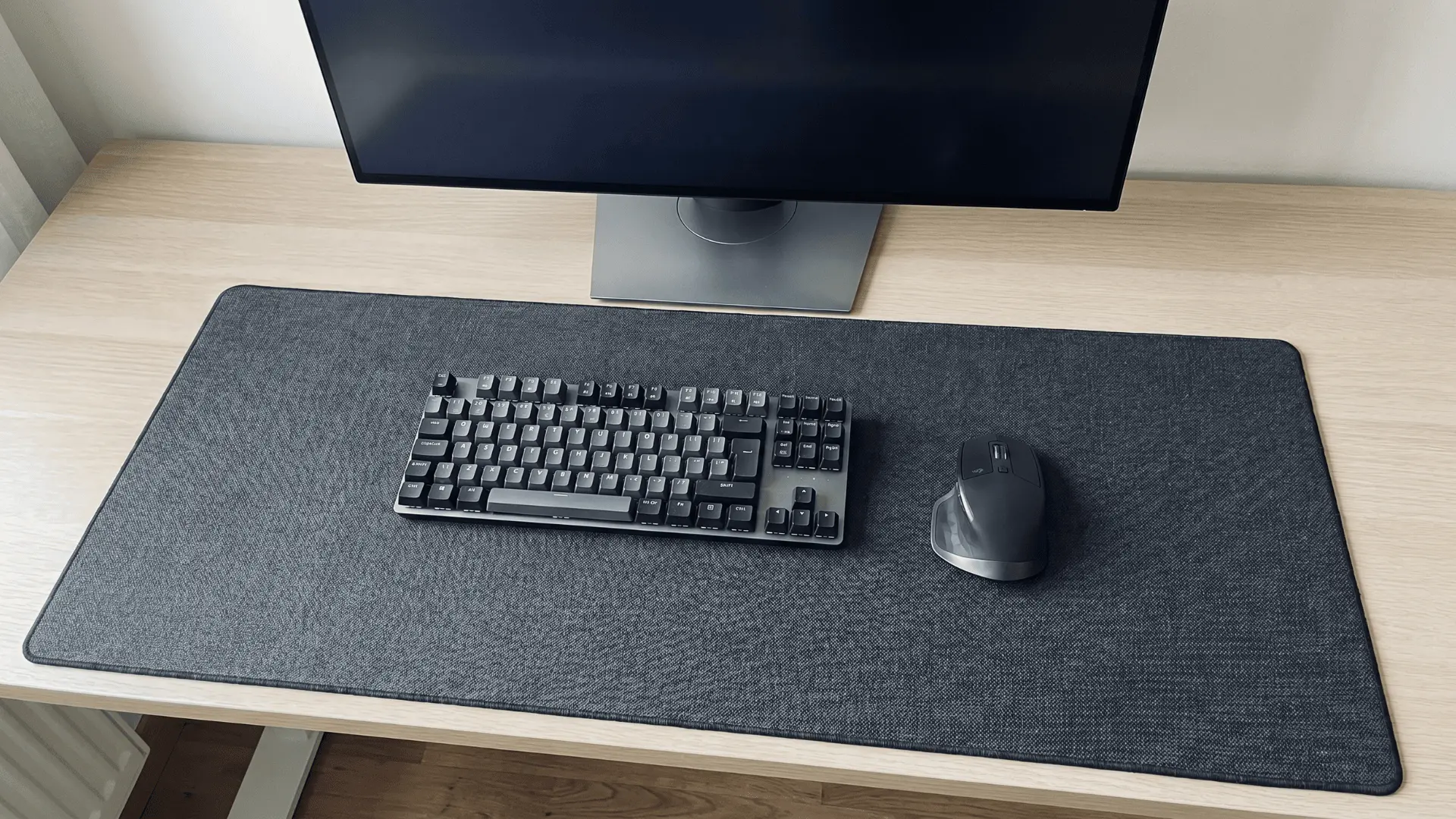
A large desk mat covers most of the surface, providing a smooth area for both keyboard and mouse. It improves comfort and keeps the setup visually unified.
Choose a size that fits your desk properly. Low-quality materials or lack of cleaning can lead to wear, affecting both performance and appearance.
30. Wrist Rest Support Setup
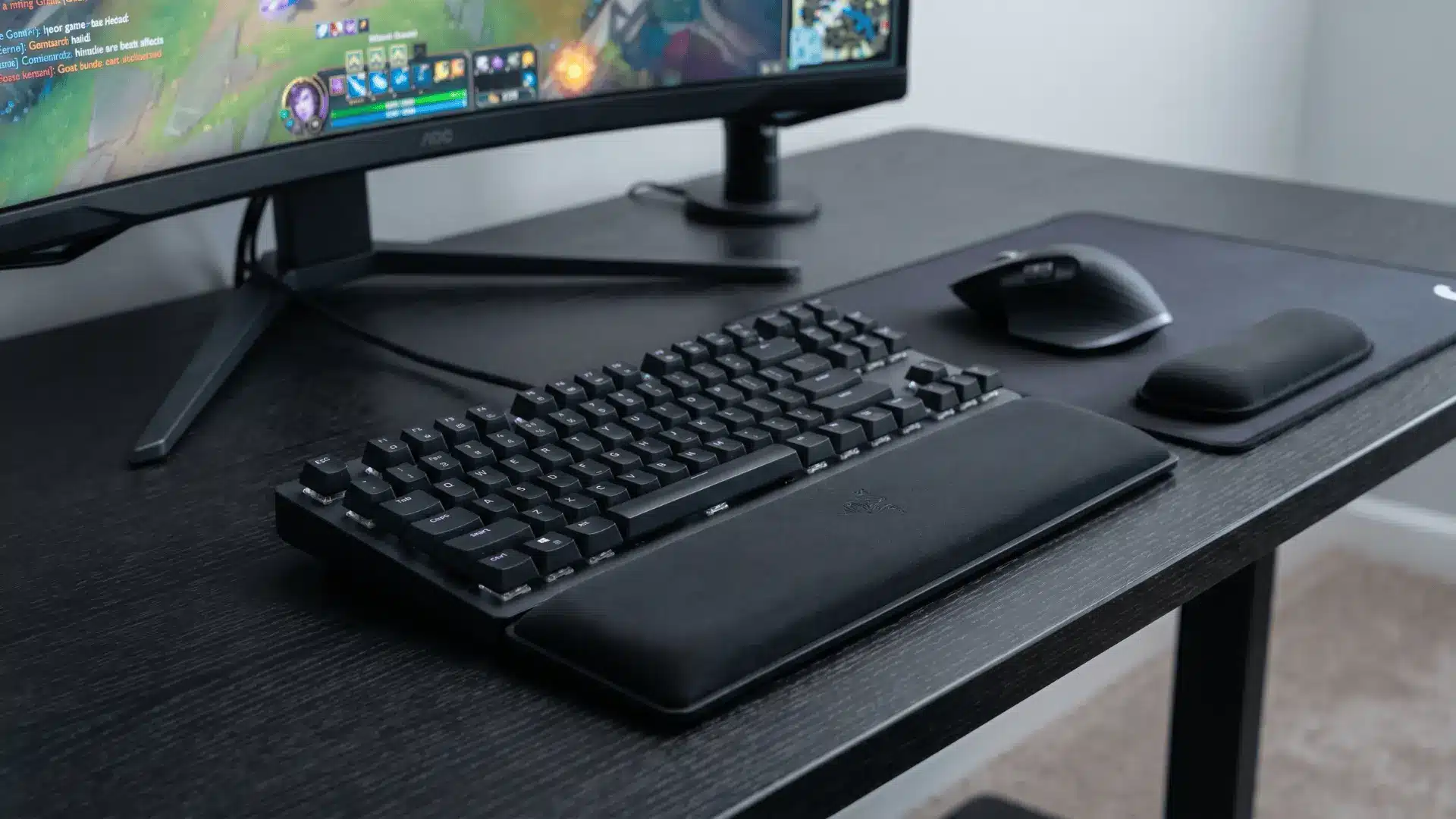
Wrist rests help keep your hands in a neutral position while typing or gaming. They reduce strain during long sessions when used correctly.
Place them at the right height with your keyboard and mouse. Incorrect positioning or poor-quality materials can cause more discomfort instead of improving support.
31. Speaker Placement at Ear Level
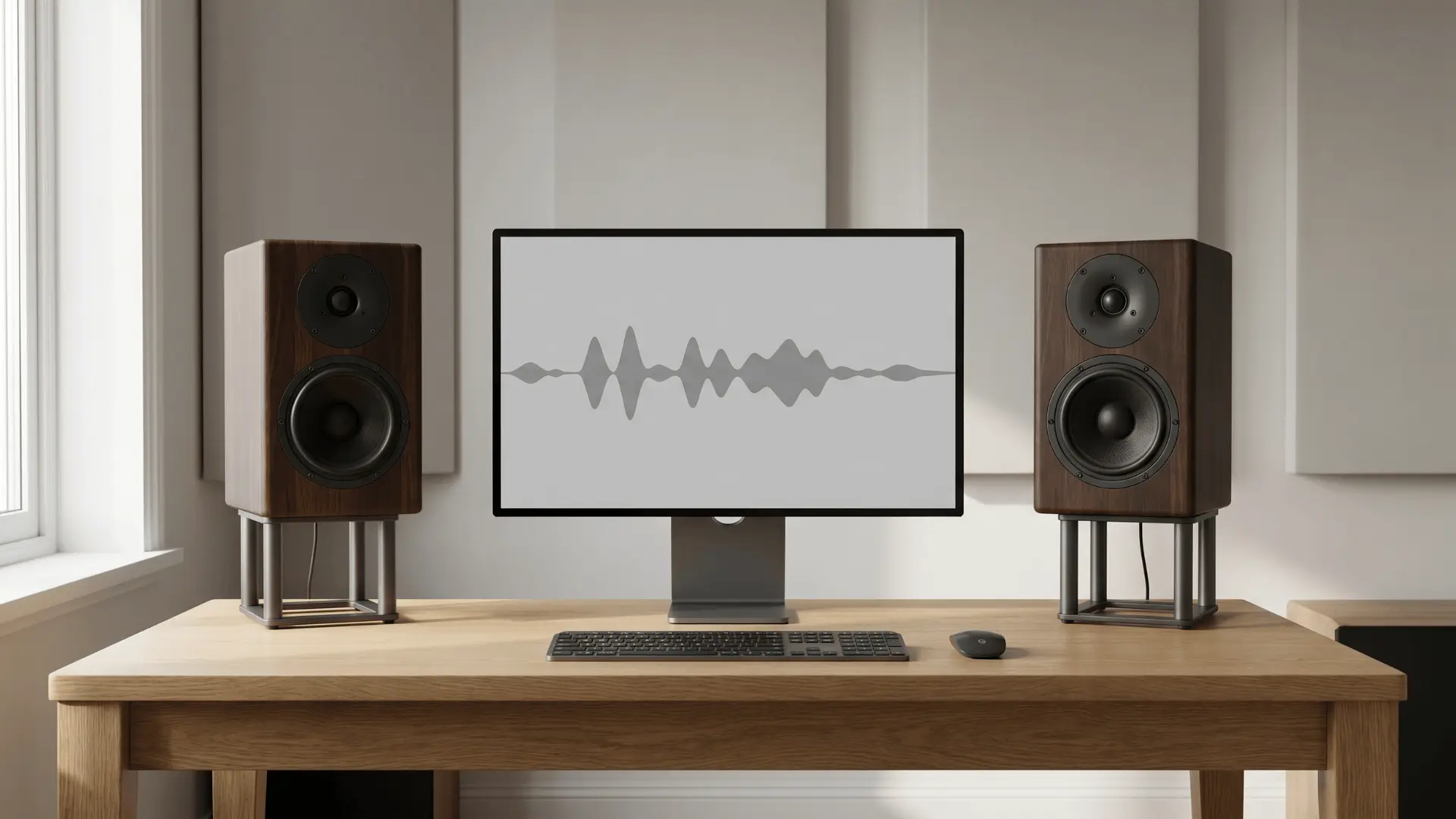
Placing speakers at ear level improves sound clarity and direction. It helps you hear details more accurately, especially in games where audio cues matter.
Use stands or shelves to position them correctly. Poor placement, such as too low or too far apart, can reduce sound quality and create an uneven listening experience.
32. Headphone Stand Setup
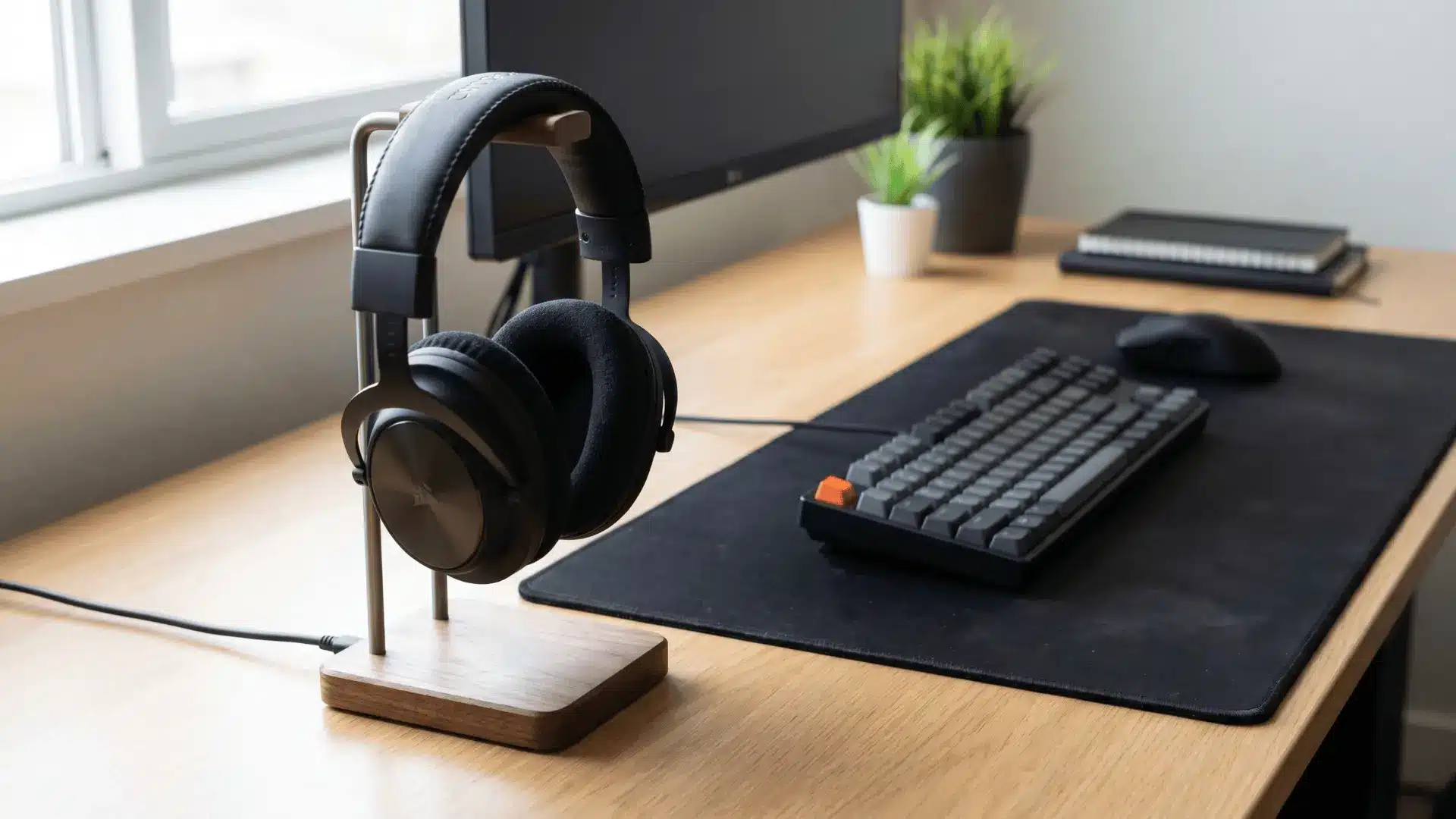
A headphone stand keeps your desk organized and protects your headset from damage. It gives a dedicated spot for storage, reducing clutter.
Place it within easy reach without blocking workspace. Choosing a bulky or poorly placed stand can take up useful desk space without adding much functional value.
33. Footrest Addition
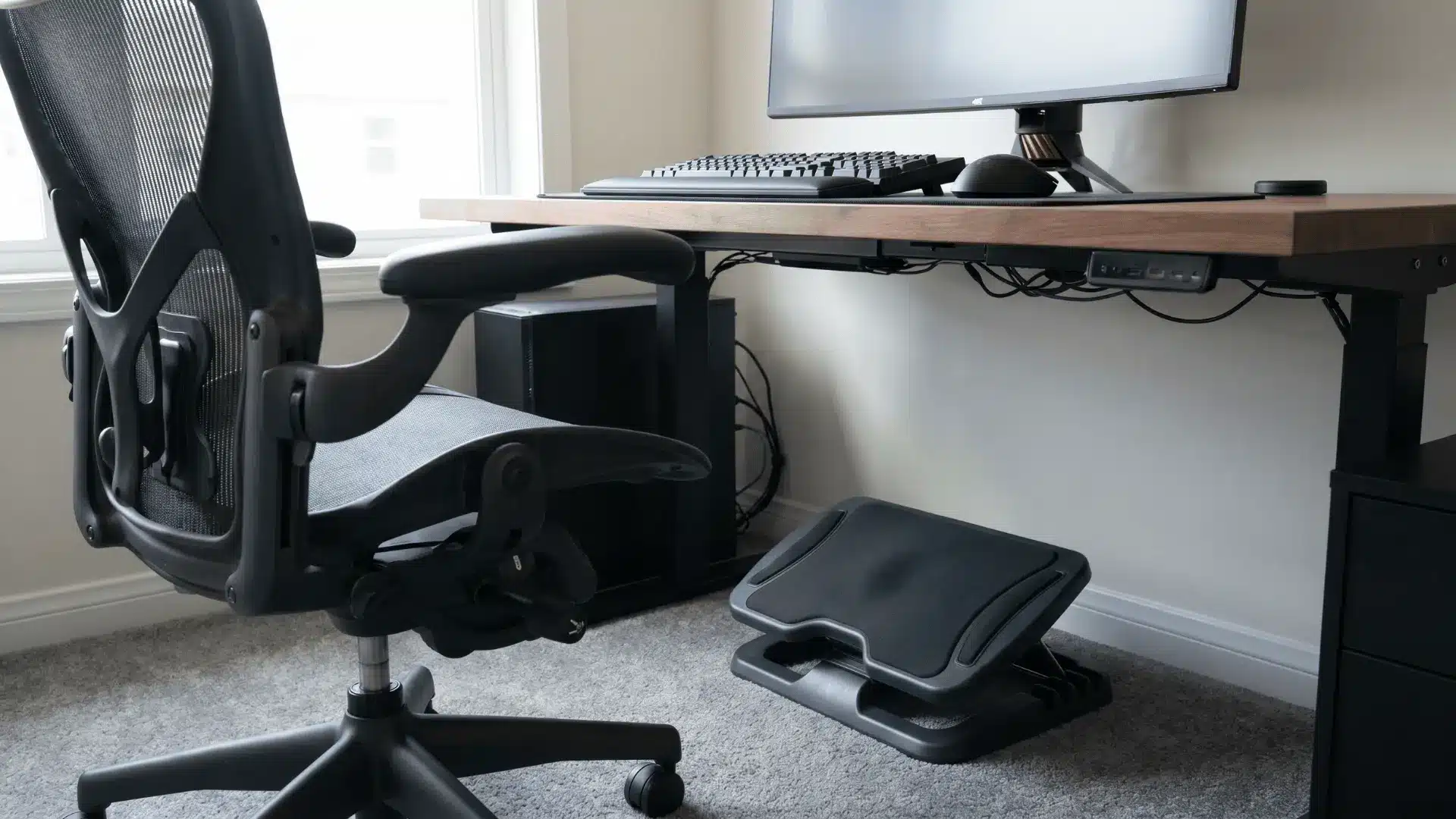
A footrest helps maintain proper posture by supporting your legs during long sessions. It reduces pressure on your lower back and improves comfort.
Adjust it based on your chair height. If the height is incorrect or unnecessary for your setup, it can feel awkward and offer little benefit.
Advanced and Unique Setup Ideas
These ideas go beyond the basics and are suited for users who want more functionality, customization, or a standout setup.
34. Triple Monitor Setup
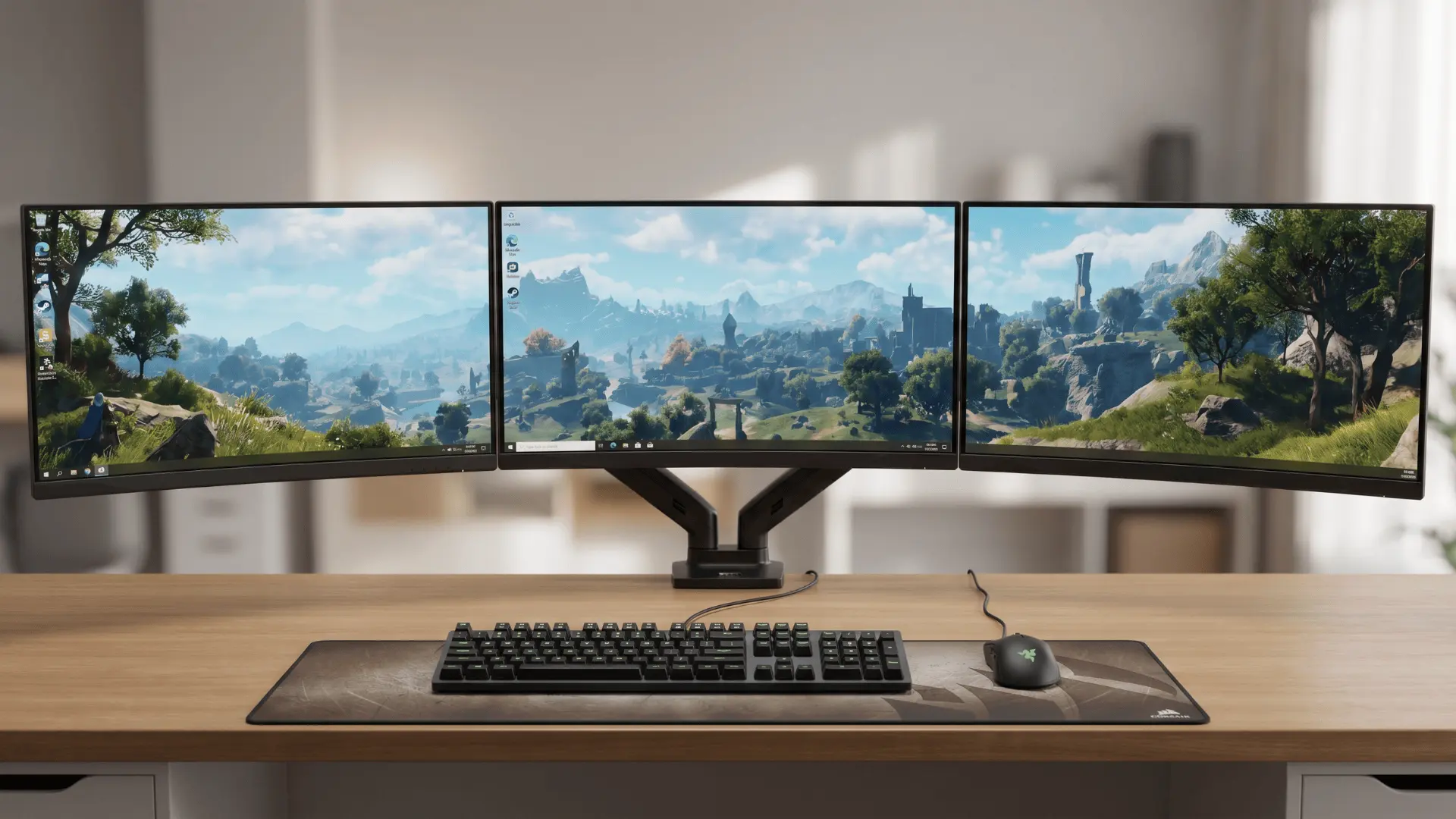
A triple monitor setup expands your workspace and is useful for multitasking or streaming. It allows separate screens for gaming, chat, and other tasks.
Arrange them in a slight curve for better viewing. Limited desk space or improper alignment can make the setup overwhelming and uncomfortable to use.
35. Vertical Monitor Side Setup
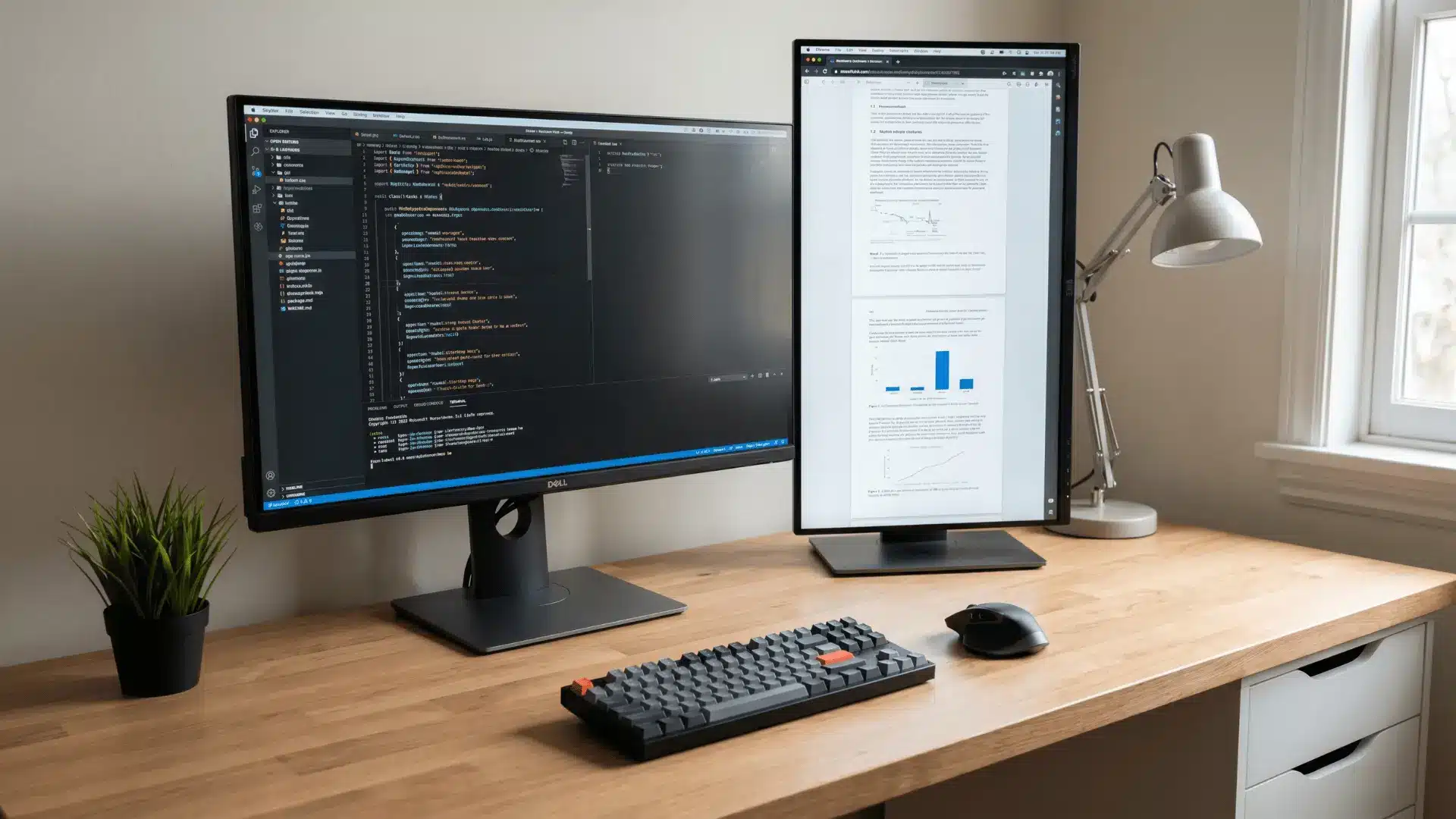
A vertical monitor placed beside your main screen is useful for reading chats, code, or long content. It saves horizontal space while adding functionality.
Position it slightly angled toward you. Using it for primary gaming content is not effective, as most games are not designed for vertical viewing.
36. Streaming Setup With Camera and Lights
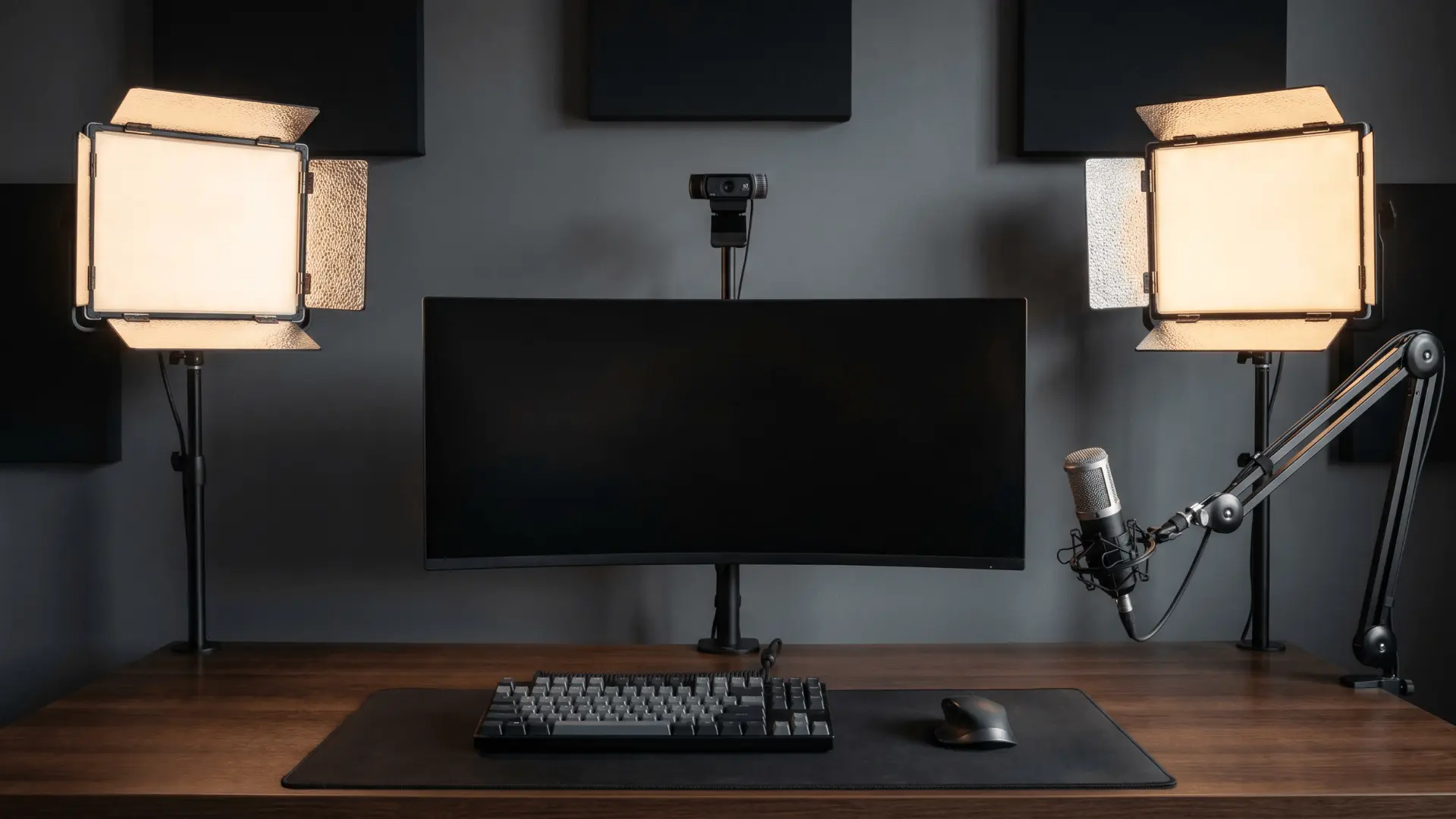
A streaming setup adds a camera, microphone, and lighting to support content creation. Proper lighting improves video clarity, while camera placement should be at eye level.
Keep the background clean or styled intentionally. Poor lighting balance or cluttered backgrounds can make the setup look unprofessional and reduce overall visual quality.
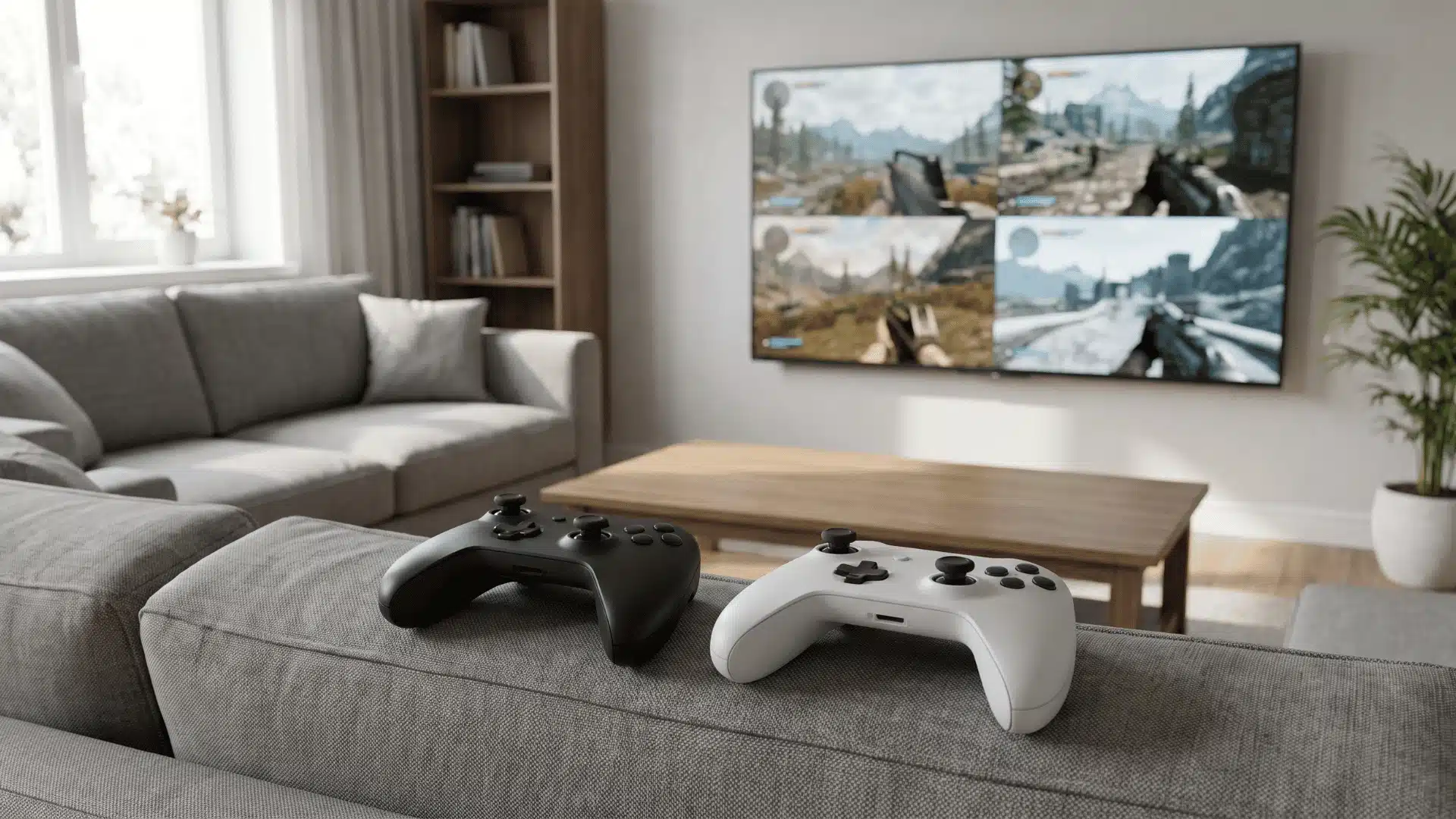
37. Console + PC Hybrid Setup
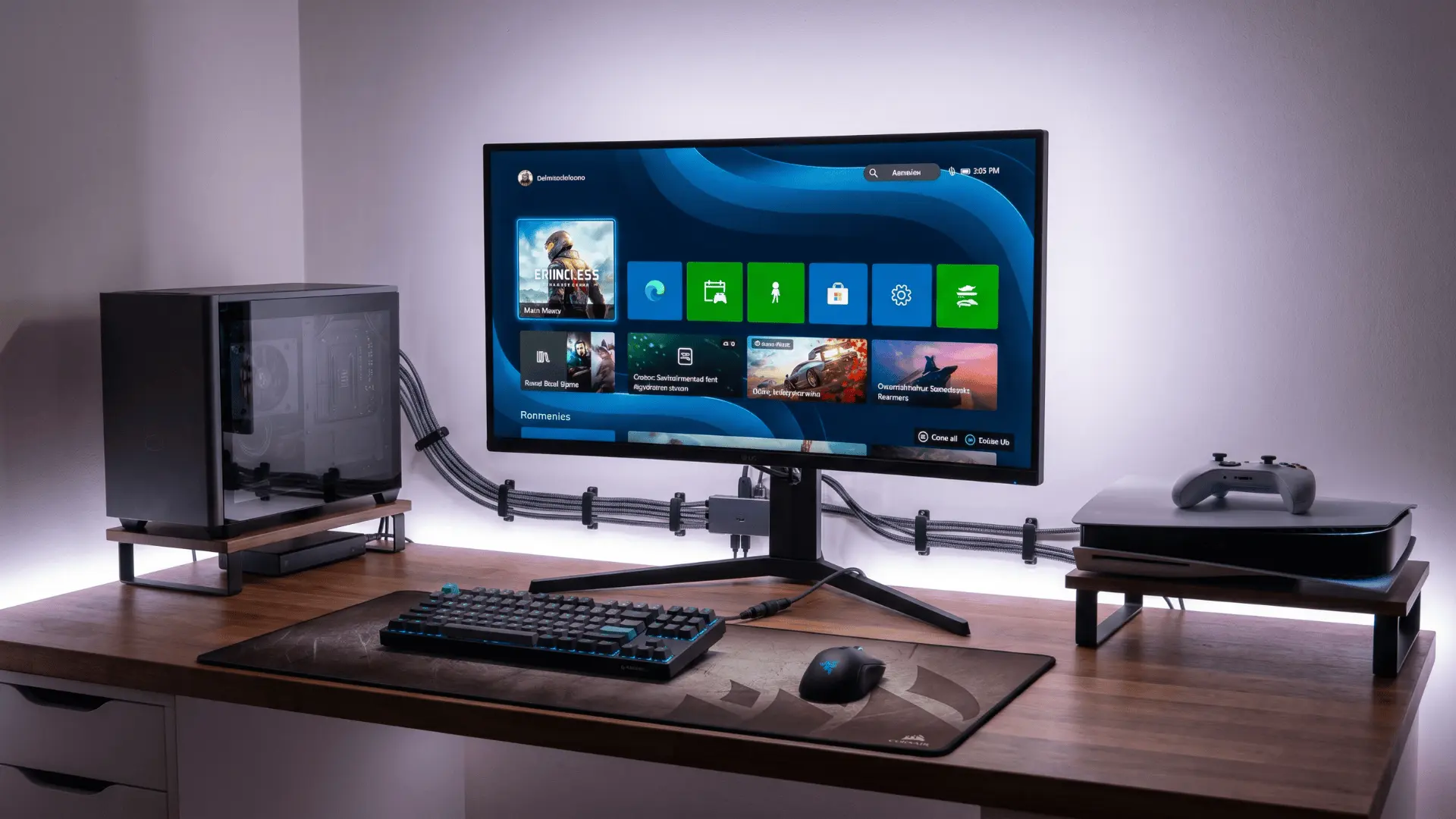
This setup combines a gaming PC and console on the same desk or display. It allows flexibility across platforms without needing separate spaces.
Use input switching or multiple ports for smooth transitions. Without proper cable and device management, switching between systems can become confusing and cluttered.
38. Wall-Mounted PC Display Setup
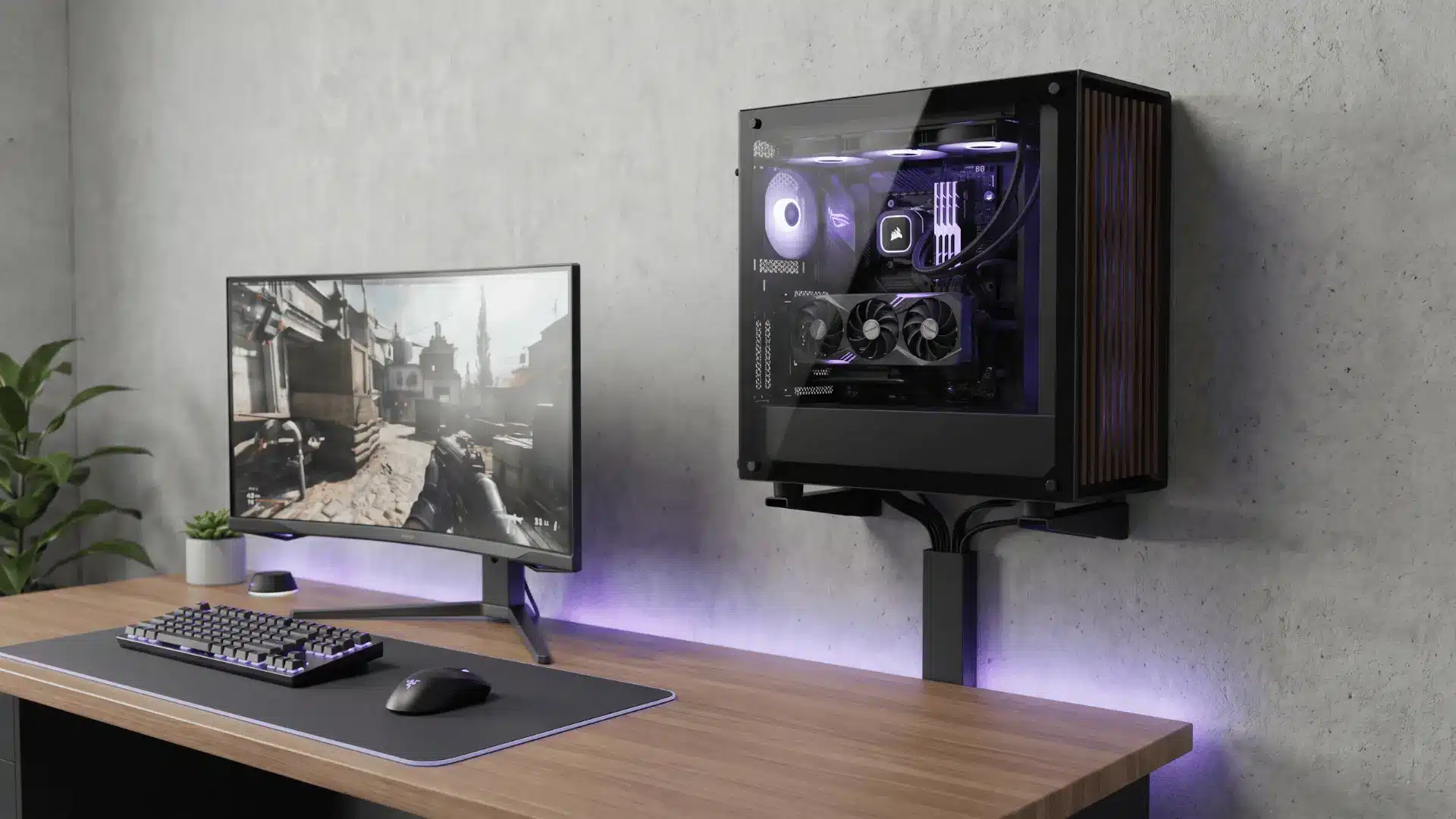
Mounting your PC on the wall turns it into a visual feature while freeing desk space. It improves airflow and gives a unique look.
Ensure proper mounting support and cable routing. Poor installation or exposed messy cables can reduce both safety and the overall clean appearance.
39. Hidden Cable Channel Setup
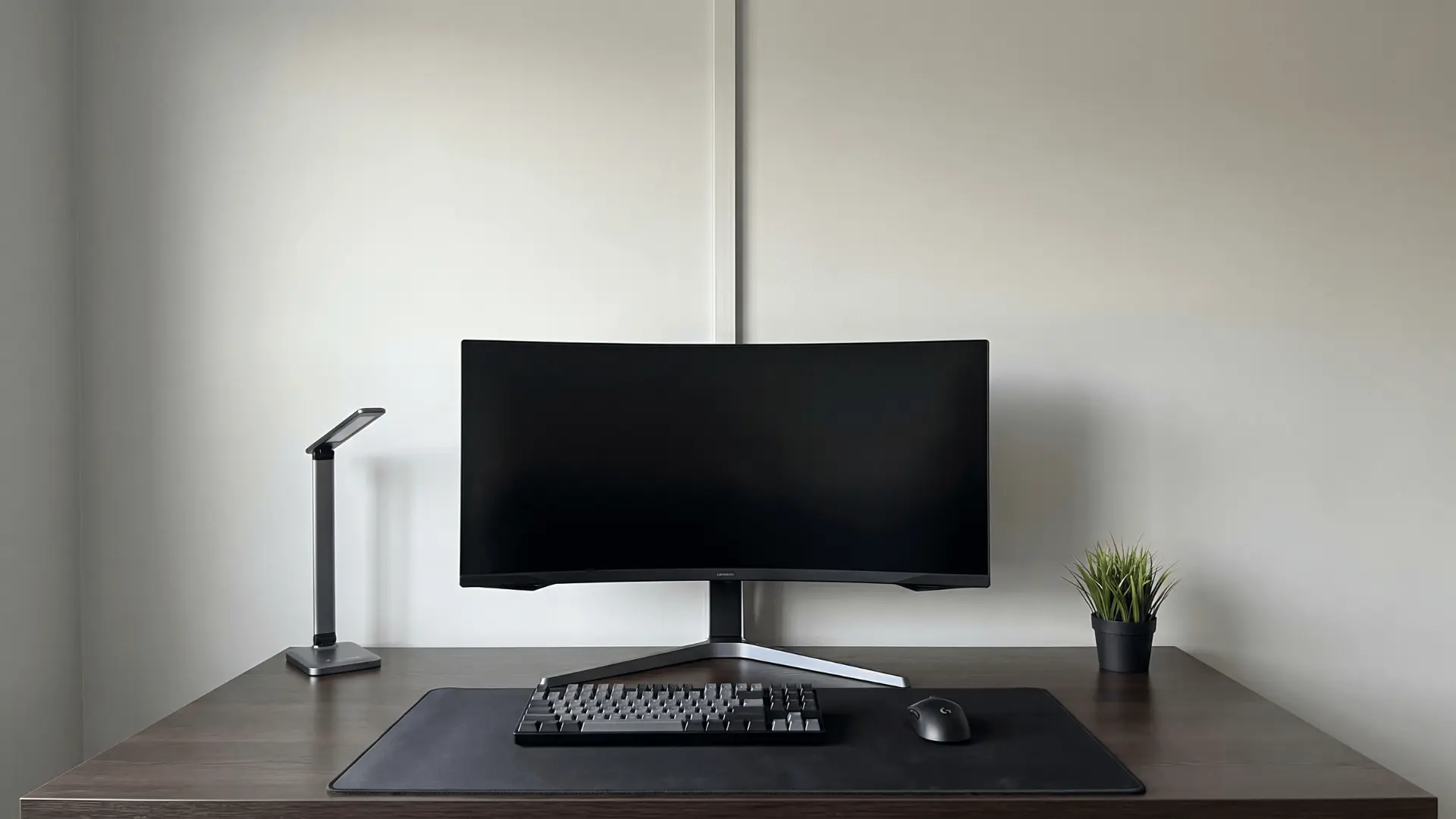
Running cables through hidden channels inside walls or panels creates a clean, wire-free look. It improves both aesthetics and safety.
Plan the layout carefully before installation. Making changes later becomes difficult, and poor planning can lead to inaccessible or tangled wiring behind surfaces.
Budget-Friendly Setup Ideas
These options help you build or improve your setup without spending much, focusing on practical upgrades that still make a difference.
40. DIY LED Strip Setup
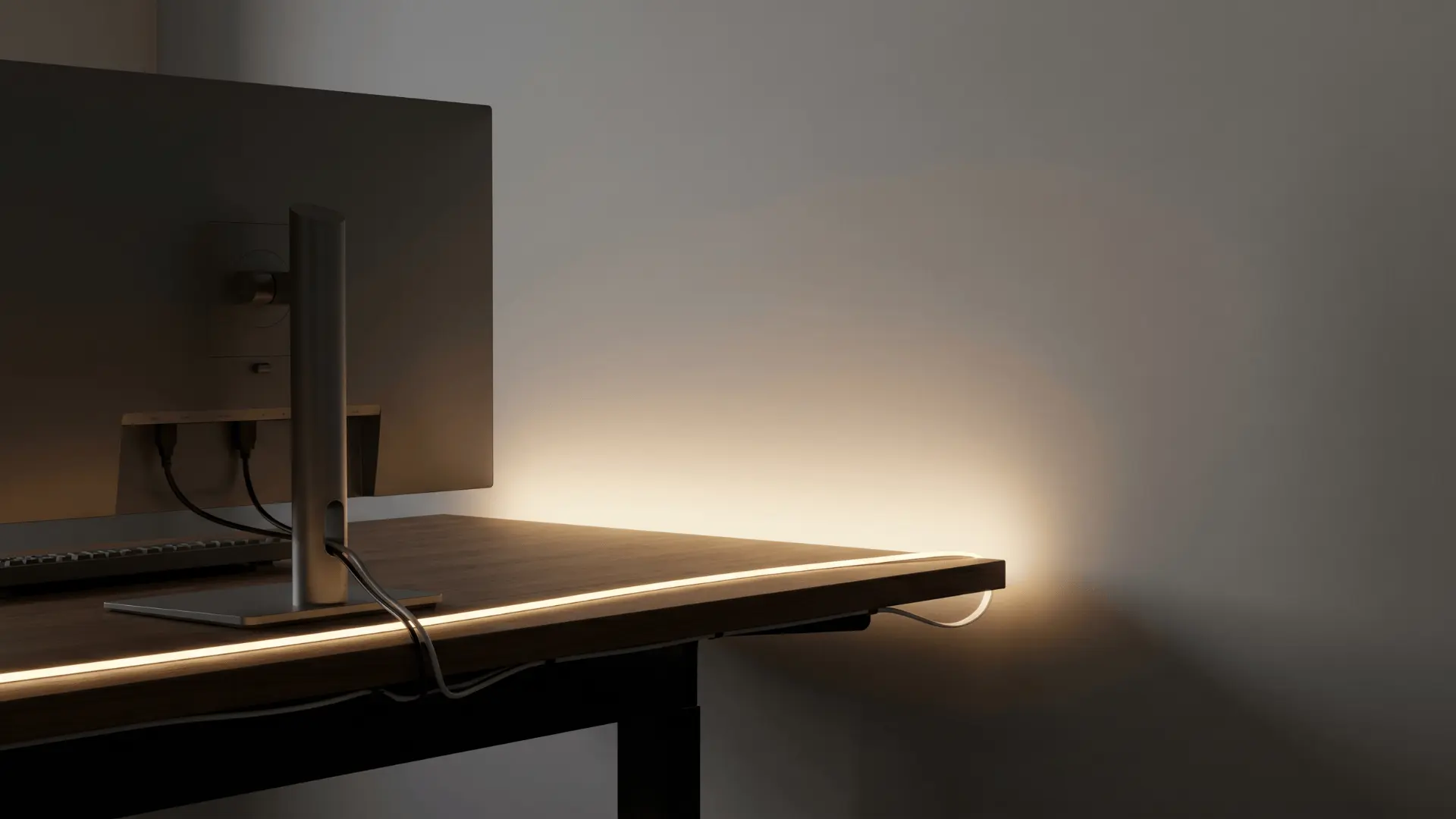
DIY LED strips are a budget-friendly way to add lighting to your setup. They can be placed behind desks, monitors, or shelves for added depth.
Choose decent quality strips for better consistency. Low-quality LEDs may lose brightness over time or show uneven lighting, affecting the overall look.
41. Second-Hand Desk Setup
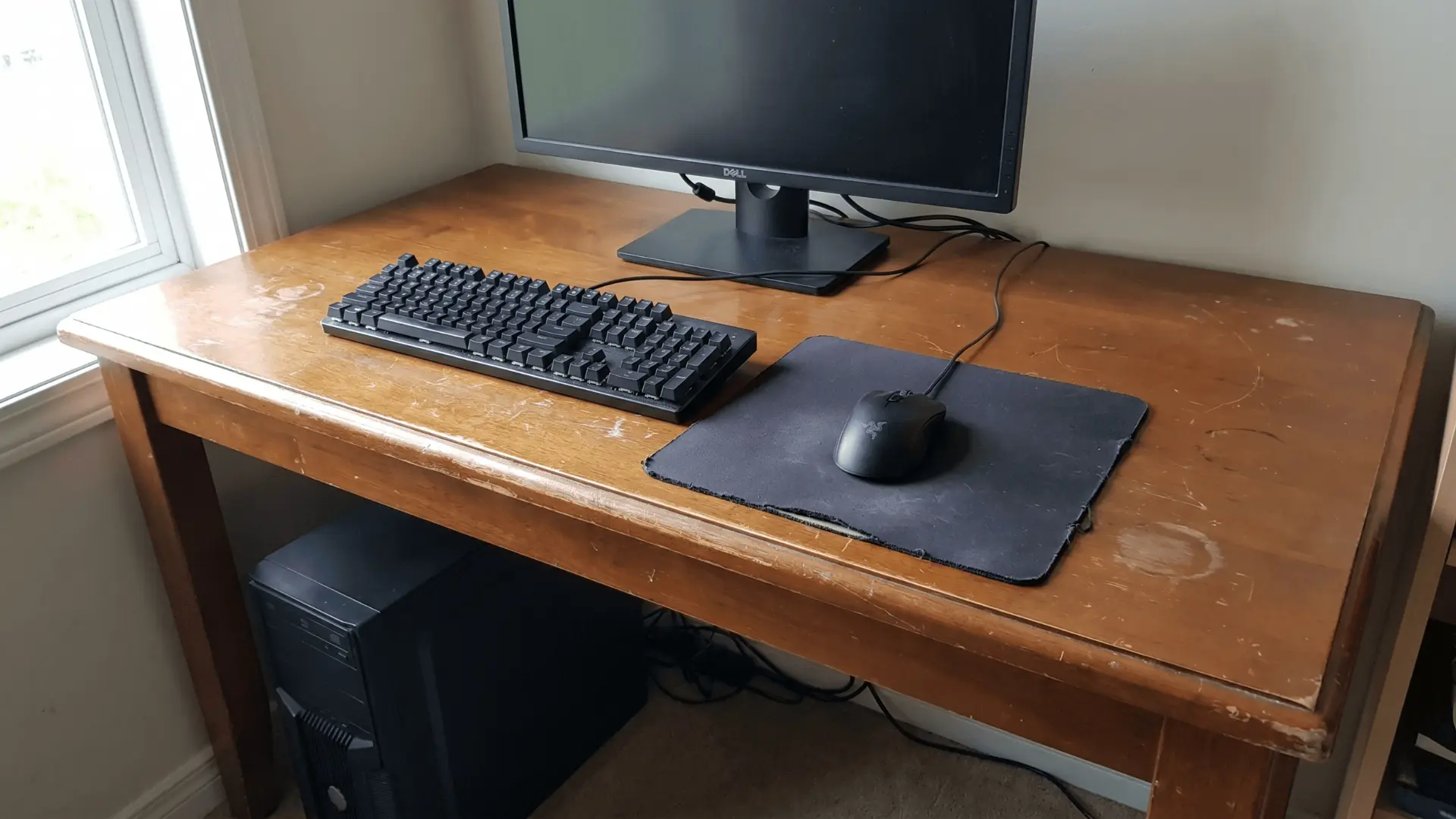
Using a second-hand desk helps you save money while still building a functional setup. You can often find solid options with enough space for your gear.
Check stability and surface condition before using it. Worn-out materials or uneven surfaces can affect both comfort and durability over time.
42. Minimal Starter Setup
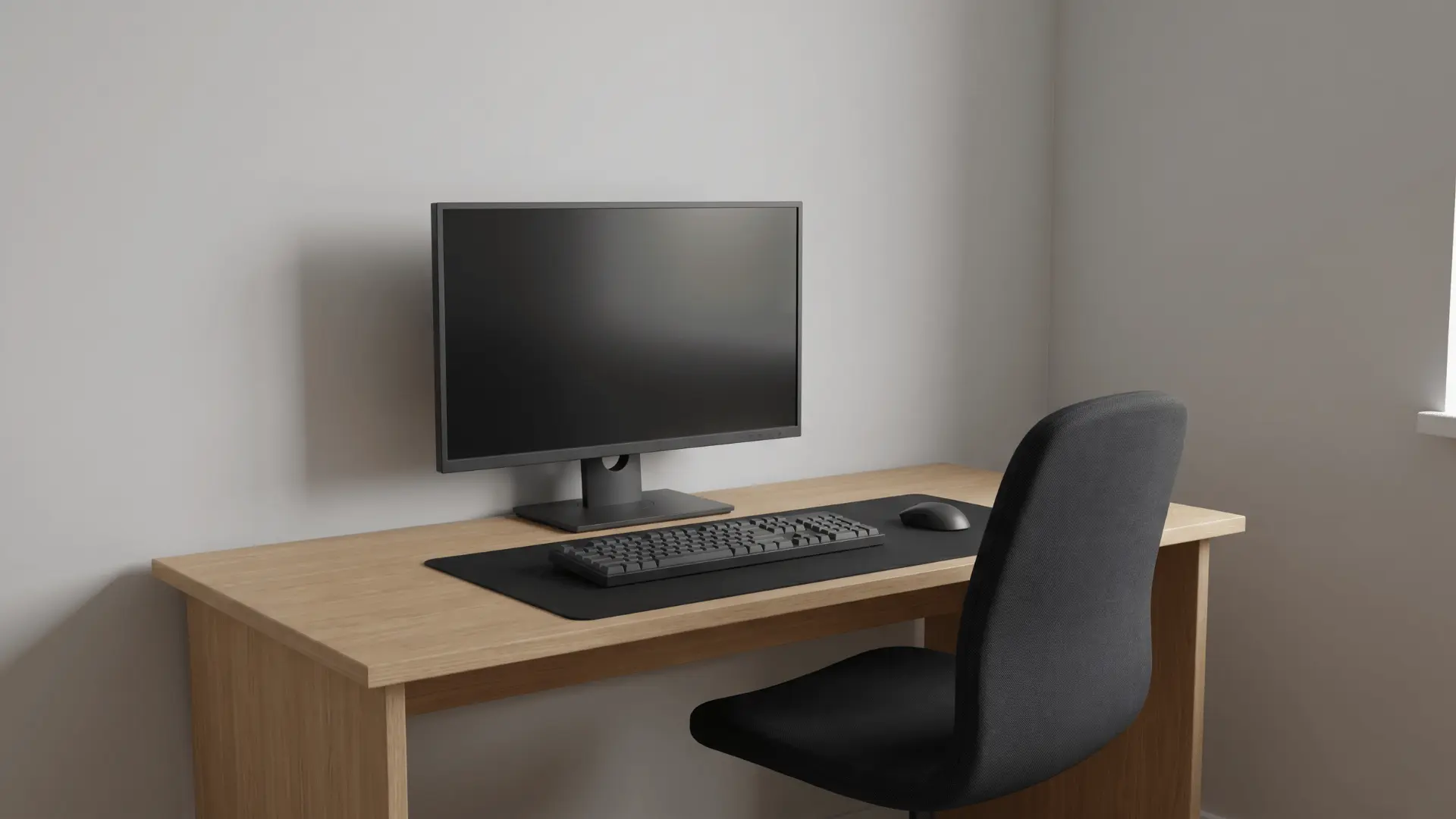
A minimal setup focuses only on essentials like a desk, chair, monitor, and basic peripherals. It keeps things simple and easy to manage, especially for beginners.
This approach helps you avoid unnecessary spending early on. Limited features can slow upgrades later if expansion space is not considered.
43. DIY Monitor Stand Using Wood
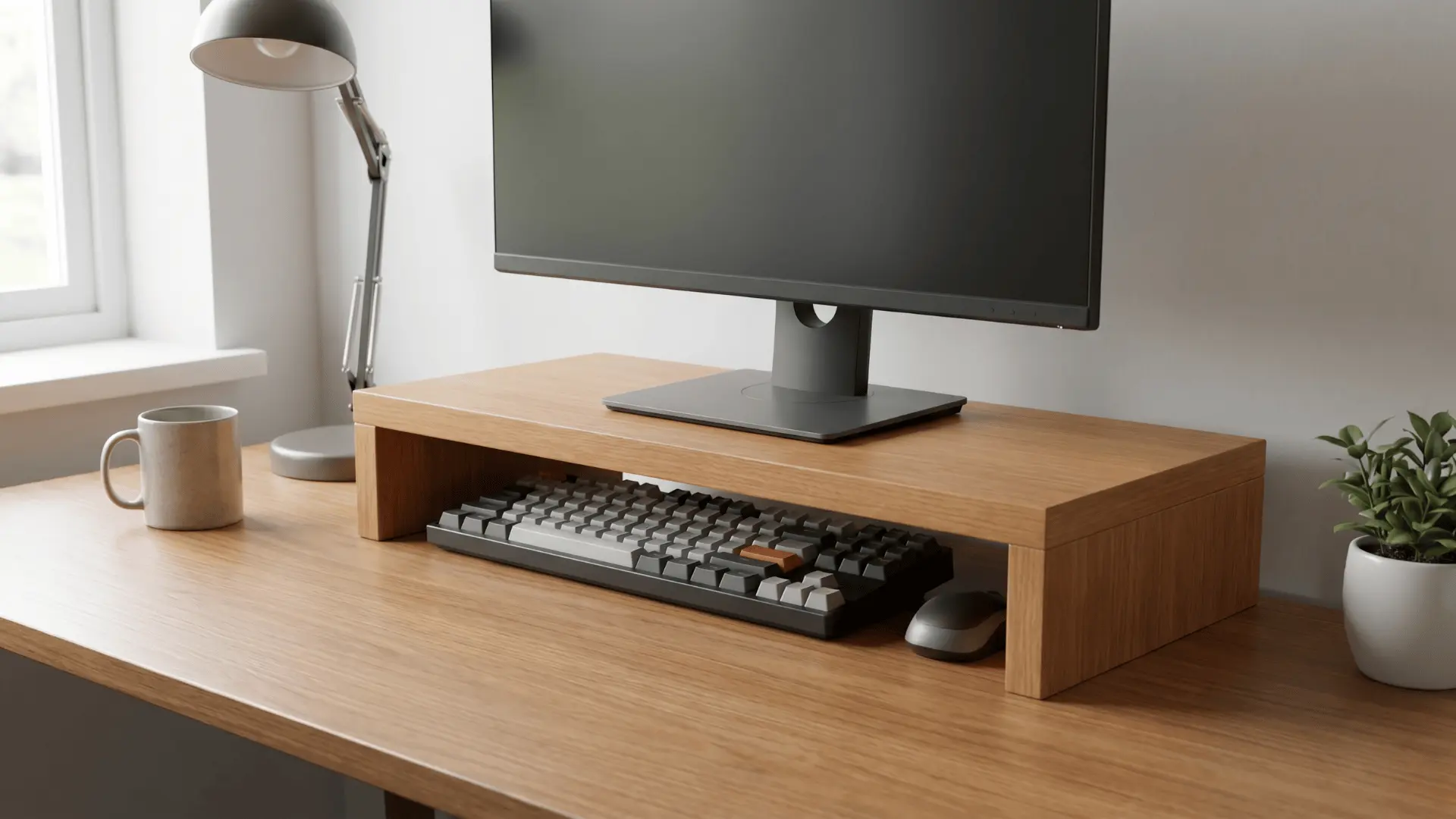
A custom wooden monitor stand raises your screen to eye level while adding storage underneath. It’s a simple and cost-effective upgrade.
Make sure the structure is stable and properly measured. Weak materials or uneven construction can lead to wobbling, affecting both safety and usability.
44. Reusing Existing Furniture Setup
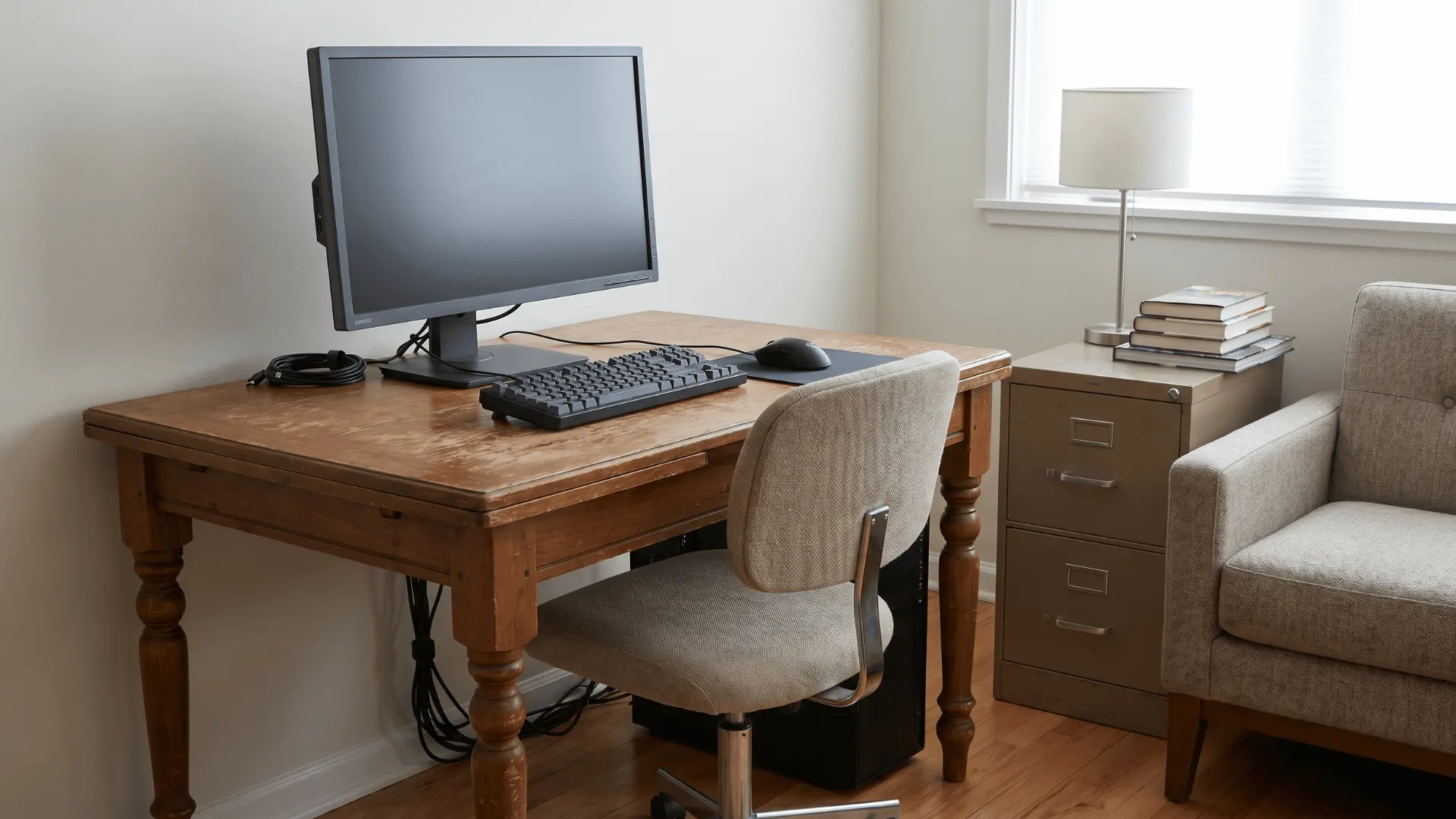
Using furniture you already have is the easiest way to start without extra cost. It allows you to build a setup quickly and adjust over time.
Arrange items to maximize available space. Mismatched heights or unsuitable surfaces can reduce comfort and limit proper positioning.
45. Single-Light Source Setup
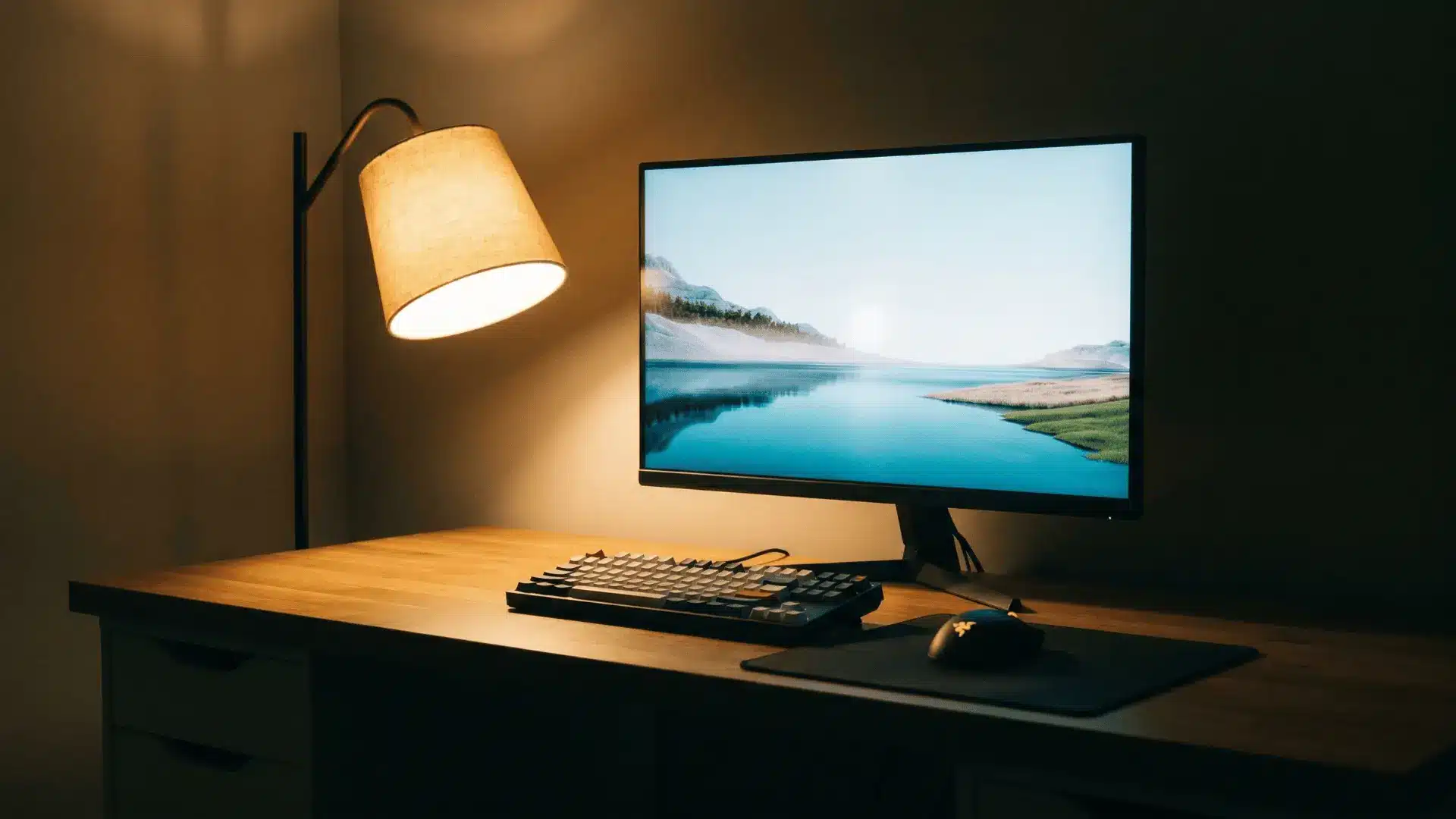
A single light source keeps the setup simple and functional, especially in small spaces. It works well when placed strategically to avoid screen glare.
Choose a soft, adjustable light for better control. Poor placement or harsh brightness can create shadows or reflections that affect visibility.
How to Choose the Right Gaming Setup Idea for Your Space
Picking ideas is easy. Choosing what actually fits your space and use is what makes a setup work.
Match Your Setup to Space and Usage
- Small Spaces: Stick to compact desks, monitor arms, and minimal layouts to avoid clutter.
- Medium Spaces: You can use dual monitors or L-shaped desks without overcrowding.
- Full Rooms: Add zones, larger desks, and layered lighting, but plan layout to keep it organized.
Now match this with how you use it:
- Casual gaming needs comfort and simplicity
- Competitive gaming needs focus and fewer distractions
- Streaming needs lighting, camera placement, and a clean background
Start with desk and monitor, then improve lighting, and only then add accessories. Spending out of order often leads to wasted money and mismatched setups.
When space, usage, and budget align, your setup feels natural and works smoothly. Skipping this step usually leads to constant changes and frustration.
Copying setups without adjusting them to your space often leads to poor layout, discomfort, and wasted effort.
Common Setup Mistakes that Ruin the Experience
Small mistakes in planning or priorities can turn a good-looking setup into an uncomfortable and frustrating one.
- Ignoring Comfort for Looks: Choosing aesthetics over usability often leads to poor posture and discomfort. A setup should support long sessions first, then look good around it.
- Poor Ergonomics Setup: Wrong monitor height, chair position, or arm alignment creates strain over time. Proper positioning keeps your body relaxed and reduces fatigue.
- Weak Cable Management Planning: Messy cables make the setup look cluttered and harder to manage. Planning cable routes early keeps the space clean and usable.
- Spending on Gear Instead of Layout: Expensive accessories cannot fix a poor setup structure. Desk, chair, and monitor placement should always come first.
- Copying Setups Without Adapting: Using setups from others without adjusting for your space often leads to overcrowding and poor layout. Always adapt based on your room and needs.
- Lack of Planning Before Setup: Rushing into purchases without a clear plan leads to mismatched elements and repeated changes. Planning helps build a setup that works from the start.
Fixing these early makes your setup more comfortable, easier to use, and better suited for long-term use.
Conclusion
Building a setup that works is all about making the right choices for your space, usage, and comfort. The best gaming setups are the ones that balance functionality with a clean look, not just follow trends.
When you focus on layout first and add elements step by step, the result feels natural and easy to use.
Start small, improve what matters most, and build a setup that fits your daily use. Now take one idea from this guide and begin upgrading your setup today.
Frequently Asked Questions
What should every gaming setup have?
Every gaming setup needs a stable desk, proper monitor height, a comfortable chair, balanced lighting, and clean cable management to support long sessions and consistent usability.
How do I make my gaming setup look better without spending much?
Improve your setup by adjusting lighting, organizing cables, and sticking to a simple color theme. Small changes like LED placement and decluttering make a visible difference.
Is a small gaming setup still worth it?
A small gaming setup can work well when space is used wisely. With compact furniture and vertical storage, it stays comfortable, efficient, and visually clean.
What is the best layout for a gaming desk?
The best layout keeps your monitor at eye level, allows free arm movement, and avoids clutter, helping maintain comfort, focus, and better performance during long sessions.