



Your ice bin’s empty again, and it’s starting to feel personal. One day everything’s working fine, and the next, there’s just nothing. Even I had no clue why, just a freezer acting like it’s got nothing to do with it.
Frustrating, right? The good news is, it’s rarely as bad as it seems at first glance. Sometimes it’s a setting you didn’t even know existed. Other times, a little frost is quietly causing trouble somewhere.
Nothing worth panicking over, and definitely nothing that needs a repair call just yet. So before assuming the worst, let’s dig into what’s really behind your Samsung refrigerator not making ice, and get that bin filling up again.
Will Unplugging the Samsung Refrigerator Reset the Ice Maker?
Yes, unplugging your Samsung refrigerator may restart its controls and clear a temporary electrical error affecting the ice maker.
Turn off the refrigerator at the outlet or circuit breaker for two minutes, then restore power.
However, unplugging does not perform the standard ice maker reset on most Samsung models. The usual method is to remove the ice bucket and press or hold the Test button until you notice a chime or movement.
If the Test button produces no chime or movement, power-cycle the unit, then try the test again. Do not press the button repeatedly, as excess water or jammed ice may damage the unit.
How to Fix a Samsung Refrigerator Not Making Ice
If you searched for whirlpool ice maker not making ice but your refrigerator is actually made by Samsung, the troubleshooting steps are different because the ice maker design and controls are not the same.
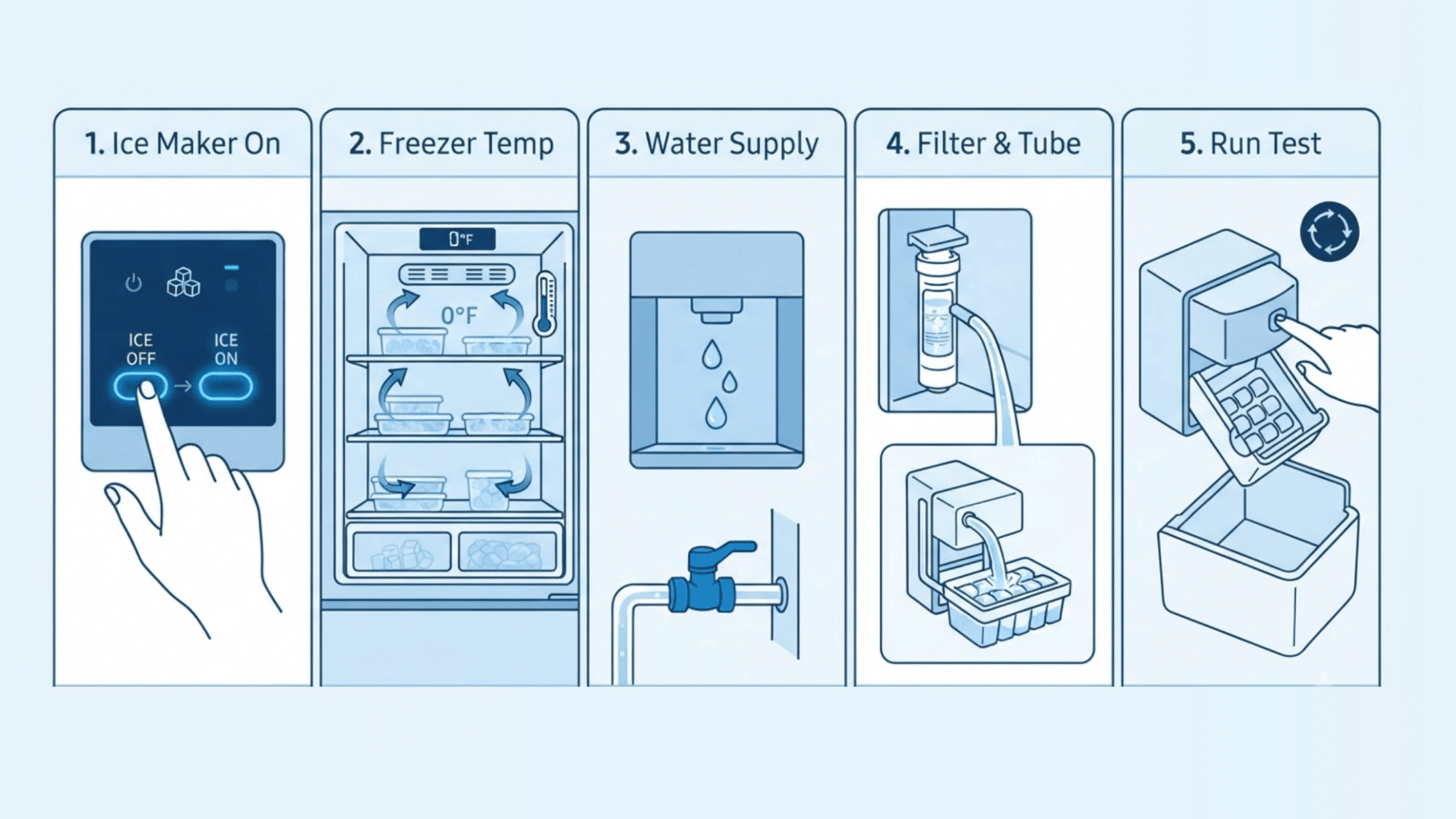
Follow the step-by-step fixes below to troubleshoot a Samsung refrigerator not making ice:
1. Make Sure the Ice Maker is Turned On
The ice maker may have been switched off through the control panel without you noticing. Check the settings before moving to water supply or part checks.
- Look for the Ice Off icon on the display.
- Press the Ice Maker or Ice Off button to change the setting.
- Check both ice maker controls if your refrigerator has upper and lower units.
- Allow a few hours for the tray to fill, freeze, and release ice.
2. Check the Freezer Temperature
Your ice maker may stop working if the freezer is not cold enough to freeze each batch properly. A temperature issue can also cause soft cubes or slower ice production.
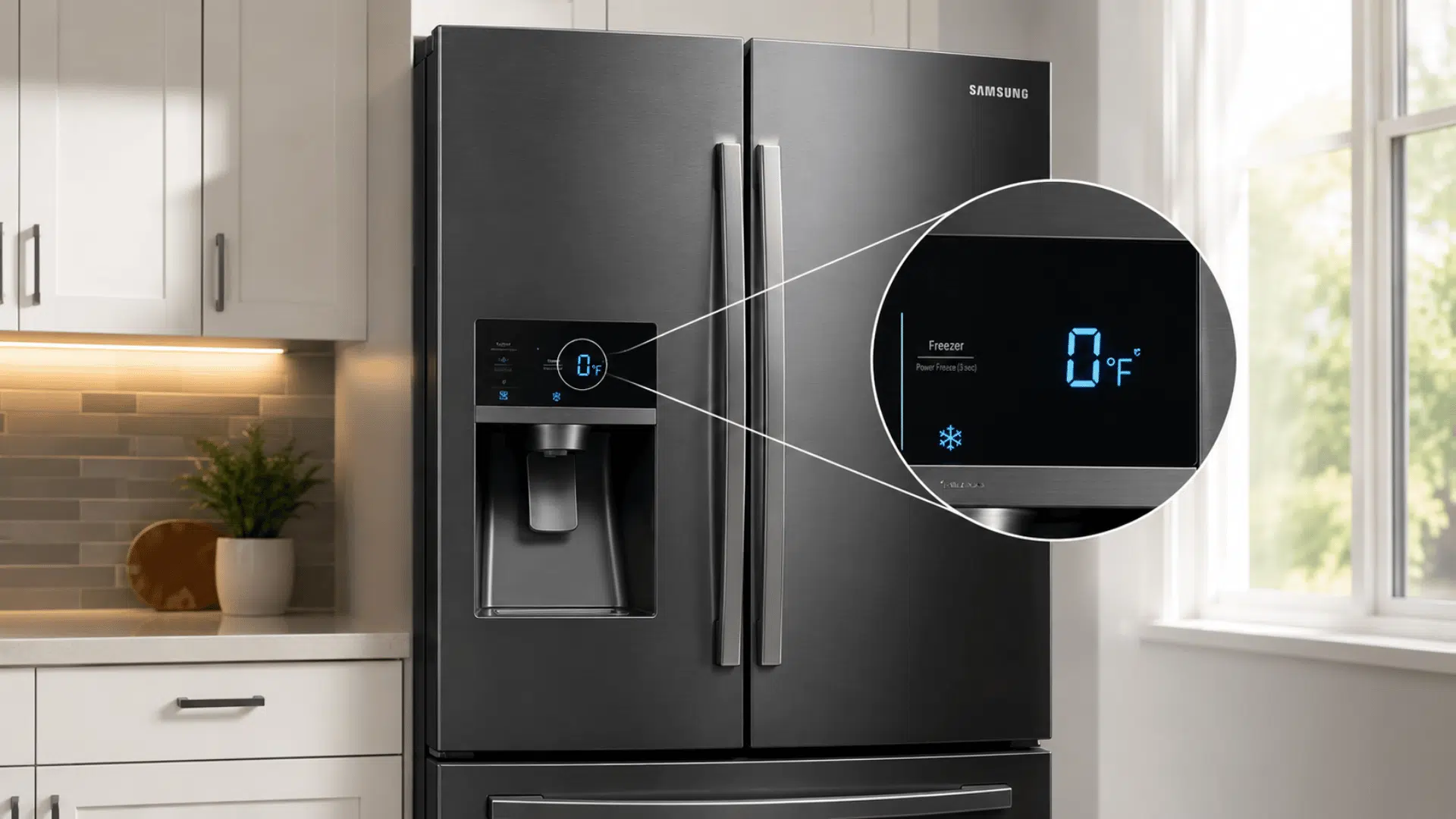
- Set the freezer to 0°F for normal ice production.
- Make sure food is not blocking the air vents.
- Keep the door fully closed and inspect the gasket for gaps.
- Allow up to 24 hours after changing the temperature.
3. Test the Water Supply and Dispenser
A weak or interrupted water supply can stop the ice maker from filling, even when the refrigerator is cooling normally. The dispenser can give you a quick clue about water flow.
- Dispense water for 10 to 15 seconds and check for a steady stream.
- Make sure the household shutoff valve is fully open.
- Inspect the water line behind the refrigerator for bends or pressure points.
- Listen for a humming sound when the ice maker attempts to fill.
4. Inspect the Water Filter and Fill Tube
A clogged filter or frozen fill tube can reduce or stop water from reaching the ice tray. Check both parts if the dispenser flow is weak or the mold stays dry, and reset the filter in your Samsung fridge.
- Replace the water filter if it is old, clogged, or incorrectly fitted.
- Reseat a recently installed filter and flush the dispenser.
- Check the fill tube for visible ice or frost.
- Do not use sharp tools or direct heat to remove frozen ice.
5. Run the Ice Maker Test and Reset
The built-in test can show if the tray moves, fills, and completes a full cycle. Use it only after checking the settings, temperature, water flow, filter, and fill tube.
- Remove the ice bucket to reach the Test button.
- Press and hold the button until you hear a chime.
- Watch for tray movement and listen for water entering the mold.
- Wait for the test to finish before replacing the bucket.
- Power-cycle the refrigerator if the test does not start.
- Avoid running the reset more than once in 24 hours.
What Samsung Ice Maker Test Results May Mean?
Running the built-in test can help you understand why your Samsung ice maker is not making ice. The result may point to a water supply issue, a frozen component, or a problem with the ice maker cycle.
| Test Result | What It May Mean | Check Next |
|---|---|---|
| Chimes and completes the cycle | The unit is responding, but ice production may still be affected by temperature or water flow. | Freezer setting and water pressure |
| Chimes but does not fill | Water is not reaching the tray as expected. | Filter, supply line, fill tube, and inlet valve |
| No chime or movement | The ice maker may not be receiving power or responding to the controls. | Power cycle, wiring, and ice maker assembly |
| Water overflows | The fill cycle may not be stopping correctly. | Inlet valve, sensor, tray, or control board |
Why is Your Samsung Refrigerator Not Making Ice?
A Samsung refrigerator can stop making ice for several reasons, even when the refrigerator itself seems to be cooling normally.
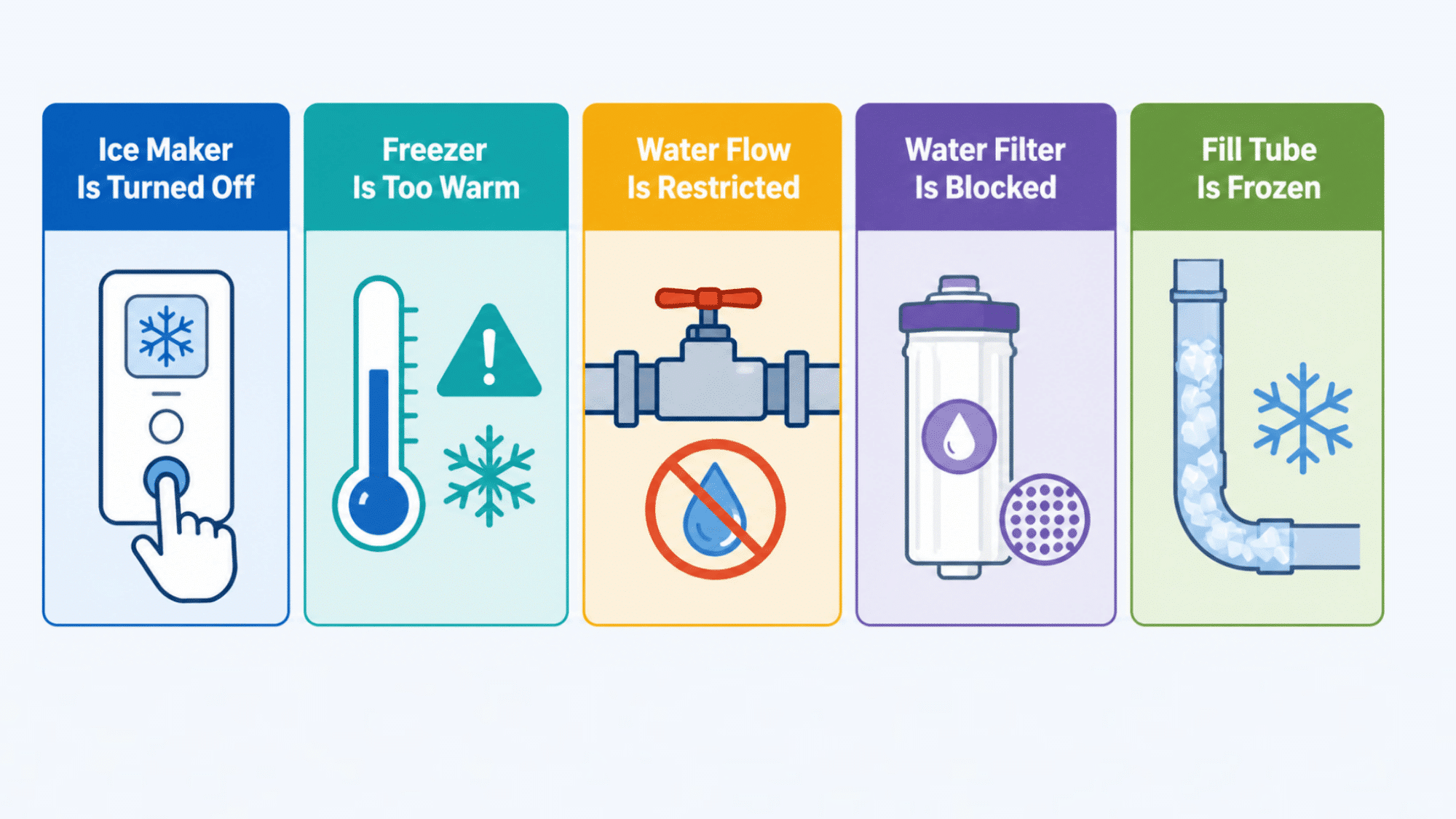
The sections below explain the most common reasons your Samsung refrigerator is not making ice and what each one means:
- Ice Maker is Turned Off: The Ice Off setting may have been activated from the control panel.
- Freezer is Too Warm: The ice maker may pause if the freezer cannot maintain the required temperature.
- Water Flow is Restricted: A closed valve, bent line, or low water pressure can limit the fill cycle.
- Water Filter is Blocked: An old or poorly fitted filter may reduce the amount of water reaching the ice maker.
- Fill Tube is Frozen: Ice inside the tube can stop water from entering the ice mold.
- Ice is Jammed: Frozen cubes or frost may prevent the tray from releasing new ice.
- Ice Bucket is Misaligned: An incorrectly placed bucket may interfere with the sensor or dispensing system.
- A Part Has Failed: The inlet valve, sensor, motor, wiring, or ice maker assembly may need testing.
Find Your Samsung Refrigerator Model and Check These Fixes
Different Samsung refrigerator models use different ice maker designs, so the steps that solve the problem can vary. Checking the parts specific to your model makes it easier to find the cause and get ice production working again.
Use the section below that matches your Samsung refrigerator model to troubleshoot the most common ice maker issues:
1. Samsung French-Door Refrigerator
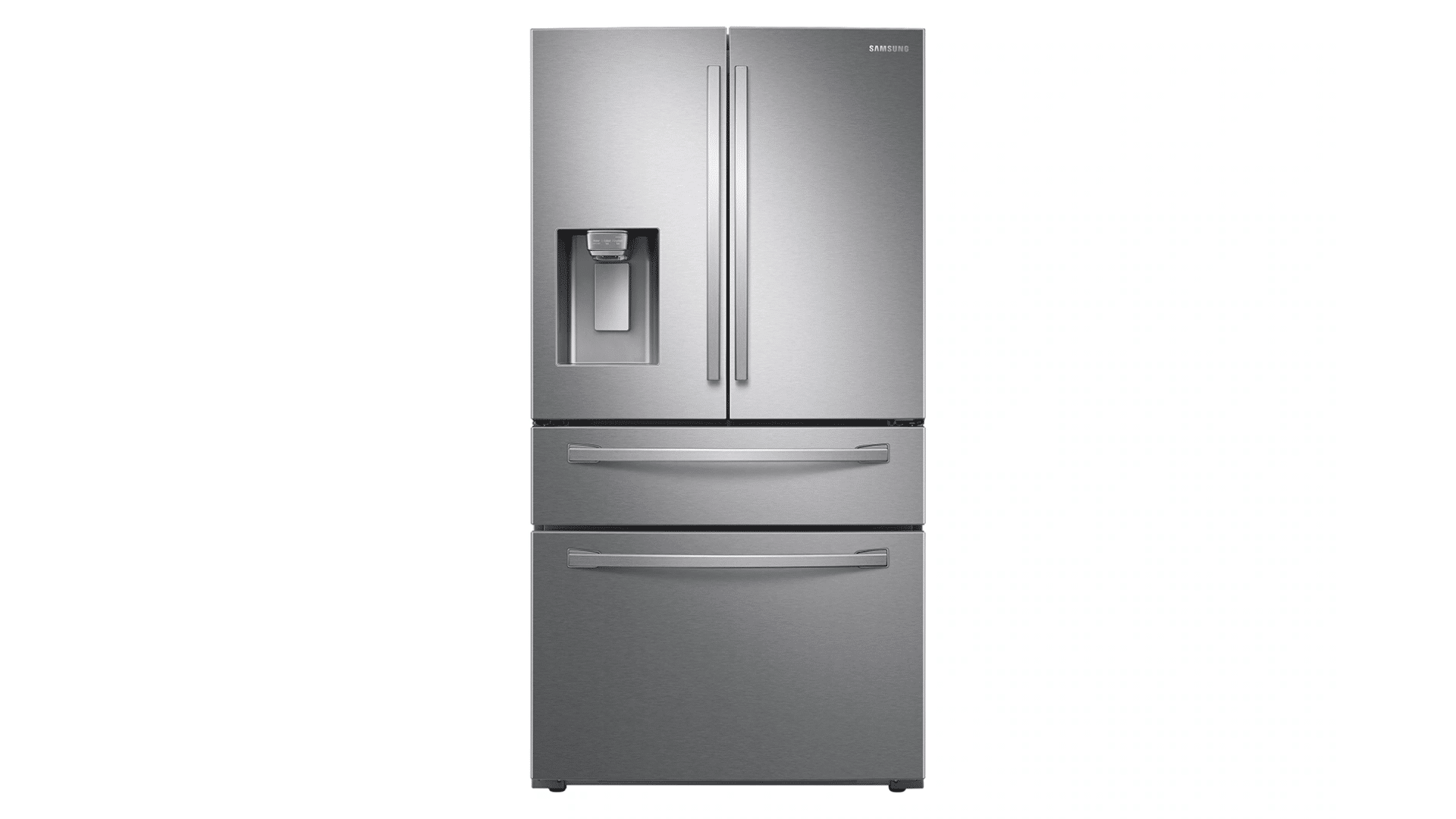
Image Source: Samsung
Check the ice room, bucket, and surrounding seal for frost or stuck cubes. Warm air entering through a loose seal can also cause ice buildup. Remove and reseat the bucket so it sits firmly in place.
Clear loose ice and check for gaps around the ice room before testing the unit again.
2. Samsung Side-by-Side Refrigerator
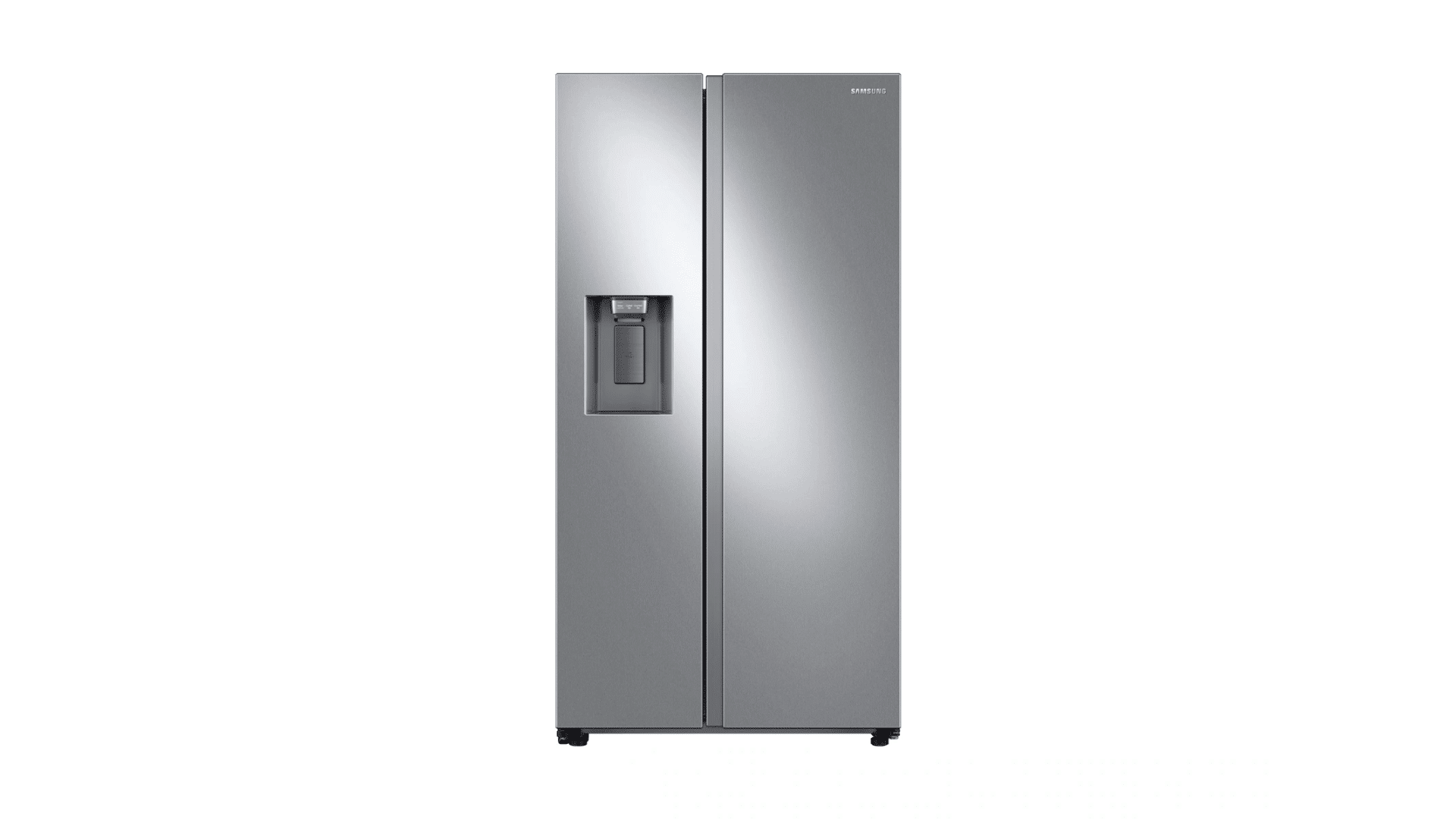
Image Source: Samsung
Inspect the door-mounted ice maker and dispenser chute for compacted cubes or a blockage. Ice may collect if the bin is not seated correctly. Take out the bin and remove any clumps by hand.
Reinstall it carefully and confirm that the chute opens without resistance.
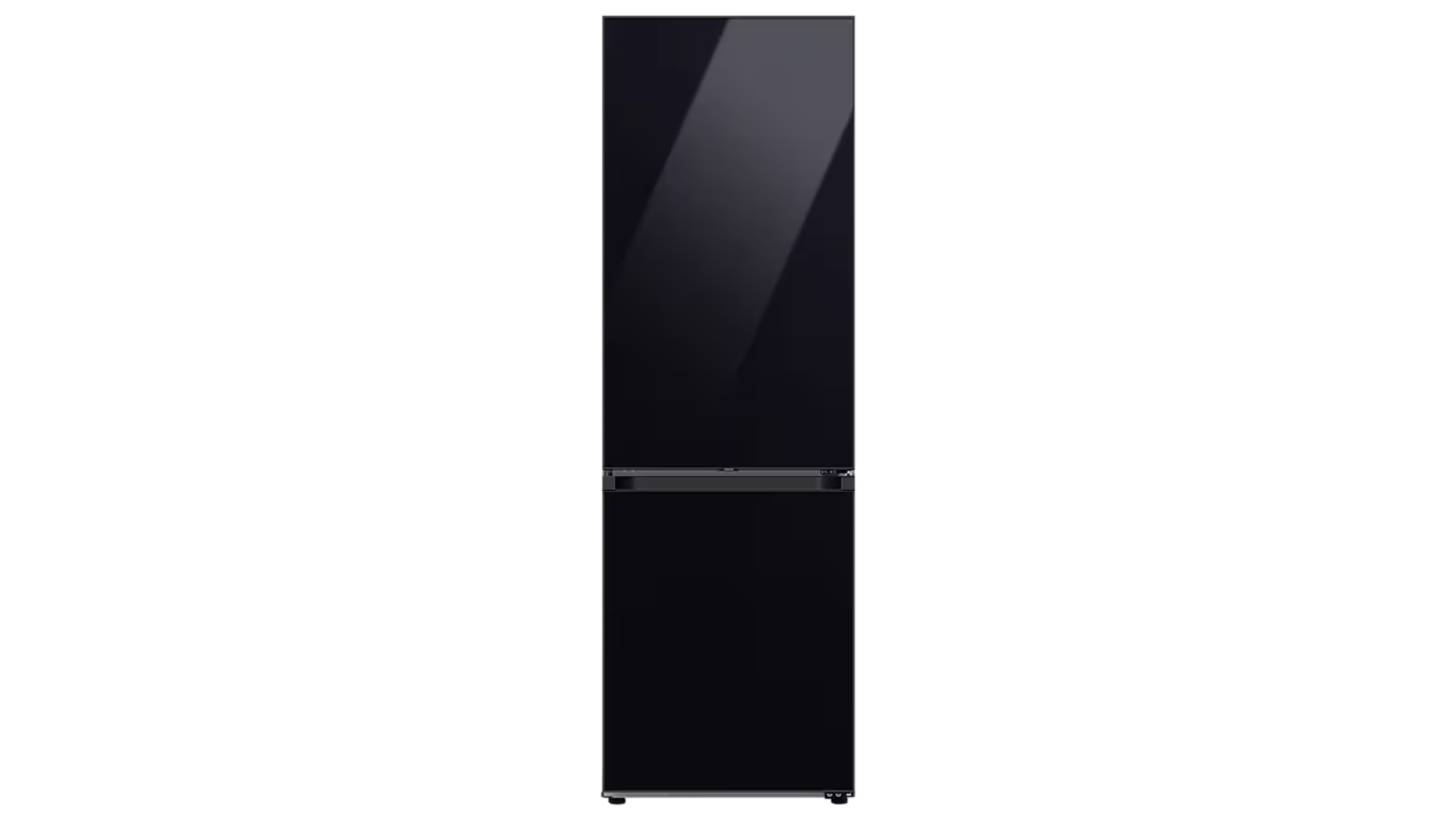
3. Samsung Bottom-Freezer Refrigerator
Iamge Source: Samsung
Check that the freezer remains at the correct temperature for ice production. A warm compartment may slow freezing or stop the cycle. Inspect the fill tube for frost or frozen water.
Make sure food packages are not blocking the vents that circulate cold air.
4. Samsung Top-Freezer Refrigerator
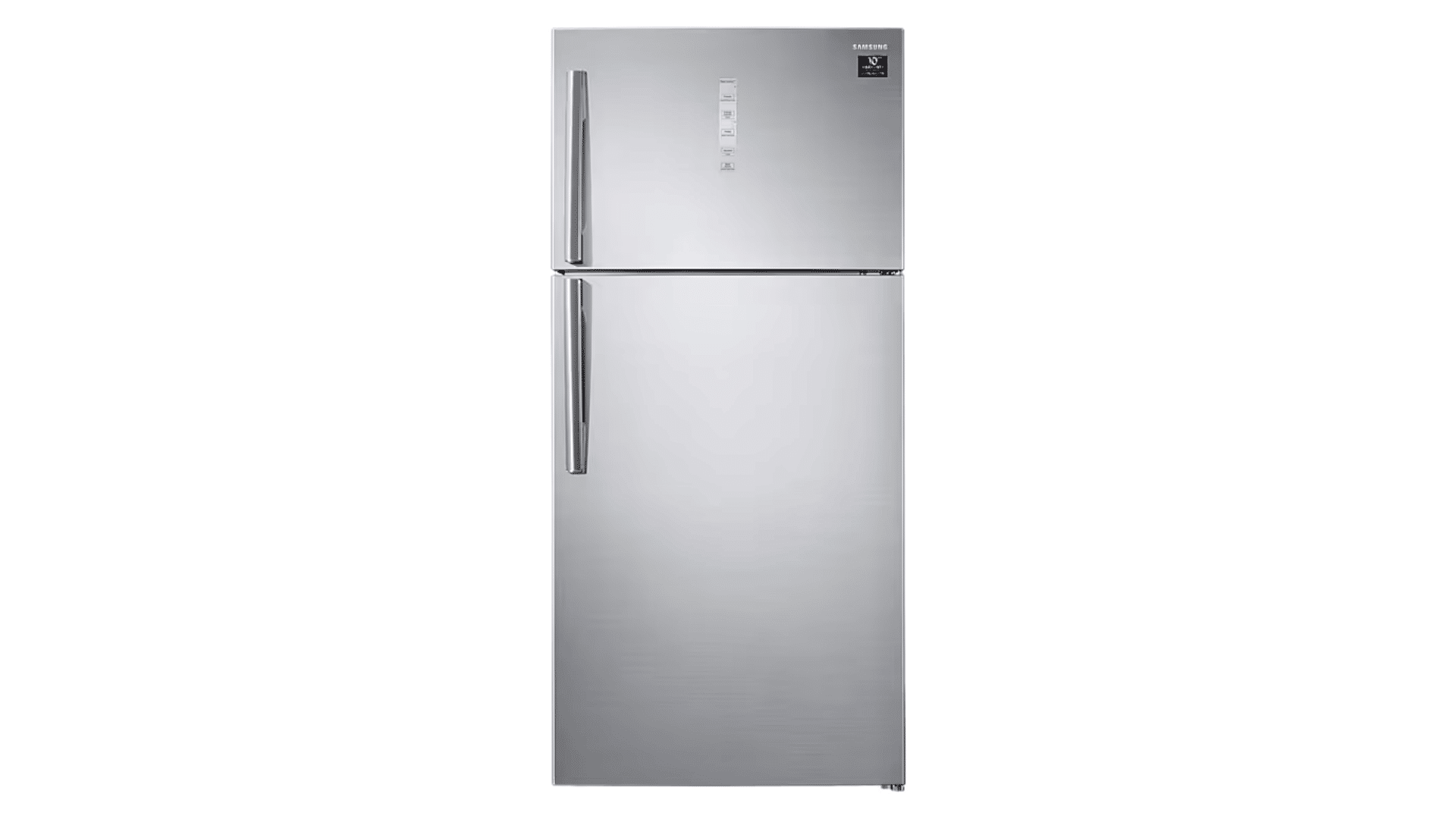
Image Source: Samsung
Make sure the control arm is lowered and able to move freely. A raised or stuck arm can signal that the bin is full. Check the water line for bends, pressure points, or poor flow.
Confirm that the shutoff valve is open before testing the ice maker again.
5. Samsung Bespoke Refrigerator with Dual Ice Makers
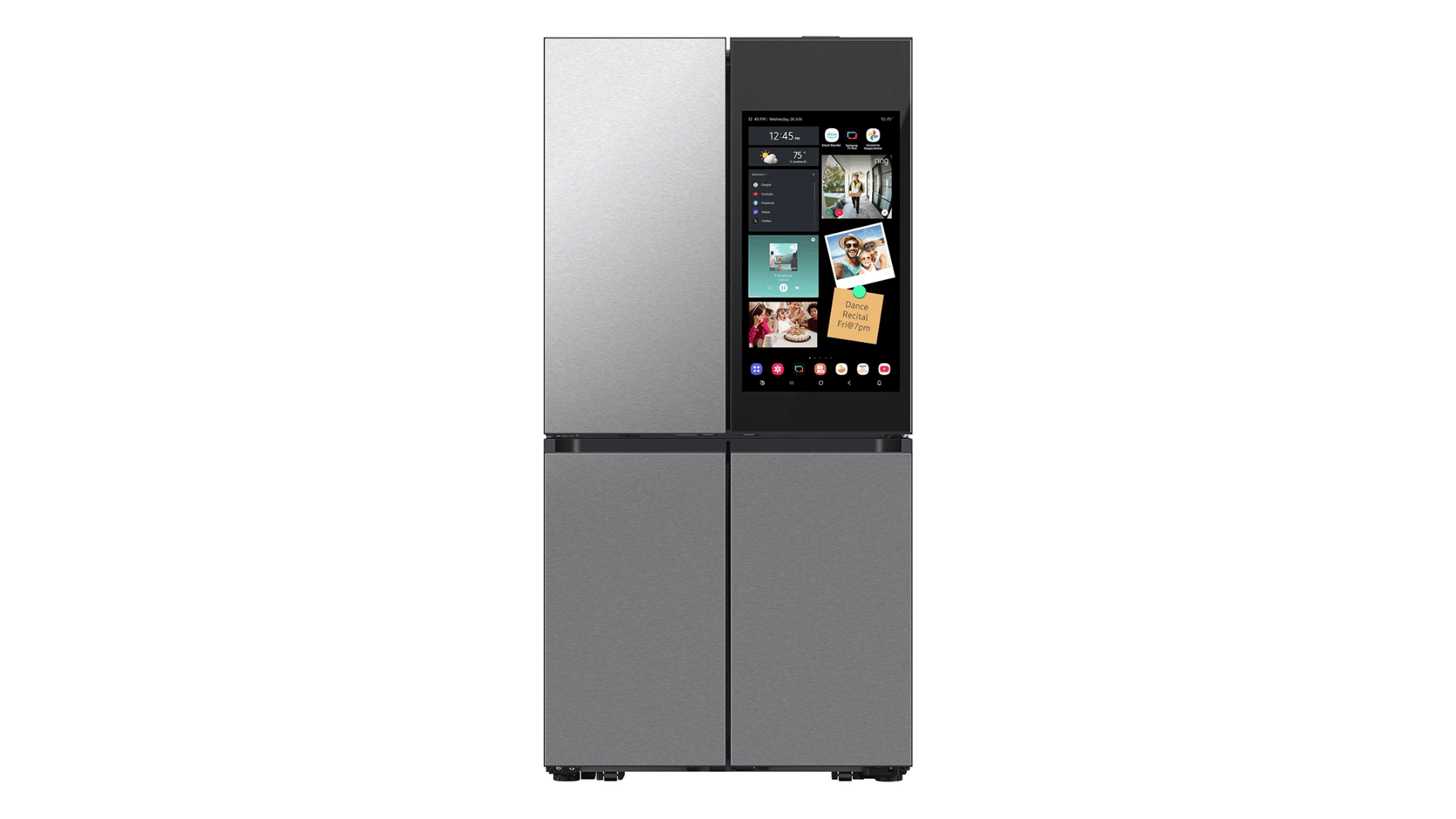
Image Source: Samsung Bespoke
Confirm that both the Cubed Ice and Ice Bites makers are turned on. One unit may stop while the other continues working. Test each ice maker separately to identify the affected side.
Check its bucket, water supply, and controls based on the test result.
How to Reduce Future Samsung Ice Maker Problems?
Regular care can lower the chance of slow ice production, frozen parts, and recurring blockages. A few simple habits can also help the ice maker maintain steady water flow and the correct freezing temperature.
- Replace the water filter according to the schedule listed for your Samsung model.
- Leave space around freezer vents so cold air can circulate freely.
- Empty old ice before cubes clump together or develop an odor.
- Check the door seals for dirt, cracks, or gaps that allow warm air inside.
- Maintain the freezer temperature at 0°F and check it after power outages.
- Make sure the water line behind the refrigerator is not bent or compressed.
- Avoid pressing the Test button repeatedly, as this may cause extra water to enter the tray.
What Samsung Refrigerator Owners Say
Community discussions often mention recurring frost buildup, ice trays that stop dropping cubes, weak water flow, and units that work briefly after a reset.
These comments can help you compare symptoms, but model-specific instructions and professional testing are still important before replacing any part.
“If it is still under warranty they will replace the ice maker for free. Have had mine replaced many times. It’s a known common fault with the Samsung fridges. The ice maker has frozen all the ice cubes into one big block. Not 100% sure why at the cause is but they have replaced my ice maker and changed the motherboard over top to rectify the issue. Will probably happen again in a few years but.” – Discomet86, Reddit
“Samsung would not do anything. I had a technician come out for a different appliance and happen to ask him about the icemaker and he said that it was an ongoing problem with Samsung, and that he had been getting approval for replacing them under icemaker only warranty. He instructed me to call Samsung and mention the icemaker only warranty, the class action lawsuit and the BBB.” – okframe7390, Reddit
“This unit has a problem with the ice maker all Samsungs like your unit has a problem. Go on the internet and google problems with Samsung ice maker problems and you will see. Hot air is able to get in the bin and thus it won’t harvest.” – Edward Wilson, Facebook
“Make sure it is plugged in and that the circuit is active. It is a refrigerator. Try using the freezer. If it is the freezer compartment, try filling the trays. If it is the freezer with a built-in ice-maker, make sure you have the appropriate plumbing connections and the valve is on. If all of the above do not work, make sure the temperature setting is set to below the freezing point of water. Zero degrees F. is common.” – Quora
When Should You Call a Samsung Appliance Repair Technician?
Call a Samsung appliance repair technician if the ice maker still does not work after checking the power setting, freezer temperature, filter, water line, fill tube, and Test button.
Book a repair if you notice repeated ice buildup, water leaks, damaged wiring, recurring error codes, a failed Test cycle, or no water entering the ice mold.
Service is also needed when the refrigerator or freezer cannot maintain a safe temperature for stored food. Turn off the ice maker if water is overflowing or electrical damage is visible.
You can also use Samsung’s support and service options to request ice maker repair when home troubleshooting does not solve the problem.
Final Thoughts
That’s pretty much the full picture. Samsung refrigerator not making ice sounds like a big problem, but nine times out of ten, it’s something small hiding in plain sight.
Work through the checks one at a time, and there’s a good chance you’ll have ice flowing again without needing a technician at all. And if it doesn’t? That’s okay too.
Now you’ll know exactly what to mention when you call in help, instead of just saying “it’s not making ice” and hoping someone figures it out.
Either way, I can assure you that your bin won’t stay empty for long.
Frequently Asked Questions
How Long Does a Samsung Refrigerator Take to Start Making Ice?
A Samsung refrigerator may take 6 to 12 hours to produce its first batch after installation, service, or a power outage.
Why are My Samsung Ice Cubes Small or Hollow?
Small or hollow cubes indicate low water pressure, a clogged filter, or limited water flow. Check the dispenser and filter.
Can a Samsung Ice Maker Work Without a Water Filter?
Some models support filter bypass plugs; check the manual before removing the filter or installing one.
Why Does My Samsung Ice Smell or Taste Bad?
Old ice, expired filter, or odors can affect taste. Discard cubes, clean the bucket, and replace the filter.
How Often Should I Empty the Samsung Ice Bin?
Empty the bin every few weeks if ice is used slowly to prevent clumping, odors, and cubes freezing together.