





I leave battery protection features turned on because replacing a worn battery is more annoying than waiting longer for a full charge.
Still, understanding why your device charges slowly or stops early matters most when it halts at 80 percent right before you need to leave. That is when asking what optimized battery charging starts to matter most.
The feature studies your routine, pauses the final part of charging, and finishes closer to the time you normally unplug. It can help slow battery aging, but it is not ideal for every schedule or charging habit.
Before changing the setting, it helps to know when it benefits you, when it may cause trouble, and where to find the controls on your phone, tablet, or laptop.
What Is Optimized Battery Charging?
Optimized Battery Charging does not slow the entire charging process. Instead, it pauses charging near the end.
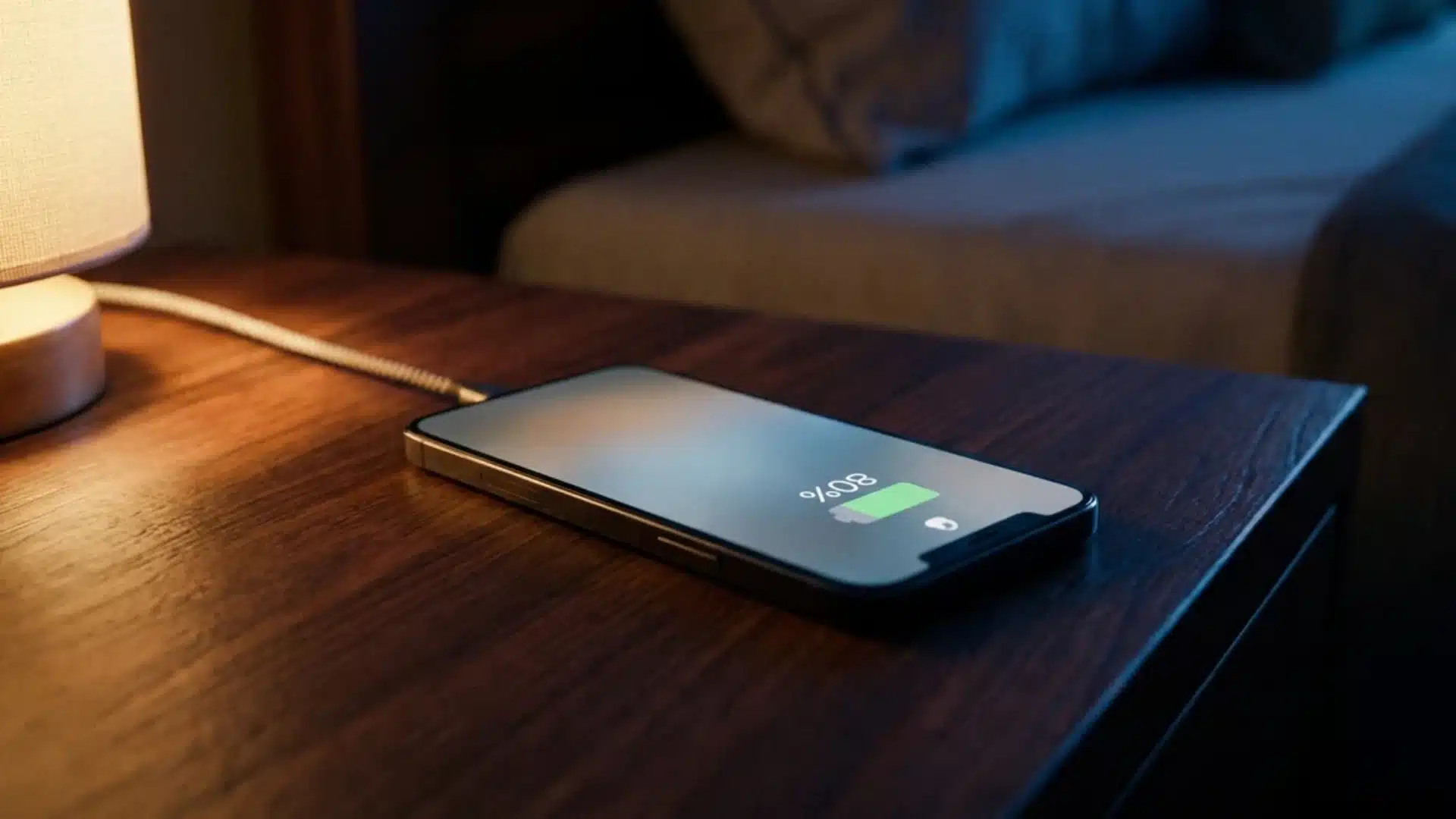
Your device still charges quickly to about 80 percent, just as it would with the feature turned off. Once it reaches that level, charging temporarily stops.
The feature relies on how device software manages charging behaviour, specifically on-device machine learning to study your habits, including when you usually connect the charger and when you normally unplug the device.
After it recognizes a regular pattern, it keeps the battery near 80 percent and completes the remaining charge shortly before you are expected to use it again.
For example, if you plug in your phone around 11 p.m. and usually pick it up at 7 a.m., the battery may stay at 80 percent overnight, then reach 100 percent shortly before 7. This reduces the time the battery spends sitting fully charged.
Why Charging to 100% Wears Down a Battery
Battery aging isn’t just about how many times you charge something. It’s about how long the battery sits at a high voltage.
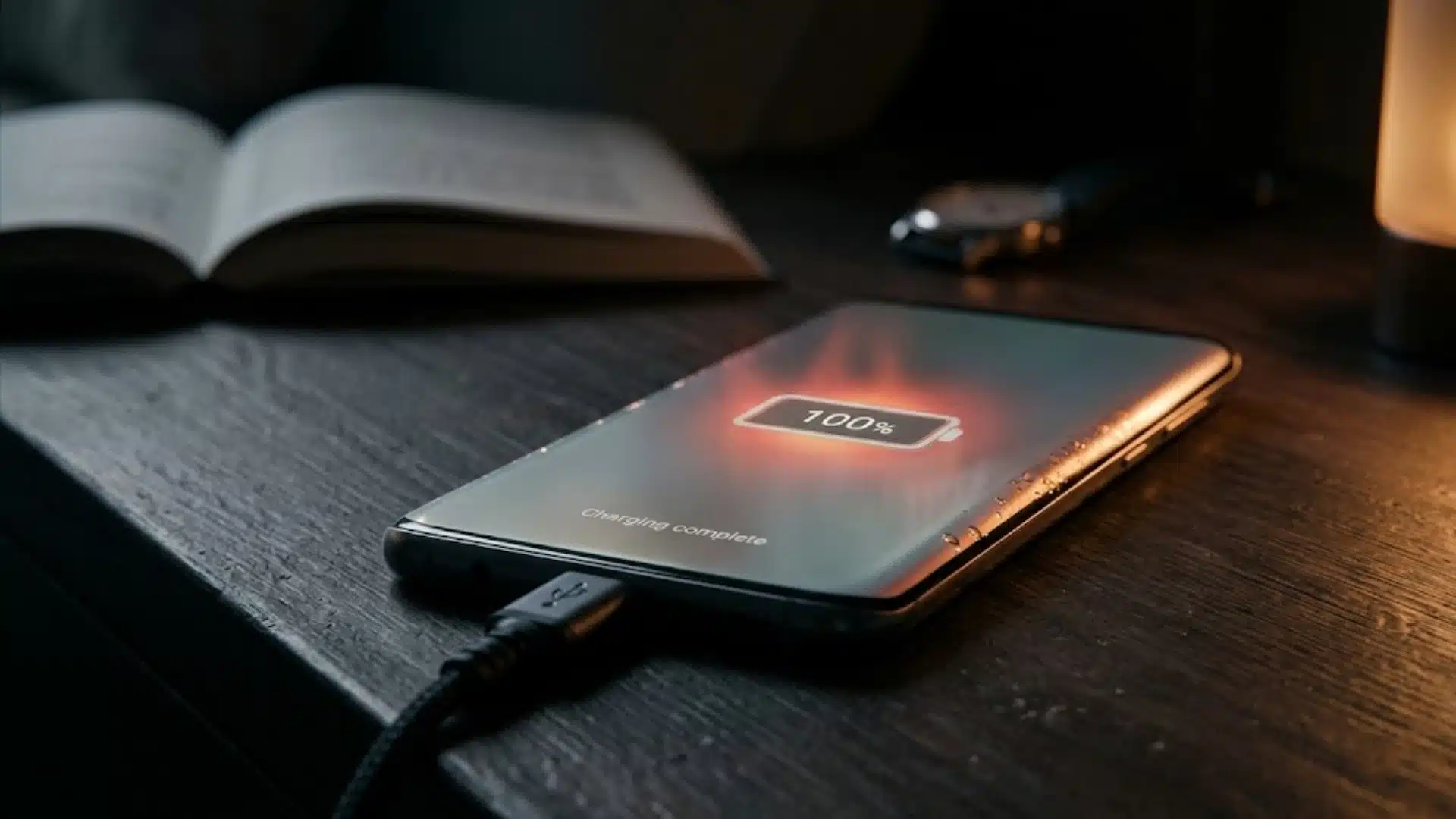
Lithium-ion cells degrade faster the longer they’re held near full charge, and that degradation accelerates further if the device stays plugged in after it hits 100%.
This is the part most explanations skip. A battery that reaches 100% and gets unplugged five minutes later isn’t under much stress.
A battery that hits 100% at midnight and stays connected to a charger until 7 a.m. spends seven hours sitting at peak voltage, and that’s the scenario that actually shortens battery lifespan over months and years.
Once you see it that way, the 80% pause stops looking like a compromise. It’s the device deliberately avoiding the exact condition that ages the battery fastest, then timing the final push so you’re not stuck waiting on a partial charge when you actually need the thing.
When You Should Turn Optimized Battery Charging Off
Optimized Battery Charging works best when your device can recognize a steady charging routine. When that routine changes often, the feature may become less useful.
- Irregular work hours can confuse the prediction system because charging and unplugging times keep changing.
- Inconsistent sleep schedules may cause the device to delay charging longer than expected, leaving the battery near 80 percent.
- Frequent travel can interrupt the routine the feature has learned, especially when time zones and daily habits change.
- Power banks, car chargers, and solar panels create less predictable charging patterns than using the same outlet each day.
- A changing weekly schedule gives the system little reliable information about when the device will be needed.
- Incorrect predictions may result in unplugging the device before it completes the final 20 percent of charging.
Optimized Battery Charging is a prediction system, not a fixed charging rule. It suits regular routines, but turning it off may make more sense when your schedule or charging habits are unpredictable.
What Reddit Users Say About Optimized Battery Charging
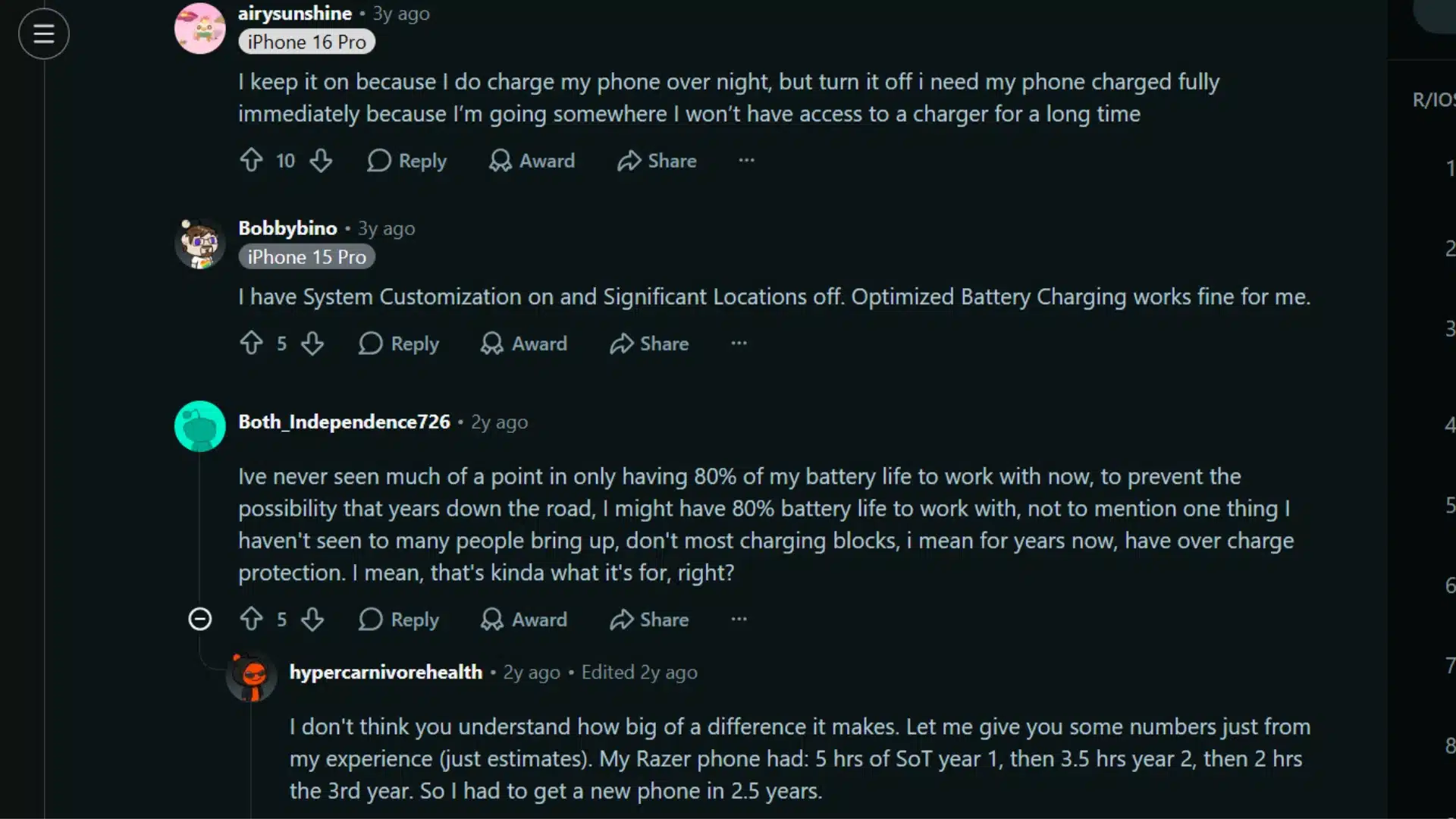
The Reddit discussion shows that most users treat Optimized Battery Charging as a useful default rather than a setting that must stay on at all times.
One user keeps it enabled for overnight charging but switches it off before trips or long periods without access to a charger. Another reports that it still works even with certain location settings disabled, suggesting device behavior may vary.
Some users question the value of stopping at 80%, while others argue that reducing time at full charge can noticeably slow battery wear over several years.
For anyone asking what optimized battery charging is, the practical takeaway is simple: leave it on for regular routines, confirm it is active by checking for an 80% pause, and disable it temporarily when a full charge matters more than long-term battery protection.
How to Check and Manage the Setting on Your Device
The toggle lives in Battery settings on every major platform, though the exact path and label shift slightly depending on the device.
iPhone and Mac
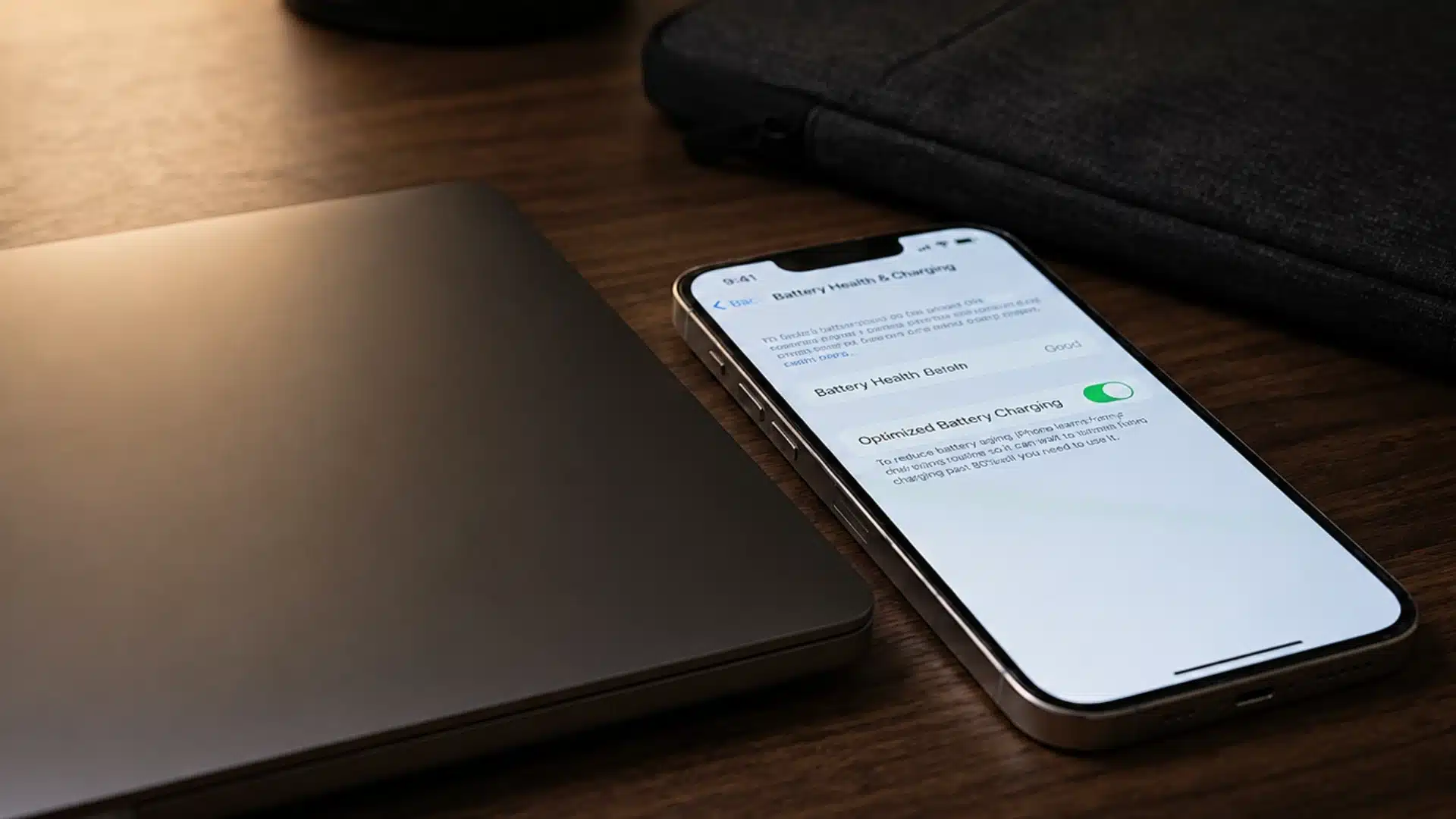
On iPhone, go to Settings, then Battery, then Battery Health & Charging, where you’ll find Optimized Battery Charging as a toggle.
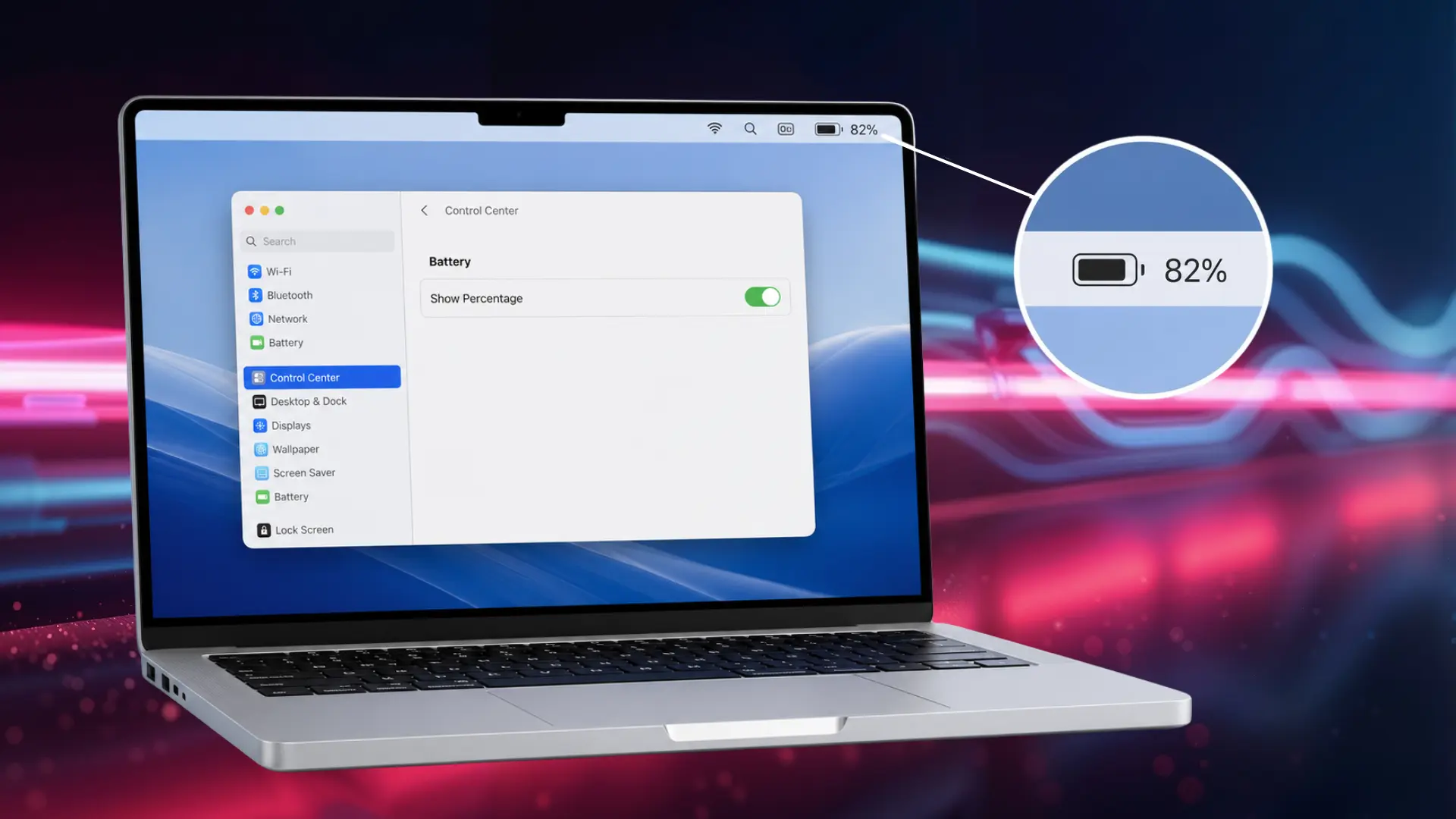
Some newer iPhone models also offer a Charge Limit option in the same screen, letting you cap charging at a fixed percentage like 85% or 90% instead of relying on the adaptive model. On Mac, the same setting sits under System Settings, Battery, Battery Health.
Android
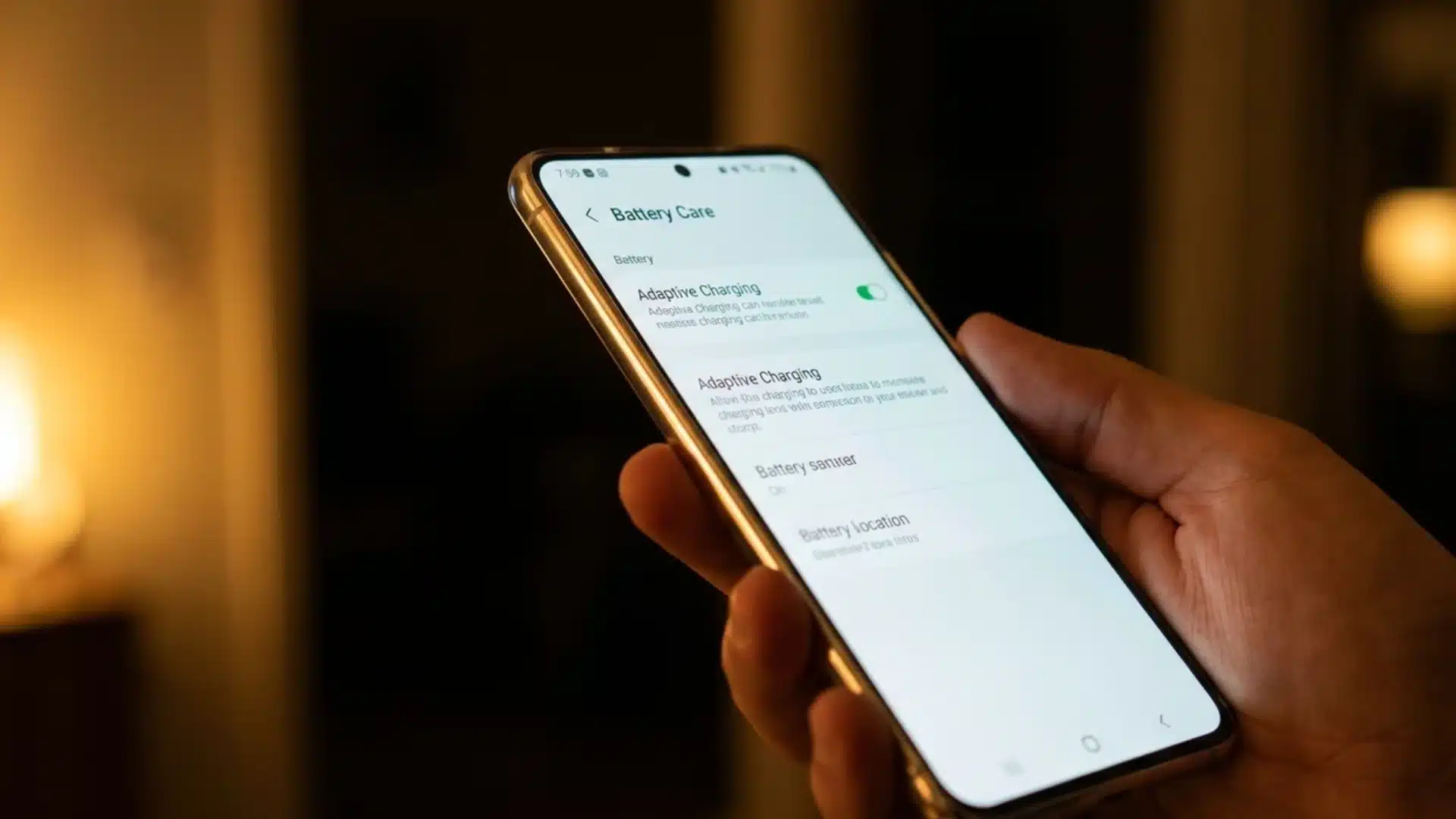
Android naming varies more by manufacturer. Samsung calls it Protect Battery under Settings, Battery and Device Care, Battery. Pixel devices list it as Adaptive Charging under Settings, Battery.
Whatever the label, it’s a toggle you can switch off if the adaptive approach isn’t working for your routine.
Choose the setting that matches your daily routine, then check it again whenever your schedule or charging habits change.
Conclusion
For most people, leaving the feature enabled is the easier and smarter choice. I prefer keeping it on because my charging routine stays fairly consistent, and the occasional pause at 80 percent is a small trade-off for reducing battery wear over time.
Once you understand what optimized battery charging is, the setting feels less like a restriction and more like a quiet battery-care tool.
Still, it depends on how predictable your schedule really is. Frequent travel, changing work hours, or irregular charging may make the feature more frustrating than helpful.
Check how your device behaves for a few days, then choose the option that fits your actual habits.
Do you keep Optimized Battery Charging enabled, or has it ever left you short on power? Share your experience in the comments.
Frequently Asked Questions
Is it good to leave Optimized Battery Charging on?
For most people, yes. It’s designed to slow long-term battery aging without noticeably affecting daily use, since it typically finishes charging before you need the device. It only becomes a problem if your schedule is unpredictable, in which case the prediction model has nothing consistent to learn from.
What happens if I turn off Optimized Battery Charging?
Your device will charge normally to 100% every time and stay there while plugged in, rather than pausing at 80%. This restores full charge availability at any moment but removes the wear-reduction benefit, so battery health may decline somewhat faster over time.
Does Optimized Battery Charging slow down charging speed?
Not exactly. It charges quickly to 80% like normal, then pauses rather than trickling the rest of the way. The final 20% is completed shortly before you typically use the device, so total charging time can feel longer without the actual charging rate being reduced.
Can I set a fixed charge limit instead of using the adaptive feature?
On some newer devices, yes. Certain iPhones let you set a strict cap, like 85% or 90%, instead of relying on the learned prediction model. This trades some convenience for a more predictable, consistent charge ceiling.