

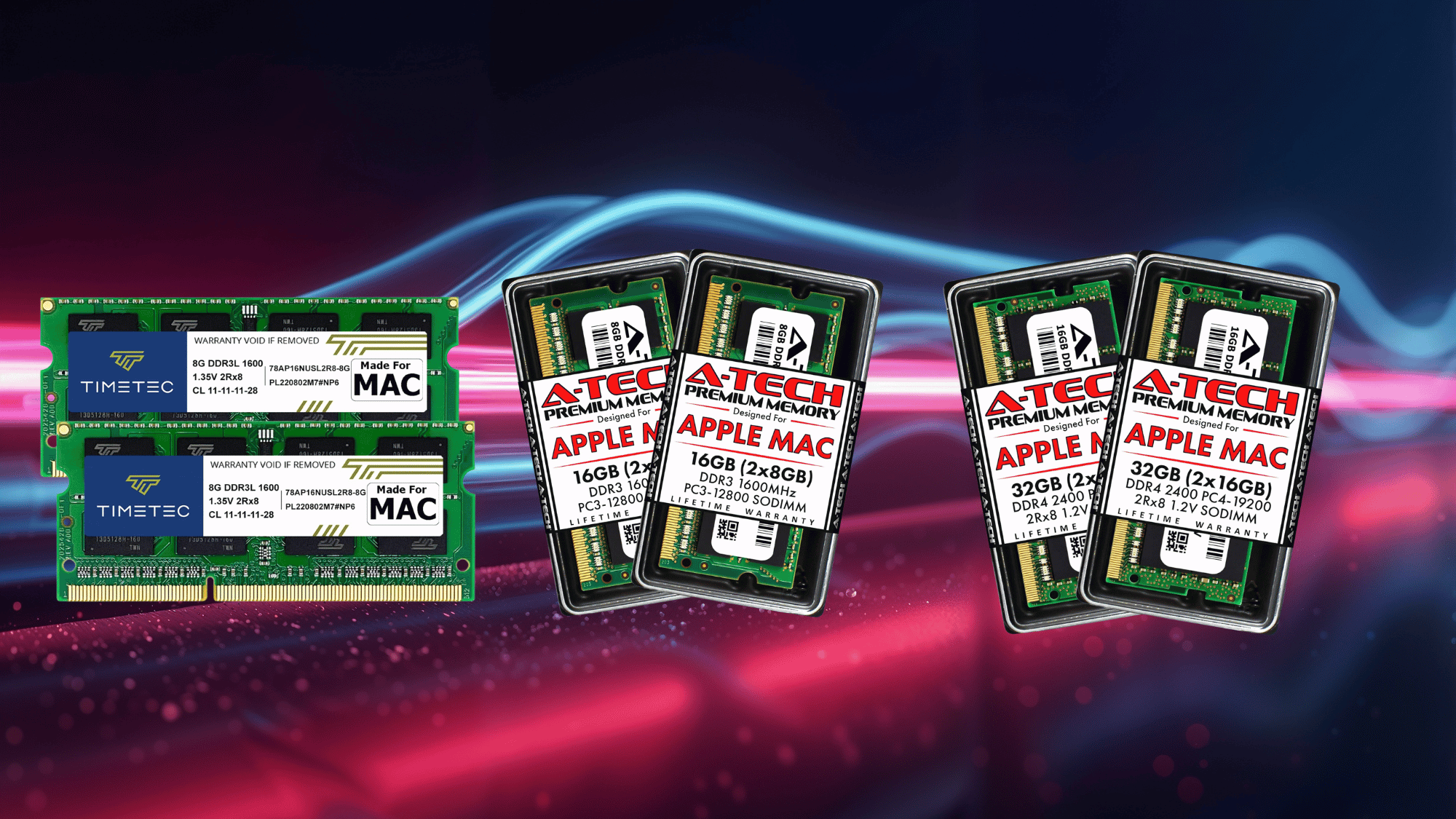
When it comes to RAM, everyone has an opinion, but not everyone has the full picture.
The jump from 8GB to 16GB to 32GB sounds impressive on paper, but what does it actually mean for real-world performance, similar to a MacBook size comparison.
Does more memory genuinely make a device faster, or is it just a number that looks good in the specs?
If the goal is smoother multitasking, faster creative workflows, or simply getting the best value for the budget, understanding what RAM actually does and how much is needed can save a lot of money and frustration. This blog breaks it all down in plain, simple terms.
Why Choosing the Right Amount of RAM Is Crucial
Choosing the right amount of RAM is crucial because it directly impacts how smoothly your system handles everyday tasks and multitasking, as often seen in MacBook Pro issues.
Too little RAM can lead to slowdowns, app crashes, and constant lag when switching between programs. On the other hand, having enough RAM ensures a responsive, stable experience, even under heavy workloads.
It also reduces the need for your system to rely on slower storage, which can hurt performance.
The right RAM capacity helps balance speed, efficiency, and long-term usability. Ultimately, it ensures your device performs well not just today, but over time as well.
RAM Performance & Value Breakdown: 8GB vs 16GB vs 32GB
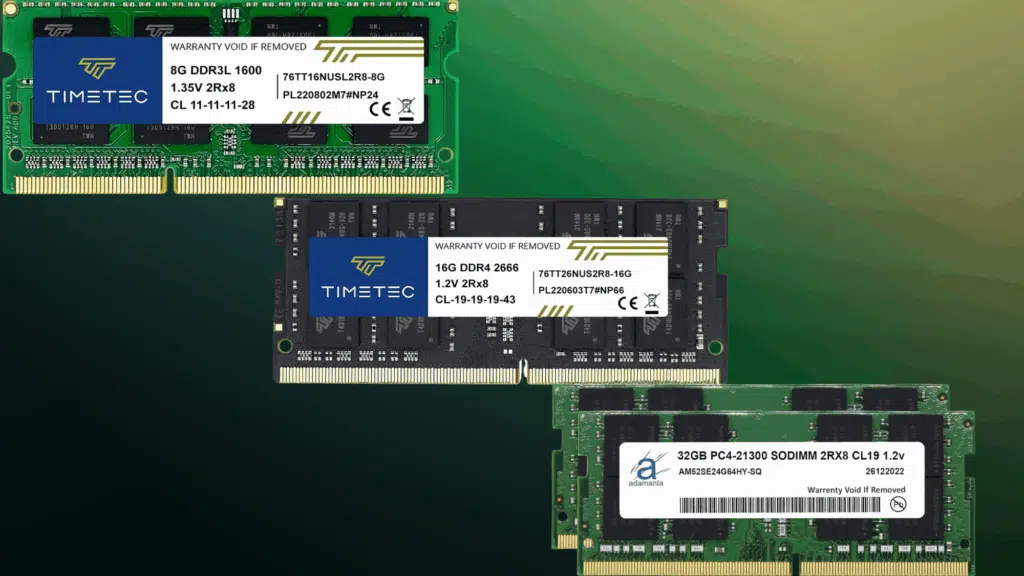
To truly understand the difference between 8GB, 16GB, and 32GB RAM, it’s important to look at how each performs in real-world scenarios rather than just on paper.
8GB RAM
8GB of RAM works fine for basic tasks like web browsing, streaming, and office apps, but it quickly shows its limitations in modern use.
As you open multiple tabs or run apps simultaneously, the system starts slowing down and apps may reload frequently. Multitasking feels restricted, and performance drops under heavier workloads.
It can still work for light users, but it often feels limiting today.
It also struggles to keep up with newer apps and updates that demand more memory. Over time, this can make the overall experience feel slower and less responsive.
16GB RAM
16GB RAM offers the best balance between performance and value for most users. It handles multitasking smoothly, enables faster app switching, and supports modern workloads without noticeable lag.
If you’re browsing with many tabs, working on multiple apps, or doing light creative tasks, it delivers a stable experience. This is why 16GB has become the new standard for everyday performance.
It also provides enough headroom for future software updates and increasing app demands. For most users, it ensures a consistently smooth experience without needing immediate upgrades.
Overall, 16GB strikes the perfect balance between performance, longevity, and cost.
32GB RAM
32GB RAM is designed for power users and demanding workloads. It eliminates slowdowns even when running heavy applications, large files, or multiple high-performance tasks at once.
This makes it ideal for professionals working in video editing, 3D rendering, or development environments. While it offers the best performance, it only makes sense if your workflow truly needs it; it can be overkill.
It also provides maximum headroom for future workloads and advanced software requirements. With 32GB, you rarely need to worry about memory limitations, even as tasks become more complex.
However, for most users, this level of performance goes unused, making it a premium option best suited for specific needs.
8 GB vs 16 GB vs 32 GB RAM: Decision Matrix
Choosing the right RAM size becomes much easier when you compare how each option performs across different usage and workload types.
| Usage Type | 8GB RAM | 16GB RAM | 32GB RAM |
|---|---|---|---|
| Basic Use | Good | Excellent | Overkill |
| Multitasking | Limited | Smooth | Effortless |
| Gaming | Struggles in modern games | Ideal (standard) | Best for streaming + gaming |
| Creative Work | Not recommended | Minimum required | Best performance |
| Professional Work | Limited | Suitable | Ideal |
| Future-Proofing | Low | Good | Excellent |
| Value for Money | Budget-friendly | Best balance | Expensive |
Signs You Need More RAM
If your laptop often feels slow or struggles to keep up with your daily tasks, it may be a sign that your system doesn’t have enough RAM to handle your workload efficiently.
- Frequent slowdowns during multitasking: Your system lags when multiple apps or tabs are open.
- Apps are taking longer to load: Programs open slowly or become unresponsive at times.
- Constant browser tab reloading: Tabs refresh automatically due to insufficient memory.
- System freezing or crashing: Your laptop freezes or crashes under moderate workloads.
- High memory usage in Task Manager: RAM usage stays near 100% even with basic tasks.
- Poor performance in games or creative apps: Games stutter, and editing software struggles to run smoothly.
- Lag when switching between apps: Switching between apps feels delayed or sluggish.
Final Verdict
Choosing the right amount of RAM does not have to be overwhelming once the real differences are clear. For everyday tasks and light use, 8GB gets the job done.
For multitasking, productivity, and a more future-proof experience, 16GB hits the sweet spot. And for heavy creative work, gaming, or running demanding applications, 32GB is where performance truly shines.
The key is matching the RAM to the actual workload rather than simply going bigger for the sake of it. With the right amount of memory in place, every task runs more smoothly, every workflow feels faster, and every penny spent is well worth it.
Frequently Asked Questions
Does Adding More RAM Improve Startup Speed?
Not significantly; startup speed depends more on your SSD than RAM.
Is 8 GB RAM Enough for Students?
It can work for basic tasks, but 16GB is better for multitasking and long-term use.
Can RAM Improve Streaming and Content Creation?
Yes, especially when multitasking like streaming while running other apps.