

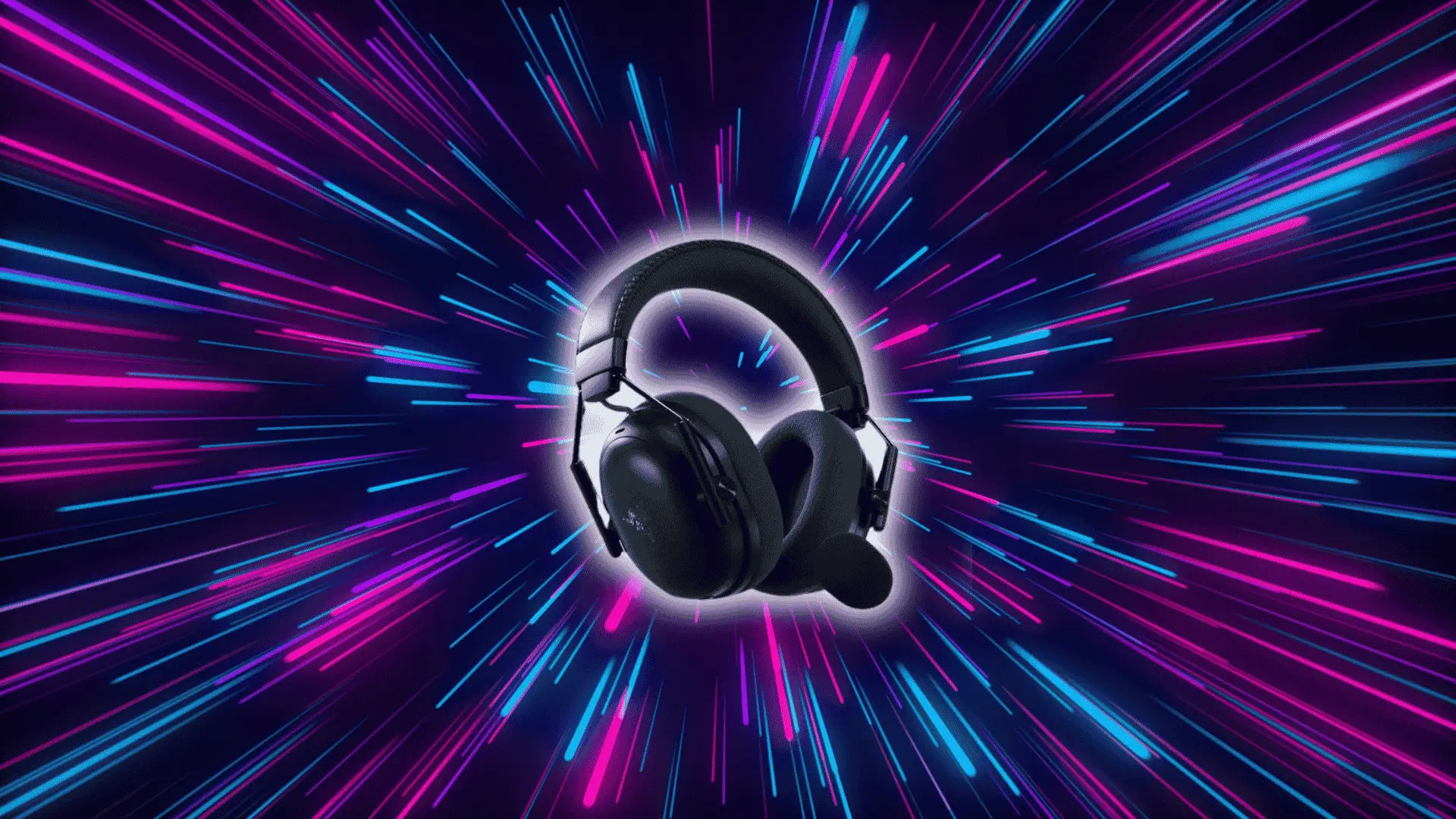
The Razer BlackShark V3 Pro is a premium wireless gaming headset built around competitive performance, low-latency audio, active noise cancellation, and long-session comfort in a single package.
Here you’ll find a breakdown of how it performs across real gaming scenarios, focusing on what actually affects your day-to-day experience.
From key features to common issues and direct comparisons, every section is built to give you a clear picture of where this headset delivers and where it falls short.
By the end, you’ll have enough to know whether it fits your gaming style, your setup, and your budget.
Is the Razer BlackShark V3 Pro Right for You?
If you’re searching for a top-tier gaming headset, the Razer BlackShark V3 Pro offers comfort, sound quality, and effective noise cancellation, making it ideal for serious and casual gamers alike.
Comfort
The oval earcups use ultra-soft memory foam cushions, and the aviation-inspired yoke design, the same skeletal frame that’s defined the BlackShark line, connects to the headband via metal hinges rather than plastic, which noticeably reduces wobble during movement.
At roughly 367g, it’s on the heavier side for a wireless gaming headset, and some users find that weight adds up past the three-hour mark
The headband adjustment is smooth and holds position reliably, but anyone who runs hot may want to consider that the ear cushion material retains heat during extended sessions.
Sound Quality
The TriForce Bio-Cellulose 50mm Drivers Gen-2 use a bio-cellulose diaphragm, a stiffer, lighter material than standard mylar, to reduce distortion between frequency ranges.
n practice, this means the high-frequency detail used for footsteps and environmental audio doesn’t bleed into the mid-range where voices and weapon sounds sit, giving competitive players cleaner separation between sound layers.
THX Spatial Audio processes that output into directional cues — above, below, left, right — rather than a flat stereo field. In fast-paced titles, this translates to being able to locate an enemy based on sound before they’re in frame.
It’s processed through Razer Synapse, so you’ll need the software running to get full spatial audio performance.
Noise Cancellation
The Hybrid ANC uses both feedforward and feedback microphones to sample noise from outside and inside the ear cup simultaneously, giving it more accurate cancellation than single-mic passive systems.
It handles consistent ambient noise — fans, air conditioning, low-level office sound — effectively. It’s less effective against sudden or irregular sounds like someone talking nearby.
Reviewers generally rate it as good but not best-in-class: it’s a meaningful upgrade over passive isolation alone, without matching the ANC performance of dedicated audio headsets in that price range. Keeping ANC active also draws battery faster, which is worth factoring in for marathon sessions.
Key Features of the Razer BlackShark V3 Pro
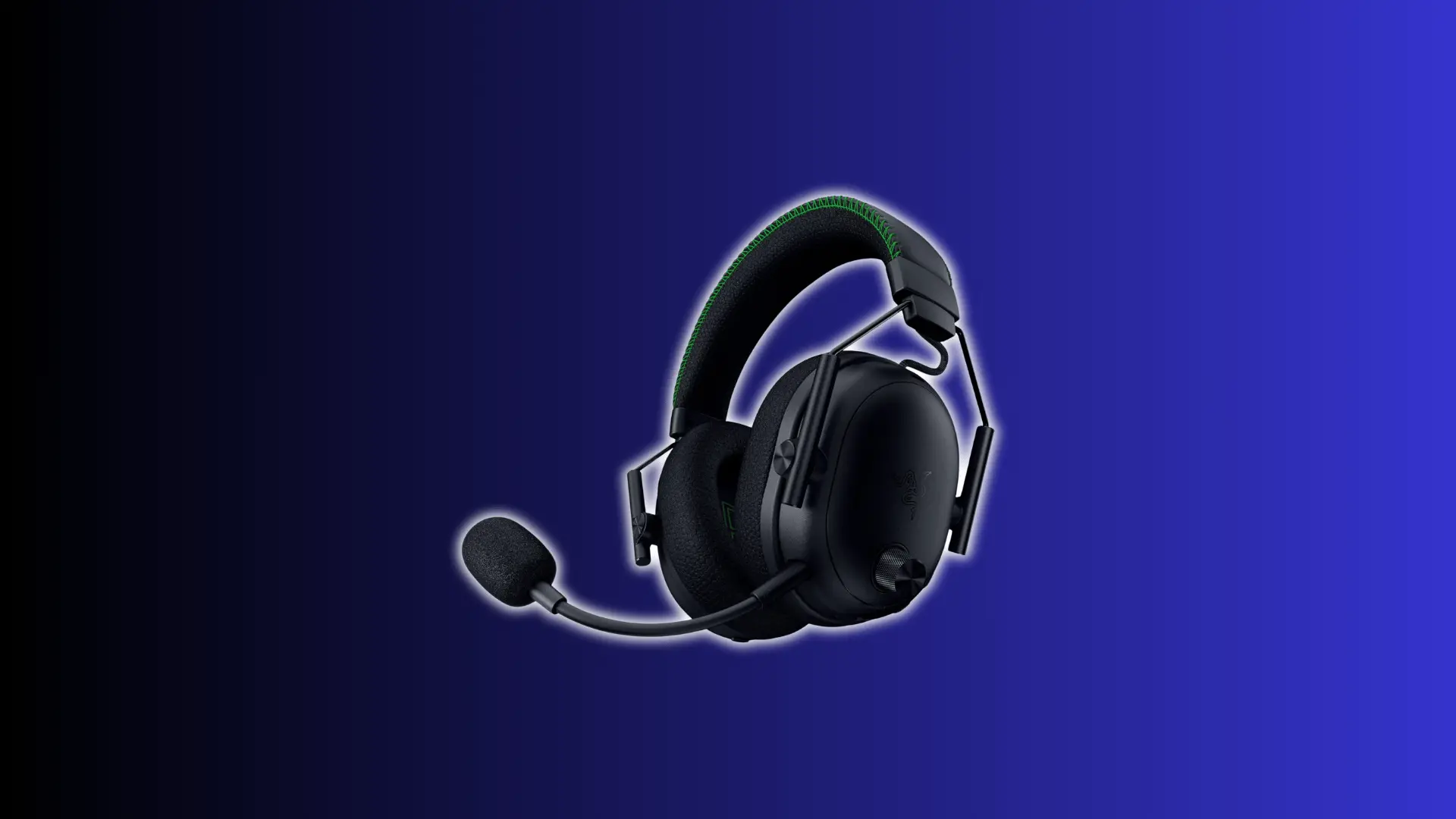
The Razer BlackShark V3 Pro includes several core features that shape its performance, making it important to understand how each one works during actual gaming use.
- Wireless Connectivity: Razer’s HyperSpeed Wireless Gen-2 operates at 2.4 GHz with a rated latency of ~10ms, providing the responsive audio that competitive play demands. Bluetooth 5.3 runs simultaneously, letting you take calls or stream music from a second device without disconnecting from your game.
- Battery Life: Rated up to 70 hours without ANC. Heavy ANC and simultaneous wireless use draw that down noticeably, so expect real-world usage to land lower depending on your setup.
- Mic and Communication: The HyperClear Full Band 12mm mic captures a wider frequency range than the standard boom mics on most gaming headsets, which translates to a more natural-sounding voice during comms. Quality can dip in loud environments without proper Razer Synapse tuning.
- Customizable Sound: THX Spatial Audio provides positional sound processing, and Razer Synapse lets you switch between EQ presets. Some users report needing to cycle presets on startup to resolve inconsistent audio output.
These features work well overall, but their real value depends on consistency, setup, and usage conditions, which can directly affect the headset’s day-to-day gaming performance.
Common Issues with the Razer BlackShark V3 Pro
While the headset offers strong performance, some users face recurring issues. Understanding these problems helps you identify whether they are manageable or could affect your overall experience.
Sound Quality Inconsistencies:
Some users report poor audio quality when turning on the headset. This happens due to preset glitches, and cycling through sound profiles usually restores proper audio output.
Return Rates and User Feedback:
Some users report audio dropouts or dongle disconnection, particularly in 2.4 GHz environments with significant wireless interference (crowded apartment buildings, offices with multiple devices on the same band).
Switching to a USB hub positioned closer to the headset, or moving the dongle away from other USB 3.0 devices, which are a known source of 2.4 GHz interference, resolves the issue in most reported cases.
Software and Firmware:
Performance depends heavily on software support. Outdated firmware can cause bugs or instability, so regular updates are required to maintain consistent audio, connectivity, and overall headset functionality.
These issues are not universal, but they can impact usability. Knowing the causes and fixes helps you decide if the headset fits your expectations and tolerance level.
How Does the Razer BlackShark V3 Pro Compare to Other Gaming Headsets?
Choosing the right gaming headset depends on price, performance, and features. This comparison highlights key differences to help you find the best fit for your needs.
| Attribute | Razer BlackShark V3 Pro | Logitech G Pro X Wireless | Razer Kraken V3 Pro |
|---|---|---|---|
| Price Range | $200–$250 (usually $220+) | $150–$230 (often $150–$180) | $130–$200 (commonly $150–$180) |
| Core Focus | Competitive FPS, low latency | Balanced gaming and streaming | Immersive gaming with haptics |
| Sound Performance | Clear, positional, slightly V-shaped | Balanced, strong mids | Bass-heavy, cinematic sound |
| Noise Cancellation | Hybrid ANC (good, not best-in-class) | Passive isolation only | No ANC |
| Wireless Performance | Ultra-low latency (~10 ms) | Low-latency Lightspeed wireless | Stable, less esports-focused |
| Battery Life | Up to ~70 hours (lower with ANC) | ~20–24 hours | ~40–44 hours |
| Comfort | Comfortable but slightly bulky (~367g) | Lightweight and stable | Heavier due to haptics |
| Durability / Build | Premium build, minor fit issues | Solid and proven durability | Durable but heavier design |
| Best For | Competitive gamers and esports | Streamers and all-round gamers | Casual and immersive players |
| Price vs Value Verdict | Premium price, justified for competitive performance | Best overall value for balanced use | Best value when discounted for immersion |
If you’re upgrading from the BlackShark V2 Pro, the differences are meaningful rather than cosmetic.
The V3 Pro adds hybrid ANC, absent on the V2 Pro, along with simultaneous 2.4 GHz and Bluetooth connectivity, so you’re no longer forced to choose between your PC and a secondary device.
The drivers have been updated to TriForce Bio-Cellulose Gen-2, which Razer claims improves frequency separation, and the mic has been upgraded from the V2 Pro’s HyperClear Supercardioid to the HyperClear Full Band, capturing a broader vocal range.
Battery life also jumps from roughly 40 hours on the V2 Pro to a rated 70 hours on the V3 Pro (without ANC).
For existing V2 Pro owners, the upgrade is most justifiable if ANC or dual wireless connectivity is something you’ve specifically wanted.
Your final choice depends on whether you value competitive precision, balanced usability, or a more immersive gaming experience.
Who Should Buy the Razer BlackShark V3 Pro?
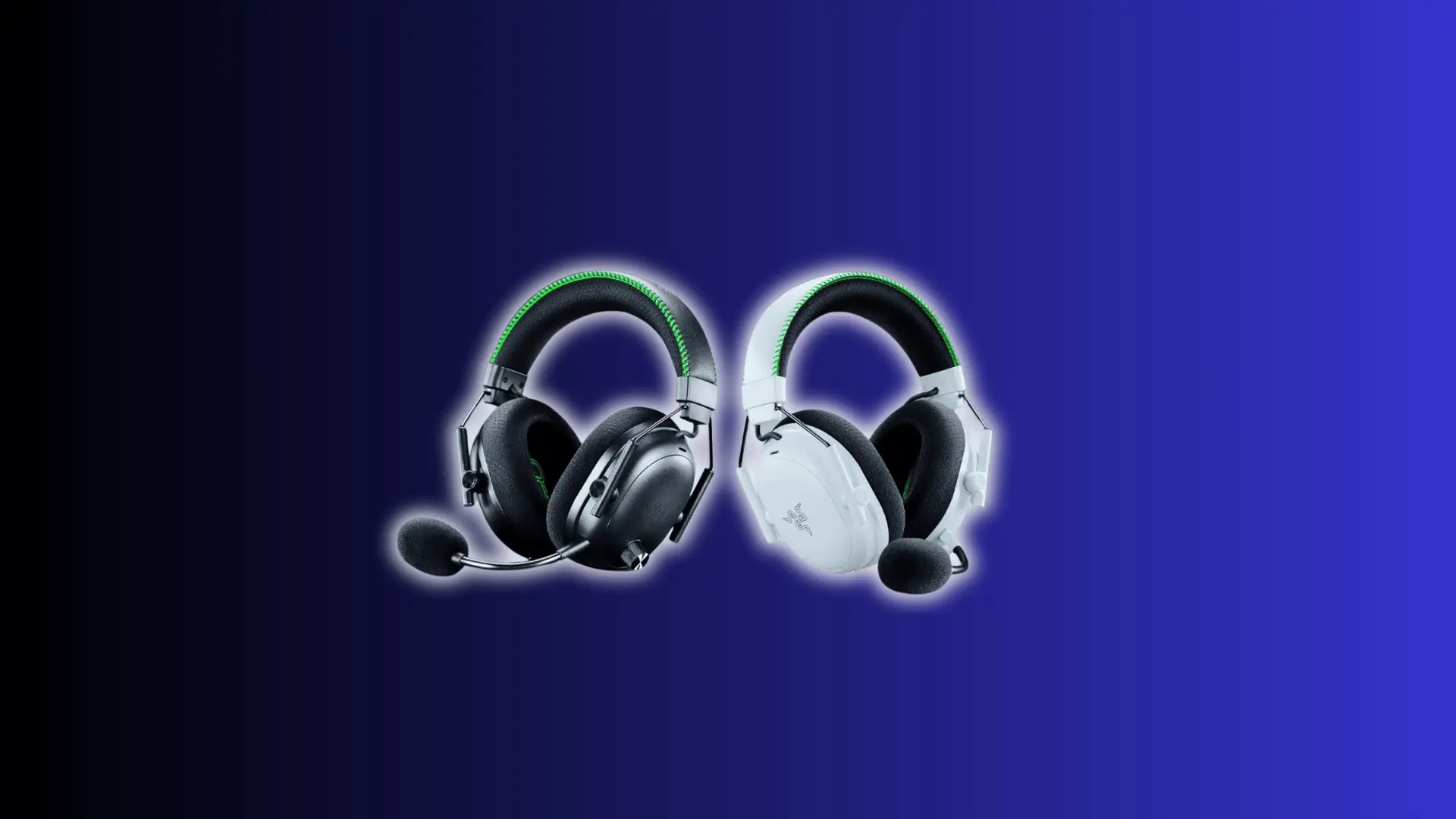
This headset is built for specific users, so understanding who benefits most helps you decide if it fits your gaming style, setup, and overall expectations.
Ideal Users:
The Razer BlackShark V3 Pro suits gamers who prioritize low latency, clear positional audio, and long-session comfort. It works best for competitive environments where sound accuracy directly affects gameplay performance.
- Competitive FPS players where positional audio, knowing where a footstep came from, directly affects outcomes
- Esports-focused users who want a headset with a documented pro-play track record
- Anyone logging 4+ hour sessions who needs a fit that doesn’t degrade over time
Potential Alternatives:
Some people may prefer other headsets depending on budget or usage. Alternatives can offer similar performance, better value, or features better suited for casual or mixed use scenarios.
- Logitech G Pro X Wireless, better overall value, lighter, and covers streaming and gaming equally well
- Razer Kraken V3 Pro, bass-heavy with haptic feedback, built more for immersion than precision
- Any headset under $100 if your gaming is casual and low-stakes
Choosing the right headset depends on your priorities, so match your gaming needs, budget, and feature expectations to ensure the BlackShark V3 Pro truly fits your setup.
Conclusion
The Razer BlackShark V3 Pro delivers strong performance across comfort, sound quality, and competitive gaming, giving you a clear view of what to expect beyond basic specifications.
You’ve seen how it handles real-world use, including strengths in low latency and areas where setup or software can influence the overall experience.
Now you know where the Razer BlackShark V3 Pro stands compared to alternatives, helping you decide if it matches your priorities, budget, and long-term gaming expectations.
Whether it’s the right fit comes down to how much weight you put on competitive precision versus price; the comparison section covers the key trade-offs if you need a final reference point.
Frequently Asked Questions
Is the Razer BlackShark V3 Pro good for music listening?
The headset performs well for music with clear audio and strong separation, but its tuning is optimized for gaming, so audiophiles may prefer more balanced headphones.
Can the Razer BlackShark V3 Pro be used without software?
Yes, it works without software, but features like sound customization, firmware updates, and mic tuning require Razer software for full functionality and better performance.
Does the Razer BlackShark V3 Pro support wired use?
Yes, it includes a wired connection option, allowing use without battery dependency, though some wireless features and enhancements may not function in wired mode.
How long does the Razer BlackShark V3 Pro last over time?
With proper care, the headset can last several years, but battery health, ear cushion wear, and software support can affect long-term usability and performance.