

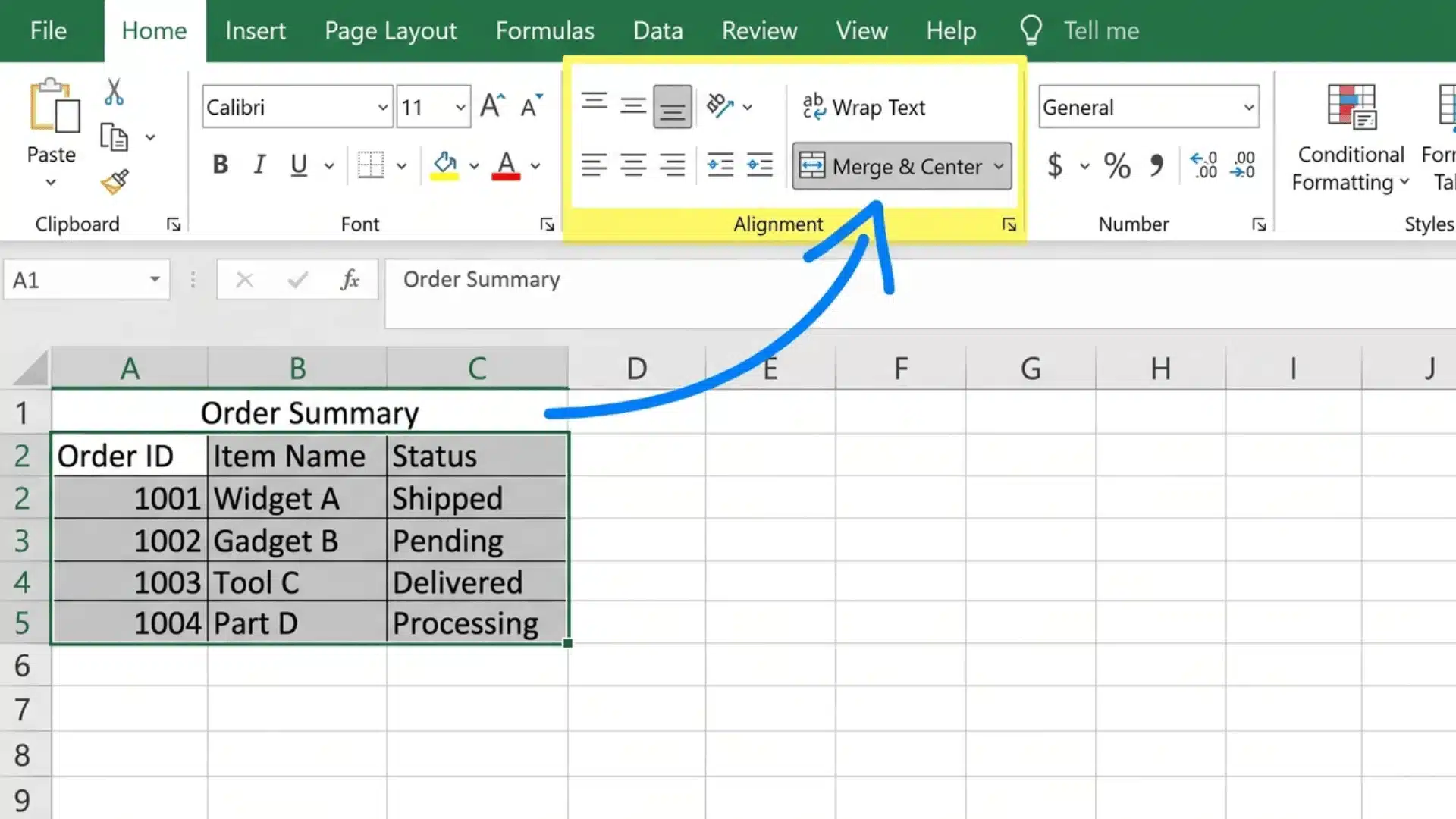


Good audio can change how you experience games and movies, but most people stick to basic stereo without giving it a second thought.
That’s where Windows Sonic for headphones comes in. Still, many users aren’t sure what Windows Sonic is for headphones, or if it actually makes a difference.
You might have tried turning it on and noticed something felt off, or maybe not much changed at all. That confusion is common, and it leads to mixed opinions.
In this blog, I’ll break down what Windows Sonic really does, how it performs, and whether it’s worth using compared to other spatial audio options.
What is Windows Sonic for Headphones?
Windows Sonic for Headphones is a built-in spatial audio feature in Windows and Xbox that adds directional sound to regular stereo audio.
It creates a virtual surround-sound effect, making sounds seem to come from different directions.
It works with any standard headphones and is free to use. While it can improve awareness in games, especially shooters, it may sound less natural for music.
Overall, it’s a simple, no-cost way to try spatial audio, though it lacks the precision of premium options like Dolby Atmos.
Best Headphones That Work Well with Windows Sonic
Not all headphones give the same result with Windows Sonic. Since it relies on virtual surround processing, the quality of your headphones plays a big role in how accurate and immersive the sound feels.
1. SteelSeries Arctis Nova Series
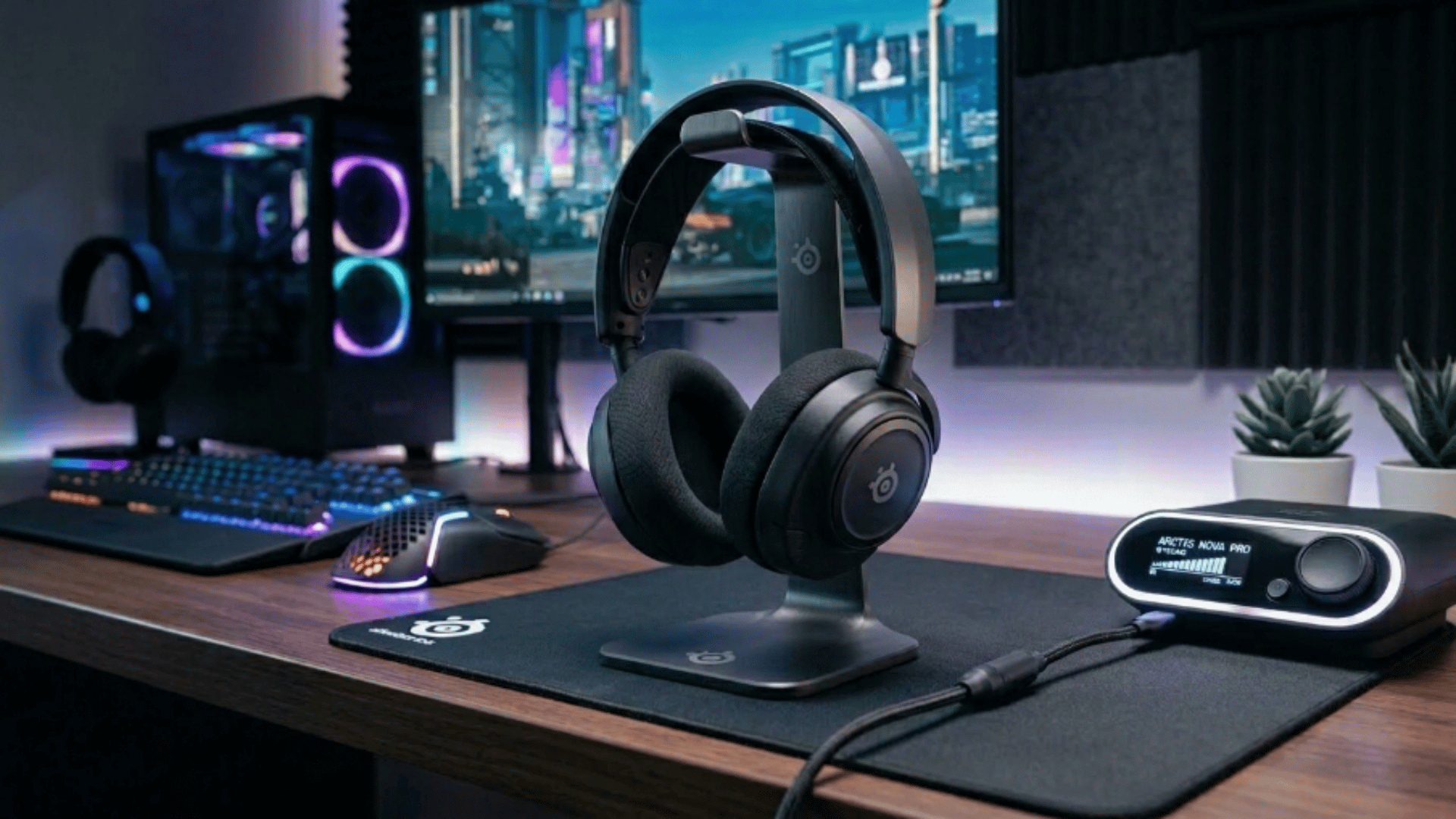
The Arctis Nova series works really well with Windows Sonic thanks to its wide soundstage and high-clarity drivers. This matters since Sonic depends on how clearly a headset can separate sounds.
These headphones make footsteps, gunfire, and movement feel more directional instead of blended together. Higher-end models also support Hi-Res audio and advanced drivers, which improve immersion and detail.
The pricing ranges widely, from around $150 for mid models to about $600 for premium versions, depending on features like wireless support and noise cancellation.
I got the PS5 version instead of the XBOX version because I never plan to buy an Xbox. Even though the Xbox model is compatible with the PS5, XBox & Pc. The PS5 model is only compatible with PS5, PC, Nintendo Switch, & Mobile. So that’s a decision that you’ll have to make whenever you go to buy these. –URBAN TECH REVIEWS, Amazon
The SteelSeries Arctis Nova Pro Wireless is arguably one of the best gaming headsets I've ever used. From the moment you unpack, the build quality is obvious. The materials used are both sturdy and comfortable, offering a premium feel from the first contact. –Charles Ouellet, Amazon
2. HyperX Cloud II
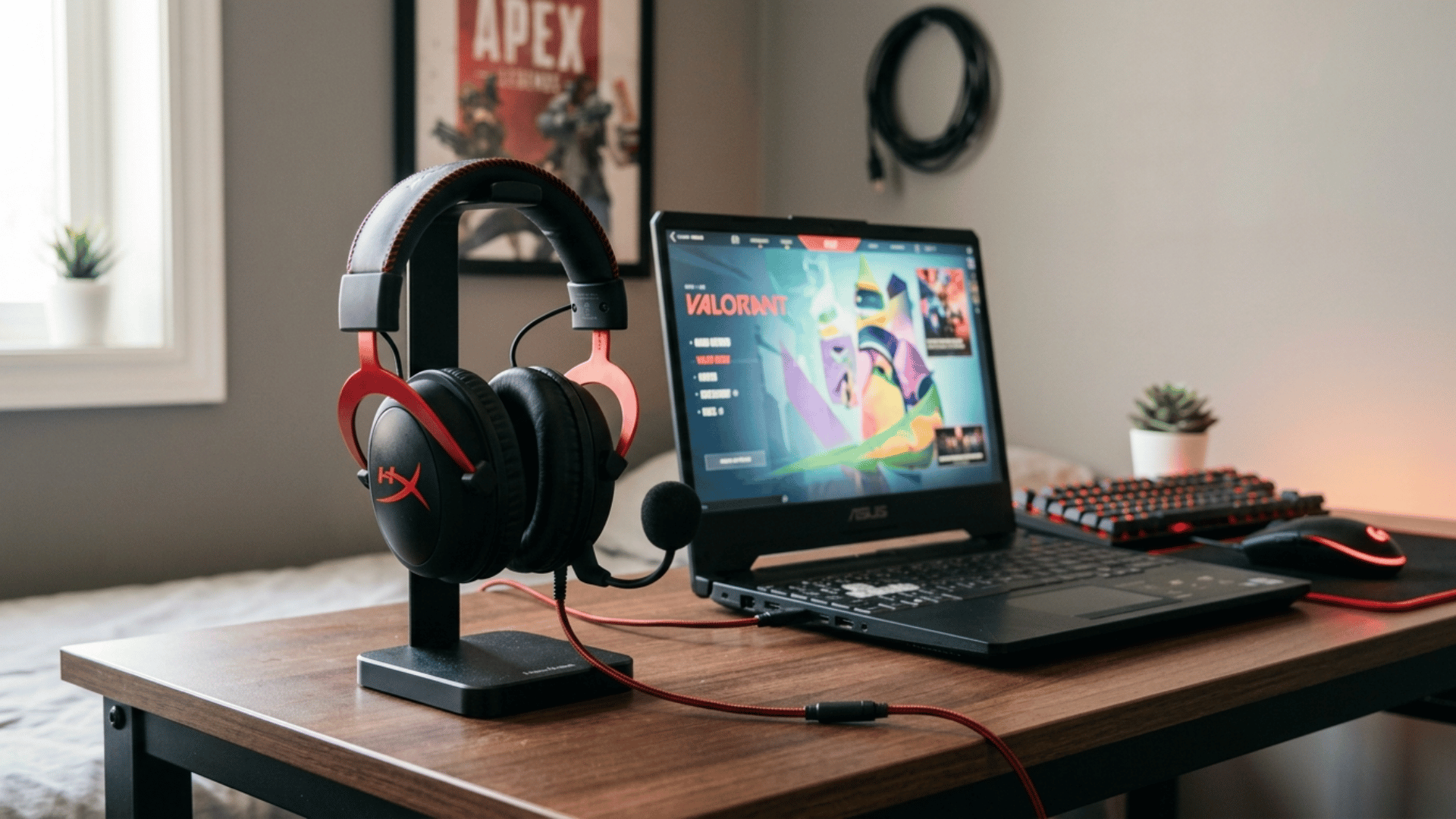
The HyperX Cloud II is a strong match for Windows Sonic because it keeps audio balanced and clean without heavy bass boosting.
This helps Sonic’s virtual surround feel more natural, especially in games where positioning matters. It also has a reputation for comfort, so it’s easy to use for long sessions.
In the market, it typically costs around $80 to $100, making it one of the most affordable options that still works well with spatial audio.
The mic is good enough for calls and gaming. Initially, I was not impressed with the sound of the headphones (sounded like a low bitrate MP3), but then I realized I needed to plug the headset into my motherboard’s USB ports rather than the front panel ports. –DukeAVW, Amazon
This headset is pretty great, I have just finished testing it on a PS4, XB1, and a desktop pc. Here is what I can tell you about my experience. First, the packaging is superb and upon opening this headset, it simply oozes with quality.- nightshade, Amazon
3. Razer BlackShark V2
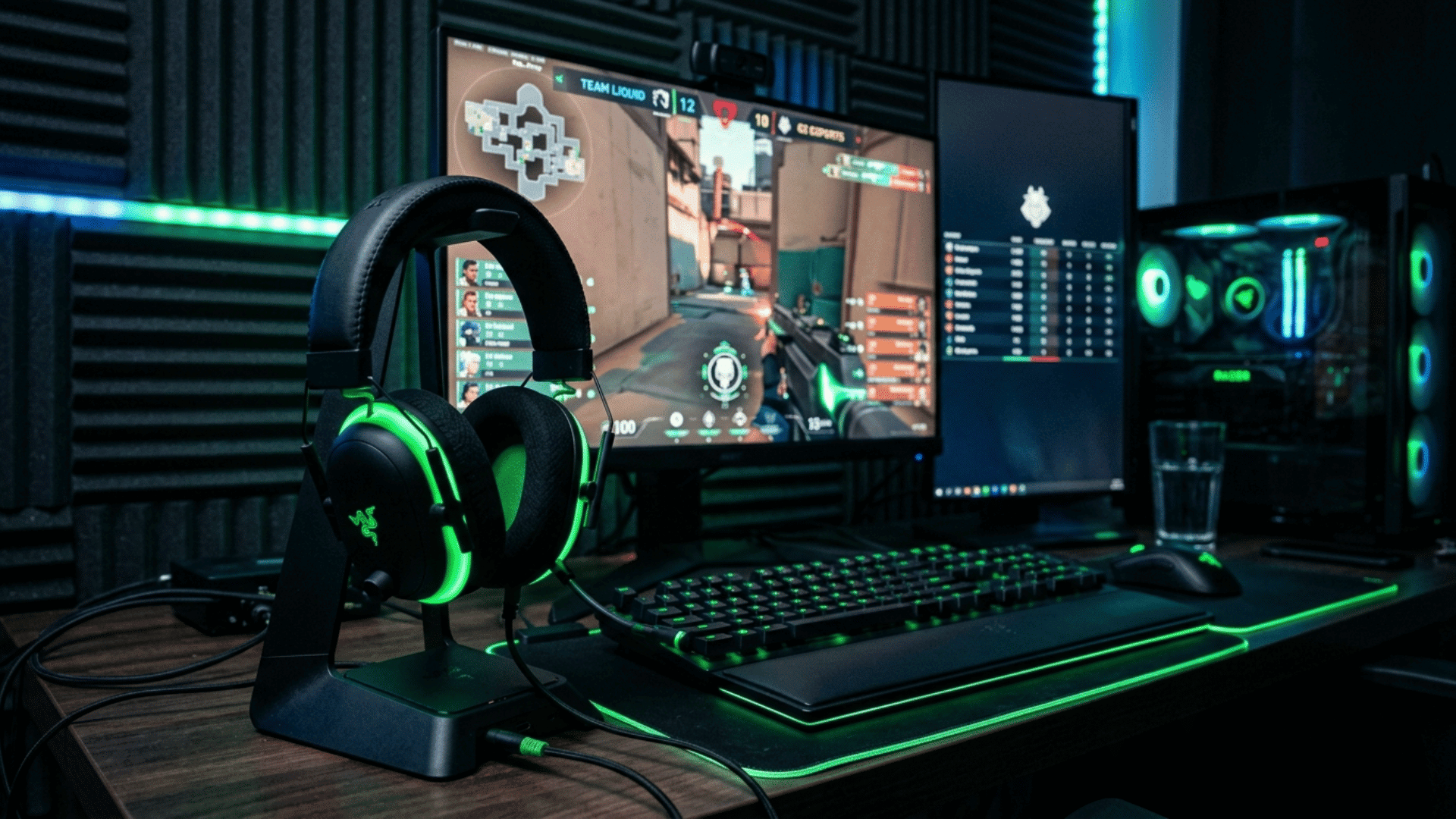
The BlackShark V2 is designed for competitive gaming, which makes it a good fit for Windows Sonic.
Its clear mid-range and precise imaging help highlight directional cues, such as enemy footsteps or reload sounds. That means Sonic feels more effective here than on bass-heavy headphones.
Prices usually range from $100 to $180, depending on the wired or wireless version.
This has been one of my most favorite headsets hands down I use them for recording so I am all about the sound quality and the microphone quality these do not disappoint they’re extremely comfortable even after long periods of time the sound- Hannah h.,Amazon
This headset delivers great sound quality with clear audio and solid bass. The microphone is clear and picks up voice well without background noise.-Natalie Merkley, Amazon
4. Logitech G Pro X
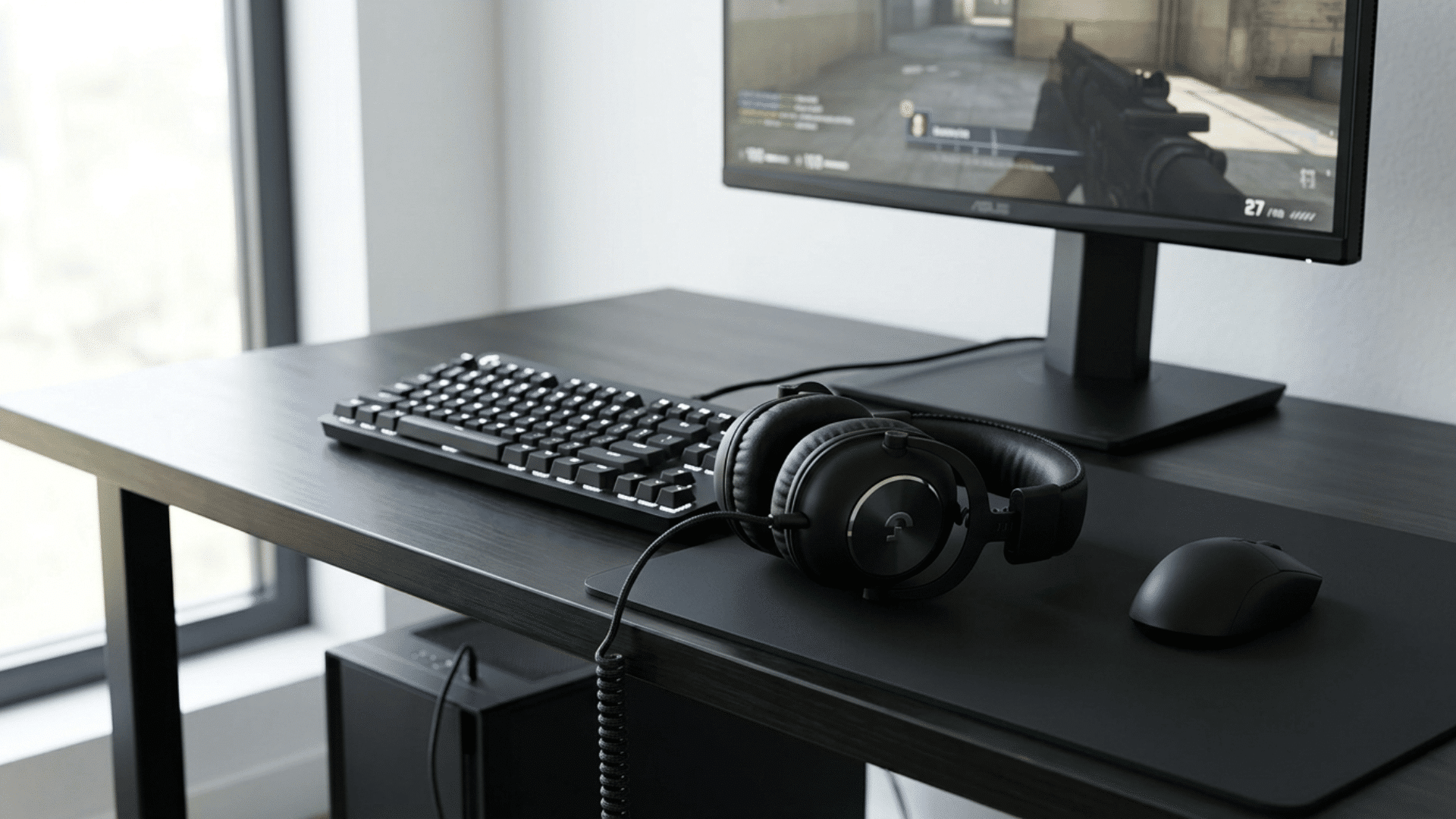
Logitech G Pro X keeps things simple with clean, controlled audio tuning, which is exactly what Windows Sonic needs to perform properly.
Instead of boosting certain frequencies, it maintains clarity across the board, so virtual surround effects don’t sound muddy. It’s widely used by esports players for this reason.
The pricing usually ranges from $120 to $200, depending on whether you choose a wired or wireless model.
As with most hardware with accompanying software, the software truly isn’t great. So, for a good setup, use the included DAC, install G Hub, disable side tone if you want, I did because hearing myself is disorienting, adjust any EQ levels you want, I gave it a bass boost, and then save those setting to the DAC.-Derrik Slade, Amazon
My babies. The noise cancellation is a must and these do it right. The cord length is great not too long not too short. They’re just beautiful and soooo comfy too, I wear them for hours no problem. -Ash ,Amazon
5. Sony WH-1000XM5

The Sony WH-1000XM5 isn’t built for gaming, but it still works well with Windows Sonic thanks to its excellent clarity and strong noise cancellation.
This makes movies and casual gaming feel more immersive, even if it doesn’t offer the same positional accuracy as gaming headsets.
In the, these headphones are priced around $350 to $400, placing them in the premium category.
I thoroughly enjoy what Sony has to offer in their product line. I have the PlayStation 5, a Sony Bravia 4K TV and several other Sony products. Yes although I have owned a few of their product line I will not try to be biased here with the review. – Richard Huynh, Amazon
I’ve been using these alongside a pair of Sonos Ace — a headphone that costs significantly more and gets far more influencer airtime — and the comparison isn’t close. The XM5 wins on almost every front that matters in the real world: noise cancellation, software, comfort, and value.- Martin,Amazon
Windows Sonic vs. Other Spatial Audio
Windows Sonic is not the only spatial audio option available today, and each alternative handles sound positioning a little differently.
| Feature | Windows Sonic | Dolby Atmos for Headphones | DTS Headphone:X |
|---|---|---|---|
| Price | $0 (built into Windows) | Around $14.99 one-time | Around $19.99 |
| Setup | Very simple, no extra install | Needs the Dolby Access app | Needs DTS Sound Unbound app |
| Audio Processing | Virtual surround (software-based) | Object-based 3D audio | Advanced virtual surround |
| Sound Accuracy | Good for casual use | Very precise and detailed | Strong directional accuracy |
| Customization | No settings | EQ + sound profiles | Some tuning options |
| Gaming Performance | Decent for FPS | Excellent for competitive play | Very good |
| Movies & Streaming | Good | Cinema-like depth | Strong surround feel |
| Music Quality | Average, sometimes flat | Better clarity and depth | Balanced output |
| Device Support | Works with any headphones | Works with most headphones | Works with most headphones |
Is Windows Sonic Good for Gaming?
Windows Sonic can make a clear difference in gaming if you’re moving from basic stereo audio. It adds a layer of depth, so sounds feel more placed around you instead of just left and right.
In fast-paced games, this can help you react more quickly because you get a better sense of where actions are happening.
Some titles benefit more than others, and while it improves awareness, it doesn’t always deliver pinpoint accuracy. For most players, it’s a simple way to improve immersion without spending any extra money.
- Improves positional awareness in FPS games like Valorant, COD, or CS
- Makes footsteps and enemy movement easier to notice
- Works best with clear, balanced headphones
- Very easy to enable, no extra software needed
- Good for casual and mid-level competitive play
- Less precise than Dolby Atmos and can sound slightly artificial at times
Who Should Use Windows Sonic?
Windows Sonic works best for certain users, but it’s not a one-size-fits-all option. Your experience depends on what you expect from your audio setup.
- Budget gamers: Good choice if you want better in-game awareness without spending money
- Basic headphone users: Works well since no special hardware is needed
- Quick setup users: Ideal if you prefer no apps or extra steps
- Audiophiles: Not suitable if you expect high accuracy and detail
- Music lovers: Not the best option, as it can sound slightly unnatural
- Advanced users: Falls short if you want deeper control or customization options
Final Verdict
Windows Sonic for Headphones is a simple way to improve your audio without spending anything.
If you’ve been wondering what is Windows Sonic for Headphones, it’s basically a free tool that adds directional sound to your setup, and for gaming, it can make a real difference. Still, it’s not perfect.
The results depend on your headphones and the level of accuracy you expect. If you want better precision and control, other options may suit you more.
But for most users, especially budget gamers, Windows Sonic is worth trying before considering anything else.
Frequently Asked Questions
Is Windows Sonic for Headphones Useful?
Yes, it can improve directional audio in games and movies, especially for users with basic headphones, though results vary.
Why are Gen Z plugging their Headphones in?
Many prefer wired headphones for better sound quality, lower latency, and no battery issues compared to wireless options.
How to get the Best Audio Quality on Windows 10?
Use high-quality headphones, enable spatial audio like Windows Sonic or Dolby Atmos, and adjust sound settings for clarity.