

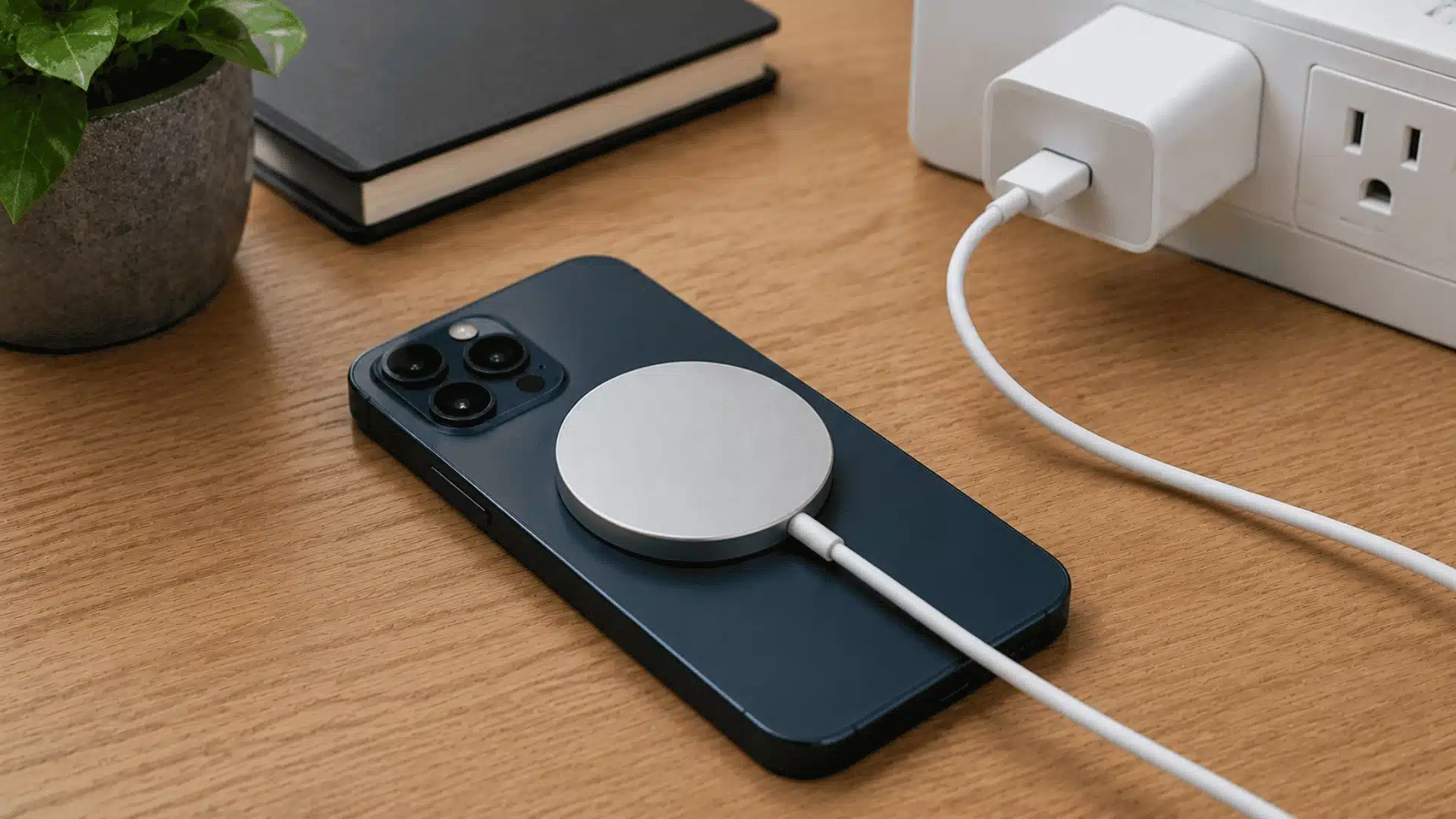

Your phone sits on the puck, and nothing happens. That’s the moment most people assume their MagSafe charger is broken and start shopping for a replacement.
In my experience testing chargers for everyday use, a MagSafe charger not working is rarely about the charger itself.
Weak power sources, thick cases, a drained battery, or a stuck software glitch cause most of these charging scares.
Before you spend money replacing anything, it helps to know which part of the setup is actually failing, and whether a dead iPhone needs extra time before MagSafe kicks back in.
Here’s where to start looking.
Does MagSafe Charger Work With All iPhones?
MagSafe Charger works with iPhone 12 and newer models that have built-in magnets for proper alignment and MagSafe features.
Older iPhones do not support the complete MagSafe experience.
iPhone 8 through iPhone 11 models can still charge wirelessly with Qi-compatible chargers, including some MagSafe Chargers. However, they will not attach magnetically or reach MagSafe charging speeds.
Some third-party chargers labeled “MagSafe compatible” may charge older iPhones through Qi technology. Magnetic attachment and faster MagSafe charging require supported iPhone models with the required internal hardware.
What Causes a MagSafe Charger to Stop Working?
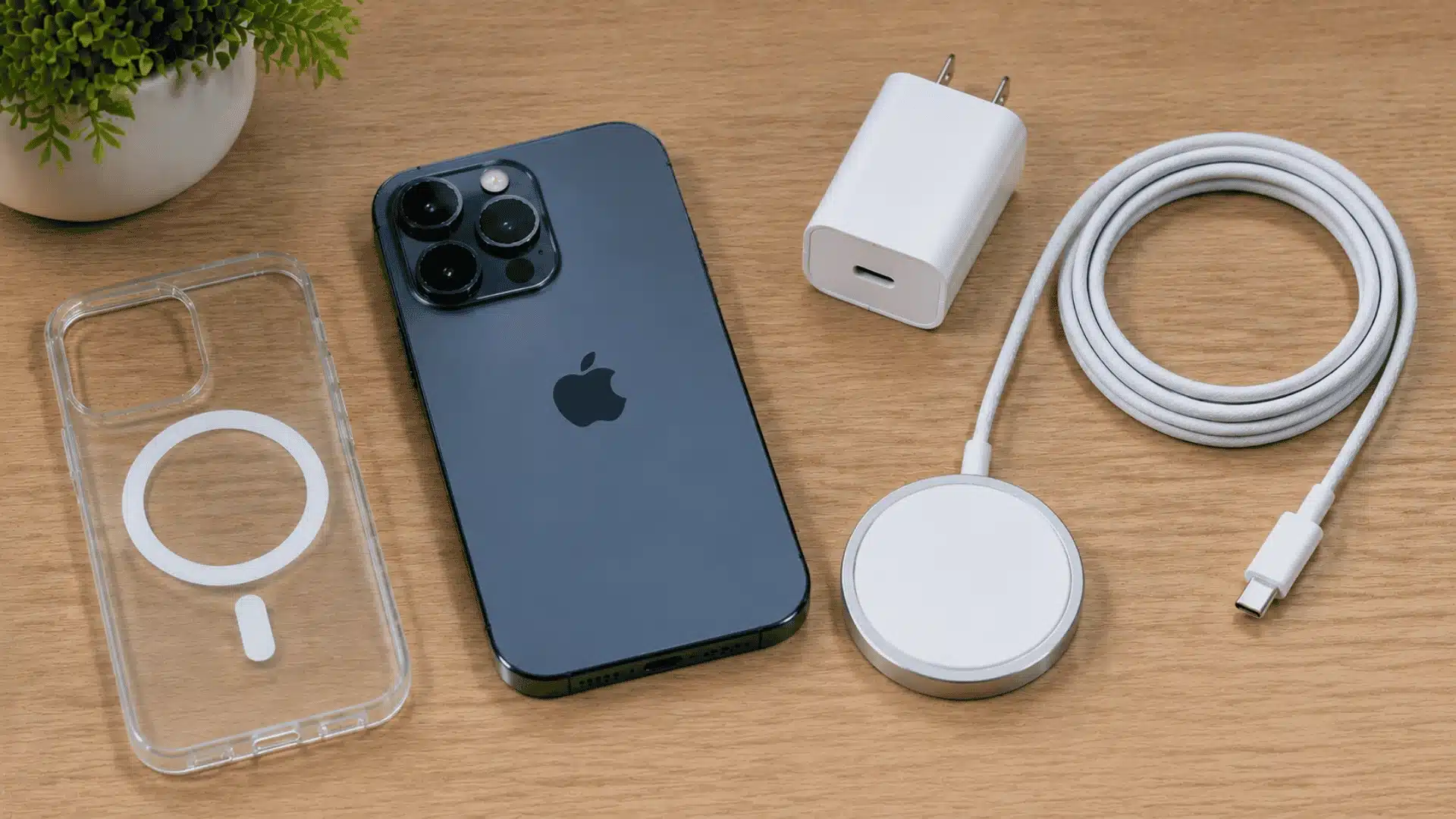
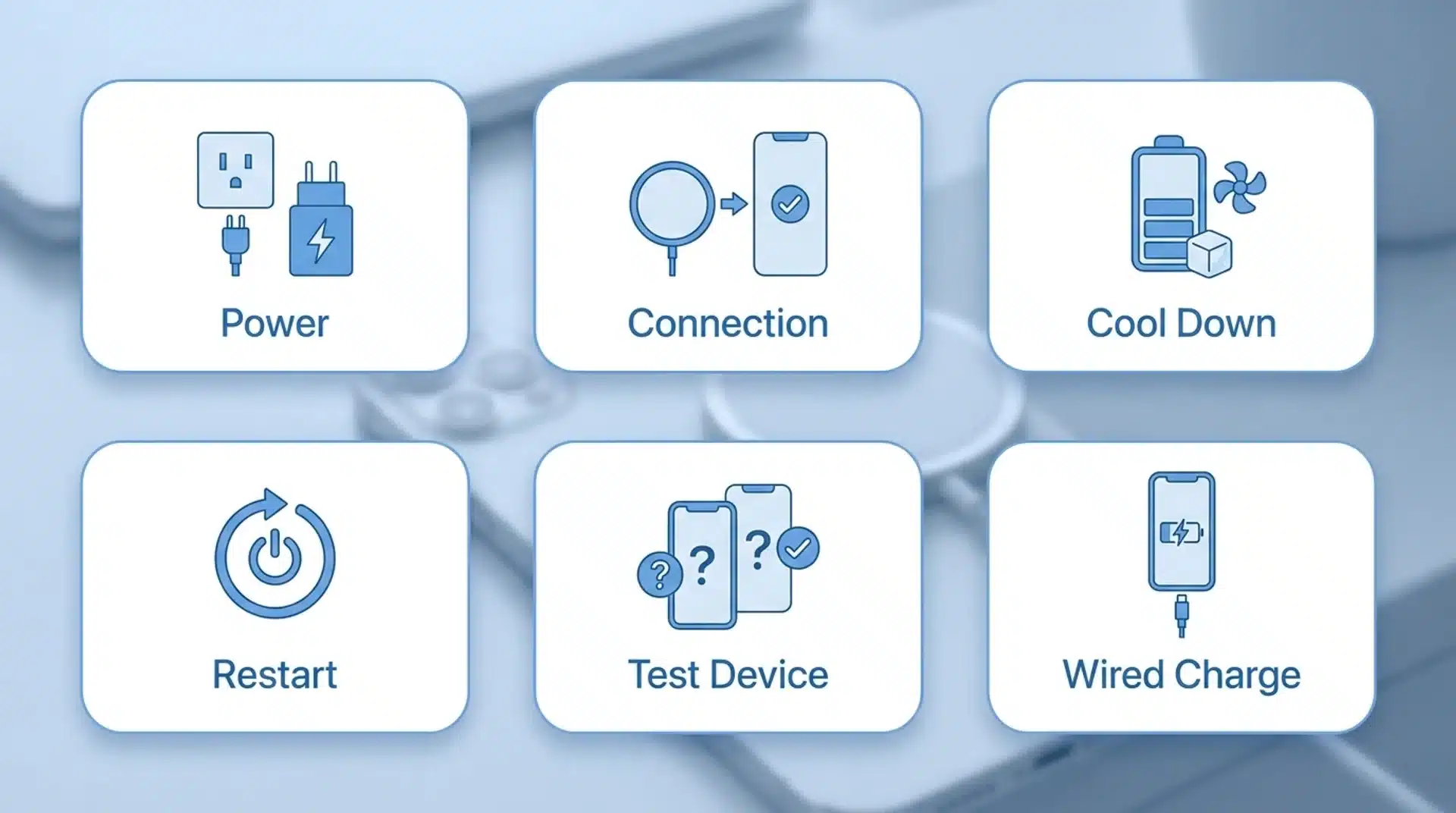
A MagSafe Charger not working can happen because of power problems, connection issues, overheating, software glitches, or battery conditions.
Checking each possible cause helps you find the right fix.
- Check the power source: Check the power adapter, cable, and outlet to rule out weak power supply issues.
- Clear the connection: Remove thick cases, metal accessories, or debris blocking MagSafe alignment.
- Let things cool down: Let your iPhone and charger cool if overheating is affecting charging.
- Rule out software: Restart your iPhone, update iOS, or try wired charging to check battery response.
- Test other devices: Test with another iPhone or charger to identify whether the issue is the device or accessory.
Most MagSafe charging issues come from simple power, connection, or software problems. Testing each component carefully helps restore charging without replacing accessories that still work.
How Do You Fix a MagSafe Charger that is Not Working?
Each MagSafe fix depends on the cause behind the charging problem.
Start with simple checks like power, connection, and temperature before moving to software or hardware tests.
1. Check the Power Adapter and Wall Outlet
MagSafe requires a compatible USB-C Power Delivery adapter to work correctly. Older low-power blocks, USB-A adapters, or computer ports may not provide enough charging power.
Connect the charger directly to a wall outlet using a suitable adapter. Check the cable for damage and try another outlet if charging still does not start.
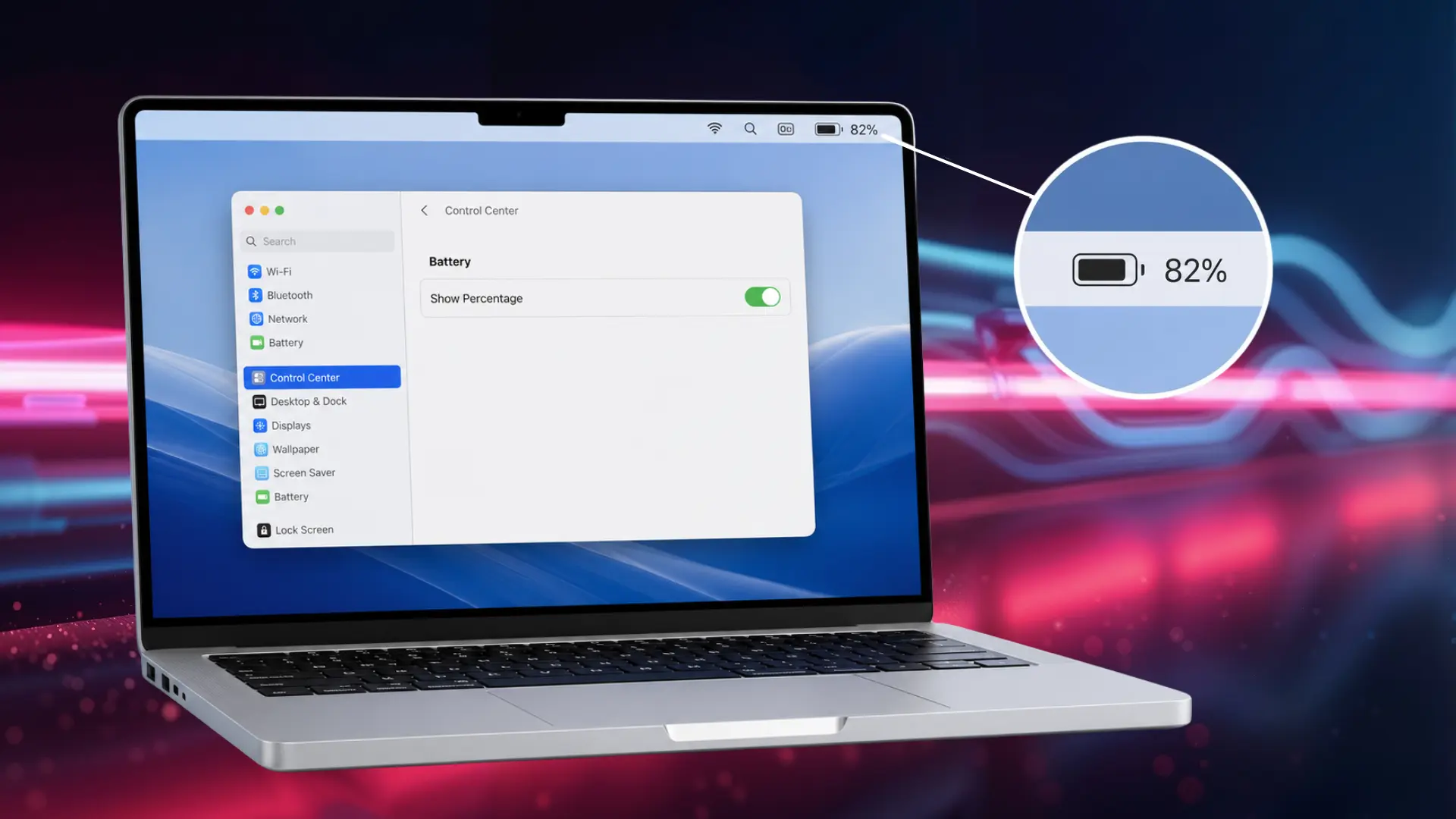
The same weak-power pattern shows up with laptops too, so if your other gear is acting up, this power troubleshooting guide covers the same checks for a MacBook.
A weak power source can make your MagSafe Charger appear faulty even when it works properly. Testing the adapter and outlet helps identify the real issue.
2. Remove the Case and Clean the MagSafe Connection
A thick case, wallet attachment, or non-MagSafe cover can block proper alignment between the charger and iPhone. Even small gaps may affect charging performance.
Remove the case and clean the back of your iPhone and MagSafe Charger surface. Use a soft, dry cloth to remove dust or debris.
Take away cards, coins, keys, or metal objects before reconnecting the charger. Place the MagSafe Charger in the center for proper alignment and charging.
3. Let the iPhone and Charger Cool Down
MagSafe may slow down or stop charging temporarily when your iPhone or charger becomes too warm. This safety feature helps protect the battery.
Disconnect the charger and let both devices cool in an open, ventilated area. Avoid charging under blankets, in sunlight, or in hot spaces.
If overheating continues even in normal conditions, the issue may involve the charger or iPhone hardware. Further testing may be needed to identify the cause.
The same overheating pattern shows up with other Apple accessories, and the fixes in this Apple Pencil not charging guide follow the same logic.
4. Restart the iPhone and Check iOS Updates
A temporary iOS issue can sometimes stop your iPhone from recognizing the MagSafe Charger. The charger may work correctly, but the phone may fail to establish the charging connection.
Restart your iPhone and check for updates under Settings > General > Software Update. Installing the latest iOS version can fix temporary charging-related problems.
If a normal restart does not help, try a force restart. When the issue continues after updates, the cause is more likely related to hardware or accessories.
5. Test MagSafe With Another iPhone or Charger
Testing another device is one of the quickest ways to determine whether the issue comes from the MagSafe Charger or your iPhone.
A working charger should perform normally with compatible devices.
Try your MagSafe Charger with another supported iPhone, or connect your iPhone to a different MagSafe Charger. This comparison helps isolate the source of the problem.
If the charger works on another iPhone, your device may have a charging issue. If it fails on multiple devices, the charger or adapter is likely the cause.
6. Try Wired Charging to Confirm the Battery and Phone Status
If your iPhone is completely dead, try wired charging to check whether the battery can still respond. Connect it with a known-good cable and wall adapter, then wait several minutes.
If the iPhone shows a battery icon, vibration, or turns on, it is receiving power, and MagSafe may work again afterward. A dead battery may simply need time to recover.
If wired charging also shows no response after enough time, the problem may involve the cable, charging port, battery, or internal hardware rather than the MagSafe Charger itself.
Most MagSafe charging issues come from simple causes like power, connection, heat, or software problems.
Working through these six checks in order rules out the easy causes first, so you are not guessing when it comes time to decide whether the charger or the phone is at fault.
Can MagSafe Charge a Completely Dead iPhone?
Yes, but a completely dead iPhone can take several minutes on a MagSafe Charger before it shows any sign of life, and that delay is expected rather than a sign the charger has failed.
When the battery reaches an extremely low level, the iPhone may not instantly activate the systems needed to manage wireless charging.
The screen can remain black temporarily, even when the charger is connected correctly.
In my testing, a phone that hits 0% usually needs a few minutes of steady power before it even acknowledges a charger is present, wireless or wired.
Once the iPhone receives enough power to wake up, show the battery icon, or turn on, MagSafe can usually continue charging normally.
Checking how optimized battery charging works can also explain why a drained iPhone sometimes seems slow to respond even once it’s back on.
If there is still no response, wired charging can help confirm whether the battery or device is receiving power.
When Should You Replace a MagSafe Charger or Get Your iPhone Checked?
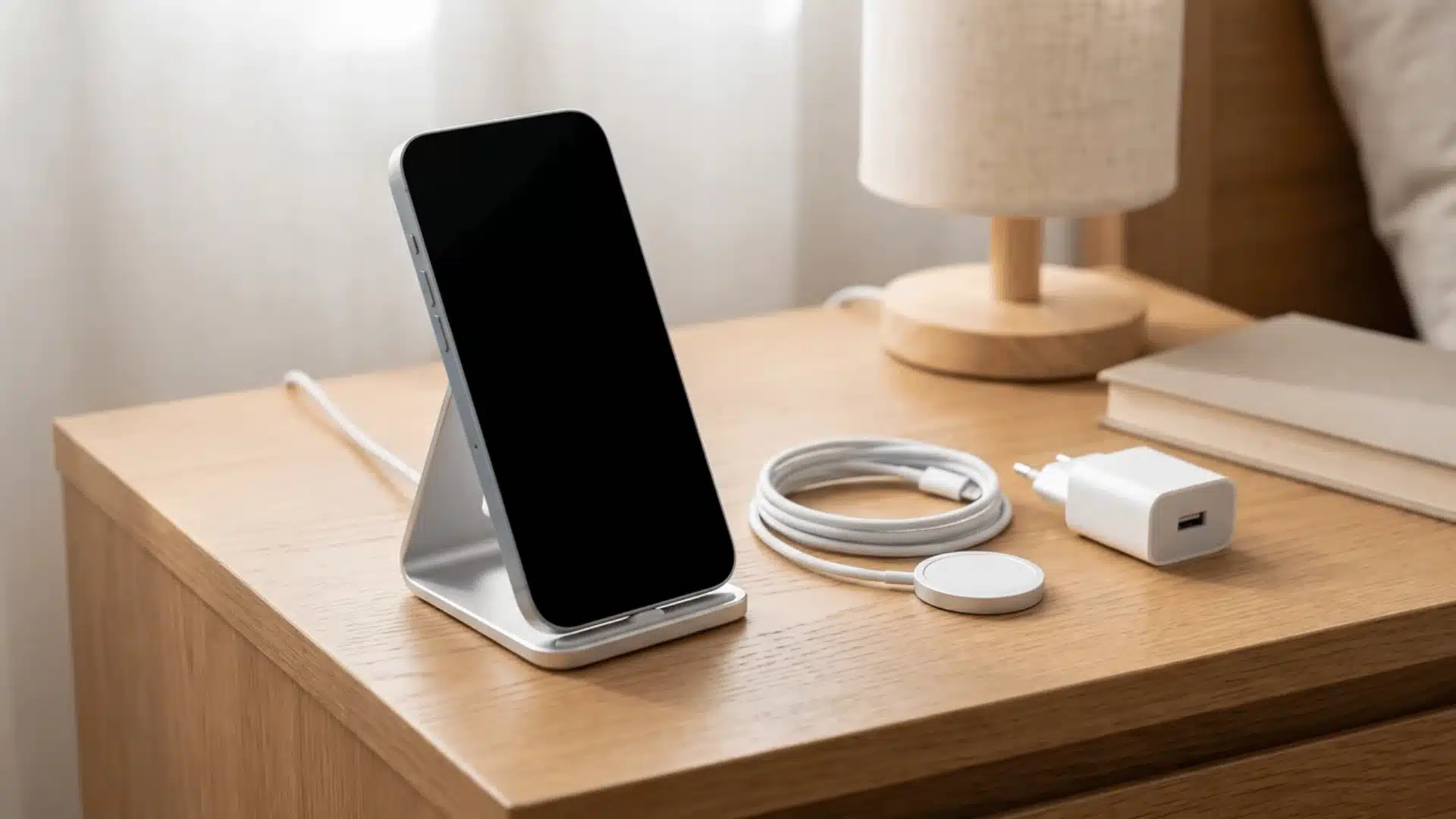
Replace your MagSafe Charger if it fails with multiple compatible iPhones after testing a reliable adapter and power source. This usually means the charger or cable has developed a hardware problem.
If the same MagSafe Charger works with another iPhone but fails on yours, the issue may be with your phone’s charging system.
Testing with another compatible charger can help confirm whether the problem follows the device.
If your iPhone also refuses to charge through a wired cable, the issue may involve the charging port, battery, or internal hardware.
At that point, continued troubleshooting may not solve the problem, and professional service may be the better option.
Conclusion
A MagSafe charger not working almost always traces back to something fixable, like a weak adapter, a blocking case, overheating, or a battery that needs a few extra minutes to wake up.
Work through the checks in order, starting with power and alignment, before assuming the charger or your iPhone has failed.
Most people restore charging without spending a cent on new gear.
If your iPhone still won’t respond after wired charging and a force restart, that points to the phone rather than the accessory.
Try the checks above tonight, and hold off on buying anything new until you are sure it’s actually the problem.
Frequently Asked Questions
Does MagSafe work with iPhone 11?
No. MagSafe requires the internal magnetic ring and charging coil that Apple introduced with the iPhone 12. An iPhone 11 or earlier can still use standard Qi wireless charging, but it won’t snap into place magnetically or charge at MagSafe speeds, regardless of the charger used.
Why does my MagSafe Charger attach but not charge?
This usually points to a power source problem rather than alignment, since the magnet snapping into place confirms physical contact is fine. Check that the adapter supplies at least 20W via USB-C Power Delivery, and try a different cable, since a weak adapter or frayed cable can prevent charging even with a solid magnetic connection.
Can a MagSafe Charger stop working?
Yes. Frayed internal wiring, a failing magnetic ring, or a damaged power adapter can cause a MagSafe charger to stop working reliably over time. If a charger fails consistently across multiple iPhones after ruling out power, case, and software issues, replacing it is the most reliable fix.
Why is my MagSafe Charger not working after an iOS update?
Software updates occasionally introduce temporary glitches that interrupt charging communication between the phone and charger. Restarting the iPhone usually resolves this, and a force restart can help if a normal restart doesn’t. If the issue continues past that, the update is unlikely to be the actual cause.