

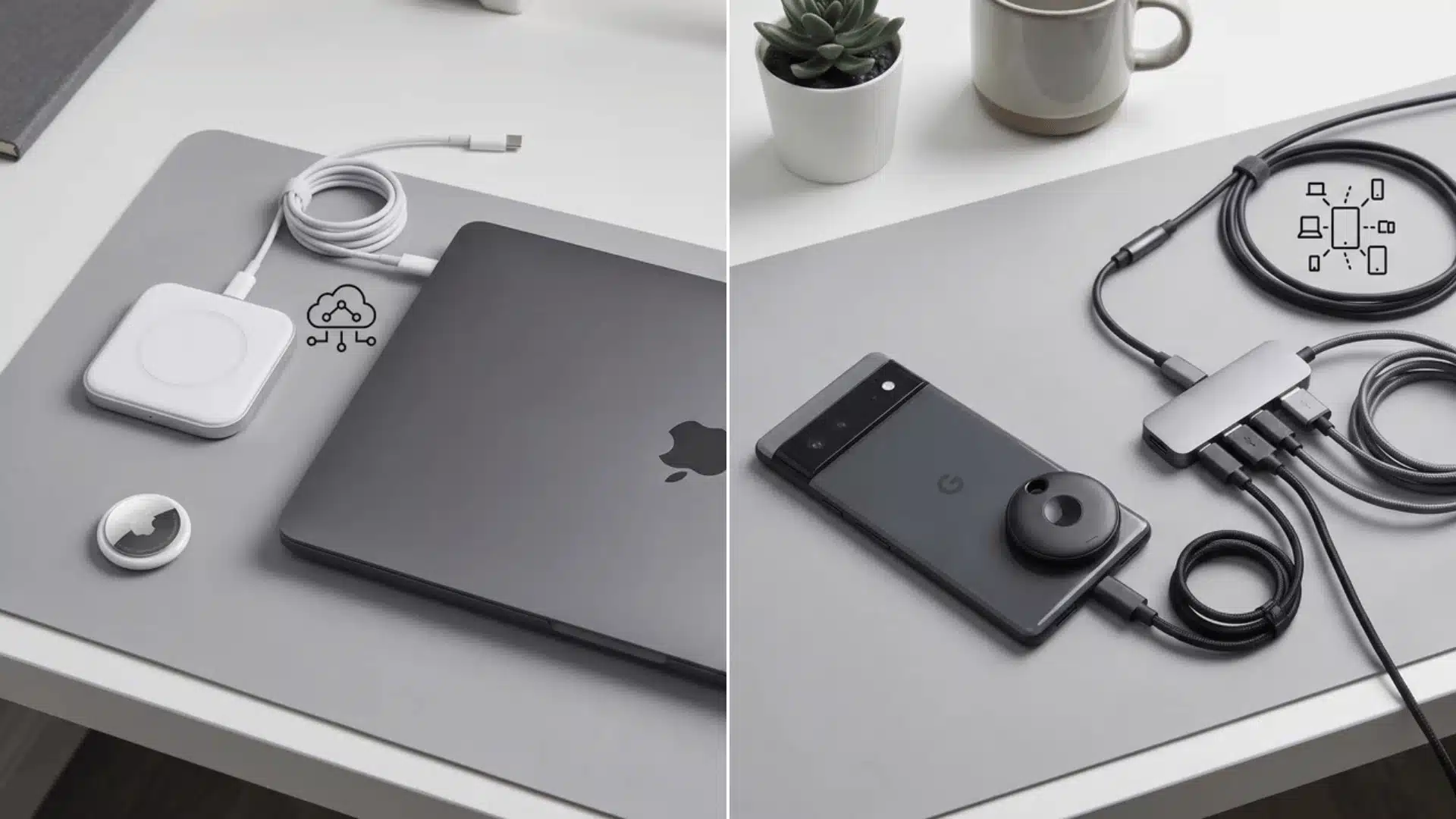




Bluetooth trackers seem simple until you realize they are not all built the same way. I assumed AirTags would work on any phone until I actually tried pairing one with an Android device.
If you are asking whether airtags work with android, the short answer is that detecting one and owning one are completely different things.
AirTags run on Apple’s Find My network, a system built entirely around iPhones, iPads, and Macs. That design leaves Android users locked out of full tracking, though not completely locked out of the ecosystem.
Below, you will see what Android can actually do with AirTags, why full tracking is unavailable, and which alternatives make more sense for Android devices.
Can Android Use an AirTag for Tracking?
No, AirTags do not work with Android for tracking your own items. Android phones cannot register, activate, or view the location of an AirTag through Apple’s Find My network.
AirTags work differently from most Bluetooth trackers. They are built around Apple’s Find My network and an iCloud account, so Android users cannot unlock full tracking support through any app or setting change.
There is one limited interaction between Android phones and AirTags. If you find a lost AirTag, your phone can help identify it through NFC, but it cannot become the owner device or track it.
If you are curious how AirTags actually perform for Apple owners day to day, our AirTags worth it review breaks down setup, Precision Finding, and the everyday quirks.
Understanding that difference prevents a common mistake. Detecting an AirTag nearby is not the same as using an AirTag as your personal tracker.
What Android Can Actually Do With an AirTag?
Android users can interact with AirTags only through safety and recovery features.
These functions help identify unknown or lost AirTags, but they do not allow Android phones to track personal items with them.
The two main interactions are finding contact details from a lost AirTag and receiving alerts about unknown trackers that may be moving with you.
Finding a Lost Item’s Owner via NFC
If an AirTag owner activates Lost Mode and adds contact details, an Android phone with NFC can help access that information.
You only need to hold the NFC-enabled phone near the white side of the AirTag. A webpage can then open with any details the owner chose to share.
This feature helps return misplaced items, but it does not connect the AirTag to your Android phone.
The NFC interaction works like reading a small digital tag. It provides information stored by Apple but does not provide location tracking or ownership access.
How Anti-Stalking Detection Works?
Android’s AirTag detection feature is designed as a safety measure, not a tracking feature.
Modern Android phones can perform background Bluetooth Low Energy scans to identify unknown trackers that appear to be traveling with the same person over time.
The system does not immediately alert you every time an unfamiliar AirTag is nearby because that could create unnecessary warnings for normal situations.
In testing this across a couple of Android phones, the alert only triggered after several hours of the tag traveling with the device.
That delay matches how Apple designed the feature to avoid false alarms. This delayed approach helps reduce false alerts while still warning users about possible unwanted tracking situations.
If an unknown AirTag appears to be following you, Android can provide an alert so you can investigate further.
For users who want to manually check sooner, Apple also provides the Tracker Detect app, which allows an on-demand scan for nearby AirTags.
Why AirTags Don’t Work With Android?
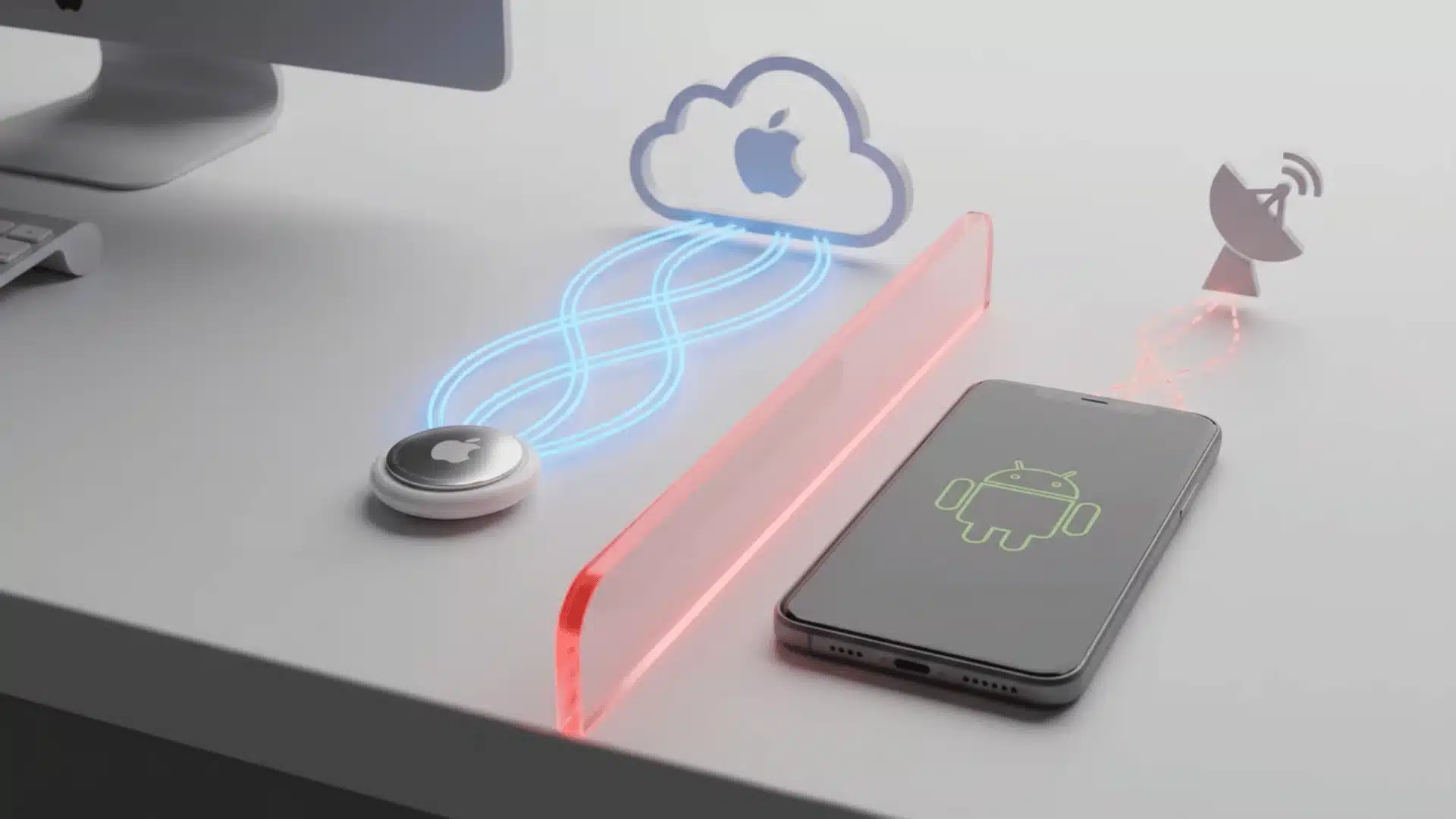
AirTags depend on Apple’s Find My network and an iCloud account, which is the core reason they cannot be registered or tracked through Android devices.
When an AirTag is set up, it becomes connected to an Apple ID. That connection allows Apple devices to help locate the item through the Find My network.
Apple describes this network as a crowdsourced system built from over a billion Apple devices, which is exactly the infrastructure Android phones cannot tap into.
Android phones do not have access to this network, so they cannot become the owner device for an AirTag or receive its location updates.
This is not a missing Android feature or a problem that can be solved with a third-party app. The limitation comes from how Apple designed the system.
Other Bluetooth trackers work differently because they are built for broader compatibility.
AirTags are designed specifically around Apple hardware, software, and network infrastructure, which is why it helps to understand AirTag features and everyday use before choosing one.
| Feature | AirTag | Android-Compatible Tracker |
|---|---|---|
| Setup | Requires Apple device and iCloud account | Works with supported Android apps |
| Tracking network | Apple Find My | Android or third-party networks |
| Android ownership | Not supported | Supported |
| Personal tracking | Not available on Android | Available |
Google’s Find My Device network works on a similar idea but runs separately from Apple’s system, drawing on more than a billion Android devices to locate items and phones.
A tracker designed for Android needs to connect with Google’s ecosystem rather than Apple’s.
Best AirTag Alternatives for Android
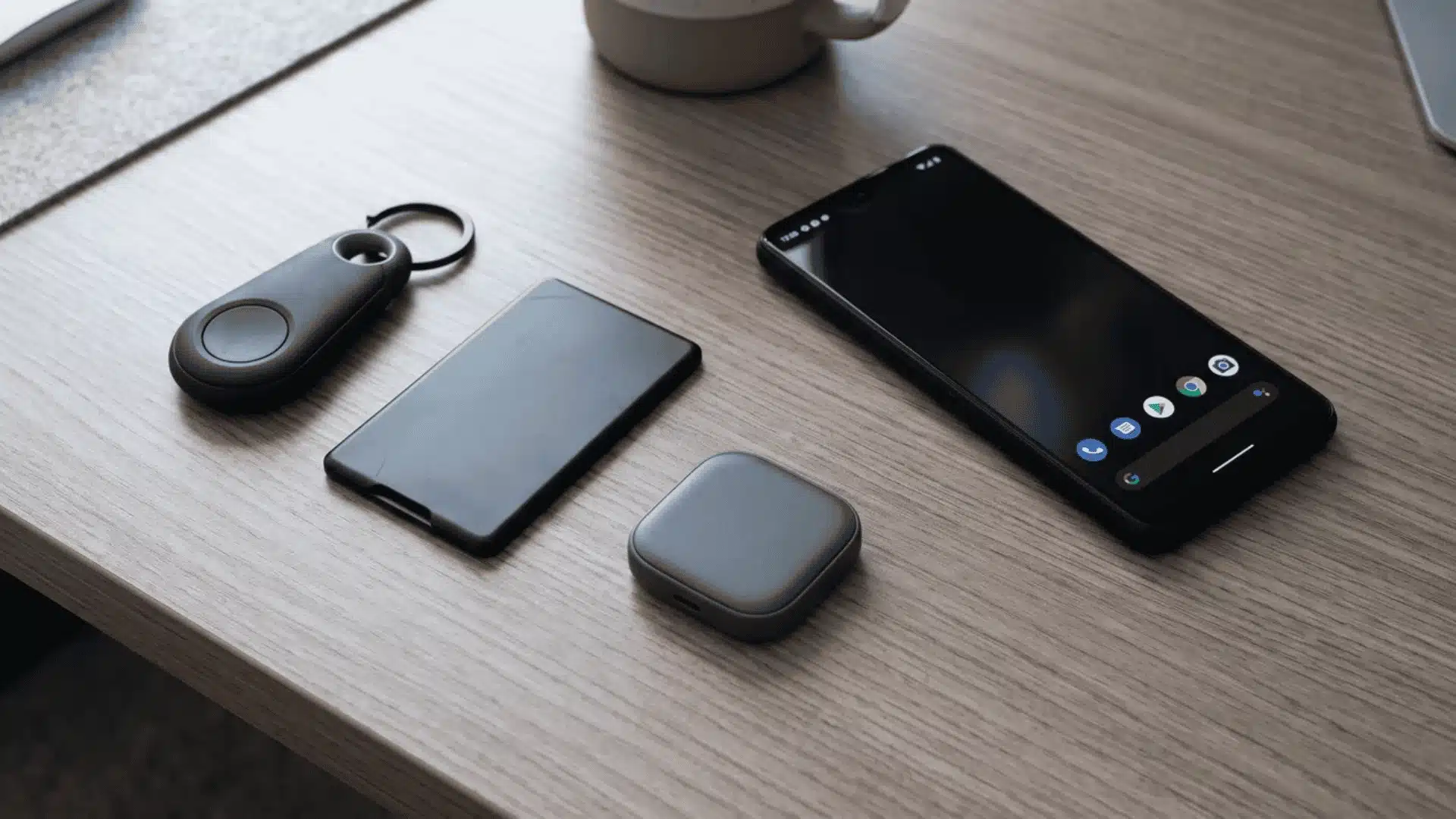
Google’s Find My Device network is the Android equivalent of Apple’s Find My network.
Compatible trackers can connect with Android phones and use nearby devices to help locate lost items.
When choosing an alternative, think about the type of item you want to track. A keychain tracker, wallet card, and shared household tracker may all need different features.
Compare trackers by how you actually plan to use them, not just by brand name.
For Precise, AirTag-Like Tracking
If you want an experience closer to AirTag tracking, look for a tracker with Android’s native network and ultra-wideband (UWB) support for more accurate direction finding.
- Moto Tag: Built for Android with UWB support, so it gives more precise directional finding for keys, bags, or luggage. Check that your phone supports UWB before buying, since not every Android device does.
For Slim Items Like Wallets
Wallets and other thin items need a tracker that adds minimal bulk while still providing reliable location support.
- Pebblebee Card: A card-shaped tracker slim enough for a wallet, passport holder, or luggage pocket without adding noticeable weight.
For Cross-Platform Households
Some homes use both Android and iPhone devices, where platform flexibility matters more than sticking to one ecosystem.
- Tile: Works across Android and iOS through its own network and app instead of depending only on Google or Apple systems, making it a solid pick for families or shared households running different phone brands. The tradeoff is that Tile’s own network is smaller than Google’s or Apple’s built-in one.
Conclusion
So, whether AirTags work with Android? Only in a limited way, and that is the part buyers need to understand before spending money.
Android can help detect an unknown AirTag, read Lost Mode details through NFC, and warn you about possible unwanted tracking.
It cannot set up, own, or track an AirTag like an iPhone can. That makes AirTags useful for Android users only in safety or recovery situations, not daily item tracking.
If you use Android, start with trackers built for Google’s Find My Device network or choose a cross-platform option like Tile. Pick based on your phone, not the logo.
Which tracker would you trust for your keys or luggage? Share your thoughts in the comments below.
Frequently Asked Questions
Can Android Detect an AirTag Without an App?
Yes, many modern Android phones can detect unknown AirTags through built-in background scanning. The system checks whether an unfamiliar tracker appears to be traveling with you over time.
No app installation is required for automatic alerts, although Apple’s Tracker Detect app provides a manual scanning option when users want to check nearby trackers themselves.
What is the Android Equivalent of an AirTag?
There is no single Android version of AirTag, but several trackers work with Android’s own tracking ecosystem.
Options such as Moto Tag, Pebblebee trackers, and Chipolo devices can connect with Android phones for registration and location tracking.
Unlike AirTags, these alternatives are designed to work with Android from the beginning rather than relying on Apple’s Find My network.
Can Android Detect an AirTag Without the Owner Knowing?
Yes, Android’s detection feature works independently from the AirTag owner. The alert appears on the phone of the person carrying an unknown tracker.
The purpose is to identify possible unwanted tracking, not to notify the person who owns the AirTag.
If the AirTag is placed in Lost Mode, NFC may allow the finder to view contact information shared by the owner.
Does Tile Work Better Than AirTag for Android Users?
For Android users, Tile is often a more practical option because it pairs directly with Android phones and supports both major smartphone platforms.
However, Tile uses its own user network instead of Android’s built-in Find My Device network. This can affect how many nearby devices can help locate a lost item.
The better choice depends on whether you value cross-platform use, ecosystem size, or more precise location features.