

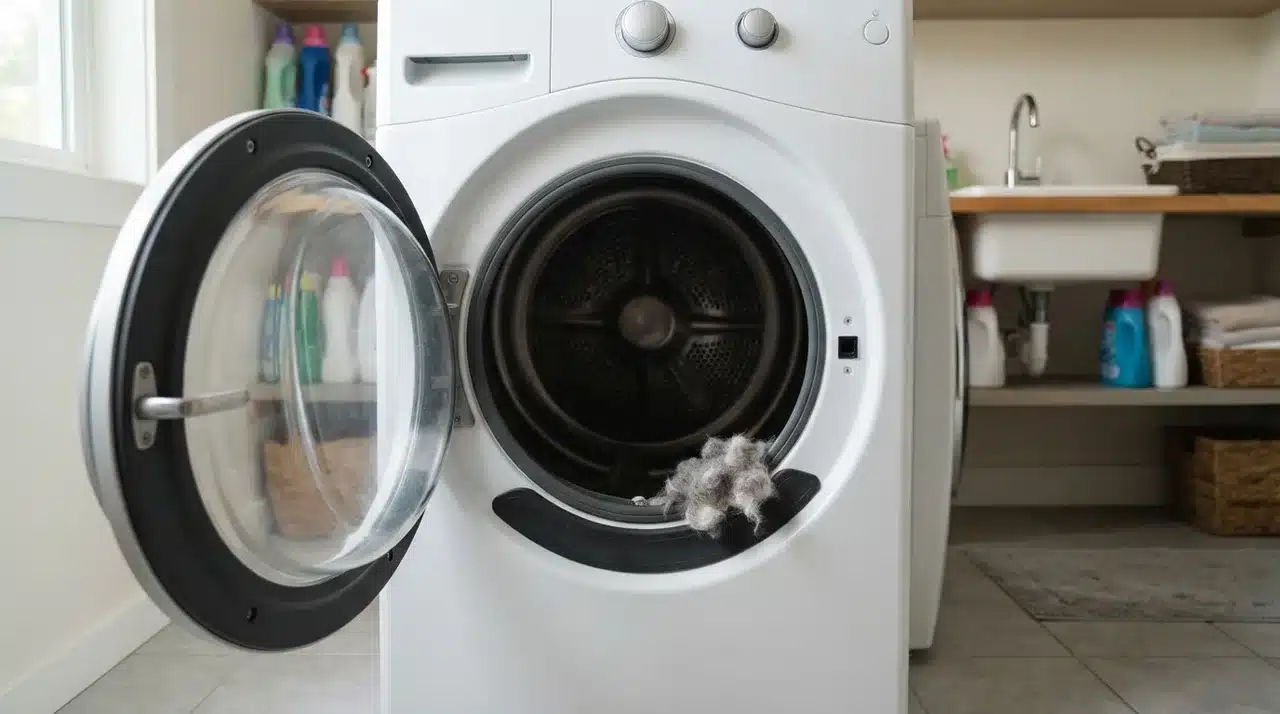


Pressing Start and getting no response can turn a simple laundry day into a real headache. A Samsung dryer that won’t start may leave you wondering whether the problem is power, a setting, or a failed part.
I know how frustrating that uncertainty can feel, especially when the dryer looks normal but refuses to run. You can narrow down the cause by paying attention to what the machine does when you press the controls.
I help you check the power supply, door switch, Child Lock, belt, thermal fuse, and other likely trouble spots. You also learn what different symptoms mean and when it makes more sense to call a repair technician.
Why Is My Samsung Dryer Not Starting?
A Samsung dryer needs several conditions to be met before the motor can run. It needs the correct electrical supply, a closed door, working safety switches, and a functioning control system. Some models may also stop the motor when the drive belt breaks.
The symptoms provide the best starting point. A blank control panel often points toward the breaker, outlet, cord, or electrical controls.
A dryer that powers on but refuses to run may have a Child Lock, door switch, belt, thermal fuse, or motor problem. This kind of symptom-first approach applies to other electronics too; the same logic shows up when working through common laptop hardware faults, where isolating the trigger matters more than guessing at parts
Start with the checks that do not require opening the dryer. Save internal electrical testing for later, and do it only when you can follow proper safety precautions.
Start With These Simple Checks
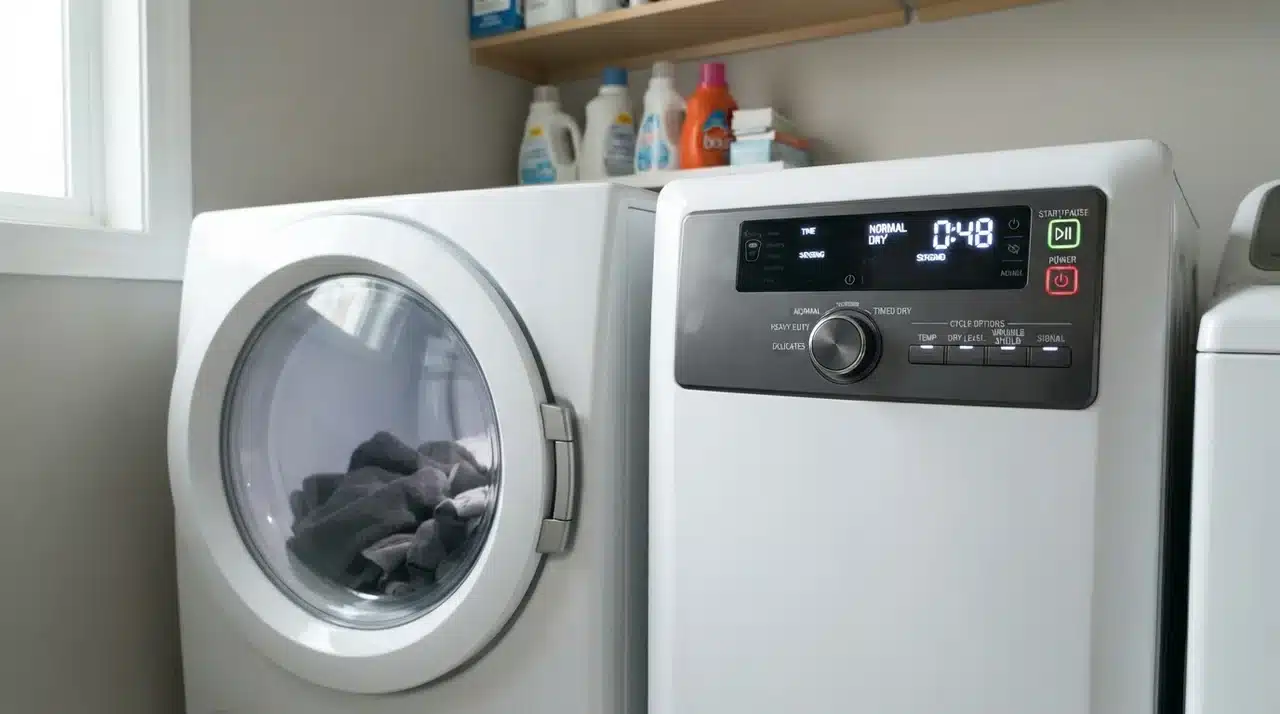
Before removing panels or ordering replacement parts, check the controls, power supply, and door. These basic checks can quickly rule out several common causes.
1. Check the Power Cord and Outlet
Make sure the dryer plug sits firmly in the outlet and inspect the visible part of the power cord for burns, cuts, or melted areas.
For an electric dryer, the power supply can be confusing because the control panel may operate even when the dryer is not receiving the full voltage needed for normal operation.
Avoid using an extension cord. If the outlet looks damaged, loose, scorched, or overheated, stop using the dryer until an electrician inspects the electrical problem.
2. Check the Circuit Breaker
Most electric dryers use a double-pole breaker. A breaker may trip without appearing completely out of position.
Turn the dryer off, move the correct breaker fully to the OFF position, and then switch it back ON. Try the dryer again.
If the breaker trips again, do not keep resetting it. Repeated tripping can signal an electrical problem with the dryer, wiring, outlet, or circuit that needs professional attention.
3. Make Sure the Door Is Fully Closed
Samsung dryers normally will not begin tumbling unless the machine detects a properly closed door.
Check around the door opening for clothing, lint, or other items preventing it from closing completely. Close the door firmly and listen for normal latch engagement.
A door that feels loose, does not latch properly, or needs extra pressure to stay closed may have a latch or switch problem.
4. Check Child Lock
A lock symbol on the control panel may mean Child Lock is active. Depending on the Samsung model, Child Lock can restrict some controls and interfere with normal operation.
Look for the lock indicator on the display and use the button combination listed for your model. Getting the exact combination right matters, in the same way pairing smart devices correctly depends on following the manufacturer’s specific steps rather than a generic process.
The exact controls vary, so don’t assume one Child Lock procedure works on every Samsung dryer.
How to Reset a Samsung Dryer
A power reset can help when the dryer controls have temporarily stopped responding. It can clear some electronic glitches, but it cannot repair a damaged belt, switch, fuse, motor, or control board.
Try these steps:
- Turn the dryer off.
- Unplug it or switch off its circuit breaker.
- Leave the power disconnected for about one to five minutes.
- Restore power.
- Select a normal drying cycle.
- Press and hold Start as required by your model.
If normal operation returns, watch the dryer during the next few cycles.
A dryer that repeatedly freezes, shuts down, or requires resets likely has an underlying problem that needs diagnosis rather than repeated power cycling. It’s a similar pattern to devices that need recurring performance fixes; a temporary reset rarely solves what’s actually a hardware fault.
Samsung Dryer Turns On but Won’t Start
A Samsung dryer that has power but won’t start is often described incorrectly. If the lights and controls work, the dryer is technically turning on; the problem is that the cycle isn’t starting.
That difference helps narrow the possible causes.
First, confirm that Child Lock is off and a drying cycle has actually been selected. Close the door firmly and press Start according to the control instructions.
If the controls respond but the drum stays still, focus can the door switch, drive belt, belt switch, thermal fuse, or motor.
Listen carefully when Start is pressed. A click, hum, brief motor sound, or complete silence can provide useful clues about what the machine is trying to do.
Check the Door Switch
The door switch acts as a safety device. It tells the dryer control that the door is closed and that running the motor is safe.
A faulty switch may prevent the dryer from starting even when the door appears to close normally.
Possible signs include:
- No response after pressing Start
- A loose or damaged door latch
- No normal switch sound near the latch
- A dryer that behaves as though the door remains open
The switch can sometimes be tested for electrical continuity, but the dryer must be disconnected from power before accessing internal parts.
I would avoid replacing the switch based only on the absence of a click. Physical inspection and testing provide stronger evidence.
Check the Drive Belt and Belt Switch
A broken drive belt can stop some Samsung dryers from running because the belt system may include a safety switch.
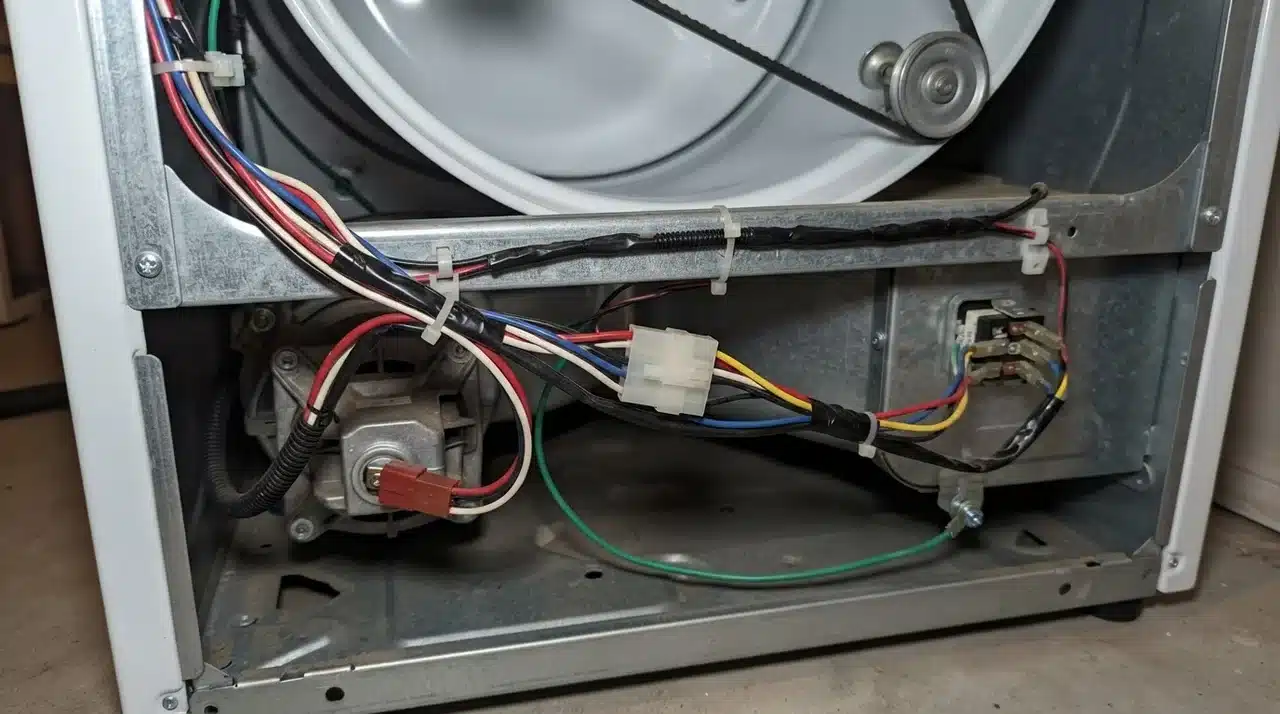
The belt wraps around the drum, motor pulley, and idler pulley. When the belt breaks or comes off, belt tension disappears. On dryers equipped with a belt switch, that change can interrupt the motor circuit.
One simple clue is drum resistance. With the dryer powered off, gently turn the drum by hand. A drum that suddenly feels unusually loose or much easier to rotate may indicate a broken or displaced belt.
That test alone doesn’t confirm belt failure, but it gives you a reason to inspect the belt before moving on to more expensive components.
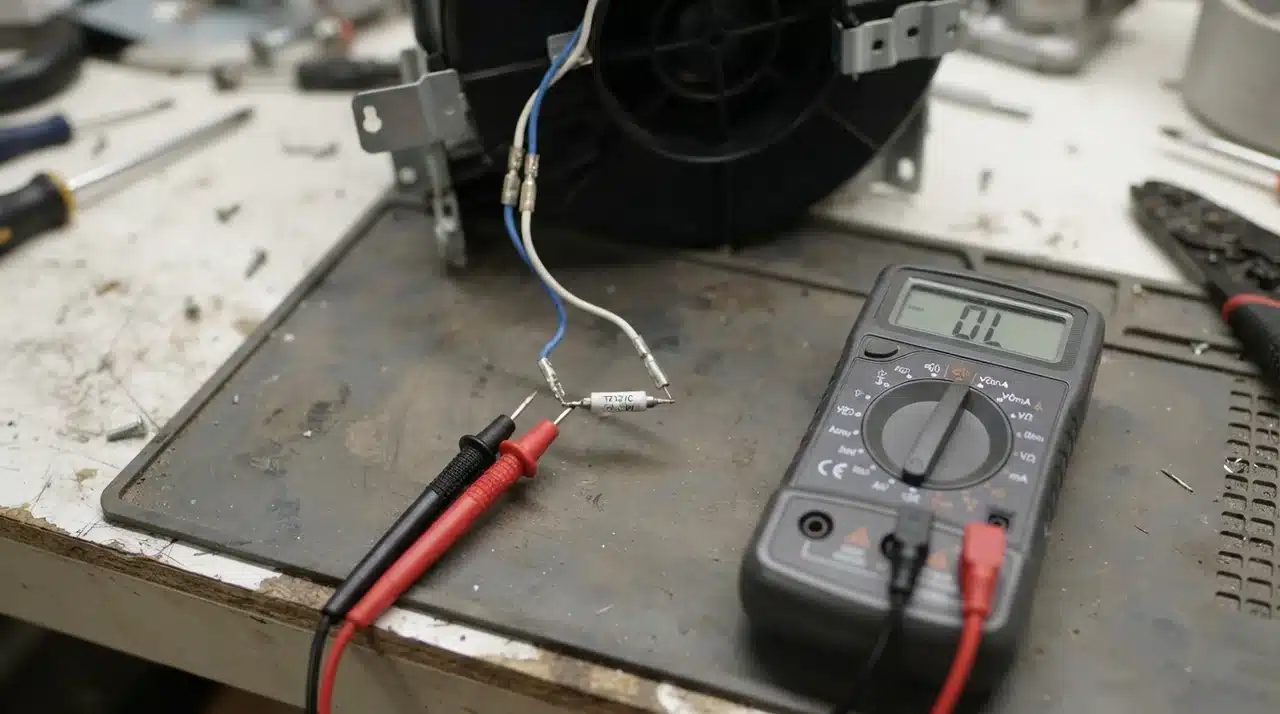
Test the Thermal Fuse
The Samsung dryer thermal fuse protects the appliance when temperatures become unsafe. Excessive heat can cause the fuse to open and interrupt part of the dryer circuit.
A failed thermal fuse may leave the control panel working while preventing the dryer from running, depending on the model and circuit design.
Testing usually requires removing a panel and checking the fuse with a multimeter after disconnecting power.
Replacing the fuse should not be the only repair. A blown fuse may indicate that heat wasn’t leaving the dryer properly.
Check the lint filter, exhaust duct, flexible vent connection, and outdoor vent opening for restrictions. Fixing the airflow problem reduces the chance of another overheating failure.
Samsung Dryer Won’t Start and Just Clicks
A Samsung dryer that won’t start and just clicks suggests that at least part of the control system is responding to the Start command.
The click may come from a relay or another electrical component attempting to activate the motor. The reason the drum remains still can vary.
Possible causes include:
- Broken or displaced drive belt
- Open belt safety switch
- Failed motor
- Drum obstruction
- Faulty relay
- Internal wiring problem
Try turning the drum by hand after disconnecting power. If it feels unusually difficult to move, something may be binding inside the drum or drive system.
If the drum moves normally but the dryer only clicks, you may need further electrical testing.
Samsung Dryer Has No Power or Display
A completely blank dryer needs a different troubleshooting path from a dryer that powers up normally.
Start outside the machine. Confirm that the breaker is on, the plug is secure, and there are no obvious signs of damage around the cord or outlet.
If those items look normal, possible causes move farther inside the appliance. These may include:
- Loose terminal block connection
- Damaged power cord
- Burned internal wiring
- Failed user interface
- Main control board problem
Electric dryers use high voltage, so internal power testing carries a serious shock risk.
If diagnosing the problem requires checking live voltage at the terminal block or control board, a qualified appliance technician or electrician is the safer choice.
What Samsung Dryer Error Codes Can Tell You
An error code can save time because it gives a more specific clue than a general symptom.
Samsung dryer codes can relate to areas such as:
- Door sensing
- Electrical supply
- Temperature monitoring
- Airflow
- Communication between controls
Write down the complete code before disconnecting power. Some codes disappear after a reset, making later diagnosis harder.
Match the code to the exact dryer model instructions rather than relying on a code list for another Samsung machine.
A dryer with no error code can still have a failed mechanical or electrical component, so the absence of a message does not rule out a real fault.
Quick Samsung Dryer Troubleshooting Table
The dryer symptom can help you decide where to start without checking every possible component.
| Dryer Symptom | Check First | Check Next |
|---|---|---|
| Display completely blank | Breaker and outlet | Cord and electrical controls |
| Display works but cycle will not start | Child Lock and door | Door or belt switch |
| Dryer clicks but drum stays still | Belt and drum movement | Motor or relay |
| Drum turns unusually easily | Drive belt | Belt switch |
| Lock symbol appears | Child Lock setting | Model-specific controls |
| Dryer stopped after overheating | Thermal fuse | Exhaust airflow |
| Error code appears | Code meaning | Related sensor or component |
These clues help reduce unnecessary part replacement, but a symptom alone cannot confirm that a specific component has failed.
When to Call for Samsung Dryer Repair
Some dryer problems are reasonable DIY checks, while others involve high voltage or extensive disassembly. Many basic troubleshooting steps are similar across appliance brands.
For example, a Whirlpool dryer not starting may also require checking the power supply, door switch, thermal fuse, or drive system, though the parts and testing procedures can differ by model.
Consider professional repair if:
- The circuit breaker repeatedly trips.
- The power cord or terminal block has burn marks.
- There is a burning smell.
- The dryer hums but the drum cannot turn.
- A replacement thermal fuse fails again.
- Motor failure is suspected.
- The control board needs electrical testing.
- Internal wiring appears damaged.
Before paying for service, check the dryer’s purchase date and warranty status. Some repairs may still qualify for manufacturer coverage.
Also compare repair costs with the dryer’s age and general condition before approving an expensive motor or electronic control replacement.
Final Thoughts
A dryer that refuses to start is easier to troubleshoot when you follow the symptoms instead of guessing at parts.
I recommend checking the power supply, door, controls, and Child Lock first, then moving to the belt, switches, thermal fuse, motor, or control system when needed. This order helps you avoid replacing parts that may still be working.
If your Samsung dryer not starting problem involves repeated breaker trips, burning smells, damaged wiring, or live electrical testing, professional service is safer.
You can use the checks above to narrow down the cause and decide what makes sense next. Try the simple fixes first, then share what worked or read more appliance troubleshooting tips.
Frequently Asked Questions
Why does nothing happen when I press Start on my Samsung dryer?
Confirm that a cycle is selected and that you press or hold Start as required. If the display responds but nothing happens, the door switch or another safety circuit may be preventing operation.
Is there a reset button on a Samsung dryer?
Samsung dryers generally rely on a power reset rather than one universal physical reset button. Briefly disconnecting power can reset the controls, although the exact instructions may vary by model.
Why does my Samsung dryer say the door is open?
The door may not be closing firmly, the latch may be damaged, or the door switch may not be sending the correct signal to the control board.
Can low voltage stop a Samsung dryer from starting?
Yes. An electric dryer may need the full electrical supply for the motor and heating system even if some lights or controls still operate.
Why does my Samsung dryer stop shortly after starting?
Possible causes include overheating, poor airflow, motor trouble, sensor problems, or a control fault. Note any error code and check that the exhaust vent is clear.
Should I replace the control board if my Samsung dryer does not start?
Not before ruling out simpler causes. Power problems, switches, belts, wiring, and thermal protection components should normally be checked before replacing an expensive control board.