

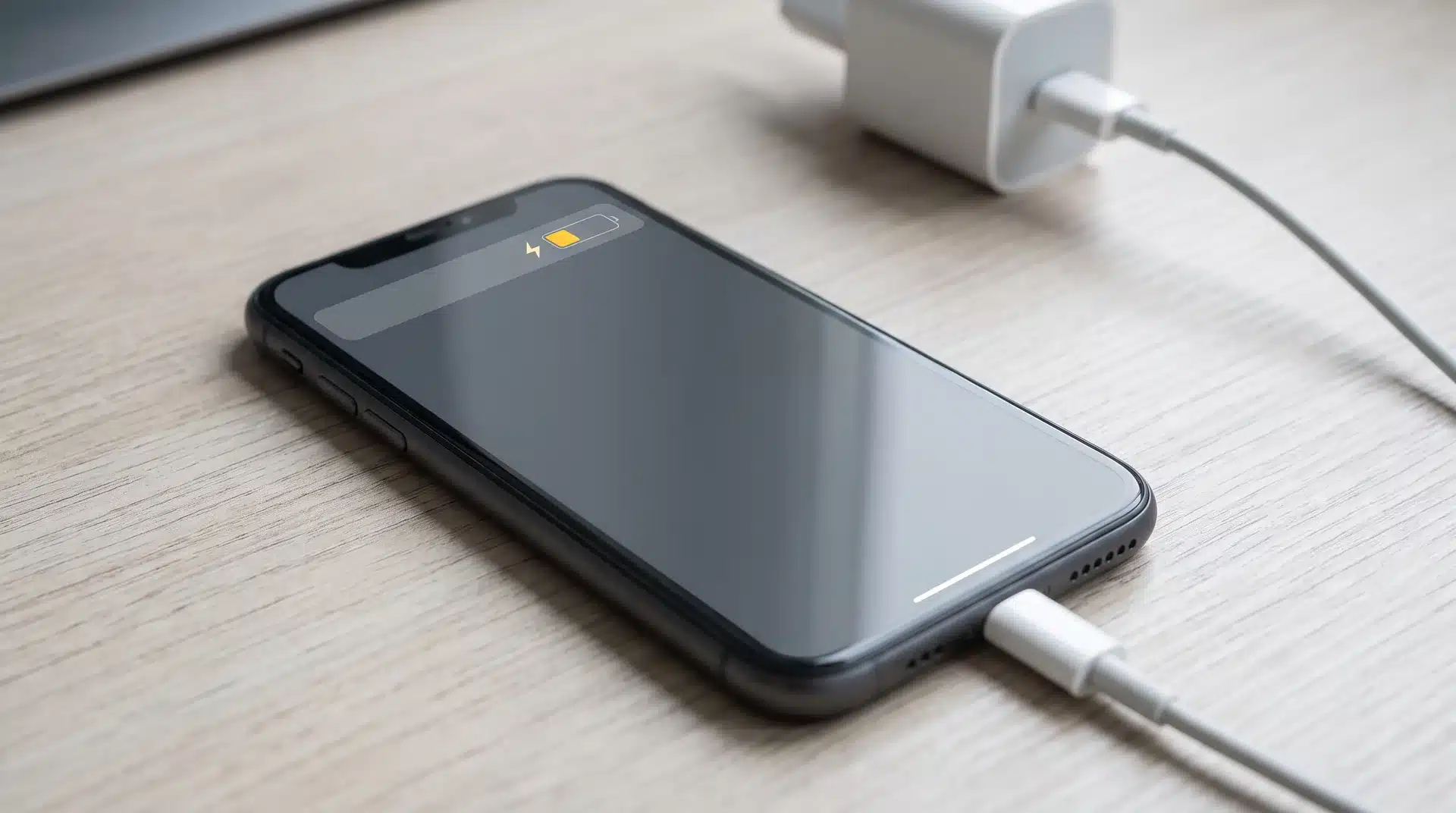

You plugged your phone in, flipped on Low Power Mode to save what’s left of your battery, and now you’re staring at the charging percentage wondering if it’s crawling slower than usual.
I’ve had that exact moment, phone at 15%, running late, convinced the setting meant to help was actually working against me. It’s a fair thing to wonder, since Low Power Mode changes so much else about how the phone behaves.
So does your phone charge slower on Low Power Mode, or does it just feel that way? Here’s what actually happens and why the answer surprised me.
Does Low Power Mode Affect Charging Speed
No, Low Power Mode does not slow down charging. In some situations, it can slightly improve charging speed by reducing the amount of power your phone uses while connected to a charger.
If you are using your phone while it is plugged in, cutting background activity means more incoming power goes toward the battery instead of running the screen, apps, and other processes.
The difference is usually small, often just a few extra minutes on a full charge, and only noticeable when your phone is actively being used while it’s plugged in. If the device is already idle with the screen off, charging speed will remain almost the same.
The confusion usually traces back to optimized battery charging settings. one that’s designed to slow charging on purpose by delaying the final part of charging to support long-term battery health.
Low Power Mode helps reduce power usage but does not increase the charger’s maximum speed. Your cable, adapter, temperature, and battery condition still have a bigger impact on charging performance.
Why Low Power Mode Does Not Affect Charging Speed
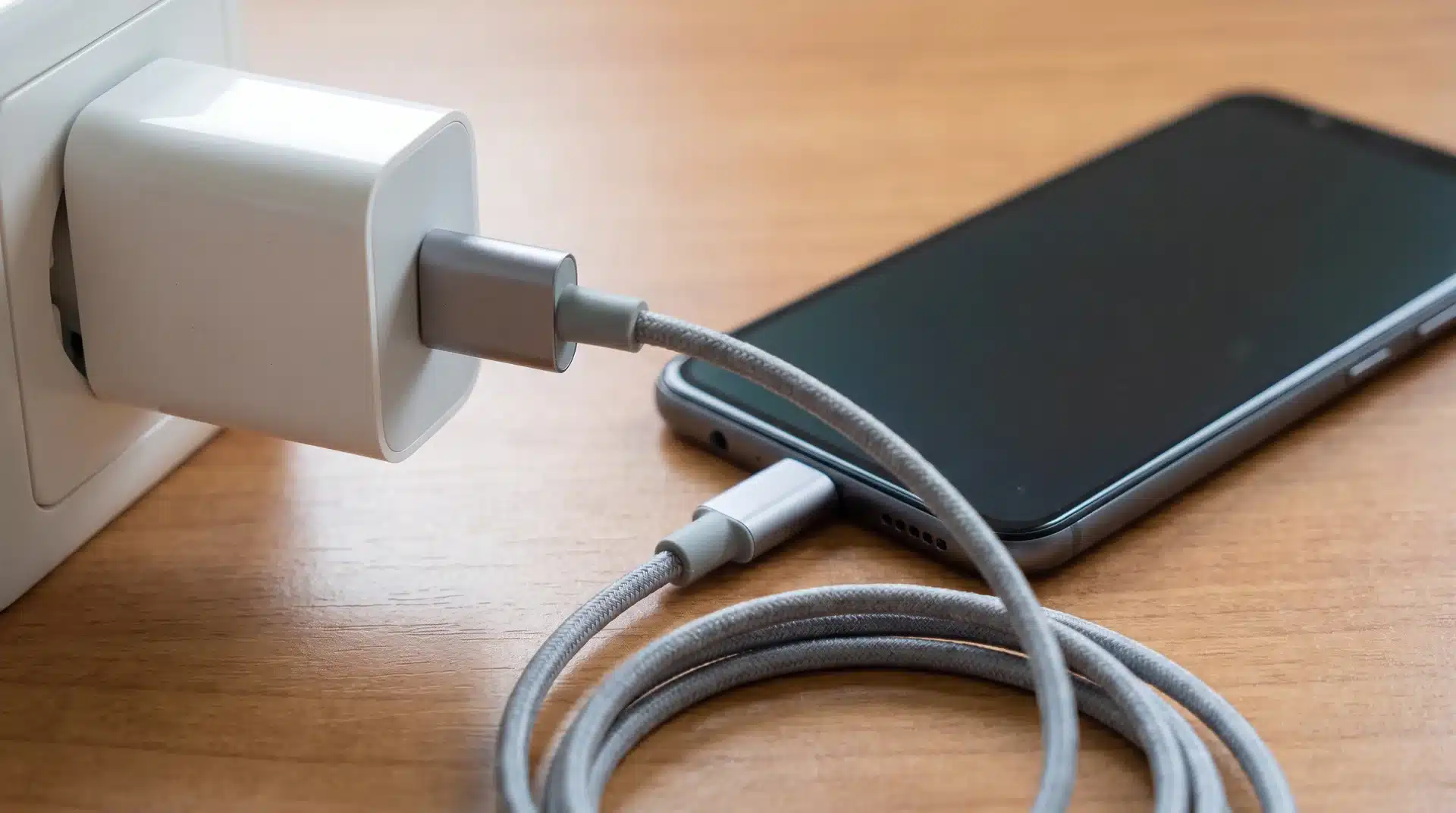
Charging speed is controlled by the wall adapter and cable, not by what is happening on the screen. Together, they determine the maximum power your phone can receive.
The reason Low Power Mode does not affect charging speed comes down to three things:
- Power Limits: The phone can only draw as much power as the charger and cable combination allows. No on-device setting can increase that limit or reduce it below what the hardware accepts.
- Separate Systems: Low Power Mode does not control the charging hardware. It manages things like Mail Fetch, Hey Siri, Background App Refresh, and Automatic Downloads, not the watts coming through the cable.
- Physical Upgrades Matter: If you want faster charging, the solution is a higher-wattage adapter or a compatible faster cable and adapter combination, not a setting change.
The myth likely started because of bad timing. Slow charging caused by an old cable or weak adapter was blamed on Low Power Mode instead.
How Low Power Mode Affects Charging While Using Your Phone vs. When Idle
| Category | Idle and Locked | Actively Being Used |
|---|---|---|
| What the phone is doing | Screen off, processor mostly asleep, no background refresh happening | Screen on, processor active, possibly streaming, navigating, or gaming |
| Power left for Low Power Mode to save | Almost none, the phone is already running as lean as it gets | Meaningful, background tasks are competing with the battery for the same power |
| Where the adapter’s power goes | Nearly all of it to the battery already, mode on or off | Split between running the phone and charging it |
| Effect of turning Low Power Mode on | None you’d notice | Less power pulled for background tasks, more reaches the battery |
| When the effect is strongest | Never, idle charging looks the same either way | During heavier use like gaming or GPS navigation, where the power competition is greatest |
Low Power Mode does not make your charger faster or increase the phone’s maximum charging speed. It only reduces power consumption while you are using the phone, allowing more of the incoming power to go toward the battery.
Why Does Your Phone Still Charge Slowly
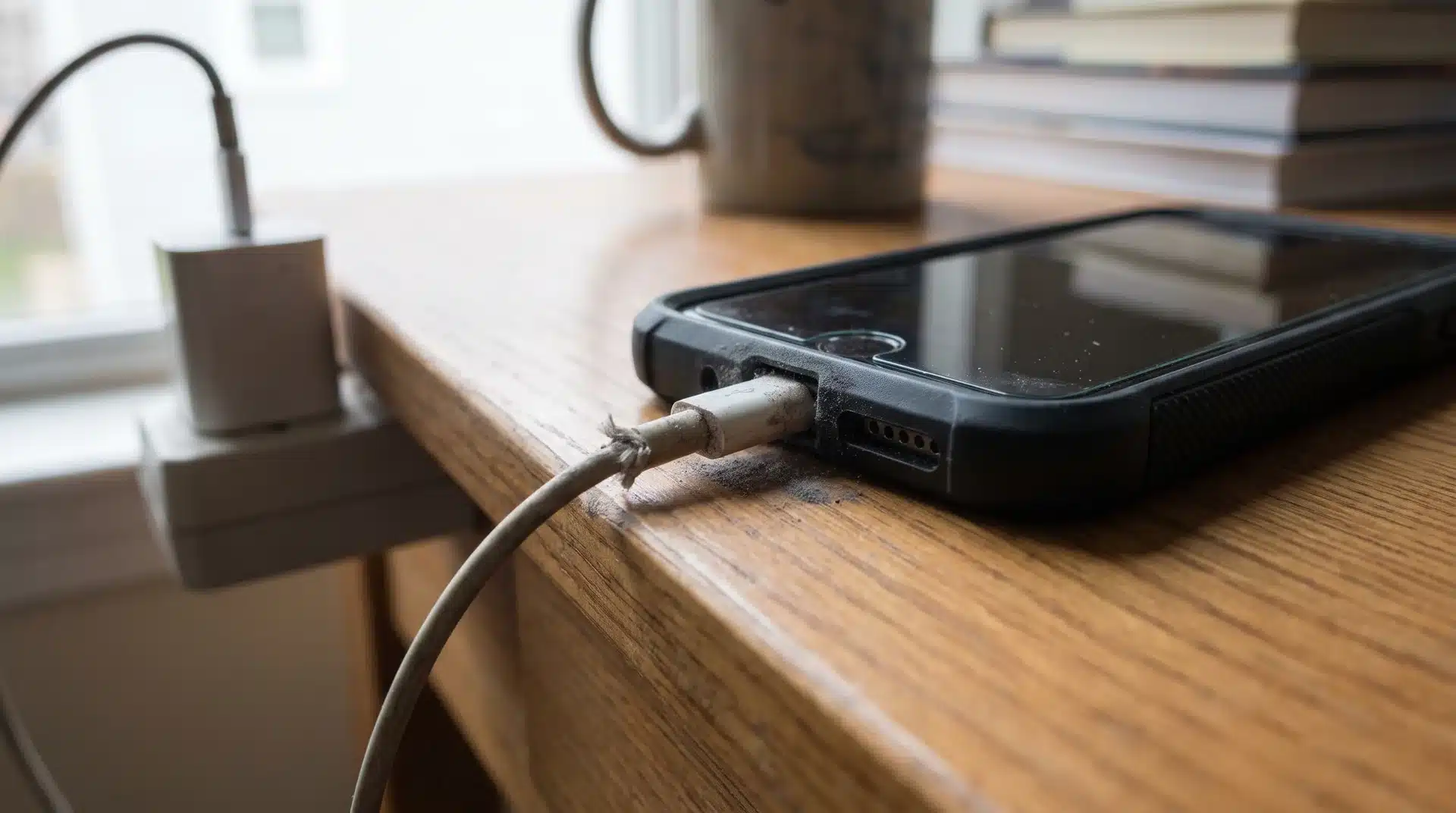
If your phone is charging slowly, Low Power Mode is usually not the reason. Slow charging usually comes from two areas: battery protection features that intentionally adjust charging behavior, or physical factors that limit how much power reaches the battery.
Low Power Mode vs. Optimized Battery Charging
Optimized Battery Charging is often mistaken for a charging problem because it can slow or pause charging at certain points. Unlike Low Power Mode, this feature is designed specifically to protect battery health.
When the battery gets close to full, Optimized Charging may slow the final stage or hold the charge around 80% before completing it later. This reduces the time your battery spends sitting at full capacity, especially during overnight charging.
I’ve seen this confuse people because the phone appears to stop charging or slow down without any obvious reason. In reality, the feature is working normally to reduce long-term battery wear.
Low Power Mode and Optimized Charging serve completely different purposes:
- Low Power Mode: Reduces background activity and power usage while you use your phone.
- Optimized Battery Charging: Adjusts charging behavior to reduce battery aging.
The easiest way to tell them apart is timing. Low Power Mode affects your phone from the moment it is enabled, while Optimized Charging usually changes behavior near the end of the charging cycle.
Other Reasons Your Phone Is Charging Slowly
If your phone charges slowly from the beginning, check the physical setup before blaming a hidden setting. The charger, cable, temperature, and charging port usually have a bigger impact on charging speed.
Common causes include:
- Low-power charger or cable: A charger under 20W will limit charging speed even if your phone supports faster charging, especially on newer models built for 25W or higher.
- Damaged or dirty charging port: Dust, lint, or debris can prevent a stable connection and reduce power transfer.
- Excess heat: Gaming, navigation, direct sunlight, or a thick case can make the phone reduce charging speed to protect the battery.
- Battery condition: Older batteries may charge differently over time, especially once Battery Health drops below 80%, since the phone throttles both performance and charging to protect what capacity remains.
Before replacing accessories or changing settings, check the basics first. A clean port, compatible charger, and cooler charging environment often solve slow charging issues without any major changes.
Conclusion
Low Power Mode is a useful setting, but it is not a shortcut for faster charging. The feature is mainly about managing power usage, not changing how your charger or battery works.
So, does your phone charge slower on low power mode? The simple answer is no, but understanding when power-saving features affect your experience can help avoid confusion.
I have found that charging issues are usually easier to solve when you look at the full setup instead of focusing on one setting. Small changes in charging habits often make the biggest difference over time.
Frequently Asked Questions
Is it good to charge your iPhone on Low Power Mode?
Yes there’s no downside. Low Power Mode doesn’t change how your charger delivers power, and it can only help by leaving more of that power for the battery if you’re using your phone while it charges. Many people leave it on overnight or while plugged in with no effect on charging speed or battery health.
Does Low Power Mode make your battery drain faster when you’re not charging?
No it’s the opposite. Low Power Mode is designed to reduce drain by limiting background activity, screen brightness, and certain visual effects. It only affects how fast the battery empties, not how fast it fills back up, so it targets drain rather than charging speed.
Does Android’s Battery Saver affect charging the same way as iPhone’s Low Power Mode?
The principle is the same: Battery Saver cuts background activity and performance to reduce power use, and it doesn’t change how much power your charger sends. Exact behavior varies by phone brand and Android version, so it’s worth checking your specific device’s settings.
Will turning on Low Power Mode overnight make your phone charge faster?
Not noticeably. Overnight charging usually happens while the phone is idle and locked, and an idle phone already uses very little power. Low Power Mode’s benefit mainly shows up when you’re actively using the phone while it’s plugged in, not while it sits untouched overnight.