


Cutting cable sounds easy until you still want local channels, live sports, and a DVR that does not add another monthly bill. That is where Tablo gets interesting, but mixed Tablo TV reviews can make the buying decision harder than expected.
I know the low upfront cost and no-subscription setup sound appealing, yet app issues, recording reliability, device support, and missing features can quickly change the value.
If you are trying to decide if the 4th Gen model fits your home, I focus on the points that matter most.
You can compare its features, costs, channel options, common complaints, real user feedback, and alternatives before deciding if Tablo is worth your money.
What Is Tablo TV and How Does It Work?
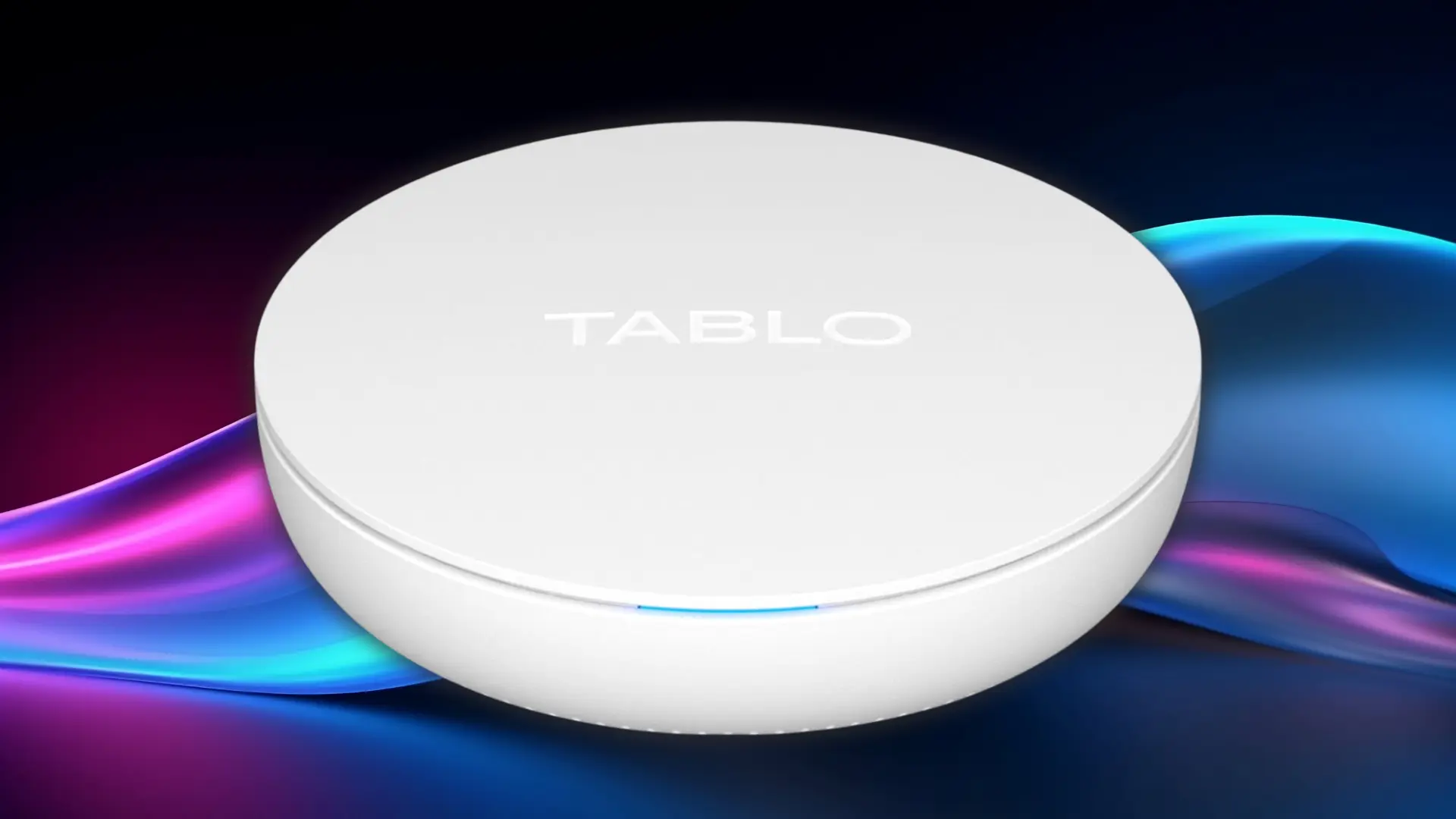
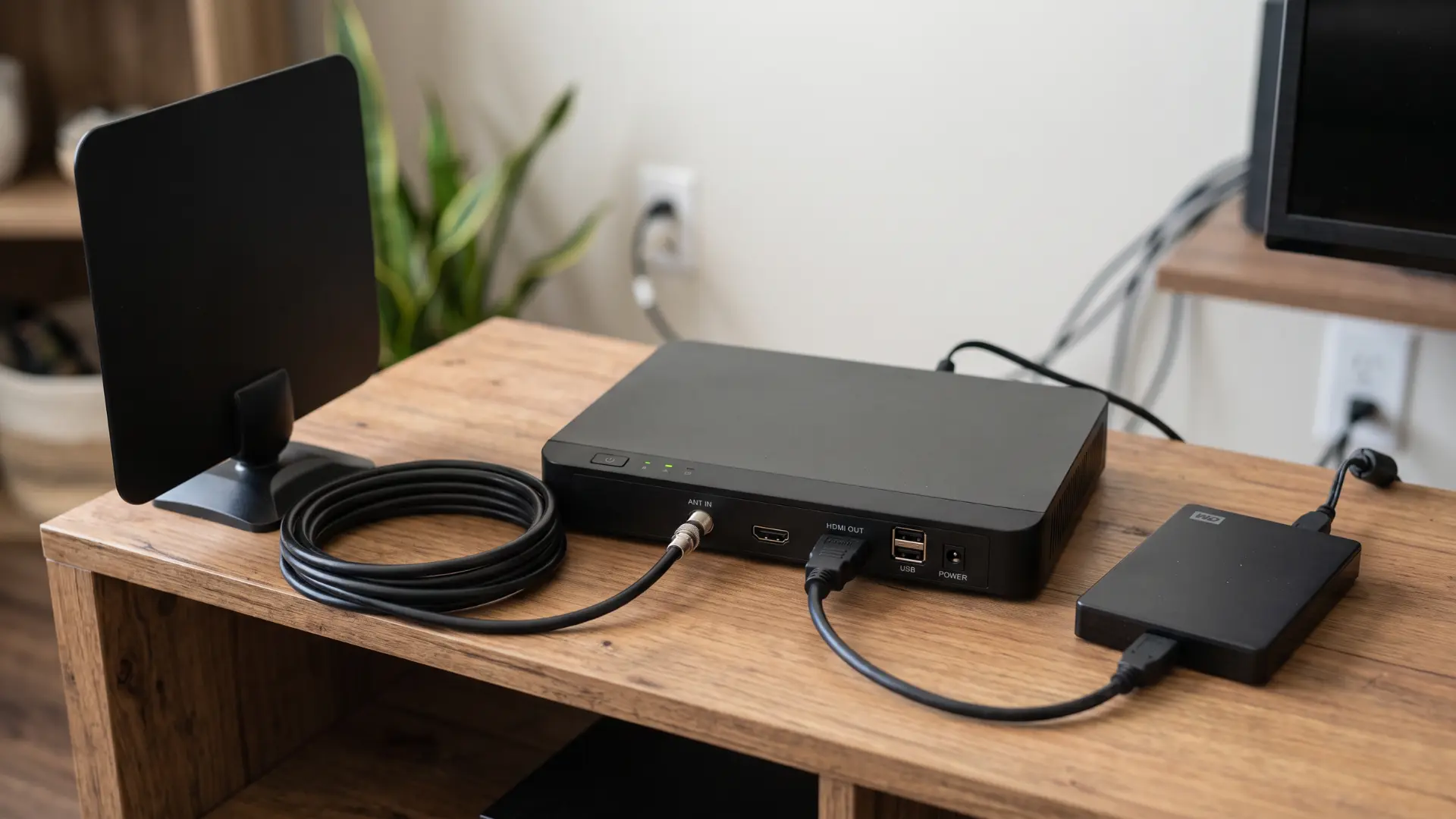
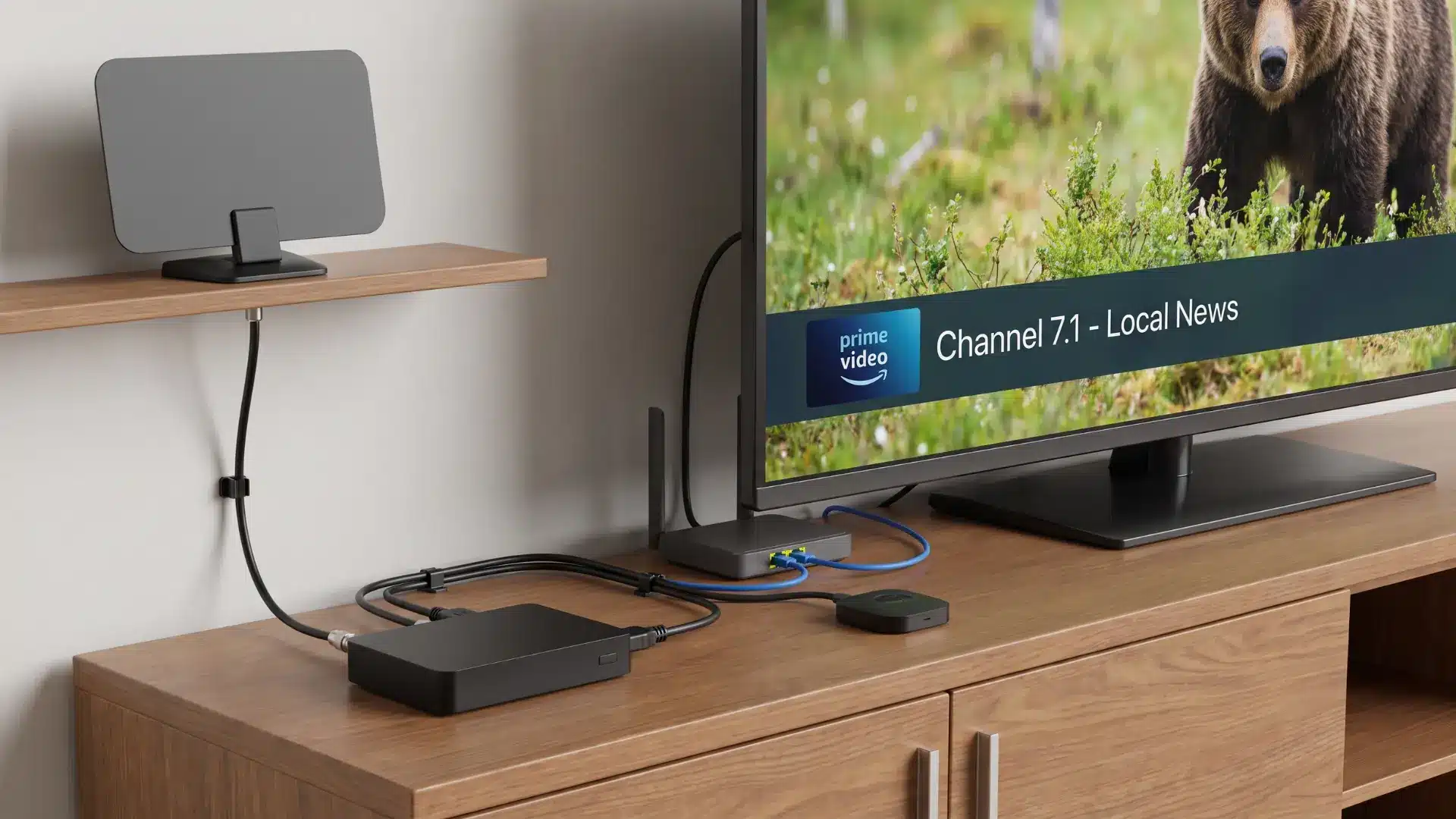
Tablo is a network-connected tuner and DVR designed for over-the-air television. Instead of connecting an antenna directly to one television, the antenna connects to the Tablo device. Tablo then makes local broadcast channels available through supported streaming devices on the same home network.
That setup can be useful in homes with several TVs because one antenna can feed multiple screens without separate antenna cables running to each room. Reception still depends entirely on the hardware feeding the Tablo, so choosing a solid antenna upfront makes a real difference in how consistent your channel lineup is.
Tablo also adds DVR functions. You can schedule recordings, pause during live viewing, and store them for later playback. Current 4th-generation models are available with different tuner counts, which affect how many broadcasts they can handle at the same time.
Tablo TV Review at a Glance
A quick summary can help before getting into the details.
| Feature | My Take |
|---|---|
| Monthly DVR Fee | No required subscription |
| Local TV Recording | Strong reason to buy |
| Program Guide | Simple for everyday use |
| Built-In Storage | Useful for casual recording |
| Storage Expansion | Available through external storage |
| Streaming Device Support | Covers several major platforms |
| Out-of-Home Viewing | Not supported on 4th Gen |
| Computer Viewing | Limited |
| ATSC 3.0 | Not supported |
| Overall Value | Good for the right antenna user |
Tablo’s biggest advantage is straightforward: it makes local television easier to watch and record without creating another recurring DVR bill. Its weaker points become more noticeable for people who expect remote viewing, desktop access, or NextGen TV support.
Setting Up and Using Tablo TV
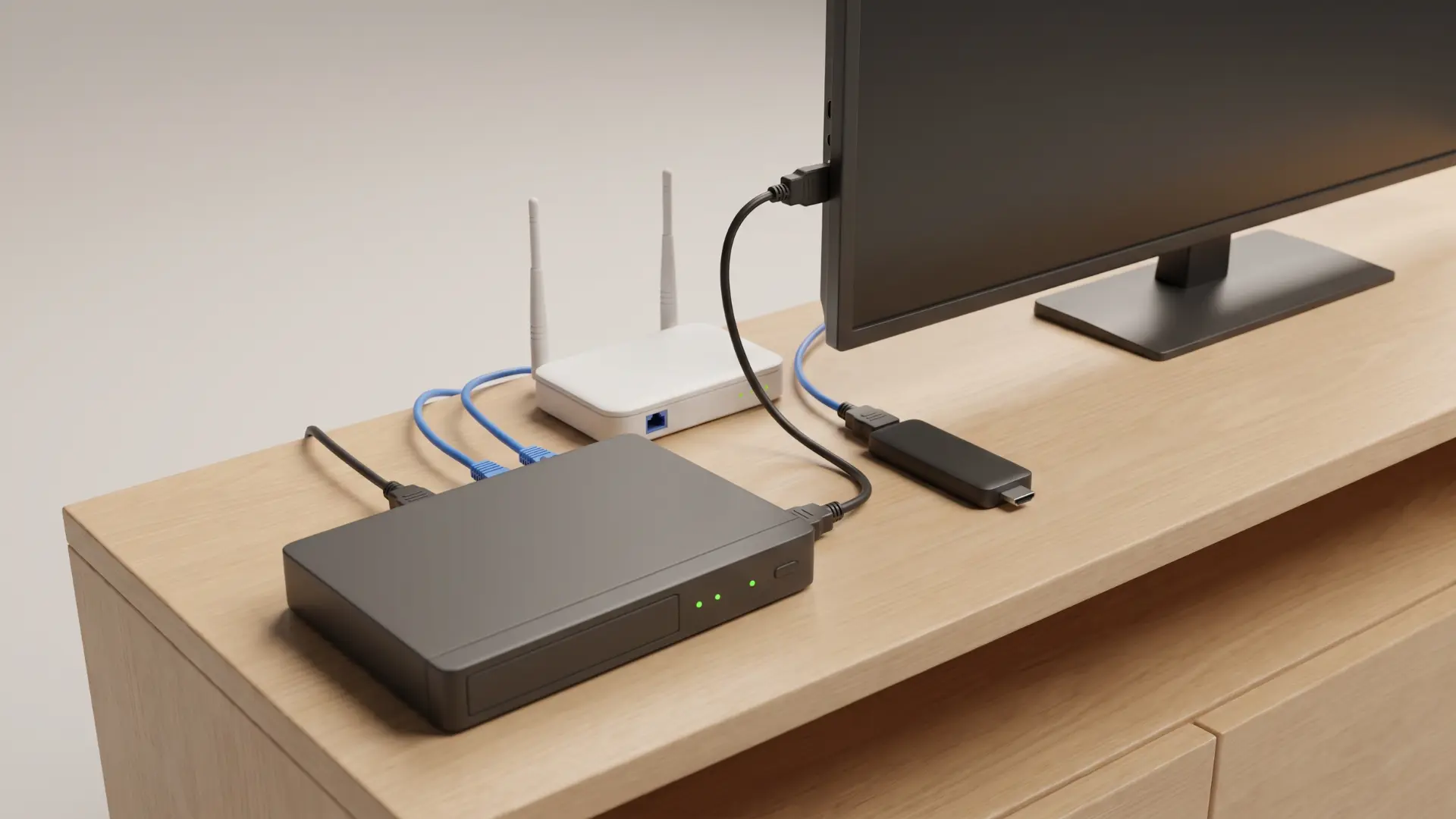
Tablo setup is fairly simple when the antenna and home network are already working well. The antenna connects to the Tablo instead of directly to the television. After the device joins the home network, the Tablo app scans for available local channels.
Once the scan is complete, the program guide can be loaded, and recordings can be scheduled. Other supported televisions and streaming devices around the house can then access the same Tablo. If your TV doesn’t run a compatible app natively, pairing the Tablo with a dedicated streaming box can smooth over compatibility gaps.
Two things matter more than they first appear: antenna placement and network quality.
A Tablo cannot fix a weak broadcast signal. If the antenna barely receives a station, playback and recordings from that station can also suffer. Moving the antenna higher, changing its direction, or using a better antenna may solve reception problems that look like DVR problems.
Wi-Fi quality matters for a different reason. Tablo distributes television over the home network, so poor wireless coverage can result in buffering or slow loading on distant TVs. An otherwise good Tablo setup may feel unreliable when the network itself is struggling.
What Channels Can You Get With Tablo TV?
Tablo channel availability comes from two separate sources: local antenna broadcasts and internet-based free streaming channels.
Local Antenna Channels
The exact antenna lineup depends on where you live and what signals reach your home. In many U.S. markets, available stations can include local affiliates of:
- ABC
- CBS
- FOX
- NBC
- PBS
- The CW
- Independent local broadcasters
Living near a broadcast tower usually improves the chances of receiving more stations, but distance is only part of the equation. Hills, buildings, antenna direction, indoor placement, and local signal strength also matter.
Checking available OTA stations for your address before buying Tablo gives a much better idea of what the device can provide.
Free Streaming Channels
Tablo also provides free ad-supported streaming channels through its app. These internet channels appear alongside antenna broadcasts and add extra programming without another paid television package.
The lineup can change, so I would treat these channels as a bonus rather than a guaranteed reason to buy the hardware.
Most importantly, Tablo cannot create antenna stations that are not reaching your home. A better DVR does not replace the need for good reception.
Tablo TV Cost and Model Options
Tablo is sold in two-tuner and four-tuner versions, and recent pricing generally puts the hardware in the $100 to $160 range, depending on the model, bundle, and current sale price.
The better choice depends less on raw specifications and more on how many people record or watch broadcast TV at the same time.
1. Tablo 2-Tuner Model
The two-tuner version is the more practical option for lighter television use. It can suit one or two regular viewers who record a modest number of shows and rarely need several antenna broadcasts at once.
It also costs less, making it easier to justify for someone who mainly wants local news, sports, and a few network programs.
2. Tablo 4-Tuner Model
The four-tuner model gives busier households more breathing room. Extra tuners help when several programs need to be watched or recorded around the same time.
A family that frequently records overlapping prime-time shows may benefit more from four tuners than someone who watches only one local station at a time.
3. Other Costs to Consider
The Tablo itself is not necessarily the only purchase.
Possible additional costs include:
- TV Antenna: Needed if you do not already own a suitable antenna.
- External Storage: Helpful for people who keep a large recording library.
- Streaming Devices: May be required for TVs without a compatible Tablo app.
- Network Improvements: Weak Wi-Fi may require better router coverage or another networking solution.
There is no required recurring DVR subscription, which can make Tablo more economical over longer periods.
What Reddit Users Say About Tablo TV
Reddit users share mixed experiences with Tablo, with longtime owners praising reliability and free recording, while some 4th Gen users mention software bugs, slow guides, Wi-Fi trouble, and limited features.
| Reddit User | Pros | Cons |
|---|---|---|
| WiFiEnabled | Praised a legacy Tablo for reliable NFL recording, Apple TV playback, large external storage, and no subscription fees. | Noted that the newer 4th Gen lacked some features available on the older model. |
| Revolutionary-Fact6 | Said the older two-tuner model had been rock solid and played an important role in cutting cable. | Felt the newest generation still had issues and was not worth upgrading to yet. |
| gleek12 | Liked getting local channels throughout the house and enjoyed some of the included FAST streaming channels. | Did not mention a major drawback in the comment. |
| gumyrocks22 | Enjoyed recording local channels and said the antenna bundle worked well after a few weeks of use. | Mentioned a small learning curve during setup and early use. |
| DealGrand | Said the 4th Gen usually worked fine during normal use. | Reported unresolved software problems and major flaws with the channel guide. |
| AnymooseProphet | Was generally happy with the new model and reported good recorded playback with newer Roku hardware. | Found the schedule guide very slow and noticed sluggish apps during recordings. |
| larsonmattr | Liked the interface, live guide, easy Roku connection, and strong streaming quality on an iPhone. | Reported poor Roku streaming and no 4th Gen app for Xbox or PC. |
Overall, Reddit feedback suggests Tablo works best with strong antenna reception, reliable networking, and realistic expectations. Older models receive stronger praise, while 4th Gen feedback is noticeably more mixed overall.
Who Is Tablo TV Best For?
Tablo is easier to recommend when the buyer fits a fairly specific type of TV setup.
Tablo Makes Sense If
- Antenna TV Viewer: Local OTA stations already come in clearly, and you want easier access across the house.
- Regular Recorder: Local news, network programs, or sports are frequently saved for later viewing.
- Budget Cord-Cutter: Avoiding another required monthly DVR charge matters more than having every advanced feature.
- Multi-TV Household: Several televisions need access to one antenna without separate antenna cables running to every room.
For these users, Tablo solves a clear problem without adding much ongoing expense.
Tablo May Not Suit You If
- Remote Viewing Matters: Watching recordings or local channels while away from home is a priority.
- ATSC 3.0 Matters: NextGen TV support is an important reason for buying new tuner hardware.
- Desktop Viewing Matters: Regular Windows or Mac playback is part of your normal routine.
- Advanced DVR Features Matter: Greater control and flexibility are worth paying more for.
Knowing which group you fall into is more useful than treating Tablo as either universally good or universally bad.
Tablo TV Alternatives
Tablo is not the only way to send antenna television around a home. The better option depends on which missing Tablo feature matters most.
1. HDHomeRun
HDHomeRun is worth considering for people who want a flexible network tuner and are comfortable with a slightly more technical setup.
Its products can suit households that care about broader software options or want to build a television system around other apps and services. The exact DVR features and costs depend on the chosen setup.
2. AirTV
AirTV makes more sense for viewers who already spend much of their TV time inside Sling.
Its main appeal is bringing antenna channels into the same environment as Sling programming. Someone who does not use Sling regularly may get less value from that integration.
Is Tablo TV Worth It?
Yes, Tablo TV can be worth buying for someone who already receives reliable antenna signals and mainly wants a low-cost way to watch and record local television.
I would be more hesitant if remote viewing, ATSC 3.0, desktop access, or advanced DVR controls were major requirements.
Three questions make the decision easier:
- Do your local antenna channels already come in reliably?
- Is avoiding a required monthly DVR fee important?
- Are Tablo’s missing features things you can live without?
Answering yes to all three makes Tablo a much stronger purchase. A no to the first question matters most because the device cannot compensate for poor antenna reception.
Final Thoughts on Tablo TV Reviews
Tablo makes the most sense when you already get strong antenna reception and want to watch and record local TV without another required monthly fee.
After looking at the main features, costs, complaints, user feedback, and device limits, I think the value comes down to your setup and viewing habits.
Tablo TV reviews show why the same device can work well for one household and frustrate another. Good Wi-Fi, compatible streaming devices, and the right tuner count can make a real difference.
If remote viewing, desktop access, or ATSC 3.0 matters to you, another option may be a better fit. Check your local reception and device compatibility first, then share your experience or read related cord-cutting posts.
Frequently Asked Questions
Does Tablo replace a TV antenna?
No. Tablo still needs a TV antenna to receive local over-the-air broadcasts. It acts as the tuner and DVR, distributing those broadcasts to supported devices.
Does Tablo work without internet?
The antenna receives local broadcast signals, but you may still need network and internet access for setup, guide data, app functions, updates, and internet-based channels.
Does Tablo work with Roku?
Tablo supports compatible Roku devices. Hardware and software requirements can change, so it’s best to check the current compatibility list before buying.
Does Tablo work with Apple TV?
The current Tablo platform supports compatible Apple TV hardware. Confirming the required Apple TV model and software version before purchase can prevent compatibility problems.
Can Tablo record more than one show at once?
Yes, but the number of simultaneous activities depends on the tuner configuration. A four-tuner model offers more flexibility than a two-tuner model for households recording several programs at similar times.