
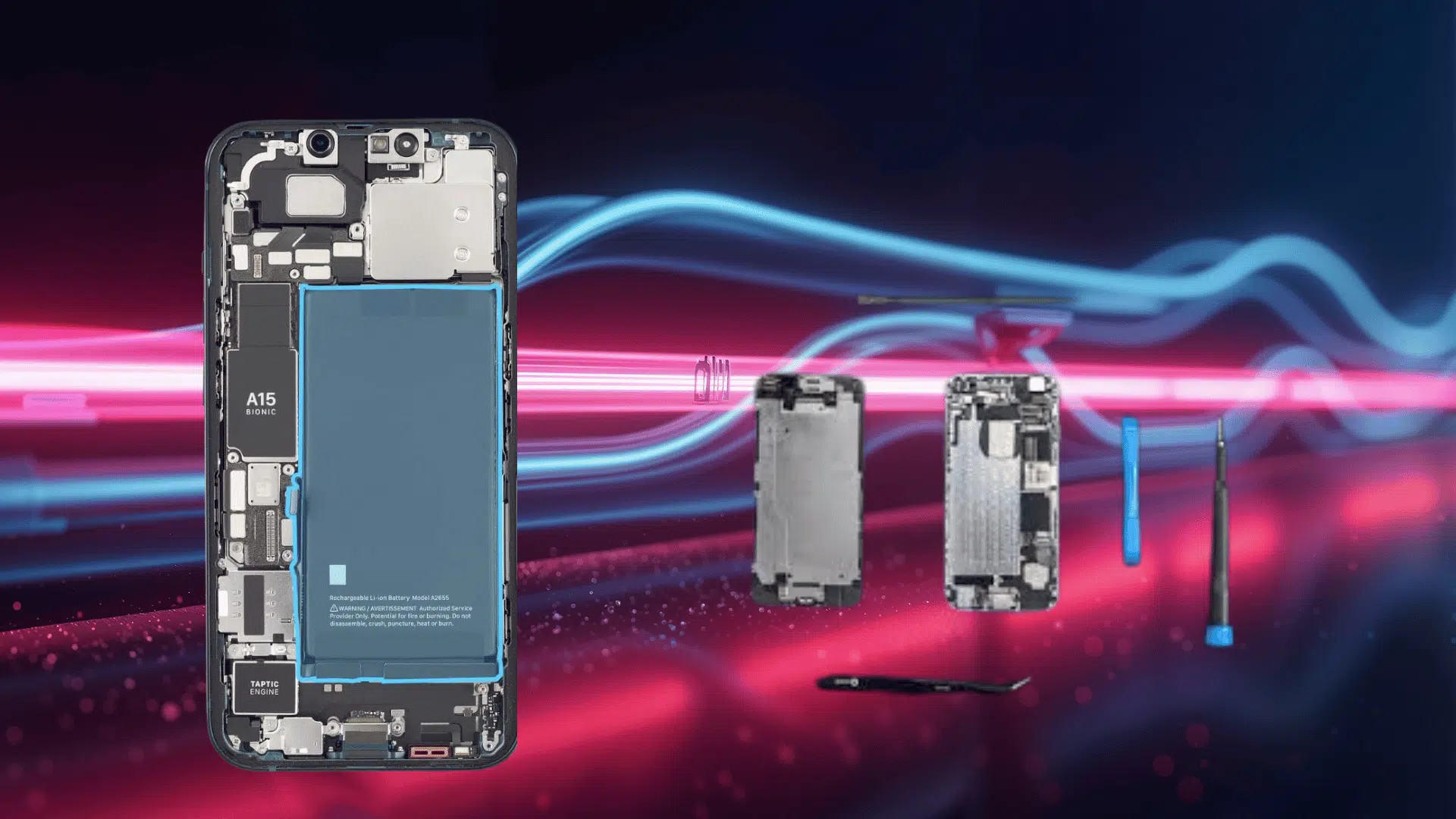




Dealing with a phone that barely lasts a few hours can get frustrating, and that’s usually where iPhone battery replacement comes into the picture.
Over time, every iPhone battery wears out, but the real question is how much it actually costs to replace it.
In this blog, I’ll break it down simply so you can understand the cost, options, and whether an iPhone battery replacement is really worth it.
Can You Replace the iPhone Battery & Do You Need It?
Yes, you can replace an iPhone battery, and in many cases, it’s a smart move.
- Natural Wear Over Time – Lithium-ion batteries typically degrade within 2–3 years of regular use
- Low Battery Health Signs – Below 80%, you may notice fast draining, sudden shutdowns, and slower performance
- When Replacement Is Needed – These issues indicate it’s time for a battery replacement
- Cost-Effective Solution – Replacing the battery is cheaper than buying a new phone
- Extends Device Life – Helps improve performance and keeps your iPhone usable longer
iPhone Battery Replacement Options
When it comes to iPhone battery replacement, you usually have two main options: going through Apple’s official service or choosing a third-party repair.
Both can solve the issue, but the difference lies in quality, reliability, cost, and long-term performance.
1. Apple Store / Authorized Service
Apple’s official service is the more reliable and consistent option.
You can book through Apple Support, visit a store, or send your device, and the replacement is usually completed within 1–2 hours.
They use genuine batteries, and you also get a 90-day warranty or AppleCare+ coverage, which helps maintain overall device performance.
- Uses original Apple battery and parts
- Performed by trained and certified technicians
- Comes with 90-day service warranty / AppleCare+ support
- Maintains battery health tracking (no warning messages)
- Preserves water resistance (to a certain level)
- Safer for newer or more expensive iPhones
- Ensures better long-term reliability and performance
2. Third-Party Battery Replacement
Third-party options include local repair shops, authorized partners like Best Buy or uBreakiFix, and mail-in services. These are usually chosen for their lower cost and faster service, especially for older iPhones.
In many cases, users prefer this route when they don’t want to spend much on an older device or need a quick fix without waiting for official appointments.
The availability of multiple options also makes it easier to find a solution nearby, and some services even offer doorstep repair or quick turnaround, which adds to the convenience.
- Lower cost (30–50% cheaper than Apple) and often same-day service
- Easily available through local shops, partners, or DIY kits, with flexible options
- Good choice for older or secondary iPhones
- May use non-original batteries and show “unknown part” warnings
- Can affect warranty, water resistance, and long-term performance
- Quality depends on technician’s skill, with risk of inconsistent results
Note: Third-party repairs can save money, but they are not always reliable, especially if low-quality parts or inexperienced technicians are involved.
iPhone Battery Replacement Cost (Apple vs. Third-Party)
Apple offers fixed pricing with genuine parts, while third-party services are cheaper but vary in quality and warranty.
| iPhone Model | Apple Cost (USD) | Third-Party Cost (USD) | Warranty (Apple) | Time Required | Notes |
|---|---|---|---|---|---|
| iPhone 16 Pro / Pro Max | $119 | $50–$80 | 90 days / AppleCare+ | 1–2 hours | Latest models, best to use Apple |
| iPhone 16 / 15 Pro | $99 | $40–$70 | 90 days | 1–2 hours | Balanced cost vs performance |
| iPhone 15 / 14 / 13 | $89–$99 | $30–$70 | 90 days | 1–2 hours | Most common replacement range |
| iPhone 12 & older | $89 | $30–$60 | 90 days | 1–2 hours | Better suited for third-party repairs |
DIY iPhone Battery Replacement (Can You Do It Yourself?)
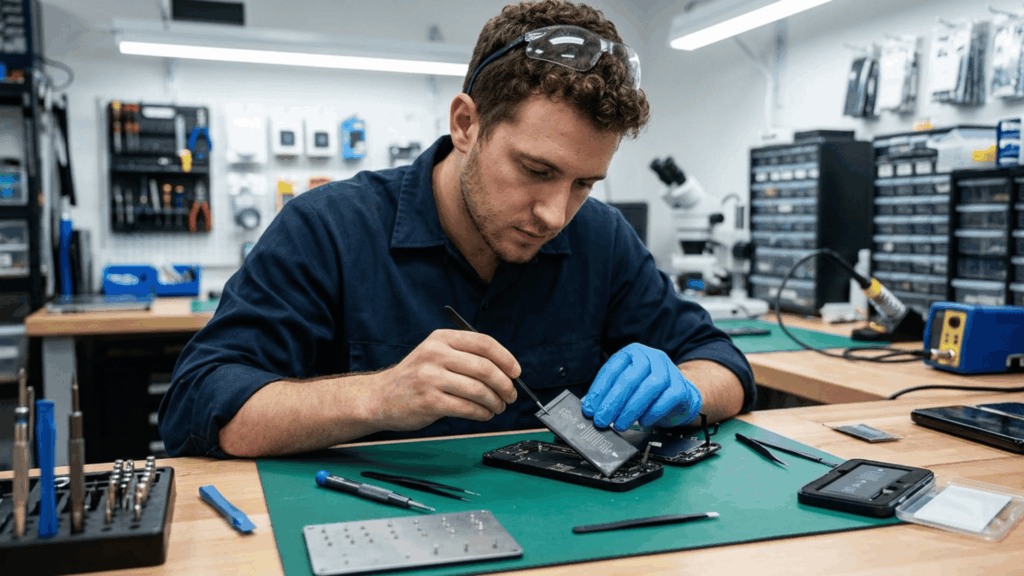
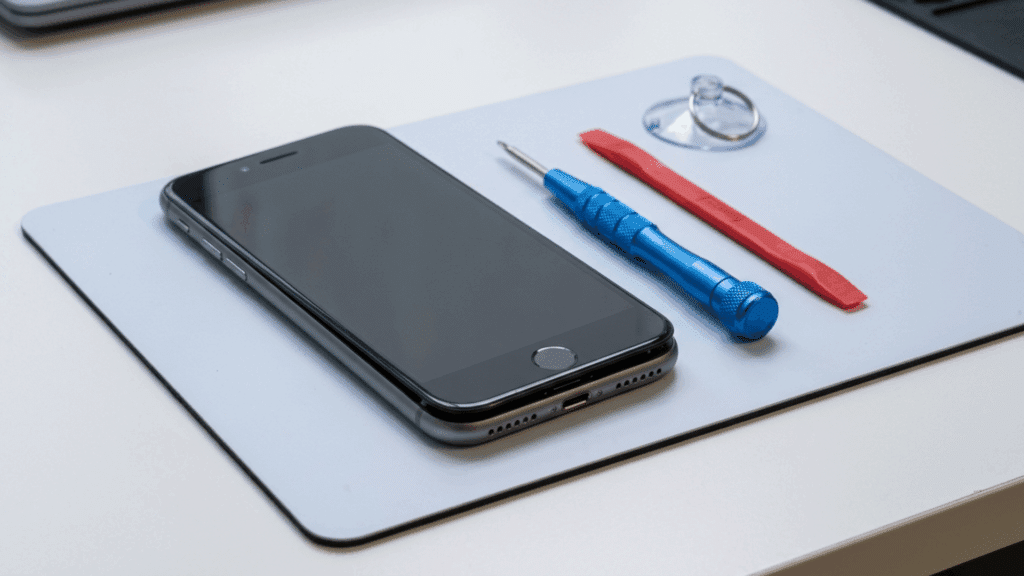
If you’re comfortable handling small electronics, you can also try replacing your iPhone battery yourself with a DIY kit.
It can save money and give you more control over the process, but it does require patience, proper tools, and a bit of technical confidence.
Note: Even a small mistake can cause damage, so it’s important to proceed carefully.
Steps to Follow
- Turn off the iPhone: Make sure the device is completely powered off to avoid any electrical issues while working inside.
- Remove the bottom screws: Use a proper screwdriver (usually pentalobe) to remove the screws near the charging port.
- Carefully open the screen: Use a suction cup or opening tool to gently lift the screen. Don’t pull too hard, as cables are still connected inside.
- Disconnect the battery connector: Once opened, locate the battery connector and disconnect it to power off the device.
- Remove old battery adhesive: Slowly pull out the adhesive strips holding the battery. This step requires patience to avoid tearing the strips.
- Install the new battery: Place the new battery in position and reconnect it properly to the board.
- Reassemble the device: Close the screen carefully, screw everything back in place, and power on the phone to check if it works.
Risk: This method can damage internal components or void your warranty if not done properly, so it’s only recommended if you have some technical experience.
Common Mistakes to Avoid
Many users focus only on cost and ignore small details that can lead to bigger problems later. Avoiding a few common mistakes can help you save money, protect your device, and get better long-term results.
- Ignoring battery health warnings, which can lead to sudden performance issues
- Choosing very cheap third-party batteries that may not last or perform well
- Attempting DIY without proper tools or experience, risking damage
- Not backing up your data before starting the repair
- Replacing the battery when the issue is actually software-related
- Using untrusted repair shops with poor-quality parts
- Not checking the warranty status before getting the battery replaced
Final Verdict
In the end, an iPhone battery replacement is one of the simplest ways to bring your device back to life without spending on a new phone. It’s cost-effective and can make a noticeable difference in daily use.
Going with Apple offers better reliability and peace of mind, while third-party options can save money but come with compromises.
The right choice really depends on your phone’s age, your budget, and how much you value long-term performance.
If your device still works well otherwise, replacing the battery is often the smarter and more practical decision.
Frequently Asked Questions
Is replacing an iPhone battery worth it?
Yes, replacing the battery is worth it if the health is below 80% or performance is affected. It improves battery life, restores speed, and extends your phone’s usability.
Is 76% battery health okay?
76% battery health is considered low and shows significant battery wear over time. You may notice faster drain, shorter usage, and possible performance slowdowns.
What drains an iPhone battery the most?
High brightness, long screen time, and heavy apps like games or social media drain battery quickly. Poor signal, GPS usage, and background app activity also significantly reduce battery life.
Will Apple replace an 80% battery?
Apple usually replaces batteries at 80% or below, especially under AppleCare+. Without coverage, replacement is still available but requires a paid service.