

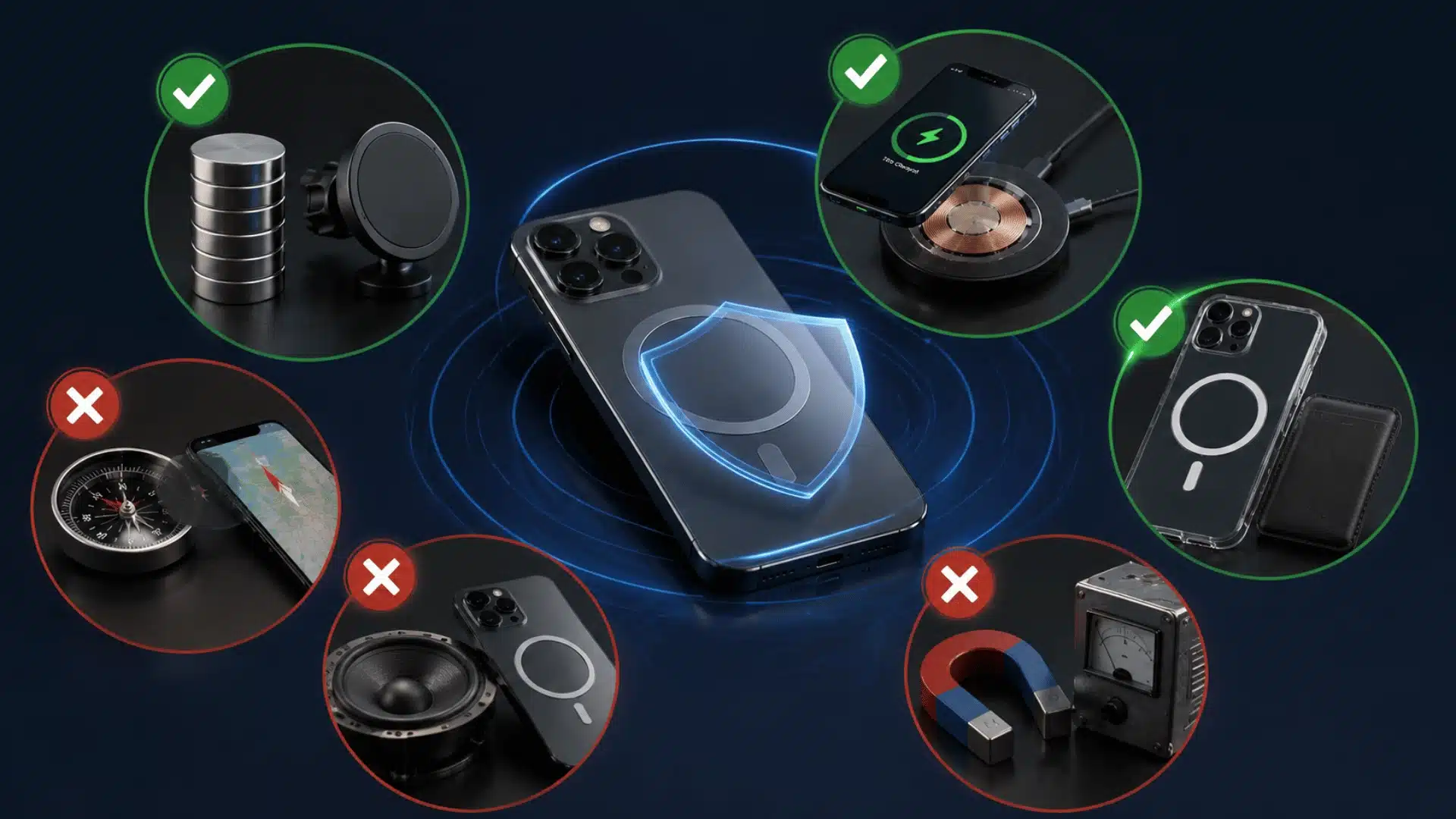




Magnets are part of many everyday phone accessories, from car mounts to magnetic cases and wireless charging systems, the same kind of magnetic alignment system built into the iPhone 16 lineup. That naturally raises one question: are magnets bad for phones? In most normal situations, they are not.
Modern smartphones use flash storage, lithium-ion batteries, and digital displays that are not easily damaged by ordinary magnetic fields.
Still, I would not treat every magnet the same. Strong magnets placed close to certain phone parts can temporarily affect the compass, camera stabilization, or autofocus.
I also think it helps to separate actual damage from short-term interference, since those two problems are often confused.
Are Magnets Bad for Phones?
For modern smartphones, normal household magnets and magnetic phone accessories are usually safe. Phones do not store photos, apps, contacts, or messages on magnetic hard drives, so an ordinary magnet cannot wipe your data.
The main concern is not permanent damage. It is temporary interference with parts that respond to magnetic fields.
A strong magnet near your phone may affect compass readings or camera features for a short time. Once the magnet is moved away, those functions usually return to normal.
Built-in magnetic systems also show how common magnets have become in phone design. Many newer phones, including foldables like the Galaxy Z Fold 7, are made to work with magnetic chargers, cases, wallets, and mounts.
What Parts of a Phone Can Magnets Affect?
Magnets are unlikely to damage the entire phone, but a strong magnetic field can interfere with a few specific parts.
1. Compass and Magnetometer
Phones use a magnetometer to detect magnetic fields and help determine direction. Navigation apps, compass apps, and some location features rely on this sensor.
A magnet placed close to the phone may cause the compass to point in the wrong direction or behave unpredictably.
The effect is normally temporary. Moving the magnet away often fixes the reading. In some cases, recalibrating the compass may help.
2. Camera Autofocus and Optical Image Stabilization
Some phone cameras use tiny moving parts for autofocus and optical image stabilization.
Strong magnetic fields placed very close to the camera can interfere with those systems. You might notice blurry images, unusual camera movement, or trouble focusing while the magnet is nearby.
This does not mean every magnetic case or mount damages phone cameras. The risk is more relevant with powerful magnets placed directly beside the camera module.
3. Magnetic Sensors
Some phones use magnetic sensors to detect accessories, covers, or nearby hardware. A strong external magnet may trigger those sensors unexpectedly. This is normally an interference issue rather than physical phone damage.
Can Magnets Erase Data From a Phone?
No, ordinary magnets cannot erase data from a modern smartphone.
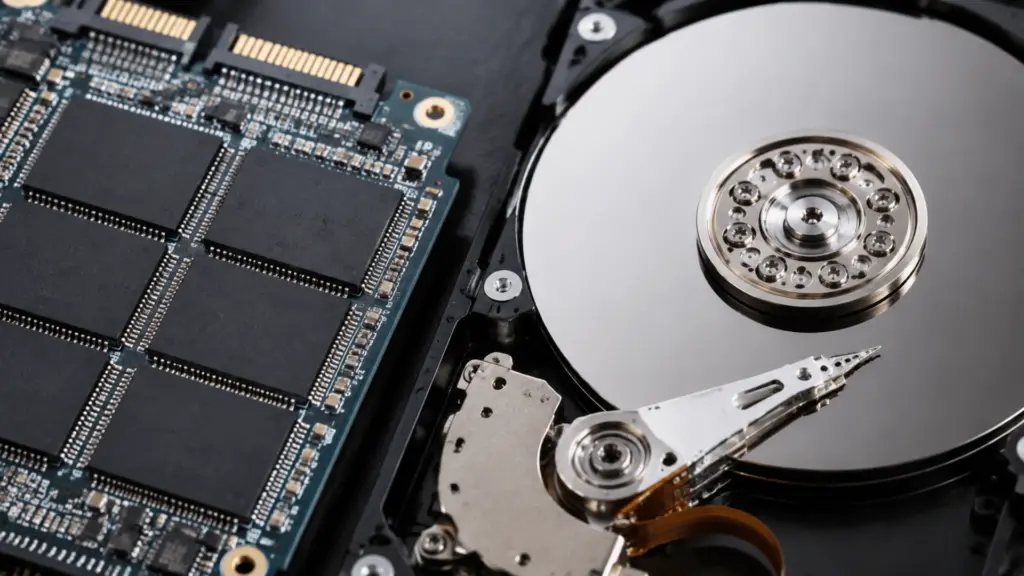
Older computers often used magnetic hard drives. Because those drives stored information magnetically, powerful magnets could interfere with stored data.
Smartphones work differently. They use flash memory, which does not depend on magnetism to store information.
That means a magnetic case, refrigerator magnet, phone mount, or standard charging accessory cannot normally erase:
- Photos
- Videos
- Contacts
- Apps
- Messages
- Documents
The old warning about magnets and electronics still makes sense for some older storage devices, but it does not apply to modern phone storage in the same way.
Do Magnets Affect Phone Batteries?
Normal magnets do not usually damage or drain a smartphone battery.
Phone batteries use lithium-ion technology, and ordinary magnetic fields do not erase their charge or cause the battery to suddenly lose capacity.
More realistic battery problems include excessive heat, physical damage, poor charging habits, and low-quality charging accessories, which is why it’s worth checking a proper Anker power bank guide before buying a backup charger.
A magnetic accessory may still contribute to heat if it is part of an inefficient charging setup, but the magnet itself is not normally the cause of battery damage.
Are Magnetic Phone Cases and Holders Safe?
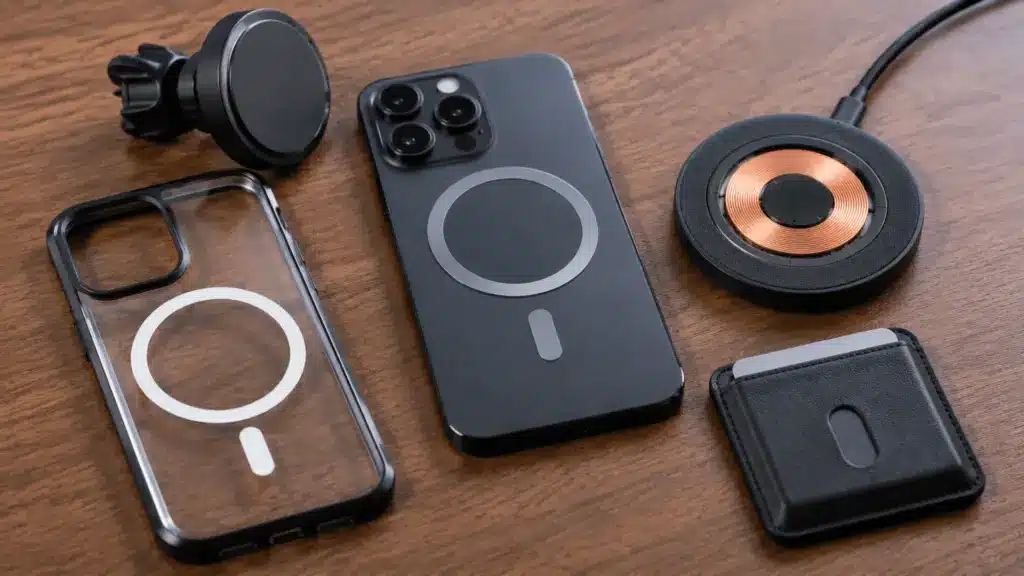
Most magnetic accessories made for smartphones are safe when used properly. Manufacturers design these products to hold the phone without placing extreme magnetic force around sensitive components.
1. Magnetic Phone Cases
A standard magnetic phone case is generally safe for everyday use.
The main thing I would check is compatibility. A properly fitted case designed for your phone should place its magnets where they are less likely to interfere with cameras or sensors.
Cheap or unusually strong magnetic cases may cause problems if the magnets sit directly beside sensitive hardware.
2. Magnetic Car Mounts
Magnetic car mounts are also commonly used without damaging phones.
A mount can occasionally affect compass readings if its magnet sits close to the phone’s magnetometer.
Camera problems are less common, but poor magnet placement may affect stabilization or autofocus on some devices.
If navigation direction or camera performance changes while the phone is mounted, removing it from the mount can help confirm whether the magnet is causing the issue.
3. MagSafe Accessories
MagSafe-compatible iPhones are specifically designed to work with magnets. The phone contains an internal magnetic arrangement that helps chargers, wallets, stands, and mounts line up correctly.
That does not mean every powerful magnet is safe to press against an iPhone. There is still a big difference between a compatible magnetic accessory and a strong loose magnet placed directly beside the camera or other sensitive parts.
Can Strong Neodymium Magnets Damage a Phone?
Neodymium magnets deserve more caution because they can be much stronger than magnets used in normal phone accessories.
A powerful neodymium magnet placed directly against a phone may interfere with:
- Camera stabilization
- Autofocus
- Compass readings
- Magnetic sensors
Distance matters too. Magnetic force drops as the magnet moves farther away from the phone.
Permanent damage is still less common than temporary interference, but placing strong industrial magnets directly against a smartphone offers no practical benefit.
If you are using N35, N52, or another strong neodymium magnet, keeping it away from the camera area and sensitive sensors is the safer choice.
Are Magnets Bad for iPhones?
Normal magnets are generally not bad for modern iPhones.
Apple has used magnets in several phone accessories and charging systems, including MagSafe. That makes ordinary compatible magnetic accessories suitable for normal use.
Strong external magnets can still interfere with features such as the compass, autofocus, or optical image stabilization if placed too close to sensitive parts.
For everyday use, a compatible MagSafe case, charger, stand, or mount is very different from placing a powerful bare magnet against the phone.
Are Magnets Bad for Android Phones?
The same general rule applies to Android phones. Modern Android devices also use flash storage, lithium-ion batteries, digital displays, and magnetic sensors.
A normal magnetic mount or case is unlikely to erase data or damage the battery.
However, camera systems and sensor placement vary between models. A magnet that causes no issue on one phone may interfere with another phone’s compass or camera if placed in a different position.
Using accessories designed for the specific device is the safest approach.
When Should You Keep Magnets Away From Your Phone?
Normal phone accessories are usually safe, but stronger magnets need more care.
- Camera Area: Keep powerful magnets away from the rear camera module, especially while taking photos or recording video.
- Compass Use: Remove magnetic accessories if navigation direction or compass readings suddenly become inaccurate.
- Strong Neodymium Magnets: Avoid placing powerful bare magnets directly against the phone.
- Unknown Accessories: Check compatibility before using magnetic cases or mounts with unusually strong magnets.
- Medical Devices: Follow device and phone manufacturer guidance if magnetic accessories may interfere with implanted medical equipment.
Normal accessory magnets and industrial-strength magnets should not be treated as the same thing.
Common Myths About Magnets and Phones
Several common concerns come from older electronics rather than modern smartphones. Here is a simple comparison:
| Claim | What Usually Happens |
|---|---|
| Magnets erase phone photos | Modern flash memory is not erased by ordinary magnets |
| Magnetic cases damage batteries | Normal magnetic cases do not usually harm lithium-ion batteries |
| Any magnet damages phone cameras | Strong nearby magnets may temporarily interfere with camera systems |
| Magnetic car mounts ruin phones | Standard compatible mounts are generally safe |
| MagSafe magnets harm iPhones | Compatible iPhones are designed to work with MagSafe accessories |
The key difference is between permanent physical damage and temporary sensor interference. Most everyday magnetic accessories fall into the second category, if they cause any issue at all.
Final Thoughts
So, are magnets bad for phones? For normal daily use, the answer is generally no. Magnetic cases, mounts, chargers, and compatible accessories are unlikely to harm a modern smartphone.
The main exceptions involve very strong magnets placed close to sensitive components. They may temporarily affect the compass, autofocus, or camera stabilization, but ordinary magnets are not likely to erase phone data or damage the battery.
I would focus more on using a compatible accessory than worrying about magnets in general. A properly designed phone case or mount is usually far less concerning than a powerful loose magnet placed directly against the device.
Frequently Asked Questions
Are Phones Magnet Safe Now?
Yes. Modern phones use flash storage, OLED or LED screens, and lithium-ion batteries, none of which respond to magnetic fields. Everyday magnets in cases, mounts, or MagSafe accessories won’t erase data or damage hardware. Only the compass and camera stabilization can react briefly, and only to unusually strong magnets.
What Magnets Are Safe for Phones?
Every day, magnets like fridge magnets, magnetic car mounts, MagSafe cases, and magnetic wallets are safe. They’re built to stay well below the strength needed to affect anything inside your phone. Problems only show up with loose, high-strength magnets like industrial or retrieval magnets held directly against the back.
Is It Okay to Put a Magnet on an iPhone?
Yes, for typical magnets like MagSafe accessories or magnetic cases. Apple designs these to work safely with iPhone hardware. A very strong, loose magnet held directly against the phone could briefly confuse the compass or camera. That effect disappears once you move the magnet away, with no lasting damage.
Do Magnetic Phone Holders Damage iPhones?
No. Magnetic car mounts use magnets well within safe limits for iPhone components. They won’t harm the screen, battery, or storage. The one thing to watch is wireless charging, since a poorly placed metal plate in the mount can block charging or cause overheating near the coil.