

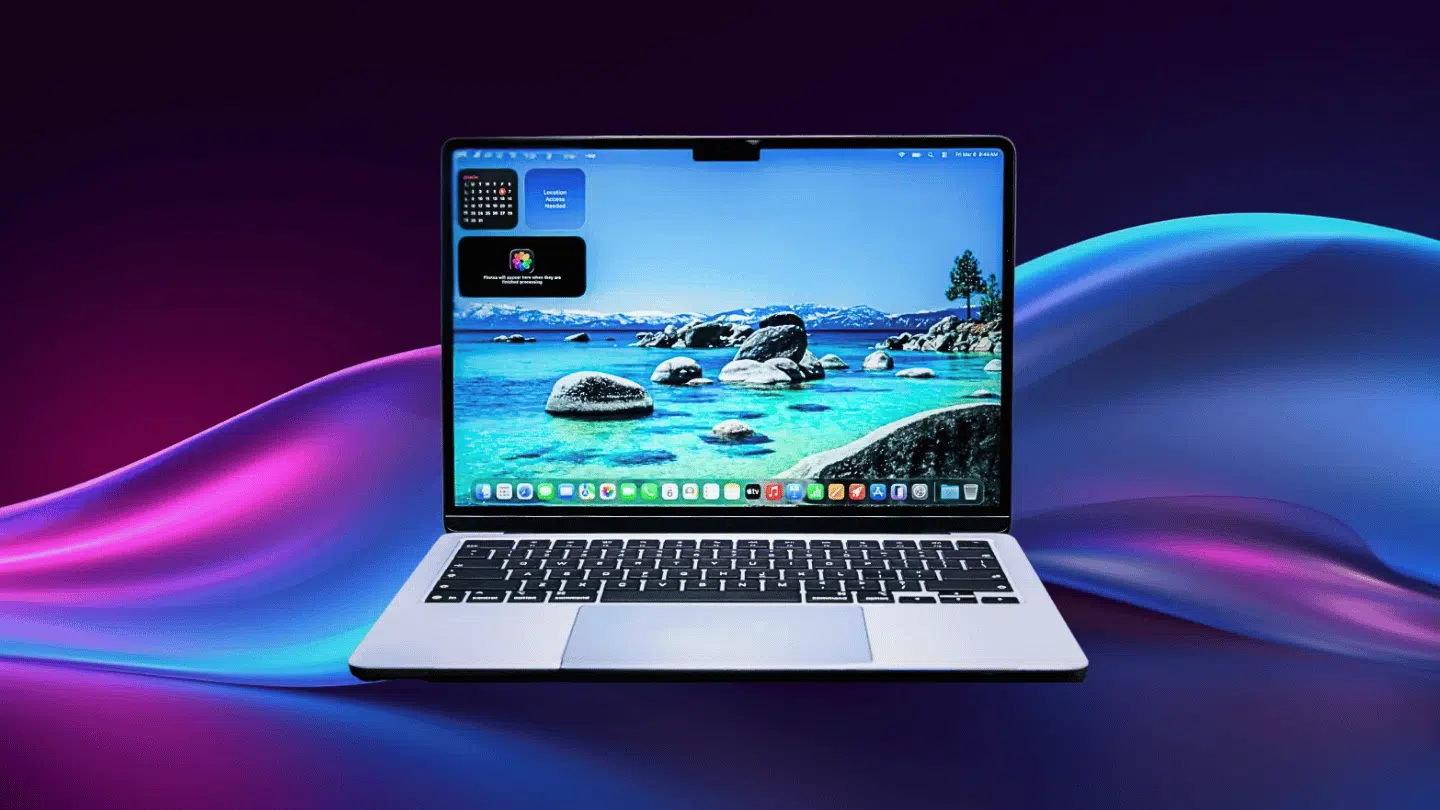

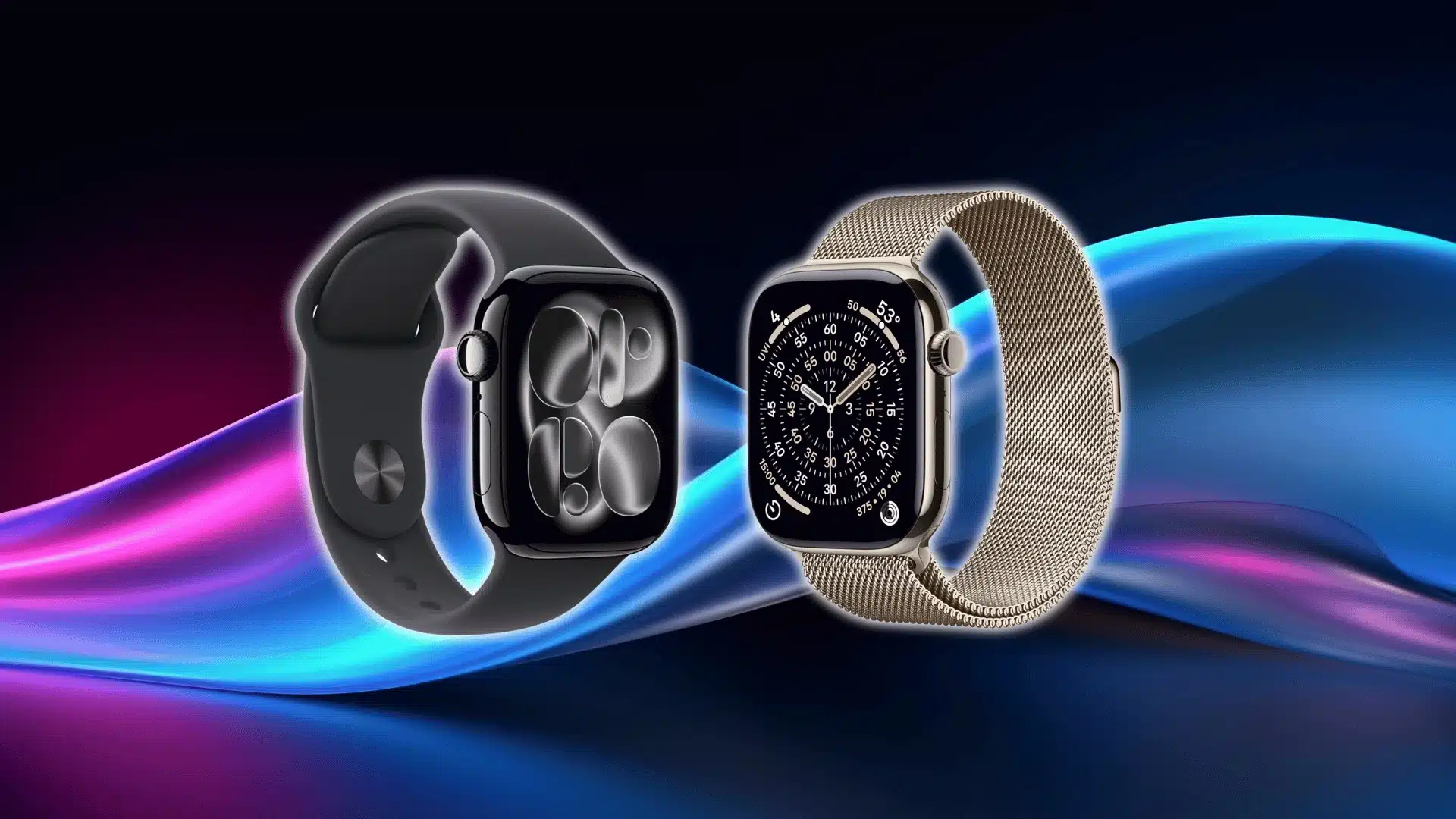
Have you sat near a window with a laptop and just seen your own face staring back? Kind of annoying, isn’t it? Turns out, screens and bright light don’t always get along.
Some folks like me deal with this daily, especially if they work somewhere sunny or well-lit. That’s where the Nano Texture display comes in, a small upgrade a lot of people have started talking about.
Some swear by it; others aren’t fully convinced it’s worth it. So what’s the real deal here? Let’s break down this screen upgrade and see if it’s actually worth the hype.
What is Nano Texture Display?
The nano-texture display is offered as an optional configuration instead of a standard feature. Availability depends on the specific product and configuration, which can also matter when comparing MacBook vs iPad for work, portability, and screen use.
It is designed for people who often use their device in bright surroundings where reflections can become distracting.
Unlike a standard glossy display, this version is made using a specialized manufacturing process that changes the surface of the glass itself.
Apple primarily offers it as an upgrade for users who do color-sensitive work or spend long hours in well-lit spaces. For photographers and other visual professionals, choosing the right photo editing monitors can also affect how accurately colors and details appear during work.
While it looks similar to a regular display at first glance, the viewing experience is intended to be more comfortable in challenging lighting conditions without changing how you normally use the device setup.
Key Features of a Nano Texture Display
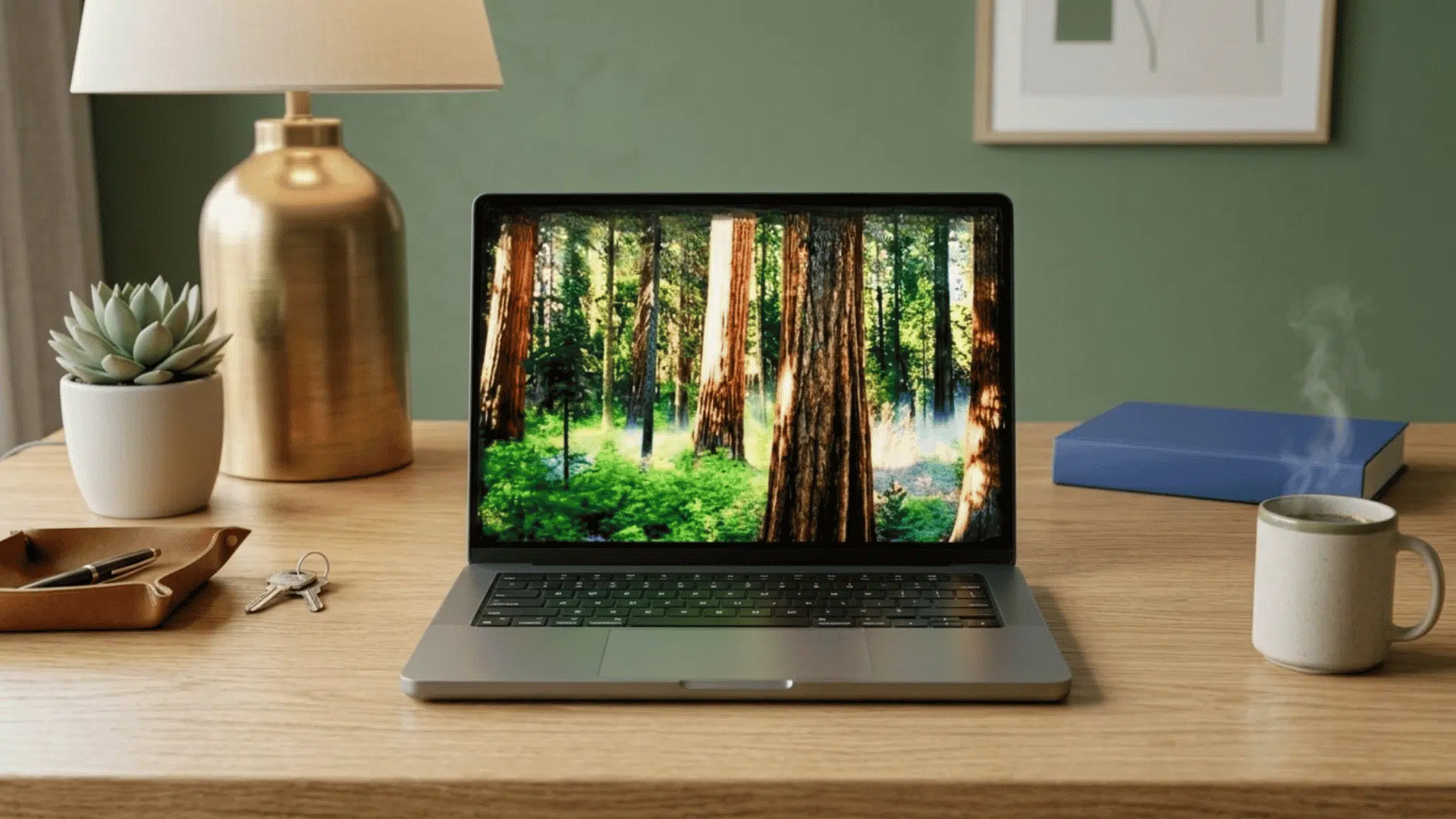
Each feature below highlights a different part of the technology and explains what it contributes to the overall viewing experience.
1. Reduces Reflections From Ambient Light
Bright surroundings often create mirror-like reflections that compete with what is on the screen. Apple’s nano-texture glass changes how incoming light behaves, helping the display remain more comfortable to view in these conditions.
- Scatters ambient light before it reflects directly back to your eyes.
- Minimizes glare from windows, ceiling lights, and nearby light sources.
- Helps reduce distracting reflections without relying on a removable screen layer.
- Designed for environments where controlling room lighting is difficult.
2. Precision-Etched Glass Surface
Unlike standard display finishes, the nano-texture option is created during the manufacturing process. Apple uses specialized engineering to permanently modify the surface of the glass rather than applying an external treatment.
- Microscopic patterns are etched directly into the glass at the nanometre level.
- The anti-reflective properties come from the display glass itself.
- The finish is a permanent part of the display’s construction.
- It is different from conventional matte coatings or screen protectors.
3. Designed for Bright Environments
Apple offers the nano-texture option for users whose workspaces receive significant natural or artificial light. It is intended for situations where reflections are difficult to avoid during normal use.
- Recommended for rooms with large windows or bright overhead lighting.
- Suitable for offices, studios, and other well-lit workspaces.
- Helps maintain display visibility when ambient light levels are high.
- Intended for users who regularly work in challenging lighting conditions.
4. Better Visibility in Challenging Lighting
Strong ambient light can make it difficult to focus on screen content, especially in open offices or rooms with large windows. The nano-texture display is designed to make working in these environments more practical by reducing distracting reflections.
- Helps keep on-screen content more visible in bright surroundings.
- Performs well in workspaces with changing lighting conditions.
- Reduces the need to reposition the device to avoid reflections.
- Supports comfortable viewing in naturally or artificially lit spaces.
5. Built Into the Display Glass
Unlike removable anti-glare accessories, the nano-texture finish is integrated into the display during manufacturing. This means its anti-reflective properties are part of the glass itself rather than an added external layer.
- Uses Apple’s precision manufacturing process.
- Does not rely on an adhesive film or screen protector.
- Becomes a permanent part of the display surface.
- Maintains the original appearance of the device.
6. Available on Select Apple Devices
The nano-texture display is offered as an optional configuration instead of a standard feature. Apple reserves it for selected products intended for users with demanding viewing environments.
- Available only on compatible Apple devices.
- Offered as a configurable display option.
- Not included with every iPhone, iPad, or Mac model.
- Availability depends on the specific product and configuration.
7. Helps Reduce the Appearance of Glare Without a Matte Coating
Apple achieves the anti-reflective effect through microscopic etching rather than applying a traditional matte finish. This approach distinguishes the nano-texture display from many conventional anti-glare screens.
- Uses etched glass instead of a surface coating.
- Reduces reflections through light scattering.
- Avoids relying on removable anti-glare accessories.
- Forms part of the display’s original construction.
Performance Feedback from Real Users of Nano Texture Display
Specifications only tell part of the story. Real-world experiences give a better idea of how the nano-texture display performs in different lighting conditions and daily use.
“I have been using a 14 inch macbook pro with glossy display for almost 3 years now and ive seen myself leaning my head closer to the screen all the time to see clearly…..I do photography and i have to look at small details a lot when im editing. Because of that i was convince that a bigger screen will help me to see a lot better but i was wrong.” – Community Post, Reddit
“What is your experience with the nano texture screen on the new MacBook Pro (16″)? I want to buy a new MacBook Pro 16″ and so far I had one with a retina display (mid-2014) that was rather matte. And for me, matte was always the first choice. I work a lot with photos and film footage on a professionel level. Color correction is very important.” – Andreas Krieger, Facebook
“In October, I purchased a new 14″ MacBook Pro with M4 Pro and nano texture display. I regret getting the Nano Texture model because….. I think Macbooks with this kind of display will actually have a worse resale value for these reasons. I rarely use the laptop monitor, I’m normally at my desk with a trusty 27″ external display.” – LucCogZest, MPUTalks
“I’ve been reading online about the new Apple Nano Screen and in person I still can’t make a decision. I do professional photography and I pride myself in vibrant colors on my photos. I was surprised to see the color difference on the nano display was not as bad as some said.” – Reddit
“There has been discussion that there is no tradeoff and the Nano-texture screen is just simply perfect/better. It is not. If you will benefit from reduced glare often, the nano is wonderful. But if you will not be dealing with glare all that often, I would think twice before choosing nano.” – Community, Reddit
Nano-Texture Display vs. Standard Display
The nano-texture display and the standard display may appear similar, yet they are intended for different types of users. Understanding how they compare can make it easier to decide which option better suits your everyday needs.
| Feature | Nano Texture Display | Standard Display |
|---|---|---|
| Reflection handling | Reduces strong reflections by scattering light across the textured surface | Reflects more surrounding light due to its smooth, glossy finish |
| Screen appearance | Provides a matte-like viewing experience while keeping details clear | Offers a glossy look with deeper contrast and vibrant visuals |
| Best use environment | Suitable for bright rooms, studios, offices, and areas with changing light | Works well in controlled indoor spaces with limited glare |
| Maintenance | Needs careful cleaning with a soft microfiber cloth to protect the surface finish | Requires less specialized care for regular cleaning |
| Price difference | Costs more because of the added nano-texture glass treatment | Usually comes at a lower price compared with the upgraded option |
| User preference | Preferred by users who spend long hours viewing screens under different lighting | Preferred by users who want a simple display experience at a lower cost |
How to Clean Nano Texture Display Safely?
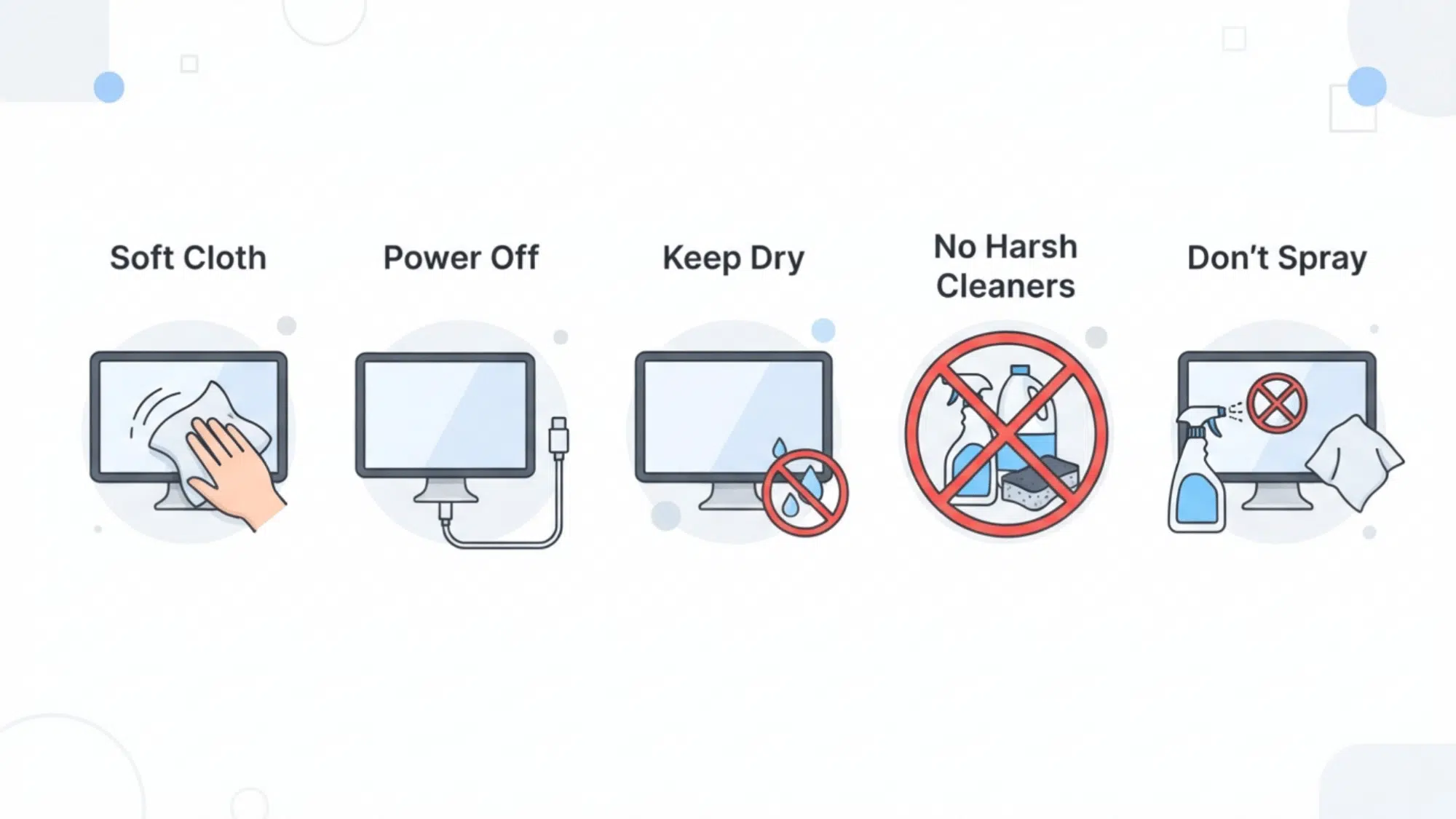
Keeping a nano-texture display clean is simple, but it requires a little more care than a standard screen. Apple recommends using specific cleaning methods and avoiding certain materials to help protect the display’s etched glass surface.
Follow the cleaning practices below to maintain the display without affecting its finish.
1. Use a Soft, Lint-Free Cloth
Apple recommends using a soft, lint-free cloth to clean the display during regular use. This helps remove fingerprints, dust, and light smudges without introducing abrasive materials that could affect the surface.
For compatible nano-texture displays, Apple also provides a dedicated polishing cloth designed for this purpose.
2. Unplug the Device Before Cleaning
Before cleaning, Apple advises turning off the device and disconnecting any power sources or accessories. This improves safety while cleaning and makes it easier to see fingerprints and marks on the screen.
If the display has been in use for an extended period, allow it to cool first.
3. Keep Liquids Away From the Display
Apple recommends keeping liquids away from the device unless a product-specific cleaning method instructs otherwise.
Moisture entering ports or openings can damage internal components, so liquids should never be applied directly to the display during routine cleaning.
4. Avoid Harsh Cleaning Products
Not every household cleaner is suitable for a nano-texture display.
Apple specifically advises against using abrasive cleaners, bleach, aerosol sprays, or other harsh chemicals because they may damage the display surface or leave unwanted residue behind.
5. Do Not Spray Cleaners Directly onto The Screen
If additional cleaning is needed, Apple recommends following the approved cleaning method for your specific device instead of spraying cleaners directly onto the screen.
Applying liquids to the display increases the risk of moisture entering the device and may affect the display over time.
Is a Nano-Texture Display the Right Choice for You?
A nano-texture display isn’t designed for every type of user or workspace. The best choice depends on where you use your device most often and if screen reflections regularly affect your viewing experience. The points below can help you decide if this display is the right fit.
Who Should Choose a Nano-Texture Display?
- You regularly work in rooms with large windows or direct sunlight.
- Bright overhead lighting often creates distracting reflections on your screen.
- You spend long hours using your device in offices, studios, or other well-lit spaces.
- You want an anti-reflective display without adding a screen protector or external matte film.
- You use your device in places where controlling ambient lighting isn’t practical.
Who May Not Need a Nano-Texture Display?
- You mainly use your device in dim or controlled indoor lighting.
- Screen reflections are rarely an issue in your everyday environment.
- You prefer the standard display and don’t work in consistently bright spaces.
- You don’t mind adjusting your viewing angle or room lighting when glare appears.
- You want a display option that requires less specialized cleaning and maintenance.
Final Takeaway
So, is this upgrade worth the hype or just a nice-to-have? Truthfully, it comes down to daily habits more than anything fancy. A photographer editing under studio lights might feel the benefit right away.
Someone working night shifts in a dim room probably won’t think twice about it. Neither choice is wrong, just different routines calling for different screens.
Maybe the real question isn’t about specs or upgrades at all; it’s simply this: how often does harsh lighting mess with focus during the day? Answer that, and the decision pretty much makes itself.
Frequently Asked Questions
Does Nano Texture Display Affect Screen Brightness?
Nano-texture display does not reduce screen brightness in normal use, but the way light is scattered can slightly change how the screen appears compared with glossy glass.
Does Nano Texture Glass Affect Touch Sensitivity on iPad?
No, nano-textured glass does not change the normal touch response on supported iPad models. The screen continues to respond to taps, gestures, and Apple Pencil input.
Can You Use a Screen Protector on Nano-Textured Glass?
A screen protector is generally not recommended because it can affect the special surface finish and change the way reflections are handled.