




Quick answer: Common computer software examples include Windows, macOS, Linux, Google Chrome, Microsoft Word, Excel, Zoom, Adobe Photoshop, Spotify, antivirus programs, BIOS, and programming tools such as Visual Studio Code.
From writing emails to editing photos, software powers almost every task performed on a computer, even when the programs work quietly in the background.
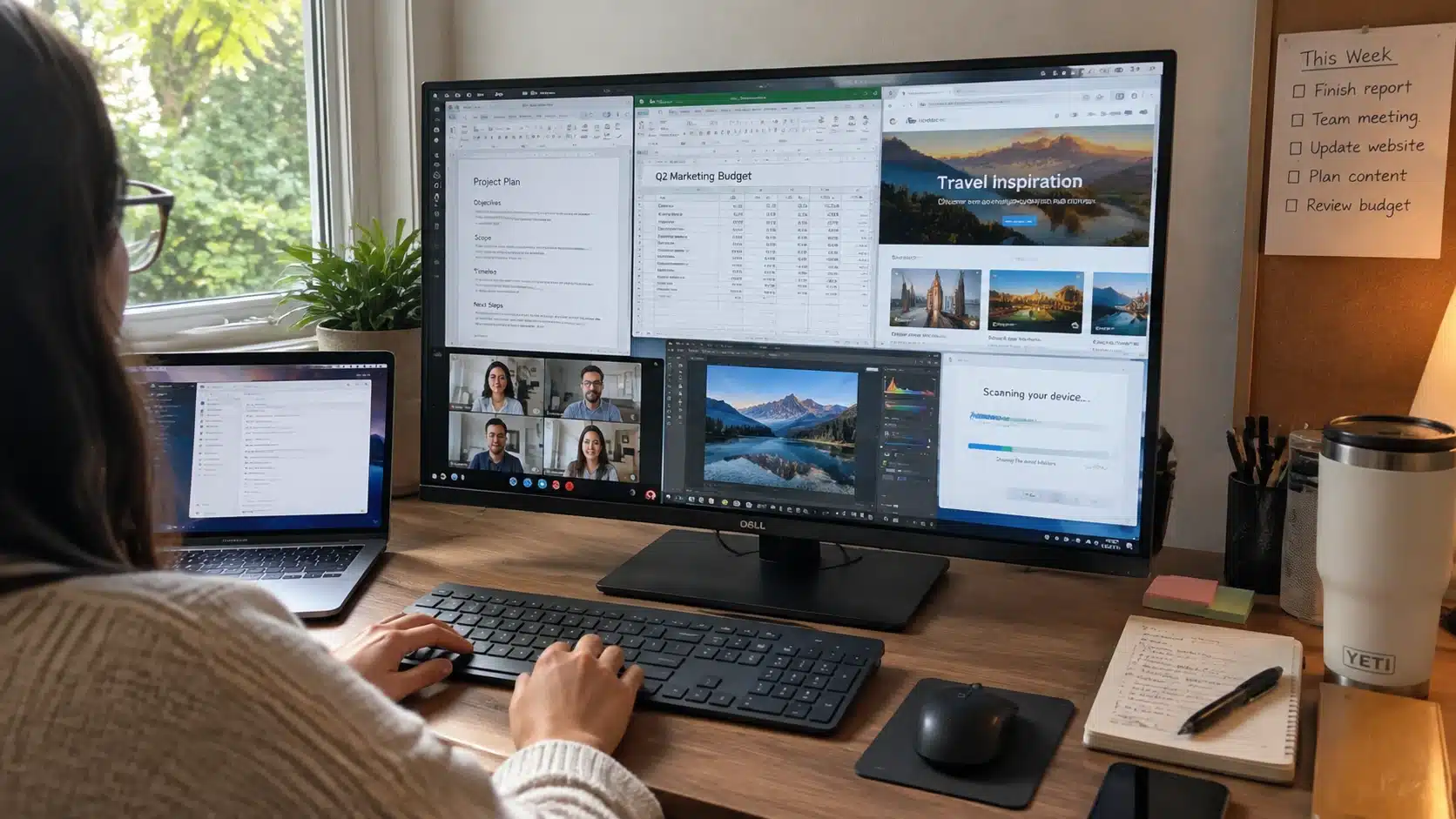
Examples of computer software include operating systems, web browsers, productivity programs, communication apps, security tools, media software, and programming tools.
Let’s walk through the main categories of software, the programs most often used in each, and how these tools work together on a typical computer.
What Is Computer Software?
Computer software is a collection of programs, instructions, and related data that tells a computer or device how to perform specific functions.
Hardware is the physical equipment, such as a processor, memory, or screen, while software is the set of instructions that tells that equipment what to do.
Software falls into three broad groups: system software that manages computer operations, application software that supports user activities, and programming software used to create and test other programs.
How Software and Hardware Work Together
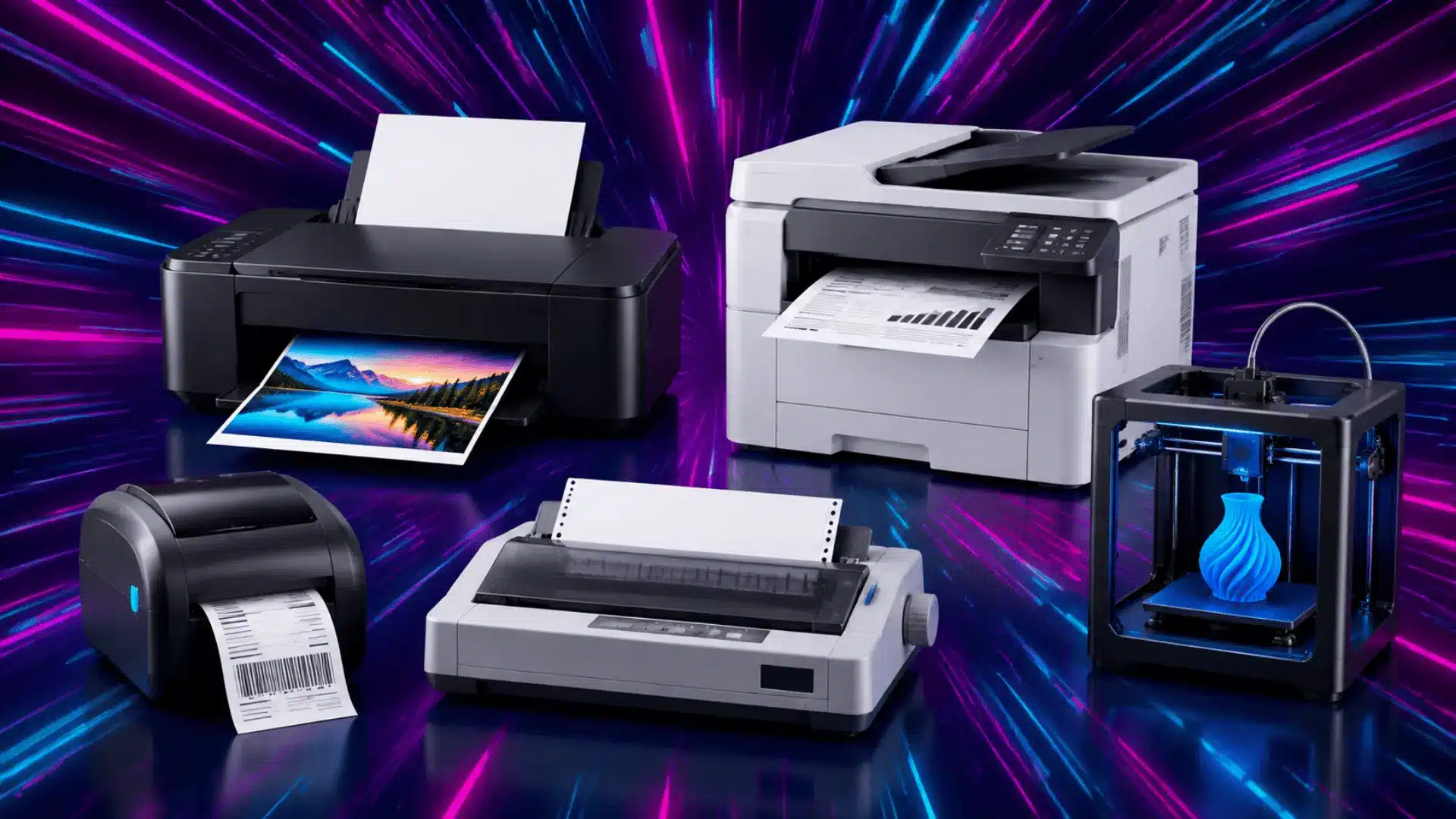
Software gives instructions to hardware components such as the processor, memory, and storage. A video editor, for example, uses the processor and memory to process files, while a printer driver helps the computer communicate with a printer.
Problems can occur when software is outdated, incompatible, or missing required drivers. Keeping programs updated and choosing software that matches your device helps maintain better performance, and it explains why some programs work well on one device but not another.
System Software Examples
System software manages the basic functions of a computer and creates the foundation where other programs can operate. It controls hardware resources, manages important processes, and supports communication between different parts of a device.
1. Operating Systems (Windows, macOS, Linux)
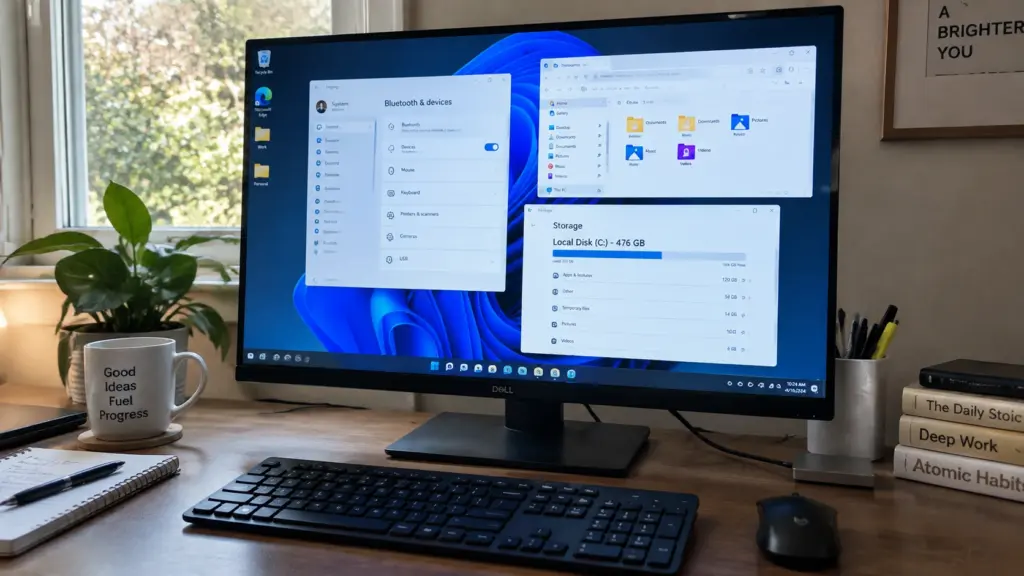
An operating system manages a computer’s main functions, including files, memory, hardware access, and user interaction. Common examples include Windows, macOS, and Linux, with popular Linux distributions such as Ubuntu and Fedora.
Mobile devices also use operating systems such as Android and iOS.
The operating system starts when a device turns on, manages hardware resources, and provides the platform where application software can run. It also helps different programs communicate with computer components.
2. Device Drivers
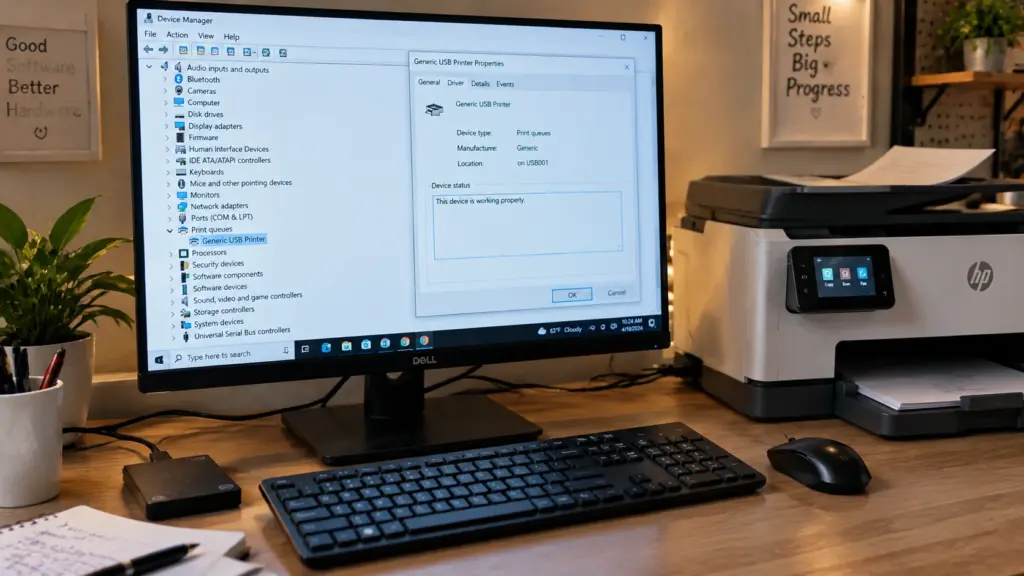
Device drivers allow a computer to communicate with hardware devices such as printers, keyboards, mice, and graphics cards. They translate operating system instructions into commands that hardware can understand.
Without the correct driver, a connected device may not work properly or may not be recognized. Drivers can receive updates to improve compatibility, fix issues, or support newer hardware, and knowing how to update device drivers correctly can prevent many common connectivity problems.
3. Utilities (Antivirus, Disk Cleaners)
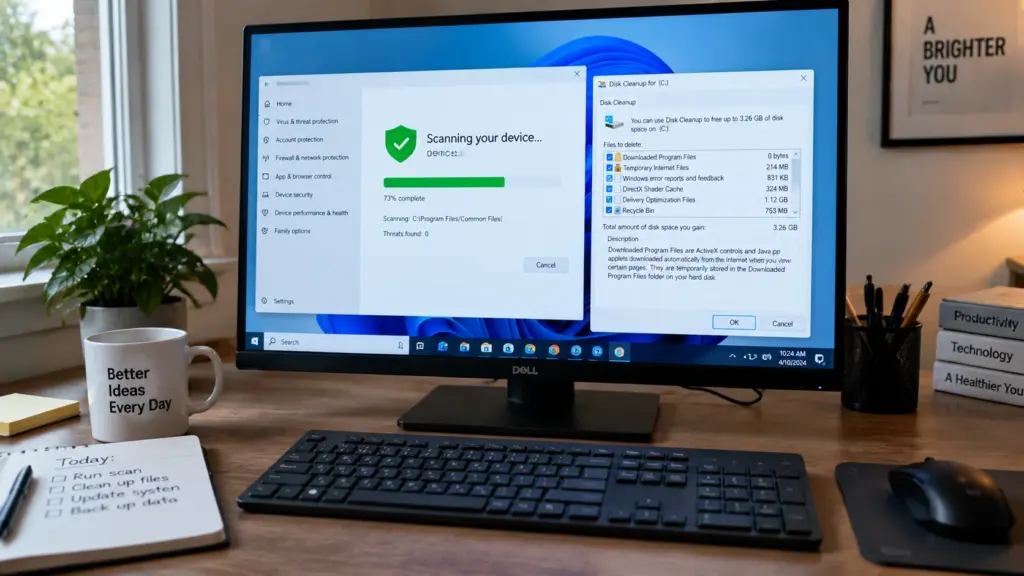
Utility software helps maintain, protect, and manage a computer system. Examples include antivirus programs, disk cleanup tools, and backup utilities.
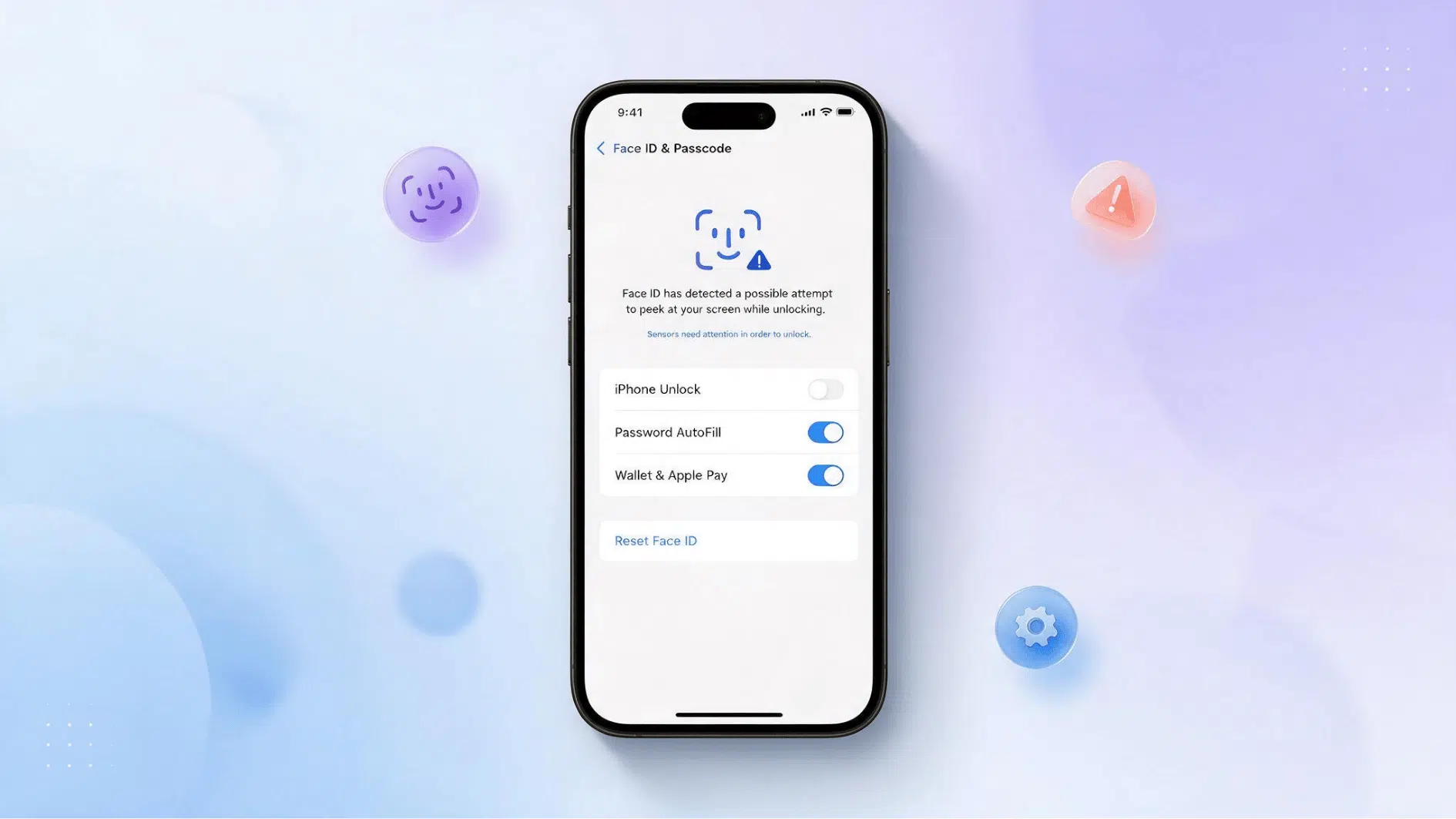
Antivirus software detects and blocks harmful programs, and many modern tools also cover malware prevention, ransomware protection, and ongoing threat monitoring, in line with the practical guidance published by the Cybersecurity and Infrastructure Security Agency.
Disk cleaners remove unnecessary files to free up storage space, though most current operating systems already include a built-in cleanup tool as a starting point. These tools support security, storage management, and system maintenance instead of helping users create content or complete personal tasks.
4. Firmware and BIOS
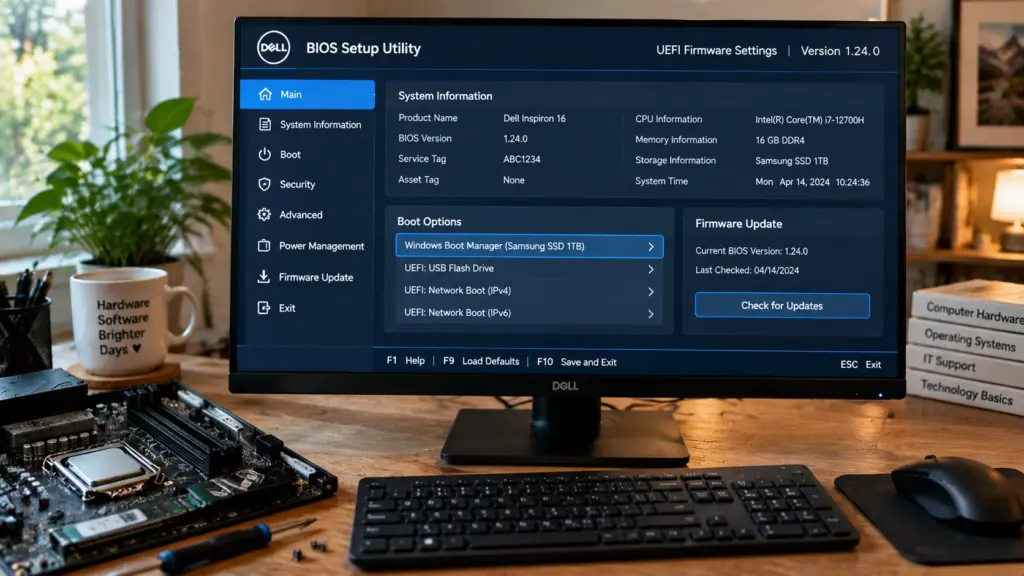
Firmware is software stored directly inside hardware that helps a device start up and communicate with its components, matching the technical definition maintained by the National Institute of Standards and Technology. It often runs before the operating system loads and helps the hardware start correctly.
Common examples include a computer’s BIOS or UEFI, router firmware, and printer firmware. Firmware updates are less frequent than regular software updates, but they can fix stability issues or add support for new hardware.
Application Software Examples
Application software is designed for tasks that users perform directly. These programs help people work, communicate, create content, learn, and access online services.
Different users need different applications based on their goals. A student, office worker, and designer may all use different tools because their daily activities are not the same.
5. Web Browsers
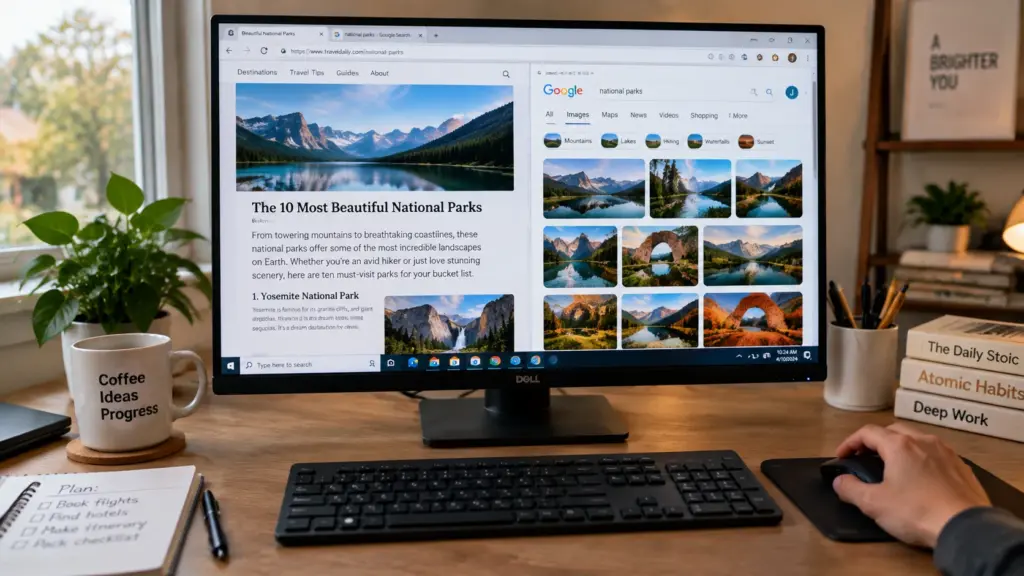
Web browsers allow users to access websites and online services through the internet. They display web pages and help people interact with online information.
Common examples include Google Chrome, Mozilla Firefox, Safari, and Microsoft Edge. People use browsers for activities such as research, online shopping, banking, learning, and accessing web-based platforms.
6. Productivity Suites
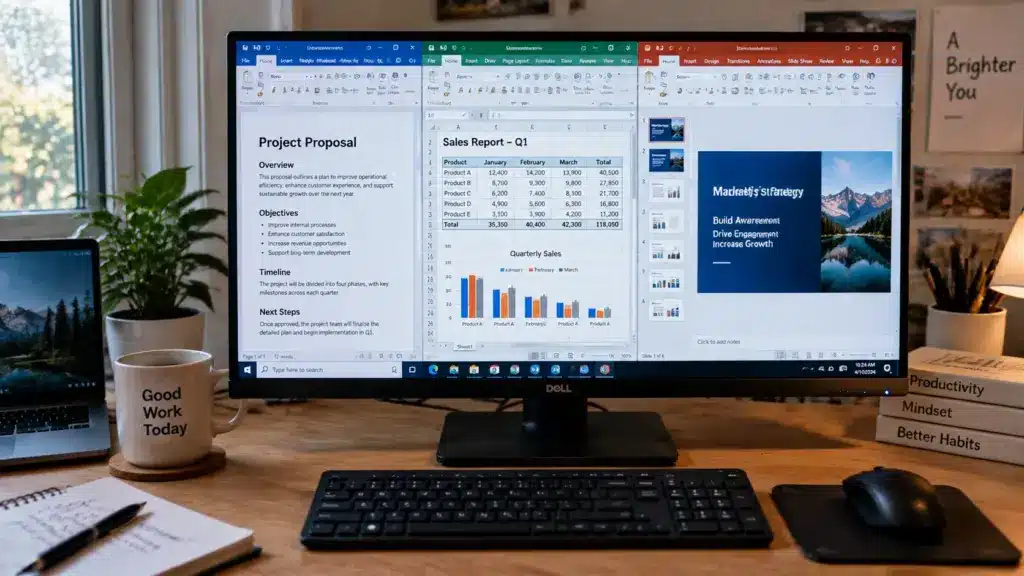
Productivity suites help users create, organize, and manage information. They include tools for writing documents, creating presentations, building spreadsheets, and collaborating with others.
Examples include Microsoft 365 programs such as Word, Excel, and PowerPoint, as well as Google Workspace tools like Docs and Sheets. These programs are widely used in schools, workplaces, and personal projects.
Many operating systems also include simple built-in programs for quick tasks, such as Notepad, Calculator, and Paint.
7. Communication and Email Apps

Communication apps help people connect through messages, calls, video meetings, and teamwork features. They make it easier to share information across different locations.
Examples include Zoom, Slack, and Microsoft Teams for meetings and messaging, along with Gmail and Outlook for email. These tools support remote work, online classes, business meetings, and group collaboration through digital communication features.
8. Media and Design Tools
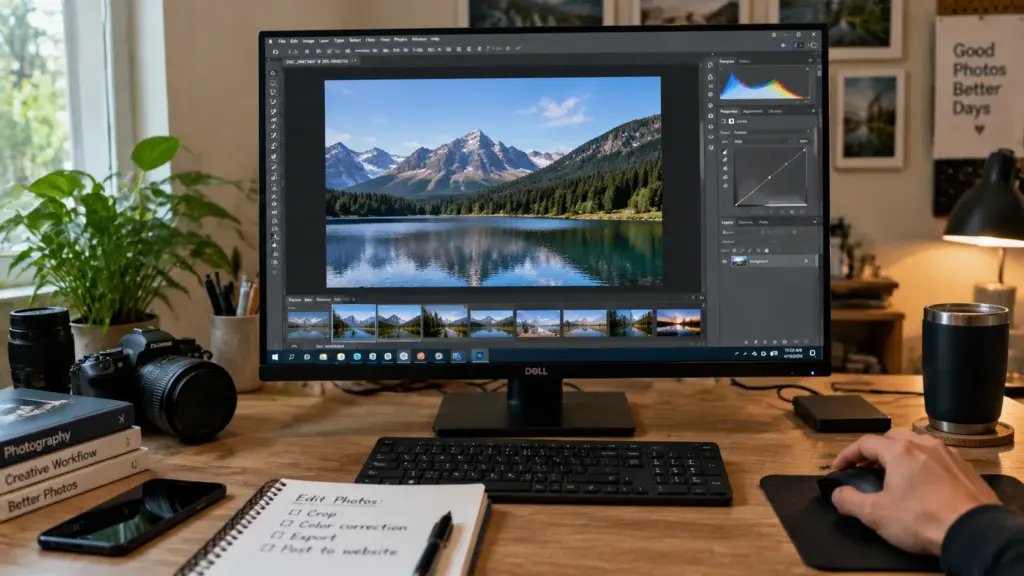
Media and design software helps users create, edit, and enjoy digital content. These programs support activities like photo editing, graphic creation, music playback, and video viewing.
Examples include Adobe Photoshop, Adobe Illustrator, Spotify, and VLC. Some tools are designed for casual users, while others provide advanced features for creative professionals and specialized projects.
9. Business and Accounting Software
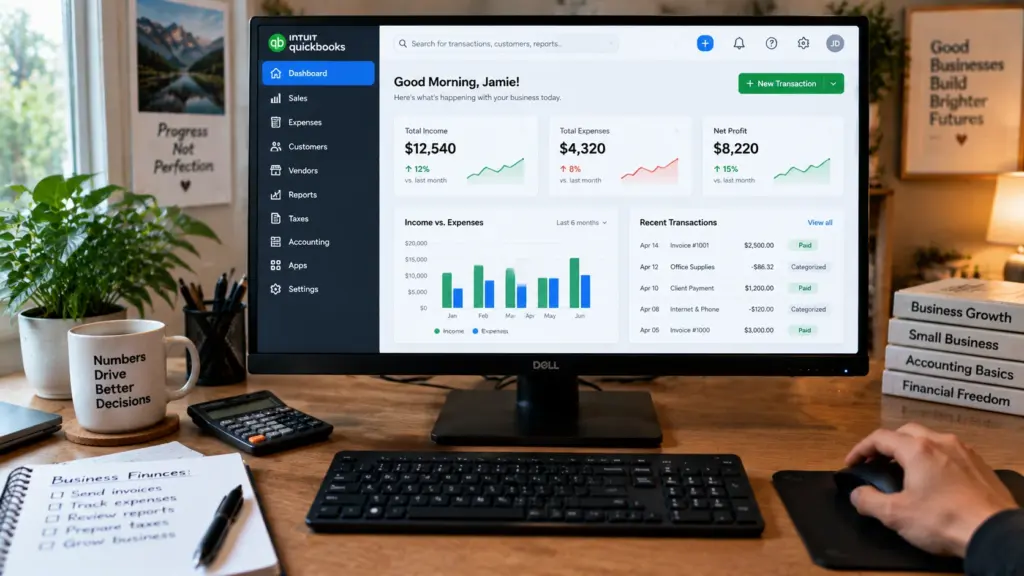
Business software supports the day-to-day operations of a company, from tracking finances to managing customer relationships. It is built for organizational tasks rather than personal use.
Common examples include QuickBooks for accounting, Salesforce for customer relationship management, and SAP for larger enterprise operations.
10. File Management Software
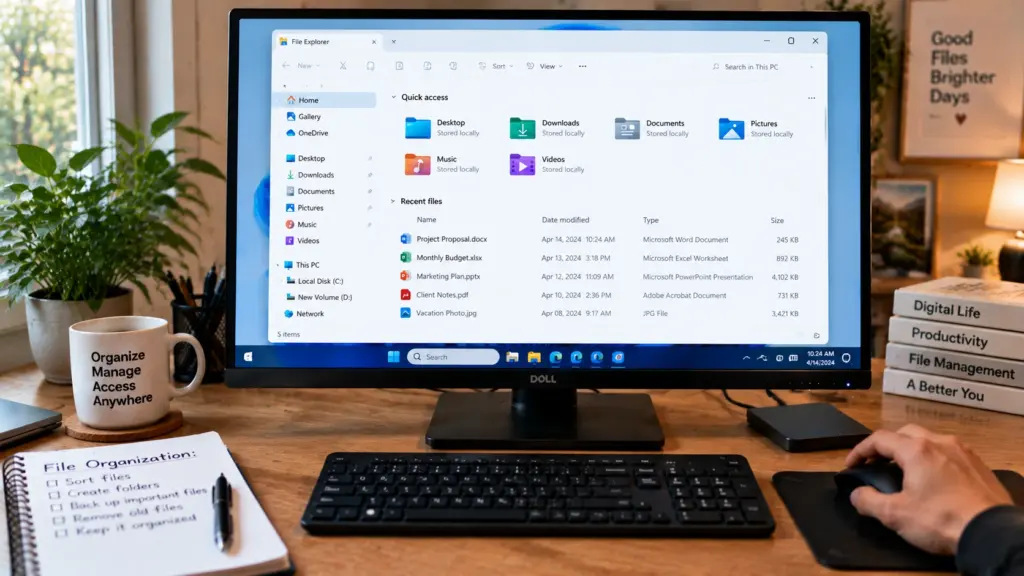
File management software helps users organize, locate, and move files across a device or the internet. It gives a visual way to browse folders instead of relying on typed commands.
Common examples include Windows File Explorer, macOS Finder, and the Google Drive desktop app, which also syncs files to the cloud.
Programming Software Examples
Programming software helps developers create, test, and maintain other programs. These tools are designed for people who build software, not everyday users who run applications.
Common examples include:
Code editors: Tools such as Visual Studio Code that allow developers to write and organize code.
Integrated development environments (IDEs): Programs such as Eclipse and PyCharm that combine coding, testing, and debugging features in one place.
Compilers: Tools that convert programming code into instructions a computer can process.
Debuggers: Tools that help developers find and fix problems in their code.
Middleware and Cloud Software
Middleware helps different applications, services, or systems communicate. It sits between software components and lets them exchange information, share data, and complete connected tasks.
Middleware is commonly used in business systems, APIs, databases, and enterprise software where multiple programs need to work together.
Cloud-based software runs on internet servers instead of relying on a single device, based on the official definition of cloud computing published by the National Institute of Standards and Technology.
Examples include Google Workspace and Microsoft 365, which allow users to access files, applications, and collaboration tools from different devices.
Cloud software is widely used for work, education, and personal tasks because it provides access to tools without requiring local installation.
Quick-Reference: Common Software Examples
These common software examples show how different programs support different tasks.
Software Type | Examples | Main Use |
|---|---|---|
Operating Systems | Windows, macOS, Linux, Android, iOS | Manage devices and system operations |
Firmware | BIOS, UEFI | Start devices and connect them to hardware |
Web Browsers | Chrome, Firefox, Safari, Microsoft Edge | Browse websites and access online services |
Productivity Software | Microsoft Word, Excel, PowerPoint, Google Docs, Google Sheets | Create documents, presentations, and spreadsheets |
Programming Software | Visual Studio Code, Eclipse, PyCharm | Write, test, and debug other programs |
Communication and Email Apps | Zoom, Slack, Microsoft Teams, Gmail, Outlook | Support messaging, meetings, and teamwork |
Design Software | Adobe Photoshop, Adobe Illustrator | Create and edit visual content |
Media Software | Spotify, VLC | Play music and video files |
File Management | File Explorer, Finder, Google Drive Desktop | Organize and access files |
Business Software | QuickBooks, Salesforce, SAP | Manage accounting and customer relationships |
Cloud Software | Google Workspace, Microsoft 365 | Access tools and files from any device |
Factors to Consider When Choosing Software
Choosing software starts with understanding the task you need to complete, an approach echoed in the guidance on software package selection published by the National Institute of Standards and Technology. Match the program to your goal, device, and technical comfort level, then weigh a few factors before deciding:
Purpose: Pick software built for the work you need, such as writing, designing, or security.
Compatibility: Confirm the program supports your operating system and device.
Cost: Compare free programs, subscriptions, and paid options.
Final Takeaways
Computer software examples span a wide range, from the operating system that starts a device to the specialized tools developers use to build other programs.
System software keeps the underlying device running, application software lets people write, browse, design, and connect with others, and programming software provides the tools behind them all.
In everyday life, these categories show up together: opening a laptop calls on system software and firmware, checking email or joining a video call relies on application software, and any app or website you use was likely built with programming software.
Matching the right program to your task, device, and budget is what makes that choice easier.
Frequently Asked Questions
What are the main types of computer software?
The three main types of computer software are system software, application software, and programming software. System software manages a device, application software supports the tasks users perform directly, and programming software helps build other programs.
What are 10 examples of computer software?
Ten common examples are Windows, macOS, Google Chrome, Microsoft Word, Excel, Zoom, Slack, Adobe Photoshop, Spotify, and antivirus software. Together they cover operating systems, browsers, productivity, communication, design, media, and security.
What is the difference between system software and application software?
System software manages a device’s core operations, such as an operating system or driver. Application software is what users open directly to complete a task, such as a browser, word processor, or design program.
What is firmware and how is it different from regular software?
Firmware is software stored inside hardware devices that provides basic operating instructions. It helps devices like printers, routers, and computers start and communicate with other components.
What is cloud-based software?
Cloud-based software runs through internet servers instead of relying only on local installation. Users can usually access these tools from different devices through a web browser.