


Picking a new phone used to mean comparing cameras and price tags. Now it means picking a whole way of using technology.
The Apple vs Android question shapes how your phone talks to your laptop, how much you can change on your home screen, and how long your device stays supported.
Some people want a phone that just works the same way every time.
Others want full control over every setting and app. Your answer says more about your habits than about either brand’s marketing. Here’s where the two platforms actually start to pull apart.
IOS vs. Android: What’s the Real Difference?
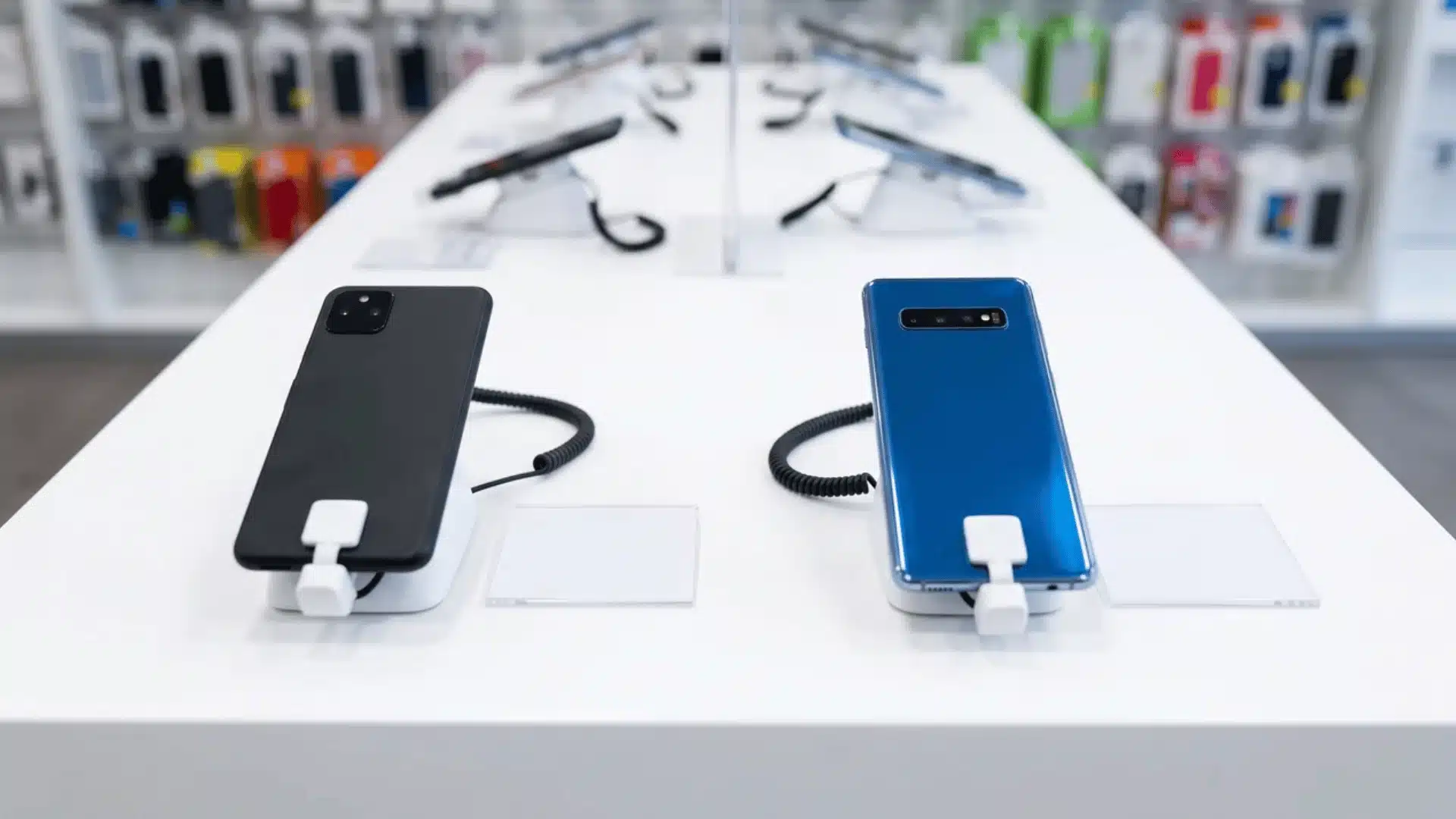
iOS runs only on Apple hardware. Android runs on phones from dozens of different brands.
That’s the real difference behind every iPhone vs Android debate you’ll find online. Apple builds the software and the phone as one product.
Google builds Android, then hands it off to other companies to install.
This changes what “Android” actually means from phone to phone. A Google Pixel runs close to Google’s original version.
A flagship Samsung comparison looks and works differently, layered on top by Samsung itself.
So when you compare iOS vs. Android, you’re not comparing two fixed things. You’re comparing one consistent experience against dozens of versions, each shaped by the company that built the phone.
Why Apple and Android Are Built So Differently?
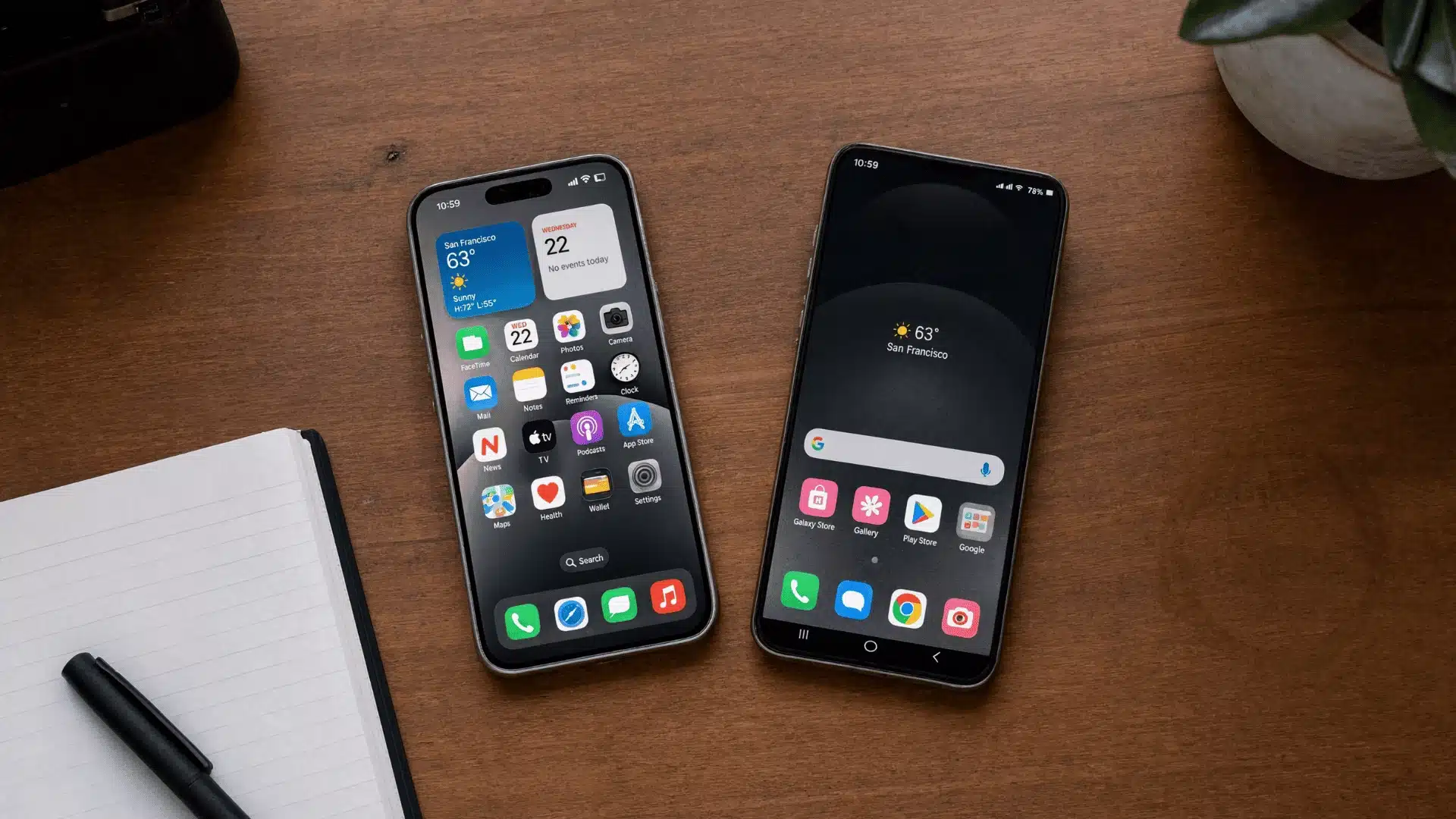
Most differences between iPhone vs Android come down to one decision. Apple builds its hardware and software as one product.
Google takes a different approach with Android. It licenses the software to outside companies, who build their own hardware around it.
That one decision explains almost everything else people argue about. Price range, customization, and how secure a phone feels all trace back to it.
Android’s price range runs from under $100 to well over $1,500, based on current Android pricing range data, since dozens of brands compete at every level.
Apple only sells at the premium end, since it’s the one company building every iPhone.
Why Apple Feels Consistent, and Android Doesn’t?
When one company controls hardware and software, it can lock every part together on purpose. That’s why iPhones feel consistent from one model to the next.
Android works differently because Google doesn’t build the phones itself. Samsung, OnePlus, and other brands each make their own hardware and software choices.
Some use different chips. Some add their own camera software on top of Android. That’s why two Android phones can feel completely different, even on the same Android version.
Where Google Pixel Breaks the Pattern?
Not every Android phone fits this pattern the same way. Google Pixel comes closest to Apple’s model, since Google designs its hardware and software together.
This is why Pixel phones often feel more polished than other Android devices. It’s the same closeness Apple has with the iPhone, just built by a different company.
Locked Phone or Open Phone: What Changes?
People often assume closed systems are automatically safer, and open ones are automatically more flexible. That’s not quite right.
Apple’s tight control makes it harder for bad apps to slip through. But you can’t sideload apps or change core settings.
Android’s openness gives you more freedom to customize your phone and install apps outside the Play Store. That same openness means security can vary a lot between brands.
So when you weigh iOS vs Android, the real question isn’t which one is safer by default. It’s which trade-off fits how you actually use your phone.
Apple didn’t let you set a default browser or email app until recent iOS updates. Android has allowed that from day one.
It’s the same trade-off showing up again. Apple keeps more control in its own hands; Android hands more of that choice to you.
How iOS and Android Impact Your Daily Life?
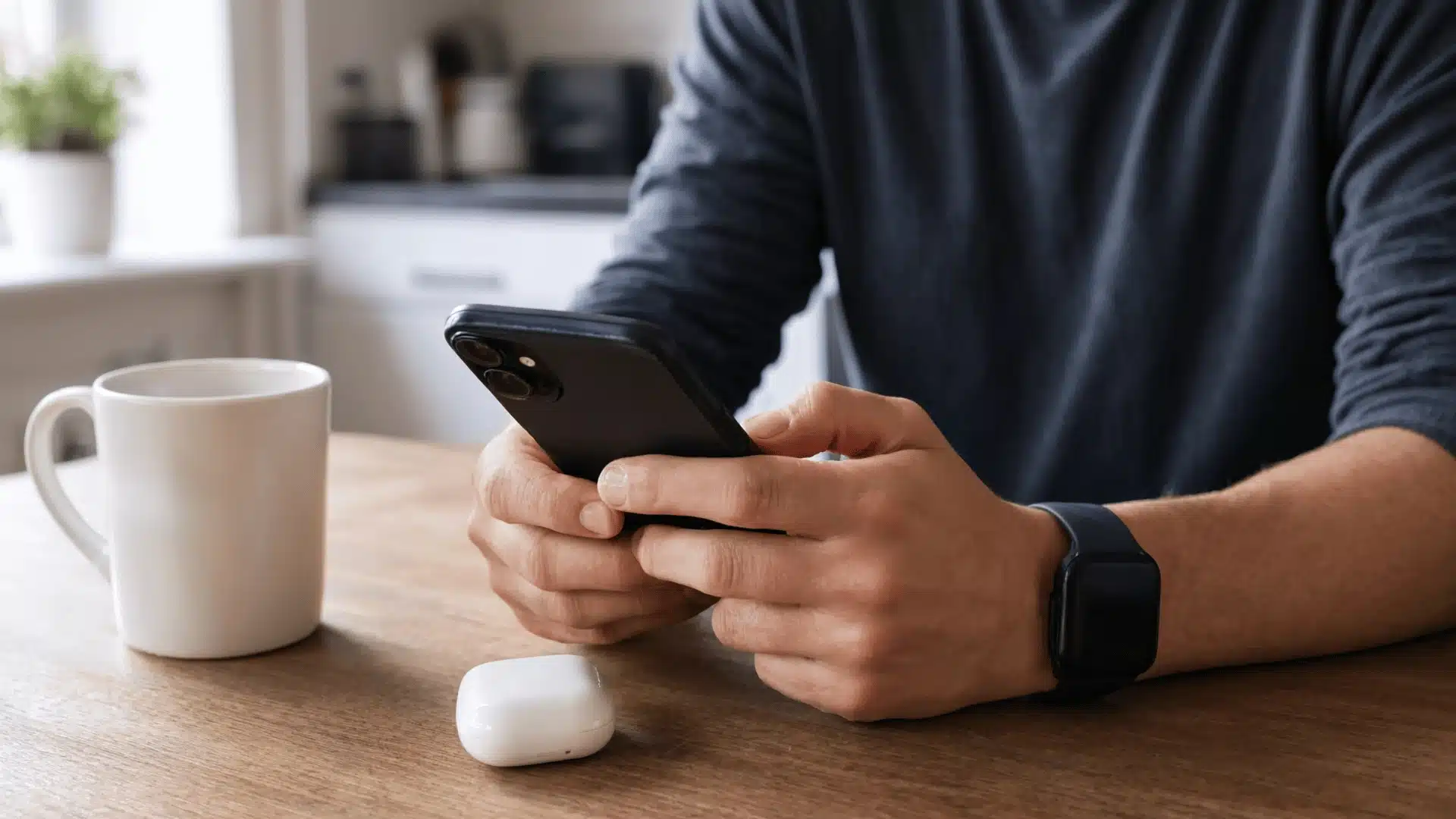
The choices behind iOS and Android show up the moment you start using your phone. From your home screen layout to how your devices connect, each platform shapes daily use in a different way.
1. Customization
iOS and Android take very different approaches to how much control you get over your phone’s look.
iOS keeps the app grid more structured, so icons and widgets stay within Apple’s layout rules. This is not a flaw. It is a deliberate choice that keeps every iPhone screen familiar and easy to understand.
Android gives you more control over the home screen. Icons, folders, and widgets can be placed more freely, and many widgets can be resized.
Some brands also add their own launchers, giving you even more layout options.
2. Widgets and Personalization
Both platforms support widgets, but Android gives you more freedom in how they look and behave.
iOS widgets show useful information at a glance, such as weather, calendar events, reminders, and battery status. They come in preset sizes and stay within Apple’s cleaner layout system.
Android widgets are more flexible. Many can be resized, moved freely, or used to build an entire screen around quick controls, updates, and shortcuts.
This makes the home screen feel more like a personal dashboard.
3. Device Pairing
How easily your phone connects to other devices depends on the ecosystem you already use.
iOS works especially well with Apple products. An iPhone pairs quickly with a Mac, iPad, AirPods, or Apple Watch.
Features like iMessage, FaceTime, Handoff, and iCloud sync work smoothly because Apple controls both the hardware and software.
Android works across many brands, including Samsung, Google, OnePlus, and others. Google Fast Pair helps with quick connections, but deeper features can vary by brand.
Samsung, for example, offers stronger device continuity inside its own ecosystem.
4. Ecosystem Experience
Your phone feels more useful when it works smoothly with your other devices.
iOS gives the most consistent ecosystem experience. Photos, files, messages, calls, and app data sync across Apple devices with little setup.
Moving between an iPhone, iPad, and Mac can feel like using one connected system.
Android gives you more hardware choice. You can pick from budget phones, flagship phones, foldables, tablets, Chromebooks, smartwatches, and more.
The tradeoff is consistency, since some features work better on one brand than another.
5. App Spending
The way people spend money on apps also differs between iOS and Android.
iPhone users spend about $140 a year on apps and subscriptions, more than double the roughly $69 the average Android user spends, according to recent app store revenue data.
This is one reason many developers launch paid features on iPhone first.
Android has a much larger global user base across many price points. Many Android users prefer free apps, ad-supported apps, or lower-cost services.
Even with lower average spending, Android remains important because of its massive reach.
Overall Daily Use
The biggest difference comes down to what you want from your phone every day.
iOS is better for users who want a simple, polished, and consistent phone experience. It gives up some customization, but it usually feels smooth and easy to manage.
Android is better for users who want more control. You can change launchers, set different default apps, adjust gestures, and shape the phone around your habits.
In the end, iOS works best if you value simplicity and a strong Apple ecosystem. Android makes more sense if you want flexibility, wider device choice, and deeper customization.
Which One Actually Fits How You Use Your Phone?
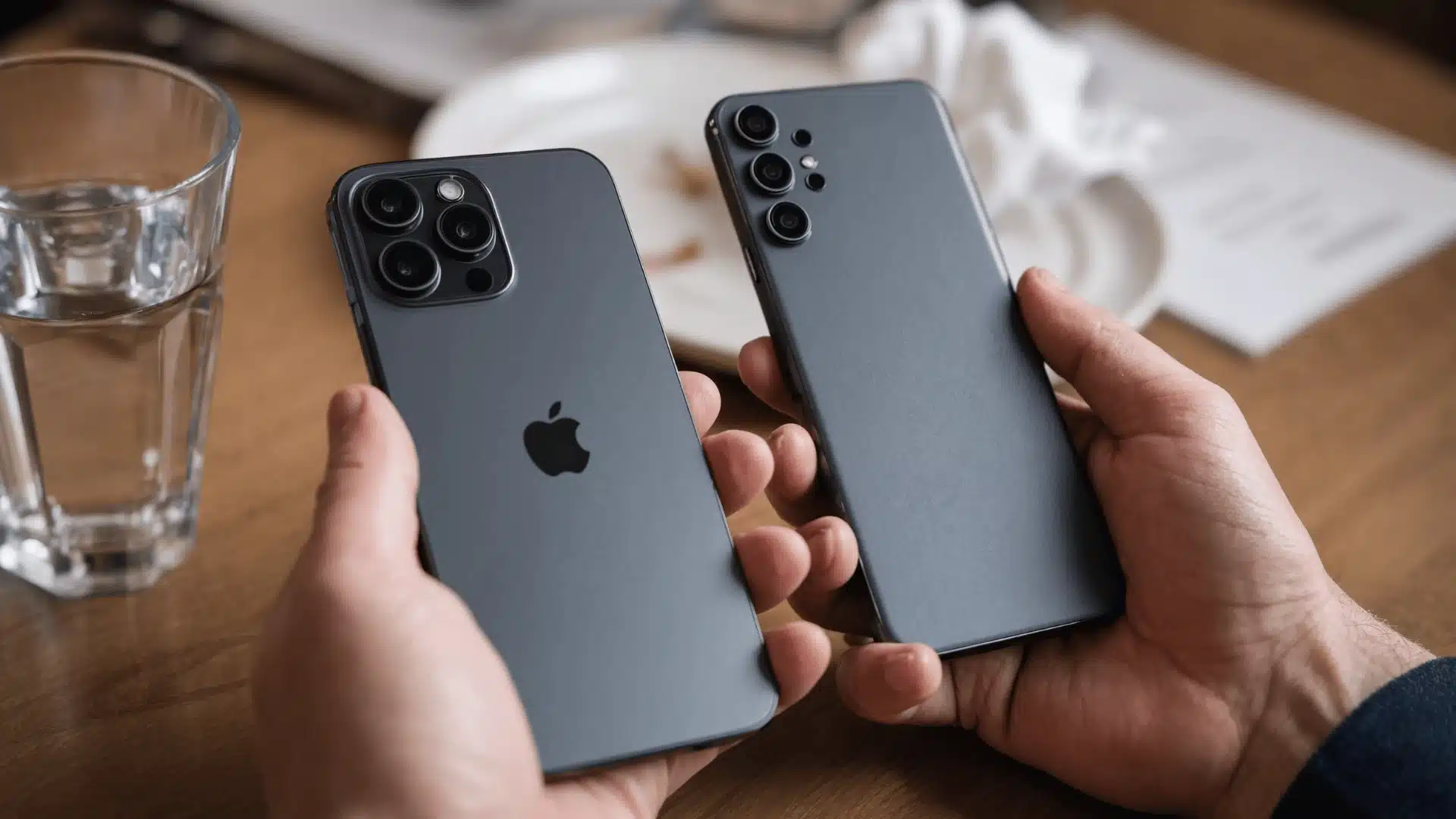
Your daily habits, existing devices, and preferred features matter more than specs when deciding between iPhone and Android.
| If You Care Most About | iPhone May Fit Better | Android May Fit Better |
|---|---|---|
| Device Connections | Best if you use a Mac, iPad, or Apple Watch because everything works together easily. | Better if you use devices from different brands and want more flexibility. |
| Customization | Offers a consistent experience with fewer changes to the interface. | Gives more control over layouts, widgets, settings, and file access. |
| Phone Choices | Provides a smaller lineup with a more predictable experience. | Offers more brands, price ranges, foldables, and unique hardware options. |
| Ease of Use | Works well if you prefer simple settings and a familiar design across devices. | Works well if you enjoy adjusting settings and controlling more features. |
| Long-Term Support | Many iPhones receive years of updates and maintain strong resale value. | Many premium Android phones now also offer extended software support. |
The better platform is the one that matches your routine, whether you prefer Apple’s simplicity or Android’s flexibility.
Conclusion
Apple vs Android comes down to the kind of phone experience you want every day.
iPhone makes more sense if you want simple updates, tight device pairing, long software support, and less setup work.
Android is better if you want more control, more phone styles, flexible pricing, and deeper customization.
The smartest choice is not the platform with the loudest fans, but the one that fits your current devices and how much control you actually want.
I would also think about how long you plan to keep the phone, because that changes the value fast.
Which side do you prefer, Apple or Android? Share your reason in the comments below.
Frequently Asked Questions
Which is Better, Apple or Android?
Neither wins outright, because the two platforms are built for different priorities. iPhone offers a tightly connected experience with iPad, Mac, and Apple Watch. Android offers more device choices, wider price ranges, and deeper customization. The better pick depends on your current devices, your budget, and how much control you want over your phone’s setup.
Why Do Most People Prefer iPhone Over Android?
Many people prefer iPhone because it stays consistent across models and connects easily with other Apple devices. Software updates typically last around six years, which keeps phones useful longer and helps protect resale value. The App Store’s tight review process also gives buyers confidence that most apps are safe, which matters to people who want a phone that just works.
What Can iPhones Do That Androids Can’t?
iPhone offers a few features tied directly to Apple’s closed ecosystem. Handoff lets you start a task on one Apple device and finish it on another with no extra steps. iMessage and FaceTime work automatically between Apple devices with no separate app needed. Apple’s own chips are built specifically for iOS, which is part of why performance feels consistent across the current lineup.
What are the Disadvantages of iPhone Compared to Android?
iPhone comes with real tradeoffs. Storage upgrades and official accessories usually cost more than Android equivalents at a similar tier. You also can’t sideload apps or change many core settings, so customization stays limited. Switching away from Apple later can feel harder too, since photos, messages, and purchased apps are tied closely to Apple’s ecosystem.