



Wireless charging is one of those features that quickly becomes hard to live without. I prefer dropping my phone on a charging pad instead of reaching for a cable whenever the battery runs low.
The confusion usually starts when people see terms like MagSafe and Qi charging used together. Both charge the iPhone 14 wirelessly, but they work differently and offer different experiences, especially if you’ve moved up to the iPhone 14 Pro and expect faster speeds.
If you are searching does iPhone 14 have wireless charging, the real question is not only compatibility. It is also about which charging method works best, what accessories you need, and what speeds you can expect.
Here, I’ll explain how wireless charging works on the iPhone 14 lineup, including MagSafe, Qi charging, accessories, and common charging problems.
Does iPhone 14 Have Wireless Charging?
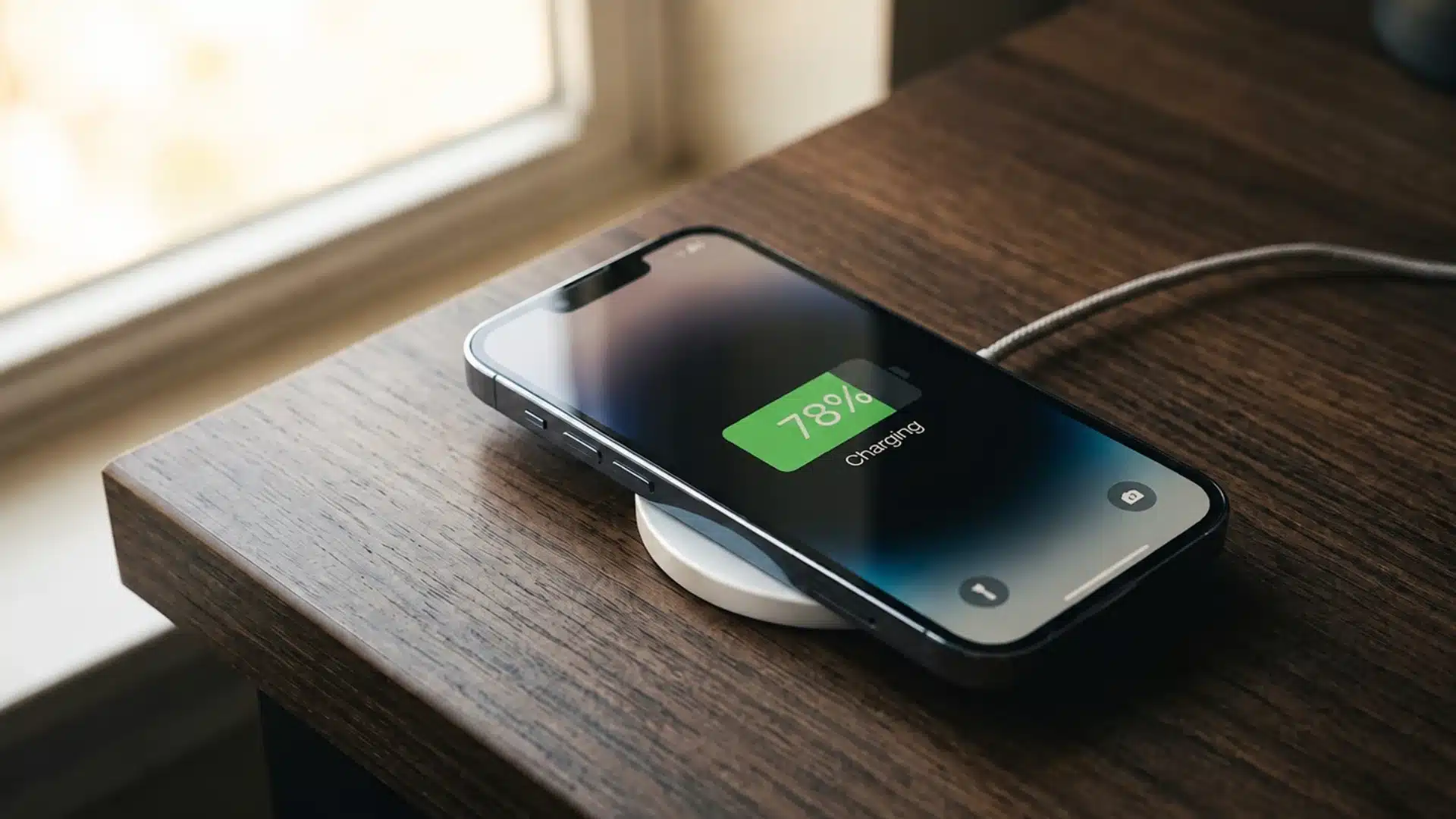
Yes, every iPhone 14 model supports wireless charging. This includes the iPhone 14, iPhone 14 Plus, iPhone 14 Pro, and the iPhone 14 Pro Max.
You can charge any model using MagSafe or a standard Qi-certified charging pad. MagSafe offers faster charging and magnetic alignment, while Qi provides wider charger compatibility for everyday use.
The charging coil and MagSafe magnets are already built into the phone, so you do not need a separate receiver or special charging case.
However, you will still need a compatible wireless charger and suitable power adapter, which are normally sold separately.
What Wireless Charging Options Does the iPhone 14 Support?
The iPhone 14 supports two wireless charging methods, each offering different speeds, alignment features, and everyday uses.
MagSafe Charging
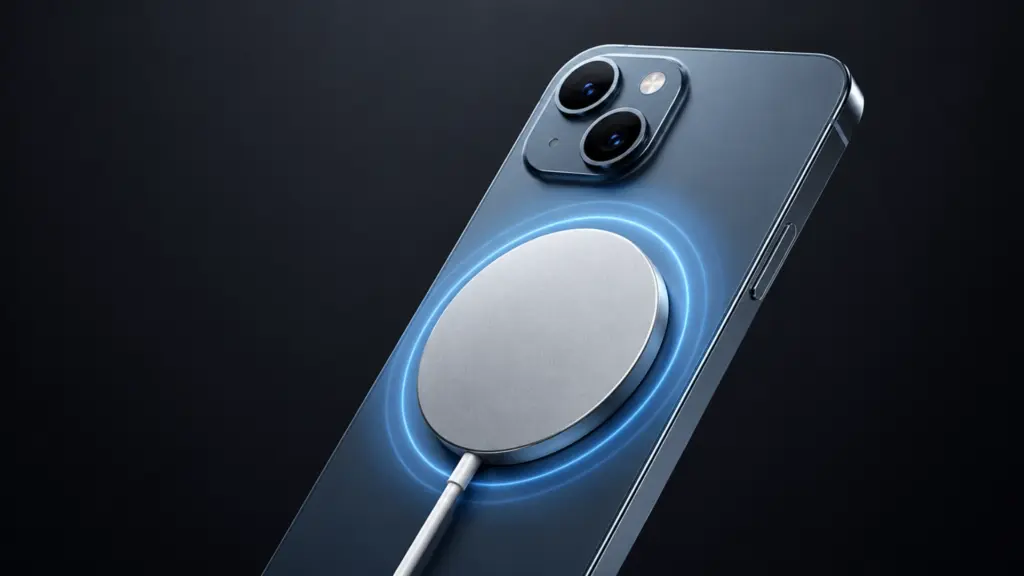
MagSafe is the faster option, using built-in magnets to align the charger correctly and maintain a stable connection during everyday use.
- Charging supply: It delivers up to 15W of wireless power when paired with a compatible MagSafe charger and suitable USB-C adapter.
- Power adapter: Apple recommends using a 20W or higher USB-C power adapter to reach the highest supported MagSafe charging speed.
- Everyday use: The magnetic connection makes MagSafe useful when checking messages, watching videos, or using the phone while it charges. It also supports a range of MagSafe accessories designed around the same magnetic connection.
- Case compatibility: You can charge without a case, but a MagSafe-compatible case provides a stronger magnetic hold and more reliable alignment.
Standard Qi Charging
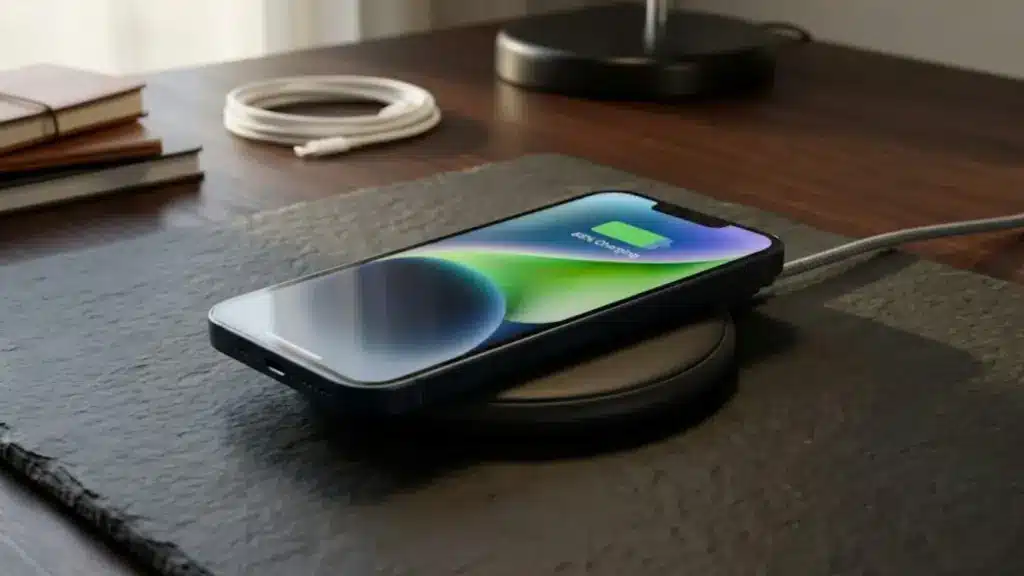
Standard Qi charging offers wider accessory compatibility and works well when speed matters less than convenient, cable-free charging at home or work.
- Charging supply: A standard Qi-certified charging pad can deliver up to 7.5W of wireless power to any iPhone 14 model.
- Phone placement: You must position the iPhone near the center of the charging pad because standard Qi chargers do not use magnetic alignment.
- Everyday use: Qi pads and stands are suitable for overnight charging, office desks, bedside tables, vehicles, hotels, and shared charging spaces.
- Case compatibility: Most thin wireless-charging-compatible cases work, while thick cases, metal attachments, and wallet accessories may block or slow charging.
Choosing between MagSafe and Qi depends on whether you value faster charging, precise placement, broad compatibility, or simple overnight convenience.
Does the iPhone 14 Support Reverse Wireless Charging?
No, the iPhone 14 does not support user-accessible reverse wireless charging.You cannot place AirPods, an Apple Watch, or another phone on the back of an iPhone 14 and charge it from the phone’s battery.
This limitation applies to the iPhone 14, iPhone 14 Plus, iPhone 14 Pro, and iPhone 14 Pro Max. To charge AirPods wirelessly, place a compatible charging case on a MagSafe charger or Qi-certified pad. Apple Watch models require their own compatible magnetic charger.
The MagSafe hardware inside the iPhone 14 is designed to receive power from a charger, not send power to another device.
A MagSafe Battery Pack can supply power to the iPhone, but that does not turn the phone into a wireless charging pad for accessories.
Which Charger and Power Adapter Should You Use?
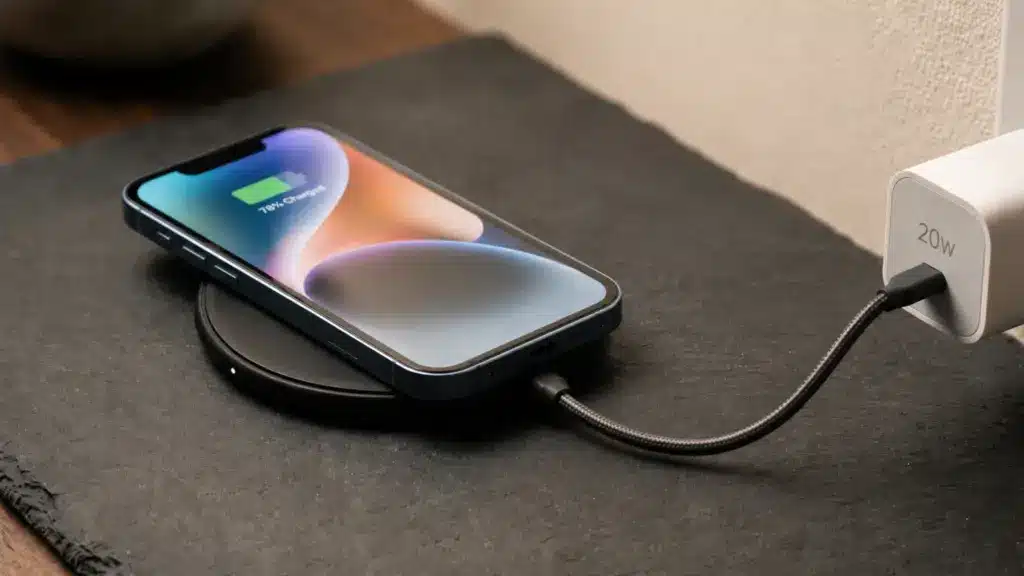
Choose your charger and power adapter based on charging speed, daily routine, case type, and where you usually charge your phone.
- Charger: Use a compatible MagSafe Charger to access the fastest wireless charging speed supported by the iPhone 14.
- Power adapter: Pair the charger with a 20W or higher USB-C power adapter for up to 15W charging under suitable conditions.
- Power support: Choose a USB-C adapter that supports the power profile required by the MagSafe Charger for stable power delivery.
- Case choice: Charge without a case or use a MagSafe-compatible case to maintain reliable magnetic alignment between the phone and charger.
- Higher wattage: A more powerful adapter is safe, but it cannot increase charging beyond the iPhone 14’s supported MagSafe limit.
- Low-powered adapters: A weaker adapter may still charge the phone, but it will not provide the fastest supported MagSafe speed.
A compatible MagSafe charger and strong USB-C adapter provide the quickest, most consistent wireless charging experience for your iPhone 14.
Do You Need a MagSafe Case?
You do not need a MagSafe case to charge an iPhone 14 wirelessly. The phone already has built-in magnets and can attach directly to a MagSafe charger without any case.
However, a MagSafe-compatible case is the better choice if you prefer using a case. It contains its own magnetic ring, which helps the charger stay properly aligned and maintain a stronger grip.
A thin non-MagSafe case may still support wireless charging, but the magnetic connection can feel weaker or less stable.
Thick cases, metal covers, battery cases, and wallet attachments may slow charging or prevent it completely.
Also remove bank cards, security badges, magnetic keys, or passport-style documents placed between the phone and charger, as the magnets may affect magnetic strips or RFID components.
Why Is Wireless Charging Slow or Not Working on the iPhone 14?
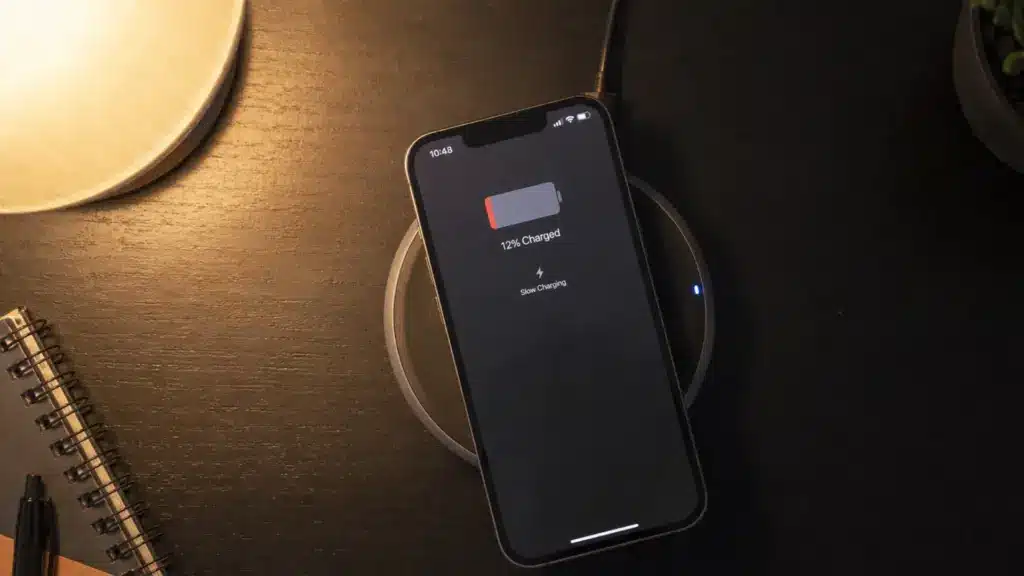
Wireless charging problems usually come from alignment, power delivery, heat, or accessories rather than a serious fault inside your iPhone.
The iPhone Is Not Properly Aligned
A flat Qi pad can charge slowly when the iPhone is not centered over the charging coil. Vibrations from calls or notifications may shift the phone and interrupt the connection.
Reposition it carefully, or use MagSafe, which holds the iPhone in place with magnets for steadier and more consistent charging.
The Power Adapter Is Limiting Charging Speed
A weak or shared power adapter can limit charging speed before power reaches the phone. For the best MagSafe performance, use a compatible 20W or higher USB-C adapter.
Multiport adapters may divide power between connected devices, so charging can slow when another phone, tablet, or laptop is also plugged in.
The Case or Nearby Objects Are Interfering
Thick cases, metal covers, wallet attachments, and objects between the phone and charger can weaken the connection. Remove the case and any cards, coins, or magnetic accessories, then test again.
If charging improves, switch to a thinner Qi-compatible or MagSafe-compatible case for more reliable, efficient everyday wireless charging.
Heat or Battery Protection Is Slowing Charging
Wireless charging creates heat, and the iPhone may slow or pause charging when it becomes too warm. Gaming, navigation, video recording, direct sunlight, and high screen brightness can make this worse.
Charging may also slow near 80 percent while the phone manages temperature, performance, and long-term overall battery health.
Checking alignment, adapter strength, case thickness, and temperature usually solves slow or interrupted wireless charging without replacing the iPhone itself.
Conclusion
Wireless charging makes the iPhone 14 easier to live with, especially when you want to top up the battery without reaching for a cable.
I personally prefer MagSafe for its alignment and faster charging, while a Qi pad works well for overnight use. So, if you were asking, does iPhone 14 have wireless charging, the answer is yes across every model in the lineup.
Your choice comes down to speed, placement, case compatibility, and the power adapter you already own. A reliable charger and the right setup can make charging far more convenient.
Have you tried MagSafe or a standard Qi pad with your iPhone 14? Share your experience, charging speed, or any issues you faced in the comments below.
Frequently Asked Questions
Does the iPhone 14 support reverse wireless charging?
No. The iPhone 14 cannot wirelessly charge AirPods, another phone, or other accessories from its back. This applies to the iPhone 14, iPhone 14 Plus, iPhone 14 Pro, and iPhone 14 Pro Max. Its wireless charging hardware receives power from MagSafe or Qi chargers but does not send power to other devices.
Do I need a special case to wirelessly charge my iPhone 14?
No special case is required because the charging coil and MagSafe magnets are built into the iPhone 14. You can place the phone directly on a compatible MagSafe or Qi charger. However, thick cases, metal covers, wallet attachments, and non-Qi-compatible cases may weaken the connection, reduce charging speed, or stop charging completely.
Why does my iPhone 14 charge wirelessly but not with a cable?
This usually points to a problem with the Lightning port, charging cable, or power adapter rather than the battery. Check the port carefully for lint, dust, or debris, then test another certified cable, adapter, and wall outlet. If wired charging still fails while wireless charging works, the port may need professional inspection.
How do I turn on wireless charging on my iPhone 14?
You do not need to activate wireless charging in the iPhone settings. Connect a compatible MagSafe or Qi-certified charger to power, then place the phone face up and centered on it. Charging should begin automatically within a few seconds. If it does not, adjust the position, remove the case, and check the power connection.