

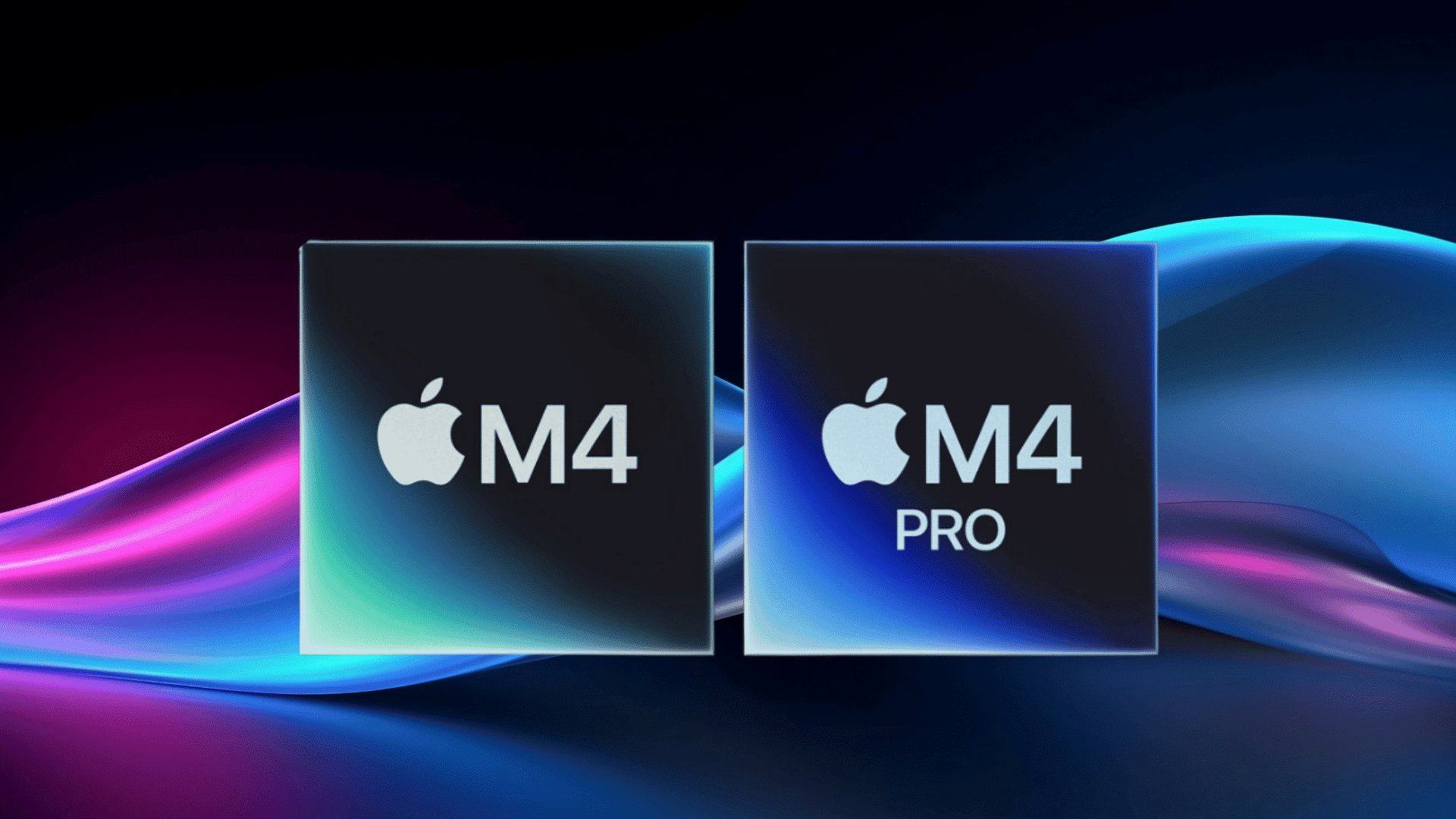


When Apple releases two chips with names so close together, it is easy to assume the differences are minor.
But the M4 and M4 Pro are built for very different users, and picking the wrong one could mean either overspending on power that will never be used or underbuying for the demands of daily work, much like choosing between options in a RAM speed comparison.
Speed, battery life, and value all tell a different story depending on the workload, the workflow, and the budget.
This blog gets straight to the point, comparing what really matters so the right chip for the right needs becomes clear before making that final decision.
Why the Right Chip Choice Impacts Your Experience
Choosing the right chip directly affects how your laptop performs in everyday use and demanding tasks, as suggested by insights from a MacBook size suggestion.
While both M4 and M4 Pro are powerful, the difference lies in how smoothly they handle multitasking, creative work, and long sessions. A more powerful chip can save time on heavy workloads, while an efficient one improves battery life and portability.
If your usage is basic, a higher-end chip may not add much value. However, for professionals, the right chip can significantly boost productivity and performance.
That’s why selecting the right chip is essential for getting the best overall experience.
Key Differences Between M4 and M4 Pro in Real-World Use
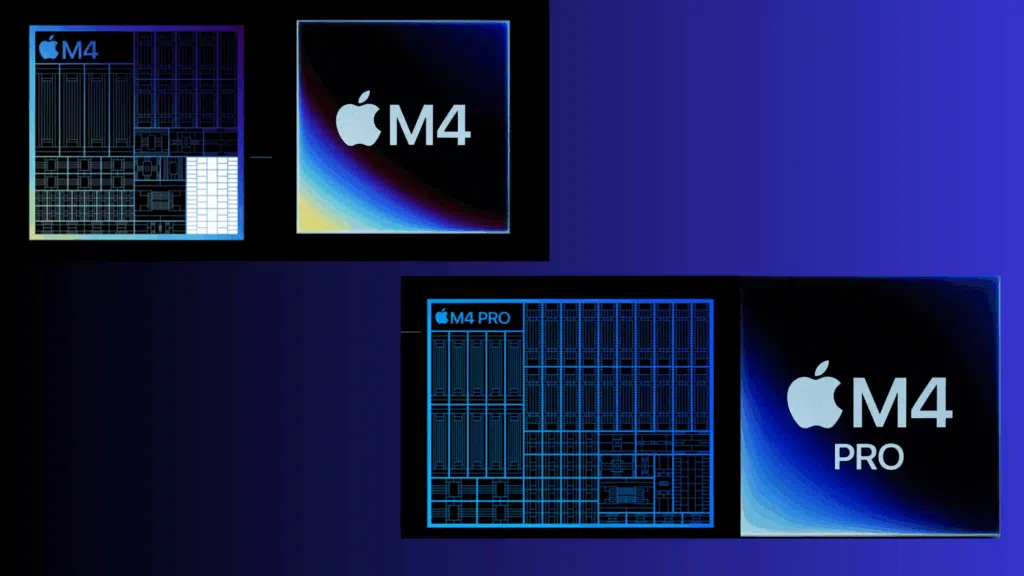
The real difference between M4 and M4 Pro becomes clear not in specs, but in how each chip performs across everyday tasks, heavy workloads, and long-term usage.
Real Speed Differences: Does M4 Pro Actually Feel Faster?
The real difference between M4 and M4 Pro shows up when you move beyond basic tasks into heavier workloads.
M4:
- Excellent single-core performance for daily tasks
- Smooth for browsing, coding, and light editing
- Handles multitasking well for moderate workloads
M4 Pro:
- Much stronger multi-core performance due to more cores
- Faster in coding, video editing, and heavy tasks
- Handles intense multitasking and sustained workloads effortlessly
M4 Pro clearly outperforms M4 in multi-core and heavy workloads.
Everyday Performance: Do Most Users Even Need M4 Pro?
For most users, the difference between these chips is barely noticeable in everyday usage.
M4:
- More than enough for browsing, office work, and media
- Handles light creative tasks comfortably
- Ideal for students and casual users
M4 Pro:
- Overkill for basic tasks
- Useful only if you regularly push your system
- Better suited for demanding workflows
Graphics Performance: M4 vs M4 Pro for Creative Work
Graphics performance becomes important if your work involves editing, rendering, or gaming.
M4:
- Capable GPU for light editing and casual gaming
- Handles basic creative tasks smoothly
M4 Pro:
- Significantly more GPU cores (10 vs up to 20)
- Better for video editing, rendering, and gaming
- Ideal for creators and professionals
Battery Life Comparison: Efficiency vs Power Trade-Off
Battery life differences depend largely on how efficiently each chip uses power under different workloads.
M4:
- Optimized for efficiency
- Longer battery life in most scenarios
- Ideal for travel and daily use
M4 Pro:
- Consumes more power under load
- The battery drains faster during heavy tasks
- Still efficient but less than M4
Thermal Performance & Sustained Workloads
Thermal performance determines how well a chip can maintain speed during long sessions.
M4:
- Runs cooler under normal usage
- May throttle under heavy workloads
- Best for short bursts of performance
M4 Pro:
- Better thermal handling with active cooling
- Sustains high performance for longer periods
- Ideal for continuous heavy tasks
Memory & Multitasking: How Much Does It Matter?
Memory and bandwidth play a key role in how smoothly your system handles multiple tasks.
M4:
- Lower memory bandwidth
- Handles everyday multitasking well
- Suitable for moderate workloads
M4 Pro:
- Higher memory bandwidth
- Better for large files and pro workflows
- Handles heavy multitasking more efficiently
Value for Money: Are You Overpaying for M4 Pro?
Choosing between M4 and M4 Pro often comes down to whether the extra performance justifies the higher price.
M4:
- Better price-to-performance ratio
- Ideal for most users
- Saves money without sacrificing daily performance
M4 Pro:
- Higher cost with performance benefits
- Worth it for professionals and power users
- Overkill for casual usage
M4 is best for value and efficiency, while M4 Pro is worth it only if you need extra power.
M4 vs M4 Pro for Different Use Cases
Different users have different needs, and the choice between M4 and M4 Pro largely depends on how you plan to use your device in everyday scenarios.
| Use Case | M4 | M4 Pro |
|---|---|---|
| Students | Perfect for notes, browsing, and apps | Overkill unless doing heavy tasks |
| Everyday Users | Smooth for daily tasks and media | Unnecessary for basic usage |
| Professionals | Handles light creative work | Better for editing, design, and workflows |
| Developers | Good for basic coding | Faster for compiling and heavy workloads |
| Creators | Works for light editing | Ideal for video editing and rendering |
| Multitaskers | Handles moderate multitasking | Handles heavy multitasking effortlessly |
| Travelers | Better battery life and efficiency | Slightly lower battery under heavy use |
M4 is ideal for most users, while M4 Pro is built for those who need consistent high performance and heavier workloads.
Final Verdict
At the end of the day, both the M4 and M4 Pro are exceptional chips, but the smarter buy comes down to what is actually needed day to day.
For light to moderate use, everyday tasks, and a budget-conscious approach, the M4 delivers outstanding performance and incredible value.
For heavier workloads, demanding creative projects, and users who need every bit of extra power, the M4 Pro is worth every penny.
There is no wrong choice here, only the right one for the right person. Choose based on the work, the workflow, and the future, and Apple delivers either way.