








If your phone gets warm even during simple tasks, it can be frustrating.
The Samsung Galaxy A36 overheating issue is something many users notice, especially during calls, charging, or regular browsing.
I’ll show you the practical fixes that actually work in real situations, especially if you’ve already seen the full breakdown of its performance and overall experience.
You’ll learn how to cool your phone quickly, what causes the heat during normal use, and how to prevent it from happening again.
Keep your phone running smoothly without changing how you use it every day.
Fix Samsung Galaxy A36 Overheating Fast: Immediate Actions that Actually Work
If your Galaxy A36 suddenly feels hot, you need to act fast, reduce heat generation, and help the phone release trapped heat as quickly as possible
- Remove the Case: If the phone feels hot during use or charging, take off the case since it traps heat and slows cooling
- Stop Charging: Charging already creates heat, and using the phone at the same time increases temperature, so let it cool before plugging back in
- Close Heavy Apps: Shut apps like video calls, camera, games, or heavy social apps to reduce active load on the phone
- Turn the Phone Off: If the heat doesn’t drop, switch it off for 5 to 10 minutes to stop all activity and allow proper cooling
- Move to a Cool Surface: Place the phone on a hard surface, such as a table, and avoid beds or cushions that trap heat and block airflow.
Overheating occurs when the phone generates more heat than it can dissipate. By stopping heavy apps, pausing charging, and improving airflow, you reduce both heat production and heat retention at the same time.
If the phone heats up again quickly during normal use, something else is causing a constant load.
This usually points to background apps, software issues, or, in some cases, a hardware problem.
Why Your Galaxy A36 Heats During Normal Use: Not Just Heavy Tasks
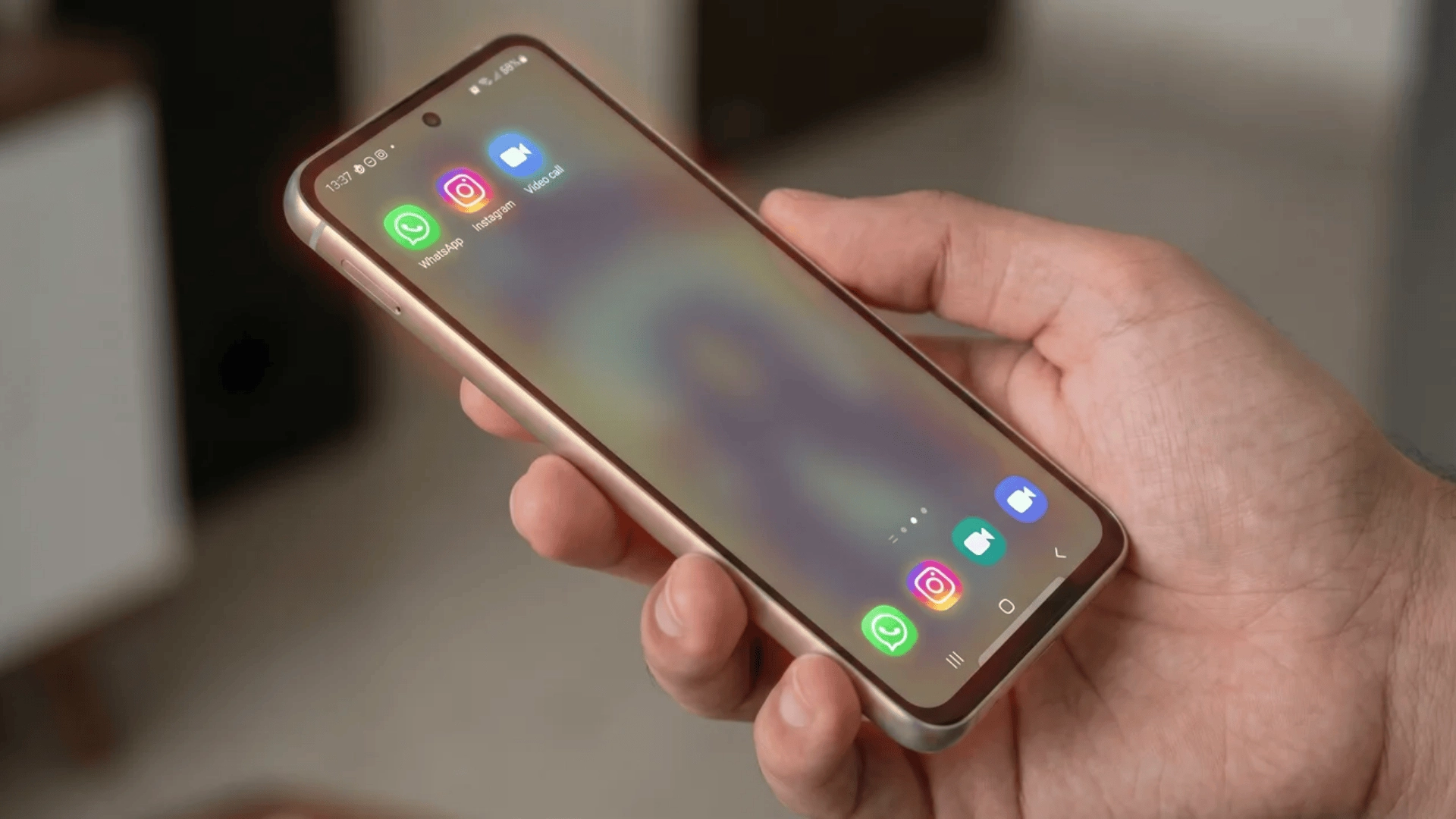
Even during normal use, the phone keeps working in the background. Small tasks running together over time can slowly build heat.
Continuous App Activity (WhatsApp, Instagram, Video Calls)
Apps like WhatsApp and Instagram keep running in the background. They sync messages, load media, and stay connected to the network.
Video calls make it worse. They use the camera, the internet, the screen, and the processor at the same time. This creates steady heat even if you are not doing anything heavy.
Idle Heating with Screen On
The phone can still heat up when you are just scrolling or browsing.
The display, refresh rate, and background syncing keep the system active. Even light use over time builds heat, especially during long sessions.
Early Usage Phase After Setup or Updates
As explained in the main guide, the phone works harder after setup or updates.
It installs apps, syncs data, and organizes files in the background. This is temporary but can make the phone feel warm for a few days.
Heat builds when the phone runs at a steady load for a long time, not just during heavy tasks.
If the phone heats up with the screen off or no apps running, it usually points to a deeper issue.
How to Stop Background Heat Drain on the A36
Background activity is one of the main reasons the phone stays warm even when you are not using it much. These fixes help you control what runs in the background.
- Check Battery Usage: Go to battery settings and look for apps that use the most power, even when you don’t use them often
- Put Unused Apps Into Deep Sleep: Only add apps you don’t rely on daily, so important apps like calls or messages don’t break
- Turn Off Auto-Sync for Selected Apps: Disable sync for apps that don’t need constant updates, like shopping or news apps
- Limit Notifications: Too many notifications keep waking the phone and increasing background activity
These steps reduce how often apps wake the processor, which lowers heat. If system apps or updates are causing the load, this may not fully fix it.
Fix Heating During Charging without Slowing Down Your Phone
Charging already creates heat inside the battery. If you add usage on top of that, the temperature rises quickly. These fixes help control that without affecting daily use.
- Avoid Heavy Use While Charging: Don’t use the camera, gaming, or video calls during charging since they add extra load and increase heat
- Use Fast Charging Wisely: Fast charging creates more heat due to higher power flow, so avoid using it in hot conditions or during heavy usage
- Charge in Short Sessions: If the phone gets warm, charge it in smaller intervals instead of one long session during busy days
- Use a Stable Power Source: Plug into a reliable socket and use a good-quality charger, as unstable voltage can increase heat
Charging creates heat, and using the phone at the same time increases it further. If it heats even when idle, it may be a battery or charging issue.
Settings that Actually Reduce Heat on The Galaxy A36: Without Killing Performance
You can reduce heat without slowing your phone down all the time. The focus should be on lowering long, continuous loads instead of limiting short bursts of use.
Start by adjusting the refresh rate when needed. Using a lower refresh rate during long sessions like streaming or scrolling reduces the work on the GPU, which helps keep the temperature under control over time.
Next, use power saving mode only when required. Turn it on when the phone starts heating or during extended use. Keeping it on all the time can reduce performance more than necessary.
Brightness also plays a role. High brightness over long periods adds heat, so it helps to lower it slightly during longer sessions instead of worrying about short usage.
You should also limit features that keep running in the background. Things like constant location tracking or background scanning keep the system active and create steady heat. Turning them off when not needed can make a noticeable difference.
These changes reduce continuous load, which helps lower heat. If a specific app or hardware issue is causing it, settings alone won’t fix it.
When Overheating is Not Normal on The Galaxy A36
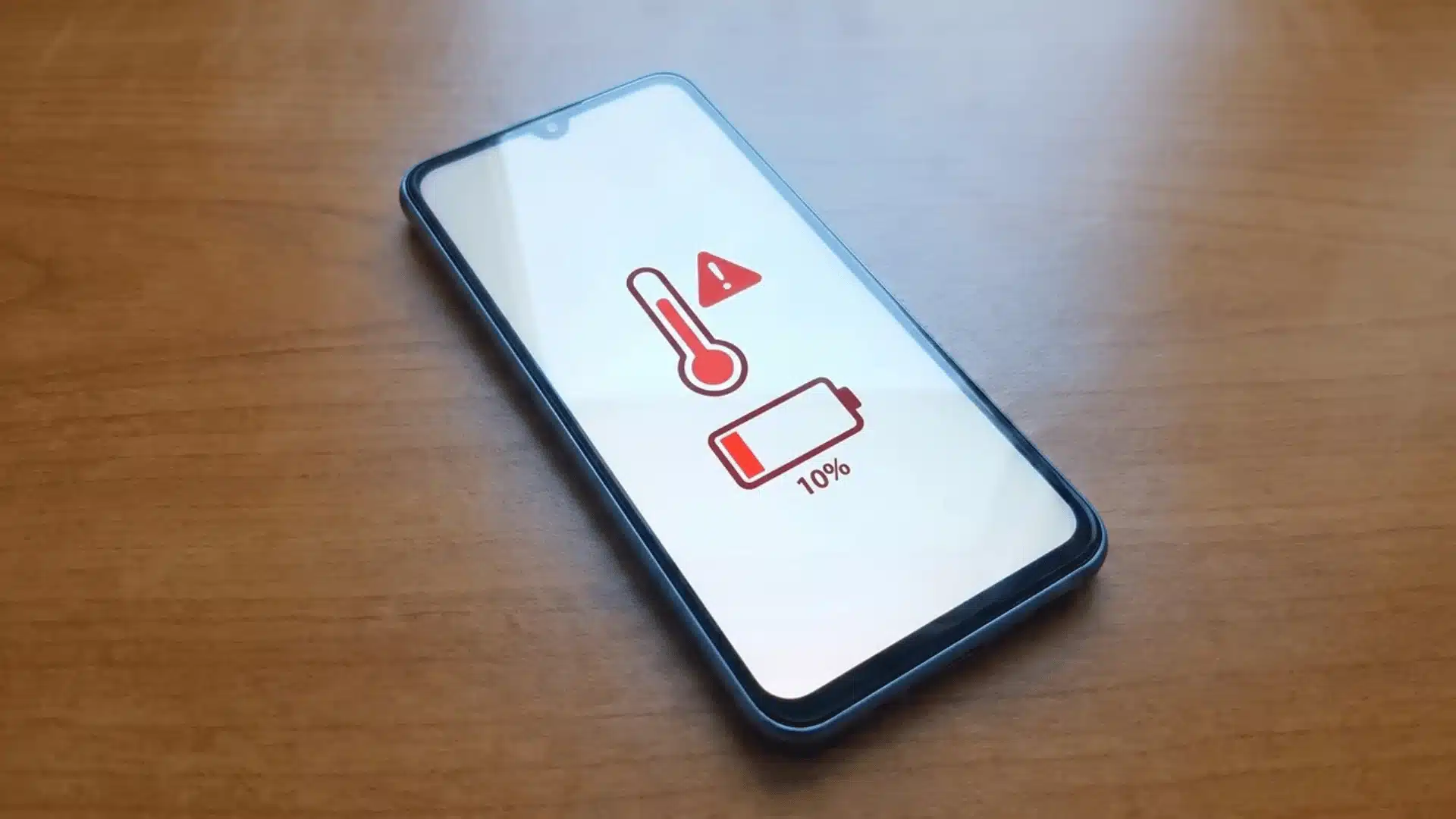
Not all heat is normal. If your phone gets hot in situations where it should stay cool, it usually points to a problem.
Watch for heating during basic tasks. If the phone heats up while texting, calling, or just sitting idle, that is not expected behavior, and it may even affect whether upgrading to a higher model is actually worth the cost.
Check for heat without active apps. If the phone feels warm even when you are not using it, something is running in the background or there is a system issue.
Notice charging behavior. If charging slows down or stops because of heat, it means the phone is trying to protect itself from damage.
Look at battery drain. If the battery drops quickly along with rising temperature, it often means excessive power is being used somewhere.
This usually happens when the phone cannot manage heat properly or is drawing more power than normal.
As explained in the main guide, this is the point where you should consider a software reset or get the device checked.
Conclusion
Dealing with Samsung Galaxy A36 overheating comes down to managing load and usage. Simple changes like controlling apps, adjusting settings, and charging properly can reduce heat.
Most heating issues are temporary and improve once the cause is clear. If it still heats during normal use, it may need deeper attention.
Start with quick fixes, then apply targeted steps and observe the results. Acting early helps keep your phone stable and reliable.
Frequently Asked Questions
Why does my A36 heat up during video calls but not gaming?
Video calls use the camera, network, and screen continuously, creating steady heat. Gaming load often changes, so the phone gets short breaks, which can reduce overall heat buildup.
Is slight warmth during scrolling or browsing normal?
Yes, slight warmth is normal during scrolling or browsing because the display, refresh rate, and background activity stay active. It should not feel hot or uncomfortable during regular use.
Should I always keep power saving mode on to prevent heat?
No, keeping it on all the time can slow performance. Use it only during long sessions or when the phone starts heating to balance performance and temperature control.
Why does my phone heat more after a recent update?
After an update, the phone runs background tasks like syncing and app optimization. This can increase CPU activity and cause temporary heating until everything settles down.