

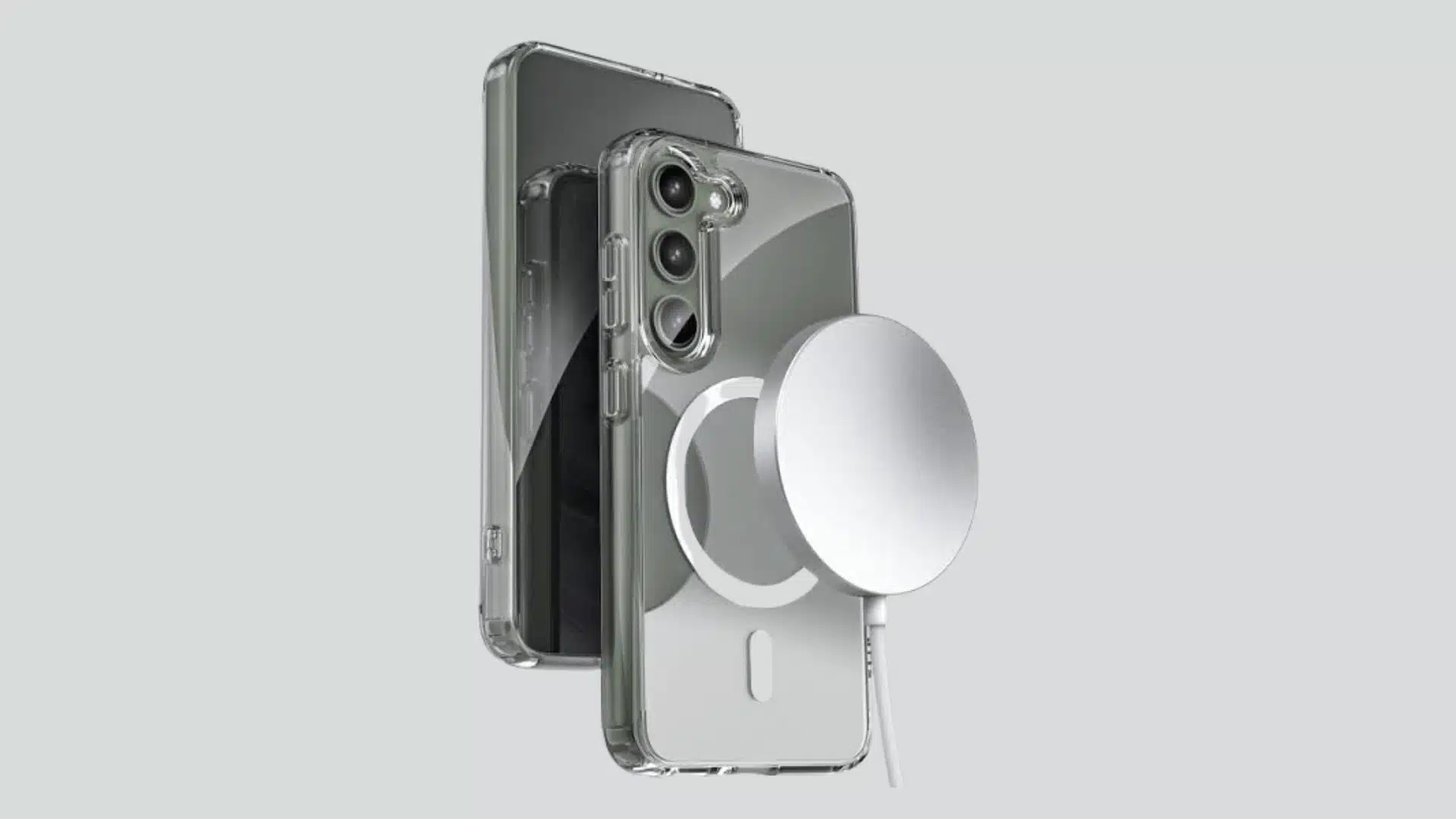




Samsung does not make a MagSafe phone. Apple owns the name, the magnet ring, and the alignment hardware baked into every iPhone since the 12.
So when you see a “MagSafe Samsung case” or a “MagSafe charger for Galaxy phones,” what you’re actually looking at is a workaround: a magnet added to a phone that was never built to have one.
I assumed the same thing most people do the first time they run into this.
I figured MagSafe was some universal wireless charging standard that any phone could tap into with the right case. It isn’t. It’s Apple’s proprietary system, and Samsung phones, including the Galaxy S23 and S24 lines, ship with no internal magnet at all.
That doesn’t mean the accessories are useless on a Galaxy phone. It means the phone needs help getting there.
What “MagSafe” Actually Means When It’s Attached to a Samsung Case
There’s no separate Samsung version of MagSafe. When a case or charger is marketed as “MagSafe compatible for Samsung,” it’s describing an add-on magnet positioned to match Apple’s layout, not a feature Samsung built into the phone.
Apple’s real MagSafe system has three parts working together: a ring of magnets, an alignment sensor, and charging contacts, all integrated into the iPhone’s internals starting with the iPhone 12.
A Galaxy phone has none of that. What it can have is a magnet glued or molded onto the back, strong enough and positioned closely enough that MagSafe-branded accessories snap into place.
The phone doesn’t become a MagSafe device. It becomes a phone with a magnet where one wasn’t before, which is enough to fool the accessory but not enough to replicate the whole system.
Two Ways to Add the Magnet
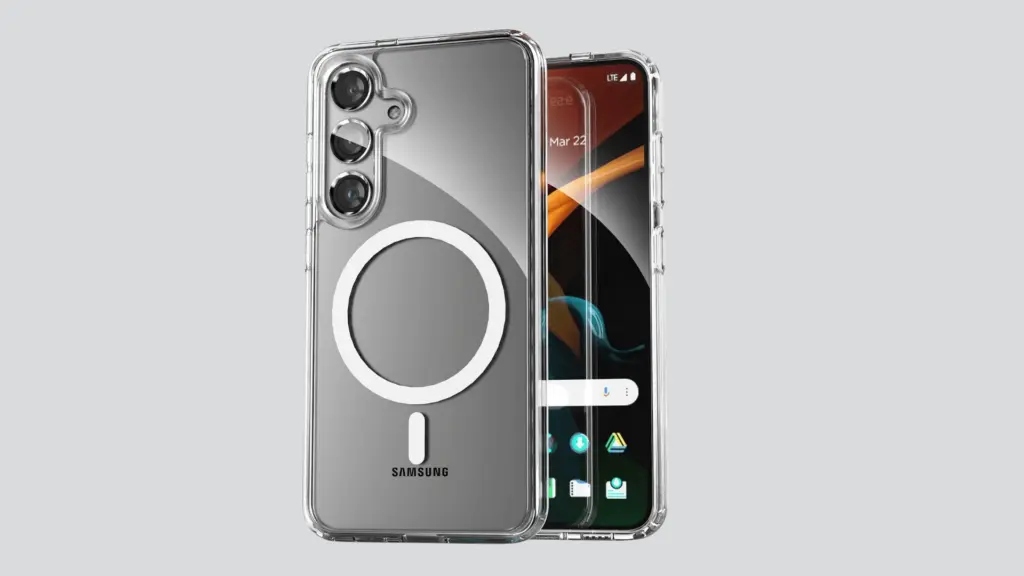
A Case With the Ring Built In
A magnetic case has the ring molded into the case itself, positioned where Apple puts it on an iPhone. Get that placement even a few millimeters off and accessories stop centering properly, which shows up as chargers that trickle-charge instead of hitting full speed.
Case thickness matters more than people expect here too. Magnetic pull drops off fast with distance, so a rugged case with a thick back panel will hold a mount noticeably looser than a slim clear case will.
For daily use, this is the option I’d default to. The magnet is protected inside the case structure, and you’re not adding a separate part that can peel or shift.
An Adhesive Ring You Stick On
An adhesive magnetic ring goes on top of whatever case you’re already using. No new case to buy, no giving up a case you like.
The tradeoff shows up months later, not on day one. Heat from a car dashboard or a back pocket softens adhesive over time, and once the ring shifts even slightly, alignment goes with it. I’ve had one drift enough that a car mount stopped holding on hard braking, which is the kind of failure you notice at the worst possible moment.
What the Magnet Actually Gets You
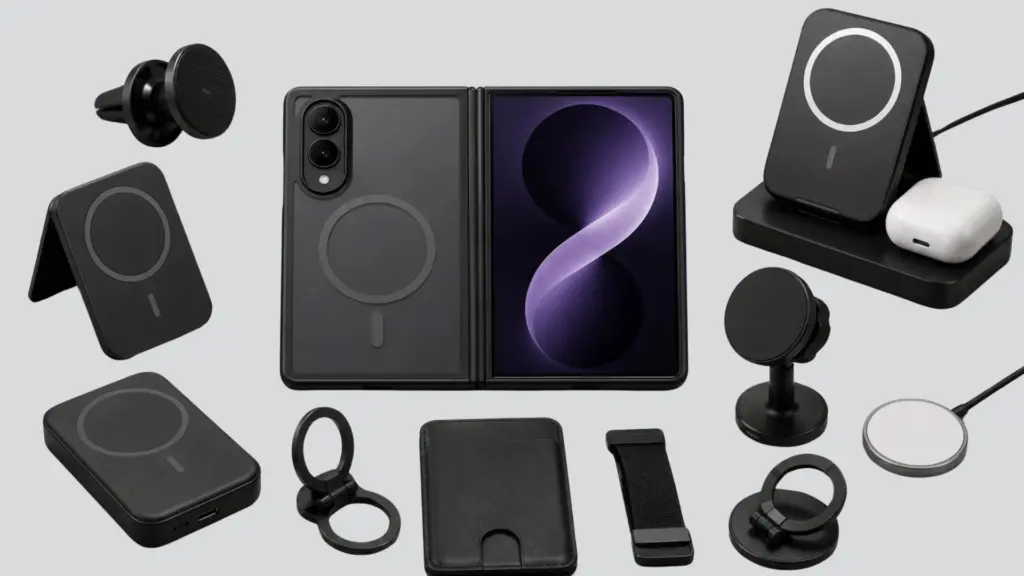
Once a Galaxy phone has a magnet in the right spot, it can use most of the accessory ecosystem built around MagSafe:
- Magnetic chargers that hold position on the back of the phone, relying on the phone’s existing Qi wireless charging to actually deliver power.
- Car mounts that skip the spring-loaded clamp and just hold the phone by magnet.
- Stands for propping the phone up during calls or video without a separate kickstand accessory.
- Slim wallets that snap on and off instead of being permanently attached to the case.
Here’s the part that trips people up: the magnet and the charging are two separate systems. Adding a ring gives an accessory something to grab onto. It does not add wireless charging to a phone that doesn’t have it, and it doesn’t speed up charging on a phone that does.
Your Galaxy phone’s Qi hardware is doing all the actual charging work, same as it would with any wireless charger, magnetic or not.
Is It Worth Bothering With?
If you’re expecting Apple-level magnet strength and a native-feeling connection, you’ll notice the difference. Third-party rings and molded cases are consistently a step below what Apple built directly into the iPhone. Chargers can sit slightly off-center, and mounts can feel less locked-in on rough roads.
What you’re actually getting is convenience: faster attach and detach, more mounting options, and access to an accessory lineup that already exists instead of hunting for Samsung-specific gear.
For a car mount or a desk stand, that trade is worth it. For someone chasing the exact feel of a $19 Apple charger snapping onto an iPhone, it’s going to fall short.
The failure point is almost always the same: a cheap ring, or a case where the magnet sits in the wrong spot.
Spend the extra few dollars on a case built specifically for your phone model, with reviews confirming the magnet is placed correctly, and most of the alignment complaints disappear.
If you’re deciding between the two options, start with a case that has the magnet built in rather than an adhesive ring. It holds its position over time in a way stick-on rings don’t, and that’s usually the difference between an accessory that works for a year and one that starts sliding after a few months in a hot car.
Frequently Asked Questions
What does a MagSafe case mean for Samsung?
It’s a case with a magnet built into the shell, placed to match where Apple puts its ring on an iPhone. The phone doesn’t gain real MagSafe. The magnet just gives MagSafe-branded chargers and mounts something to snap onto.
What are the downsides of using MagSafe accessories on Samsung?
Weaker magnetic pull than a native iPhone connection, and wireless charging that can sit slightly off-center. Adhesive rings add a second problem: heat from cars or pockets softens the adhesive over time, and a shifted ring throws off alignment even further.
How do you convert a Samsung phone to MagSafe?
Add a case with a magnetic ring built in, or stick an adhesive ring onto your current case. Either gives the phone the magnet it’s missing, and once it’s there, MagSafe-branded chargers, mounts, and wallets will snap on and hold.
What is the purpose of MagSafe accessories on Samsung?
They let Galaxy owners use the same chargers, mounts, and wallets built for iPhone, instead of hunting down Samsung-specific versions of the same accessory.