






Let’s be honest with each other. Picking a security provider can feel confusing, and you are not alone in feeling that way.
Every company promises to keep you safe. They all use the same big words, but those claims do not always explain what you are actually getting.
So how do you know which provider is truly worth trusting?
With testing everything from consumer electronics to security tools, I’ve learned that the technical jargon rarely tells the whole story. And guessing feels stressful when your personal data and online safety are on the line.
That is why you are here today. Good digital security services and smart digital security solutions can make your options easier to understand.
Are Digital Security Services Really Worth Paying For?
Yes, digital security services are worth paying for, especially for businesses that handle sensitive data. A single cyberattack can lead to lost files, downtime, financial losses, and damage to customer trust.
Security services help protect your data, devices, networks, and cloud systems from threats, including the many types of malware that circulate online today. Many providers also offer 24/7 monitoring to detect unusual activity before it becomes a bigger problem.
When comparing digital security services, look beyond basic protection and check what monitoring, support, and response options are included. The right service can help prevent costly security issues before they happen.
What Digital Security Services Have to Offer
Digital security services cover multiple areas that help protect a business’s systems, devices, and data from cyber threats. Each service focuses on a specific part of your digital environment to reduce risks and improve security.
The table below highlights the main service areas, what they cover, and why they matter for businesses:
| Service Area | What It Covers | Why It Matters |
|---|---|---|
| Network & Firewall | Filters incoming and outgoing traffic | Blocks threats before they land |
| Endpoint Protection | Guards laptops, phones, servers | Covers devices hit first |
| Cloud Security | Locks down AWS, Azure, GCP | Stops misconfigured leaks |
| Identity & Access | Controls logins and permissions | Limits stolen-password damage |
| Monitoring & Response | Watches activity 24/7 | Catches problems early |
| Email Security | Filters phishing and spam | Cuts the top attack route |
| Data Encryption | Scrambles stored and sent data | Useless data if stolen |
| Backup & Recovery | Copies and restores files | Fast bounce-back after attacks |
| Vulnerability Scanning | Finds weak spots in systems | Fixes gaps before hackers find them |
| Compliance Support | Maps controls to PCI, HIPAA, GDPR | Eases audits and fines |
| Security Training | Teaches staff safe habits | Reduces human error |
Identity and access controls matter more than most people realize, since even something as basic as your network security key is part of the same layered defense these services are built around.
Top Companies Offering Digital Security Services
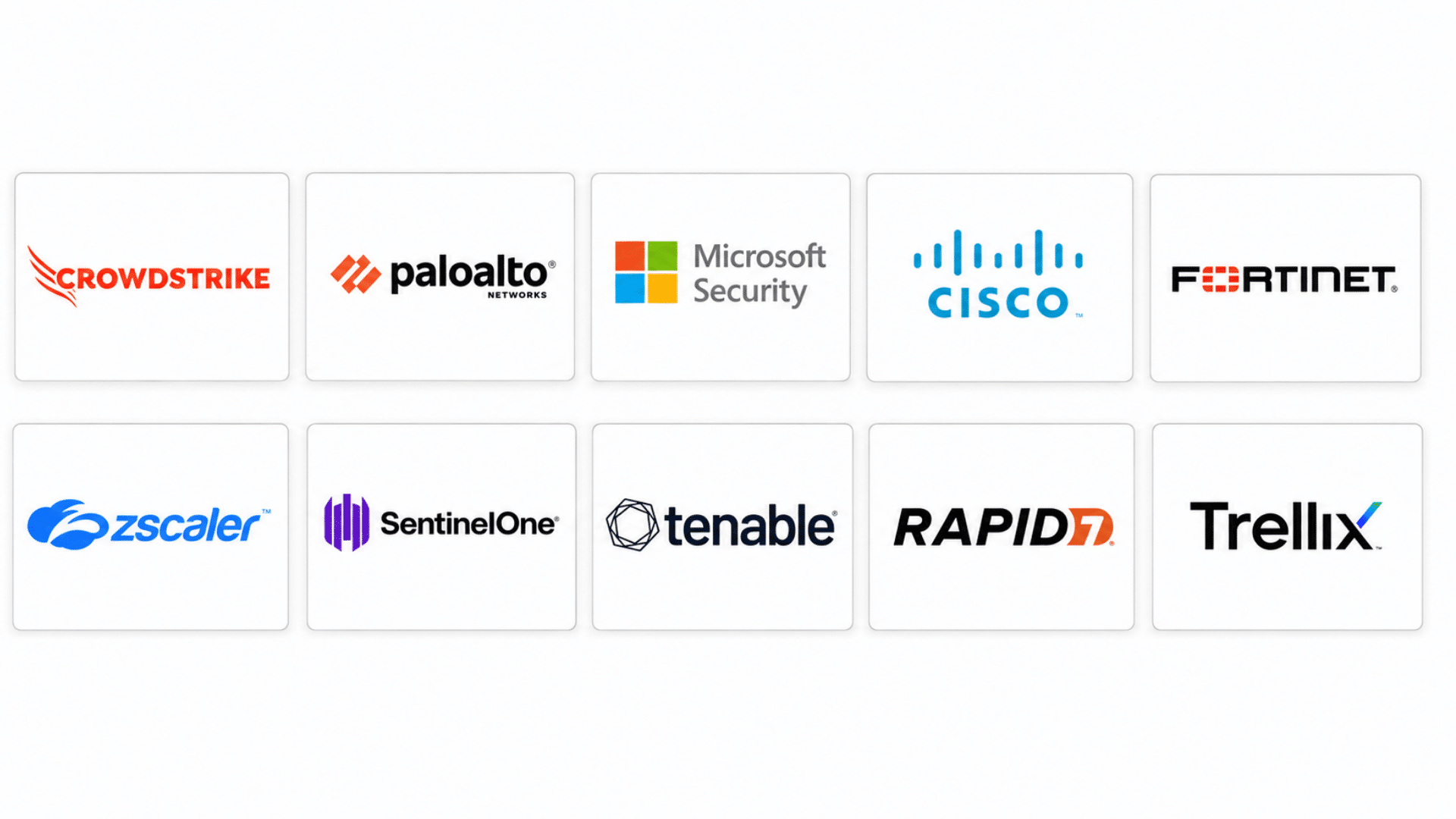
Choosing a security provider depends on what your business needs most, from protecting devices and networks to securing cloud systems and managing threats.
These US-based companies offer different cybersecurity services to help organizations protect their digital environments:
1. CrowdStrike
When it comes to stopping attacks before they spread, CrowdStrike has built a name for itself in the cloud security space. It’s less about reacting after damage is done and more about catching trouble early.
Here’s what its platform actually brings to the table:
- Endpoint Detection and Response: Monitors laptops, servers, and devices to identify unusual activity and possible attacks.
- Threat Intelligence Services: Tracks attacker behavior, malware trends, and possible risks affecting organizations.
- Managed Detection and Response: Gives security teams expert monitoring and support during threat events.
- Endpoint Threat Hunting: Searches for hidden threats across devices using security intelligence and activity analysis.
- Incident Response Support: Handles investigation, threat removal, and recovery steps after cyber incidents.
2. Palo Alto Networks
Network security gets complicated fast, and that’s exactly where Palo Alto Networks steps in. The company leans heavily into firewalls and traffic control to keep unsafe connections out.
Take a look at what makes up its core offerings.
- Next Generation Firewall: Controls network traffic and blocks unsafe connections before they reach critical systems.
- Network Traffic Control: Detects and blocks harmful traffic before it reaches business systems.
- Operations Center Tools: Brings monitoring, investigation, and response activities into a central platform.
- Advanced Attack Prevention: Detects malware, ransomware, phishing attempts, and other attack methods.
- Zero Trust Network Access: Checks users and devices before granting access to company resources.
3. Microsoft Security
Given how many businesses already run on Microsoft tools, it makes sense they’d build security right into the ecosystem. Microsoft Security covers everything from user identity to compliance headaches.
- Identity and Access Management: Controls user permissions and manages access to business applications and systems.
- Identity Protection Tools: Secures user accounts through access controls, authentication, and account monitoring.
- Microsoft Ecosystem Security: Manages security across Microsoft applications, devices, and business tools.
- Security Information and Event Management: Collects security data to identify unusual events.
- Compliance Management Features: Supports businesses working with industry security standards.
4. Cisco Security
Cisco’s approach leans on visibility: if you can’t see what’s happening across your network, you can’t protect it. That philosophy shows up in almost every product they offer. Here’s how it breaks down:
- Network Visibility Tools: Gives teams insight into connected devices, traffic activity, and system behavior.
- Secure Access Services: Creates safer connections for employees working from different locations.
- Email Security Platform: Filters suspicious messages, phishing attempts, and harmful attachments.
- Secure Communication Tools: Supports safer connections between users, devices, and business systems.
- Threat Detection Tools: Identifies security events and gives teams information for response actions.
5. Fortinet
Fortinet built its reputation on solid firewall infrastructure, and that focus hasn’t changed much over the years. It’s a go-to for businesses that need dependable network protection without overcomplicating things.
- FortiGate Firewall: Filters incoming and outgoing traffic to control network access.
- Secure Networking Solutions: Connects offices, users, and devices through protected communication channels.
- Network Segmentation: Separates systems and controls access between different parts of a network.
- Endpoint Security Tools: Track device activity and identify harmful software or suspicious behavior.
- Firewall Management: Controls network traffic rules and improves protection across connected systems.
6. Zscaler
Zscaler took a different route, betting early on cloud-based, zero trust security instead of traditional setups. That bet paid off for a lot of modern workplaces. Here’s what its platform covers:
- Zero Trust Exchange: Verifies users, devices, and applications before allowing access.
- Secure Web Gateway: Filters internet traffic and blocks unsafe websites or online threats.
- Cloud Access Security Broker: Monitors cloud application usage and controls data movement.
- Data Loss Prevention: Detects sensitive information leaving approved business channels.
- Secure Application Access: Controls how users connect with business applications from different locations.
7. SentinelOne
Automation is the whole pitch with SentinelOne, using AI to catch and respond to threats without waiting on a human to step in. It’s especially known for tackling ransomware head-on.
- Endpoint Protection Platform: Monitors computers, servers, and devices for suspicious activity.
- Autonomous Response: Automatically reacts to detected issues and limits their impact.
- Ransomware Defense: Identifies ransomware behavior and stops harmful file activity.
- Behavioral Detection: Analyzes device activity to identify suspicious actions and possible attacks.
- Security Analytics: Examines threat data to improve detection and response decisions.
8. Tenable
You can’t fix a vulnerability you don’t know about, and that’s the gap Tenable fills. The company focuses on finding weak spots before attackers do. Here’s what its tools bring to that effort:
- Vulnerability Management: Finds weaknesses across networks, applications, and connected devices.
- Exposure Assessment: Shows organizations where security risks are most likely to appear.
- Attack Surface Management: Finds exposed assets and identifies areas that need attention.
- Asset Discovery: Identifies hardware, software, and devices connected to business networks.
- Risk Prioritization: Ranks security issues based on their possible impact.
9. Rapid7
Rapid7 blends human expertise with technology to keep an eye on threats as they unfold. It’s built around investigation and response just as much as prevention.
- Managed Detection and Response: Combines security experts and technology for threat monitoring.
- Vulnerability Assessment: Tests systems and applications for possible security weaknesses.
- Incident Response Services: Guides teams through investigation and recovery after attacks.
- Security Investigation: Examines alerts and activity data to understand possible incidents.
- Security Insights Platform: Organizes security information to support investigation and response decisions.
10. Trellix
Trellix is a platform focused on threat detection, data safety, and large-scale protection management for organizations handling complex digital environments.
- Threat Analysis Tools: Analyze activity patterns to identify possible security concerns.
- Endpoint Security Platform: Monitors devices for malware, unauthorized actions, and attacks.
- Email Security Tools: Screens messages for phishing attempts and harmful attachments.
- Data Security Solutions: Controls sensitive information and reduces unauthorized access risks.
- Security Management Platform: Brings different security tasks into one management system.
The right provider and digital security solutions can help manage risks and strengthen your business protection.
Before making a decision, compare services, pricing, and support options to find a provider that fits your goals and security requirements.
Which Provider is Best for Different Security Needs?
Every business has different security priorities, so the best provider depends on the specific protection needed. This table gives a quick comparison of providers based on their strongest areas:
| Service | Best Provider | Why Best |
|---|---|---|
| Endpoint Security | CrowdStrike | Strong device-focused defense |
| Network Security | Palo Alto Networks | Advanced firewall capabilities |
| Cloud Access | Zscaler | Strong zero trust connection controls |
| Identity Management | Microsoft Security | Strong account and access controls |
| Automated Threat Response | SentinelOne | Fast AI-based response |
| Vulnerability Management | Tenable | Finds and ranks security gaps |
| Security Operations | Rapid7 | Strong investigation support |
| Email Security | Cisco Security | Strong email threat filtering |
| Firewall Protection | Fortinet | Powerful network defenses |
| Enterprise Data Security | Trellix | Focus on large security environments |
This comparison makes it easier to match your business needs with the right provider. The best choice depends on the type of security support your organization requires.
How to Choose the Right Digital Security Provider
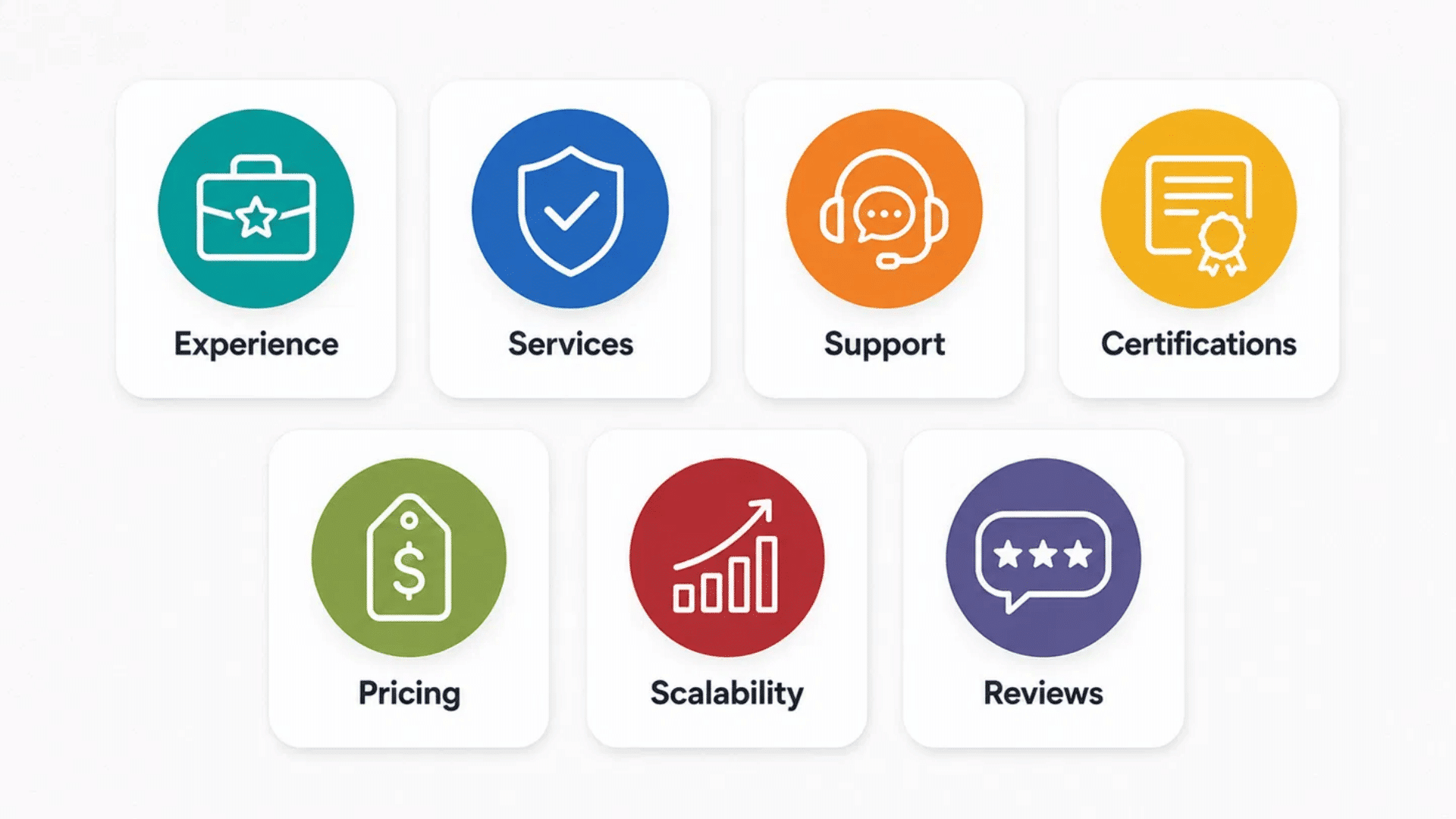
Choosing the right provider depends on your business size, security needs, and the level of support you require. The sections below explain the key factors to check before making a decision:
- Check Industry Experience: Choose a provider with experience handling security needs similar to your business.
- Review Security Services: Look for essential offerings like threat monitoring, cloud protection, and incident response.
- Compare Support Options: Check response times, availability, and assistance during security issues.
- Look at Certifications: Review industry certifications and standards that show security expertise.
- Understand Pricing: Compare costs, service levels, and included features before making a decision.
- Consider Scalability: Pick a provider that can support your business as users, devices, and systems grow.
- Read Customer Reviews: Check feedback from other businesses to understand service quality and performance.
The right provider should match your security needs, budget, and long-term goals. A careful comparison can help you choose a service that fits your business better.
How Much Do Digital Security Services Cost?
The cost of digital security services varies based on the features, provider, and level of protection you choose. The section below breaks down the main factors that affect pricing:
| Cost Factor | What Affects The Price | Cost Impact |
|---|---|---|
| Business Size | Number of users, devices, and systems covered | Larger businesses usually pay more |
| Security Services | Basic monitoring, cloud security, or full response support | More services increase costs |
| Cloud Usage | Size and complexity of cloud environments | Advanced cloud needs add to expenses |
| Compliance Needs | Industry rules and security requirements | Extra controls may increase pricing |
| Support Level | Standard support or faster response options | Premium support costs more |
| Security Tools | Number and type of platforms used | Advanced tools add to overall cost |
Costs can vary widely based on your security needs and business setup. Comparing these factors can help you understand what affects pricing before choosing a provider.
Are Digital Security Services Worth the Investment?
Yes, digital security services are a valuable investment for most businesses because they provide ongoing protection against cyber threats.
These services help identify risks, monitor suspicious activity, secure important data, and reduce the chances of costly security incidents. Without proper protection, businesses may face data breaches, system downtime, financial losses, and reputational damage.
While security services require an upfront cost, they are often far less expensive than recovering from an attack. The right digital security provider can help businesses maintain safer systems, respond faster to threats, and protect their daily operations.
Wrapping It Up
At the end of the day, picking a provider isn’t about finding the “best” name on the list, it’s about finding the one that actually fits how your business runs.
What works for a small team juggling a handful of devices won’t look the same as what a growing company with cloud systems and remote staff needs.
Take your time, ask the right questions, and don’t be afraid to compare a few options before committing. Digital security services are only as good as the fit between what they offer and what you actually need.
Get that match right, and you’ll spend a lot less time worrying about what might go wrong.
Frequently Asked Questions
How Long Does It Take To Set Up a Digital Security Service?
Most providers can complete setup within days to weeks, depending on your systems and security requirements.
Can Small Businesses Use Digital Security Providers?
Yes, many providers offer services designed for small businesses with limited internal security resources.
Should a Company Replace Its Existing Security Tools?
Not always, as many providers can work alongside current tools and improve overall protection.
What Questions Should You Ask a Security Provider Before Hiring?
Ask about their experience, response process, service coverage, and how they handle security incidents.