

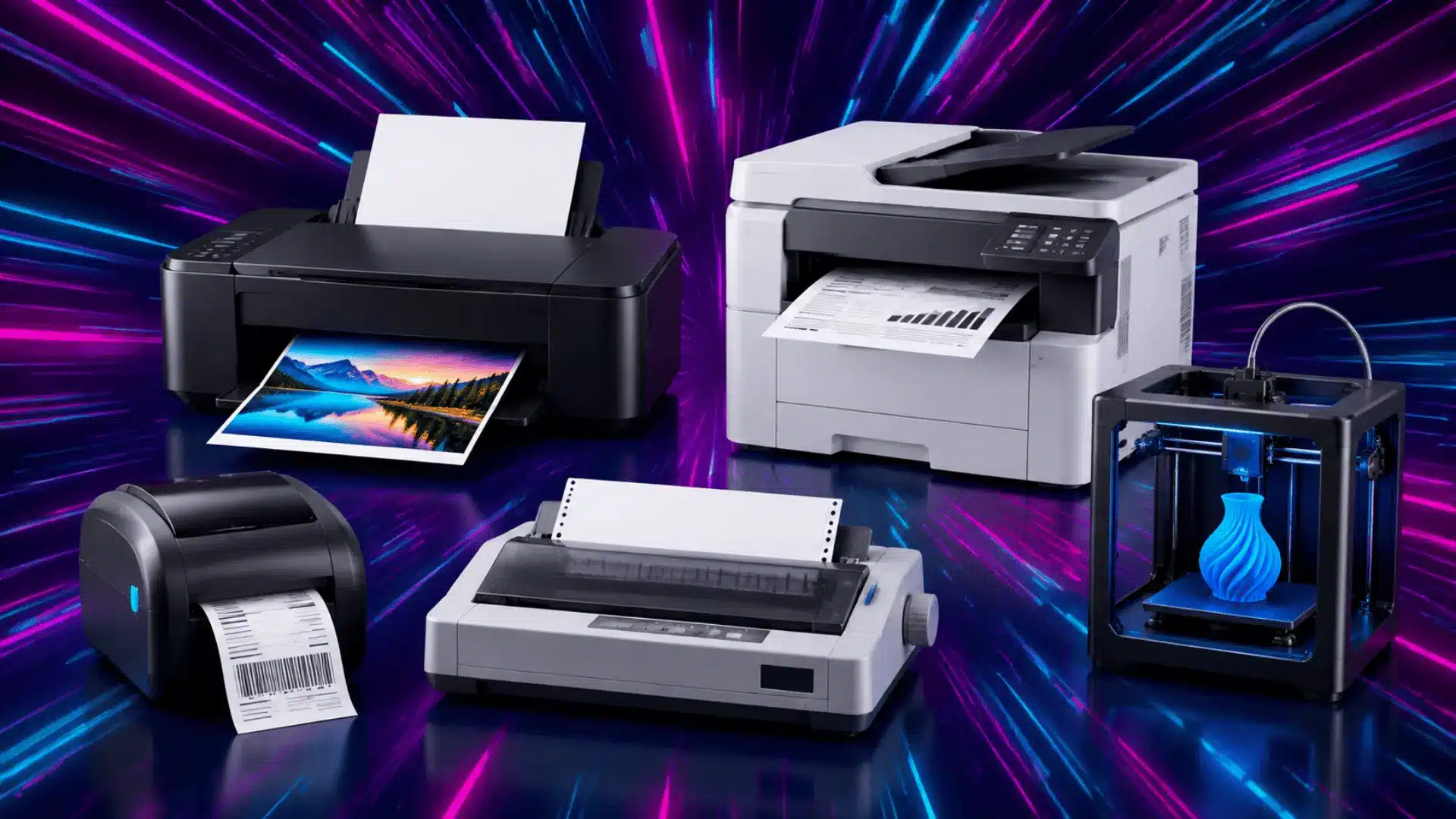


The main printer types are inkjet, laser, thermal, impact, and 3D printers. Some labels, such as all-in-one, photo, label, and wide-format, describe the printer’s function or purpose rather than its printing technology.
Choosing a printer can become confusing before you even compare two models. Product pages often put several names, features, and supply terms side by side.
One model may look cheaper, while another may seem safer because it lists more features.
Once you place the printer types into clear groups, the rest of the decision will feel much simpler.
How Should You Read Printer Type Names?
Before you compare individual categories, it helps to know what each printer label is telling you. Some names describe the printing method, while others describe a function, supply system, size, or common use.
I separate those labels into three simple groups before looking at models.
Technology: Inkjet, laser, thermal, and impact describe how the printer produces output.
Function: All-in-one and single-function describe what the device can do.
Purpose: Photo, label, and wide-format describe the job or media the printer is built around.
This small distinction prevents different kinds of labels from being treated as equal categories. With that clear, you can move into the main printer groups without mixing features with printing methods.
The Two Classifications of Printers
Printers fall into two broad groups: impact printers and non-impact printers. The difference comes from how the machine places marks on paper.
Impact printers physically strike a ribbon against the sheet. Non-impact printers create output without that hit, using ink, toner, heat, or another process.
Feature | Impact Printers | Non-Impact Printers |
|---|---|---|
Printing method | Strikes ribbon and paper | Uses ink, toner, heat, or similar methods |
Noise | Usually louder | Usually quieter |
Common examples | Dot matrix, daisy wheel | Inkjet, laser, thermal |
Best fit | Multipart forms | Home, office, labels, and photos |
This split gives the remaining printer types a clearer structure.
Common Non-Impact Printers
Most printers used at home, school, shops, and offices are non-impact devices. They create output without striking the paper, which allows quieter operation and a wider range of uses.
3D printers are often included in broader lists because they create physical objects from digital files. They serve a different purpose from document printers.
1. Inkjet Printers
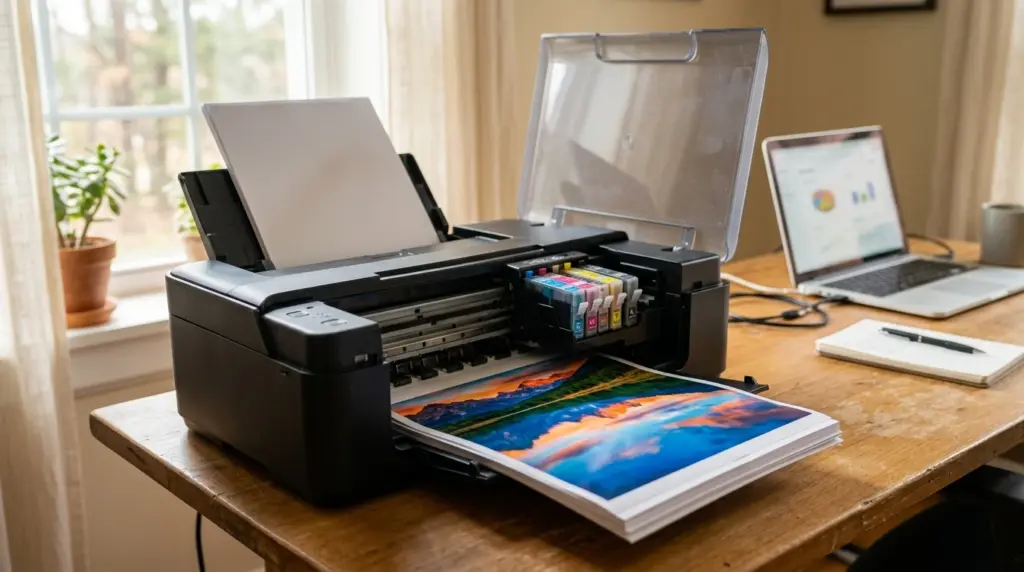
An inkjet printer places tiny drops of liquid ink onto paper. It works well for color documents, photos, school projects, and mixed home printing.
Cartridge models use smaller ink supplies, while ink-tank models use refillable reservoirs. Both still use inkjet technology. If the printer sits unused for long periods, ink can dry around the nozzles. Frequent printing can also make small cartridges expensive over time.
Ink tank or supertank printers are a type of inkjet printer that uses refillable bottles instead of cartridges. They usually cost more upfront but can reduce ink costs for frequent printers.
2. Laser and LED Printers
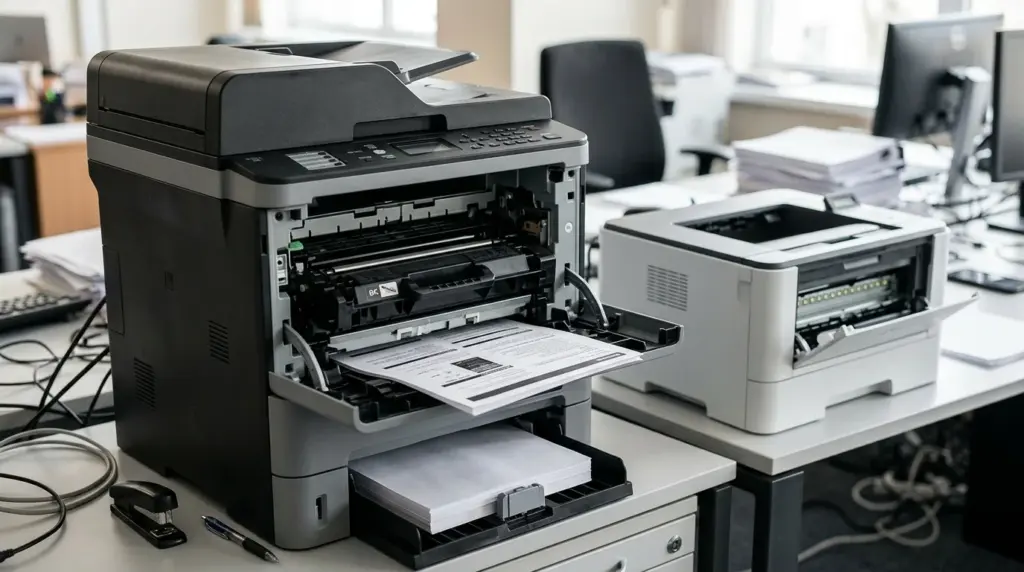
Laser printers use dry toner rather than liquid ink. They are a strong fit for frequent text documents, office work, and regular black-and-white printing.
Toner doesn’t dry out during idle periods, which helps when printing isn’t perfectly consistent. Monochrome laser models are common for text-heavy workloads. Drums and other parts can need replacement over time, so supply and maintenance costs still deserve a check.
3. Thermal Printers
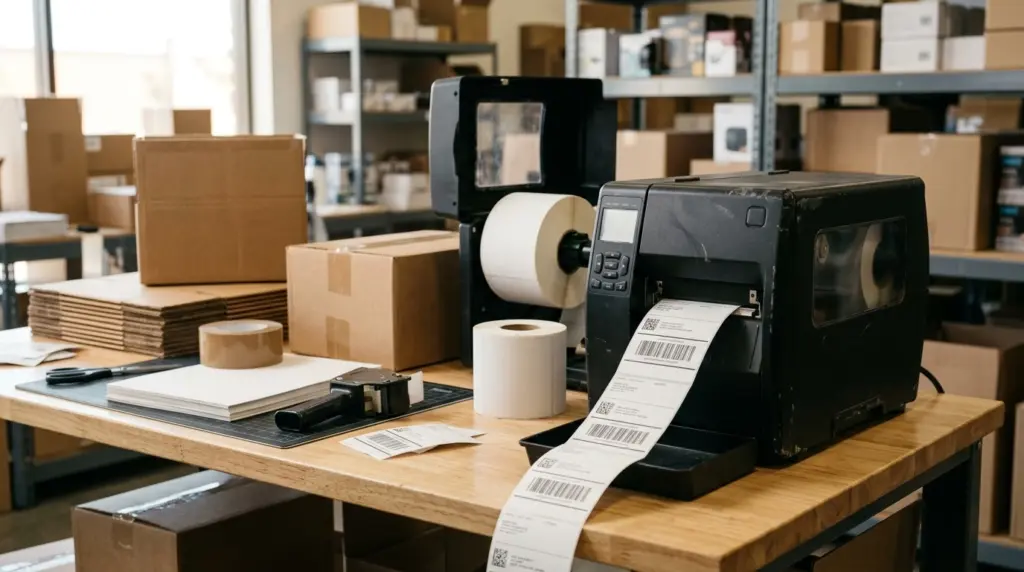
Thermal printers use heat instead of standard ink cartridges. You commonly see them printing shipping labels, store receipts, tickets, and barcodes.
Direct thermal models darken heat-sensitive paper, which can fade after strong heat or light exposure. Thermal-transfer models use heat to move material from a ribbon onto a label. Those labels often last longer, but the printer needs compatible ribbons and label stock.
4. All-in-One Printers
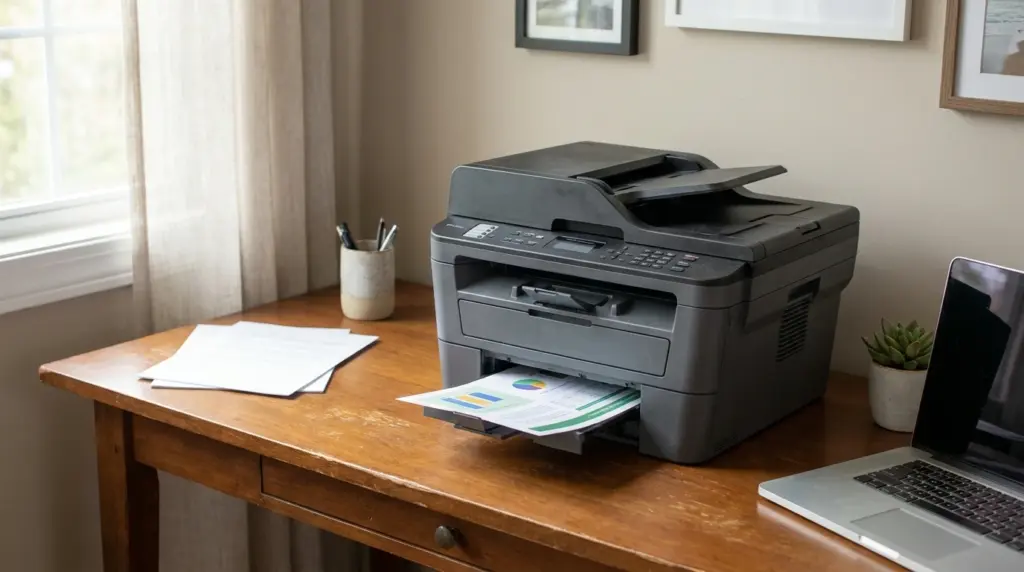
An all-in-one printer combines printing, scanning, and copying. Some models also include faxing, which can help in small offices.
The name describes the device’s functions, not its printing technology. An all-in-one printer can still be inkjet or laser. It often suits homes, students, and small offices that want one machine to handle several everyday tasks instead of separate devices.
5. 3D Printers
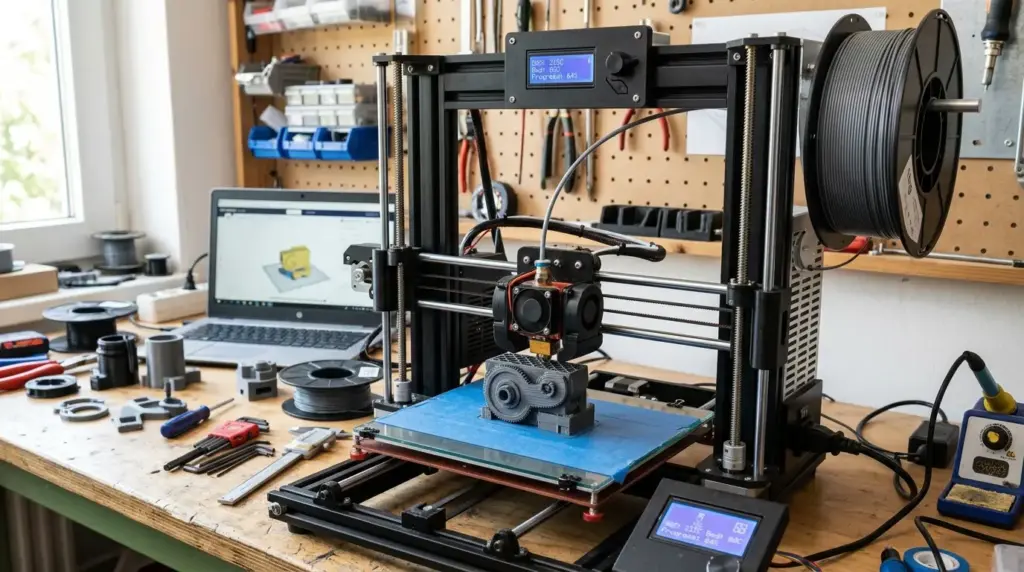
A 3D printer creates a physical object instead of a paper page. Software divides a digital model into layers, and the printer builds those layers in sequence.
Some machines use melted plastic filament, while others harden liquid resin with light. Common uses include prototypes, classroom projects, replacement parts, and models. It is a specialized printer type and does not replace a standard document printer.
Impact Printers
Impact printers create marks by physically striking an inked ribbon against paper. That contact makes them louder than most current home and office printers, but it also gives them one useful advantage.
The pressure can mark several layers of a multipart form in one pass. That is why these machines still show up on invoices, delivery records, and continuous business forms.
Their print quality and speed are limited compared with modern non-impact devices, so they are usually chosen for a specific task rather than general printing.
1. Dot Matrix Printers
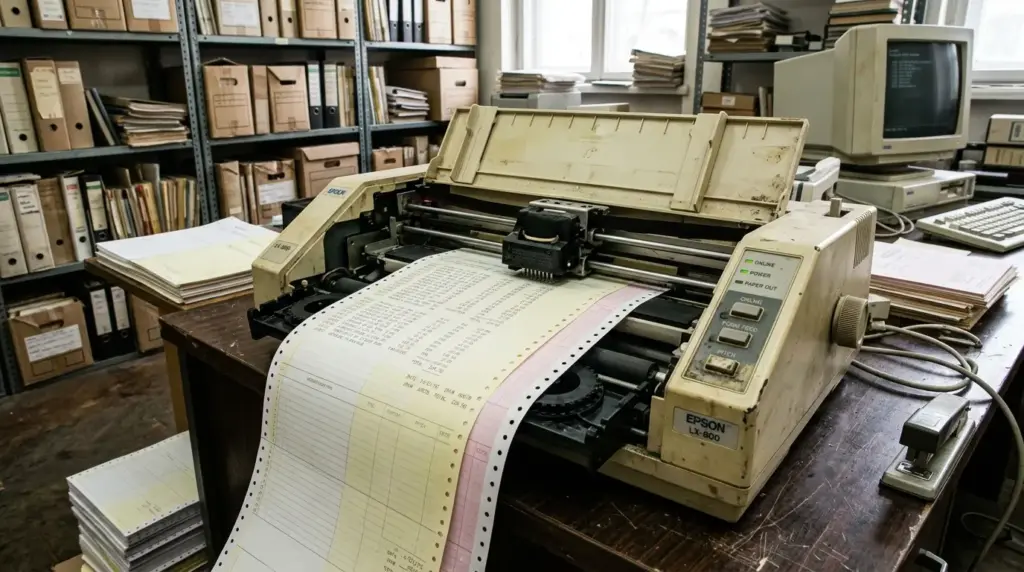
Dot matrix printers use small pins to strike an inked ribbon against paper. The impacts form letters, numbers, and basic graphics.
That force can mark several layers of a multipart form, which supports invoices and delivery records. However, these machines are noisy and relatively slow.
Their low resolution also makes them a poor fit for detailed images or polished color output.
2. Daisy Wheel Printers
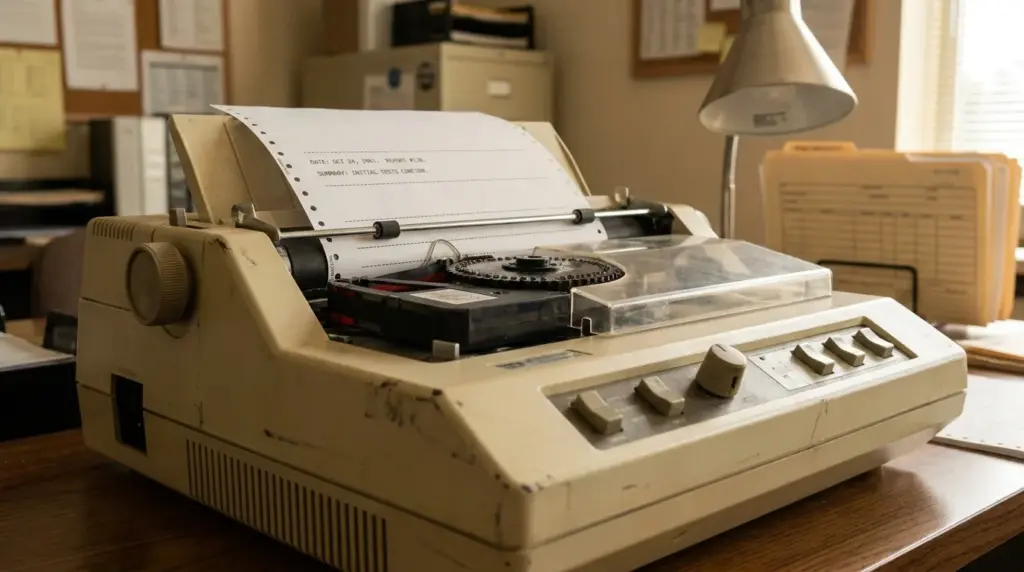
A daisy wheel printer works more like a typewriter than a modern office printer. A wheel holds characters around its edge, then rotates to place the needed character in position.
The machine strikes that character through an inked ribbon onto paper. This method can produce clear text, but it is slow and limited. Daisy wheel printers are mostly outdated and rarely appear in current buying choices.
Other Printer Terms You May See
Printer names may describe functions, supplies, sizes, or jobs rather than technologies. The terms mean:
Single-function: Prints without an added scanner or copier.
Photo printer: Prioritizes photo output and common photo sizes. Many use inkjet technology, while some dedicated photo printers use dye-sublimation or ZINK instead
Label printer: Produces adhesive labels, usually through direct thermal or thermal-transfer printing.
Wide-format printer or plotter: Handles media wider than standard office paper, often through inkjet technology.
Solid-ink printer: Melts solid ink blocks in a legacy system.
One device can handle several of these label types without becoming a separate printing method.
Things to Consider Before Buying a Printer
Once you know the main categories, match the printer to the work you do most. I start with a few filters because they remove poor matches before extra features enter the decision.
Main output: Decide if you mostly print documents, photos, labels, or multipart forms.
Color need: Decide if black-and-white covers most jobs or if color matters for your work.
Print volume: Estimate monthly pages and note any long gaps between printing sessions.
Running cost: Compare supply prices and stated yields, and look for ENERGY STAR certified models to keep electricity use down.
Warranty: Read the warranty terms before you buy so you know what is covered if something fails.
Safety certification: Look for a recognized safety certification mark, such as UL.
Recall check: If you’re buying a refurbished or secondhand printer.
These checks keep the decision practical. After that, compare paper support, connections, automatic duplex printing (printing on both sides of a page), and scanning features only where they matter. When an old printer or its cartridges reach the end of their life, recycling programs keep them out of the landfill.
Final Thoughts
Printer shopping becomes much easier once the names stop competing for your attention. I prefer to keep the final shortlist small and look only at choices that fit the way I actually print.
You can do the same without chasing every feature on a product page. The printer types may seem like a long list at first, but the choice becomes clearer when you stay focused on your routine.
Give yourself enough time to compare the last few options without adding features you probably will not use.
Which printer type are you considering right now? Share your choice in the comments, along with the feature or cost detail that matters most to you.
Frequently Asked Questions
Can a Laser Printer Print in Color?
Yes. Color laser printers use multiple toner colors to produce color documents and graphics. They usually cost more than monochrome models, so check your actual color needs before paying for the extra hardware and supplies.
Can a Printer Work Without Wi-Fi?
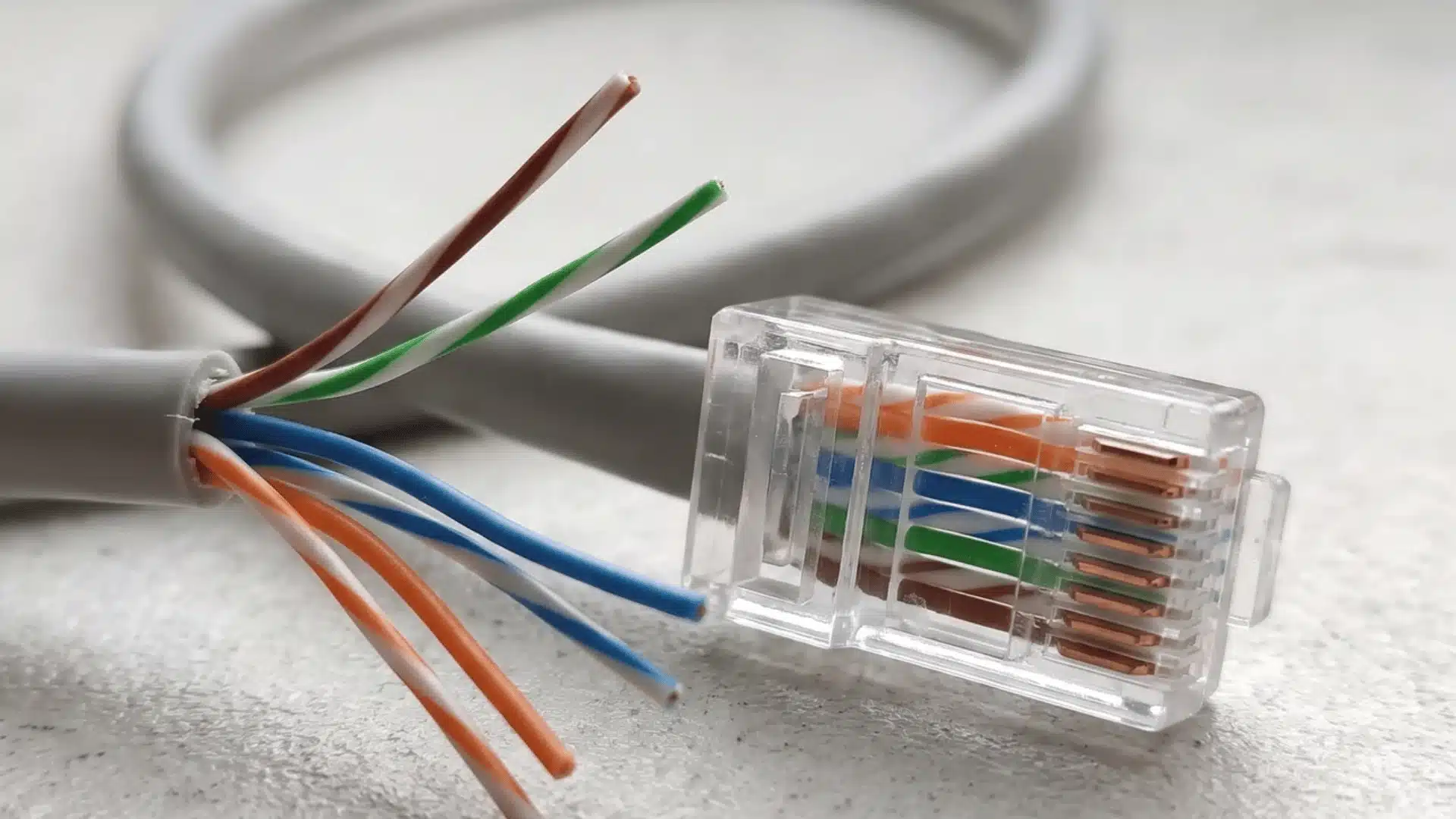
Yes. Many printers support a direct USB connection, and some office models also include Ethernet, which we cover in more detail in this piece on Ethernet cable speeds. Check the connection options before buying, especially if your network is limited or you prefer a wired setup.
Do New Printers Include Ink or Toner?
It depends on the model and package. Some printers include starter cartridges or starter toner with lower yields than standard replacements. Check the box contents and stated yields so you know what is included.
Can I Print on Envelopes or Card Stock?
Many printers support envelopes and heavier paper, but the limits vary by model. Check the supported paper sizes, media weights, and feed method before buying if these materials are part of your regular work.
What Does a Printer Duty Cycle Mean?
A duty cycle is the maximum number of pages a printer is rated to handle within a month. It is not always the ideal monthly target, so also check the manufacturer’s recommended print volume.